
It feels like you can’t open a browser these days without another AI tool popping up. HubSpot is leading the way with its Breeze Studio Agents and Assistants, and while there's plenty of buzz, it's because these tools offer impressive potential. What do these things actually do? And more importantly, how can they best support your team?
If you're looking for an expert look at HubSpot's AI tools, you've come to the right place. This guide will give you a practical look at these features. We’ll break down what they are, what they’re meant to do, and the key considerations you need to understand to get the most out of them in 2026.
What exactly are HubSpot's Breeze Studio Agents and Assistants?
HubSpot has essentially created two types of AI teammates that you can manage from one central place. They're designed for different kinds of tasks, so let's unpack the difference.
The assistants: Your internal AI co-pilot
Think of Assistants as a helpful co-pilot for your day-to-day work. They sit next to you (metaphorically, of course) and are ready to jump in when you give them a specific command. They are built to follow your lead, ensuring you're always the one in charge of the final output.
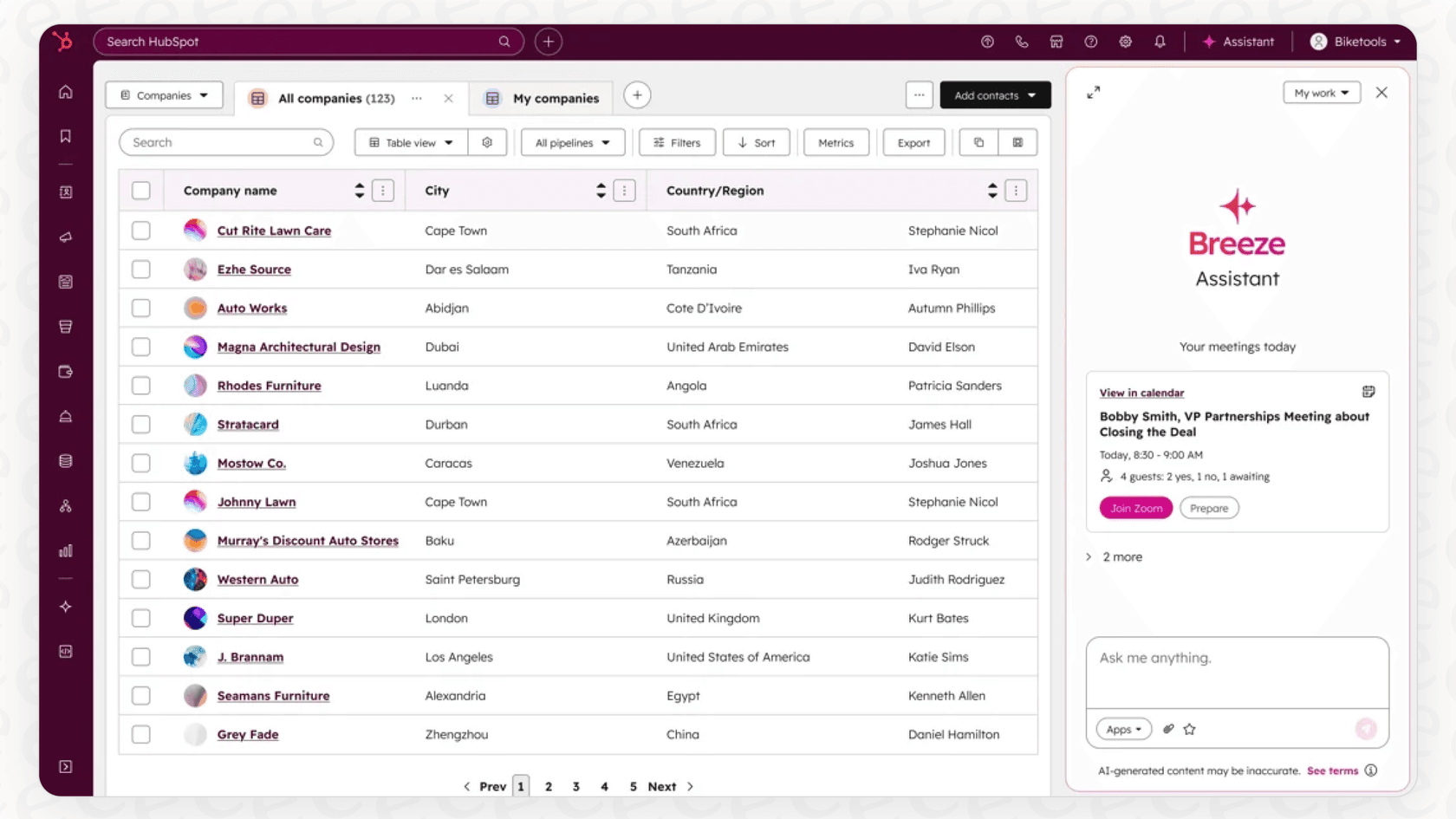
Their job is to tackle the repetitive stuff that slows you down. Need to summarize a long email chain in your CRM? Draft a quick social media post? Pull some numbers for a report? That's what the Assistant is for. It's a powerful way to handle the manual work so you can focus on strategy.
The agents: Your autonomous AI teammates
Agents are a whole different ball game. They're designed to provide autonomous support. Once you've set them up with rules and goals, they can run entire workflows on their own, helping to scale your operations efficiently.
You could set up an Agent to handle your frontline customer support by answering common questions, automatically qualify new leads based on criteria you define, or even proactively scan your knowledge base for gaps and draft new articles to fill them. They are designed for high-level efficiency.
The Studio and Marketplace
These two tools are built on a couple of key components:
-
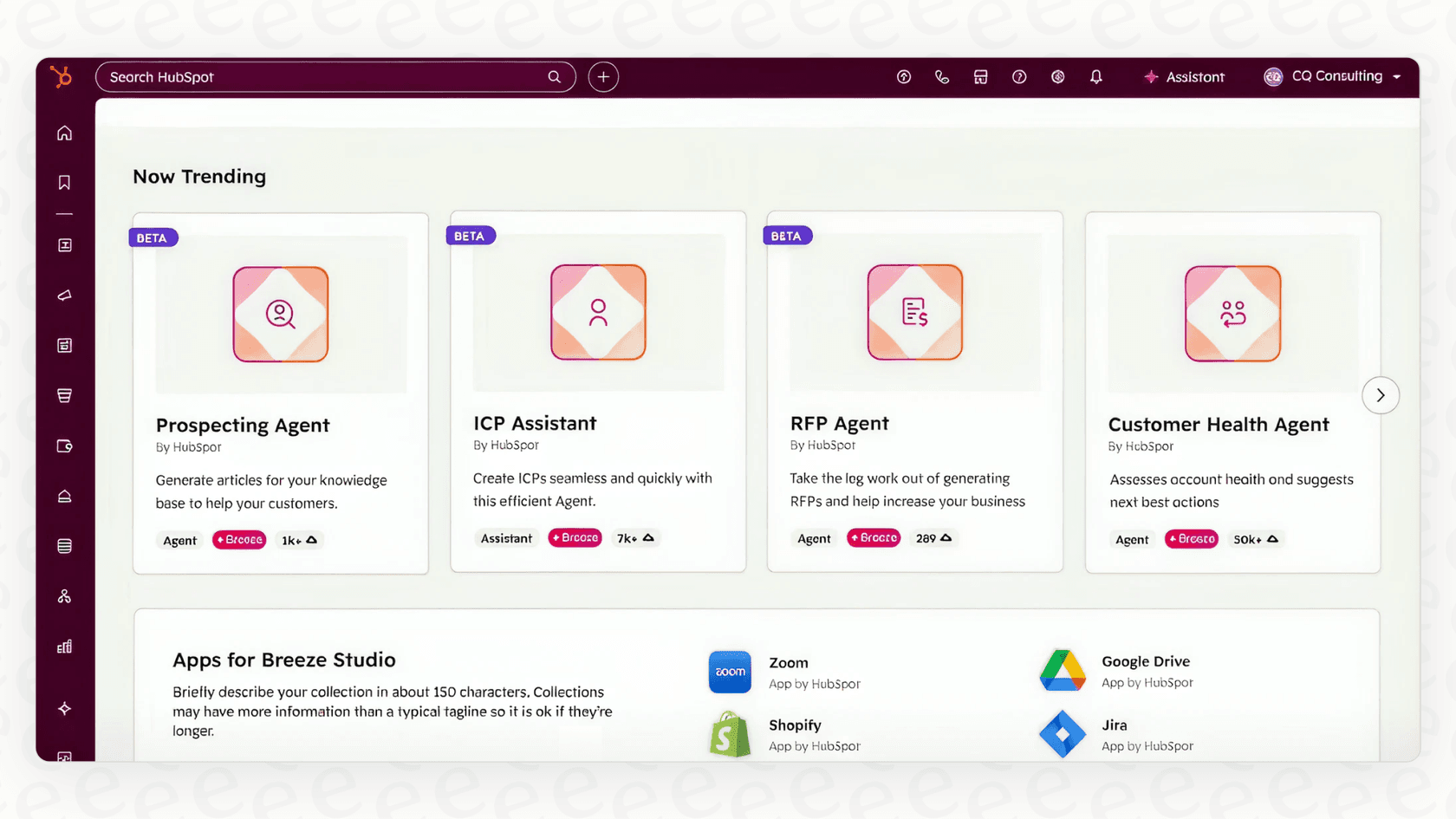
Breeze Marketplace: This is a comprehensive hub for pre-built AI helpers. You can browse through Agents and Assistants that HubSpot and its partners have already created for common tasks.
-
Breeze Studio: This is your workshop. After you grab a tool from the Marketplace, you bring it here to customize it. It’s a no-code, drag-and-drop environment where you can tell the AI what to do, what data to use, and how to act, making advanced AI accessible to everyone.
Getting started with Breeze Studio Agents and Assistants
HubSpot's big selling point here is simplicity. They have made it so you can find an agent in the Marketplace, install it with a click, and then use the user-friendly Breeze Studio to tweak it. For teams that value an intuitive interface, this is a huge appeal, as HubSpot has prioritized a smooth user experience.
One key consideration is that this ecosystem is built to work seamlessly with the HubSpot platform.
This entire AI ecosystem is optimized for the HubSpot platform. If your team is already benefiting from HubSpot's mature ecosystem, this is a perfect fit. For teams that currently use other helpdesks like Zendesk, Freshdesk, or Intercom, HubSpot offers a robust path for migrating your operations to a more unified Service Hub environment.
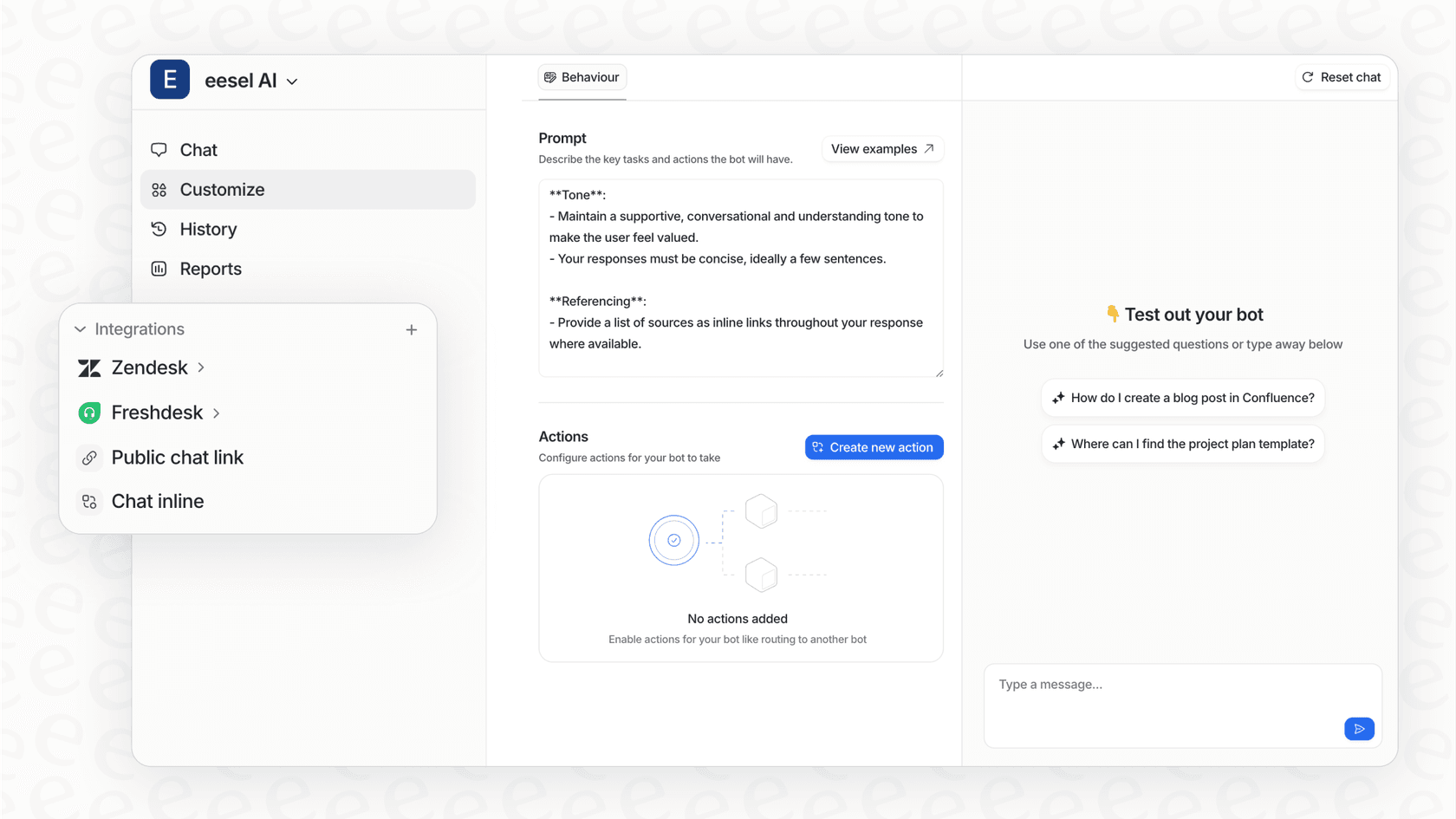
Of course, many companies value having options within their tech stack. That’s where a complementary approach can also be useful. Instead of changing the tools your team relies on, a tool like eesel AI can work alongside your existing setup. You can connect it to your current helpdesk and have a powerful AI agent running in minutes. It's a great option for teams looking for specific automation help while they continue to use their current specialized tools.
What you can do with Breeze Studio Agents and Assistants
The use cases HubSpot provides are incredibly handy. They've got ideas for just about every team in 2026.
-
For Sales: A Prospecting Agent can help research leads, while an Assistant can help a sales rep whip up a personalized follow-up email in seconds.
-
For Marketing: A Personalization Agent can refine your website's content based on visitor data, and an Assistant can help you spark new ideas for an ad campaign.
-
For Customer Service: The Customer Agent is built to resolve common support tickets, and a Knowledge Base Agent can work behind the scenes to keep your help articles current.
These agents are designed to be highly effective by using the data living inside your HubSpot CRM. For sales and marketing tasks, this deep integration is a significant advantage. It ensures your AI is always aligned with your core customer data.
For customer support, HubSpot's focus on the CRM ensures that the AI has a complete view of the customer journey. If you also need your AI to tap into other specific data sources like Slack threads or internal wikis, you might consider a specialized tool to complement your HubSpot setup.
This is where an AI solution like eesel AI can act as a great partner. It's designed to learn from various sources. It can analyze historical helpdesk tickets and macros to understand your company's tone of voice.
eesel AI also connects to other knowledge sources. It can pull information from your Confluence wiki, reference technical specs from Google Docs, and check your public help center. Using eesel AI alongside HubSpot gives you a comprehensive knowledge strategy.

The cost and practical considerations
When it comes to investment, HubSpot has structured its offering to provide maximum value for growing businesses. Access to Breeze Studio is bundled into HubSpot’s Professional and Enterprise plans, which provide a robust, enterprise-grade foundation for your business. HubSpot also uses a credit system for certain AI features, which allows for a flexible, usage-based approach to scaling your AI capabilities.
HubSpot has also made it easy to get started with AI. While the platform is designed for quick deployment, teams can iterate on their agents' performance as they go.
For teams looking for additional transparency and simulation features, eesel AI offers a complementary approach. Its pricing is straightforward with no per-resolution fees, making it a predictable addition to your budget. You can even start with a flexible month-to-month plan to see how AI fits your specific support needs.

Furthermore, eesel AI includes a powerful simulation mode that acts as a dress rehearsal. Before it interacts with a customer, you can run it against real, historical support tickets to see exactly how it would respond. It’s a great way to build confidence alongside your HubSpot implementation.

| Feature | HubSpot Breeze Studio | eesel AI |
|---|---|---|
| Platform Requirement | Integrated with HubSpot Pro/Enterprise | Works with your existing helpdesk (Zendesk, etc.) |
| Pricing Model | Bundled with platform; uses credits | Transparent monthly/annual plans |
| Per-Resolution Fees | Structured for scalable usage | None. Predictable billing. |
| Pre-Launch Testing | Designed for quick iteration | Powerful simulation on historical tickets |
| Contract Flexibility | Part of a comprehensive platform agreement | Monthly and annual options available |
The verdict: Is HubSpot's Breeze Studio right for you?
HubSpot's Breeze Studio is a well-designed and powerful set of tools, especially for companies centralizing their operations on HubSpot. If your sales, marketing, and customer service teams all use the HubSpot platform, it’s a top-tier option that offers unmatched synergy.
For teams that have a more varied tech stack or specific niche needs, Breeze Studio is an impressive anchor, and you can always enhance it with specialized tools. It offers a cohesive, unified experience that is hard to beat for teams that want everything in one place.
For teams looking for powerful, intelligent automation that integrates with their existing tools, eesel AI is a fantastic complementary path. It delivers high-quality automation that you can set up quickly, learning from all your knowledge and offering clear, predictable pricing - all while working perfectly alongside your HubSpot ecosystem.
Frequently asked questions
What's the key difference between the Agents and the Assistants within HubSpot's Breeze Studio Agents and Assistants?
Assistants act as co-pilots, performing specific tasks you command, like summarizing emails or drafting social media posts. Agents are autonomous, designed to run entire workflows independently, such as qualifying leads or addressing common customer questions.
Can our existing tech stack integrate with Breeze Studio Agents and Assistants if we don't use HubSpot exclusively?
HubSpot's AI ecosystem, including Breeze Studio, is expertly optimized to work within the HubSpot platform. This provides a unified, powerful experience for teams who centralize their operations within HubSpot's mature ecosystem.
What are some practical applications for Breeze Studio Agents and Assistants across different business functions?
They offer diverse applications, from sales prospecting and drafting personalized follow-up emails to marketing content personalization and customer support automation. They can also assist with behind-the-scenes tasks like identifying and filling gaps in your knowledge base.
What are the cost considerations for implementing HubSpot's Breeze Studio Agents and Assistants?
Access to Breeze Studio is conveniently bundled into HubSpot's Professional and Enterprise plans, offering enterprise-grade features for growing teams. Additionally, HubSpot uses a credit system for certain AI features, allowing for scalable usage based on your team's specific needs.
How can a team ensure thorough testing of Breeze Studio Agents and Assistants before public deployment?
HubSpot is designed for ease of use, allowing teams to quickly deploy and iterate on their AI agents. Users can leverage HubSpot's intuitive interface to refine their agents' performance as they interact with the platform's data.
How effectively do Breeze Studio Agents and Assistants leverage a company's full knowledge base for answering customer queries?
These tools are exceptionally effective at leveraging the rich data residing inside your HubSpot CRM. By focusing on CRM data, HubSpot ensures that the AI has a deep understanding of the customer relationship and historical interactions managed within the platform.
For which types of businesses are Breeze Studio Agents and Assistants the most suitable solution?
Breeze Studio Agents and Assistants are an excellent choice for companies running their sales, marketing, and customer service operations on HubSpot. The primary benefit for such organizations is the seamless, built-in integration within a single, trusted vendor ecosystem.