Real estate moves fast. A buyer sees a listing at 10 PM, sends an inquiry, and by morning they've already contacted three other agents. In an industry where relationships matter, speed often determines who gets the business.
The numbers tell a sobering story. 82% of consumers expect immediate responses to sales inquiries, yet 50% of lead generation budgets get wasted on prospects who never receive a follow-up. When a potential seller fills out a contact form, the agent who responds within five minutes is 100 times more likely to connect than one who waits 30 minutes.
AI customer support for real estate addresses this gap. Instead of letting inquiries pile up overnight or during busy open houses, AI agents capture leads, answer questions, and schedule appointments around the clock. The technology has matured significantly. Modern platforms understand real estate terminology, integrate with CRMs and property management systems, and escalate complex situations to human agents when needed.
At eesel AI, we see this challenge daily. Real estate teams need support that scales without losing the personal touch that closes deals.
What AI customer support can do for real estate
AI customer support in real estate goes far beyond simple chatbots that repeat FAQ answers. Today's platforms handle complex workflows specific to property transactions.
Lead capture and qualification form the foundation. When a prospect calls or messages, the AI gathers essential information: budget range, timeline, preferred neighborhoods, and property type. It scores leads based on criteria you define, ensuring your agents spend time on serious buyers rather than casual browsers.
Property tour scheduling eliminates the back-and-forth of finding mutually available times. The AI connects to your calendar system, offers available slots, and sends confirmations with property addresses and directions. Some platforms even handle rescheduling when conflicts arise.
Instant property information keeps prospects engaged. Buyers can ask about square footage, school districts, HOA fees, or recent renovations and receive accurate answers pulled from your MLS feed or property database. This immediate response keeps them on your website longer and reduces the chance they'll bounce to a competitor.
Follow-up automation nurtures leads over time. The AI sends market updates, new listing alerts matching their criteria, and check-in messages at appropriate intervals. This consistent touchpoint maintains relationships without requiring manual effort from your team.
Omnichannel coverage means meeting prospects where they are. Modern AI agents handle phone calls with natural-sounding voices, respond to website chat, answer SMS messages, and monitor email inboxes. A prospect might start with a chat on your site, continue via text, and receive a follow-up call, all handled seamlessly.
Integration with existing tools ensures nothing falls through the cracks. The best platforms sync with Salesforce, HubSpot, or your existing CRM. They update contact records, log interactions, and trigger workflows you've already built.
Top AI customer support platforms for real estate
The market offers several strong options, each with different strengths. Here's how the leading platforms compare for real estate use cases.
Phonely
Phonely specializes in AI phone answering with a focus on voice quality and natural conversations. Their platform offers over 100 voice options and supports voice cloning so your AI agent sounds consistent with your brand.
Pricing: Plans start at $33 per month when billed annually (Starter plan with 200 minutes). Professional plans run $100 monthly with 600 minutes, and Business plans cost $335 monthly with 2,000 minutes. Enterprise pricing is custom.
Key strengths:
- Voice-first design with warm transfer capabilities
- Strong CRM integrations including Salesforce, HubSpot, and Pipedrive
- Outbound calling available on higher-tier plans
- REST APIs and webhooks for custom workflows
Best for: Real estate agencies that want professional phone coverage with minimal setup complexity.
Super
Super built their platform specifically for property management companies. They understand the unique workflows of leasing, maintenance requests, and after-hours emergencies.
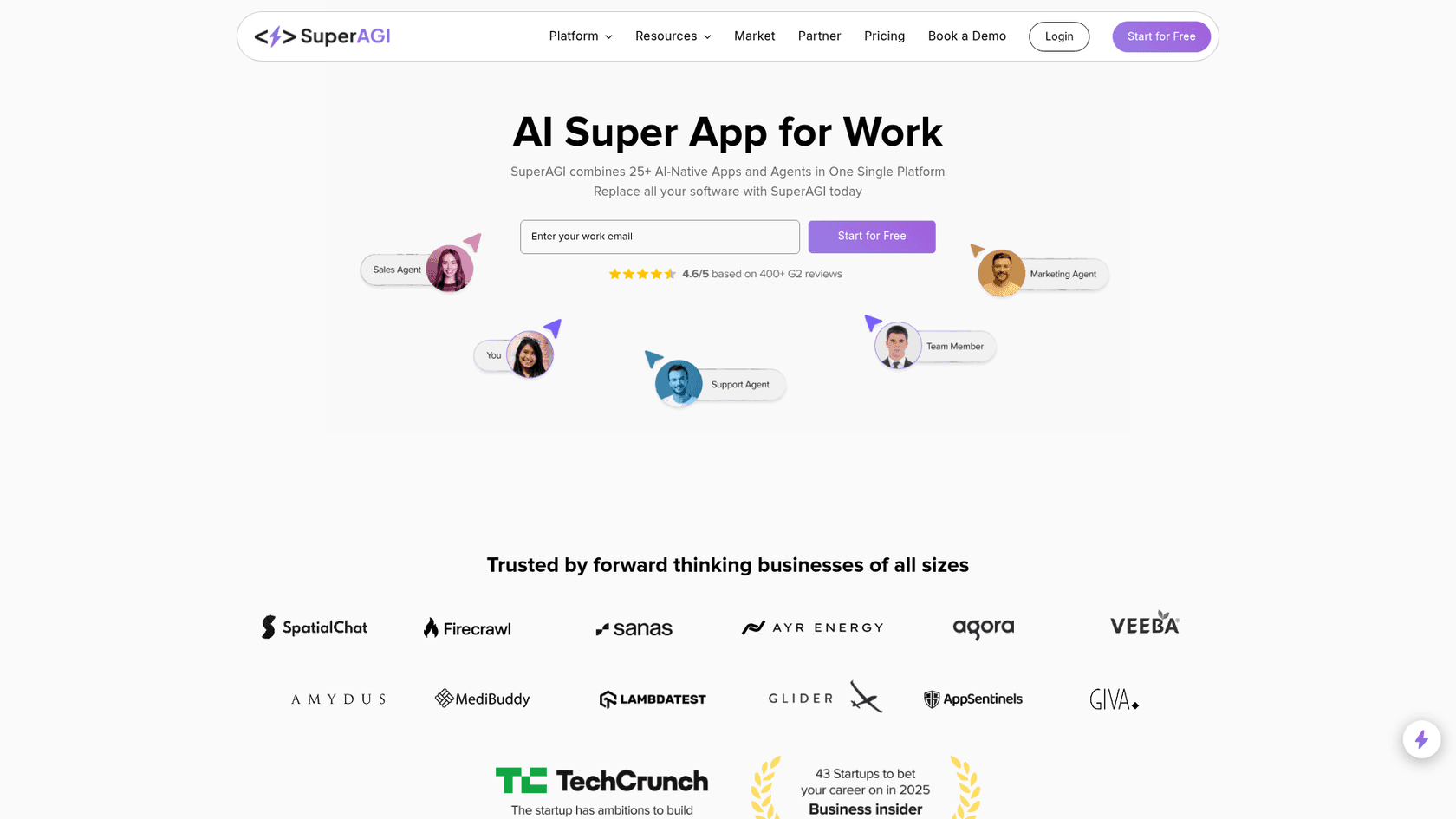
Pricing: Three tiers: Outreach ($150/month), Receptionist ($415/month), and Concierge ($515/month). Annual billing saves 20%. All plans include dedicated phone lines and property management system integrations.
Key strengths:
- 34% of conversations resolved without human escalation
- Average of 6 hours saved per week for property managers
- Pre-trained on property management terminology
- Handles leasing inquiries, maintenance triage, and emergencies
- Omnichannel coverage (phone, SMS, email)
Best for: Property management companies and real estate firms handling high volumes of tenant communications.
Tidio
Tidio offers the most transparent pricing in the market, making it attractive for smaller agencies testing AI support for the first time.
Pricing: Free plan includes 50 billable conversations. Paid plans start at $24.17 monthly for 100 conversations. The Lyro AI Agent add-on starts at $32.50 monthly and can handle up to 67% of customer questions automatically.
Key strengths:
- Visual chatbot builder with 40+ templates
- Strong e-commerce integrations (Shopify, WooCommerce)
- Multichannel support including WhatsApp and Instagram
- 7-day free trial with no credit card required
Best for: Smaller real estate agencies and brokerages wanting predictable costs and easy setup.
DeepConverse
DeepConverse focuses on security and compliance, making it suitable for larger real estate organizations with strict data requirements.
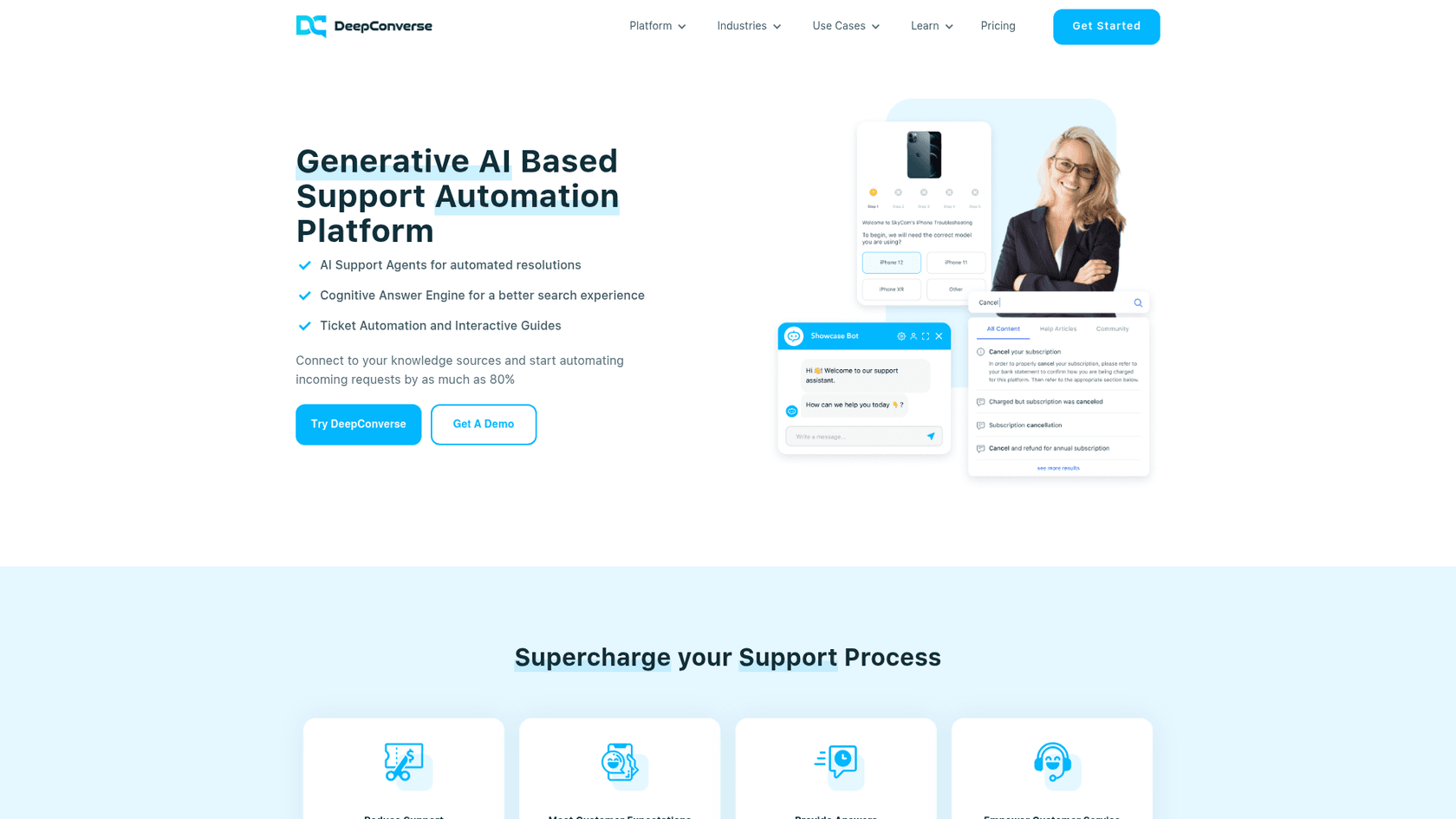
Pricing: Interactive Guides start free (1 guide, 1,500 views). AI Chatbot pricing requires contacting sales, with Basic plans including 500 monthly sessions and Enterprise offering custom volumes.
Key strengths:
- ISO 27001 and SOC 2 certified
- GDPR compliant
- Up to 80% of queries answered without human involvement
- Strong Zendesk and Salesforce integrations
- Role-based access controls
Best for: Enterprise real estate organizations prioritizing security certifications and compliance.
Voiceflow
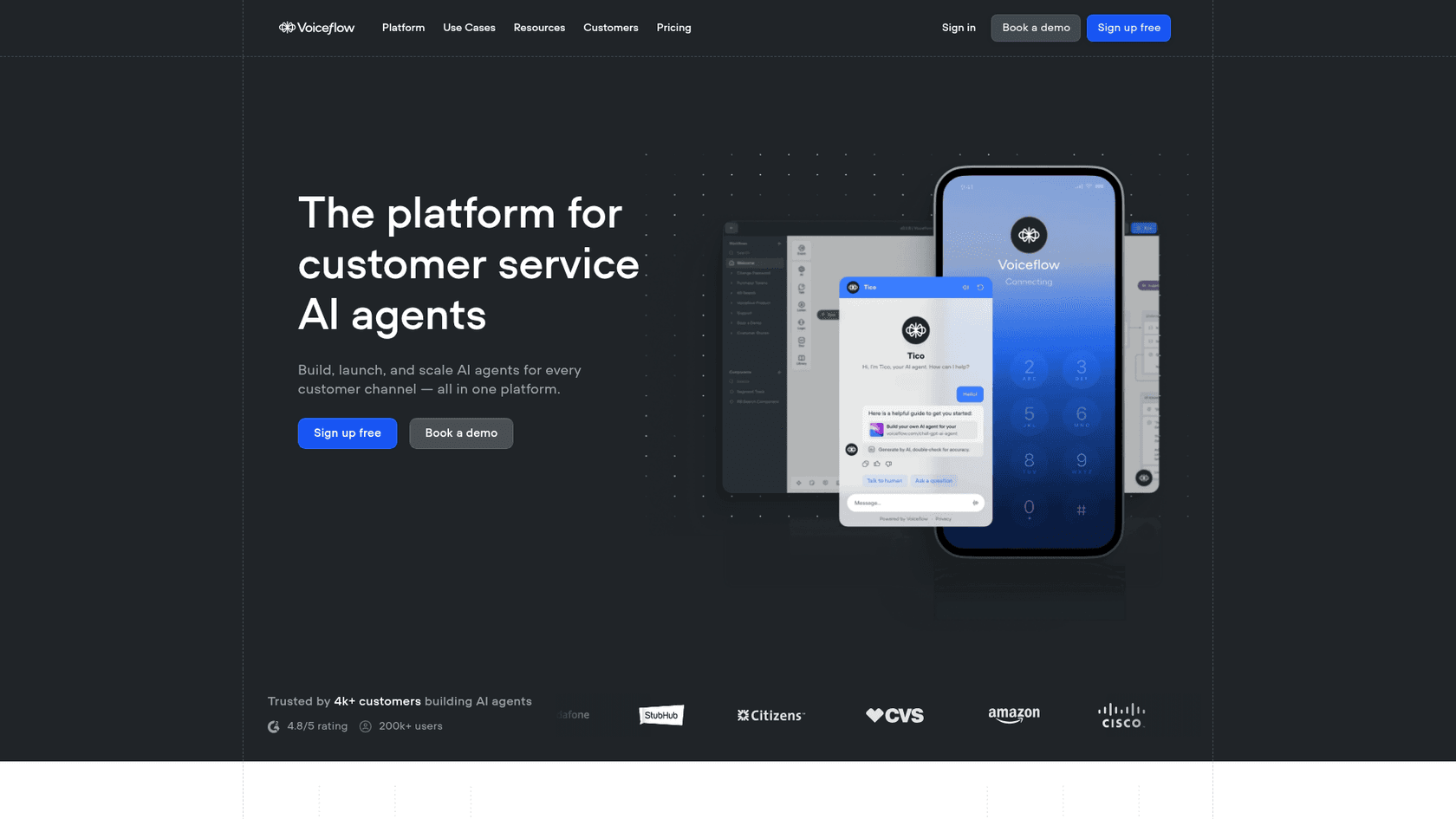
Voiceflow takes a different approach, offering a no-code platform for building custom AI agents rather than a pre-built solution.
Pricing: Free trial available. Business pricing is custom based on usage and requirements.
Key strengths:
- Complete control over conversation flows
- 100+ integrations available
- Choice of LLM providers (avoiding vendor lock-in)
- Real-time collaboration for teams
- Production-grade environment management
Best for: Real estate agencies with technical resources who want highly customized AI workflows.
Platform comparison
| Platform | Starting Price | Best For | Key Strength |
|---|---|---|---|
| Phonely | $33/month | Voice-first support | Natural voice AI, warm transfers |
| Super | $150/month | Property management | PM-specific workflows, 34% auto-resolution |
| Tidio | Free | Small agencies | Transparent pricing, easy setup |
| DeepConverse | Free (Guides) | Enterprise | ISO 27001, SOC 2 certified |
| Voiceflow | Custom | Custom solutions | No-code builder, full control |
For more options, see our guides to the best AI helpdesk tools and top AI customer service tools.
Implementation roadmap for real estate teams
Rolling out AI customer support requires more than just signing up for a platform. Here's a practical roadmap based on what successful real estate teams have done.
Step 1: Audit your data. Before implementing any AI, review your CRM records, property databases, and common inquiry patterns. The AI can only work with what it knows. Clean up duplicate contacts, standardize property descriptions, and identify the 20 most common questions your team receives.
Step 2: Choose your first use case. Resist the urge to automate everything at once. Pick one high-impact area: after-hours lead capture, appointment scheduling, or initial qualification. Master one workflow before expanding.
Step 3: Select your platform. Match the platform to your use case. If phone coverage is your priority, look at Phonely or Super. If you need website chat, Tidio might fit better. For custom workflows, consider Voiceflow.
Step 4: Connect your systems. Integrate the AI platform with your CRM, calendar, and property management software. Most platforms offer pre-built connectors for popular tools like Salesforce and HubSpot.
Step 5: Train and test. Run the AI on a subset of inquiries before full deployment. Review transcripts, adjust responses, and verify escalation paths work correctly. Test the handoff to human agents.
Step 6: Launch gradually. Start with off-hours coverage only, then expand to weekends, then full-time. This approach lets you catch issues before they affect all your prospects.
Timeline expectations vary. A focused pilot can launch in 6-12 weeks. Full deployment across all channels typically takes 6-18 months depending on integration complexity.
Measuring ROI and success metrics
To justify the investment, track metrics that matter to your business.
Response time is the most immediate win. Measure how quickly prospects receive their first response. Many teams see response times drop from hours to seconds.
Lead conversion rate shows whether faster responses translate to more business. Compare conversion rates before and after AI implementation.
Hours saved per week helps calculate staff efficiency gains. Track how much time your team previously spent on routine inquiries versus high-value activities like showings and negotiations.
Cost per lead includes your AI platform costs divided by qualified leads generated. Factor in both the subscription cost and any setup or training expenses.
Customer satisfaction scores ensure quality doesn't suffer. Survey prospects who interacted with the AI and compare satisfaction to those who spoke with humans.
One Norwegian real estate firm using AI chatbot technology saw a 62% increase in leads captured after implementing automated response systems. Their agents focused on qualified prospects while the AI handled initial inquiries.
Common pitfalls and how to avoid them
AI customer support for real estate can fail when teams rush implementation or set unrealistic expectations.
Poor data quality undermines even the best AI. If your property descriptions are inconsistent or your CRM has duplicate contacts, the AI will give wrong answers. Invest time in data cleanup before launch.
Over-automating complex negotiations frustrates serious buyers. Price negotiations, multiple offer situations, and sensitive client concerns need human judgment. Design your AI to recognize these scenarios and escalate immediately.
Missing escalation paths trap frustrated prospects. Always provide a clear way to reach a human agent. Test these paths regularly to ensure they work.
Insufficient staff training creates gaps. Your team needs to understand what the AI handles, how to review AI conversations, and when to take over. Without this knowledge, prospects fall into the gap between AI and human support.
Unrealistic timeline expectations lead to abandoned projects. AI implementation takes time. Budget for 3-6 months of refinement before judging success.
Getting started with AI customer support for your real estate business
The best approach starts with honest assessment. When are you losing leads? Is it after hours, during busy weekends, or while agents are in showings? Identify your biggest gap and address that first.
Start small with a pilot program. Choose one office, one agent team, or one type of inquiry. Measure results before expanding. This controlled approach lets you learn without risking your entire operation.
Consider your existing infrastructure. If you already use Zendesk, Freshdesk, or another helpdesk, look for AI solutions that integrate natively. The less you need to rebuild, the faster you'll see value.
At eesel AI, we approach this differently than most platforms. Rather than requiring you to configure complex rules, our AI learns from your existing tickets, conversations, and help center content. Connect us to your help desk and we understand your business context, tone, and common issues from day one. You can start with AI drafting replies for agent review, then expand to full automation as confidence grows.

Our AI Agent handles frontline support autonomously, while our AI Chatbot engages prospects on your website. Both learn continuously from corrections and feedback.
Remember that AI should augment your team, not replace the relationships that drive real estate success. The goal is handling routine inquiries faster so your agents can focus on what they do best: building trust, understanding needs, and closing deals.