Blog
Tips, guides, and insights on AI teammates, smarter support, and building better teams.
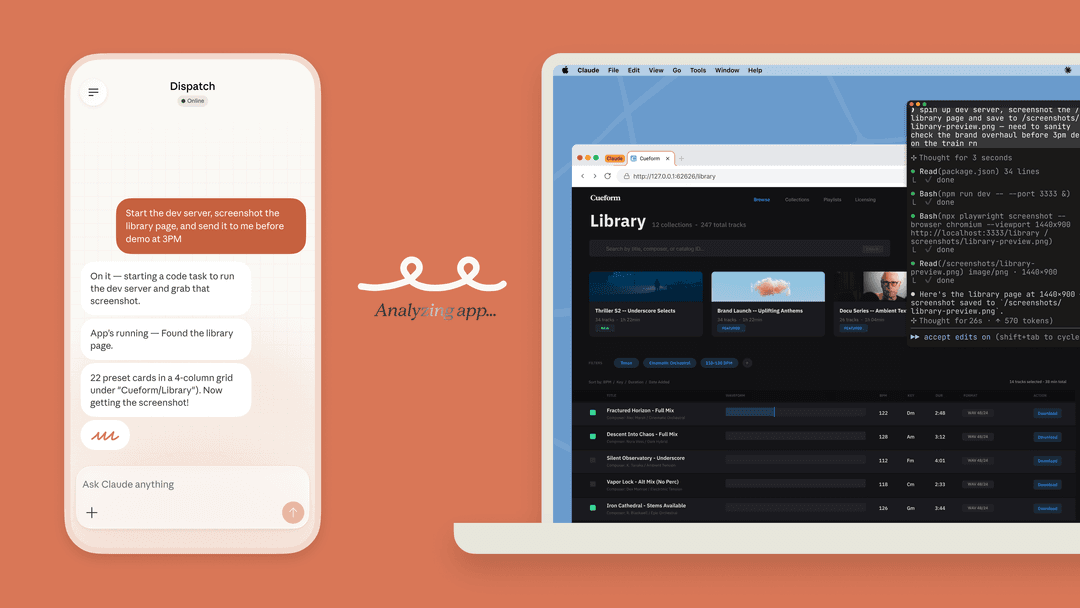
Claude desktop: Chat, Cowork, Code, local access, and pricing
A current guide to Claude Desktop, Cowork, Claude Code, local files, computer use, plan limits, and a safe review workflow.
 Stevia PutriSep 9, 2026
Claude AI coding assistant: a current Claude Code guide
Learn what Claude Code does, where it fits in a development workflow, how permissions and MCP change the risk, and how to release support updates carefully.
 Rama Adi NugrahaSep 9, 2026
Claude AI coding software: a practical Claude Code guide
Learn what Claude Code software does, how its native install, pricing, permissions, and MCP connections work, and how to use it in a controlled bug-triage workflow.
Stevia PutriSep 9, 2026Claude AI desktop platform: local MCP, extensions, and managed rollout
Learn what Claude Desktop can do, how local MCP and desktop extensions differ, and how teams can control a rollout without treating local tools as harmless.
Stevia PutriSep 9, 2026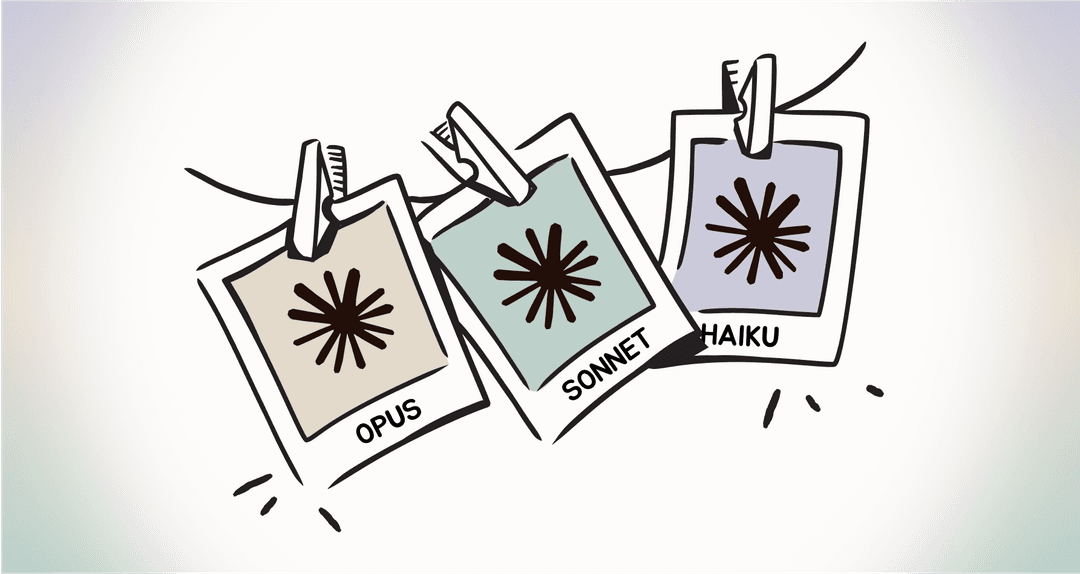
Claude AI integration: connectors, MCP, API, and safe support workflows
Learn when to use Claude connectors, MCP, or the API; how access and permissions differ; and how to review a support integration before it reaches customers.
 Riellvriany IndriawanSep 9, 2026
Claude AI Jira integration: MCP setup and support escalation review
See how Claude connects to Jira through Atlassian Rovo MCP, where read and write permissions matter, and how to investigate support escalations before creating work.
Stevia PutriSep 9, 2026Claude AI Mac apps: what Claude Desktop and Claude Code can do (2026)
A practical guide to Claude Desktop on Mac, Quick Entry, Cowork, Claude Code permissions, and a safe eesel support handoff.
Stevia PutriSep 9, 2026Claude AI productivity assistant: choose the right Claude surface for work
Use Claude Projects, connectors, Cowork, and Claude Code for the right job, then keep customer-facing support work in a reviewed eesel teammate.
Stevia PutriSep 9, 2026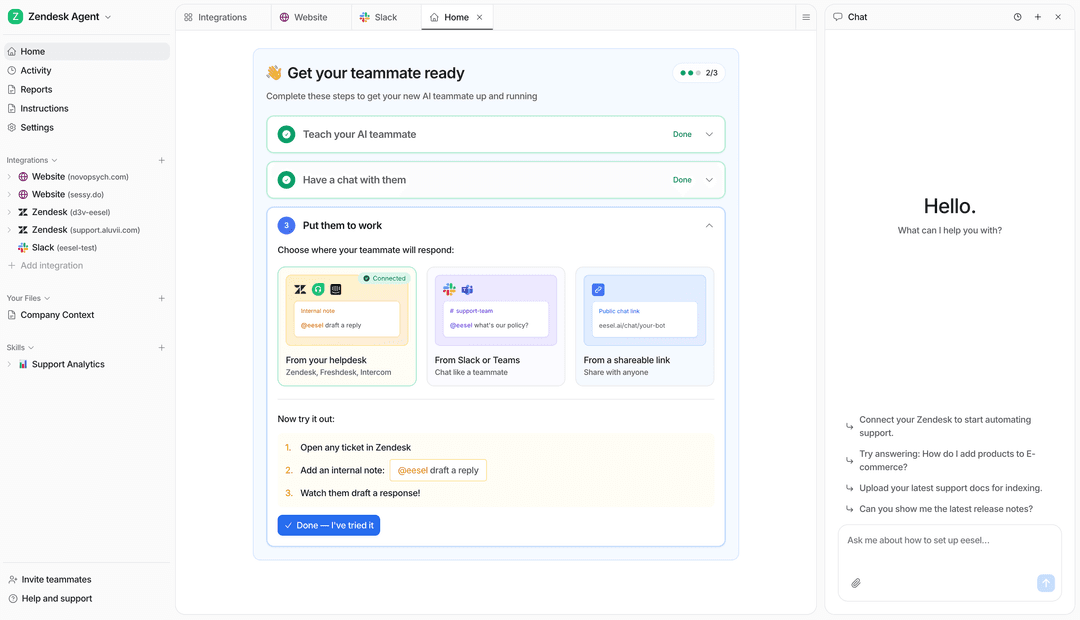
Claude AI productivity tools: choose the right workflow (2026)
A practical guide to using Claude Projects, Cowork, connectors, and eesel for focused individual and team productivity work.
Stevia PutriSep 9, 2026Ready to hire your AI teammate?
Set up in minutes. No credit card required.