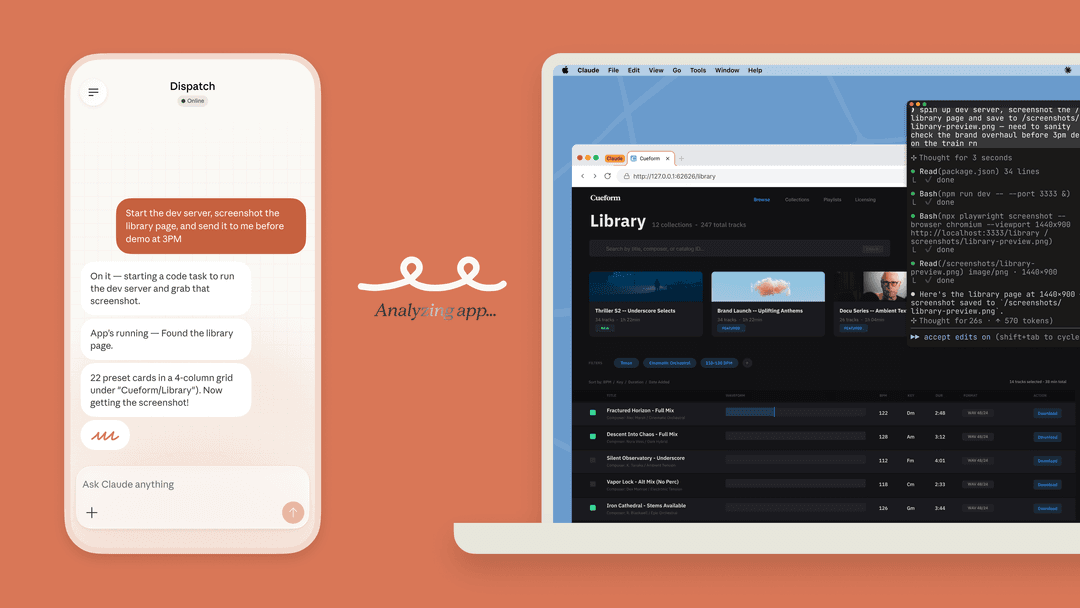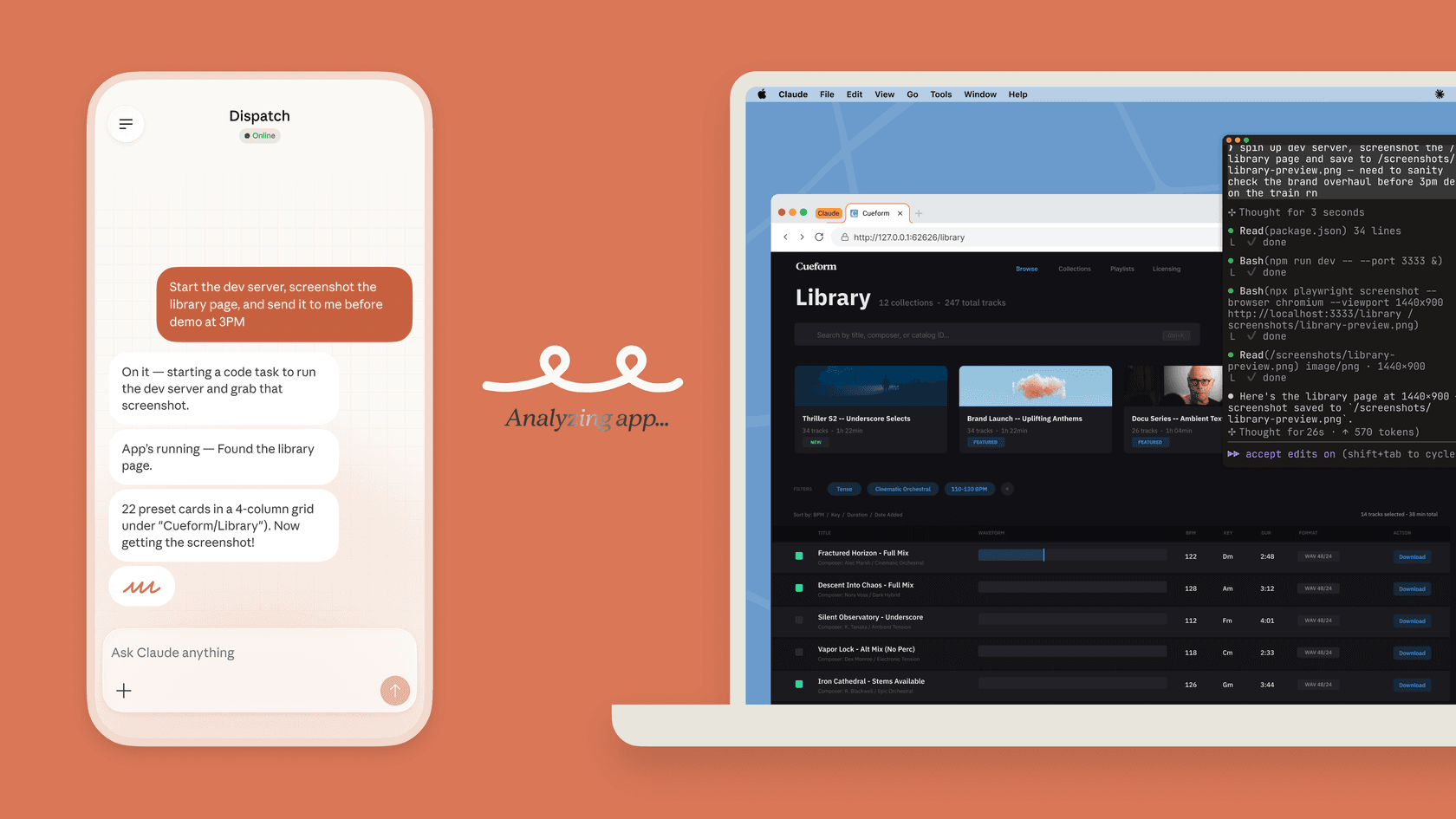
Claude productivity is a set of work surfaces
Claude is not a single “productivity assistant” mode. It is a group of ways to give the assistant context and access. The common mistake is treating them as interchangeable and discovering the difference after a sensitive file, tool, or action is already in scope.
Claude Projects are the starting point for work that will continue. A Project keeps its own knowledge, instructions, and chats. On Team and Enterprise plans, a colleague with Can view can use the Project but cannot change it; Can edit can update its knowledge, instructions, and membership. That makes Projects good for a policy pack, a product launch brief, or an engineering decision that needs the same context next week.
A shared chat does a smaller job. It is a view-only snapshot for another person to review. New messages are not added until its owner updates it. Treat it like a decision record, not a shared workroom or an audit log of every connected-tool result.
Choose the access model that matches the job
Connectors let Claude work with data outside the chat. They are useful when a question needs material from a connected account, but they do not make company data generally available. The account’s existing permissions still matter, and Team or Enterprise owners may need to enable a connector before members authenticate. Anthropic's connector guide is the place to check the current setup rules.
Claude Cowork supports multi-step tasks on paid plans. For example, give it a dedicated folder of approved research notes and ask for a report that separates evidence from unanswered questions. Review its plan, connected tools, and output. Folder access does not describe every tool's access boundary, and network egress settings have exceptions for web fetch, web search, and MCP connections.
For a codebase, use Claude Code. Its Allow, Ask, and Deny rules make the access boundary visible. In Manual mode, reading files can proceed while commands and edits prompt for approval. Other modes change that behavior, so a developer should inspect the active mode and rules with /permissions, then approve a specific change instead of assuming every session will ask.
Pricing and limits to check
The current Claude pricing page separates Free, Pro, Max, Team, and Enterprise. Pro lists US $20 per month on monthly billing; annual billing is $200 upfront, displayed as a rounded $17 per month. Max starts at $100 per month, before applicable tax. Check the particular feature and surface before upgrading: free chat access does not imply access to every agent workflow, and a subscription does not include separate API usage.
Budget around the task, not a promised productivity multiplier. Measure whether the output is usable, how many corrections it needs, and what its usage costs. A plausible summary can omit an exception or confuse a completed action with a pending one. Those are reasons to retain source references and human review, not claims that a paid plan eliminates errors.
Sources
- Claude Projects
- Claude connectors
- Claude Cowork
- Claude Code permissions
- eesel CLI
- Actions and approvals
Use eesel CLI for a morning support handover
Claude helps an individual get their own work in order. A morning support handover is different: the owner needs a short list of things that still require a decision, without a script quietly approving anything on their behalf.
For example, a support lead can use a Claude Project to collect their handover template and a shared-chat snapshot to review the wording. Then a person, script, Claude Code, Codex, or Cursor can use the eesel CLI to read the real current state from the same eesel teammate and dashboard. The coding agent's useful role is simple: turn JSON into a concise owner-review list, not make the decisions in it.
With Node.js 18.17 or newer, authenticate into the existing workspace first. Login stores credentials; the commands after it are reads:
TARGET_EESEL_AGENT="REPLACE_WITH_NAME_OR_ID_FROM_AGENTS"
npx @eesel/cli login
npx @eesel/cli whoami
npx @eesel/cli agents
npx @eesel/cli activity --agent "$TARGET_EESEL_AGENT"
npx @eesel/cli approvals --agent "$TARGET_EESEL_AGENT"
npx @eesel/cli instructions --agent "$TARGET_EESEL_AGENT"
Replace the placeholder only with an existing agent name or ID returned by agents. whoami confirms the signed-in workspace. activity, approvals, and instructions produce JSON that a person or coding agent can format into three small sections: currently held actions, questions requiring policy clarification, and owner decisions. Retain the identifiers and evidence actually returned rather than inventing fields or ticket statuses. approvals lists held actions; it does not approve or deny one. These observation commands do not incur eesel chat charges; the coding agent's own usage is separate.
Check three cases before publishing the handover:
- A held reply appears in
approvals: list it for the owner with its actual status. Do not approve it. - Activity shows a case already resolved: do not present it as still awaiting a decision.
- The relevant instruction is absent or unclear: ask the owner to check connected knowledge before calling the policy missing. Instructions alone are not the entire knowledge base.
The handover is a point-in-time report. Re-run the read commands before the owner acts, because a reply can be resolved, held, or changed after the list was prepared. This keeps human approval meaningful while still giving a Mac user or coding agent a practical productivity win: less time turning activity into a reliable morning brief.
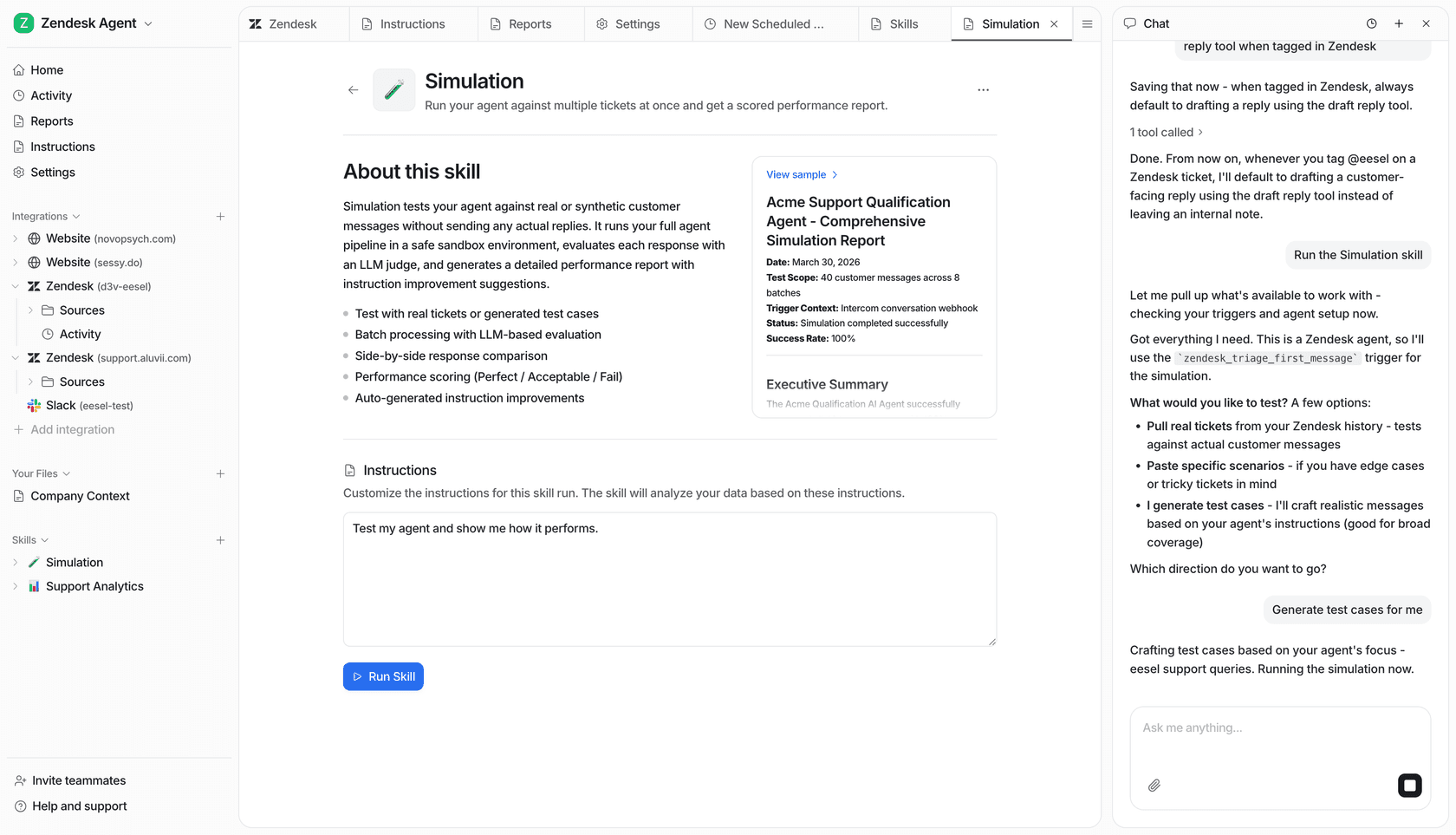
The eesel Simulation skill view shows connected website, Zendesk, and Slack sources alongside a chat panel, so the owner can see the teammate the handover describes.
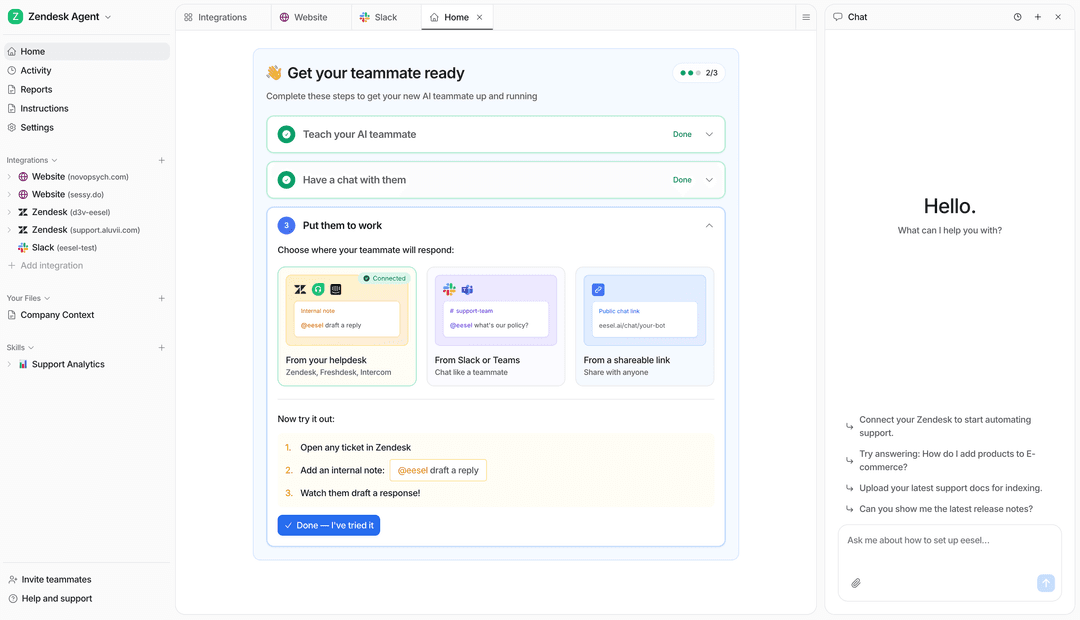
Try eesel for a support teammate that people can manage in the dashboard and coding agents can inspect through eesel CLI. Verify the existing workspace and actual agent, then keep each approval with the person who owns the customer outcome.
Frequently asked questions
What is a Claude AI productivity assistant?
Claude is Anthropic’s AI assistant. Its productivity features span chat, Projects, connected tools, Cowork, and Claude Code. The useful choice is the surface that matches the task and access you can safely give it.
What are Claude Projects for?
Projects keep a set of instructions, files, and chats together for one continuing job. On Team and Enterprise plans, collaborators can be given view or edit permission to a shared Project.
Can Claude connectors access company data?
Connectors use the permissions of the connected account. Connecting one does not grant every colleague access, so check the account, organization controls, and the data a prompt could expose.
What is Claude Cowork best for?
Cowork is Claude’s environment for multi-step work with the folders, network access, and connectors a user chooses. Use a narrow working folder and review permissions before it works on sensitive material.
How does Claude Code ask for permission?
Claude Code uses Allow, Ask, and Deny rules. In Manual mode, file reads can proceed while commands and edits normally need approval. Check the active mode and settings with /permissions.