Compare the job before the model
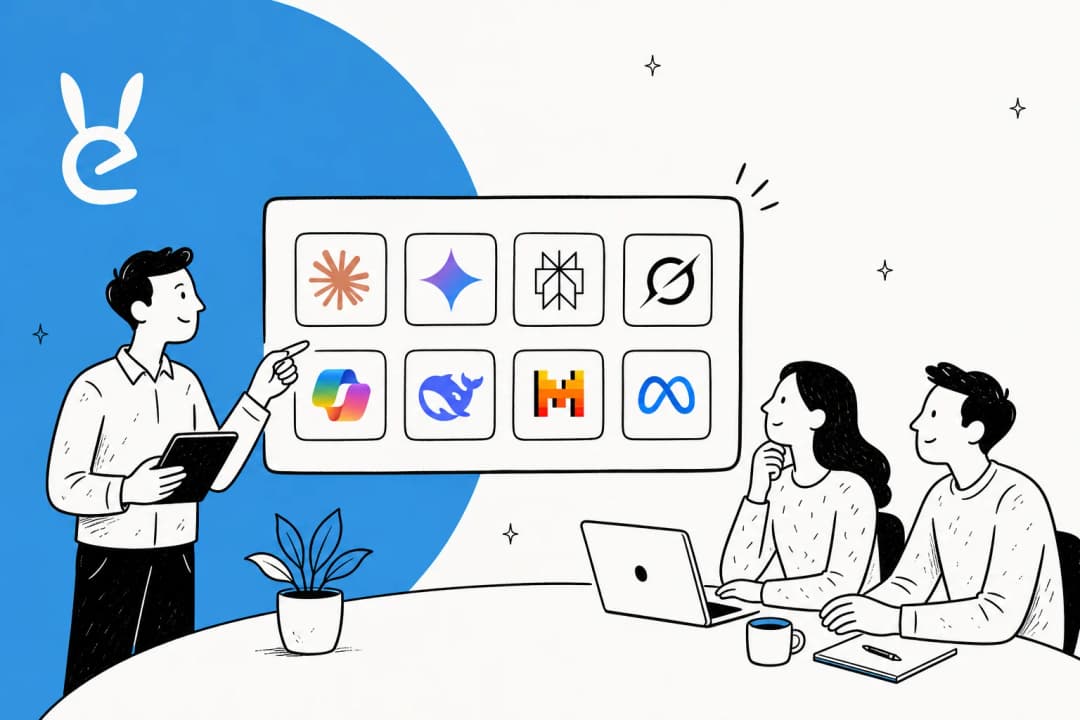
| Tool | Best fit | What to verify |
|---|---|---|
| ChatGPT | Broad drafting and exploration | Plan features, sources, and review |
| Claude | Long-form work and coding | Usage limits and project access |
| Gemini | Google-based work | Workspace availability and plan |
| GitHub Copilot | Code in GitHub and IDEs | Repository permissions and review |
| Perplexity | Source-led research | The underlying cited sources |
| eesel | Support or content work on company context | Connected sources, actions, and escalation |
1. ChatGPT for broad, conversational work
ChatGPT is a good starting point when the task is exploratory: outline a plan, revise a draft, summarize supplied material, or think through options. It is not a substitute for a company record, an order system, or a checked source. For work that affects a customer, define what information it may use and who reviews the result.
2. Claude for projects and terminal work
Claude’s plans include web, desktop, and mobile chat. Pro adds more usage, Projects, and Claude Code; the current Free plan also includes connectors such as Google Workspace, so connection access alone is not a reason to upgrade. It suits teams working with documents or a repository, but generated code and policy answers still need the same review as a teammate’s draft.
3. Gemini for Google surfaces
Gemini is strongest when the work already lives in Gmail, Docs, Drive, or other Google products. Google’s current plans combine the Gemini app with features such as Deep Research, NotebookLM, storage, and Gemini in Google apps; availability and limits differ by country and tier. Check the plan and the account type before promising a feature to a team.
4. GitHub Copilot for the coding workflow
GitHub Copilot belongs in the code-review conversation, not outside it. It can help developers write, explain, and change code where repositories and pull requests already live. The decision is less about autocomplete and more about whether the team has clear rules for repository access, tests, secrets, and human review.
5. Perplexity for research that exposes sources
Perplexity is useful when the reader needs to inspect where an answer came from. Citations improve review, but they do not make a conclusion automatically true. Open the primary source for pricing, product access, legal terms, or any claim that will be repeated to a customer.
6. eesel for company-specific support and content
eesel is different from a general assistant: it is a ready-to-work teammate for defined jobs, currently helpdesk and blog writing. The helpdesk teammate works with the sources and systems a team approves; the blog writer works on a content job. That distinction matters when a question needs internal context or an action inside an existing workflow.
Test the workflow, not just one answer
The eesel CLI gives a person, script, or coding agent access to the same teammate and workspace as the dashboard. With Node.js 18.17 or newer, npx @eesel/cli returns JSON from every command. Use it to review a narrow helpdesk rule before putting it into a customer channel.
npx @eesel/cli status
npx @eesel/cli integrations
npx @eesel/cli instructions
npx @eesel/cli approvals
Check the selected workspace, connected sources, enabled actions, downstream helpdesk permission, and standing instructions before using chat. Setup and observation are free; chat is billed teammate work. A fictional prompt does not remove access already granted to the teammate.
For example, an owner could review this proposed instruction diff for a support teammate. The coding agent proposes it; it does not apply it itself.
+ For account-access questions, answer only from the approved help-center source. If the customer’s account status is needed, hand the case to the support queue. Do not promise an account change or disclose account data without a verified lookup.
Inspect the supported write with npx @eesel/cli instructions --help and use --dry-run where available. After owner approval, confirm the saved instruction and obtain approval for the billed tests. Start separate fresh conversations with npx @eesel/cli new --name "account-access-test": one normal password-reset question and one request for private account data. Send each fictional case through npx @eesel/cli chat without putting the desired answer in the prompt. Finally, verify ticket visibility, ownership, and the customer-facing reply in the actual helpdesk. A good terminal answer is not the native outcome; the safe reply or handoff in the real channel is.
Pick the smallest tool that completes the job
Use a general chat tool for drafting and exploration. Choose a specialist when it adds real workflow value: sources for research, an editor for code, a suite integration for office work, or company context and action boundaries for support. Try eesel if the missing piece is a teammate that can work from the knowledge and rules your support team already uses.
Frequently Asked Questions
What are ChatGPT AI tools?
They are products that use conversational AI for a defined job, such as drafting, coding, research, office work, or customer support. The useful distinction is not the model name but the data, integrations, permissions, and review process around the job.
Do I need a separate tool if I already use ChatGPT?
Only when it adds something ChatGPT alone does not: a work surface such as an editor or office suite, cited research, approved company knowledge, or controlled actions in an existing workflow.
Which tool is best for coding?
Compare the coding workflow in your editor, repository, review process, and budget. GitHub Copilot is designed for GitHub and IDE workflows; Claude also offers terminal-based Claude Code on paid plans.
Which tool is best for research?
Use a tool that exposes sources and still inspect those sources before acting. Perplexity is built around cited answers; ChatGPT and Gemini can also support research workflows depending on the feature and plan available to you.
Can an AI tool safely use company data?
That depends on the vendor plan, connected sources, permissions, retention terms, and the action it may take. Check those separately; a good answer in a test chat is not proof that a production integration is safe.