

If you're in the content game, you've probably heard of Claude. It’s the popular AI assistant from Anthropic, and it's built a reputation for being great at conversation with a strong focus on safety. It's a genuinely powerful tool for writing, research, and analysis, which makes it a go-to for many creators.
But here’s the real question: Is it the best tool for every content creation job, especially for teams trying to scale their SEO and content marketing?
This guide is a practical, no-fluff look at using Claude. We’ll walk through its best features, how it fits into a workflow, and, most importantly, the key limitations you’ll hit, based on its own documentation. While Claude is an excellent partner for brainstorming or drafting, it's helpful to know that specialized tools like the eesel AI blog writer are built specifically to automate and scale content production.
Understanding the Claude AI model family
Before we get into the weeds, it helps to know what "Claude" actually is. It’s not just one thing, but a whole family of large language models (LLMs) from Anthropic. They're a big name in the AI space, mostly because of their focus on safety and responsible development.
You might hear the term "Constitutional AI" thrown around. In simple terms, it's how they train the AI. They give it a set of principles (a "constitution") to follow, which helps guide its responses to be helpful and harmless. It's a unique approach that sets them apart.
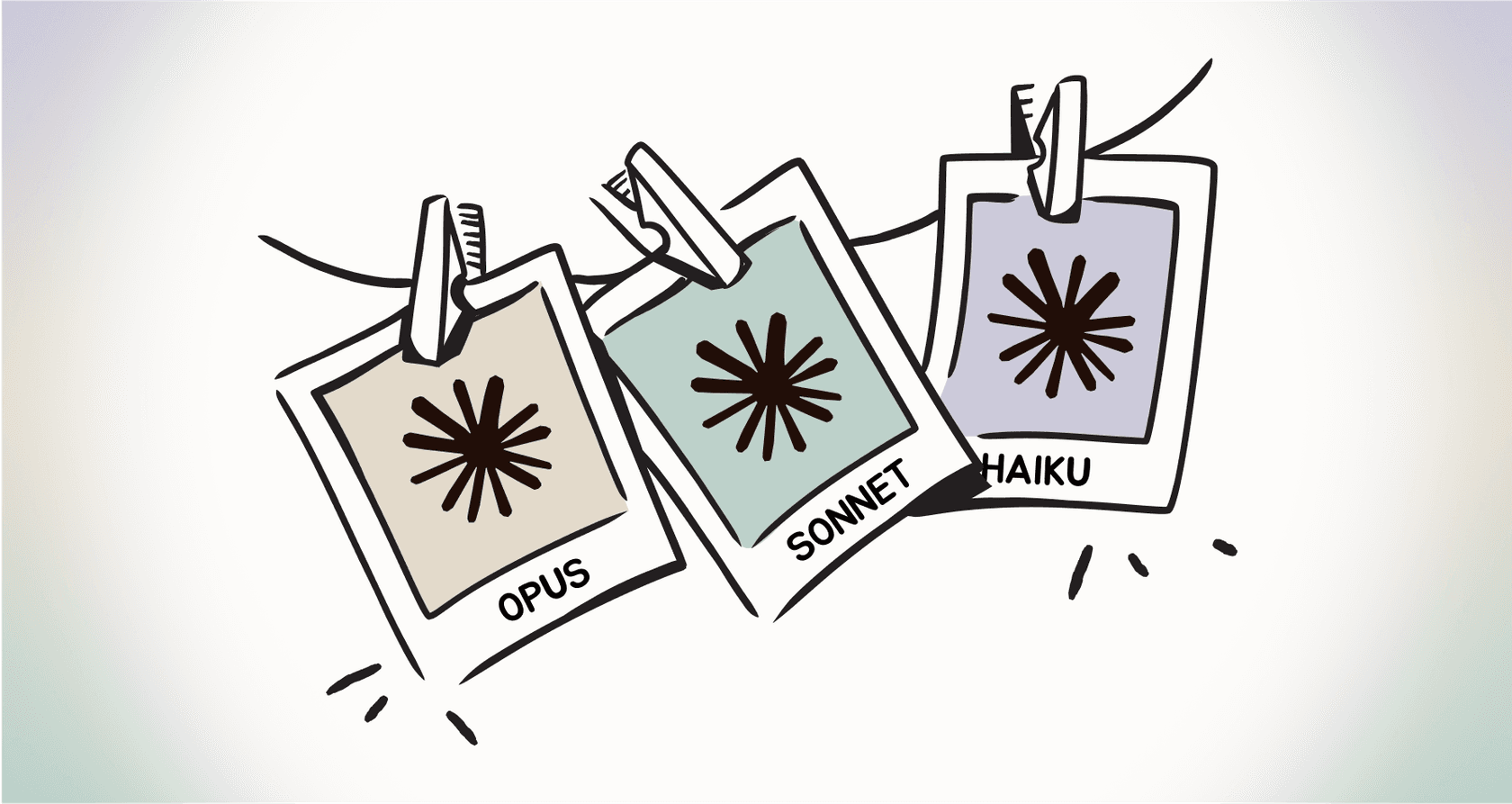
For you, the user, this means you have a few different models to choose from, each with a specific job:
- Claude Opus 4.5: This is the top-tier model. It’s the smartest and most powerful, built for tackling really complex tasks that demand deep reasoning.
- Claude Sonnet 4.5: This is the workhorse. It hits the sweet spot between intelligence, speed, and cost. It's great for most business tasks like coding, data analysis, and running automated jobs.
- Claude Haiku 4.5: This one is all about speed. It's the fastest and most affordable model in the family, designed for near-instant responses on simpler questions and tasks.
You can access these models through the Claude website, their mobile apps, or by using their developer APIs to build your own tools.
Core features when using Claude to create content
So, what can Claude actually do for you when you're creating content? It has several powerful features that can help at different stages of the process.
Powerful text generation with a large context window
At its core, Claude is fantastic at creating human-like text. You can ask it to draft reports, write emails, or outline articles, and it does a pretty good job.
But its real standout feature is its massive context window. All the latest models come with a 200K token context window, which is huge. To give you some perspective, that's about 150,000 words, or a 500-page book. Some API users can even get access to a 1M token window in beta.
The implications of this for content creators are significant. You can upload incredibly long documents, such as a dense research paper, your company's entire knowledge base, or even a novel, and Claude can analyze the whole thing to pull out key insights, summarize complex topics, or repurpose content.
Research assistance and data analysis
Claude can also act as a pretty capable research assistant. It can process and analyze files you upload, including PDFs, CSVs, and Word documents.
For example, a content marketer could upload a CSV file with raw survey data and ask Claude, "What are the top three most interesting trends in this data for a blog post?" Claude would analyze the numbers and provide the key takeaways, saving hours of manual work in spreadsheets.
It's also worth noting that Claude can browse the web, which helps it pull in current information and events to keep its responses fresh.
Multimodal analysis with one key limitation
Claude also has "vision," meaning it can understand and analyze images. You can upload photos, charts, graphs, and even technical diagrams and ask questions about them.
A great use case is uploading a screenshot of a competitor's landing page and asking Claude to summarize its main value props and call to action. It’s a quick way to do competitive research without having to read every single word yourself.
However, a key distinction for content creators is that while Claude can analyze images, it cannot generate them. This means users will need a separate tool for creating original graphics, which adds steps to the workflow.
Integration with your team's existing tools
To be fair, Claude does play nicely with some other tools. It can connect to other applications to pull in context from places your team is already working. For paid users, this includes native integrations with Google Drive, Gmail, and Google Calendar, which is handy.
Here’s a look at how you could use some of these integrations for content creation:
| Tool | Use Case Example for Content Creation |
|---|---|
| Google Drive | Summarize a project brief from a Google Doc to start a new article. |
| Asana | Search for project tasks and deliverables to draft a status update. |
| Slack | Turn a discussion thread into a first draft for an internal announcement. |
| Atlassian | Search your Confluence knowledge base to find source material for a help article. |
| Zapier | Automate workflows across thousands of apps by triggering actions from a conversation. |
The limitations of using Claude to create content at scale
While Claude is a strong collaborator, certain challenges can arise when the goal is to produce high-quality SEO content at scale. Its design is more aligned with collaborative tasks than with bulk content production.
The reality of strict, session-based usage limits
Even on paid plans, users may encounter usage limits. According to Claude's own help center, the Pro plan gives you "at least five times the usage per session" compared to the free version.
That sounds good on paper, but the limit resets every five hours and is based on a mix of message length, file attachments, and conversation length. If you're doing heavy-duty content work, like summarizing long reports, iterating on drafts, and analyzing multiple documents, it's possible to reach the usage limit quickly. For anyone on a deadline, these interruptions can disrupt a content production schedule.
When you start getting the long conversation warning, ask claude to summarize the conversation for a new instance of claude so it retains the chat knowledge from this session. When you copy and paste that prompt it's quite helpful, especially if you're problem solving with claude.

A manual, labor-intensive workflow
Claude's collaborative, conversational nature, while a strength for some tasks, can present challenges for scalability.
The process involves a series of prompts and reviews for each section of an article. This step-by-step interaction is different from fully automated content generation and can be time-consuming when producing multiple articles.
Creative constraints from safety-first design
Anthropic's "Constitutional AI" approach prioritizes safety, which can sometimes result in the model being cautious with its responses. While they note that newer models are less likely to refuse harmless prompts, its content filters may occasionally decline prompts on certain topics.
One recurring frustration has been censorship, particularly with Gemini Advanced and Claude Pro-though I’ve noticed Claude Pro is getting easier to work with on that front.
This may be a consideration for creators in certain niches, like health, wellness, or lifestyle, that often discuss a wide range of human experiences.
Considerations for SEO content automation
Claude is a general-purpose AI. Here are some SEO-related functions that are not part of Claude's core feature set and typically require other tools or manual effort:
- Analyzing the top-ranking SERPs to figure out the ideal article structure and heading hierarchy.
- Automatically finding and embedding relevant YouTube videos to increase engagement.
- Generating original, context-aware images and infographics to break up text and explain concepts.
- Finding and integrating authentic social proof, like relevant Reddit comments, to build trust.
- Delivering a complete content package with a meta description, title, and social media posts ready to go.
Claude pricing for individuals explained
While there is a free version of Claude, its usage limits may lead many content creators to consider upgrading to a paid plan almost immediately.
Here’s a quick breakdown of their individual plans, based on their official pricing page:
| Plan | Monthly Price | Key Features & Limits |
|---|---|---|
| Free | $0 | Limited usage that varies based on demand. |
| Pro | $20/month ($17/mo annually) | 5x more usage than the free plan, priority access, early access to new features. |
| Max | From $100/month | 5x or 20x more usage than the Pro plan, higher output limits. |
The availability of "Max" plans indicates that power users may require more capacity than the standard Pro plan offers.
A look at specialized content automation tools
This is where a purpose-built tool comes in. The eesel AI blog writer is designed to address many of the manual steps in content creation. It functions less like a conversational assistant and more like an automated content production system.

Its value proposition is to turn a single keyword into a complete, SEO-optimized, and publish-ready blog post in minutes.
From one keyword to a complete, publish-ready article
The workflow for the eesel AI blog writer differs from the conversational approach of general AI assistants. You give it a keyword and some context about your brand, and it automates the entire content creation process:
- Deep SEO Research: It starts by analyzing the top-ranking pages for your keyword to determine the ideal structure, length, and headings required to compete.
- Automatic Asset Generation: It creates and embeds relevant AI images and infographics directly into the article, addressing the need for integrated visual creation.
- Authentic Social Proof: It scours the web to find and integrate relevant quotes from Reddit, adding a layer of real human experience and credibility that builds trust with your readers.
- Complete Content Package: It doesn't just give you a block of text. It delivers a finished article that includes a title, meta description, and social media posts, all ready to publish.
How we scaled our own blog with this tool
We don't just sell this tool; we built it for ourselves and use it every day.
By using the eesel AI blog writer, we scaled our own blog from 700 to 750,000 impressions per day in just 3 months. We did it by publishing over 1,000 highly optimized posts that were designed to rank.
Choosing the right AI tool for your content strategy
It all comes down to choosing the right tool for the job. You have a choice between a collaborative assistant and an automated content generator.
This table breaks it down pretty clearly:
| Feature | Claude | eesel AI blog writer |
|---|---|---|
| Best For | Collaborative brainstorming, summarizing documents, task-based writing | Scaling SEO blog content efficiently and consistently |
| Workflow | Manual, iterative prompting and refinement | Automated, one-click generation from a keyword |
| SEO Features | None built-in | Fully integrated (SERP analysis, keyword optimization) |
| Asset Generation | No (analyzes images only) | Yes (AI images, video embeds, social proof) |
| Final Output | A text draft requiring further optimization | A complete, publish-ready article with assets |
To see some of these features in action, it can be helpful to watch a walkthrough. The video below provides a practical tutorial on how to set up and use Claude to speed up various parts of the content creation process, from brainstorming to drafting.
Final considerations
The right tool always depends on the job at hand. There's no single "best" AI for everything.
Use Claude as your smart, collaborative partner. It’s fantastic for deep work on individual tasks like summarizing complex research, drafting internal emails, or brainstorming creative angles. It’s an assistant you work with.
But when the goal is to efficiently scale your content marketing, drive organic traffic, and automate the most tedious parts of SEO, the eesel AI blog writer is the tool you work through. It’s a system designed for output.
Try the eesel AI blog writer for free and see how we grew our daily impressions by over 1000x. Generate your first full-length, optimized blog post in minutes.