A complete guide to Zendesk Talk blocked numbers and call filtering

Kenneth Pangan

Stanley Nicholas
Last edited February 6, 2026
Expert Verified

Unwanted calls from spammers, bots, or other sources can be a significant challenge for support teams. They can occupy phone lines, affect performance metrics, and impact team morale.
This guide will walk you through how to use Zendesk Talk's features for blocking and filtering calls. We’ll cover the setup, daily operations, and potential limitations. We'll also look at how you can go beyond just blocking numbers and use AI-powered triage to manage unwanted interactions across all your support channels, not just the phone.
What is Zendesk Talk's call filtering feature?
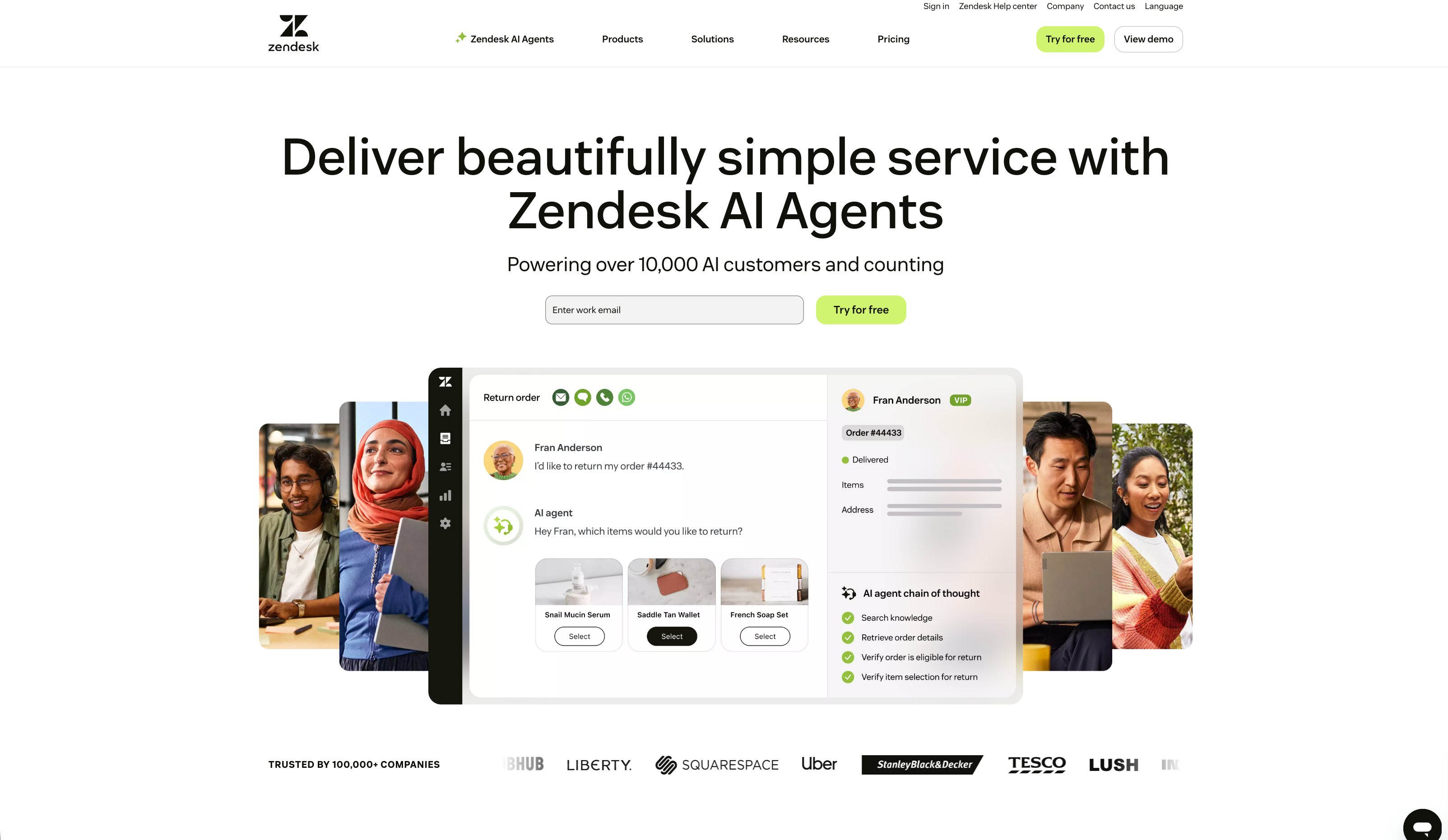
Zendesk Talk is the platform's built-in tool for handling phone calls, technically a VoIP solution. It operates within Zendesk, allowing your team to make and take calls in the same interface where they manage emails and chats.
Call filtering and number blocking are features designed to prevent calls from specific phone numbers from reaching your agents. This function helps maintain a clear phone queue by blocking known spammers, bots, or repetitive, non-productive callers.
The primary goal is to protect your agents' time and energy. By filtering out unwanted calls, you help ensure the queue is available for customers who genuinely need assistance.
How to manage blocked numbers and call filtering in Zendesk Talk
Setting up your blocklist in Zendesk can be done in a couple of ways, depending on your needs. Let's break down the steps.
Blocking individual numbers and using conditions
The most straightforward way to block a caller is to add their number to your blocklist. You can find this in the Zendesk Admin Center in the Talk settings.
You can also use a "Starts with" condition, which is useful for blocking ranges of numbers, such as specific area codes or prefixes that you frequently see associated with spam. Simply enter the first few digits, and Zendesk will block any call from a number beginning with that sequence.
This feature is available on Zendesk Suite Professional plans and higher.
Handling unknown and anonymous callers
Handling callers who hide their numbers presents a challenge. It's a common technique for spammers, and as many Zendesk users have noted, there isn't a single button to "block all unknown callers."

When an anonymous call comes through, Zendesk creates a new ticket and an "unknown" user profile by default, which can add extra data to your system. A Zendesk Product Manager offered a couple of workarounds:
- Set up an omnichannel routing trigger: Create a trigger that identifies incoming calls with "unknown" in the subject line. You can then automatically route these calls to an empty group, which directs them to voicemail or an overflow line without an agent's direct involvement.
- Block carrier prefixes: Some carriers use specific prefixes for anonymous calls. You could try blocking those, but Zendesk notes this is not a perfect solution. You might accidentally block legitimate customers, so this approach involves some risk.
Best practices for managing users from blocked calls
Spam and anonymous calls leave behind temporary user profiles that can add data to your system. Keeping your database clean is important for accurate reporting and efficient workflows. Zendesk suggests a few habits:
- Merge profiles: If a customer calls from an "unknown" number, agents should merge that temporary profile with the customer's existing one.
- Delete the junk: Agents should be encouraged to delete user profiles created by obvious spam calls.
- Schedule regular cleanups: It's a good practice for an admin to periodically go in and bulk-delete the "unknown" user profiles that have accumulated.
Limitations of Zendesk's standard call filtering
While Zendesk's blocklist is a useful starting point, it has some limitations to consider if it's your primary method for managing unwanted calls.
- It's reactive, not proactive: You can only block a number after it has already reached your system. Spammers can switch numbers, requiring continuous updates to the blocklist.
- It's manual and takes time: Keeping the blocklist updated, managing routing triggers, and cleaning up user profiles are all manual tasks. This is time your team could allocate to other responsibilities.
- It only works for phone calls: Blocking a phone number does not prevent spammy emails, chats, or social media messages. This approach is channel-specific.
- It's not intent-based: A blocklist is a list of numbers. It can't determine the intent behind a call. It cannot differentiate a robocall from a customer calling from a number that happens to be on a blocked prefix. It also cannot identify and close simple inquiries like a "thank you" email.
A quick look at Zendesk Talk pricing
Zendesk Talk is not sold as a standalone product; it's included in the Zendesk Suite. To access the call-blocking feature, you'll need the Suite Professional plan or higher.
Here's a brief overview of the plans that include Zendesk Talk, with information from their official pricing page.
| Plan | Pricing (Billed Annually) | Key Voice Features Included |
|---|---|---|
| Suite Team | $55 per agent/month | Basic phone support, voicemail, call routing. |
| Suite Professional | $115 per agent/month | Adds IVR phone tree, warm transfers, call recording, call blocking. |
| Suite Enterprise | $169 per agent/month | Adds advanced routing, call monitoring, and a 99.95% uptime SLA. |
On top of the monthly per-agent fee, you also purchase credits for call minutes and texts. The trial includes a small amount of free credit for testing purposes.
Beyond basic call filtering: Intelligent triage
While manual blocking addresses individual numbers, a broader challenge is managing low-value interactions across all support channels. An alternative approach is to use a more comprehensive system for managing your entire support queue.
An AI teammate like eesel AI is designed to help filter these interactions. It works by analyzing the intent of every ticket, whether it's a call transcript, an email, or a chat.
eesel's AI Triage is designed to handle routine operational tasks. It can:
- Automatically close spam and out-of-office replies across all channels, not just voice. It can also identify and close simple "thank you" messages that don't need a human response.
- Auto-tag tickets by understanding what the customer is asking about. It can identify the topic, sentiment, and urgency so your human agents can focus on what's most important.
- Intelligently route tickets to the right team or person. Eesel can understand that a billing question goes to the finance team and a bug report goes to engineering, without complex rules.
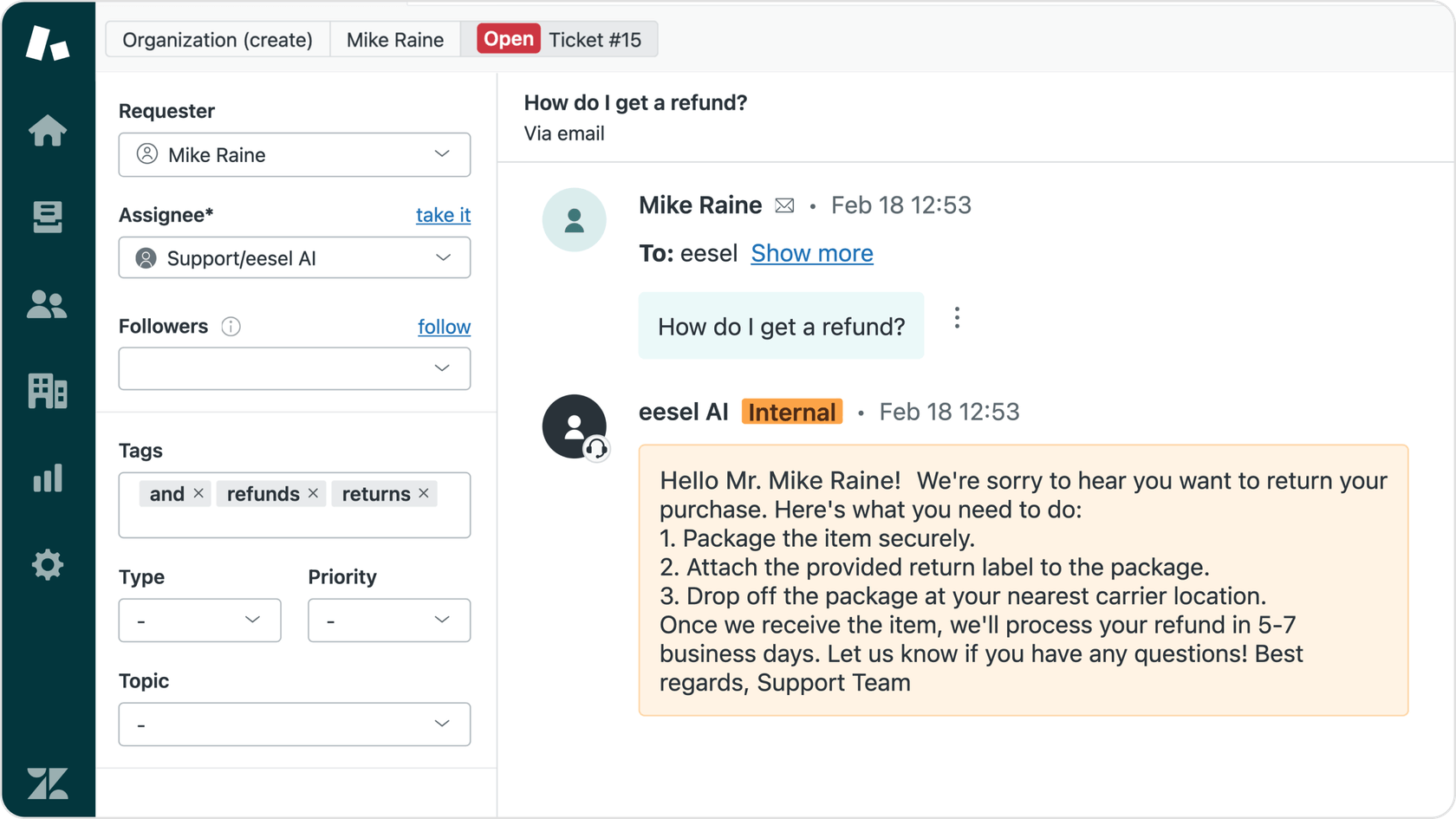
eesel AI's Triage feature can automatically close spam and tag tickets by understanding customer intent.
As you become comfortable, you can promote it to an eesel's AI Agent that can handle frontline questions autonomously. It learns from your help center and past tickets to provide quick, accurate answers, freeing up human agents for more complex problems.
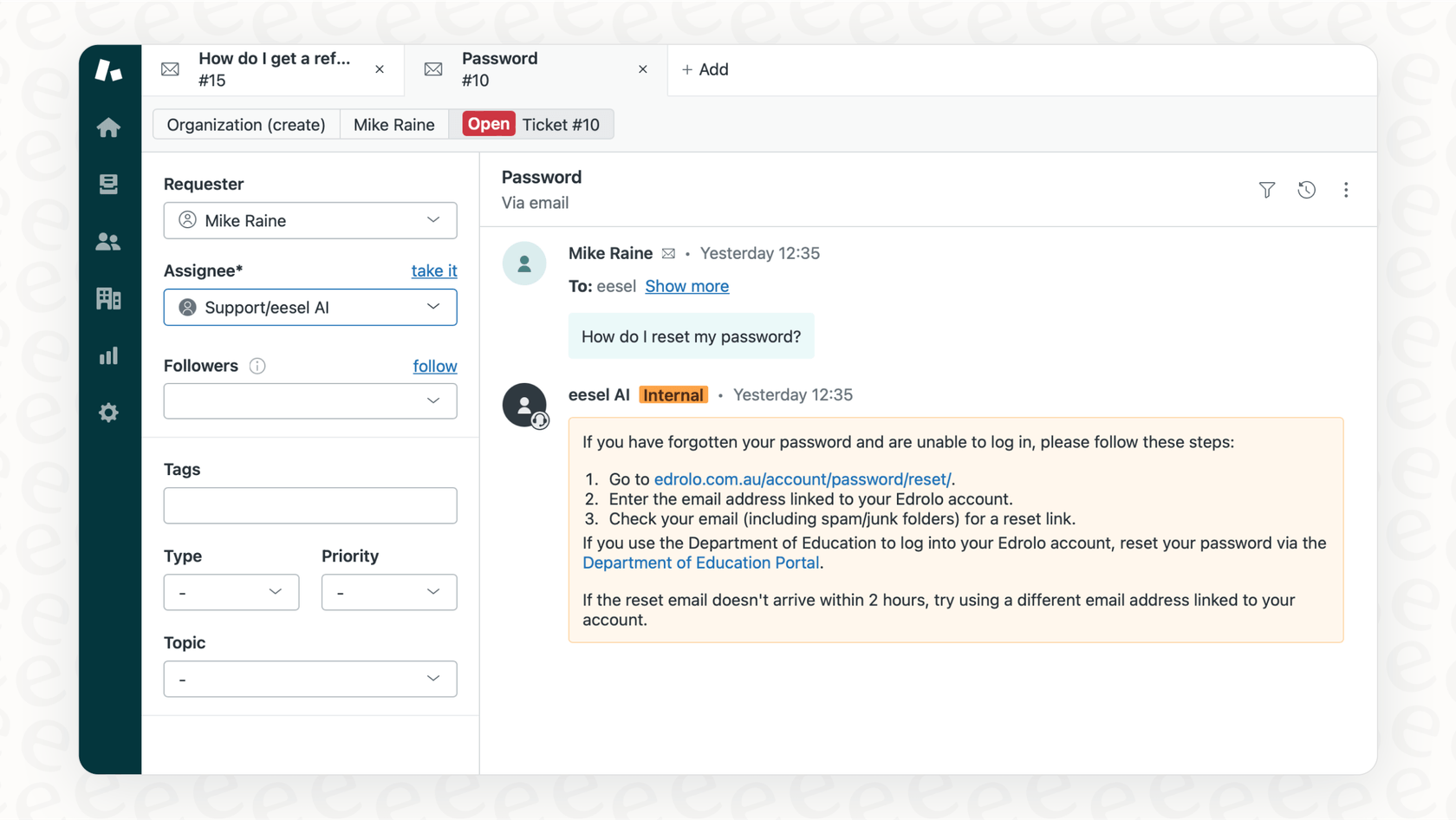
The adoption process is gradual. With eesel, you start with guidance. You can configure it to just tag tickets or draft replies for your agents to review. Once you verify its performance, you can level it up to full autonomy. This step-by-step approach allows you to maintain control and build trust in the system.
A smarter way forward
Zendesk Talk's call blocking feature is a foundational tool for managing unwanted phone calls. It provides the basic means to stop known spammers and reduce some phone line noise. However, it is a reactive, channel-specific solution that requires manual upkeep.
Modern support teams often deal with low-value interactions from all sides. Spam, out-of-office replies, and other simple tickets can affect every queue, not just the phone. To get ahead, a broader approach that covers all channels may be beneficial.
Moving from number blocking to AI-powered triage can help build a support system that is efficient, scalable, and less frustrating for your team.
Want to see what an AI teammate can do for your support queue? Try eesel AI for free and see how it can manage all your interactions, not just block a few phone numbers.
Frequently Asked Questions



Share this post
Article by
Kenneth Pangan
Writer and marketer for over ten years, Kenneth Pangan splits his time between history, politics, and art with plenty of interruptions from his dogs demanding attention.