

Let's be real, as developers, a huge chunk of our day is spent doing anything but coding. We're digging through fragmented information, juggling a dozen different tools, and dealing with repetitive tasks that have nothing to do with building cool stuff. AI keeps getting pitched as the solution, but the market is a mess of everything from simple code helpers to clunky enterprise platforms. The actual challenge isn't finding an AI tool; it's finding one that saves you time without just becoming another complicated thing you have to manage.
So, I decided to cut through the noise. I’ve spent time testing and digging into the top AI tools for developers that do more than just write code for you. This guide is all about the platforms that help you automate workflows, bring your knowledge together, and build smarter systems without the headache.
What are AI tools for developers?
When you hear "AI tools for developers," your brain probably goes straight to code completion, like GitHub Copilot. And yeah, those are great, but the category is a lot bigger than that. For this guide, I'm focusing on the tools that help us fix systemic problems and build out powerful automations.
These tools are less about writing one-off functions and more about:
-
Automating workflows: Think about connecting your helpdesk to your project management tool to handle things like routing tickets, reporting bugs, or analyzing user feedback automatically. It’s about making your systems talk to each other so you don't have to.
-
Unifying knowledge: We all have documentation scattered across Confluence, Google Docs, and old Slack threads. These tools help create a single, searchable source of truth from all that chaos.
-
Deploying custom AI: They give you the APIs and frameworks to build and launch your own custom AI agents or assistants, without needing a PhD in machine learning. Basically, they provide the engine, and you get to build the car.
These are the platforms that let you use AI at a systems level, making the whole process of developing and supporting software a lot smoother.
How I picked the top AI tools for developers
My evaluation was pretty straightforward: I focused on what actually matters to a development team trying to ship features and keep complex systems running. I didn't get distracted by flashy feature lists; I tested these tools based on a few core criteria.
-
API and customization: How easy is it to plug this thing into our existing stack? Does it have solid APIs and webhooks that let us build the custom workflows we actually need?
-
Developer experience (DX): Is the platform something I can just sign up for and use? Is the documentation clear? Can I get started and see some value in a few minutes, or am I going to get stuck in a sales cycle for a month?
-
Integrations: Can it connect to the tools my team already lives in every day? I’m talking about Zendesk, Jira Service Management, and Notion.
-
Control and scalability: Does the tool give me fine-grained control over how it behaves? Can I test changes in a safe way before I push them live?
The 5 top AI tools for developers: A quick look
Before we get into the nitty-gritty, here’s a quick rundown of the tools that made the cut.
For building completely custom support and internal automations, eesel AI is a standout because of its developer-first features like AI Actions and a simulation mode. If your goal is to centralize team communication and build workflows around it, Slack remains a powerhouse with its extensive APIs.
For teams deep in the Zendesk world, Zendesk Sunshine offers powerful ways to build custom apps right inside their ecosystem. Similarly, Atlassian Intelligence is the go-to for AI-powered project management if you're already using Jira and Confluence. And for creating flexible internal wikis and tools, Notion and its API are hard to beat.
A detailed review of the 5 top AI tools for developers
Alright, let's break down each tool and what makes it a strong contender for a developer's toolkit.
1. eesel AI
_
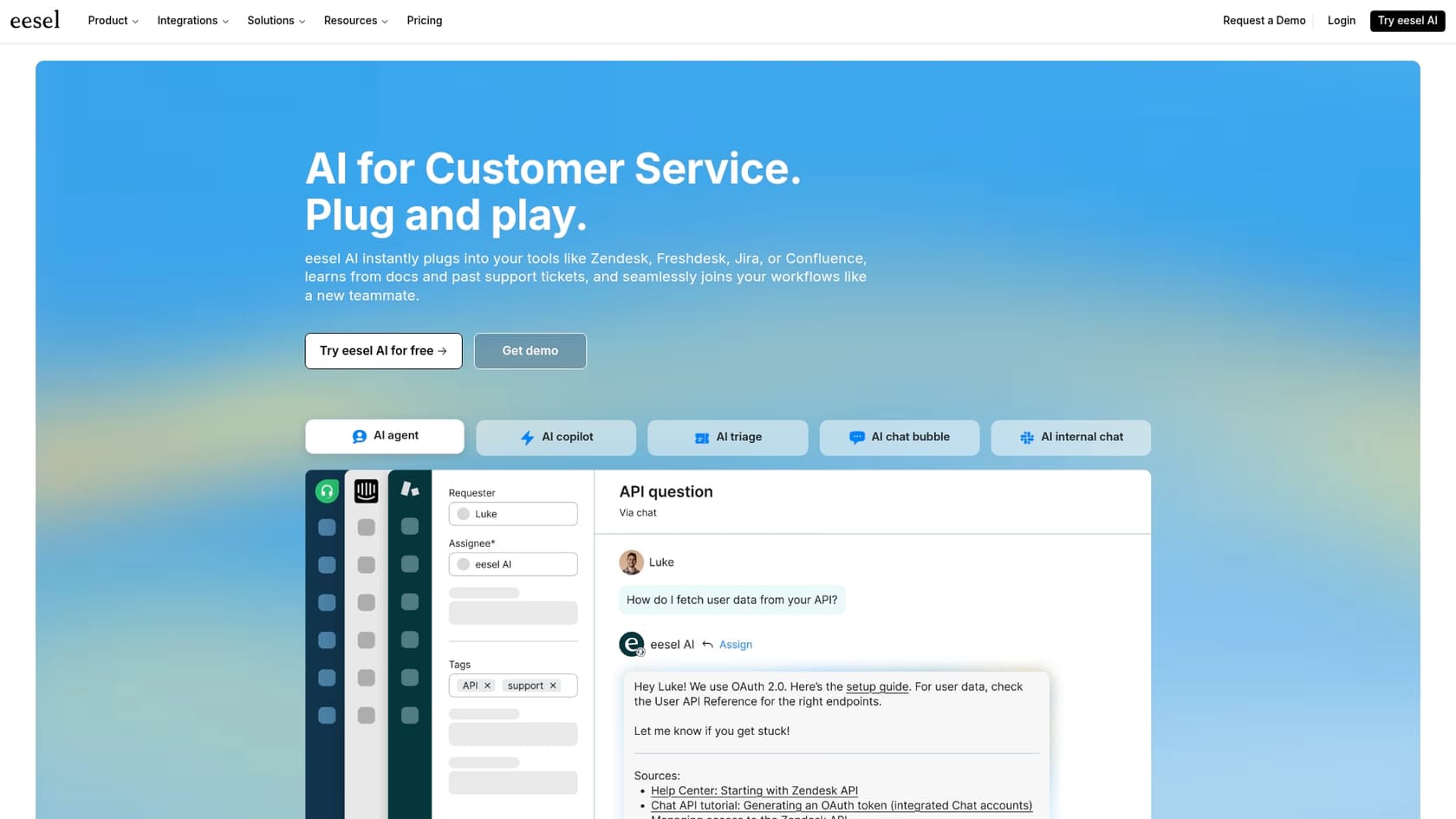
What I like about eesel AI is that it feels like it was built for developers and support teams who want to create powerful, custom AI automations without having to start from zero. Instead of locking you into its own little world, it plugs right into your existing helpdesk (like Zendesk or Freshdesk) and knowledge sources. It acts as a smart, customizable layer on top of the stack you already have.
For developers, the real magic is the amount of control it gives you. The platform’s AI Actions let you define custom API calls, which means the AI Agent can do things like look up order details in a Shopify database, check a user's subscription status in your internal system, or create a Jira ticket with all the context from a support chat. This is what turns a simple Q&A bot into a genuine workflow automation tool.
Another big win is the developer experience. You can sign up and get a functional AI agent running in minutes, all on your own. Before you push it live, you can use the Simulation Mode to test your setup against thousands of your past tickets. This gives you a clear idea of how it will perform and lets you tweak its behavior in a safe sandbox. As a developer, that kind of risk-free testing is a huge relief.
What developers will like:
-
Custom AI Actions: You can connect to any internal or external API, letting the AI fetch data or kick off workflows anywhere.
-
Risk-free simulation: Test your agent on historical tickets to see how it’ll do and find any gaps before customers ever interact with it.
-
Broad integration support: It instantly connects to knowledge sources like Confluence, Google Docs, past tickets, and websites.
-
Self-serve onboarding: You can go from signing up to having a working AI agent in less than 10 minutes, no sales call required.
-
Transparent pricing: Costs are based on usage without weird, hidden per-resolution fees, so you can actually predict your bill.
2. Slack
_
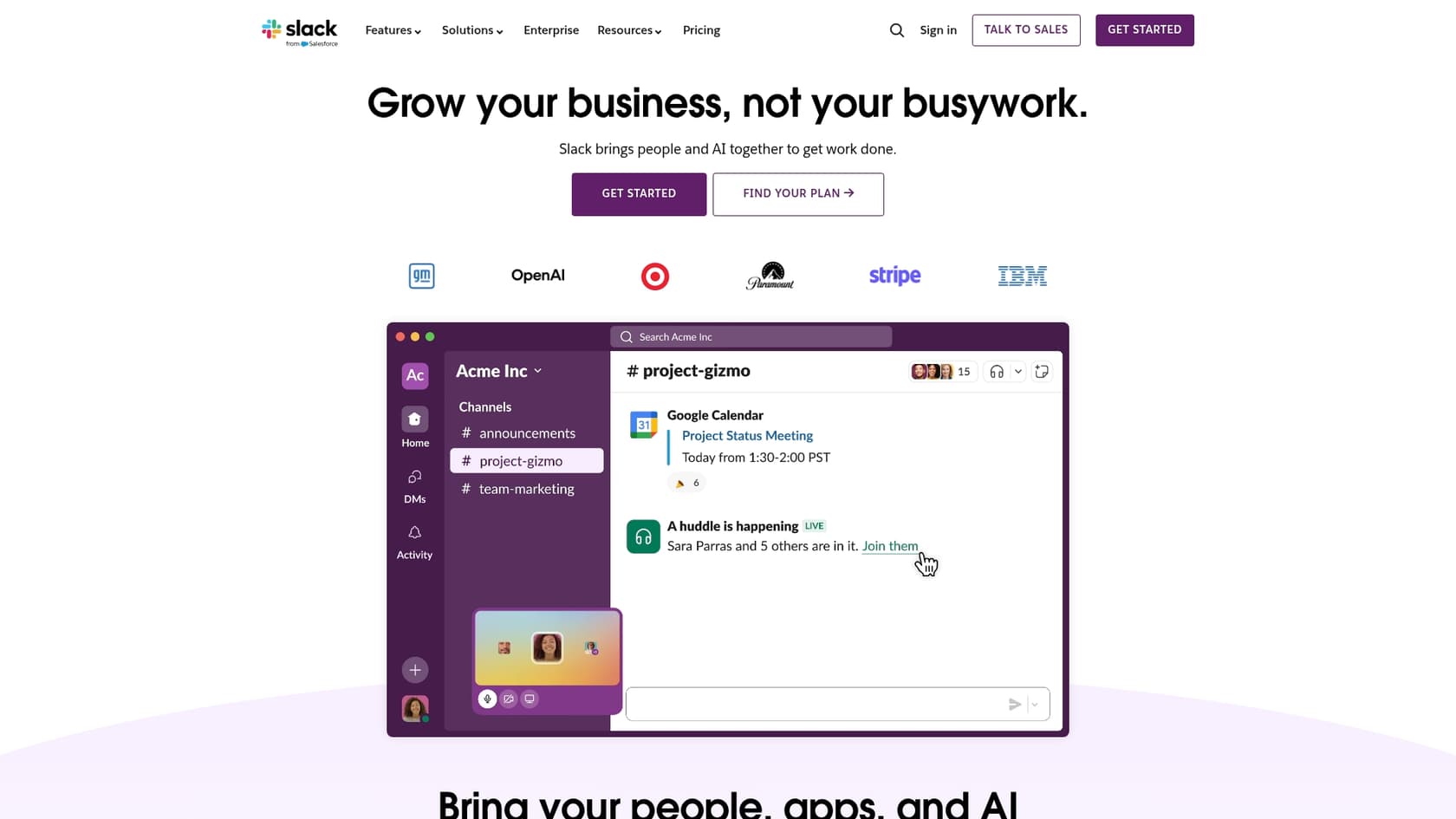
We all know Slack as the place where the work conversations happen, but it’s quietly become a serious development platform. For developers, its real value is in its powerful APIs and massive app marketplace. These let you build custom workflows and pull in notifications from your entire toolchain, from CI/CD pipelines to monitoring alerts.
With new AI features like enterprise search and AI-powered summaries, Slack is also turning into a central knowledge hub. Developers can build integrations that not only push info into Slack but also use AI to make that information easy to find and act on. For example, you could create a slash command that queries a database, uses AI to summarize the results, and posts the summary in a channel.
You’re not going to deploy a customer-facing support bot with Slack alone, but for building internal automations and making your own team more productive, it's pretty much essential.
What developers will like:
-
Robust APIs: A solid set of APIs for building custom bots, slash commands, and any integration you can think of.
-
Workflow builder: A no-code tool for creating simple automations that can also trigger your custom code via webhooks.
-
AI search: Makes it much easier to find information buried in channels and connected apps.
-
App directory: A huge marketplace of ready-to-go integrations for tools like GitHub, Jira, and countless others.
3. Zendesk Sunshine

_
If your team is already running on Zendesk, the Sunshine platform is a beast. Think of it as Zendesk’s open-platform toolkit that lets you connect and store data from your other systems right inside Zendesk using things like Custom Objects, Events, and Profiles.
For a developer, this means you can build a much more complete picture of your customer. You could create a custom object for "product subscriptions" that syncs directly with your billing system. That data then shows up for support agents in the sidebar and can be used to build custom workflows and reports.
The Zendesk API is massive, letting you programmatically control just about everything. This provides developers with a ton of power while building within the reliable Zendesk universe. It is a fantastic choice for teams that prioritize heavy customization and want to leverage the strength of a mature, enterprise-ready ecosystem.
What developers will like:
-
Sunshine platform: Lets you store and connect third-party data using Custom Objects, Events, and Profiles.
-
Extensive REST APIs: You can programmatically control almost every part of the Zendesk suite.
-
Developer SDKs: Build apps and integrations that live right inside the Zendesk agent interface.
-
Federated search: You can include content from external sources in your help center search results.
4. Atlassian Intelligence
_
For the millions of us living in Jira and Confluence, Atlassian Intelligence brings a bunch of AI-powered features directly into our main workspace. It’s not a separate product you buy, but a layer of capabilities woven into the Atlassian tools you already use.
Developers can use it to summarize long documents, write SQL queries using plain English, and get AI-assisted answers based on their Confluence knowledge base. The deep integration with Jira is especially useful, as it can help draft comments, summarize long issue threads, and analyze project progress.
While Atlassian has great APIs for its products, the AI features are less about building custom things and more about making the existing experience better. It’s a huge productivity boost for teams committed to the Atlassian stack, but it’s not the platform you'd choose to build a standalone AI agent.
What developers will like:
-
Deep ecosystem integration: AI features are right there inside Jira, Confluence, and other Atlassian tools.
-
Natural language to SQL: Generate database queries in Jira Service Management just by asking.
-
AI-powered search: Get answers that have context from your internal docs and projects.
-
Content generation: Helps with drafting and summarizing pages, comments, and project updates.
5. Notion
_
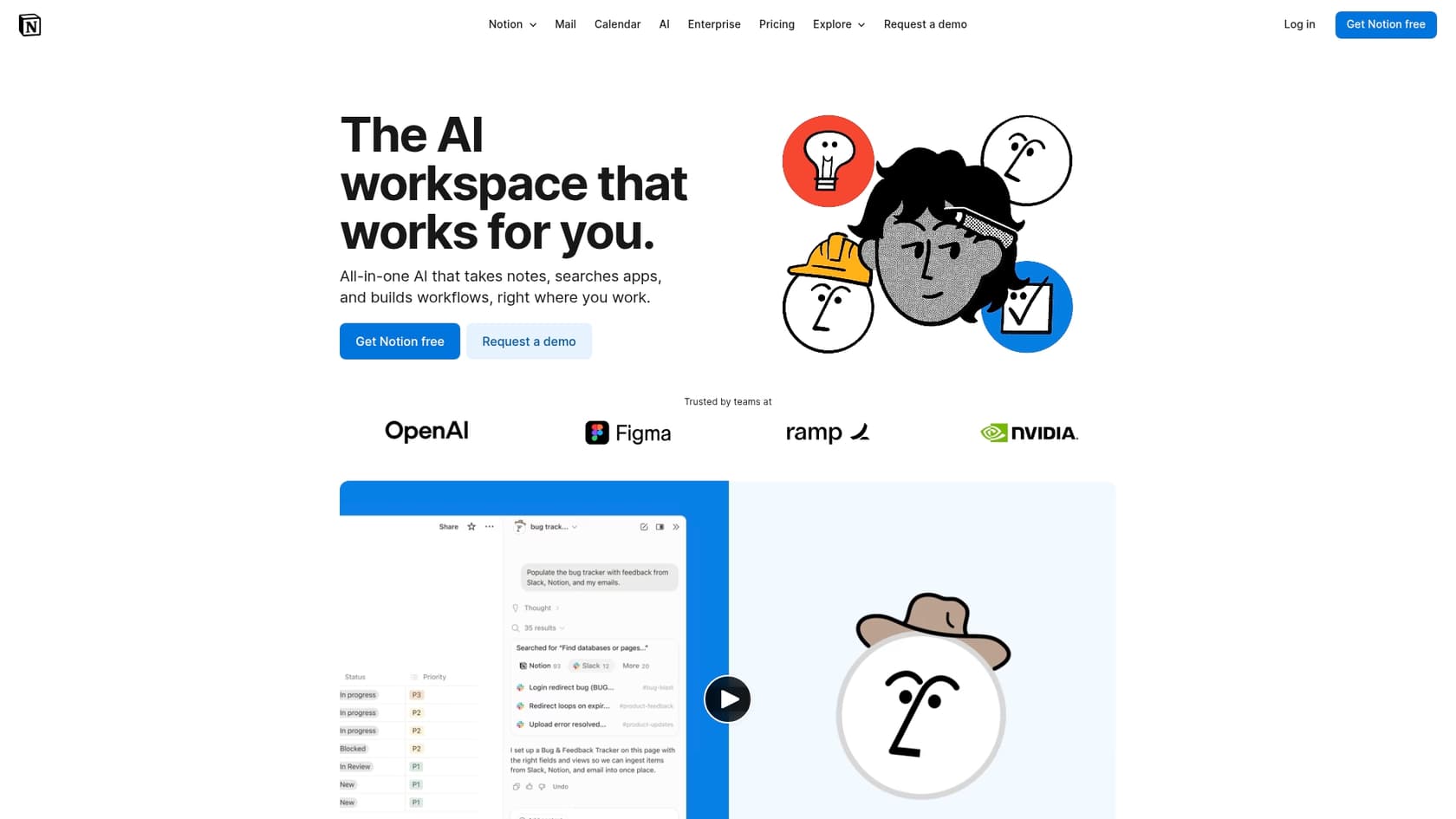
Notion is like a set of digital LEGOs, and for developers, its API is what turns it from a simple documentation tool into a lightweight internal app builder. With the Notion API, you can create, update, and query pages and databases programmatically, which opens the door to building some surprisingly powerful internal tools.
For example, you could set up a workflow that automatically creates a new page in a "Bug Reports" database every time a specific label is added in GitHub. Or you could build a custom dashboard that pulls data from several Notion databases into one view. Notion AI can help summarize content or generate first drafts, but for developers, the API is where the real power is.
The main thing to keep in mind is that Notion's search can start to feel a bit slow as a knowledge base gets really big. It's perfect for structured databases and wikis that you're actively managing, but it’s less suited to be a hands-off, scalable knowledge source for an AI agent that needs to search thousands of unstructured documents quickly.
What developers will like:
-
Robust API: Create, read, update, and delete pages and database entries with code.
-
Database automations: You can build simple, no-code workflows right inside Notion databases.
-
Flexible data structures: Use pages, databases, and blocks to model just about any kind of information.
-
Integration with Notion AI: Leverage AI for content summarization and generation within the tools you build.
How to choose the right tool
Picking the right tool really comes down to your goals and what your tech stack looks like right now. Here are a few thoughts to help you decide.
-
Build vs. buy (or something in between): Do you want to build everything from scratch on a platform like Zendesk Sunshine, or would you rather use a tool like eesel AI that handles the core AI work so you can focus on customizing and integrating it? That hybrid approach often gives you the best mix of speed and control.
-
Watch out for ecosystem lock-in: Be careful with tools that demand you move your entire helpdesk or knowledge base over to their platform. Tools that can integrate with the systems you already use are way more flexible and less of a pain to implement.
-
Start with a real problem: Don't just get an AI tool for the sake of it. Find a specific, painful problem, like too many tickets about password resets or a messy internal wiki, and pick the tool that's best at solving that one thing first.
-
The developer experience matters: The best tool is the one your team will actually want to use. Look for self-serve onboarding, clear documentation, and a sandbox or simulation environment where you can test things safely.
Build smarter, not harder
At the end of the day, the top AI tools for developers aren't here to replace us. They're here to handle the repetitive, boring stuff so we can focus on solving bigger and more interesting problems. Whether you're trying to automate customer support, streamline your internal workflows, or just get your documentation in order, there's a platform out there that can help.
The trick is to choose a tool that fits into your existing workflow and gives you the right amount of control and flexibility. Platforms that are self-serve, API-first, and play nicely with your current stack, like eesel AI, let you start delivering value right away without getting stuck in a six-month implementation project.
Ready to see how an AI agent can automate your support workflows? Try eesel AI for free and get your first AI agent deployed in minutes.

Frequently asked questions
These tools go beyond simple code suggestions. They focus on system-level problems like automating workflows, unifying scattered knowledge, and providing frameworks to [deploy custom AI agents](https://www.eesel.ai/blog/ai-agent-examples), aiming to streamline entire development and support processes.
Start by identifying a clear problem, then look for tools that offer strong APIs, good developer experience, and crucial integrations with your existing stack. Consider a hybrid approach that balances building custom solutions with leveraging ready-made AI capabilities.
Many of the top tools are designed to integrate with your current systems like Zendesk, Confluence, and Google Docs, rather than demanding a full migration. This flexibility is a key criterion, ensuring they fit into your existing workflow without ecosystem lock-in.
A good developer experience is prioritized, often including self-serve onboarding, clear documentation, and robust APIs. Tools like eesel AI even offer simulation modes to test changes safely before deployment, reducing risk and accelerating adoption.
They enable [automated routing of support tickets](https://www.eesel.ai/product/ai-triage), analysis of user feedback, and connecting disparate tools like helpdesks to project management systems. Custom AI Actions allow the AI to interact with internal or external APIs to fetch data or trigger complex workflows.
While scalable for enterprises, many of these tools offer self-serve onboarding and flexible pricing, making them accessible and beneficial for smaller development teams. They help any size team reduce repetitive tasks and focus on more impactful work.
They connect to and index information from various platforms like Confluence, Google Docs, and Slack threads. This allows you to create a [single, searchable source of truth](https://www.eesel.ai/blog/internal-search), making it much easier for both humans and AI agents to find relevant information.
Share this article

Article by
Kenneth Pangan
Writer and marketer for over ten years, Kenneth Pangan splits his time between history, politics, and art with plenty of interruptions from his dogs demanding attention.
