

Disclosure: This article is published by eesel AI, a competitor of ServiceNow. We encourage you to read ServiceNow's own materials for their perspective.
ServiceNow is one of the most widely deployed enterprise platforms in the world. Its promise is sweeping: connect every department in your company on a single system, with AI running end-to-end across IT, customer service, HR, and beyond. But the breadth of that promise is also what makes it hard to evaluate, especially when you're trying to solve one specific problem.
This guide breaks down ServiceNow's main products for IT and customer support: what each one actually does, where it works well, where it doesn't, and what the pricing process looks like. The goal is a clear picture of who ServiceNow is genuinely built for, and where a more targeted AI layer might serve you better.
What is ServiceNow?
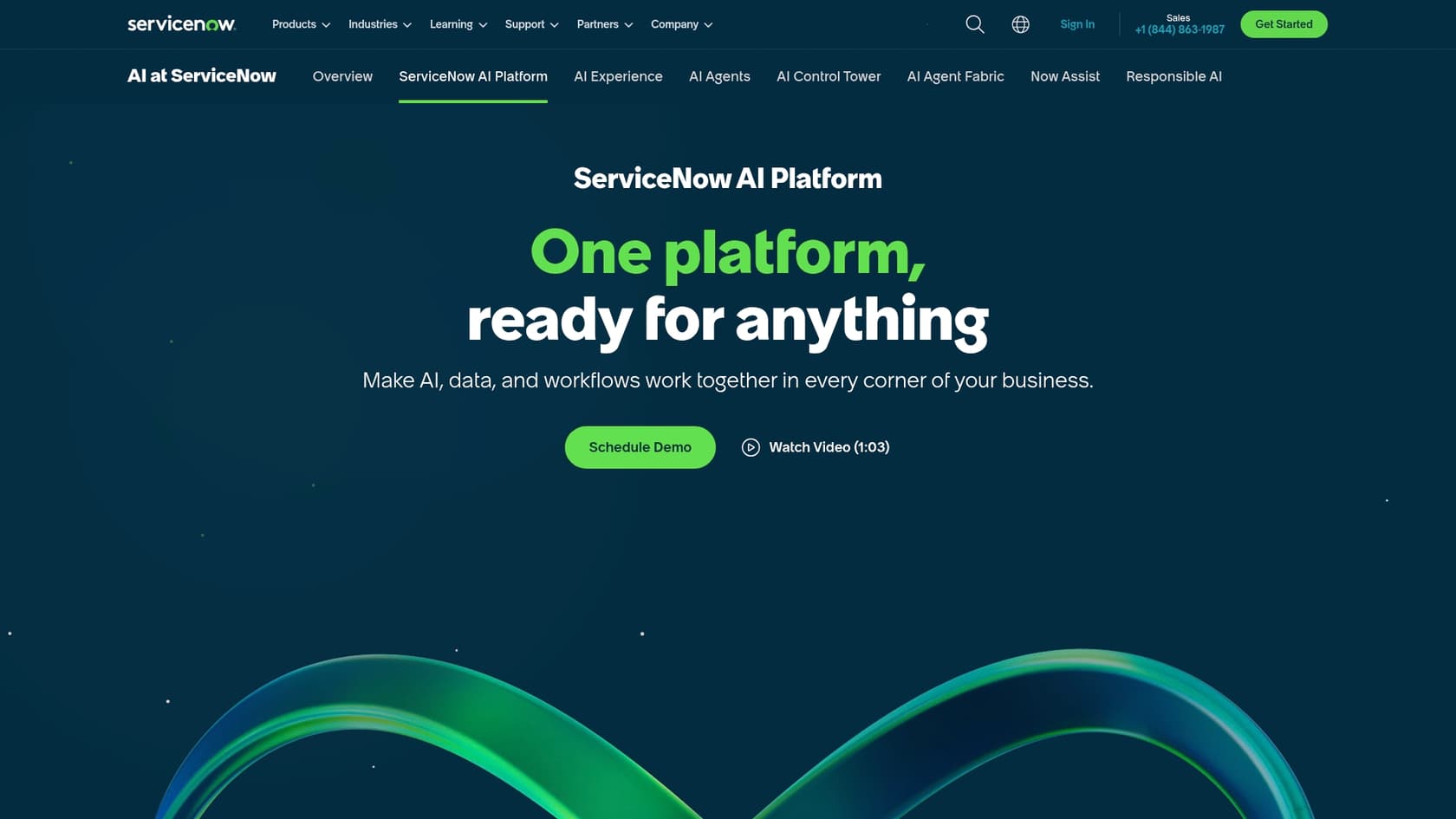
At its core, ServiceNow is a cloud platform built to automate and manage workflows across an entire organization. The company made its name in IT Service Management and has since expanded into Customer Service Management (CSM), HR Service Delivery, Security Operations, and more. The central pitch is a unified system of record: one platform, one data model, work flowing across departments without manual handoffs.
The scale of their customer base reflects who they serve. More than 85% of the Fortune 500 use ServiceNow (source), including Visa, FedEx, Adobe, and Booking.com. The platform runs more than 95 billion workflows and claims a 98% renewal rate. ServiceNow's strengths emerge at global enterprise scale, where the depth of configuration and cross-department connectivity justify the investment required to get there.
A closer look at ServiceNow ITSM
IT Service Management is ServiceNow's original and still most important product. The platform describes it as: "Automate core IT processes and manage incidents, problems, and changes with ITSM. Unify AI, data, and workflows purpose-built on the ServiceNow AI Platform to create exceptional IT service experiences for every corner of your business." (source)
Key features of ServiceNow ITSM
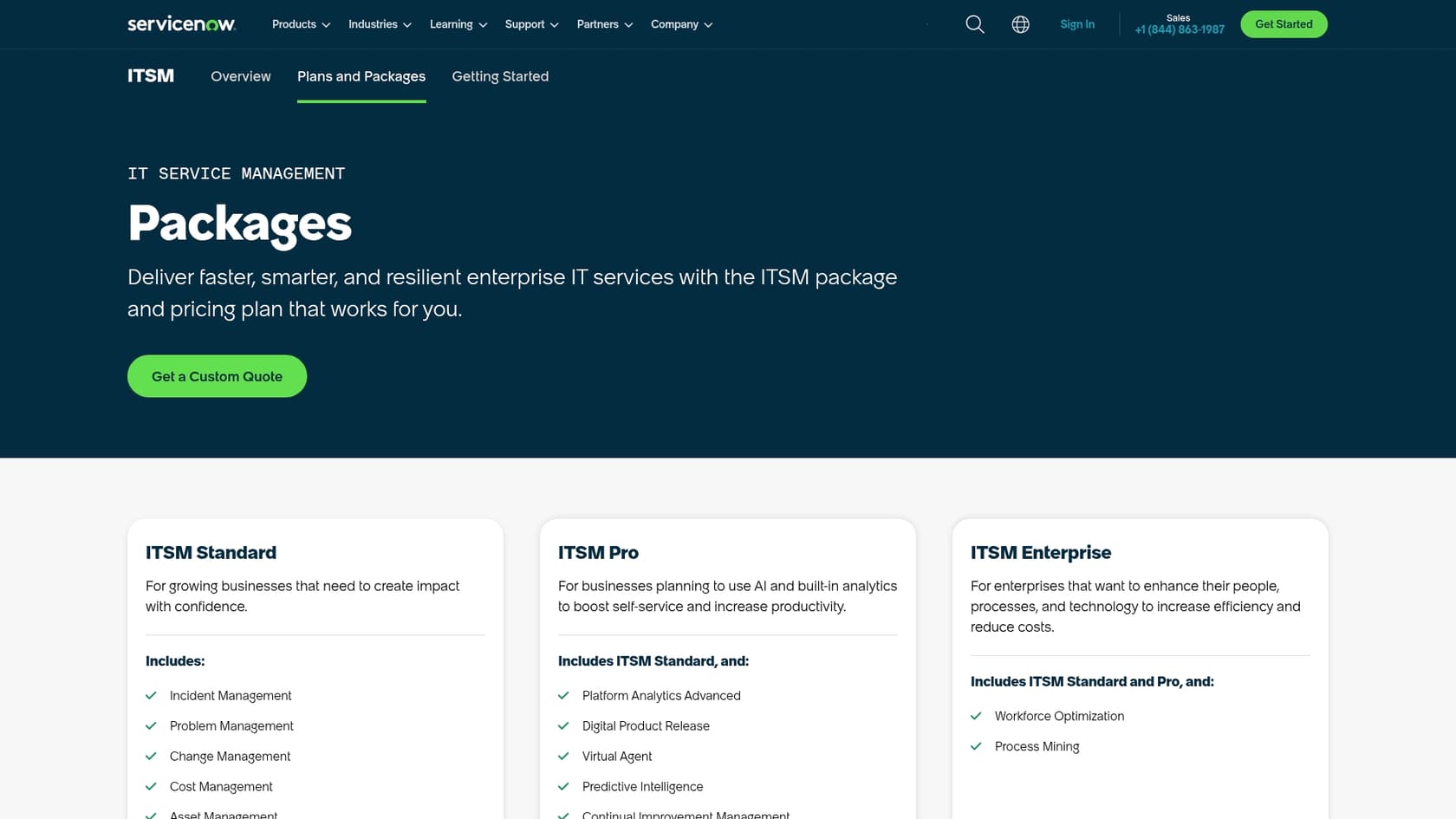
ITSM is sold in three pricing tiers (Foundation, Advanced, and Prime), each building on the last. Here's what the product covers:
-
Incident, Problem, and Change Management: Structured workflows for restoring services after outages (Incident), identifying root causes to prevent recurrence (Problem), and governing updates to your IT infrastructure (Change).
-
Request Management and Service Catalog: A self-service portal where employees request hardware, software, and IT help from a defined catalog, with fulfillment workflows tracked on the platform.
-
Knowledge Management: A built-in system for creating, maintaining, and surfacing support articles, designed to reduce ticket volume by enabling employee self-service.
-
Virtual Agent (Foundation and above): A conversational chatbot with multi-turn capability, natural language understanding, and channel integrations including Slack and Teams.
-
Now Assist (all tiers): ServiceNow's GenAI layer, covering incident summarization, recommended next actions, AI search, and content generation.
-
ITSM Prime agents (Prime only): Autonomous agents including AI Agents and the L1 AI Specialist that handle end-to-end IT support requests using enterprise knowledge, historical incident data, and proactive remediation workflows.
Why large organizations choose ServiceNow ITSM
For a large IT organization, the platform's strengths are real.
Unified data model. Incidents, requests, assets, knowledge articles, and configuration items all live in one system. A G2 reviewer describes it as "a centralized place to log, track, and resolve application issues while maintaining clear ownership and SLAs." Another says the platform "creates a sense of order, making it easier to trust the process and focus on solving problems rather than chasing them."
Workflow automation at scale. ServiceNow's workflow engine handles complex multi-step automation across teams and systems. G2's AI-summarized theme from real reviews: users "consistently praise the product for its workflow automation and centralized management of IT services, which significantly enhances efficiency and reduces manual effort."
Depth of AI in the Prime tier. The L1 AI Specialist in ITSM Prime is designed to resolve common IT requests end-to-end using historical incident data and proactive remediation. ServiceNow reports that internally their Autonomous Workforce is handling 90%+ of employee IT requests (source).
Documented customer outcomes. ITSM customer stats include Fonterra's 92% improvement in MTTR for high-priority incidents, USI's 47%+ decrease in mean time to resolution with AI, and Griffith University's 87% increase in overall self-service rate.
The limitations: is it a good fit for your team?
The all-in-one model comes with trade-offs worth understanding before committing.
Significant configuration overhead. ServiceNow is not a tool you activate and use the same day. A full ITSM implementation involves workflow configuration, data migration, and change management. G2 reviewers cite "Learning Curve" as the top complaint tag (72 mentions), followed by "Expensive" (60) and "Complexity" (56).
Cost and ROI clarity. ServiceNow pricing is not publicly listed; request a quote. As one G2 reviewer sums it up: "Pricing is relatively expensive and the ROI tends to be clearer for larger organizations than for smaller teams."
AI features require the right tier and configuration. As one G2 reviewer notes, "the AI and intelligence features are promising, but they can feel limited unless they are properly configured and licensed." The most capable AI features (the L1 AI Specialist and full AI Agents) are only available in the Prime tier.
For teams wanting AI for ITSM without a major implementation project, eesel AI connects directly to the helpdesk you already use, such as Jira Service Management or Zendesk. Its AI Agent learns from your past tickets and knowledge sources and starts automating support in days rather than months, at fixed monthly credit pricing rather than an enterprise licensing process.
ServiceNow Customer Service Management (CSM)
After establishing its position in IT, ServiceNow expanded into customer-facing support with its Customer Service Management suite. The premise is the same as ITSM: a unified platform that connects customer service teams with the rest of the organization, so resolving customer problems doesn't require bouncing across disconnected systems.
What's inside ServiceNow CSM?
Like ITSM, CSM is sold in tiers. Core capabilities include:
-
Case Management and Agent Workspace: A central interface for agents to manage customer cases, access customer history, and coordinate with other departments.
-
Omnichannel support: Customer interactions across web portals, chat, and phone. Messaging channels are available in the Professional package and above.
-
Self-service portals and knowledge management: Customer-facing portals for finding answers without agent involvement, reducing common inbound volume.
-
AI features via Now Assist (higher tiers): Proactive Customer Service Operations, Task Intelligence for case analysis, and Virtual Agent for conversational self-service.
Where ServiceNow CSM does well
ServiceNow's distinctive value in customer service is cross-departmental connectivity. When a customer issue requires input from engineering, finance, or IT, and those teams also use ServiceNow, the platform can orchestrate end-to-end workflows without switching systems. This is genuinely difficult for point solutions to replicate.
The IT Operations Management integration is another real differentiator: when paired with ITOM, ServiceNow can detect system-wide issues affecting customers and automatically create cases or send notifications before the first complaint arrives.
Limitations of the platform approach
Platform consolidation. ServiceNow CSM is designed around being the system of record for customer interactions. The primary pitch on the product page is consolidation onto a unified data model. Organizations already running a purpose-built helpdesk will need to weigh migration costs against platform benefits.
External knowledge sources. ServiceNow's knowledge management is built primarily around content inside the platform. If your product documentation lives in Confluence, your support guides are in Google Docs, and your team communicates in Slack, surfacing that scattered knowledge inside CSM requires additional integration work. Workflow Data Fabric supports external connectors, but the configuration burden is real.
This is a practical constraint for teams whose knowledge is distributed. eesel AI is built for this scenario: rather than consolidating everything into one system, it connects to your existing sources (help center articles, past tickets, documents, internal tools) and makes them available inside the helpdesk you already use, including Zendesk. You can read more about how to build a useful internal knowledge base that spans your tools.
ServiceNow pricing: what to expect
ServiceNow pricing is not publicly listed; request a quote. Whether you're evaluating ITSM, CSM, or the broader platform, every plan is sized through a custom sales process.
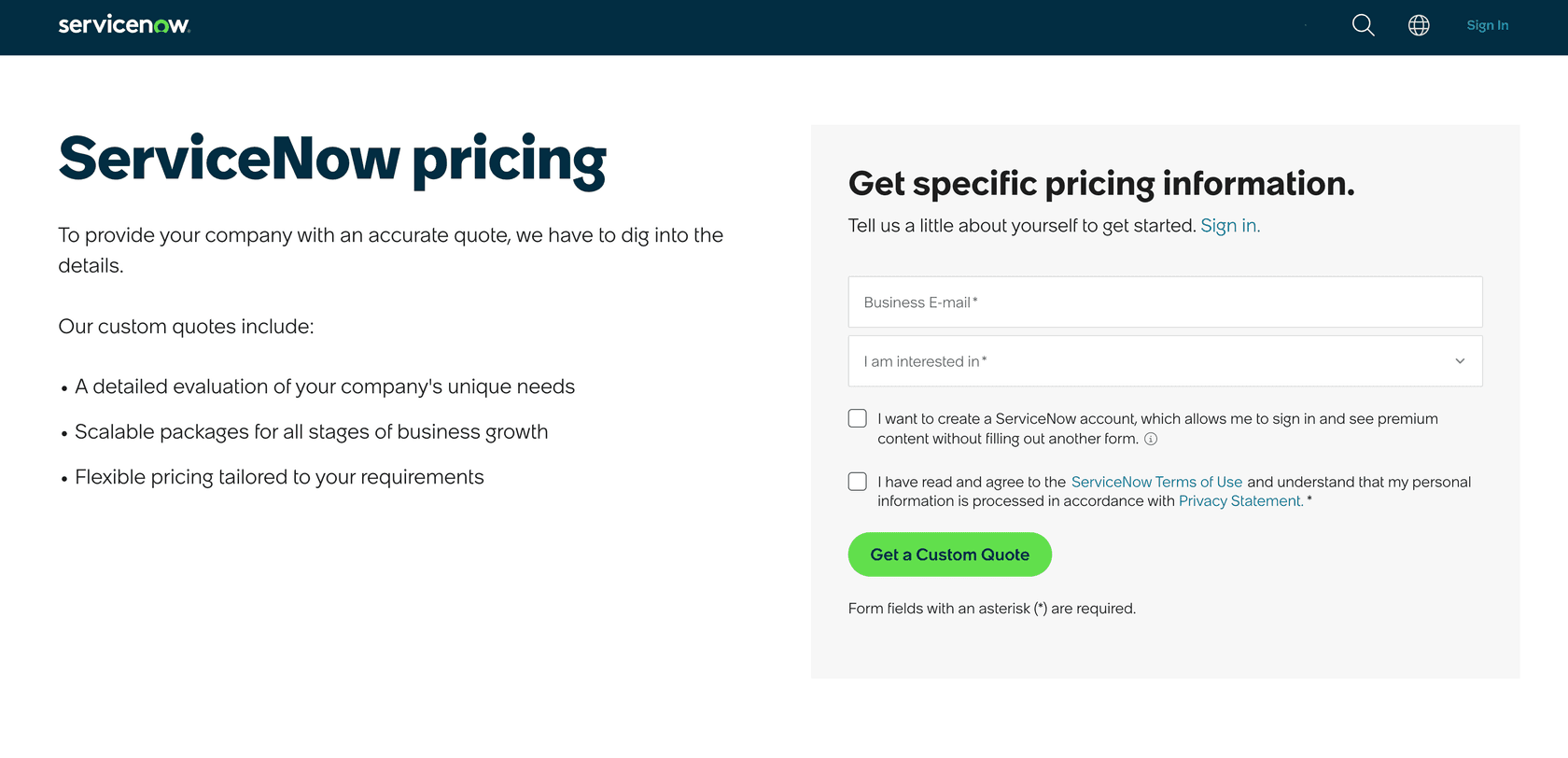
What the ITSM pricing page does disclose: three named tiers (ITSM Foundation, ITSM Advanced, and ITSM Prime), with a feature comparison table. Every tier terminates in a "Get Custom Quote" call to action. The same pattern applies to the AI Control Tower ("Contact Us for Pricing") and Now Assist.
Third-party consultancies such as Unthread and RedressCompliance publish estimated ranges, often citing $70-$200 per fulfiller per month for ITSM with Now Assist adding 25-60% on top, but those figures are not published or confirmed by ServiceNow. Treat them as third-party estimates, not authoritative pricing.
The practical implications of the custom-quote model:
- Deals require a multi-step sales process: demos, discovery calls, and negotiation before you see a number.
- Feature access varies by tier, so the total cost depends on which capabilities your deployment actually requires.
- Implementation services, system administration, and ongoing customization are costs above and beyond the license.
| ServiceNow | eesel AI | |
|---|---|---|
| Pricing model | Custom quote (pricing not publicly listed) | Credit plans: from $299/mo (500 credits) |
| Public pricing | No | Yes, eesel.ai/pricing |
| Billing metric | Per user and per agent (role-based) | Per credit (1 credit per ticket or chat), regardless of team size |
| Implementation | Requires partner or dedicated internal team | Self-serve setup, no implementation project required |
| Trial | Requires sales-led demo | Self-serve free plan with 100 credits, no credit card |
The contrast in pricing transparency is notable. eesel AI publishes all pricing publicly, with a free trial you can start without talking to sales.
The verdict: is ServiceNow the right call for your team?
ServiceNow is a genuine fit for large global organizations that want a unified operating platform: one system for IT, HR, customer service, and more. If you have the budget, the internal resources, and the appetite for a serious deployment, the depth and cross-department connectivity of the platform are hard to match. 85% of Fortune 500 companies (source) have made that calculation.
It is a much harder fit for fast-moving teams, mid-market companies, or anyone who wants to add AI and automation to tools they already use without undertaking a large-scale platform migration. The sales process is long, the implementation is substantial, and the most powerful AI capabilities live in the most expensive tiers.
The good news is that enterprise-grade AI for customer support and IT no longer requires a full platform migration. Modern AI layers connect to your existing helpdesk, learn from your historical tickets and knowledge sources, and start resolving requests in days.
A faster, more flexible alternative to ServiceNow
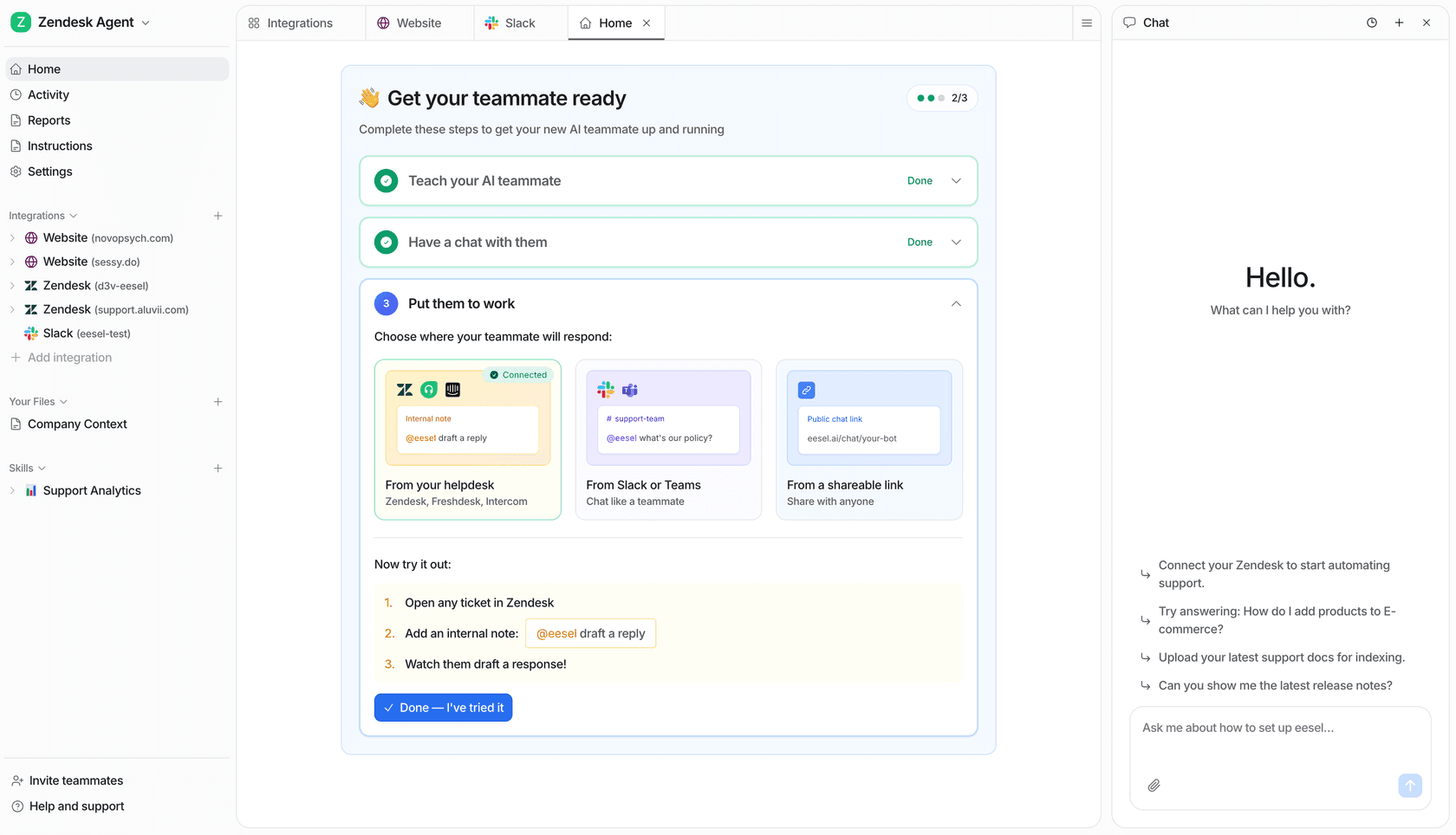
If you want the benefits of AI-powered support without the overhead of a full platform migration, eesel AI is worth a close look. Rather than replacing your existing tools, eesel acts as an intelligent layer on top of them.
Here's how it's different:
-
Connect and start in minutes. Link your helpdesk, knowledge bases, and document sources to eesel AI and begin automating tickets without a lengthy implementation project. From $299/month for 500 credits, with a free plan of 100 credits and no credit card required.
-
Works with the tools you have. eesel AI integrates directly with Zendesk, Slack, Confluence, and Google Docs, among others. Your existing stack stays in place.
-
Test before you go live. With eesel's simulation mode, you can run the AI against thousands of your past tickets and see exactly how it would have responded, before a single customer sees it.
Ready to see what AI automation looks like without the enterprise overhead? Try free or book a demo to see it in action.
Frequently asked questions
How long does a ServiceNow implementation typically take, and how complex is it?
Implementation varies considerably by scope. Narrow deployments can go live quickly; ServiceNow cites Stellantis onboarding 48,000 employees in a single day. Full enterprise ITSM or CSM rollouts involve deep workflow configuration, data migration, and change management that typically span many months. ServiceNow does not publish a standard implementation timeline on its public product pages.
Beyond the license fees, what are the real costs of running ServiceNow?
ServiceNow does not publish dollar pricing publicly. All plans are custom-quoted via their pricing page. Beyond the license, buyers typically budget for implementation services, ongoing administration by certified specialists, and customization work. As one G2 reviewer notes, "pricing is relatively expensive and the ROI tends to be clearer for larger organizations than for smaller teams."
What kind of organization benefits most from ServiceNow, and who might find it less suitable?
ServiceNow is designed for large, global organizations running complex multi-department operations. More than 85% of the Fortune 500 use the platform, which reflects where it delivers clearest ROI. Smaller or faster-moving teams often find the configuration overhead and total cost difficult to justify. For teams looking to add AI automation to an existing helpdesk without a major migration, a lighter-weight option like eesel AI is worth evaluating.
Does adopting ServiceNow require replacing existing helpdesk tools?
Not necessarily. ServiceNow's Workflow Data Fabric supports connecting to external systems, and the platform's published materials describe integration with "any cloud, any model, and any data source." Organizations that buy ITSM as their primary ticketing system do typically consolidate onto ServiceNow over time, since the platform is designed around a unified data model. Whether full consolidation is required depends on how deeply existing tools are embedded in your workflows.