

Disclosure: This article is published by eesel AI, a competitor of ServiceNow. We encourage you to read ServiceNow's own materials for their perspective.
If you've spent any time working in a large company, you've probably come across ServiceNow. It's the platform running in the background, handling everything from IT support tickets to complex business workflows. Like most enterprise vendors, they're now embedding artificial intelligence directly into their platform.
But what does that actually mean for the people using it every day? This practical ServiceNow AI review gets past the marketing copy. We'll look at what the AI can do, clarify the pricing situation, and flag some real-world limitations - so you can figure out whether it's the right choice for your team, or whether a more flexible tool might be a better fit.
What is ServiceNow AI?
ServiceNow AI isn't a single product you can buy and switch on. It's a suite of AI tools built into the Now Platform, designed to automate business processes from start to finish. The goal is not just answering questions; it's about getting work done across the entire organization.
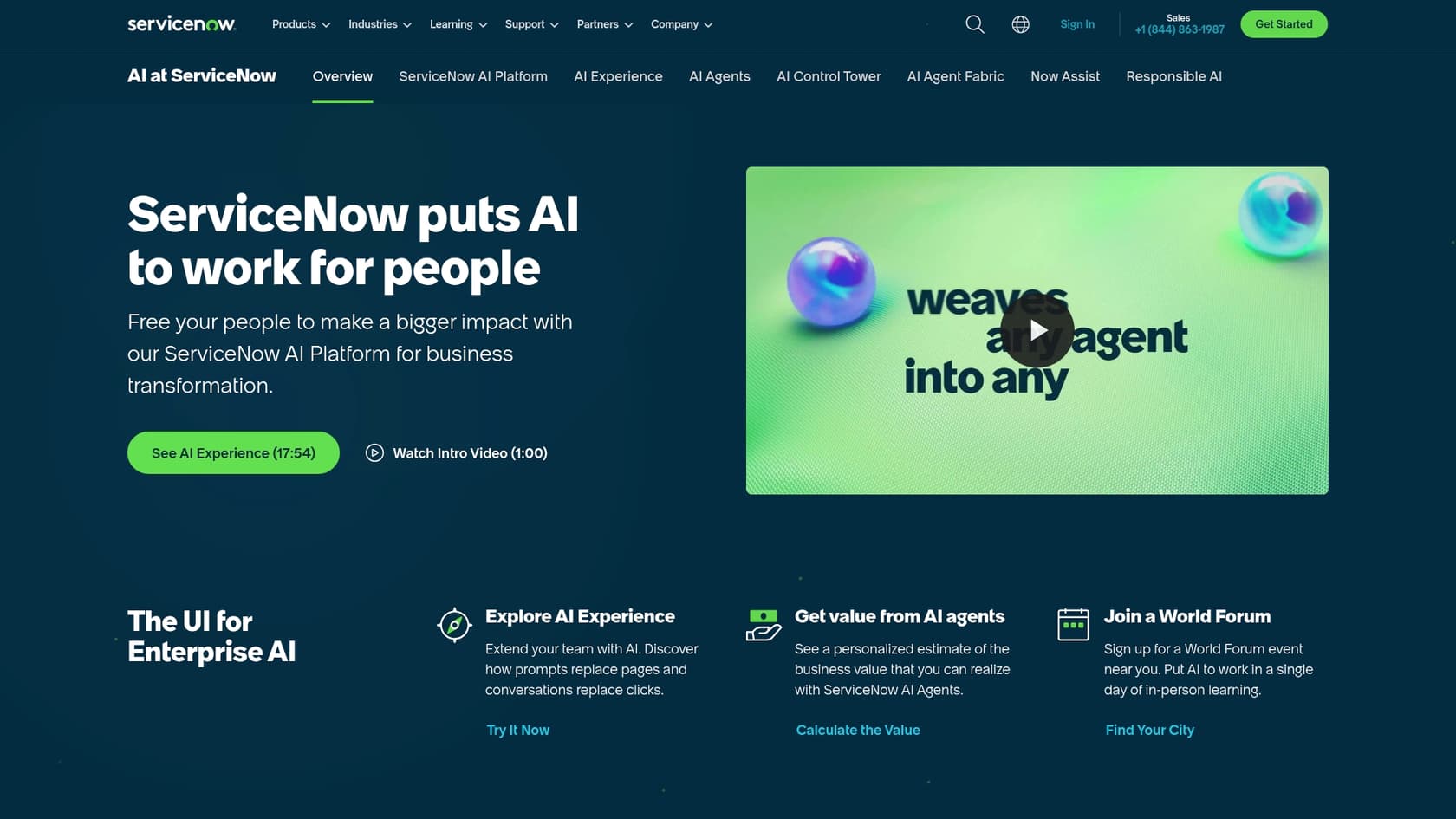
The system is built on several main components:
-
AI Agents: Designed to be autonomous systems that make decisions and handle multi-step tasks across different departments. ServiceNow describes them as tools that "act autonomously to get work done" (source), proactively solving problems in IT, customer service, HR, and other areas. If you want to understand how these fit into a broader picture, our guide to autonomous AI agents covers the concepts.
-
Now Assist: ServiceNow's brand for generative AI capabilities. It adds productivity features like case summarization, draft replies, and chatbot-powered self-service directly into the agent workspace.
-
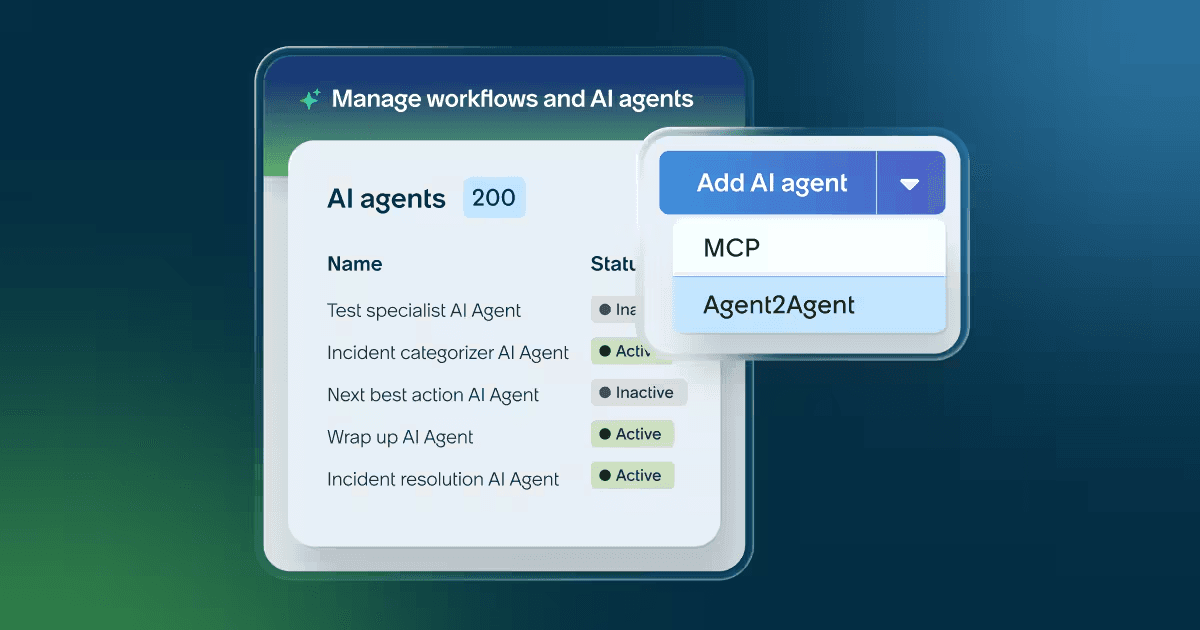
AI Agent Fabric: A framework that lets ServiceNow's AI agents connect to external tools - including Model Context Protocol (MCP) and Agent2Agent (A2A) protocol - unifying the AI landscape across third-party systems.
-
AI Control Tower: A central governance dashboard for monitoring and managing all AI activity across the platform, whether native to ServiceNow or third-party.
The bigger picture is AI coordination across the entire business from one platform, breaking down silos between IT, HR, and customer service.
ServiceNow AI features
ServiceNow's AI capabilities are genuinely powerful, but they're designed for a specific kind of large, complex organization. Here's what each major component actually does.
Autonomous AI agents and orchestration
ServiceNow's vision for AI Agents goes well beyond a simple chatbot. Per ServiceNow's own product page, these agents are built to "proactively solve problems and drive exponential productivity in IT, customer service, HR and every corner of your business." (source)
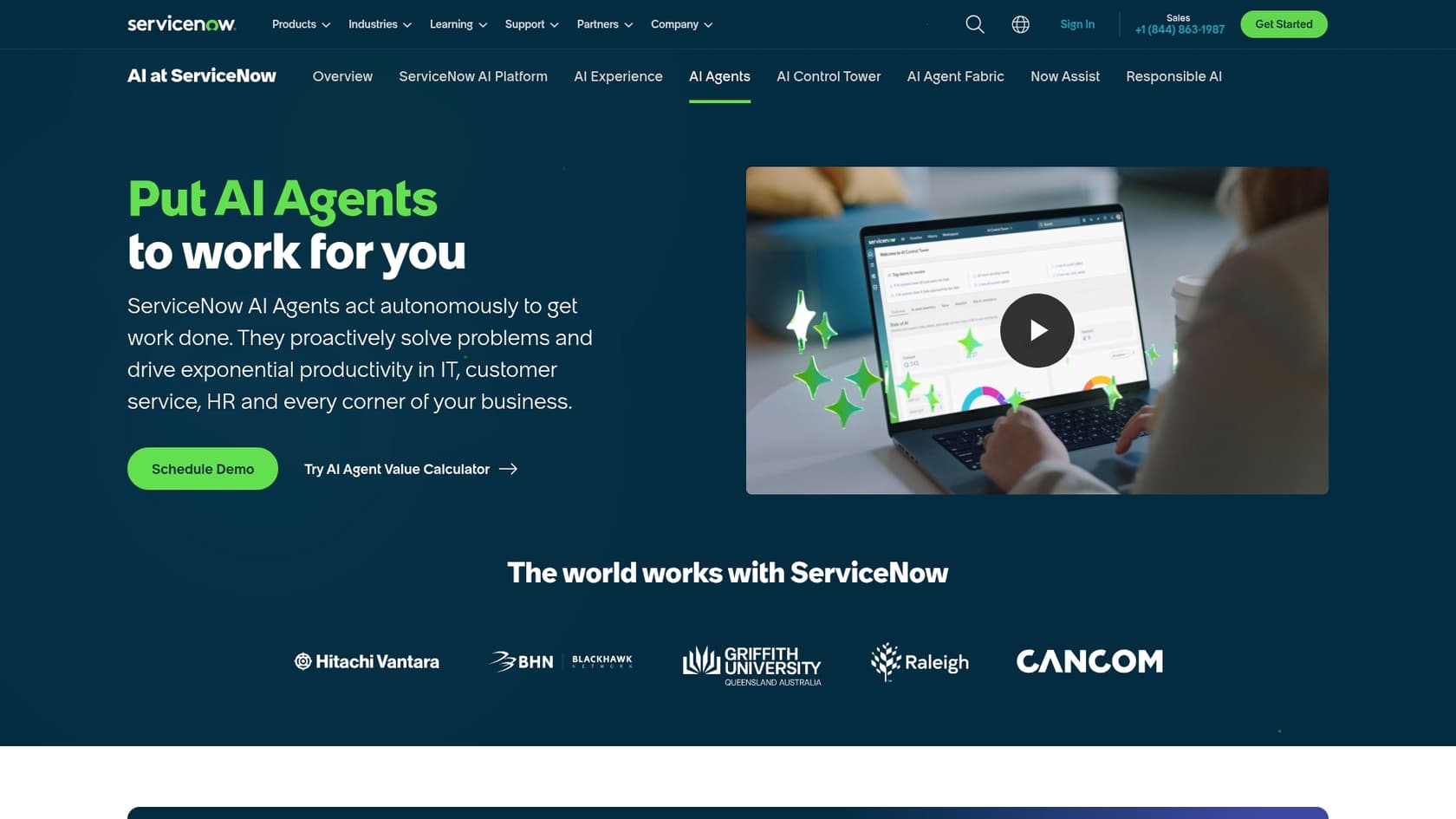
The architecture has five named components. The AI Agent Orchestrator coordinates teams of agents to achieve specific goals - it can break down a complex event like a major IT outage and assign different pieces to specialized agents, managing the process from initial alert through to resolution. For teams building custom agents, AI Agent Studio is a "development tool within the ServiceNow AI Platform" (source) that lets you build and customize agents using a natural language interface, without deep coding experience.
This is a serious system for large organizations already committed to the Now Platform. It's not something you plug in alongside another ticketing system and try out over a weekend - it's a fundamental part of a much larger operational architecture.
Now Assist for generative AI capabilities
For people working on the front lines, Now Assist is where the most immediate day-to-day impact shows up. It adds generative AI directly into agent workflows:
- Incident and chat summarization: Agents get the gist of a long ticket thread in seconds without reading every message.
- Resolution notes generation: Now Assist automatically drafts post-resolution documentation, cutting down on manual write-ups after each ticket.
- Email reply recommendations: Suggested replies based on conversation context help agents respond faster with a consistent voice.
- LLM-based proactive prompts: The Virtual Agent can nudge employees and managers to complete pending tasks like approvals or mandatory training.
ServiceNow's own LLMs are "trained and fine-tuned on ServiceNow customer use cases" (source), and AI agents pull data from "knowledge articles, historical incidents and cases, CIs from the CMDB, and information from other systems accessed with Workflow Data Fabric." (source) These features draw their power from context that already exists within the ServiceNow platform - the more your team lives inside ServiceNow Agent Workspace, the more useful they become.
Governance and integration with AI Control Tower
For large companies managing multiple AI tools, the AI Control Tower is ServiceNow's answer: a single dashboard for overseeing every AI model and agent, whether native to ServiceNow or brought in from a third party.
This is backed by the AI Agent Fabric, which enables different AI agents to communicate with each other. For organizations focused on security, compliance, and preventing unauthorized AI deployments, this addresses real enterprise requirements. For smaller teams or those with a simpler tech stack, this governance layer adds overhead that may not be warranted at their scale.
Autonomous Workforce - what's new in 2026
In February 2026, ServiceNow launched the Autonomous Workforce - a line of "AI Specialists" with defined roles - alongside "EmployeeWorks," which brings the Moveworks-powered conversational interface into the platform.
The most concrete offering is the L1 Service Desk AI Specialist, which "autonomously diagnoses and resolves common IT support requests end-to-end... using enterprise knowledge bases, historical incident data, and proactive remediation workflows." (source) ServiceNow reports that internally, their Autonomous Workforce is handling 90%+ of employee IT requests. These AI specialists "learn from outcomes and employee feedback, and importantly, improve over time." (source)
ServiceNow AI pricing and packaging
ServiceNow does not publish dollar figures for any of its plans. The ITSM pricing page lists three named tiers with detailed feature breakdowns, but every plan terminates in a "Get Custom Quote" call to action. Pricing is not publicly listed - contact ServiceNow for a quote.
Here's what the three ITSM tiers actually include, per ServiceNow's ITSM pricing page:
| Package tier | Key features included | AI capabilities |
|---|---|---|
| ITSM Foundation | Incident Management, Asset Management, CMDB, Virtual Agent, Workflow Data Fabric | Now Assist Foundation, Moveworks for ITSM Foundation |
| ITSM Advanced | Foundation + Major Incident Management, Change Management, Problem Management, AI Voice Agents | Now Assist Advanced, Moveworks for ITSM Advanced |
| ITSM Prime | Advanced + L1 Service Desk AI Specialist, AI Agents for ITSM, DevOps Change Velocity | Now Assist Prime, Moveworks for ITSM Prime |
The most capable AI features - including AI Agents for ITSM and the L1 Service Desk AI Specialist - are only available at the Prime tier. Every tier requires a custom quote; no prices are published.
What that means in practice: you'll need to go through a sales process before getting a clear cost picture. Third-party consultancies publish estimated ranges (roughly $70-$200 per fulfiller per month for ITSM, with Now Assist adding further costs), but those figures are not published by ServiceNow and should be treated as third-party estimates, not authoritative pricing. Contact ServiceNow for a quote at the pricing page.
The potential downsides of ServiceNow AI
ServiceNow AI is a serious enterprise platform, but it comes with significant trade-offs. G2 reviewers (1,270 reviews) consistently flag the same concerns:
"Pricing is another concern, since the platform is relatively expensive and the ROI tends to be clearer for larger organizations than for smaller teams. While customer support and documentation are generally helpful, resolving advanced or environment-specific issues can still take time. The AI and intelligence features are promising as well, but they can feel limited unless they are properly configured and licensed."
The implementation and complexity challenge
The ServiceNow platform is an enterprise-grade machine. It's powerful, but it demands significant setup, configuration, and - often - help from professional consultants to get it running properly. This is a platform that gets implemented over a project lifecycle, not a tool you install on a Friday afternoon.
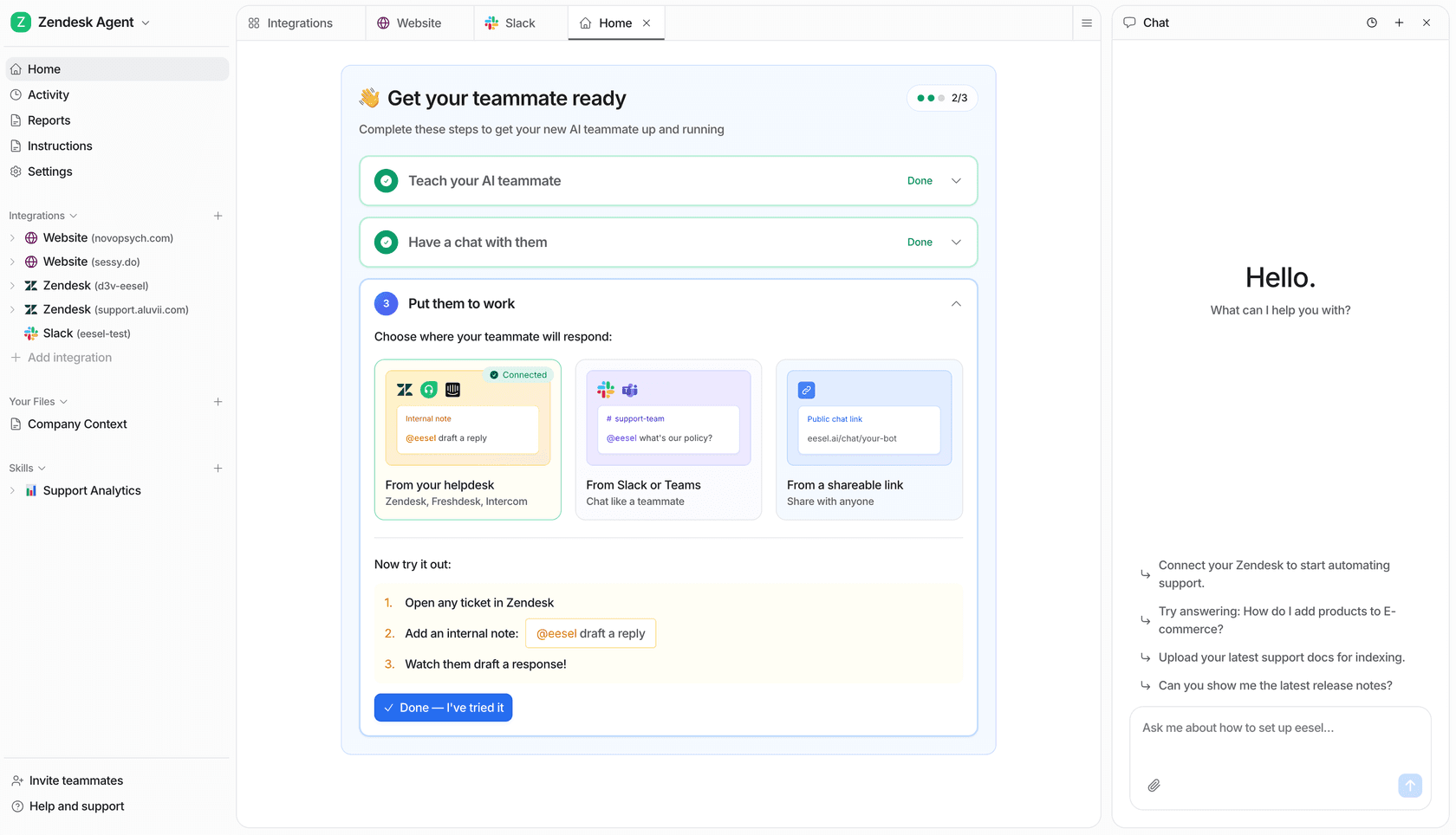
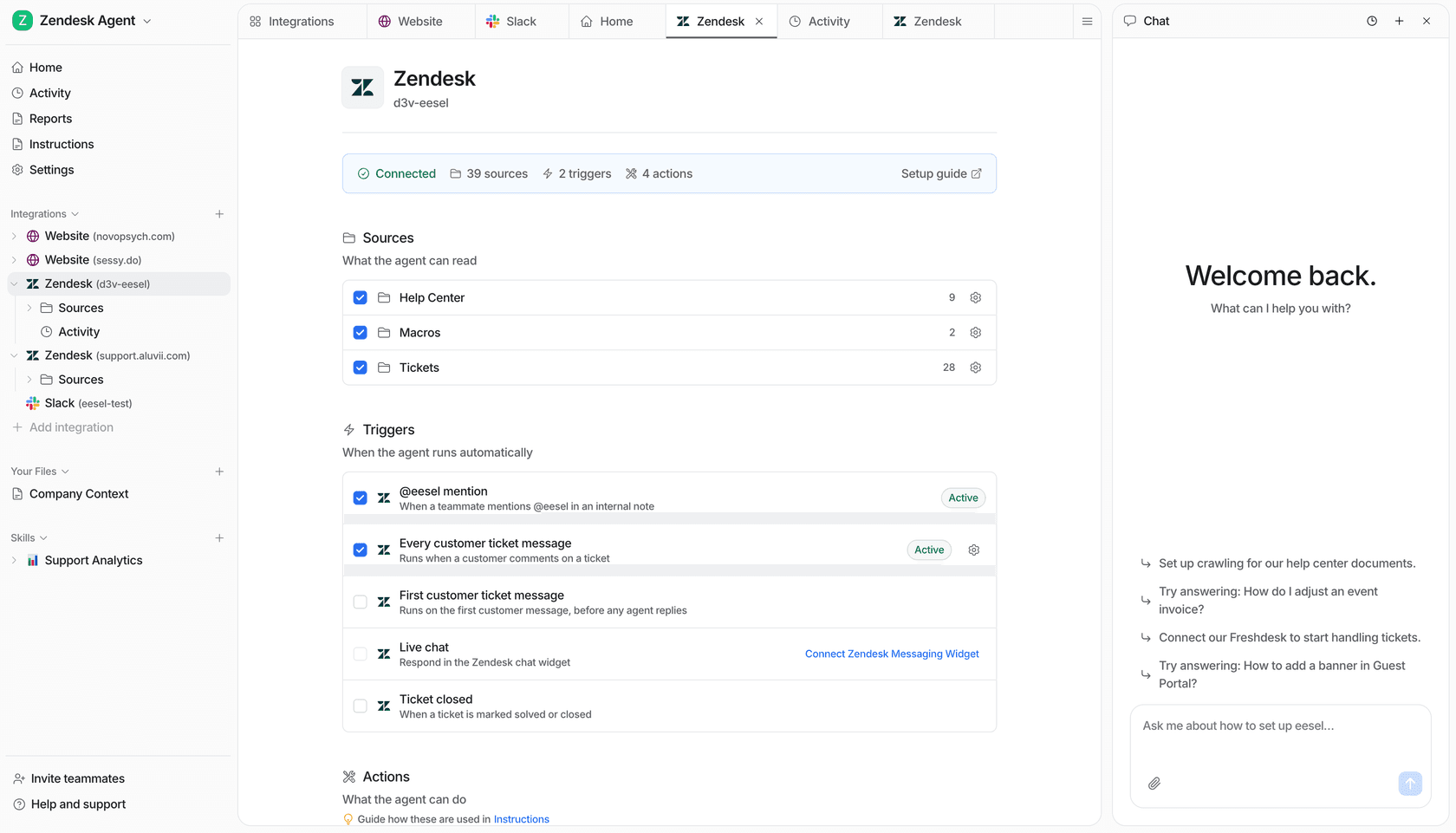
For teams who need a more nimble, self-serve option, platforms like eesel AI are designed to connect to your existing help desk in minutes. You link your knowledge sources and can start automating support right away, from $299 a month for 500 credits (1 credit per ticket or chat) - no mandatory demos or multi-month onboarding required.
The platform consolidation model
ServiceNow AI's biggest strength - its deep integration with the Now Platform - is also a meaningful constraint. Per ServiceNow's ITSM overview page, the pitch is consolidation: "With one platform and one data model, ITSM unifies tools, systems, and data." (source) The full benefits arrive when your entire workflow - ticketing, knowledge bases, HR processes - runs inside the Now Platform.
If your team is already running efficiently on another help desk like Zendesk or Freshdesk, moving everything over to ServiceNow is a significant undertaking with real migration costs and disruption risk. A different approach is to add an AI layer that works alongside the tools you already have. eesel AI for ITSM plugs into your existing help desk and unifies knowledge from scattered sources like Confluence and past tickets, without requiring a full platform consolidation.
Opaque pricing and unpredictable costs
The absence of published pricing is a real obstacle for any team that needs to manage a budget. ServiceNow's custom-quote model means you won't know the cost until you've invested time in a sales process - and the total cost of ownership is difficult to calculate before you're committed. As one G2 reviewer noted, "the ROI tends to be clearer for larger organizations than for smaller teams."
By contrast, eesel AI's pricing is published and credit-based: one fixed monthly price from $299/month for 500 credits (1 credit per ticket or chat), with no per-seat fees, no platform fee, and 100 free credits to start.
Is ServiceNow AI right for you?
ServiceNow AI is a genuinely powerful, comprehensive platform for large enterprises already deeply committed to the ServiceNow ecosystem. If your goal is to automate complex, cross-departmental workflows and you have the resources for a full implementation, it's one of the stronger options in the market. 85% of Fortune 500 companies use the platform, and the 98% renewal rate suggests customers at that scale find the ROI.
However, it's not a natural fit for teams looking for a fast, flexible AI tool that works alongside their current setup. The platform consolidation model, the complexity of getting started, and the custom-quote pricing all present real barriers for organizations that value speed and cost predictability.
If you need AI automation that can improve your help desk, bring all your scattered knowledge together, and be running today, a full platform migration is not your only option. Take a look at how eesel AI can bring immediate value to your IT support team without the heavy lifting.
Frequently asked questions
Based on this ServiceNow AI review, who is the ideal user for ServiceNow AI?
ServiceNow AI is best suited for large enterprises already deeply invested in the ServiceNow ecosystem. Per ServiceNow's AI platform page, it's designed to automate complex, cross-departmental workflows within an integrated platform. Teams that need faster setup might find a purpose-built alternative like eesel AI a better fit.
What should I expect regarding the implementation process and complexity after reading this ServiceNow AI review?
Implementation of ServiceNow AI is typically a complex, months-long project often requiring professional consultants. ServiceNow's ITSM page pitches the platform as a full consolidation effort - one that gets implemented rather than installed. It's not a self-serve tool you can trial and launch over a weekend.
Can this ServiceNow AI review shed more light on the pricing structure for ServiceNow AI features?
ServiceNow does not publish dollar pricing on any public page. The ITSM pricing page lists three tiers - Foundation, Advanced, and Prime - but all terminate in a "Get Custom Quote" call to action. Pricing is not publicly listed; contact ServiceNow directly for a quote. The most capable AI features, including AI Agents for ITSM, are available on the Prime tier only.
According to this ServiceNow AI review, what are the primary advantages of using Now Assist for generative AI within ServiceNow?
Now Assist offers immediate benefits like incident and chat summarization, automated resolution notes generation, and email reply recommendations. These features significantly speed up agent workflows by leveraging context from within the platform.
Does this ServiceNow AI review cover how ServiceNow AI ensures governance and security for its AI agents?
The AI Control Tower acts as a central dashboard for managing and monitoring all AI activity, including third-party tools. Combined with AI Agent Fabric, it helps large organizations maintain security and compliance across their full AI deployment.