


Salesforce has shaken things up with its AI pricing. They've moved away from the straightforward (but often debated) flat-rate model for their Agentforce platform. Instead of a single price per conversation, they're now using a more detailed, pay-as-you-go system called Salesforce Flex Credits.
This change is all about giving companies more flexibility and connecting costs directly to what the AI actually accomplishes. But while this solves some old problems, it brings up a few new ones, especially for customer support teams who really need a predictable budget.
So, is this new model the right fit for you? This guide will walk you through it. We’ll cover what Flex Credits are, how they work, the full pricing details, and an honest look at the pros and cons you should be thinking about.
What are Salesforce Flex Credits?
Salesforce Flex Credits are essentially a pay-as-you-go currency for the Agentforce platform. Instead of paying a flat fee for every conversation your AI has, you now pay for the specific "actions" it performs.
The old way was a bit like paying a cover charge to enter a store, no matter what you bought. A simple question like "What are your hours?" cost you the same as a long, complicated troubleshooting session. It was simple, but it didn't always make sense.
The Flex Credits system changes that. Costs are now linked to the individual tasks the AI handles, whether that’s updating a customer record, pulling an answer from your knowledge base, or scheduling an appointment. According to Salesforce's official announcement, the goal is to better match your AI spending with the work being done, making it a system based on value.
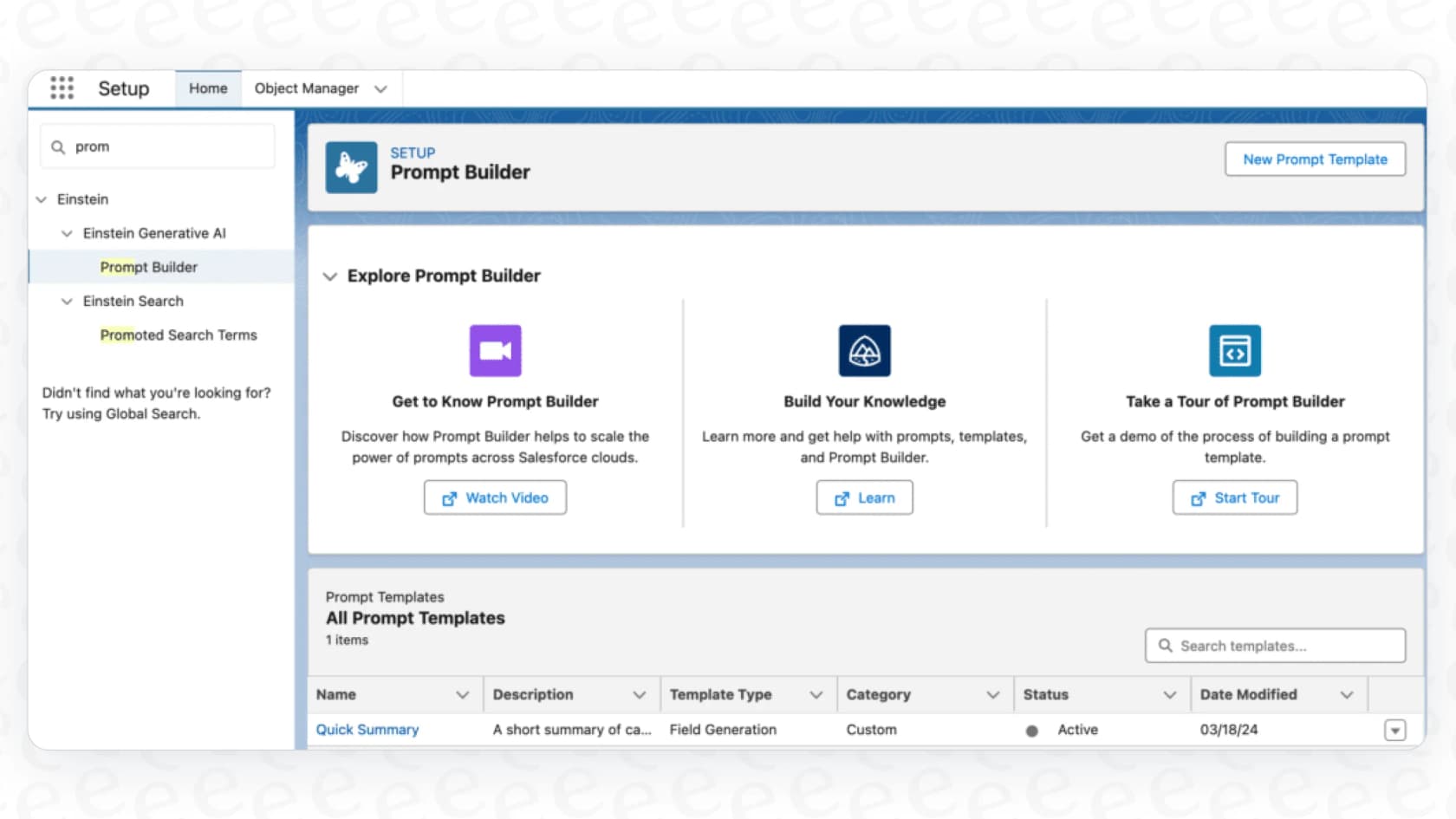
How Salesforce Flex Credits work
So, how does this all work in practice? Understanding how you buy, spend, and track these credits is the key to figuring out if this model makes sense for your team.
The basics of the Salesforce Flex Credits system
On the surface, it's pretty simple. You buy credits in bulk, they're sold in packs of 100,000 for $500, and then your AI agents "spend" them as they complete tasks. A typical AI action in your live environment uses 20 Flex Credits, which comes out to $0.10 per action.
The rate can change depending on where the action happens; for instance, a test in a sandbox environment only costs 16 credits.
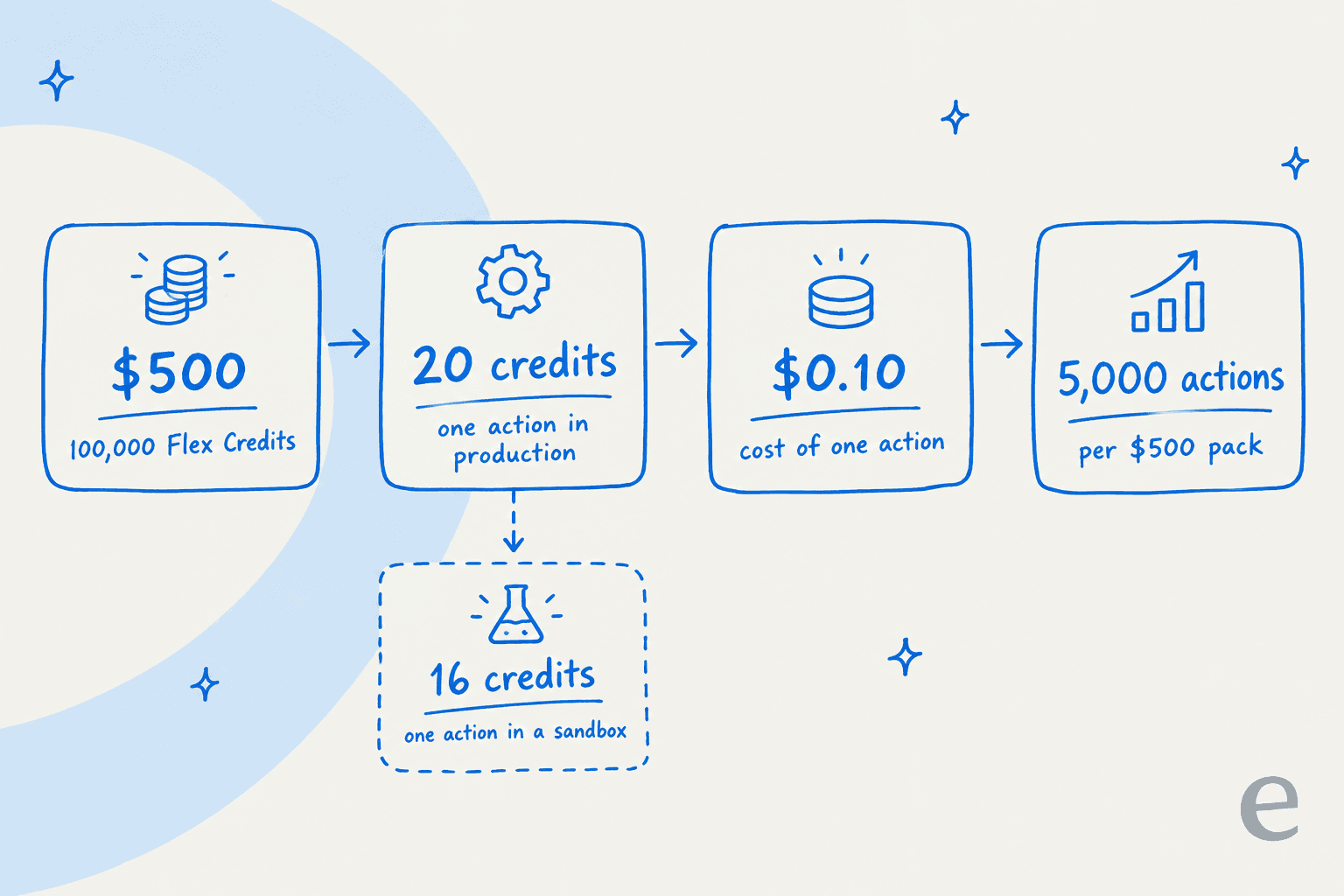
To give you a better idea, here’s what credit usage could look like for a few common support scenarios, based on examples from Salesforce:
| Use Case | Actions Required | Number of Actions | Flex Credits Consumed | Total Cost (USD) |
|---|---|---|---|---|
| Simple Case Management | Identify Customer, Get Cases, Add Comment | 3 | 60 | $0.30 |
| Field Service Appointment | Identify Customer, Get Work Types, Get Time Slots (x2), Answer with Knowledge | 6 | 120 | $0.60 |
| Employee Onboarding Query | Answer Question with Knowledge | 1 | 20 | $0.10 |
Other usage types cost different amounts, as listed in Salesforce's Flex Credits rate card:
| Usage type | Production credits | Sandbox credits |
|---|---|---|
| Standard or custom Agentforce action | 20 | 16 |
| Standard or custom voice action | 30 | 24 |
| Starter or basic prompt | 2 | 2 |
| Standard prompt | 4 | 4 |
| Advanced prompt | 16 | 16 |
| Help agent resolution | 400 (about $2) | 0 |
Managing and monitoring your Salesforce Flex Credits
With a pay-as-you-go model, you obviously need a good way to keep an eye on your spending. Salesforce provides the Digital Wallet for this. It's your main hub for tracking your credit balance. It gives you a near real-time look at your usage, sends you email alerts when you're running low, and lets you see everything across both your live and sandbox environments in one place.
It even has a "Usage Tagging" feature, so you can assign costs to specific agents or departments to get a clearer picture of your ROI. Credits also expire: the rate card says they must be used before the order end date, with no rollover.
While these tools give you a visibility, it's important to remember that forecasting your future spending can still be a big challenge. Even with great tracking tools, the unpredictable nature of customer support means it can be tough to set a stable, predictable budget.
The Flex Agreement and other ways to buy Salesforce Flex Credits
Salesforce also rolled out the Flex Agreement, which is a pretty clever idea. It lets companies convert their existing user licenses into Flex Credits, or the other way around. This gives you the freedom to move your budget between your human agents and your "digital labor" as your needs change, without getting stuck in a rigid contract.
On top of that, there are a few other ways to get started with Agentforce:
-
Agentforce User Licenses: For a monthly fee per user, you can give your employees metered access to internal AI agents.
-
Agentforce Max Editions: These are premium packages that come with a big bundle of Flex Credits included for the year. The pricing page listed them as Agentforce 1 Editions until recently.
-
Buying models: Salesforce's pricing page now lists Pre-Purchase, Pre-Commit, and PayGo options for Flex Credits.
Salesforce Flex Credits pricing explained
With a few different ways to buy, it helps to see all the pricing options in one spot. Here’s a full breakdown of the Agentforce pricing structure.
| Product/Model | Price | Key Features | Best For |
|---|---|---|---|
| Flex Credits | $500 / 100,000 credits | Pay-per-action ($0.10/action). Managed via Digital Wallet. | Teams wanting granular, usage-based pricing for varied use cases. |
| Agentforce User License | $5 / user / month | Metered access for all employees to use AI agents. Requires Flex Credits. | Companies deploying employee-facing agents company-wide. |
| Agentforce Add-ons | $125 / user / month | Unmetered AI usage for employees in Sales, Service, etc. | Departments wanting predictable costs for internal-facing AI agents. |
| Agentforce Industries Add-ons | $150 / user / month | Same as above, but with industry-specific AI capabilities. | Regulated or specialized industries (e.g., Finance, Health). |
| Agentforce Max Editions | from $550 / user / month | All-in-one bundle including the add-on, 2.75M Flex Credits per org per year, and more. | Enterprises looking for a comprehensive, premium AI package. |
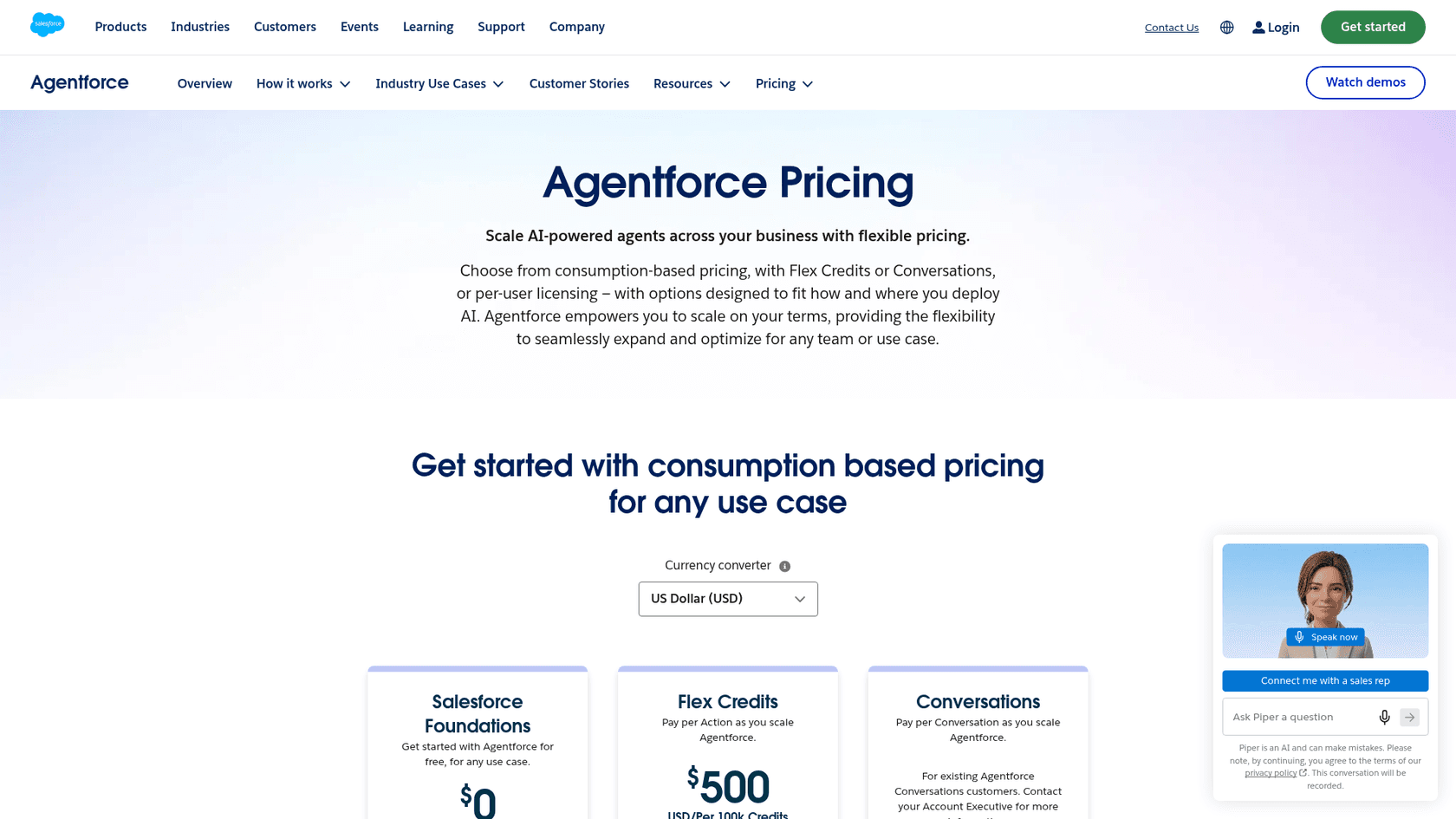
It's also worth mentioning the Salesforce Foundations offer. Foundations is free and, per its page, includes 450,000 Flex Credits for Agentforce and Data 360 to get started (U.S. only, restrictions apply). Conversations at $2 each still appears on the pricing page for existing Conversations customers, and Salesforce says Flex Credits and Conversations can't be used in the same org.
The pros and cons of Salesforce Flex Credits for support teams
So, what does all this really mean for a support leader trying to figure out if this is the right move? Let's break down the good and the not-so-good.
The good: Flexibility and better value
You get more control over costs. The biggest win here is that simple tasks cost less than complex ones. This helps line up what you're spending with the actual work your AI is doing, which just feels right.
It scales better across different departments. If you're planning to use AI for more than just customer service (like for IT, HR, or sales), this model can grow with you more effectively than a one-size-fits-all price per conversation.
It allows for strategic shifts. For larger companies, the Flex Agreement is a big deal. Being able to move budget between software licenses and AI usage gives you a lot of freedom to adjust your strategy without being punished by your contract.
The tricky part: Complexity and budget surprises
Budgeting can become a real headache. This is probably the biggest drawback. Pay-as-you-go pricing makes forecasting your costs tough. How can you accurately predict next month's support ticket volume? A sudden surge in customer issues could leave you with a surprisingly large bill, which is exactly the kind of uncertainty finance teams hate. For teams that need that predictability, some solutions like eesel AI offer a compelling alternative with transparent, tier-based pricing. You pay a flat monthly fee for a set number of credits (1 credit per ticket or chat, from $299/month for 500), which gets rid of the risk of a surprise bill after a busy month.
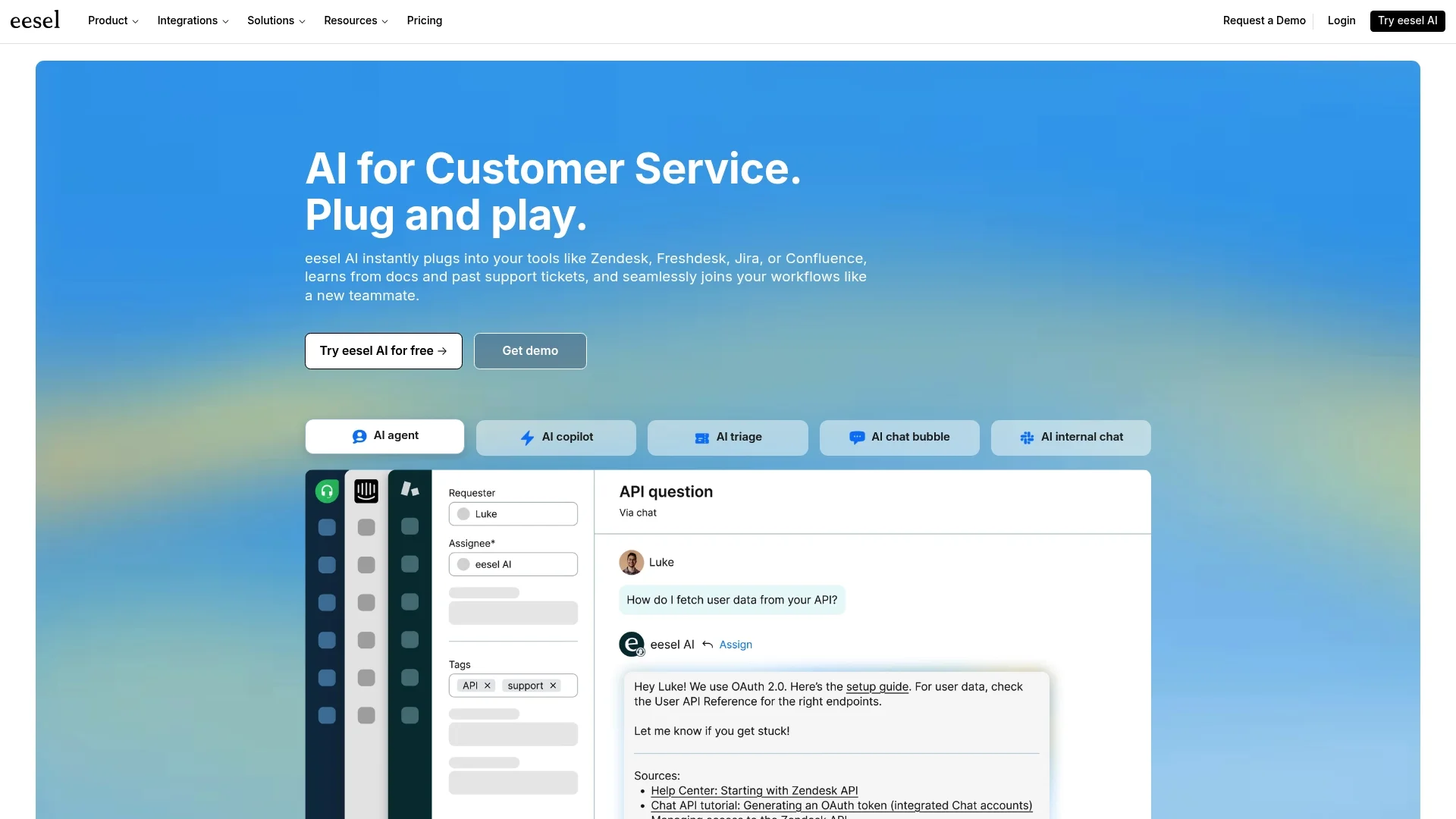
Setup can be a heavy lift. As some analysts have noted, the pricing is only one piece of the puzzle. For many companies, the bigger challenge is getting their data in order. Salesforce can be incredibly complex, and making sure your data is clean and organized enough for an AI agent to use effectively can turn into a massive project. This is where tools like eesel AI's AI Agent try to offer a different path. It's built for a quick setup, with one-click integrations for helpdesks like Zendesk and knowledge bases like Confluence, so it can start learning from your existing information in minutes, not months.
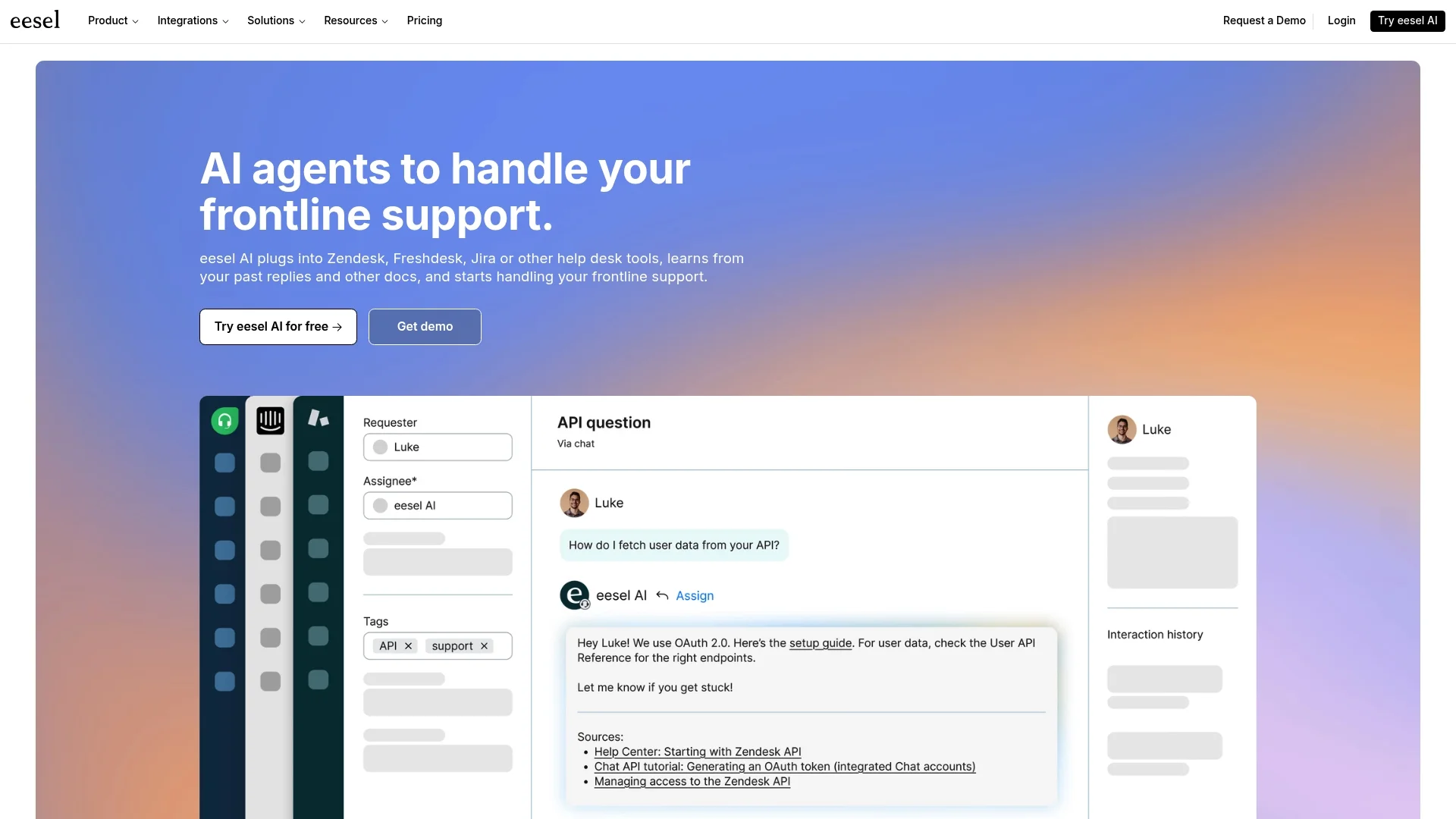
The entry point might be too high for some. A first block of credits starts at $500, which could be a hurdle for smaller teams or for those who just want to run a small-scale test before they commit a real budget. In contrast, eesel AI has a free simulation mode that can help. You can test your AI on thousands of your own past tickets to get a solid forecast of its performance and automation rate before you spend anything. This lets you build a business case and roll out automation with confidence.
Are Salesforce Flex Credits right for you?
So, what's the verdict? Salesforce Flex Credits are definitely a more logical and flexible way to price AI than the old flat-rate system. Tying costs to the actual value you get is a smart move, but it’s not without its own set of complications.
This new model seems like a great fit for large companies that already have solid data practices and the resources to manage a consumption-based budget. The flexibility to shift investments will be a huge plus for them.
But for teams that need predictable costs, a quick setup, and an easy way to get started, the complexity and uncertainty of this model might be a dealbreaker. The last thing anyone wants is to spend months on a complicated project only to get hit with an unpredictable bill.
If you're looking for a powerful AI support solution that's simple to set up, has predictable pricing, and lets you prove its value risk-free, you might want to explore eesel AI's AI Agent. You can simulate its performance on your own data and see what it can do in just a few minutes.
Frequently asked questions
What exactly are Salesforce Flex Credits and how do they differ from previous pricing models?
Salesforce Flex Credits represent a pay-per-action currency for the Agentforce platform. Instead of a flat fee per conversation, you now pay for the specific AI actions performed, like updating a record or answering a query. This model aims to align costs directly with the value and specific tasks the AI accomplishes.
How does the new Salesforce Flex Credits system impact budget predictability for support teams?
The pay-as-you-go nature of Salesforce Flex Credits can make budgeting challenging for support teams. Since costs are tied to unpredictable customer interaction volumes and AI actions, forecasting future spending accurately becomes difficult, potentially leading to variable monthly bills.
Can existing Salesforce user licenses be converted into Salesforce Flex Credits?
Yes, Salesforce offers a "Flex Agreement" that allows companies to convert their existing user licenses into Salesforce Flex Credits, or vice-versa. This provides flexibility to reallocate budget between human agents and AI usage as business needs evolve.
How can I monitor my consumption of Salesforce Flex Credits and track spending?
Salesforce provides a "Digital Wallet" for managing and monitoring your Salesforce Flex Credits. This hub offers near real-time usage tracking, email alerts for low balances, and allows for usage tagging to attribute costs to specific agents or departments.
What are the primary advantages of adopting Salesforce Flex Credits for AI solutions?
The main advantages of Salesforce Flex Credits include greater control over costs, as simple tasks are cheaper than complex ones, and better scalability across various departments beyond customer service. It also allows for strategic budget shifts between human and AI resources.
Is there an introductory offer or a way to try Salesforce Flex Credits for existing customers?
Yes. Salesforce Foundations is free and, per its page, includes 450,000 Flex Credits for Agentforce and Data 360 to get started (U.S. only, restrictions apply). Its FAQ cites 200,000 Agentforce Flex Credits.