Qiscus pricing 2026: plans, WhatsApp costs, and the real bill

Kurnia Kharisma

Katelin Teen
Last edited August 27, 2026

What you actually pay for
Qiscus is an Indonesian-rooted omnichannel customer engagement platform, an official Meta Business Partner, that centralises WhatsApp and 20-plus other channels into a single inbox. It sells across the whole customer lifecycle, from lead capture to marketing broadcasts, which is why its billing looks less like a support tool and more like a messaging platform.
Here is the mental model that makes the pricing page readable. A Qiscus bill is not one number, it is three meters stacked on top of each other:
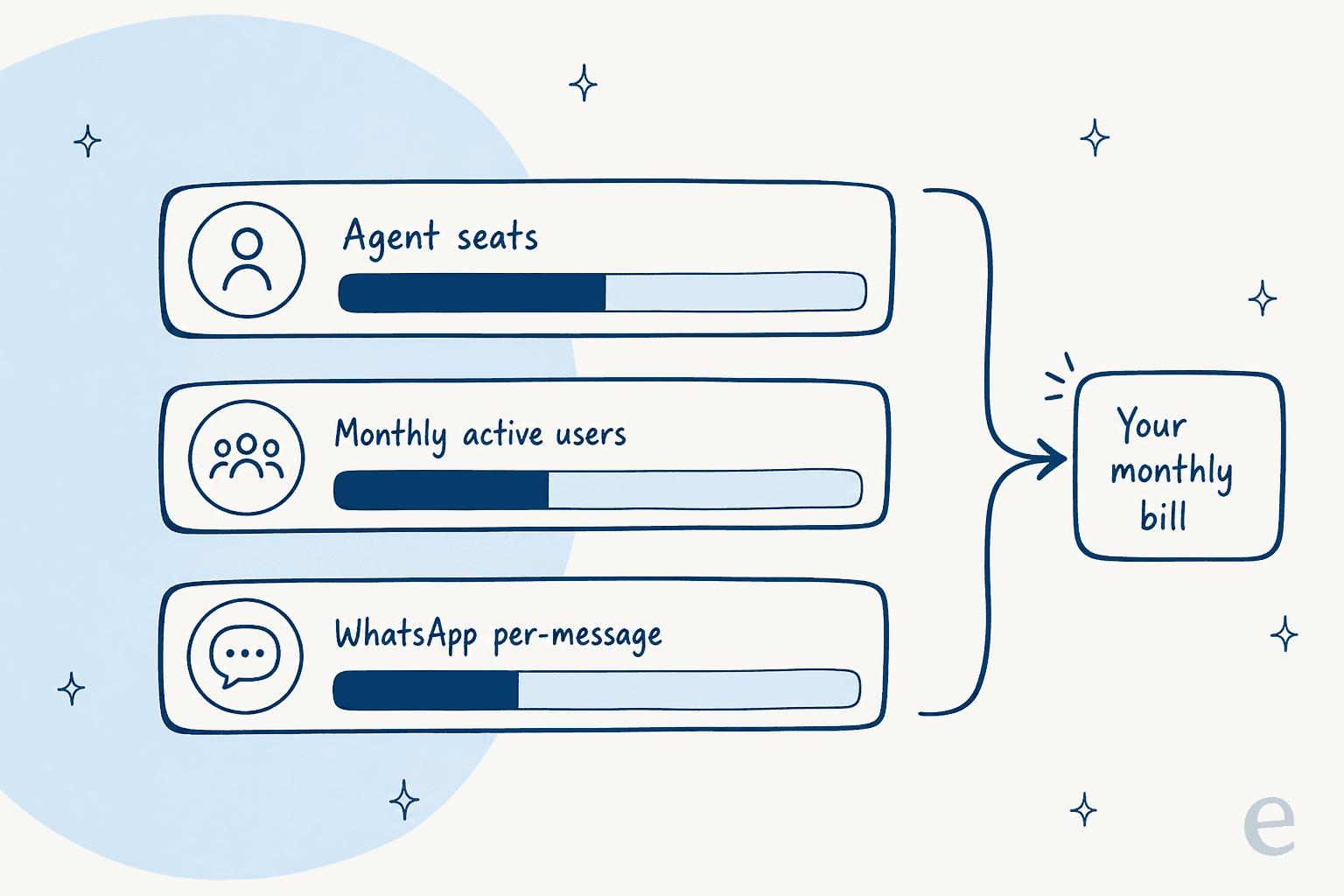
The first meter is your plan, which buys a set number of agent seats and a ceiling on monthly active users. The second is overage on both of those. The third is WhatsApp usage, priced per message and passed straight through from Meta. Miss any one of them and your estimate will be low. Let's take them in order.
Qiscus Omnichannel Chat plans
This is the part with real, public numbers. Three tiers, billed in USD, for the Omnichannel Chat product.
| Plan | Price | Agents | Monthly active users | Analytics | Agent Co-Pilot |
|---|---|---|---|---|---|
| Startup | USD 115/mo | 5 | Up to 3,000 | Basic | Not included |
| Grow | USD 270/mo | 10 | Up to 10,000 | Basic | Included |
| Enterprise | Custom | Unlimited | Over 10,000 | Customised | Included |
A few things worth pulling out of that table. Agent Co-Pilot, the assist layer that suggests replies and summarises conversations, is not on Startup, so the cheapest plan is a plain shared inbox. Auto Assign Agent and the Customer Data Platform 360 are paid add-ons on both Startup and Grow, and only bundled on Enterprise. And the 24/7 dedicated support and named account manager are Enterprise-only.
Every plan does include a decent base: free unlimited WhatsApp service conversations, all standard channels, live chat and ticket support, a scheduler, the app center, and a webhook-based chatbot. So the $115 and $270 numbers are honest starting points for the inbox itself. The published price is reasonable for what it is, and I want to be fair about that before the overage math makes it look scarier than it is.
One limit to flag plainly, not as a knock: all of these rates are quoted in USD for Indonesian WhatsApp numbers. Other countries and currencies are quote-only, so if you are outside Southeast Asia, the public page is a rough guide rather than your actual bill.
The overage math, worked out
This is where a "$270 plan" stops being $270. Both of the plan's two ceilings have the same $18 price when you cross them:
- Extra monthly active users: USD 18 per additional 500 MAU per month, up to 10,000 additional (past that, sales quote).
- Extra agent seats: USD 18 per additional agent seat per month, up to 7 additional (past that, sales quote).
MAU is the one that surprises people, because it counts unique users who message you in a month, whether or not they needed real help. A single marketing broadcast that gets replies can push your active-user count up, and every 500 you go over the cap is another $18.
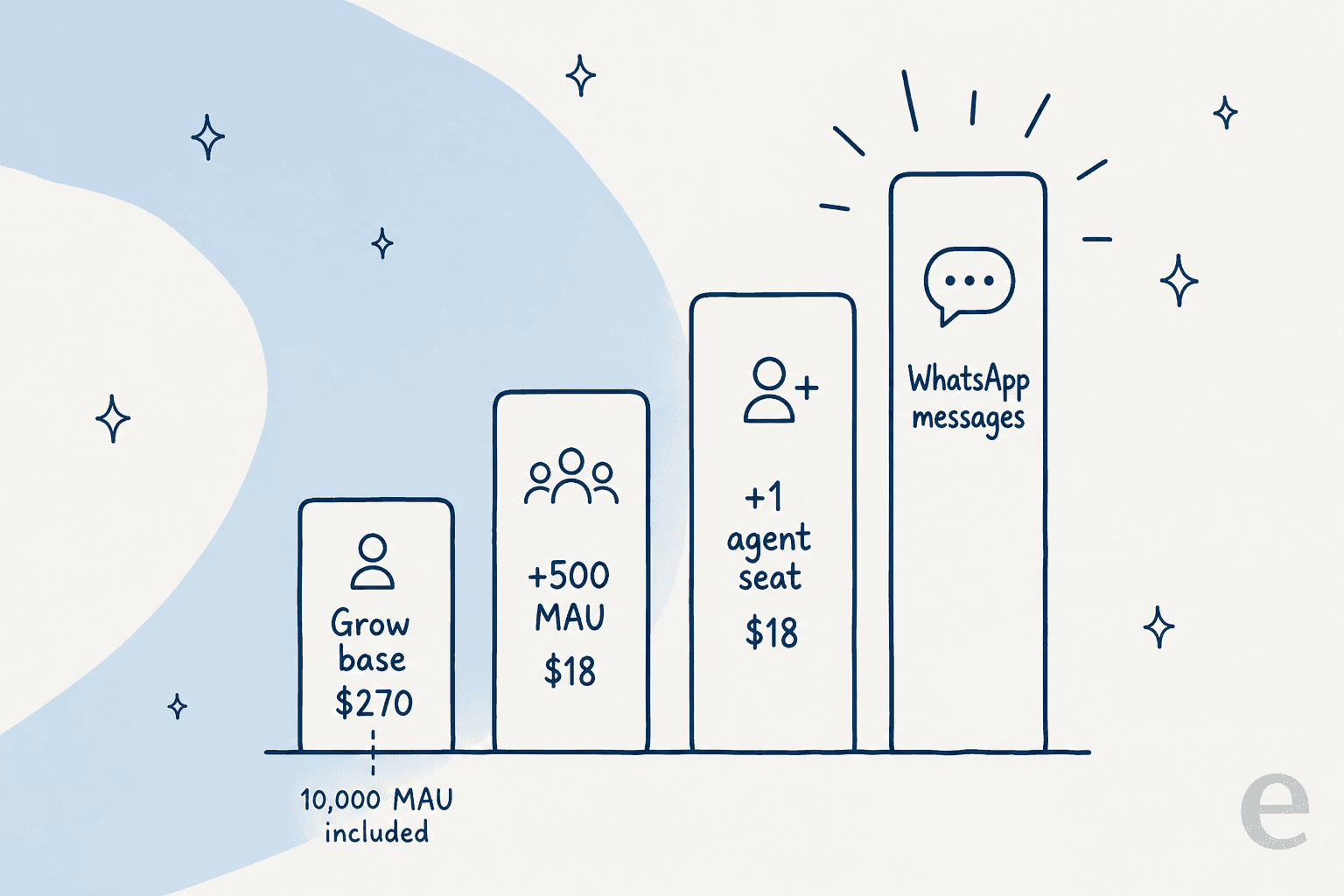
Say you are on Grow at $270 and a good campaign month pushes you to 12,000 active users and 12 agents. That's 4 blocks of extra MAU (2,000 over the cap ÷ 500) at $18, so $72, plus 2 extra agent seats at $18, so $36. You are now at $378 before a single WhatsApp message is counted. None of that is hidden, exactly, but none of it is on the plan card either.
Rather than describe it, here is a calculator you can plug your own numbers into. It uses the published Grow base and overage rates.
WhatsApp messages and calls
Because Qiscus is built on the official WhatsApp Business API, a big slice of a real bill is Meta's per-message pricing, passed straight through. Qiscus prices by conversation category and links to Meta's own pricing docs so you can check the pass-through.
| Conversation type | Price | Notes |
|---|---|---|
| Marketing | USD 0.0045/message | Promotions, offers, re-engagement |
| Utility | USD 0.0025/message | Order updates, receipts, alerts |
| Service (user-initiated) | Free | Any conversation the customer starts |
| Authentication | Contact Us | OTP and login codes, not publicly priced |
There is also a WhatsApp Business Calling meter: inbound calls are free, outbound calls are USD 0.0278/minute. Same caveat as everywhere else, these are the Indonesian-number rates, and everything moves with Meta.
The free service-conversation tier is genuinely useful, and worth crediting: if most of your volume is customers starting conversations for support, a lot of your messaging is free. The cost shows up when you start the conversation, marketing broadcasts especially, which is exactly the complaint that comes up most in reviews.
The quote-only half of Qiscus
Here is the part the pricing page is quietest about. The modules that most buyers arrive wanting, the AI ones, have no public price:
- AI Agent (AgentLabs) - the no-code autonomous agent that resolves inquiries. Quote-only, and also sold as a paid add-on to Omnichannel Chat.
- CRM (QCRM) - the sales CRM. Quote-only.
- Helpdesk (Helpdesk Suite) - the ticketing product. Quote-only.
- Call Center - quote-only.
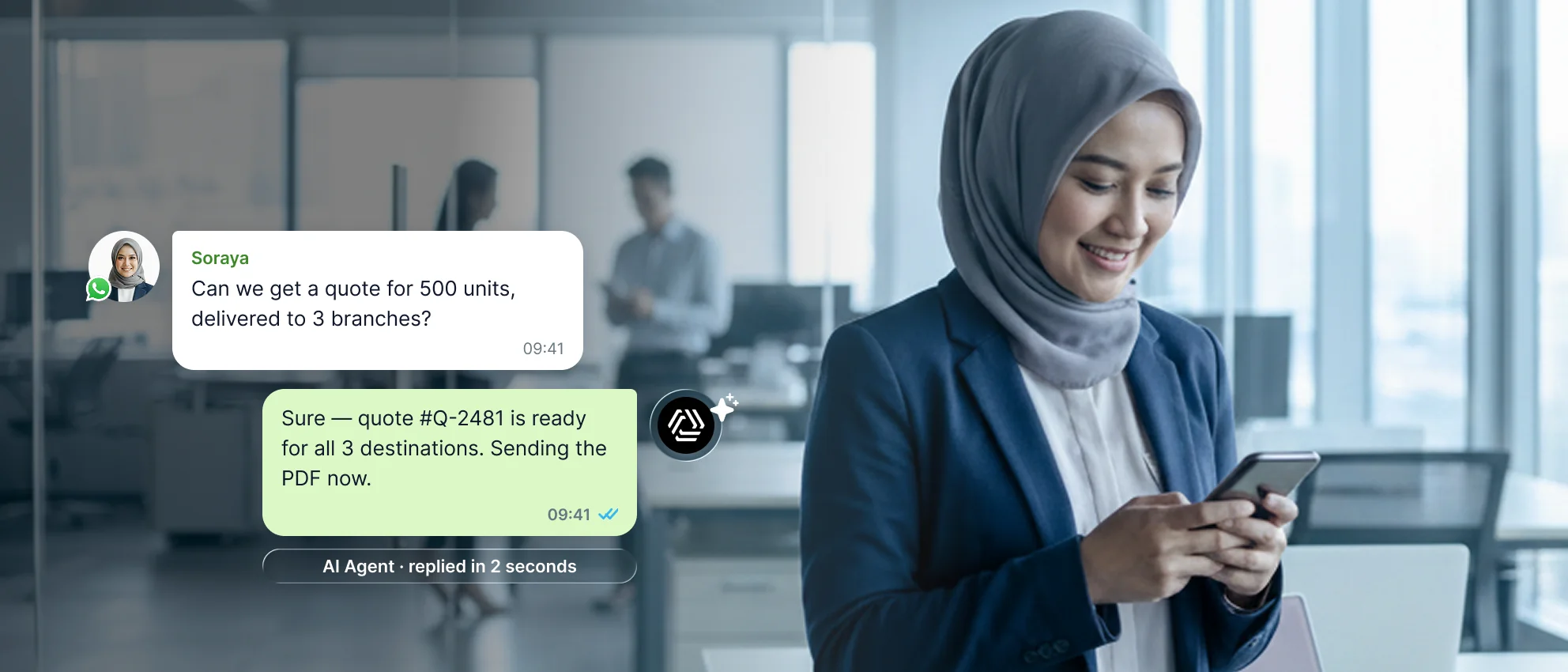
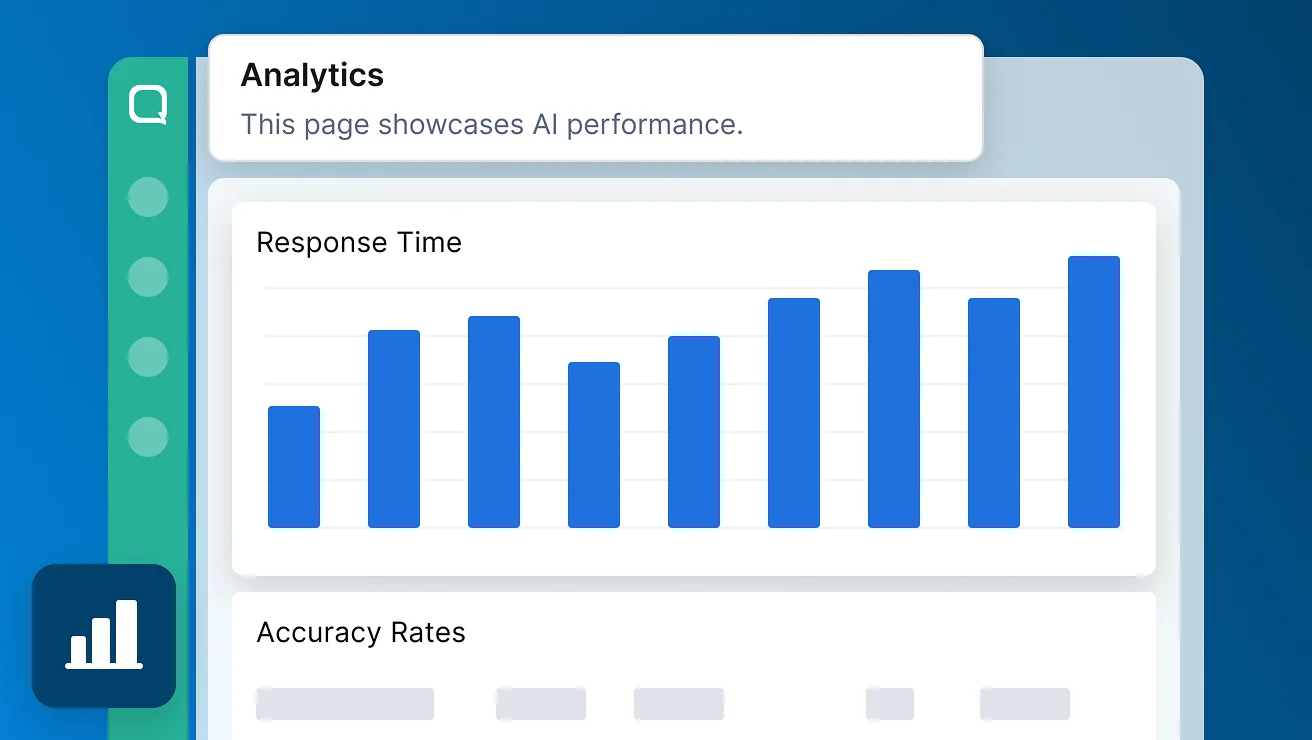
AgentLabs itself is a capable-looking product. It trains on your knowledge base, product docs, and SOPs, runs guided multi-step flows through a feature called Conversation Flow, and hands off to a human with full context when it hits something complex. It ships with monitoring tools too: a Query Sense view that surfaces questions the AI couldn't answer, an analytics dashboard with accuracy and confidence scores, and a full activity log.
The honest gap for a buyer sizing a budget: there is no published price, no message or resolution cap, and no named model, and the pages describe post-launch monitoring rather than a way to dry-run the agent against your own past tickets before it goes live. That last one matters more than it sounds. Testing an AI agent on scenarios you write by hand tells you it works on the questions you already thought of, which are never the ones that break it in production.
What real users say about the cost
Qiscus sits at 4.3/5 on G2 across 23 reviews and 4.4/5 on Capterra across 7, with ease of use scoring a strong 4.7. Both samples are small and skew regional, which is worth keeping in mind. The praise is consistent: omnichannel breadth, WhatsApp handling, and a responsive support team.
On cost specifically, the recurring theme is broadcasting and the WhatsApp session window:
"The cost is about pricey, especially for BI open session (broadcast). The limitation active session chat for only 24 hours is about troublesome... For whatsapp channel integration, sent chats cant be undone or edited."

To be fair, reviewers who flag the cost still rate the support team highly, which is worth weighing on the other side of the ledger:
"Qiscus teams are fast response and always available for any of our requests. The dashboard is user friendly and has all the features or information that we needs."

The other cost-adjacent gripe is the analytics that come with the cheaper plans. More than one reviewer found them thin, which matters because analytics quality is one of the things you pay up for at higher tiers:
"The analytics is so basic, almost useless for us."
None of this makes Qiscus a bad buy. It makes it a platform whose value is tied to WhatsApp campaigning, where the messaging meter and the active-user meter are the parts to model carefully before you sign.
Qiscus pricing vs paying for outcomes
Step back from the line items and there is one design decision underneath all of it: Qiscus meters you on reach and headcount, active users and agent seats, plus messages sent. That's the right shape for a marketing-and-commerce platform, where the value really is proportional to how many people you're talking to.
It's the wrong shape for support automation, where the thing you actually care about is tickets resolved, not how many people happened to message you this month.
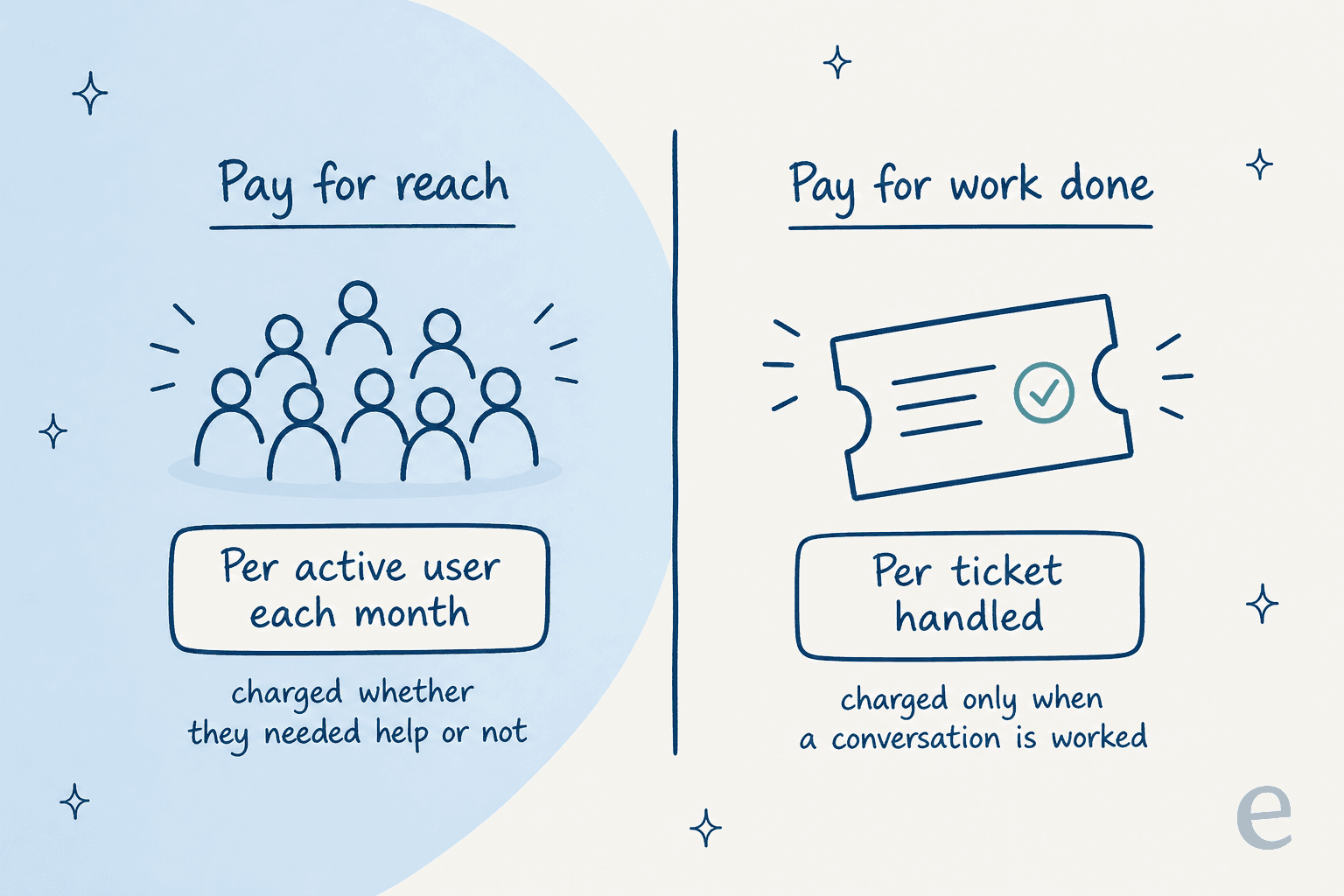
This is where I'd point a support-led buyer somewhere else. eesel is an AI teammate platform, and its AI helpdesk agent is priced on the work it does: 1 credit per ticket handled, defined explicitly as per ticket or chat, not per reply and not per resolution. No agent seats to buy, no monthly active-user meter, no platform fee. eesel publishes the math it wants you to check, too:
| Tickets or chats per month | Monthly price |
|---|---|
| Up to 100 | Free (100 credits, no card) |
| Up to 500 | $299 |
| Up to 1,000 | $499 |
| Up to 2,500 | $999 |
| Up to 5,000 | $1,899 |
That's a bill you can forecast from your ticket volume, which is a number you already know.
Try eesel for support tickets
If you came to this page because you're weighing Qiscus for customer support rather than WhatsApp marketing, the pricing question is really a unit question. Qiscus charges for active users and seats; eesel's AI helpdesk agent charges 1 credit per ticket handled (from $299/month for 500 credits) and plugs into the helpdesk you already run, Zendesk, Freshdesk, Gorgias, and more, in minutes. Before it ever touches a live customer, it runs a simulation over your real past tickets so you can see the resolution rate and the cost you'd actually pay, no seats to size and no demo gate to get started.
The free plan is 100 credits, no credit card required. It's the fastest way to answer "what would this actually cost us" without booking a call first. Try eesel.