Reformatting isn't repurposing, and the gap is where it goes wrong
Here's the thing nobody tells you when they say "just repurpose it with AI." If you hand a model your post and ask for five versions, you get five versions of the same post. Same argument, same examples, same order, just chopped and re-stacked. A reader who already saw the original feels the déjà vu, and a reader who didn't gets a thinner copy than the original deserved.
I've spent the last few years running AI content pipelines that publish at real volume, and the single clearest predictor of whether repurposing works is whether the writer treated each output as a new piece for a different reader, or as the same piece in a different wrapper. A pillar post on "how AI ticket deflection works" becomes, when reformatted, a shorter blog about how AI ticket deflection works. When properly repurposed, it becomes a LinkedIn post arguing one contrarian take from it, a newsletter that tells the one customer story buried in paragraph nine, and a help-doc that answers the single question the post kept circling.
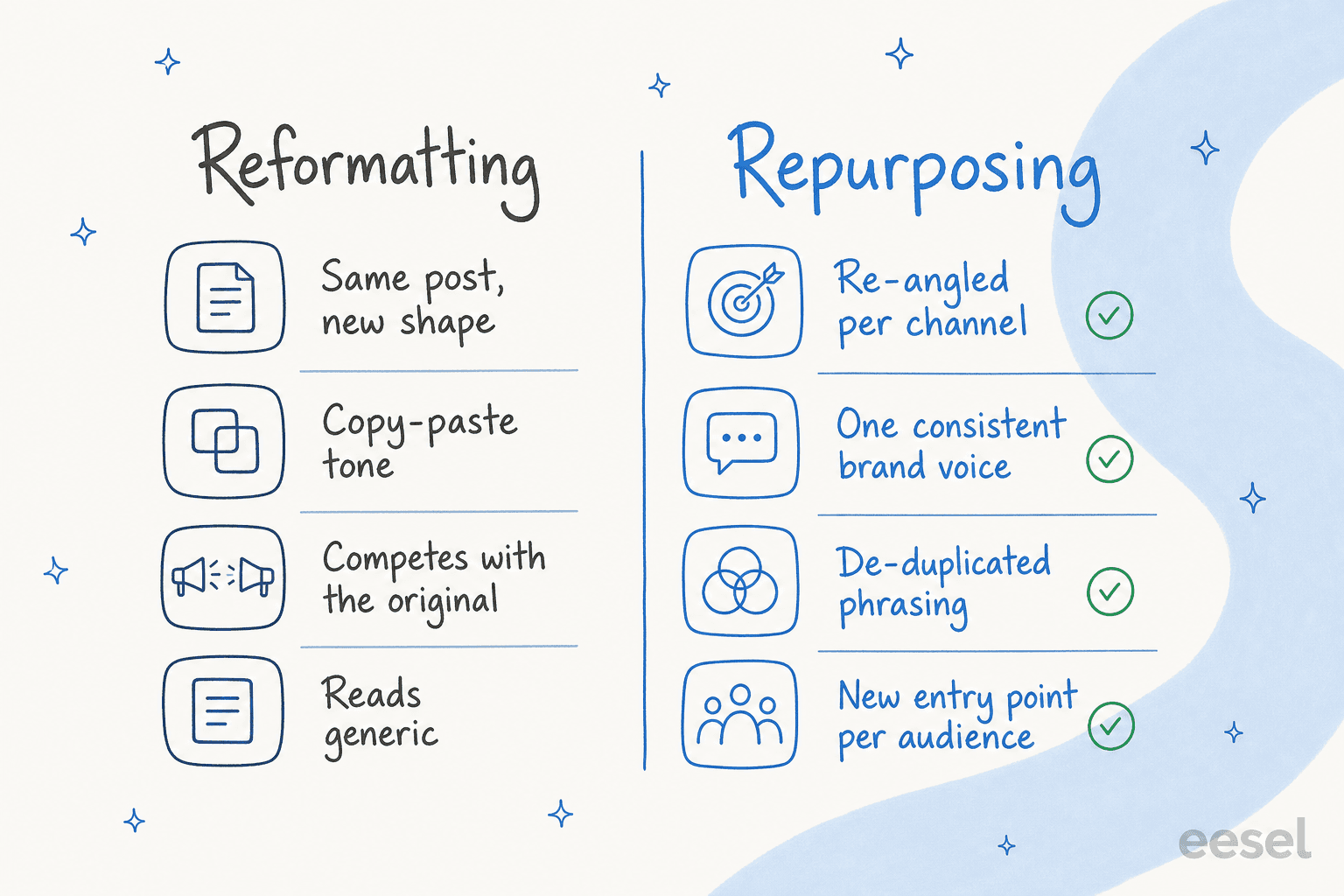
That distinction sounds obvious written down. It's surprisingly hard to hold onto at 11pm when you have a content calendar to fill, which is exactly when AI makes the lazy version frictionless. So the workflow below is really a set of guardrails to keep you on the right side of that line.
What you need before you start
You can repurpose with almost any decent AI content generation tool, but three things make the difference between output you ship and output you quietly delete:
- A source post worth the effort. Don't repurpose everything. Repurpose the posts that already pull traffic or convert. More on picking these in step one.
- A written brand voice brief. Tone, the words you do and don't use, your audience, your no-go topics. Write it once. You'll paste it into every run. If you've done any brand voice training, you already have most of this.
- A place each format will actually live. A LinkedIn carousel, an email in your ESP, a help article in your knowledge base. Knowing the destination shapes the draft, and it surfaces publishing friction early (more on that in the mistakes section).
That's it. No elaborate setup. The rest is the loop.
How to repurpose blog content with AI, step by step
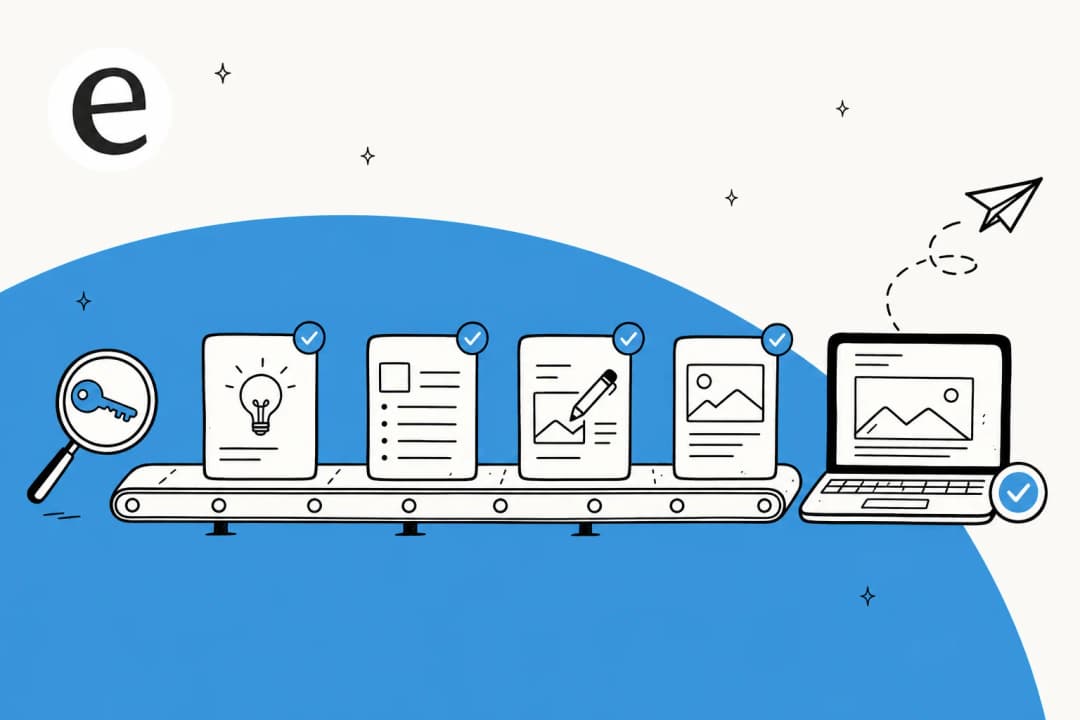
The whole flow is five steps, and it runs the same whether you're spinning one post into three formats or running it across a whole back catalogue.
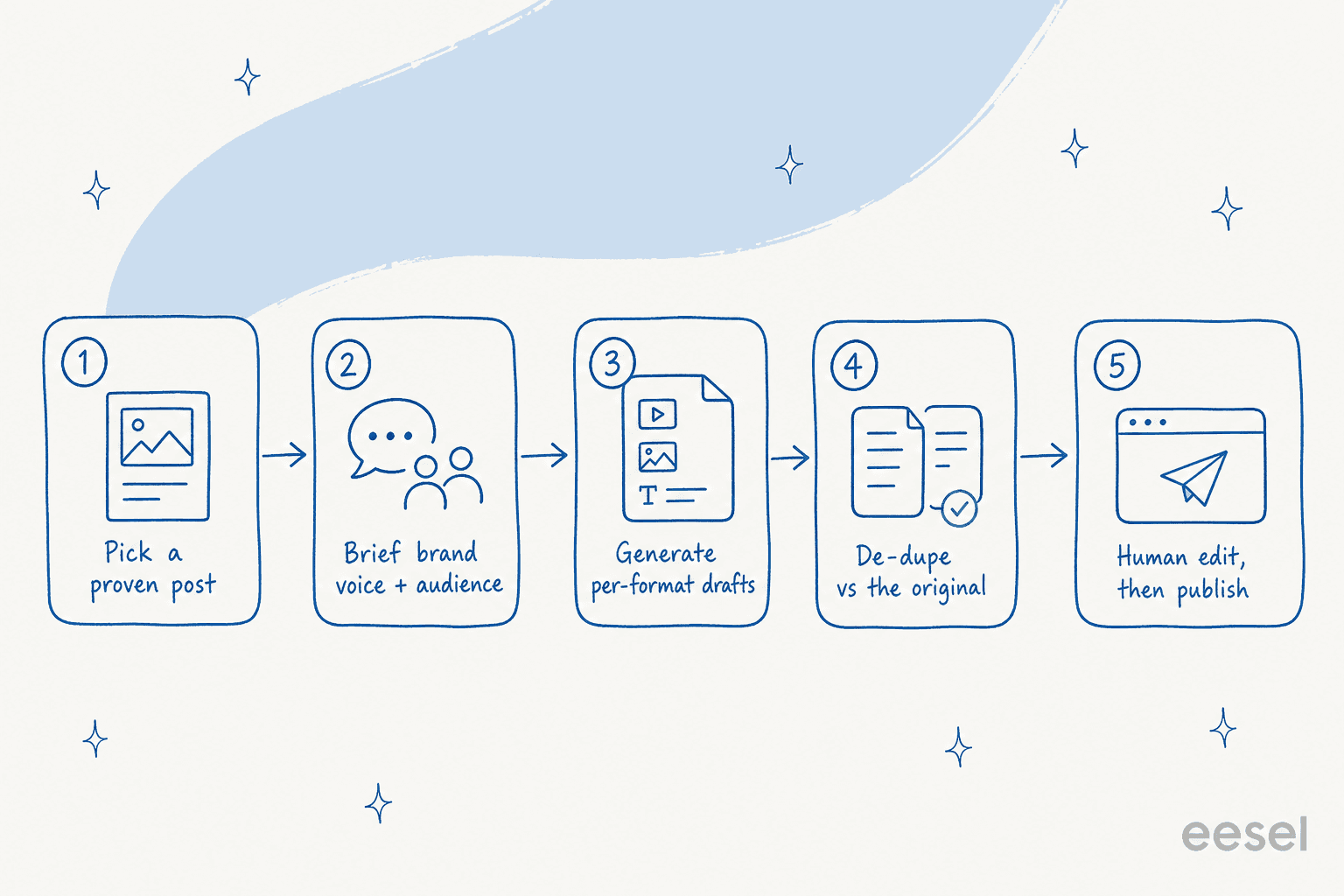
1. Start with a post that already earned its keep
Resist the urge to repurpose your newest post. Repurpose your best one. Pull up your analytics and find the posts that already rank, already convert, or already get shared, then repurpose those. You're amplifying a proven asset, not gambling on an unproven one.
A quick filter I use: a post is worth repurposing if it has at least one of a strong keyword position, a real conversion path, or an idea you keep wanting to bring up in other contexts. If it has none of those, repurposing it just multiplies a thing nobody wanted. This is the same logic behind any sane AI content pipeline: feed the machine your winners.
2. Brief the AI on voice and audience once, then reuse it
This is the step that decides whether the output sounds like you or sounds like every other AI blog. Write one brand voice brief and reuse it on every single generation. Inconsistent briefs are how you end up with a LinkedIn post in one voice and a newsletter in another, both of which feel slightly off.
The teams who get the most out of this go a step further: they pick one finished post they love and make it the reference every future generation has to match. One wellness retailer I worked with did exactly that, anointing a single post as their "north star" and then insisting the AI apply that same structure, reading level, and research style to everything afterward. The consistency you get from a fixed reference beats anything you'll get from re-describing your voice each time. If your tool supports saving that brief or template, do it now; you'll lean on it for every run after this.
For the brief itself, be specific about the audience for each format. "Marketers on LinkedIn skimming on their phone" and "existing customers opening a Tuesday newsletter" are different people, and the AI will write to whichever one you name. Vague briefs produce vague content. If you want a head start on the wording, our AI blog prompts guide has prompt patterns you can adapt.
3. Generate per-format drafts, not copies
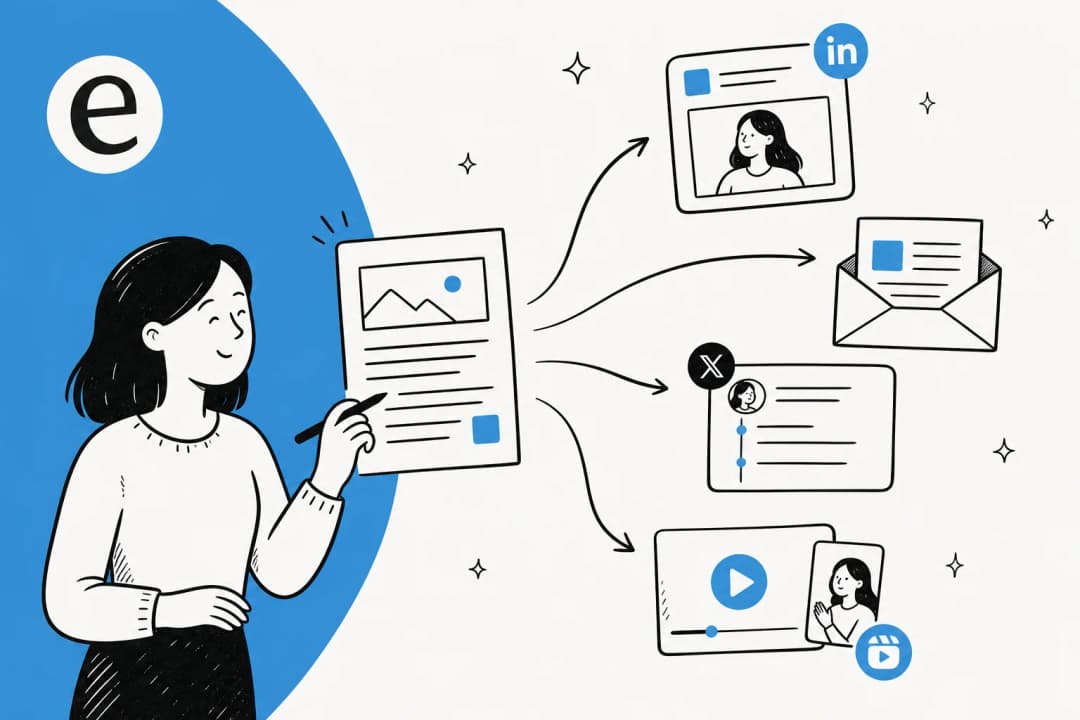
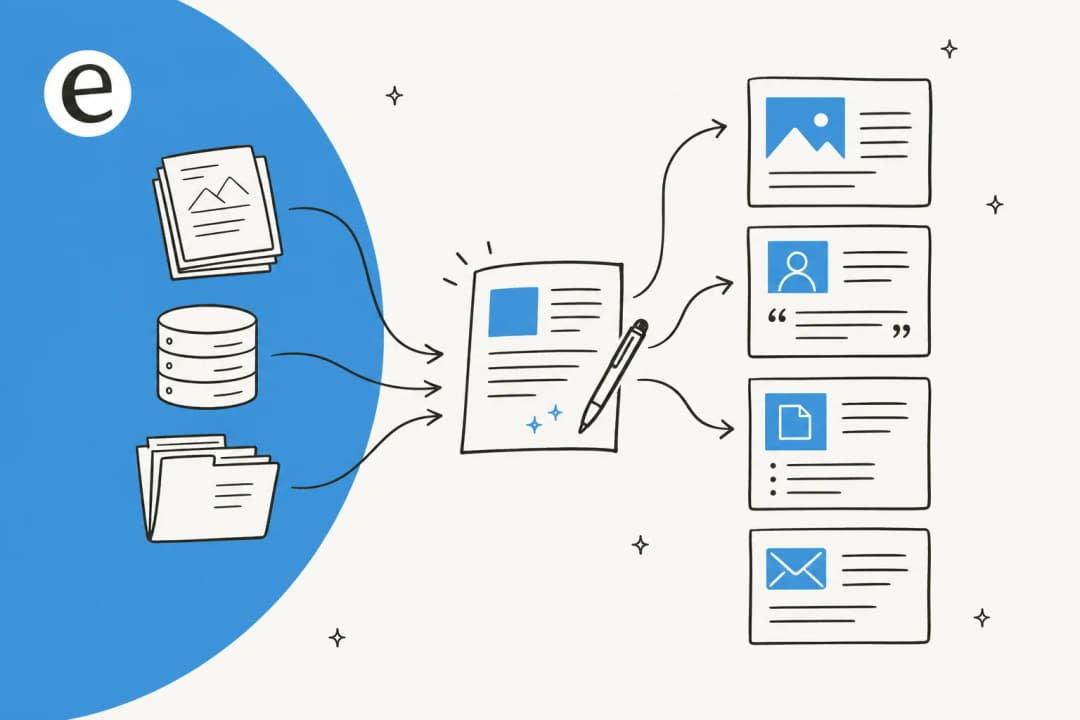
Now the fun part. For each channel, ask the AI for a piece built for that channel, drawing on the source post but not reproducing it. The mental model is one source fanning out into many distinct entry points, each one a doorway a different reader walks through.
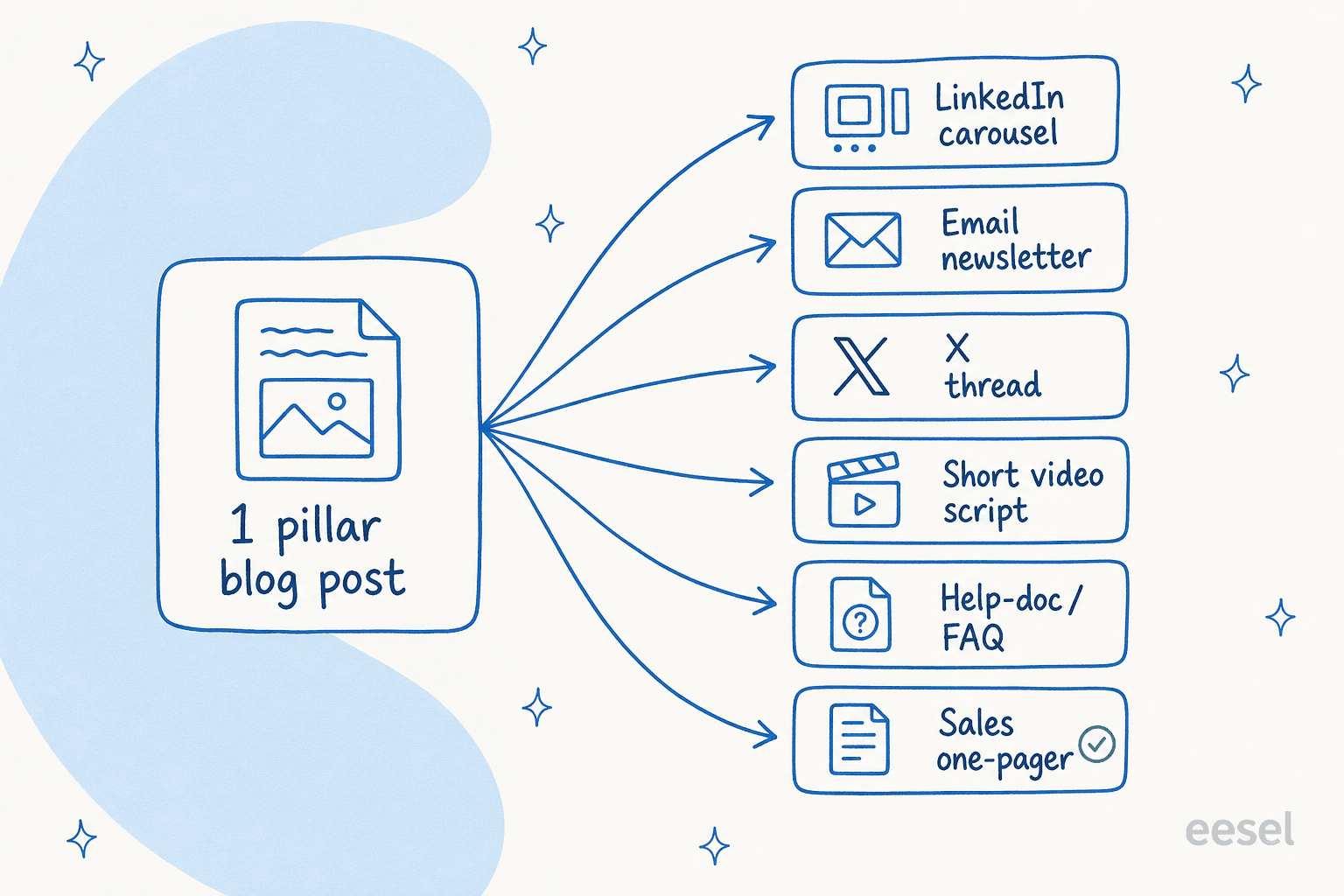
Here's a rough map of what one post can become and who each one is for:
| Format | Re-angle from the source | Best for | Effort |
|---|---|---|---|
| Email newsletter | Lead with the one story or stat, link the full post | Existing subscribers | Low |
| LinkedIn carousel / post | One sharp opinion from the post, expanded | Cold reach, thought leadership | Low |
| X thread | The 5-7 punchiest claims, one per post | Discovery, quote-shares | Low |
| Short video script | The single "aha" reframed as a hook + payoff | Reels, Shorts, TikTok | Medium |
| Help-doc / FAQ | The recurring question the post answers | Existing customers, AEO | Medium |
| Sales one-pager | The proof points and outcomes | Sales enablement | Medium |
The instruction that matters most here is the negative one: tell the AI not to summarize the original. Ask it to find the angle that fits the channel and write to that. A good AI content scaling tool will happily do either; your prompt decides which.
4. De-duplicate against the original
This is the step almost everyone skips, and it's the one that protects your SEO. When you spin several pieces off one source, phrases leak across them. Publish enough near-identical text across your own pages and you're competing with yourself, which is one of the quieter reasons an AI blog writer ends up not ranking.
The fix is mechanical. After generating, paste the new piece and the original back to the AI and ask it to flag and rewrite any phrase longer than four or five words that appears in both. I picked this trick up from a marketer at a tour-operator software company who, mid-edit, asked the AI to compare a new article against a sibling post and adjust every identical phrase over four or five words. It's a tiny instruction that does a lot of work, and it turns "we published five things from one post" into five distinct pages rather than five flavors of duplicate content. Our AI SEO content optimization guide goes deeper on why this matters for search.
5. Edit for the AI tells, then publish
No repurposed draft ships without a human pass. You're hunting two things: factual drift (did the AI keep your numbers and claims accurate, or smooth them into something almost-right?) and the AI tells (the "delve," the "in today's fast-paced world," the rule-of-three filler, the em dashes). If you can swap your company name out of a sentence and it's still true, that sentence is doing no work; cut it or make it specific.
This pass is quick once you know what to look for, and it's the difference between content that reads human and content that gets flagged as machine-made. Our piece on the AI content editing process has a fuller checklist. Then publish each piece where it lives, and you're done with that source post.
Common mistakes when repurposing blog content with AI
I've watched these trip up otherwise-sharp teams, so they're worth calling out plainly.
- Repurposing weak posts. Multiplying a post nobody read just gives you more posts nobody reads. Start from winners, always.
- One brief, drifting voice. Re-describing your voice from scratch each session produces inconsistency you can feel but can't quite name. Save the brief, reuse it.
- Skipping de-duplication. The fastest route to cannibalizing your own search rankings. It takes one prompt to avoid.
- Forgetting where it has to land. Beautiful AEO-optimized output is worthless if your CMS mangles it on the way in. I've seen a solo-practice marketer generate strong, well-researched posts and then get stuck because their website builder accepted no Markdown, no metadata fields, and no FAQ schema, so every paste lost its formatting. Check your publishing destination before you generate fifty assets, not after.
- Trusting the draft blindly. AI gets facts subtly wrong in ways that read fine. The edit pass is not optional. If your output keeps coming back samey, our guide on fixing repetitive AI content helps.
A realistic month from one pillar post
To make this concrete: take one strong 2,000-word pillar post. With the workflow above, here's a plausible month of content from that single source, none of it duplicate.
Week one, the newsletter goes out leading with the customer story from the post. Week two, a LinkedIn post argues the one spicy claim the post made in passing. Week three, an X thread breaks the post's framework into seven beats. Week four, a help-doc answers the recurring question, and a short video script turns the "aha" into a 40-second hook. Five distinct pieces, one research effort, four different audiences reached.
The reason this is realistic and not aspirational is speed. A modern AI blog writer can turn a keyword and a brief into a fully formatted, 2,000-word-plus post with images and FAQs in roughly 12 to 20 minutes. When generation is that cheap, the bottleneck moves entirely to your judgment: which posts to amplify, which angles fit which channel, and whether the edit pass is honest. That's the right place for the bottleneck to be. One SEO lead I worked with rode this all the way to 360-plus posts a month from a keyword-to-publish pipeline with bulk review and publishing, which is only possible because the human stays on judgment and the machine takes the drafting.
If you want the bigger strategic frame around all this, our AI content creation and content production speed guides zoom out, and the agency workflow piece covers doing it across multiple clients.
Try eesel for repurposing at scale
Most of the workflow above maps directly onto what the eesel AI Blog Writer was built to do: you give it a keyword or a source, it researches and drafts a brand-voiced, fully formatted post (hero image, infographics, FAQs, internal links, all on CDN), and you can save a reference style so every future generation matches it. That covers steps two and three, and you can ask it to de-duplicate against an existing post in the same chat for step four.

What I'd flag honestly: eesel is strongest when your content lives somewhere that accepts Markdown and metadata cleanly, and the pricing is usage-based ($4 for a full post draft, lighter tasks far less, no per-seat fee), which is great if you publish in bursts and worth modeling if you publish constantly. The trial gives you two free generations, which is enough to run one real post through the whole loop above and see whether the output clears your edit bar. If repurposing is the job, it's a fast way to test the workflow on your own content.
Frequently Asked Questions
What does it mean to repurpose blog content with AI?
Can AI repurpose a blog post without making it sound generic?
How much does it cost to repurpose blog content with AI?
What's the best AI tool for repurposing blog content?
Will repurposed AI content hurt my SEO with duplicate content?
How do I keep my brand voice consistent when I repurpose content at scale?
Can I automate repurposing so it runs without me?


Article by
Alicia Kirana Utomo
Kira is a writer at eesel AI with a Computer Science background and over a year of hands-on experience evaluating AI-powered customer service tools. She focuses on breaking down how helpdesk platforms and AI agents actually work so that support teams can make better buying decisions.