A guide to the Gorgias customer portal

Stevia Putri
Written by

Stevia Putri

Reviewed by

Katelin Teen

Last edited January 16, 2026

Expert Verified

A guide to the Gorgias customer portal

Let's be real: nobody likes waiting for customer support. Especially in ecommerce, where a quick question about order status can be the difference between a happy customer and a frustrated one. Your shoppers want answers now, not in a few hours when an agent gets to their ticket.

This is why self-service customer portals are so important. They are designed to be a one-stop shop where customers can find their own answers, track packages, and handle simple requests without having to talk to a person.

If you’re running your support on Gorgias, you’ve probably heard about the Gorgias customer portal and are wondering how to best use it. This guide will give you a straight-up look at what it is, what it does well, and how to get the most out of its features. We’ll get into the details of its tools so you can decide how they fit into your business.

What is the Gorgias customer portal?

Here’s the first thing you need to know: the "Gorgias customer portal" is a comprehensive toolkit rather than a single standalone product. Gorgias provides you with a robust set of self-service features that work together to create a professional portal experience for your customers.

This toolkit is built from three main parts:

  1. The Help Center: This is your classic, brandable knowledge base where you can post all your FAQs and guides.

  2. Self-Service Flows: These are the interactive menus you can build inside the Gorgias chat widget to walk customers through common questions.

  3. Order Management: These are specific actions within the chat widget that let customers do things like track an order or start a return.

When you combine these, you get a powerful front-end experience for your customers to help themselves. These tools are designed to surface the curated information you provide to your shoppers.

Key features of the Gorgias customer portal

So, let's get into what you can actually do with these tools. Each piece of the puzzle plays a different role in your self-service strategy.

The help center for static knowledge

The Gorgias Help Center is the foundation. It’s a digital home for all your standard support content: think shipping policies, return instructions, FAQs, and product guides. You can customize it with your logo and colors to make it feel like part of your brand, and they offer templates to get you up and running quickly. A nice plus is that the content is SEO-friendly, so your customers might find answers straight from a Google search.

A help center is a fantastic way to centralize the articles you write. To make this even more powerful, you can use a complementary tool like eesel AI for Gorgias to plug into other scattered sources, like Google Docs or internal wikis, ensuring your AI can learn from every available document to give customers even more complete answers.

Self-service flows for interactive support

Gorgias Flows are designed to make your support feel more interactive. Instead of making a customer read a long article, you can build a menu-driven chat experience to guide them. You can create flows for things like "Track my order" or "Start a return," which is a definite step up from a static FAQ page.

These are reliable, structured systems that provide you with full control over the customer journey. You can map out the exact conversation paths you want your customers to follow. For teams that want to add even more flexibility to these paths, truly conversational AI like eesel AI can work alongside Gorgias to understand natural language and intent, helping to handle more varied customer queries.

Order management for transactional queries

This is one of the most useful parts of the Gorgias portal toolkit. It empowers shoppers to handle their own basic order tasks. Right from the chat widget, they can check an order’s status, start a return (this works especially well with integrations like Loop Returns), or cancel an order.

This image shows the Gorgias customer portal automatically handling an order status query in the chat widget.

This is great for the basics. As your business needs expand, you can further enhance these native Gorgias tools. For instance, with eesel AI's customizable actions, you can connect to any tool with an API to build custom automations for things like loyalty point checks or subscription updates, perfectly complementing your existing Gorgias setup.

Considerations for scaling the Gorgias customer portal

While the Gorgias tools offer a strong starting point, there are ways to make your self-service system even smarter and more scalable as you grow.

Expanding your support knowledge base

The Gorgias customer portal focuses on pulling answers from your curated Help Center articles. To provide even more depth, you can look into ways to bridge other knowledge sources. Your team's real, hard-won knowledge often lives in many places: old support tickets, internal wikis on Notion or Confluence, product updates in Google Docs, and quick messages in Slack.

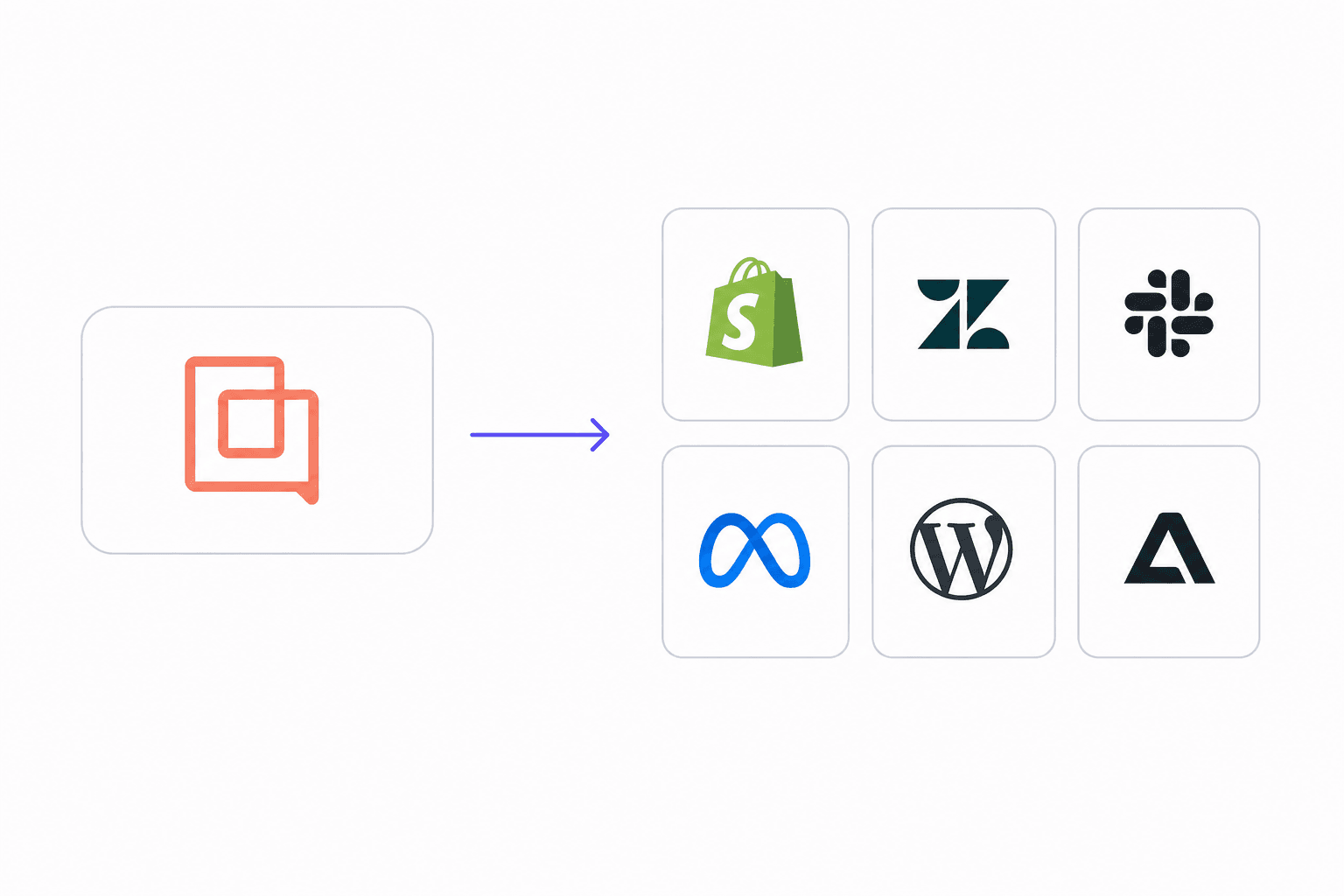
This image displays how a modern AI tool can connect to various knowledge sources, unlike the siloed Gorgias customer portal.

This is where a tool like eesel AI really adds value. It connects to over 100 sources to create one unified brain that works within your Gorgias ecosystem. It can learn from all your past Gorgias tickets to replicate your best agents' solutions right from day one.

Optimizing your automation paths

Gorgias Flows are built on clear logic that works well for predictable questions. This gives you precise control over your messaging. To make these paths even more robust, you can use AI to handle more dynamic conversations.

By using eesel AI alongside Gorgias, you don't have to build every possible decision tree. The AI helps understand the customer's question and finds the right information automatically. This makes your setup faster to manage and ensures you can scale without constant manual updates. Plus, you can test it on thousands of your past tickets in a simulation mode to see exactly how it will perform.

To make it even clearer, let's put it all side-by-side:

FeatureGorgias customer portaleesel AI
Knowledge SourceCurated Help Center articles for precision.All sources: Help Center, past tickets, Confluence, Google Docs, Slack, etc.
Automation TypeStructured, reliable Flows for guided support.Flexible, conversational AI that understands user intent.
Setup & OnboardingDirectly integrated into the helpdesk experience.Genuinely self-serve setup in minutes with one-click helpdesk integration.
TestingBuilt-in testing within the Gorgias platform.Powerful simulation on historical tickets to forecast performance.
Custom ActionsFocuses on native integrations and order management.Fully customizable actions via API to connect to any internal tool.

Gorgias customer portal pricing: What's included?

Understanding the cost of these features is important for planning your budget. The tools that make up the portal experience are bundled into different plans and add-ons.

Gorgias customer portal: Helpdesk plans vs. the AI agent add-on

The Help Center is included in most of Gorgias’s standard helpdesk plans, allowing you to build your knowledge base without extra costs. More advanced automation tools are part of the "AI Agent" product. This allows you to start with the basics and add more advanced AI capabilities as your team is ready for them.

Understanding success-based pricing

The Gorgias AI Agent is priced on a model that reflects the value it provides. On their Pro plan, you pay for conversations that are fully resolved by the AI. This ensures that your costs are tied directly to the success of your automation.

As your automation performs better, you are resolving more tickets without human intervention. To keep your costs predictable as you scale, you might also consider eesel AI's pricing model. We offer simple, transparent plans based on capacity, with absolutely no per-resolution fees. This ensures your bill stays the same every month, regardless of how many customers your AI helps.

Here's a quick look at how their plans are structured in 2026:

PlanMonthly Price (Annual)Included Helpdesk TicketsAI Agent InteractionsCost per Overage Interaction
Starter$10/mo500$1.00
Basic$50/mo30060 included$0.90
Pro$300/mo2,000600 included$0.90
Advanced$750/mo5,0002,500 included$0.90
EnterpriseCustomCustomCustom$0.90

Note: Pricing info is based on public data as of 2026. It's always a good idea to check the official Gorgias pricing page for the latest details.

The Gorgias customer portal verdict: A strong foundation for support

The Gorgias customer portal offers a fantastic set of tools for any ecommerce brand looking to establish a professional self-service presence. The features are built-in, the interface is polished, and it is highly effective at handling common customer inquiries.

Gorgias is a mature, industry-leading platform that provides a reliable environment for managing customer service. As your business grows, you can further enhance this ecosystem with specialized tools.

For businesses that want to add even more flexibility, eesel AI works as a perfect complement to your Gorgias setup. It plugs right into Gorgias and all your other knowledge sources to unify everything and provide advanced automation with complete control and predictable pricing.

You can go live in minutes and see how it enhances your Gorgias experience. Start your free trial today and see for yourself.

Frequently asked questions

The Gorgias customer portal is a powerful toolkit of self-service features. It combines the Help Center, Self-Service Flows, and Order Management capabilities to create a seamless portal experience for customers.

The toolkit primarily includes a brandable Help Center for FAQs and guides, interactive Self-Service Flows within the chat widget, and Order Management actions for tracking or initiating returns directly.

Key considerations include focusing on curated Help Center articles, setting up well-structured automation flows, and understanding the tiered pricing model for its AI Agent that scales with your growth.

While the Help Center is part of standard plans, the AI Agent is an add-on priced per resolution. You get a certain number of resolutions included, allowing you to pay for the specific value the AI provides to your customers.

The Gorgias customer portal is designed to pull answers from articles curated in its Help Center to ensure high-quality responses. To expand this knowledge further, you can integrate tools like eesel AI to include insights from internal wikis or past tickets.

The self-service flows in the Gorgias customer portal offer precise control and are built on logical paths. This allows you to map out specific conversation journeys, ensuring customers receive consistent and reliable information.

Yes, the Gorgias customer portal is an excellent foundation. As your business grows, you can further enhance its capabilities with advanced automation and additional knowledge sources to create a highly scalable self-service experience.

Share this post

Stevia undefined

Article by

Stevia Putri

Stevia Putri is a marketing generalist at eesel AI, where she helps turn powerful AI tools into stories that resonate. She’s driven by curiosity, clarity, and the human side of technology.