Good support is based on your ability to show up for your customers whenever they need you.
Jira Service Management is brilliant at connecting customers with the help they need. It’s a mature, reliable platform that offers enterprise-grade capabilities for teams of all sizes. While it excels at facilitating human-led service, adding AI is a great way to scale your support even further and maximize the value of your help desk.
By integrating ChatGPT, you can ensure that even when your team is offline, customers receive helpful answers instantly within your Jira environment.
It’s an impressive way to build on the ecosystem Jira has already established. Luckily, ChatGPT and GPT-4 can revolutionize how you support your customers.
What does ChatGPT and Jira look like?
Choose the information you’d like to use, simply press Jira Service Management in eesel AI’s sources pane. You can train with past tickets, a URL and many other options.
With ChatGPT and Jira, you’ll get a chatbot that answers your customers' questions.
Here’s how it works: Your customer visits your helpdesk and opens up a chat window. They can ask their question, ChatGPT will interpret it, check the information on your helpdesk, and answer their question straight away.
Why integrate ChatGPT with Jira?
1. Always on: It works when your people can’t. Your customers type a question, and ChatGPT AI answers them straight away - no matter what time it is.
2. Gives people a chance to think: ChatGPT can answer the time-consuming questions staff get over and over again, freeing them up to solve more complicated problems.
3. Great experiences: ChatGPT AIs can say things with the right tone, and provide personalized responses. You can even train it on the past responses of your best people too.
4. Helps new people: Onboarding a new team member? ChatGPT with Jira Service Management helps your newbies find answers, so they don’t have to distract their teammates.
5. Privacy and compliance: With a focus on privacy, EU data residency support, and a commitment to not using data to train models, your information remains secure.
Set up ChatGPT with Jira
eesel AI is a ChatGPT-based AI and just one of many options that works within the Jira ecosystem. After signing up, you’re only 5 minutes away from adding ChatGPT capabilities to Jira Service Management. Here’s how:
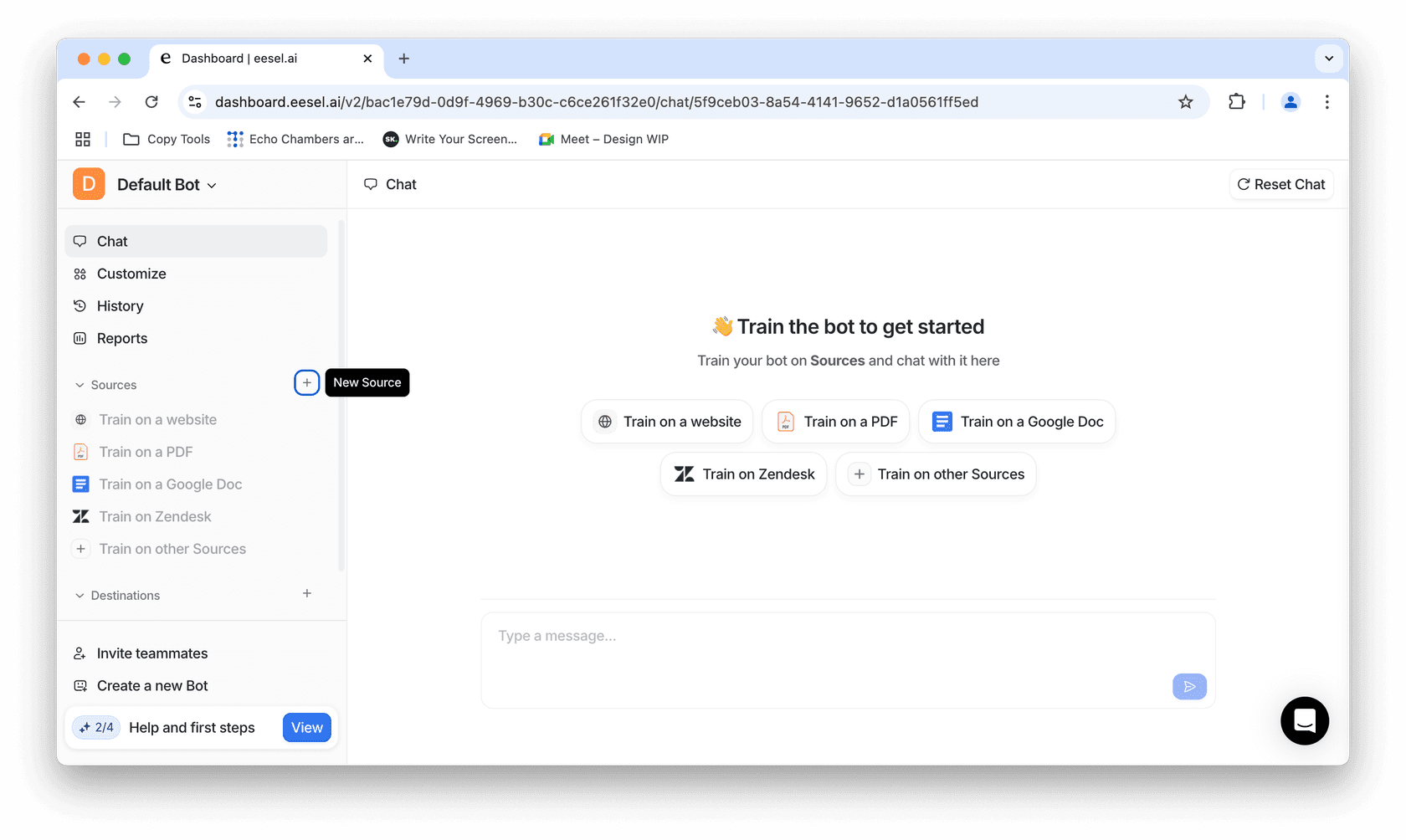
2. Give it a test: Ask some questions and make sure you’re happy with the answers. You can always optimize it using the settings tab to improve your responses.
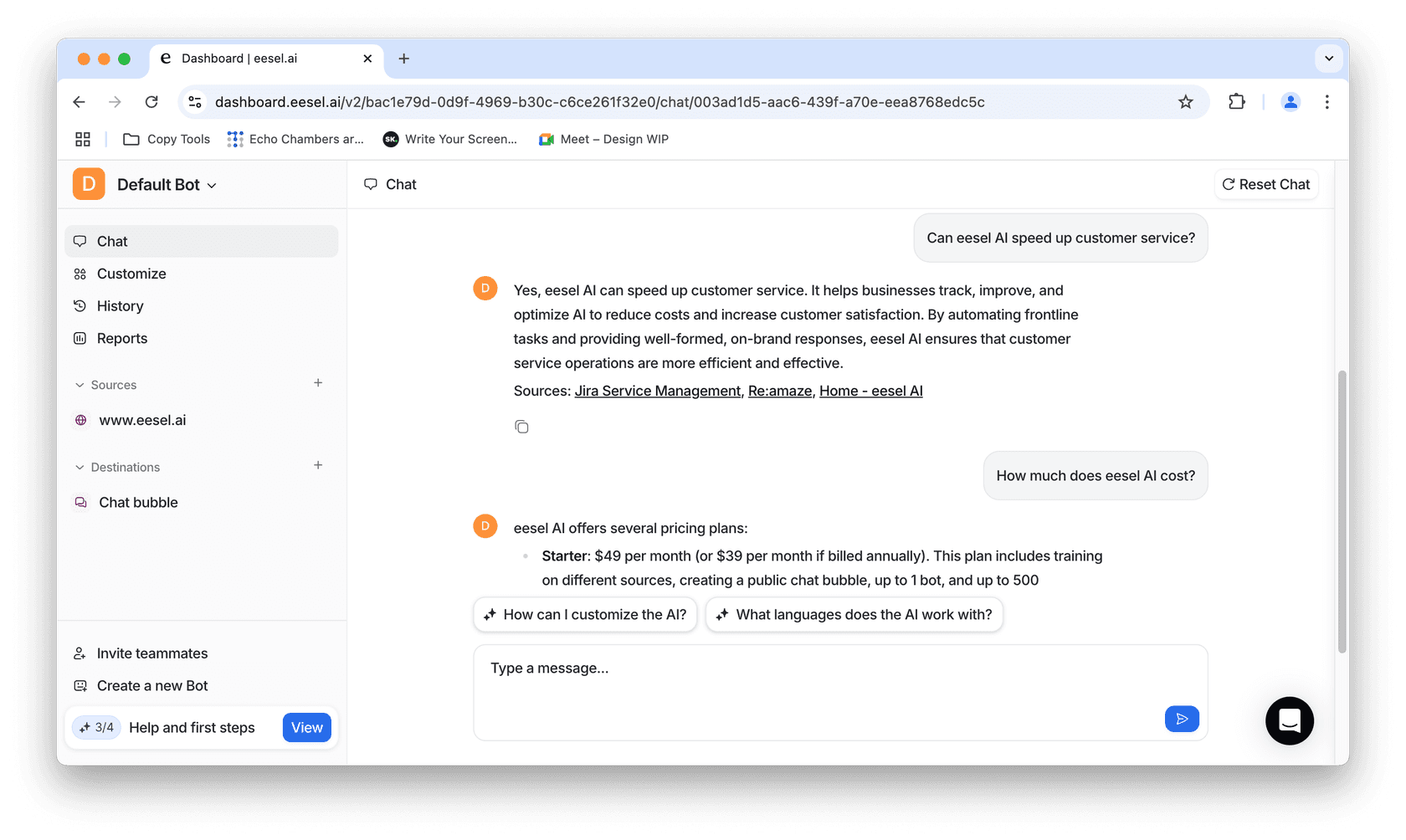
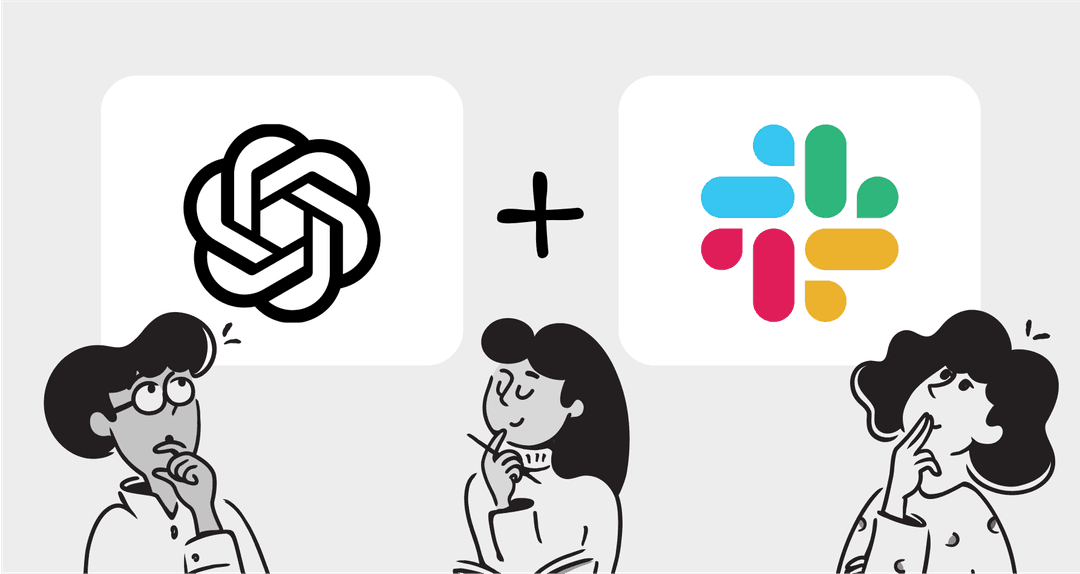
3. Integrate with Jira: Tap Jira Service Management from the integration panel and follow the prompts. You can also set up apps like Slack and Microsoft Teams to give your staff ChatGPT support.
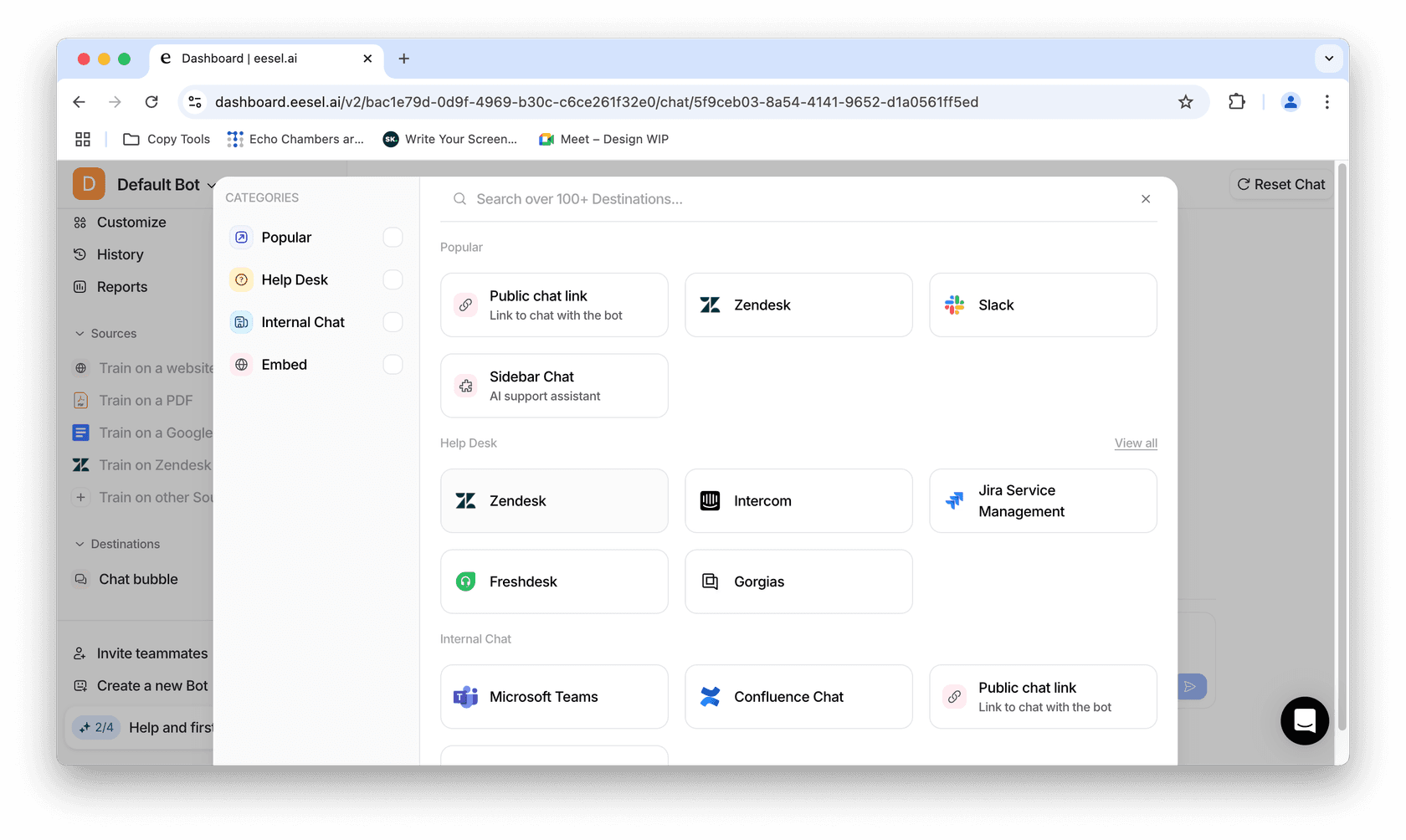
It’s really as easy as that.
Make support easier with ChatGPT and Jira
Bringing ChatGPT with Jira into your support setup means your customers always get fast, accurate answers, even when your team is offline. It frees up agents from repetitive tickets, speeds up onboarding for new staff, and creates a smoother experience for everyone.
And the best part? Getting started only takes a few minutes. You can connect Jira Service Management, train it on your past tickets or docs, and test the results right away.
Start a free trial today (no credit card needed) or book a demo to see how it works for your team.
Frequently asked questions
What is ChatGPT with Jira and how does it work?
ChatGPT with Jira connects AI-powered chat to Jira Service Management. Customers ask questions in the helpdesk chat window, and ChatGPT responds instantly using your help center content, past tickets, or other connected sources.
Why should I use ChatGPT with Jira for customer support?
Using ChatGPT with Jira ensures 24/7 support, reduces repetitive questions for agents, and provides fast, personalized responses. It helps teams focus on complex issues while customers still get immediate answers.
How do I set up ChatGPT with Jira?
You can set up ChatGPT with Jira in minutes using eesel AI. Simply connect Jira Service Management as a source, test the responses, and enable the integration through the dashboard.
Is ChatGPT with Jira secure for sensitive data?
Yes, ChatGPT with Jira via eesel AI supports EU data residency and doesn’t use your data to train external models. This ensures compliance and keeps sensitive customer information safe.
Can new team members benefit from ChatGPT with Jira?
Absolutely. ChatGPT with Jira helps onboard new staff by answering common questions and guiding them without disrupting teammates. It acts like an always-available knowledge assistant.