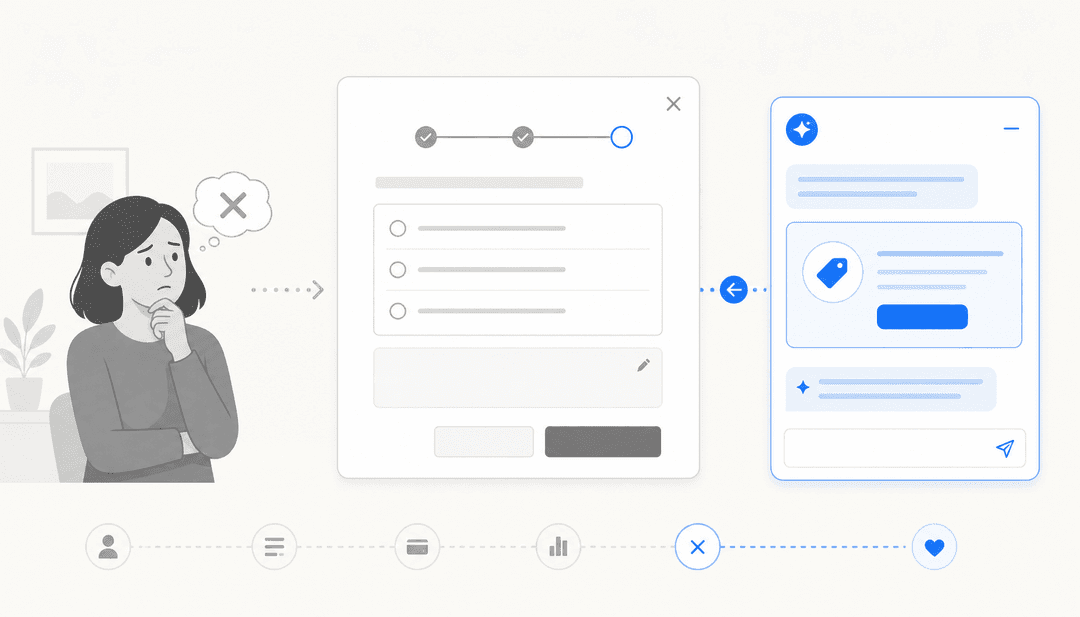

Most IT teams know the feeling: a developer submits a change request on Tuesday, it sits in a queue until Thursday's CAB meeting, gets a 20-minute discussion, and goes out Friday at midnight. By Monday, an incident is open because the change touched a dependency nobody caught during review.
Change management exists to prevent exactly that. But the process itself — manual risk assessment, CAB prep, email approval chains, post-implementation notes nobody reads — has become the bottleneck it was supposed to eliminate.
AI doesn't fix change management by speeding up the bureaucracy. It changes what needs human judgment at all.
What IT change management actually involves
IT change management is the process of planning, assessing, approving, implementing, and reviewing changes to IT infrastructure, services, and applications. The goal is to minimize service disruption while enabling the organization to keep moving. Under ITIL 4, it's formally called "Change Enablement" — a deliberate shift in terminology from the older model where "management" implied control at all costs.
There are three change types every ITSM practitioner deals with:
Standard changes are pre-approved and low-risk. Password resets, routine patching, standard user provisioning — these follow a tested procedure and don't need a CAB sign-off every time. They should be fast.
Normal changes need assessment, risk scoring, and formal approval. A new service deployment, an infrastructure migration, a third-party application update. These go through the full review cycle and represent most of the CAB's agenda.
Emergency changes happen when something is broken and a fix can't wait. They skip standard approval gates and get documented after the fact. Audit trails matter here even more than usual.
The Change Advisory Board (CAB) is the group — typically architects, service owners, operations leads, and sometimes security — that reviews normal changes and decides whether they're ready to go. In many organizations the CAB meets weekly, which means anything submitted after Monday morning waits seven days minimum.
The hidden cost isn't just delay. It's the risk that manual review misses what a data-driven model would catch: a change scheduled during a peak usage window, two changes touching the same CI on the same afternoon, a deployment from a team with three rollbacks in the past 90 days.
Where AI fits into the change process
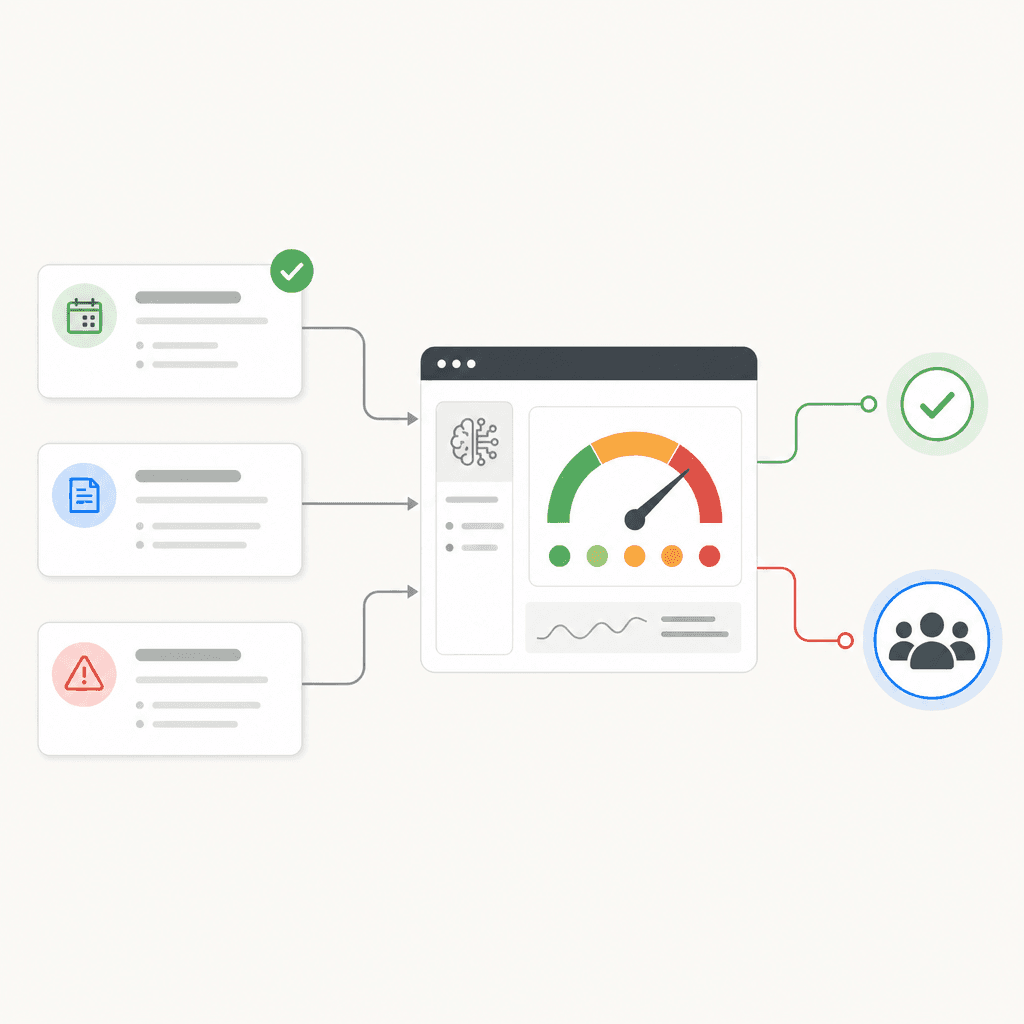
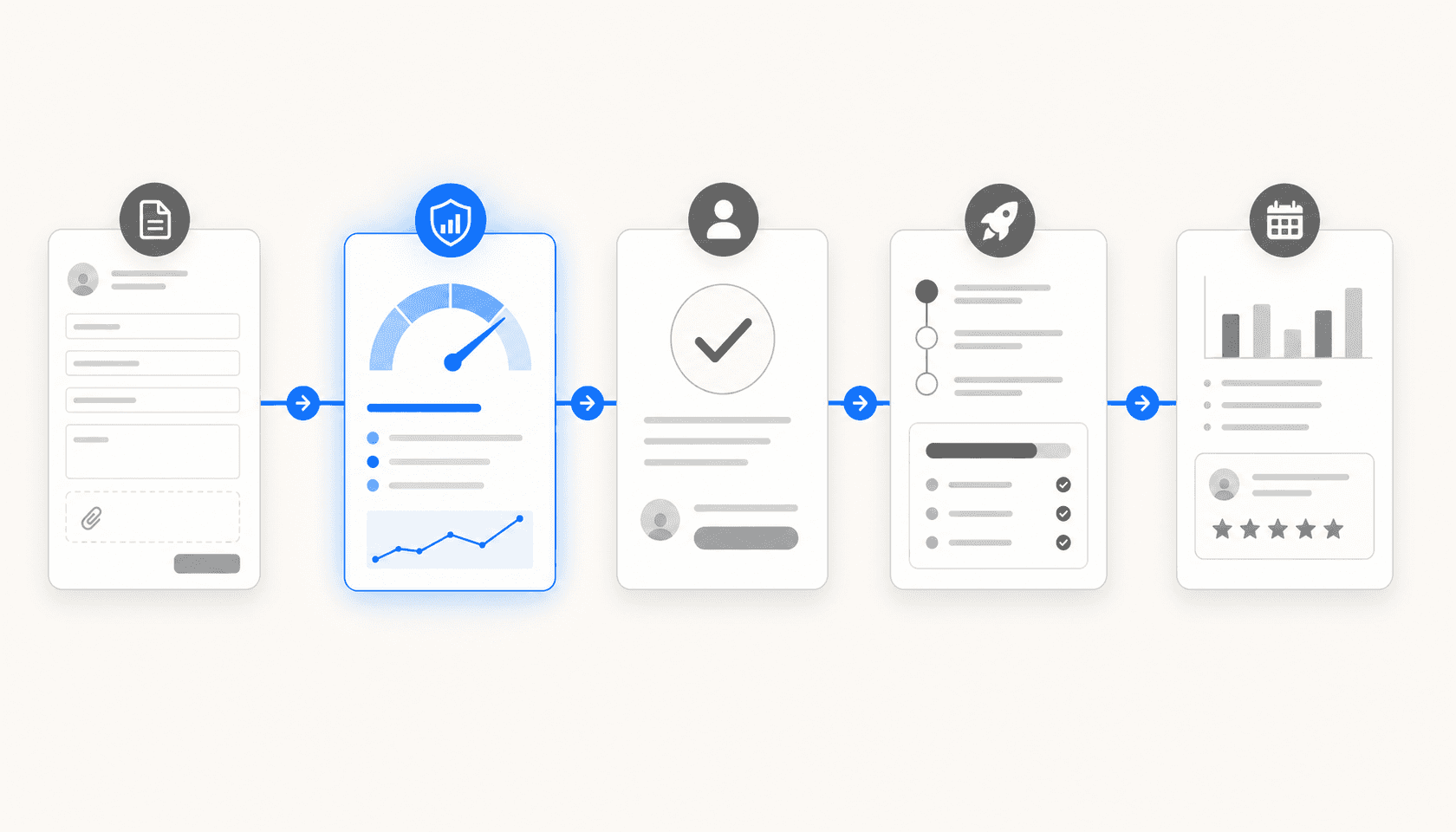
AI addresses change management at five specific points in the lifecycle. Understanding which point you're solving for helps you evaluate tools and avoid buying features you don't actually need.
Risk scoring and auto-classification
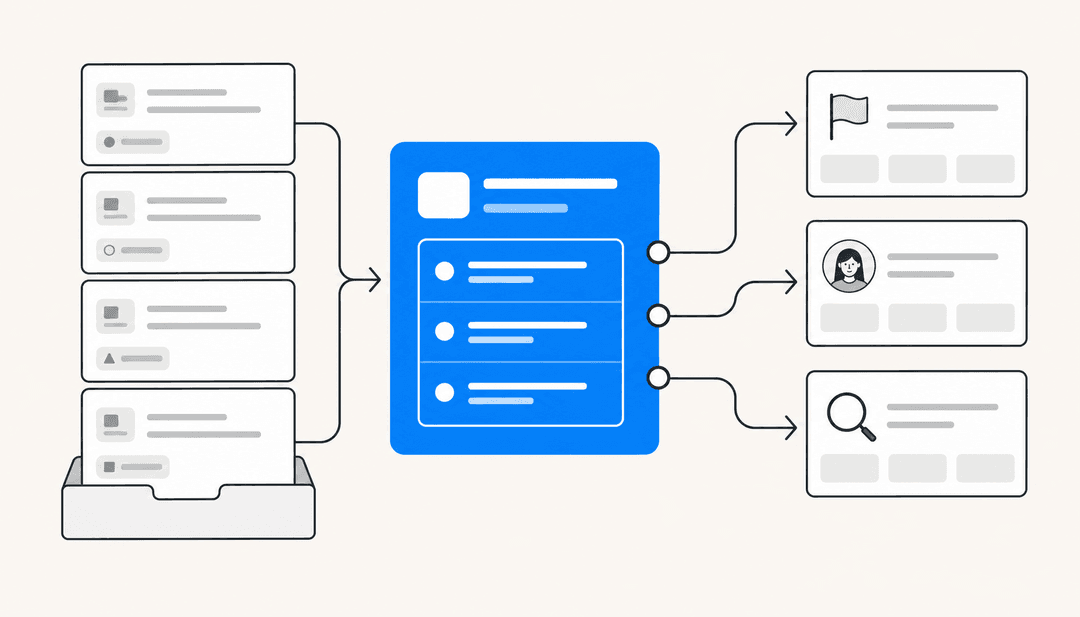
This is where AI has the most immediate, measurable impact. Instead of asking a human reviewer to assess whether a change is low, medium, or high risk, an AI model does it automatically by analyzing the change request against historical data.
The inputs typically include: which configuration items (CIs) are affected (pulled from the CMDB), the change's implementation window (is there a major product launch happening?), the team's change history (what's their rollback rate?), the type and scope of the change, and any open incidents touching the same systems.
ServiceNow's Change Risk Calculator evaluates change requests against configurable risk and impact conditions to produce a systematic score. Jira Service Management's AI risk engine can "score the risk of a change using a Jira automation powered risk assessment engine" and then automatically approve or deploy low-risk changes based on that score — with rules available out of the box.
The practical outcome: standard changes go straight through without human review. Normal changes arrive at the CAB pre-scored with the rationale, so reviewers spend five minutes confirming rather than 20 minutes calculating.
CAB preparation and meeting management
CAB meetings are slow partly because the agenda is assembled manually and partly because reviewers arrive cold. AI can fix both problems.
ServiceNow's CAB Workbench handles the logistics: scheduling, agenda management, attendee coordination, and notification. Changes are pre-scored and grouped before they hit the agenda, so the CAB sees a prioritized list with risk context already attached.
Jira Service Management supports asynchronous CAB collaboration through Confluence — change plans and approval requests live in a shared document where board members can comment, raise concerns, and approve without needing to be in the same meeting. For distributed IT teams, this alone removes the weekly meeting bottleneck.
Freshservice's change calendar displays all scheduled changes and tasks in a unified view, so CAB members can check for conflicts before the meeting rather than discovering them during implementation. Hierarchical approvals route each change to the right stakeholders automatically.
Approval workflow automation
Not every change needs a CAB vote. The right AI implementation routes each change to the right approval path automatically — and handles the low-risk ones without any human in the loop at all.
Jira Service Management's automated approval rules can route standard changes straight to implementation, flag normal changes for specific approvers based on the CI or service affected, and fast-track emergency changes into a minimal-approval path while preserving the audit trail.
The gain here isn't just speed. It's consistency. Manual routing means someone has to decide who needs to approve a database configuration change versus an API gateway update. Automated routing means that decision is made once, encoded as a rule, and applied every time.
A G2 reviewer describing their ServiceNow implementation captured what this looks like in practice: "Automation handles tasks like incident creation, assignment, escalation, and change approvals based on predefined rules, significantly reducing response time, especially for critical P1/P2 issues, and ensuring consistent handling without dependency on individuals."
Anomaly detection and conflict identification
Even well-reviewed changes cause incidents when they collide with other changes or land in an unexpected operational state. AI can catch these collisions before they happen.
ServiceNow's change management includes automated conflict detection — identifying scheduling conflicts and resource collisions across the change calendar. If two changes are touching the same CI on the same afternoon, the system flags it before either goes into implementation.
Freshservice's Freddy AI Insights monitors the service desk for anomaly patterns and provides root cause analysis alerts before issues escalate. On the change side, this means spotting correlations — an uptick in incidents that consistently follows a specific change type — and feeding that signal back into future risk scores.
Jira Service Management's Rovo Ops agent takes this further: it "proactively detects and resolves incidents by analyzing logs, changes, runbooks, and past incidents," applying risk-aware change detection to learn from past failure patterns and reduce incident volume proactively.
Post-implementation review and knowledge capture
Post-implementation review (PIR) is the step most teams skip, or do badly. A hastily filled-out form filed days after implementation captures almost nothing useful.
AI can auto-generate PIR drafts from the data that already exists: the change record, the deployment timeline, any incidents opened in the post-change window, and the approval history. Jira Service Management's AI-generated PIR does exactly this — drafting the post-incident review from incident timeline data so ops teams spend time improving the process rather than documenting it.
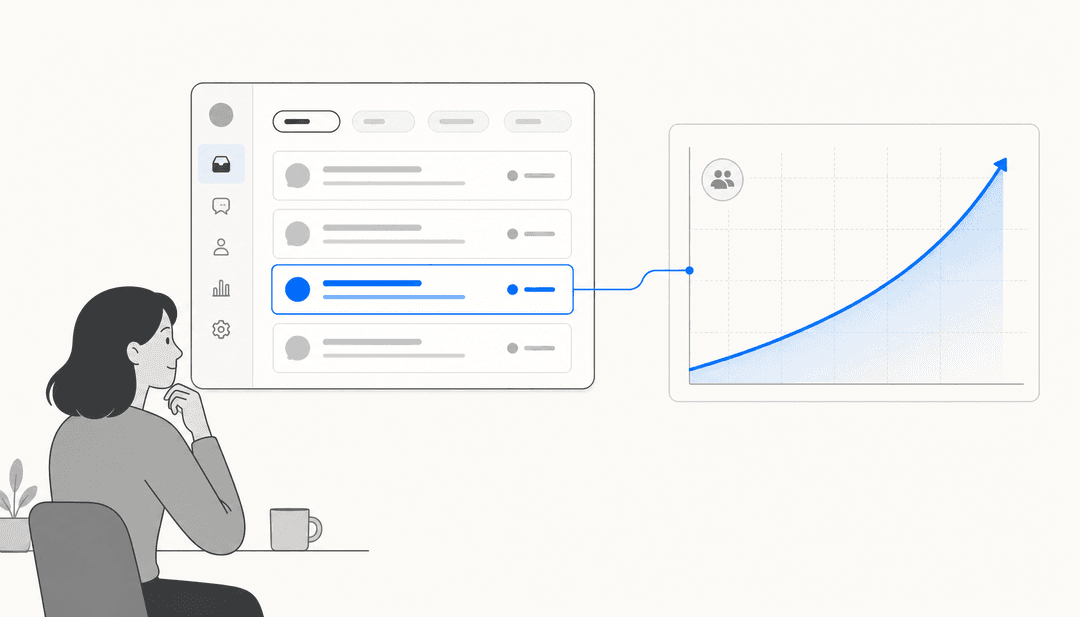
The accumulated PIRs also feed future risk scoring. When the AI has seen 200 changes of a certain type and knows which ones preceded incidents, that history becomes part of the risk assessment model. The process gets more accurate over time without anyone having to manually tune it.
How the major ITSM platforms implement AI change management
The three platforms with the most developed AI change management features are ServiceNow, Jira Service Management, and Freshservice. Each takes a different approach — enterprise depth versus developer speed versus mid-market accessibility — so which one makes sense depends on where your organization sits on that spectrum.
ServiceNow
ServiceNow ITSM — used by 85% of the Fortune 500 — has the most comprehensive AI change management feature set of any platform. The change management capabilities are structured around three tiers:
- ITSM Foundation: Core change management with workflow automation and CAB Workbench
- ITSM Advanced: Adds the Change Risk Calculator, conflict detection, change schedules with maintenance windows, and DevOps Change Velocity for deployment gating
- ITSM Prime: Adds the full AI Agents for ITSM suite, which can handle change management tasks autonomously, and the L1 Service Desk AI Specialist
The CAB Workbench consolidates meeting scheduling, agenda management, and attendee notifications in one interface. The Change Risk Calculator uses configurable risk and impact conditions — not a black box — so organizations can tune it to their specific environment.
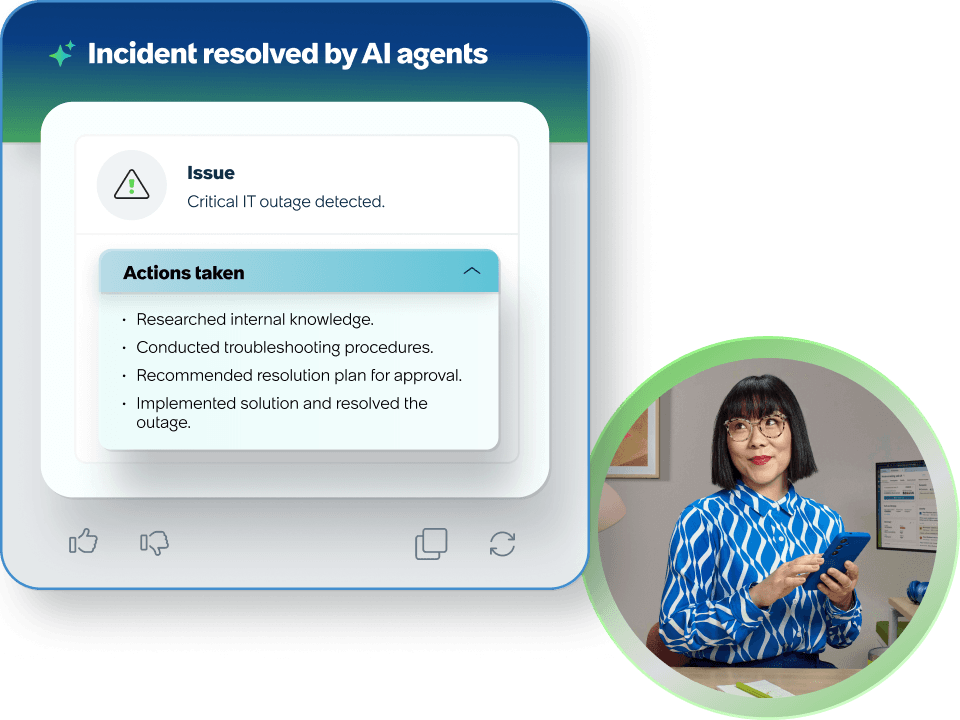
ServiceNow customer USI reported a >47% decrease in mean time to resolution with AI, and Fonterra achieved a 92% improvement in MTTR for high-priority incidents. These numbers span the full ITSM suite, but change management automation is a meaningful contributor to both.
The caveat: ServiceNow's pricing is not published and requires a custom quote. G2 reviewers are consistent that "the platform is relatively expensive and the ROI tends to be clearer for larger organizations than for smaller teams." The AI and change management features that matter most (Change Risk Calculator, DevOps Change Velocity, AI Agents for ITSM) are in Advanced and Prime tiers. For teams under a few hundred employees, the complexity-to-value ratio can be hard to justify.
Jira Service Management
Jira Service Management is the change management platform of choice for engineering-led organizations that already live in the Atlassian ecosystem. Its AI risk assessment is available on Premium ($51.42/agent/month) and Enterprise plans.
The differentiator is CI/CD integration. JSM connects to Bitbucket Pipelines and other CI/CD tools to "keep records of changes without manually creating requests" — deployments from the pipeline automatically generate change records with full context attached. For teams running continuous delivery, this eliminates a major manual step in change tracking.
The change calendar supports creating, editing, and rescheduling changes directly, with a visual timeline that surfaces conflicts before they become incidents. For CAB coordination, Confluence-backed change plans let stakeholders collaborate asynchronously — useful for distributed teams across time zones.
JSM's AI risk engine can automatically approve and deploy low-risk changes, with the full approval path triggered by the AI score. At 60,000+ customers and a 275% ROI over three years per Forrester, it's a proven option for organizations that don't need the full ServiceNow enterprise stack.
Freshservice
Freshservice positions itself as the approachable alternative to ServiceNow — ITIL-aligned but faster to implement and less complex to administer. Its change management covers the full lifecycle from planning through post-implementation review, with hierarchical approval workflows, CAB scheduling, and change calendar.
The AI dimension comes through Freddy AI, which adds anomaly detection, root cause analysis alerts, and pattern monitoring. Freddy AI Insights lets IT leaders ask natural language questions about their service desk performance — useful for reviewing change-related incident trends after the fact.
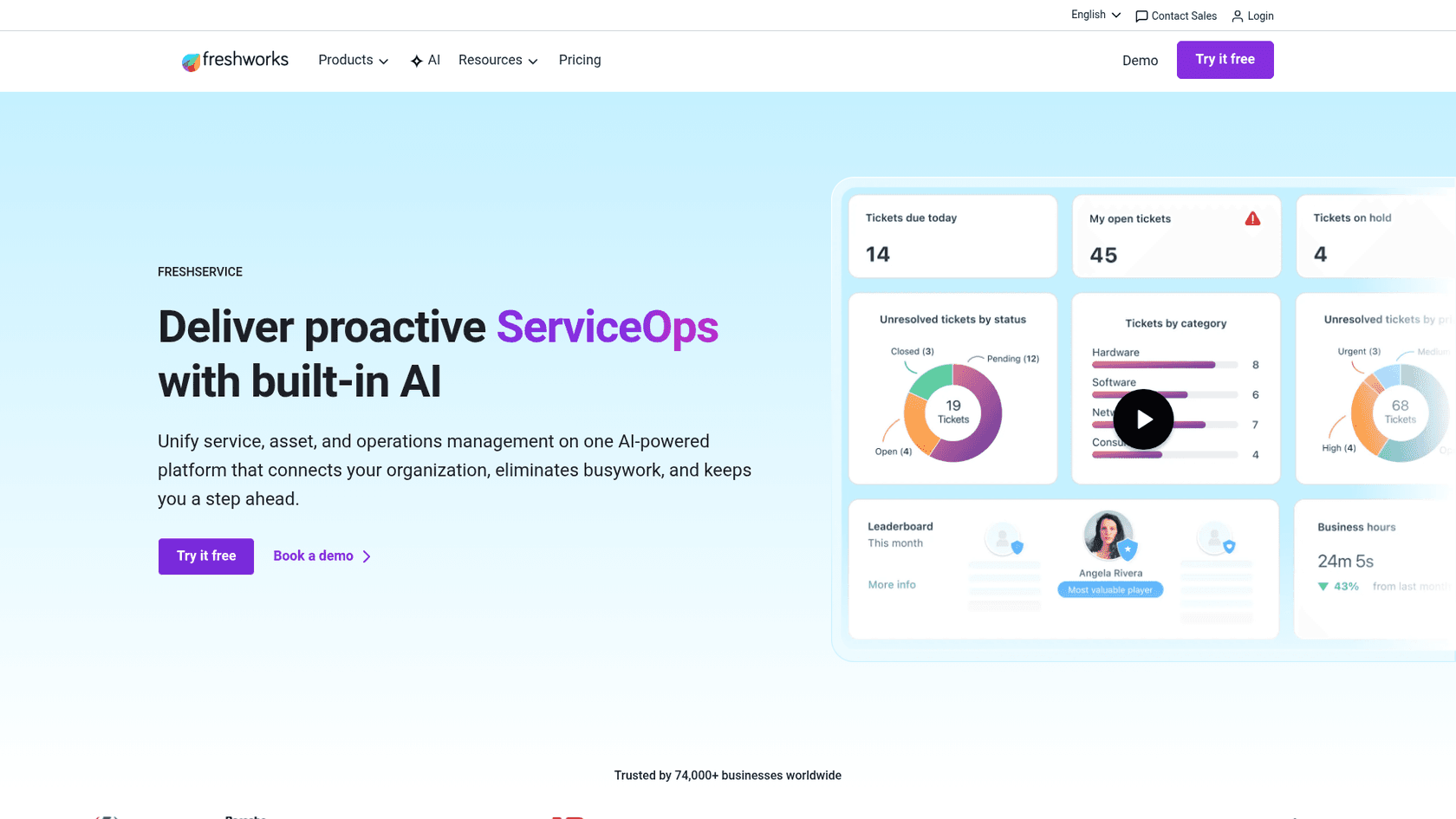
Where Freshservice falls short on AI change management: the most valuable AI features require the Enterprise plan (custom pricing), and reviewers consistently note that advanced features feel "locked behind expensive higher-tier plans." For teams at Growth or Pro ($49-$99/agent/month), the change management is solid but largely manual in its workflow.
Freshservice works best for mid-market IT teams that need structured ITIL change management without the ServiceNow complexity tax. Village Roadshow cut IT costs by 60% annually with Freshservice — though the win was broad operational improvement, not change management specifically.
Adding an AI layer to your existing ITSM
Not every team is ready to migrate their ITSM platform, and they shouldn't have to be. For organizations running Freshservice, Jira, or another tool that doesn't yet have mature AI change management features, there's a second path: adding an AI agent layer on top of what you already have.
This is where eesel AI fits. Rather than replacing your ITSM, eesel connects to it and handles the knowledge retrieval, employee-facing communication, and routing work that currently falls to your team. When a developer asks in Slack whether their planned change needs a CAB review, eesel can answer based on your internal change management policy documents — without a human having to look it up. When a change-related incident opens, eesel can pull the relevant runbooks, past incident data, and CMDB context to inform the response.
The setup works across the tools your team already uses. eesel connects to Jira Service Management, Freshservice, Slack, Confluence, and Google Drive — so it can draw on change policy documents wherever they live. For IT teams managing high ticket volumes, this deflection of Tier 1 questions frees up the capacity that better change management requires.
Teams using eesel in Slack get an AI assistant that handles ITSM queries directly in the channel where work happens — employees ask about change freeze windows, required approvers, or rollback procedures and get answers from your internal documentation without opening a ticket. That same Slack + helpdesk AI layer can notify on-call teams when a change-related incident fires, with full context attached.
eesel's simulation mode is useful during rollout: you can test the AI against your historical change-related tickets before going live, which gives you a realistic forecast of how many requests the AI can handle versus which ones will need human routing. For teams currently handling change requests manually through automated ticketing, this simulation step is particularly valuable before committing to a new workflow.
How to roll out AI change management: a practical sequence
Rolling out AI change management all at once tends to fail. People distrust the risk scores, managers disable the automation, and the project dies quietly. A phased approach works better.
Start with classification and risk scoring in advisory mode. Configure the AI to score every new change request but don't let the score drive routing yet. For four to eight weeks, run the AI scores alongside your existing manual review process and compare. Where does the AI agree with your CAB? Where does it flag risks your team missed? This phase builds trust in the model and surfaces the configuration adjustments you need.
Automate standard changes next. Standard changes are the lowest-risk automation target. Once you've confirmed the AI classification is reliable, route pre-approved standard changes straight to implementation without CAB review. Track the result. This is where you'll get early win metrics — faster deployment velocity, fewer CAB agenda items, measurable time savings.
Extend to low-risk normal changes. With a working risk model and organizational confidence from the standard-change phase, you can begin auto-approving normal changes that score below a set threshold. Keep humans in the loop for medium and high risk. Review the outcomes monthly and tighten the threshold as the model accumulates more history.
Use AI for CAB prep, not CAB replacement. Have the AI generate pre-scored change summaries for every item on the CAB agenda — risk score rationale, affected CIs, historical incident rates for similar changes. CAB members arrive with context. Meetings get shorter. The board focuses on changes that actually need human judgment.
Close the loop with automated PIRs. Turn on AI-generated post-implementation review drafts. Review and edit them initially — the AI will miss organizational context that humans know. Over time, the PIRs improve and the signals they capture feed back into better risk scoring.
What to watch out for
Garbage in, garbage out. AI change management depends on a clean CMDB. If your configuration item data is stale or incomplete, risk scores will be wrong and automation will route things incorrectly. Before investing heavily in AI change features, audit your CMDB data quality first.
Automation without accountability. Auto-approving changes is only safe when there's a clear audit trail showing what was approved, by what rule, and why. Every major ITSM platform logs this, but make sure you're surfacing it — especially for compliance purposes.
AI confidence decay. Risk models trained on historical data reflect the past. If your infrastructure, team, or change patterns shift significantly — a major cloud migration, a reorg, a new deployment pipeline — your risk scores will lag. Plan for periodic model review as part of your change management governance.
Incomplete knowledge bases. If your change management policy documents, runbooks, and CAB guidelines aren't in a format the AI can read, the AI can't use them. Knowledge management investment is a prerequisite for good AI-assisted change management, not a nice-to-have.
The actual outcome
The 2024 Gartner Magic Quadrant for AI Applications in IT Service Management evaluated vendors specifically on "Anomaly Detection and Risk Advisory" as one of the nine core capabilities — a signal that risk-aware change management is now table stakes for serious ITSM platforms, not a differentiating feature. Gartner also highlighted automated triage and predictive analytics as the capabilities buyers are prioritizing.
What does this look like in practice? IT teams that run AI-assisted change management typically see three measurable changes. CAB agendas shrink because standard changes are filtered out automatically. Change-related incident rates drop because risk scoring catches conflicts and high-risk deployments before they go out. And post-incident review quality improves because the data is captured in real time rather than reconstructed from memory.
The process doesn't disappear. The judgment calls don't disappear. But the manual work — the queue management, the meeting prep, the routing decisions, the documentation — gets handled by systems that are faster and more consistent than humans at exactly those tasks.
That frees up the humans in change management to do the work that actually requires them: evaluating novel risks, making judgment calls on high-stakes deployments, and building the process knowledge that the AI will eventually learn from.
If you're looking at where to start, pick the highest-volume, lowest-risk change type in your environment right now. That's your automation target. Get the classification right on that subset, measure the results over 60 days, and use that evidence to expand the scope. AI change management isn't a switch you flip — it's a process you gradually hand over, one change type at a time.

Frequently Asked Questions
Share this article

Article by
eesel writer team
The eesel writer team creates content to help support teams get the most out of AI.