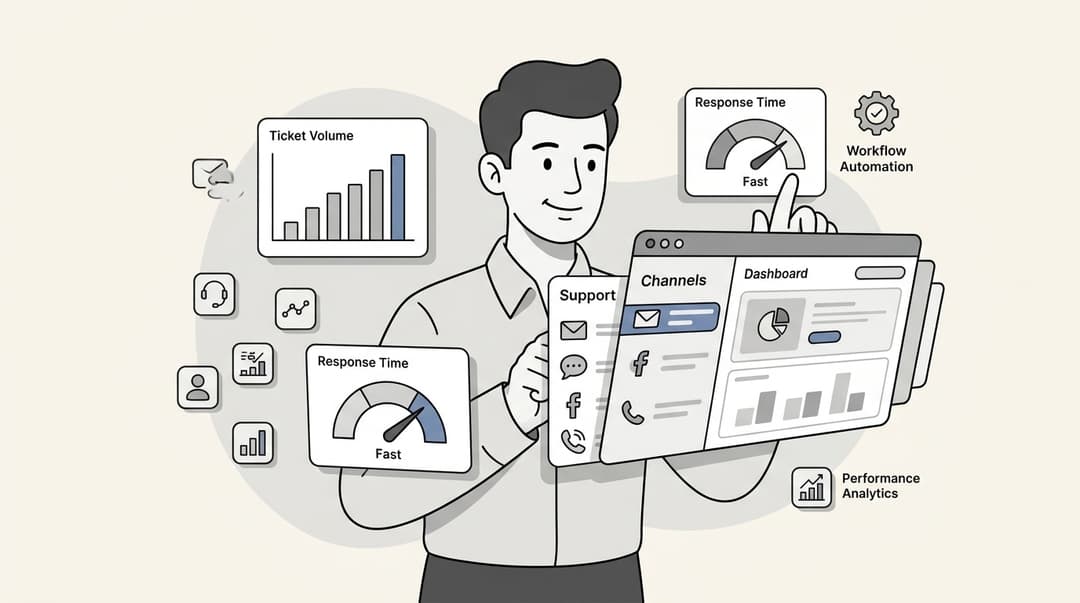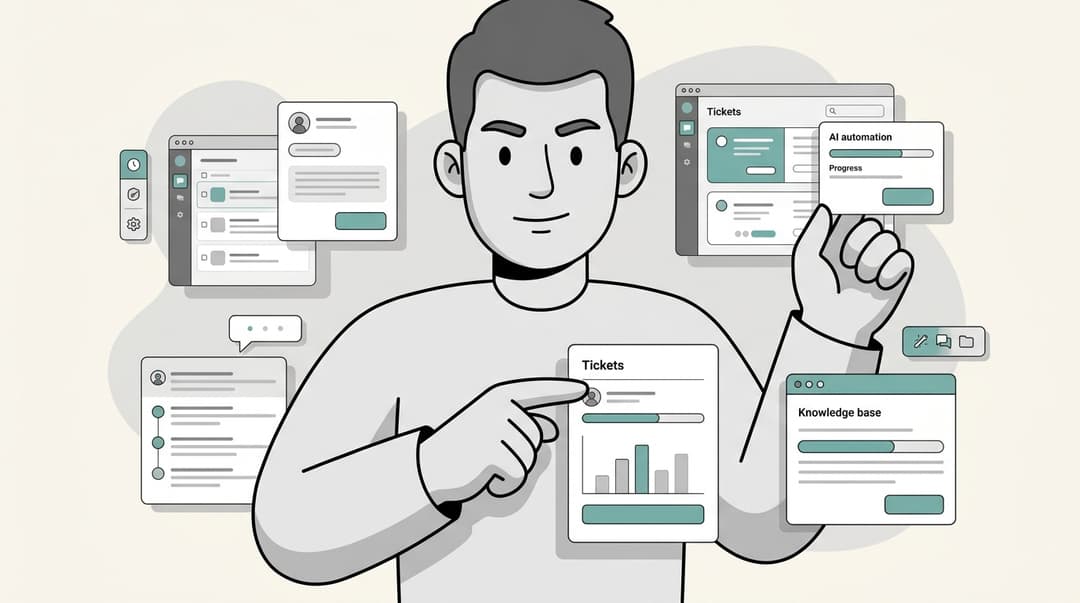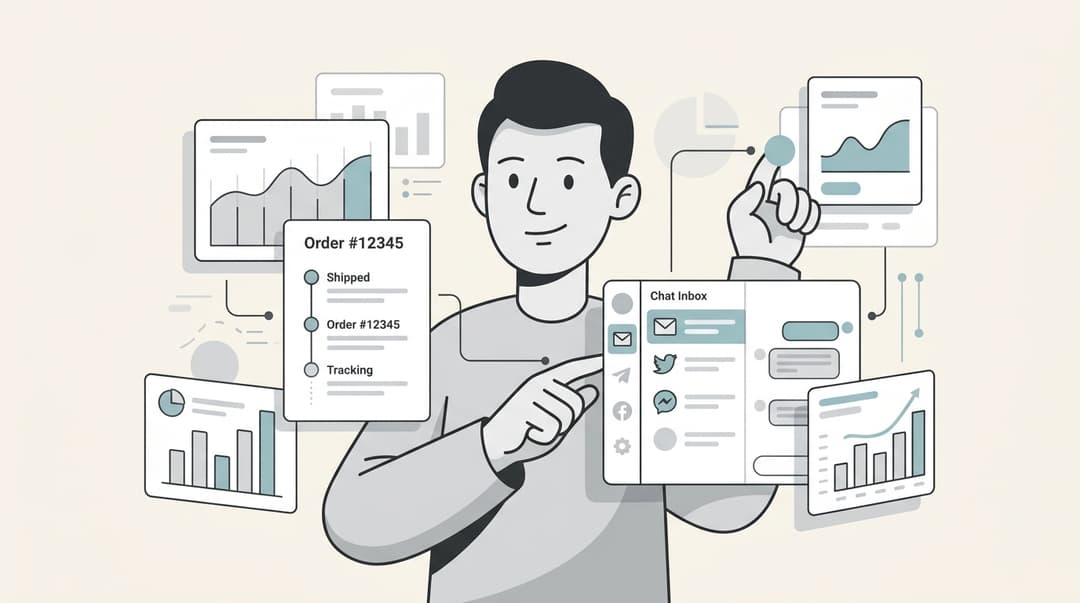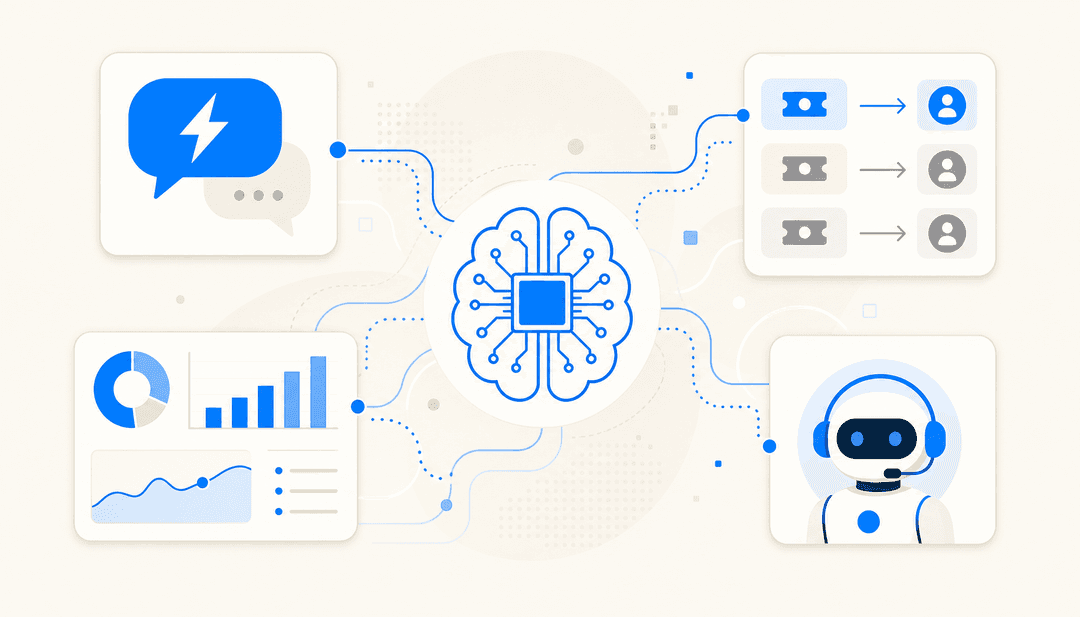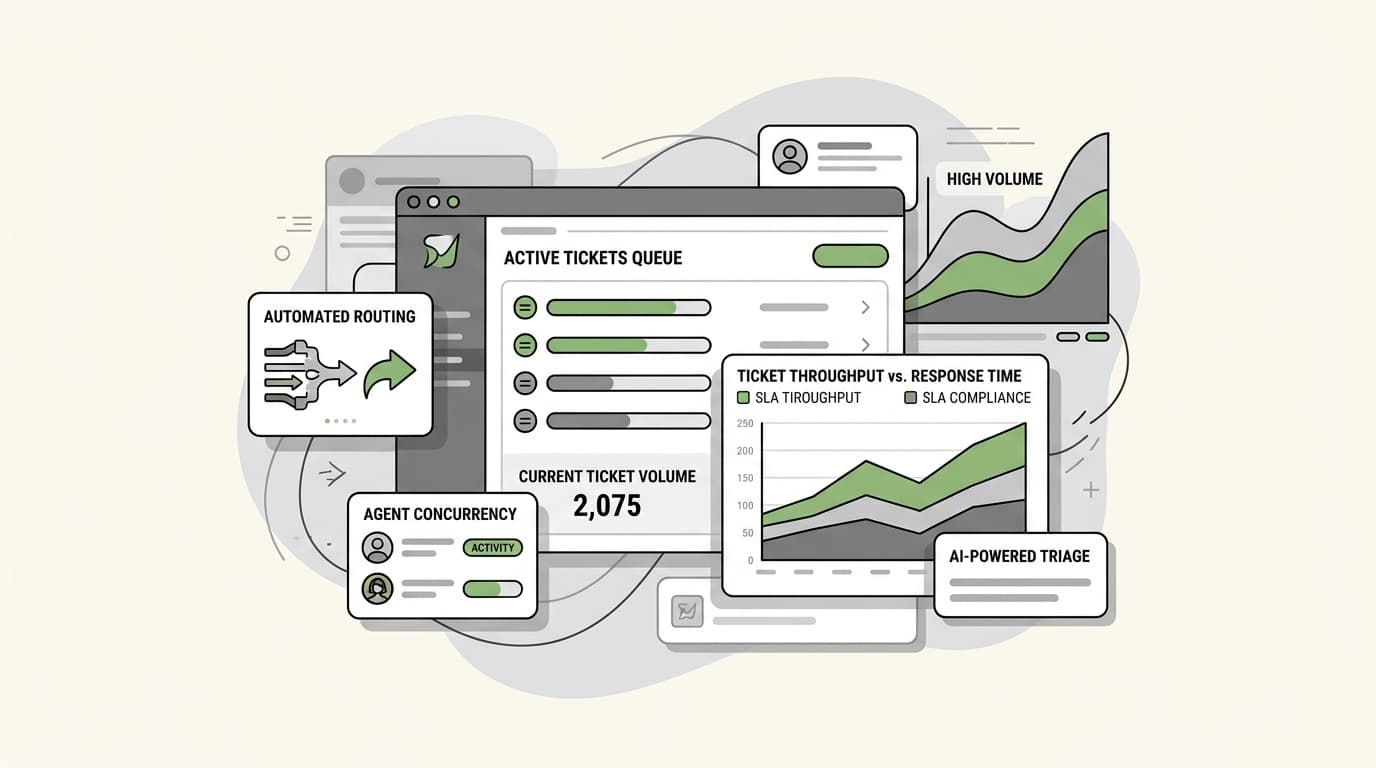
When ticket volume hits the thousands, most helpdesks stall. Response times slip, triage backlogs pile up, and agents burn out trying to hold the line. We put 18 platforms through a high-stress volume test. Only seven maintained accuracy and throughput without requiring a proportional headcount increase. The difference came down to one thing: how autonomously each platform could act.
At scale, the bottleneck isn't effort — it's architecture. You need a system that handles thousands of concurrent interactions, routes intelligently without human intervention, and surfaces the right context to the right agent in under a second. When those conditions aren't met, every demand spike becomes a crisis regardless of how hard your team works.
In 2026, the teams pulling ahead have stopped treating this as a hiring problem. The real shift is toward autonomous AI agents that don't just assist human agents — they resolve tickets end-to-end. Below, we break down the seven platforms built for exactly that.
What is high-volume helpdesk software?
At its core, high-volume helpdesk software is built for scale. While a standard shared inbox might work for a small team, a high-volume platform is designed to handle thousands of concurrent interactions across multiple channels without latency.
The primary focus for these systems is throughput. This means the ability to process a high number of tickets per hour, ensuring that every customer gets a timely response regardless of how busy the queue is. Stability is equally important; the system cannot slow down or crash just because you're running a major promotion or facing a service outage.
Unlike standard tools, these platforms are built for concurrency, allowing hundreds of agents and AI teammates to work simultaneously on a single unified backlog. They move beyond simple message organization to provide robust routing engines, automated triage, and real-time SLA monitoring that keeps the support operation moving at speed.
Why traditional help desks break at scale
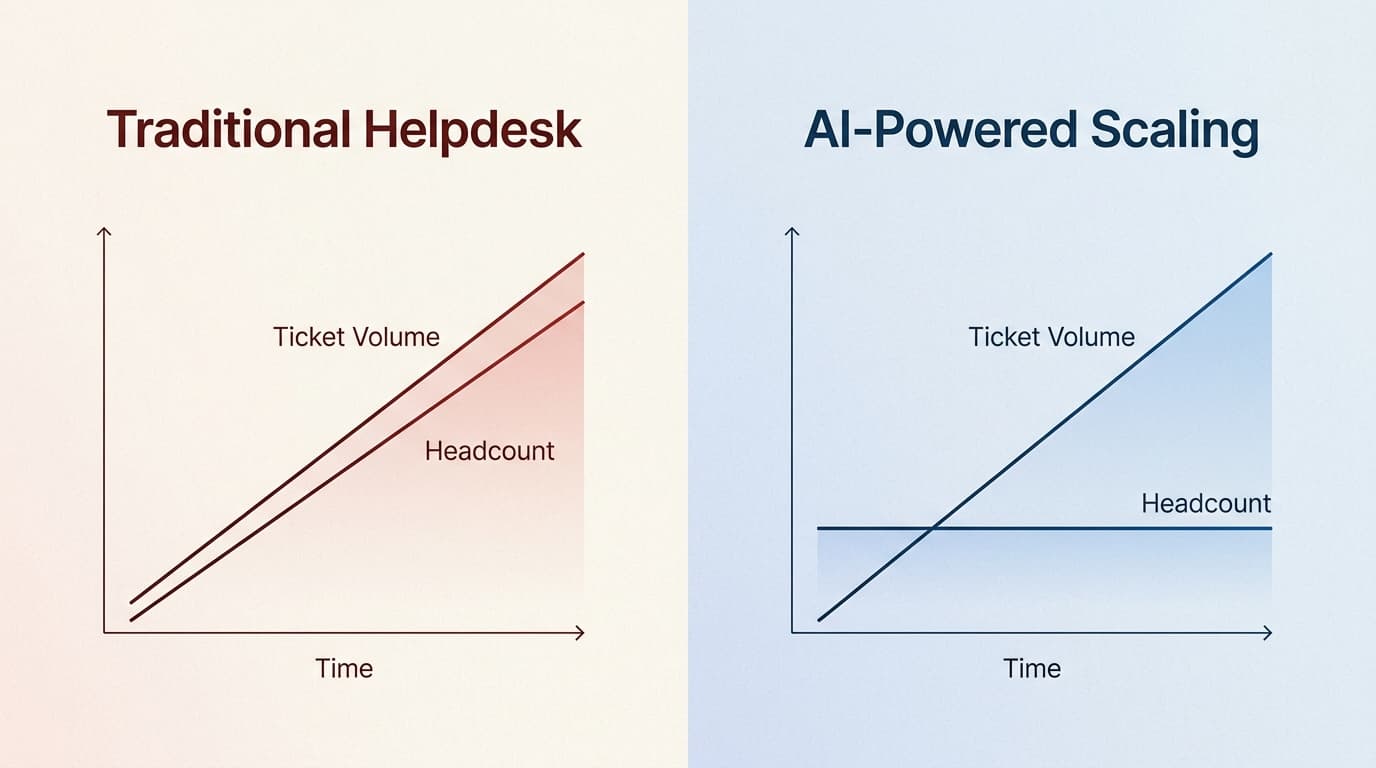
Most support teams start with a simple tool, but as volume grows, they hit what we call the "linear headcount trap." This is the belief that to handle twice as many tickets, you need twice as many people. It's an expensive and unsustainable way to scale.
Here are the four main reasons traditional help desks fail when volume spikes:
- The linear headcount trap:Needing to continuously hire more people just to keep up with ticket growth is the fastest way to drain your budget.
- Fragmented context and data silos:When agents have to jump between five different tabs to find an order number or customer history, response times skyrocket.
- Manual triage bottlenecks:If a human has to manually read and assign every incoming ticket, your queue will always be at the mercy of how fast that one person can click.
- Performance latency:Many tools that feel snappy with 1,000 tickets become sluggish and clunky when loading datasets in the hundreds of thousands.
Key criteria for handling high ticket volume
If you're evaluating a platform for high-stress environments, you need to look past the marketing fluff. Here are the non-negotiables for handling high ticket volume in 2026:
Autonomous AI resolution
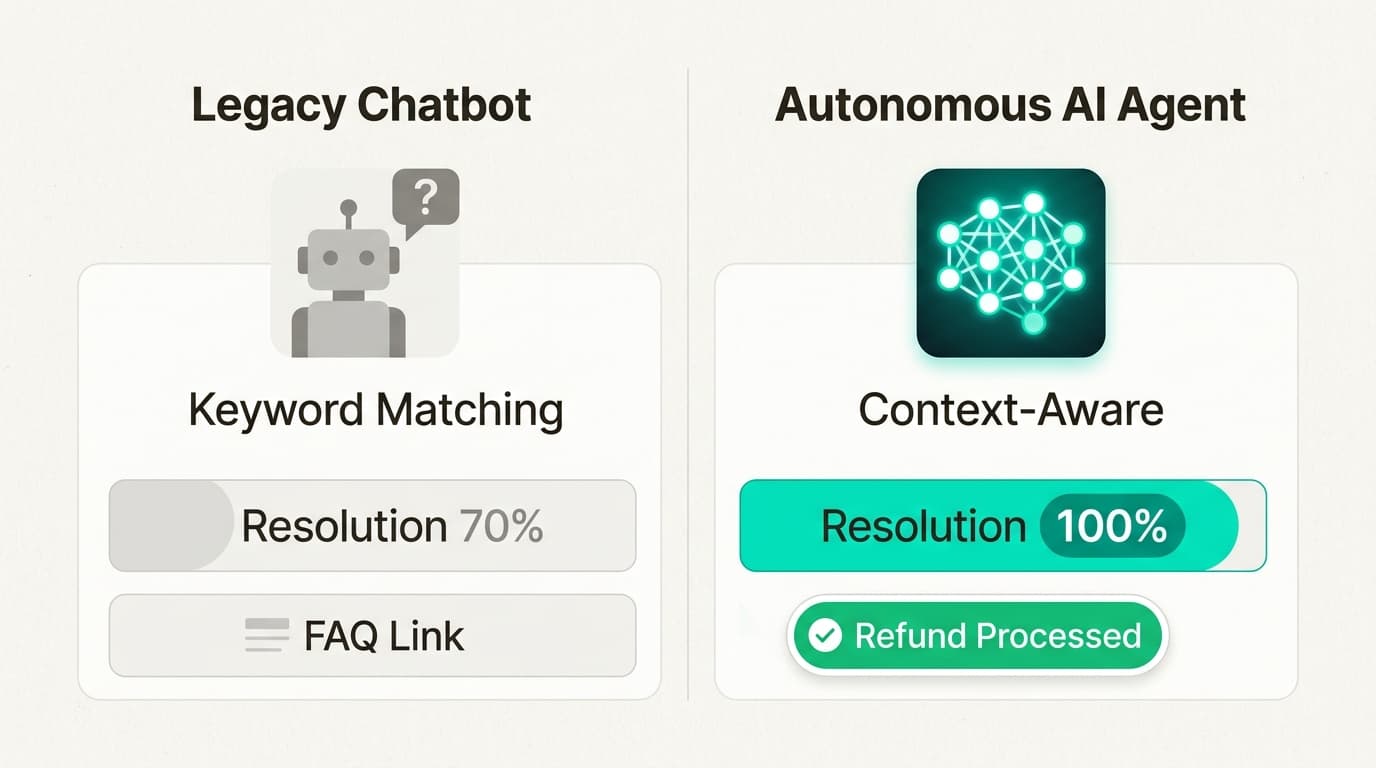
The era of the "I don't understand" bot is over. Modern platforms like eesel AI use autonomous agents that actually resolve tickets end-to-end. These teammates learn from your documentation and past conversations to handle resolutions, not just redirections.
Smart routing and triage
In a high-volume environment, every second counts. You need skill-based assignment and priority logic that ensures the most critical tickets go to the right person or AI agent instantly.
Deep integration ecosystem
Your helpdesk shouldn't be an island. It needs to connect deeply with your CRM, e-commerce platform, and internal tools like Slack to provide agents with a single source of truth.
Real-time reporting
You can't manage what you can't measure. You need live dashboards that monitor queue health, agent performance, and SLA breaches in real time so you can spot bottlenecks before they become crises.
How we conducted this comparison
To make this list useful, we evaluated each tool using a consistent set of criteria focused on enterprise-level scale. Here is what we looked for:
- Automation Depth: Can the tool handle tickets autonomously, or does it just help humans work faster?
- Scalability: Does the pricing model penalize growth, or does it scale with your volume?
- Ease of Use: How quickly can a team onboard and start seeing value?
- Integration Power: How well does it play with the rest of your tech stack?
| Tool | Core Strength | High-Volume Feature | Starting Price |
|---|---|---|---|
| eesel AI | Pure Automation | Autonomous resolution (81%) | $0.40 / ticket |
| Zendesk | Global Enterprise | Advanced AI routing | $55 / agent |
| HappyFox | Operational Control | Unlimited agent plans | $24 / agent |
| Freshdesk | Omnichannel SMB | Freddy AI auto-triage | $19 / agent |
| Zoho Desk | Value & Context | Zia AI Answer Bot | $14 / agent |
| Kustomer | Customer Timeline | CRM-driven context | Custom |
| Pylon | B2B & Slack | Account Intelligence | $59 / seat |
7 best helpdesk software for high volume tickets in 2026
1. eesel AI
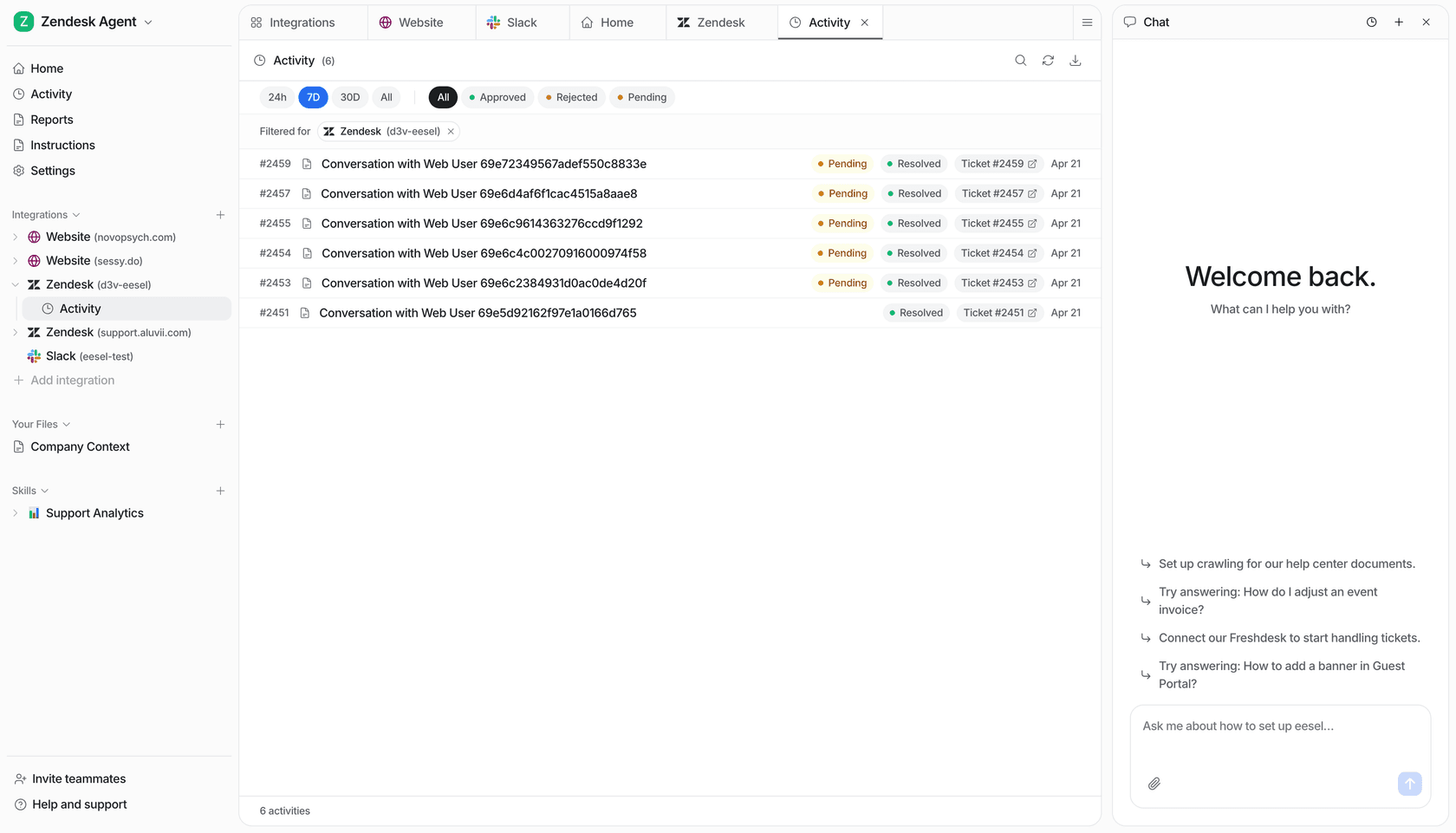
eesel AI represents a fundamental shift in how support teams scale. Instead of a tool you configure, we've built a teammate you hire. Our AI Helpdesk Agent is designed to join your team and start resolving tickets autonomously within minutes, not weeks.
The core advantage of our approach is that it eliminates the need for manual decision trees or rigid bot configurations. Eesel learns directly from your existing help center, past tickets, and internal documentation (like Notion, Confluence, and Slack) to understand your business context perfectly. This allows it to handle frontline support end-to-end, only escalating the most complex issues to your human agents.
| Plan | Price | Key Features |
|---|---|---|
| Usage-Based | $0.40 / ticket | 81% autonomous resolution, no platform fees, $50 free trial |
| Enterprise | $1,000 / month | Compliance features, SSO, HIPAA, dedicated account management |
Pros:
- Zero training required: Our AI learns from your existing tools immediately.
- Pay for results: At $0.40 per ticket/chat session, you only pay for what eesel actually does.
- Perfect memory: Never misses a policy update or a specific product detail.
Cons:
- Focus on automation:Best suited for teams that want AI to handle the bulk of their Tier 1 volume.
2. Zendesk
Zendesk remains the enterprise standard for global support operations. It is a robust, highly customizable platform that can handle massive ticket volumes across dozens of languages and regions.
For high-volume teams, Zendesk offers "Advanced AI" capabilities that include AI agents for triage and basic resolutions. Its routing engine is one of the most powerful on the market, allowing for complex logic that ensures every ticket lands in the right queue.
| Plan | Price | Key Features |
|---|---|---|
| Suite Team | $55 / agent / mo | 1,000+ integrations, standard bots, basic reporting |
| Suite Professional | $115 / agent / mo | Advanced AI add-on, side conversations, HIPAA compliance |
| Suite Enterprise | $169 / agent / mo | Custom roles, dynamic workspaces, sandbox environment |
Pros:
- Massive marketplace:Over 1,000 apps to extend your helpdesk's functionality.
- Global scale:Excellent for companies operating in multiple countries.
Cons:
- Steep learning curve:The interface can feel cluttered and requires dedicated administrators to manage.
- Costly AI add-ons:Many advanced automation features come with an additional price tag.
3. HappyFox
HappyFox is built for teams that prioritize operational control and throughput. It avoids the clutter of some enterprise systems in favor of a clean, highly efficient interface that keeps agents focused on resolution.
One of its most unique offerings for high-volume teams is the unlimited agent plans. This is a great way to avoid the seat-based cost inflation that usually happens when you scale a human support team. Its "Smart Rules" allow for deep automation of repetitive tasks like tagging, routing, and following up.
| Plan | Price | Seats | Key Features |
|---|---|---|---|
| Basic | $24 / agent / mo | Up to 5 | Smart rules, SLA management, custom fields |
| Unlimited Agents | $1,999 / mo (annual) | Unlimited | No per-seat cost, proactive support, advanced reporting |
Pros:
- Predictable costs:The unlimited agent model is perfect for large teams.
- SLA management:Robust tools to ensure you never miss a response deadline.
Cons:
- No free tier:You'll need to commit to a paid plan after the initial trial.
4. Freshdesk
Freshdesk by Freshworks is a user-friendly, omnichannel solution that is particularly popular with growing SMBs. It offers a low barrier to entry while still providing the enterprise features needed to handle large ticket volumes.
Its AI engine, Freddy AI, helps with auto-triage and provides agent-facing "Copilot" assistance to speed up response times. Freshdesk is great for teams that want a unified view of email, chat, and phone support without a massive implementation project.
| Plan | Price | Key Features |
|---|---|---|
| Growth | $19 / agent / mo | AI-powered ticket summary, basic automation, marketplace apps |
| Pro | $55 / agent / mo | Custom reports, round-robin routing, advanced SLAs |
| Enterprise | $89 / agent / mo | Freddy AI Copilot, sandbox, audit logs |
Pros:
- Omnichannel shared inbox:Manage all your channels in one place with ease.
- Fast onboarding:One of the quickest platforms to set up and go live.
Cons:
- AI session costs: Freddy AI Agent sessions are $49 per 100 sessions after the initial allowance.
5. Zoho Desk
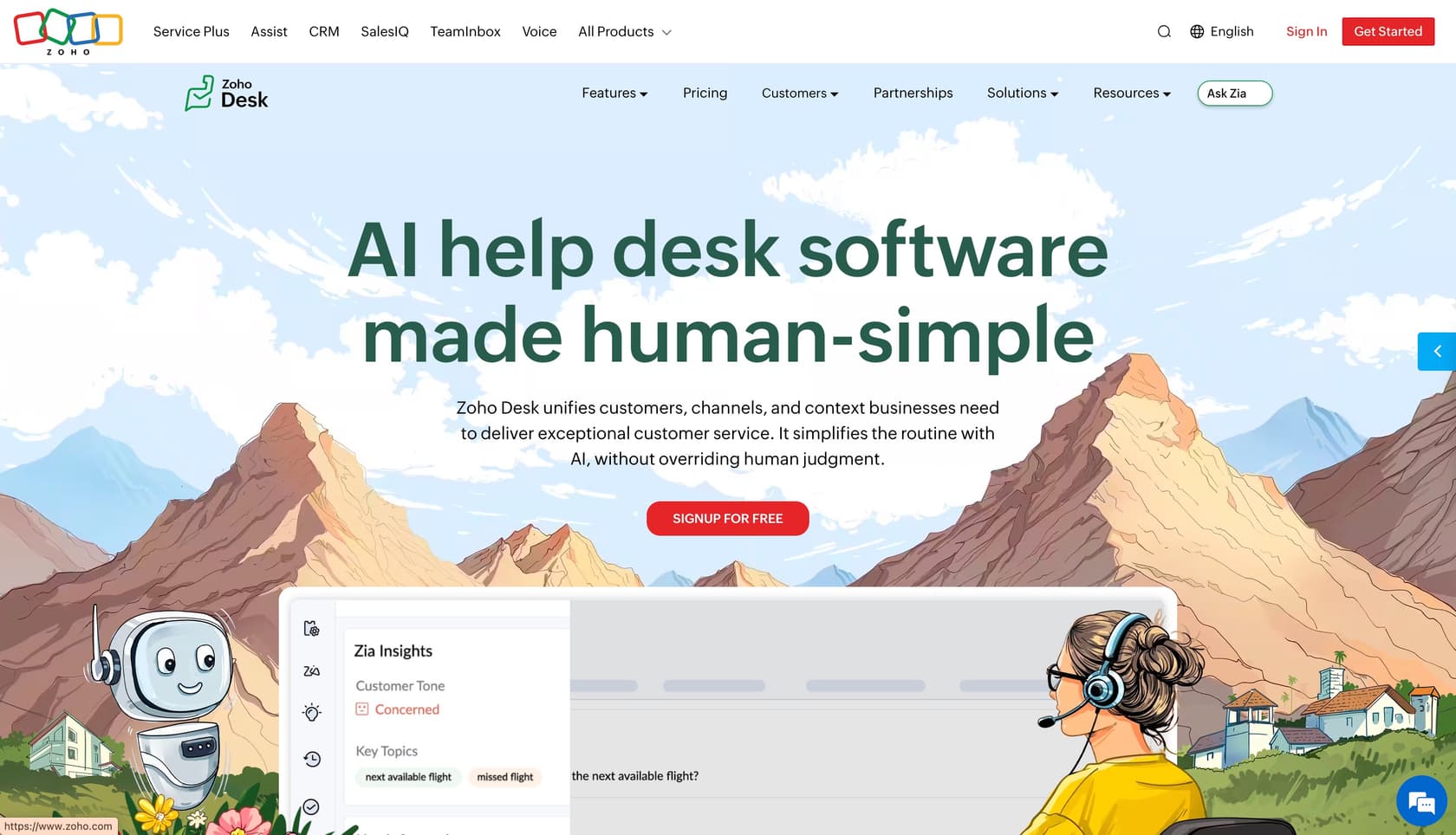
Zoho Desk is the value-focused choice for teams that want context-aware automation without the enterprise price tag. It integrates seamlessly with the rest of the Zoho ecosystem, making it a natural fit for companies already using Zoho CRM or Mail.
The platform's Zia AI provides automated responses and sentiment analysis to help agents prioritize the most frustrated customers. Its "Blueprint" feature allows for visual process control, ensuring that your support workflows are followed consistently even as you scale.
| Plan | Price | Key Features |
|---|---|---|
| Standard | $14 / agent / mo | Help center, work modes, basic Zia AI |
| Professional | $23 / agent / mo | Round-robin routing, advanced Zia features, sentiment analysis |
| Enterprise | $40 / agent / mo | Zia Answer Bot, Blueprint automation, guided conversations |
Pros:
- Extremely affordable:Great value for the feature set provided.
- Context-aware:Zia helps agents understand the customer's history before they reply.
Cons:
- UI aesthetics:The interface can feel a bit dated compared to modern competitors like eesel AI or Pylon.
6. Kustomer
Kustomer is an AI-first, CRM-driven helpdesk built specifically for enterprise throughput. Its standout feature is the unified customer timeline, which gives agents a complete view of every customer interaction across all channels in one place.
This timeline view is a significant advantage for high-volume teams because it eliminates "tab-switching," which is a major time sink. Kustomer's pricing model is built around "engaged conversations," aligning its costs with the actual volume your team is handling.
| Plan | Price | Key Features |
|---|---|---|
| Enterprise | Custom | Timeline view, omnichannel support, AI triaging |
| Ultimate | Custom | Advanced automation, real-time dashboards, dedicated success manager |
Pros:
- Exceptional context:See everything from purchase history to past tickets on one screen.
- Built for AI:Automation is baked into the core of the platform.
Cons:
- High entry cost:Generally aimed at larger enterprises with significant budgets.
- Complexity:Requires a fair amount of setup to get the most out of the timeline features.
7. Pylon
Pylon is the modern choice for B2B support teams that live in Slack, Microsoft Teams, and Discord. Instead of forcing customers to a portal, Pylon captures requests directly from these channels and turns them into trackable tickets.
For high-volume B2B teams, Pylon's "Account Intelligence" is critical. It allows you to see the health and history of an entire company account, rather than just treating every ticket as an isolated event. It is perfect for teams that want to manage high-volume Slack support without losing control.
| Plan | Price | Key Features |
|---|---|---|
| Starter | $59 / seat / mo | Slack/Teams ticketing, basic reporting, native integrations |
| Professional | $89 / seat / mo | Account Intelligence, bulk actions, advanced automation |
| Enterprise | $139 / seat / mo | Custom branding, white-label portals, dedicated support |
Pros:
- Slack-native:The best way to manage high-volume B2B support.
- Account focus:Excellent for teams that support large corporate clients.
Cons:
- Pricey:Per-seat costs are on the higher end of the spectrum.
- Niche focus:Primarily designed for B2B tech and service teams.
How to choose the right software for your team
Selecting the best helpdesk software for high volume tickets depends on where your volume is coming from and what your long-term goals are. If you're managing thousands of Slack messages, a tool like Pylon is your best bet. If you're a global enterprise with complex routing needs, Zendesk is the standard.
But the most important question to ask is about your "AI floor." You should evaluate whether the tool can handle baseline tickets autonomously. If the helpdesk just makes your human agents 10% faster, you'll still be stuck in the headcount trap. Look for platforms that can resolve the bulk of your Tier 1 volume without human intervention.
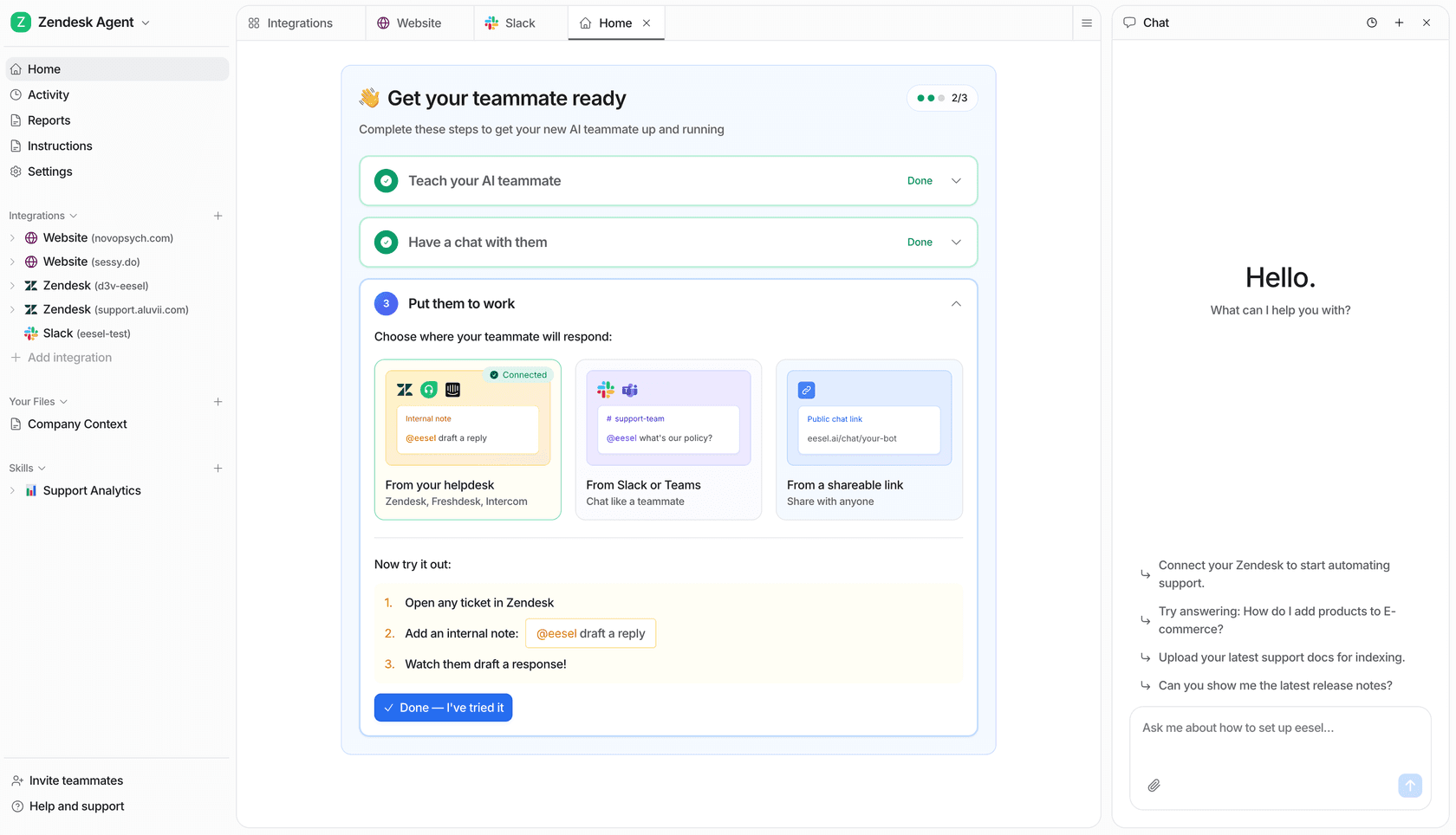
Finally, check the integration depth. A high-volume operation moves fast, and your agents can't afford to hunt for data. The best helpdesk software is the one that plugs seamlessly into your existing tech stack, providing instant access to order history, CRM data, and internal wiki pages.
Scaling your support without growing your headcount
The bottom line? Scaling your support shouldn't mean scaling your stress. The shift from "software as a tool" to "AI as a teammate" is the only way to break the link between ticket volume and headcount.
At eesel AI, we believe that your team should be focused on high-value, complex customer issues, while our AI teammates handle the repetitive heavy lifting. Whether you're handling 1,000 tickets or 100,000, our usage-based model ensures that your costs stay aligned with your results.
You can get started with an AI Helpdesk Agent in minutes. No configuration wizards, no complex migrations: just invite your new AI teammate and watch your resolution rates climb.