


Remember when Zoom was just that app everyone scrambled to download for family quiz nights and the first wave of remote work? Well, it’s grown up. A lot. It’s now a whole platform called "Zoom Workplace," and with that growth comes a more complex pricing structure that can be a bit of a headache to sort through. If you’re scratching your head trying to figure out what you actually get for your money, you’re definitely not alone.
This guide is here to cut through the noise. We’ll walk through every Zoom Workplace plan, break down the add-ons, and look at what its new AI features can (and can't) do. By the end, you should have a clear picture of the costs and feel confident picking the tier that makes the most sense for your business.
How Zoom Workplace relates to Zoom pricing
First things first, Zoom is no longer just "Zoom Meetings." The platform has morphed into Zoom Workplace, which is basically a single hub for all your team's communication tools. Think of it as an all-in-one spot that bundles video conferencing with ongoing team chat, shared documents, and virtual whiteboards.
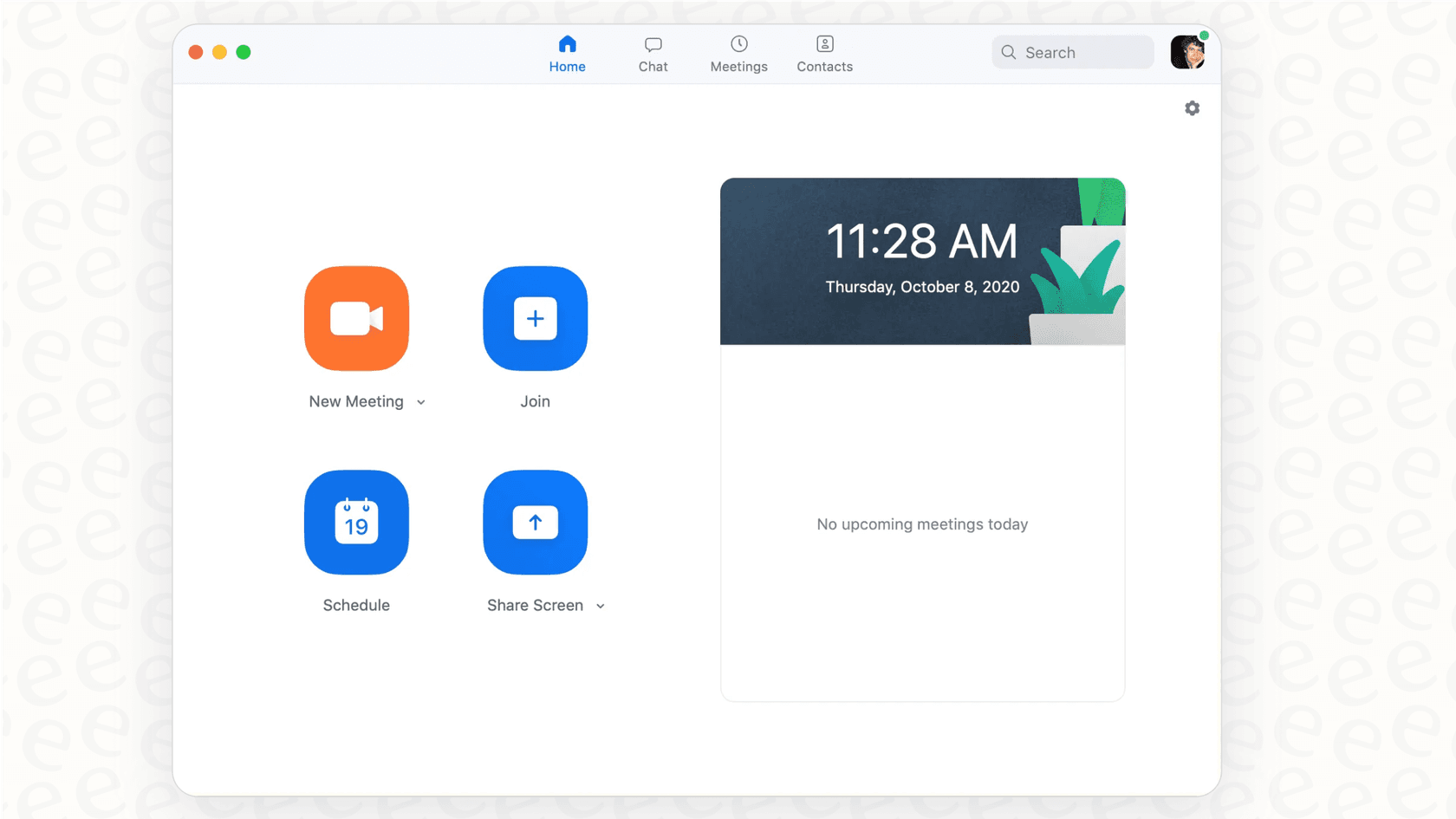
So instead of just paying for a meeting tool, you're subscribing to a suite that includes Meetings, Team Chat, Zoom Docs, and the AI Companion. Getting your head around this shift is the key to understanding the Zoom pricing model. You’re getting a package deal meant to cover more of your day-to-day workflow, not just your video calls.
A full breakdown of Zoom pricing plans
Zoom’s pricing is pretty standard: you pay per user, per month, and you can usually save a bit of cash by paying for a full year upfront. The features you get scale up quite a bit as you move from the free plan to the bigger enterprise options.
Here’s a quick table to see how the main plans stack up.
| Plan | Price (Billed Annually) | Best For | Max Participants | Meeting Time Limit | Cloud Storage | Key Features |
|---|---|---|---|---|---|---|
| Basic | Free | Individuals & tiny teams | 100 | 40 minutes | Local only | Team Chat, 3 Whiteboards |
| Pro | $14.16/user/month | Small businesses | 100 | 30 hours | 10 GB/license | Unlimited AI summaries and note-taking, Social streaming |
| Business | $18.33/user/month | Growing teams | 300 | 30 hours | 10 GB/license | SSO, Company Branding, Unlimited Whiteboards |
| Business Plus | $24.50/user/month | Businesses wanting unified comms | 300 | 30 hours | 10 GB/license | Everything in Business + Zoom Phone |
| Enterprise | Custom | Large organizations | 1,000 | 30 hours | Unlimited | Full-featured PBX phone, Webinars (500 attendees) |
Zoom Workplace Basic (Free)
The free plan is what made Zoom famous. It’s surprisingly generous for personal use, letting you host up to 100 people, use team chat, and mess around with features like virtual backgrounds and breakout rooms. You can even record meetings, but you have to save them directly to your computer.
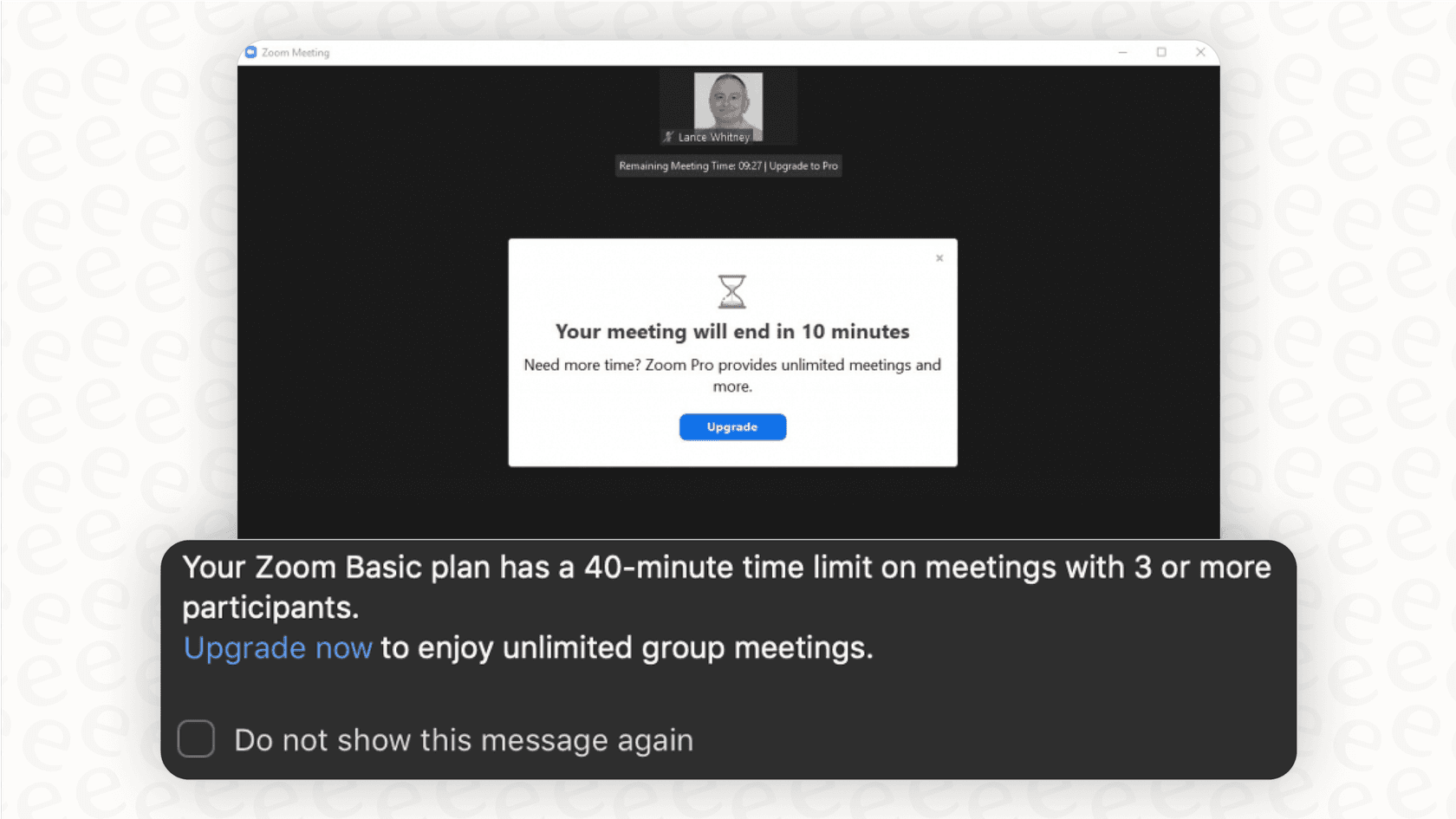
But here’s the kicker for businesses: group meetings are capped at 40 minutes. That ticking clock in the corner is a major roadblock for any real work conversation, forcing you to abruptly end calls and scramble to send out new links. That 40-minute wall makes the free plan a non-starter for anything beyond quick check-ins or personal chats. You also miss out on cloud storage and any real admin controls.
Zoom Workplace Pro ($14.16/user/month)
For small businesses and professional teams, the Pro plan is really where you start. At $14.16 per user per month (with annual billing), it gets rid of that frustrating 40-minute time limit and bumps it up to 30 hours per meeting, which is more than enough for anyone.
You also get 10 GB of cloud storage for each license to save your meeting recordings, which is handy for sharing and looking back on important discussions. This plan also lets you stream your meetings directly to places like Facebook and YouTube.
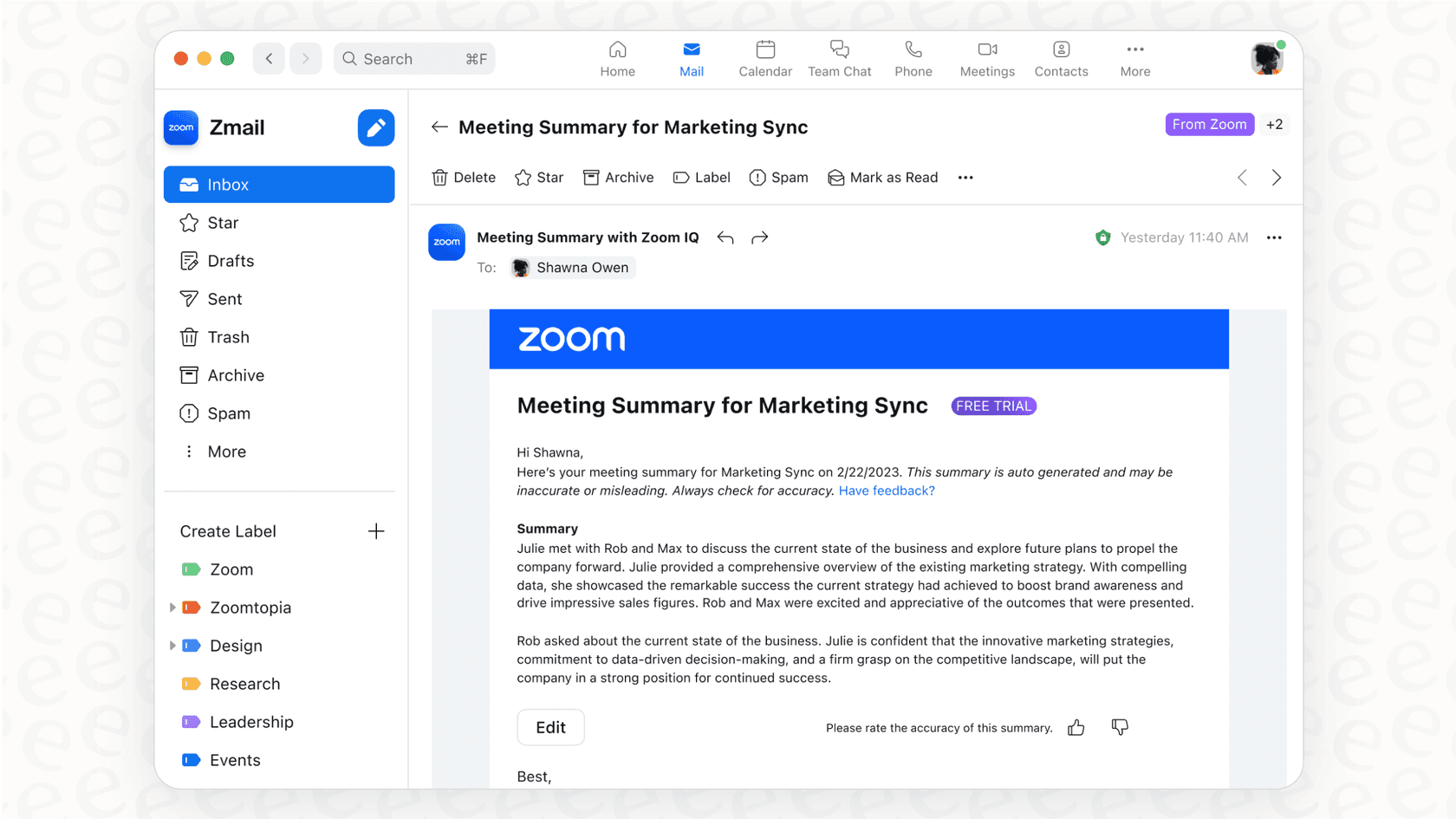
Most importantly, Pro is where the Zoom AI Companion (now branded ZoomMate) stops being capped. Basic gets 3 meeting summaries a month, while Pro includes unlimited summaries and AI note-taking. It’s the baseline for any business wanting more from the platform than just video calls.
Zoom Workplace Business ($18.33/user/month)
As your team gets bigger, you’ll need more control and a bit more polish. The Business plan, at $18.33 per user per month, is built for this stage. It increases the participant limit to 300 and unlocks some key features for admins and branding.
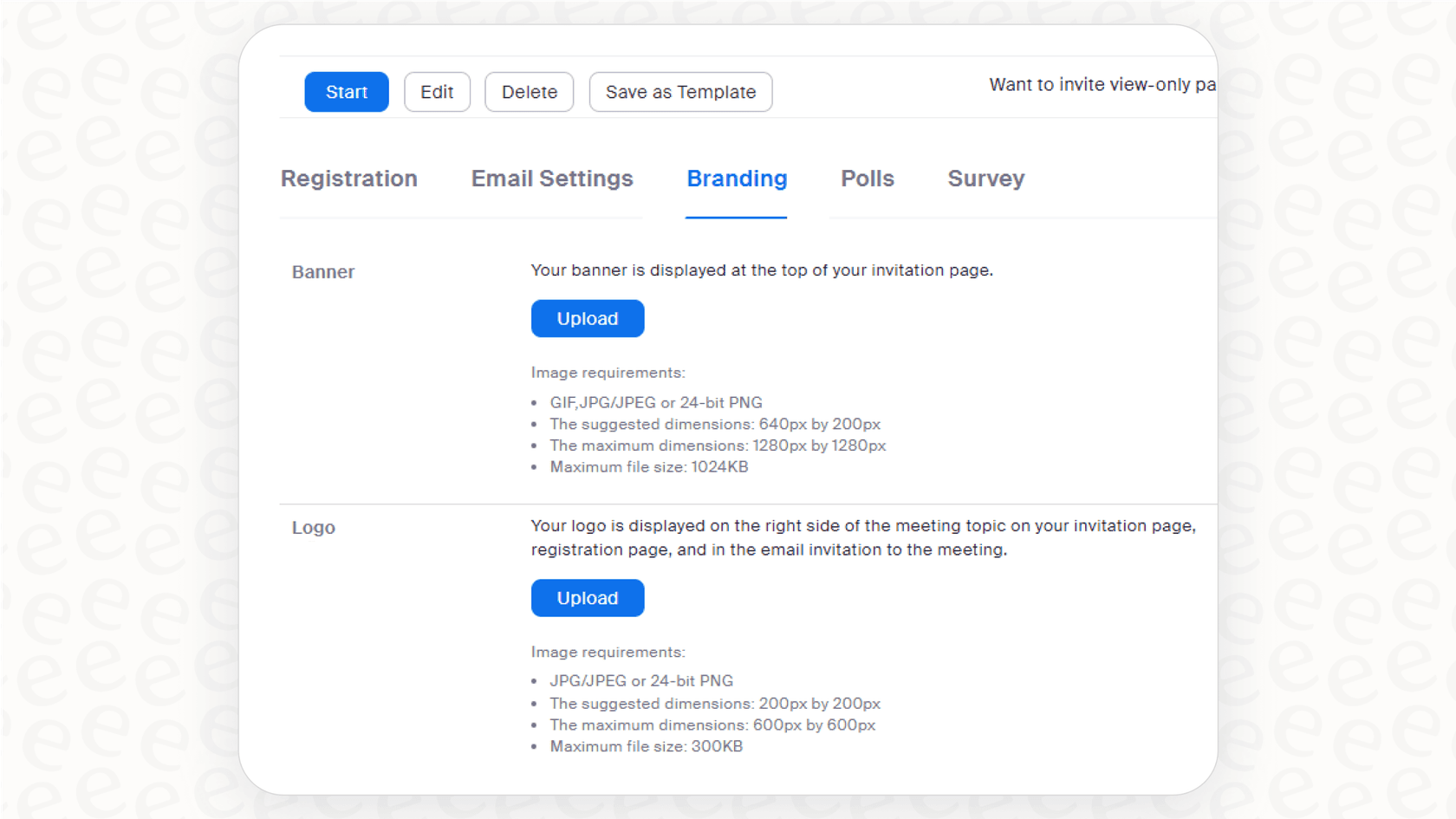
With this plan, you get single sign-on (SSO) for better security, managed domains so you can claim your company's email addresses, and the ability to add your company's logo and colors to meeting pages. The limit on virtual whiteboards is also gone, giving your team an unlimited canvas for brainstorming. It’s a solid choice for mid-sized businesses that need a more secure and scalable setup.
Zoom Workplace Business Plus ($24.50/user/month)
The Business Plus plan is where Zoom tries to become your one-stop shop for communications. For $24.50 per user per month, you get everything in the Business plan, plus the Zoom Phone service is bundled right in. Zoom now sells this bundle from its Zoom Phone pricing page, where Pro Plus (Phone with Workplace Pro) costs $20.50 per user per month billed annually.
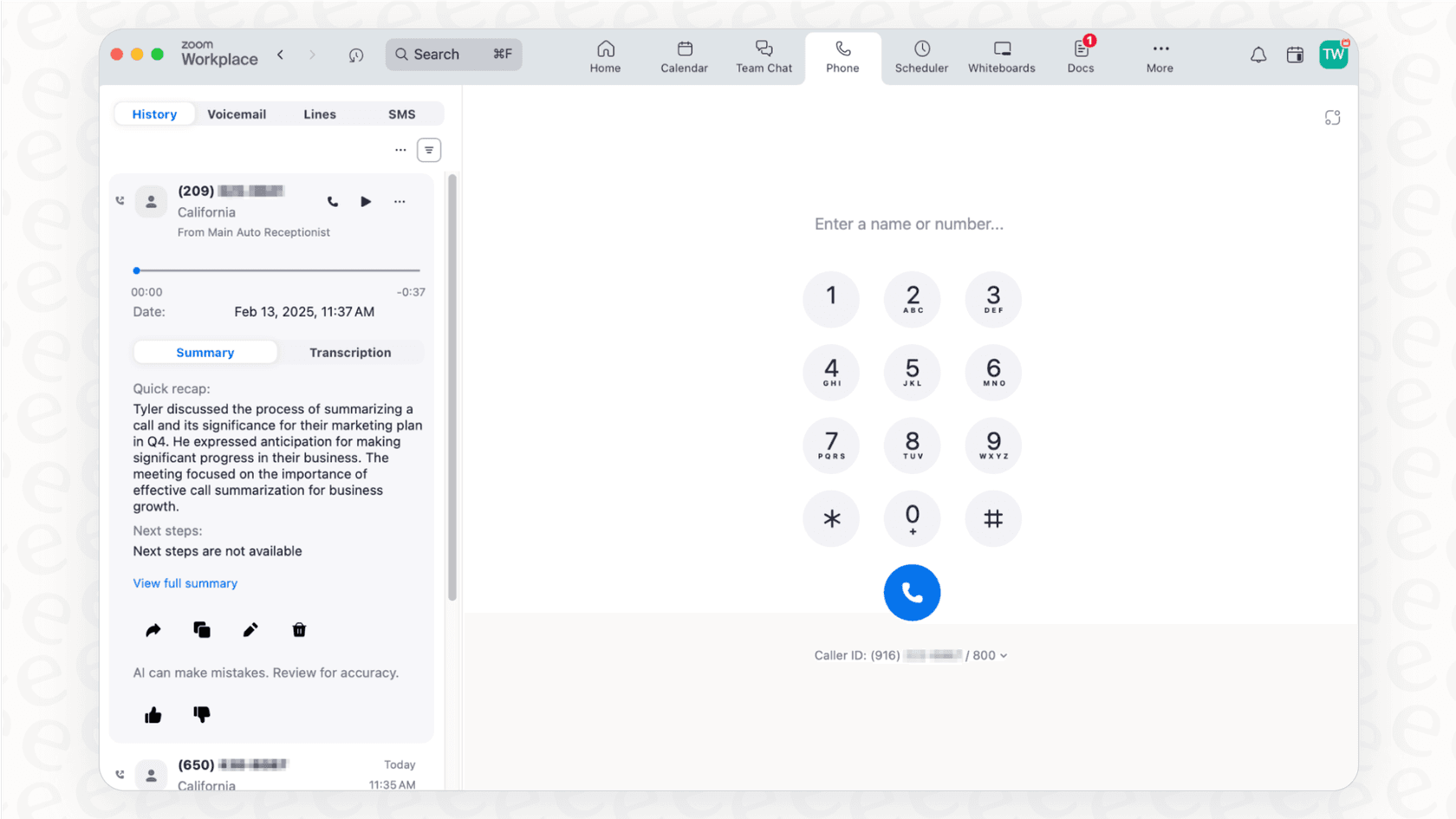
This combines your video meetings and business phone system into a single app, which can really simplify your tech stack. If you’re tired of juggling different vendors and want to give your team one tool for calls, meetings, and chat, this plan is a pretty cost-effective way to pull it off.
Zoom Workplace Enterprise (Custom pricing)
For large organizations with 250 or more employees, the Enterprise plan offers a solution built just for you. You'll have to talk to their sales team for a custom quote, but this tier unlocks the highest level of everything.
The participant limit jumps to 1,000, cloud storage becomes unlimited. Zoom's Enterprise card also lists a full-featured PBX phone system and Webinars for 500 attendees, making it a heavy-duty solution for enterprise communication.
Understanding Zoom add-on pricing
Your final Zoom pricing is often more than just the base plan. The platform's real strength for specific situations comes from its paid add-ons, which let you bolt on extra features as you need them.
Zoom Phone
If you don't need the whole Business Plus bundle, you can get Zoom Phone on its own as a cloud-based phone system. It's a solid way to modernize your business's phone setup.
-
Metered: $10.50 per user per month (you pay as you go for calls).
-
US & Canada Unlimited: $16 per user per month.
-
Pro Global Select: one flat per-user price for domestic calling in over 40 countries and territories (check the Zoom Phone page for the current rate).
Zoom Webinars
Perfect for marketing events, company-wide meetings, or online courses, Zoom Webinars gives you a more controlled environment than a typical meeting. Pricing is based on how many people can attend, starting at $83.33 per month (billed annually) for up to 500 attendees.
Zoom Rooms
Zoom Rooms is software that turns any conference room into a dedicated Zoom meeting space. It works with off-the-shelf hardware and lets people start meetings with a single tap, making hybrid work a lot less awkward. A license costs $41.58 per month for each room when billed annually, and hardware isn't included.
Large Meetings
Need to host more people than your plan allows? The Large Meetings add-on boosts your capacity. It starts at $50 per month to increase your meeting size to 500 participants and goes up from there.
How does the AI Companion affect Zoom pricing?
One of the biggest new things in Zoom is the AI Companion, an AI assistant that’s built right in. It’s designed to be your digital helper for meetings and messages.
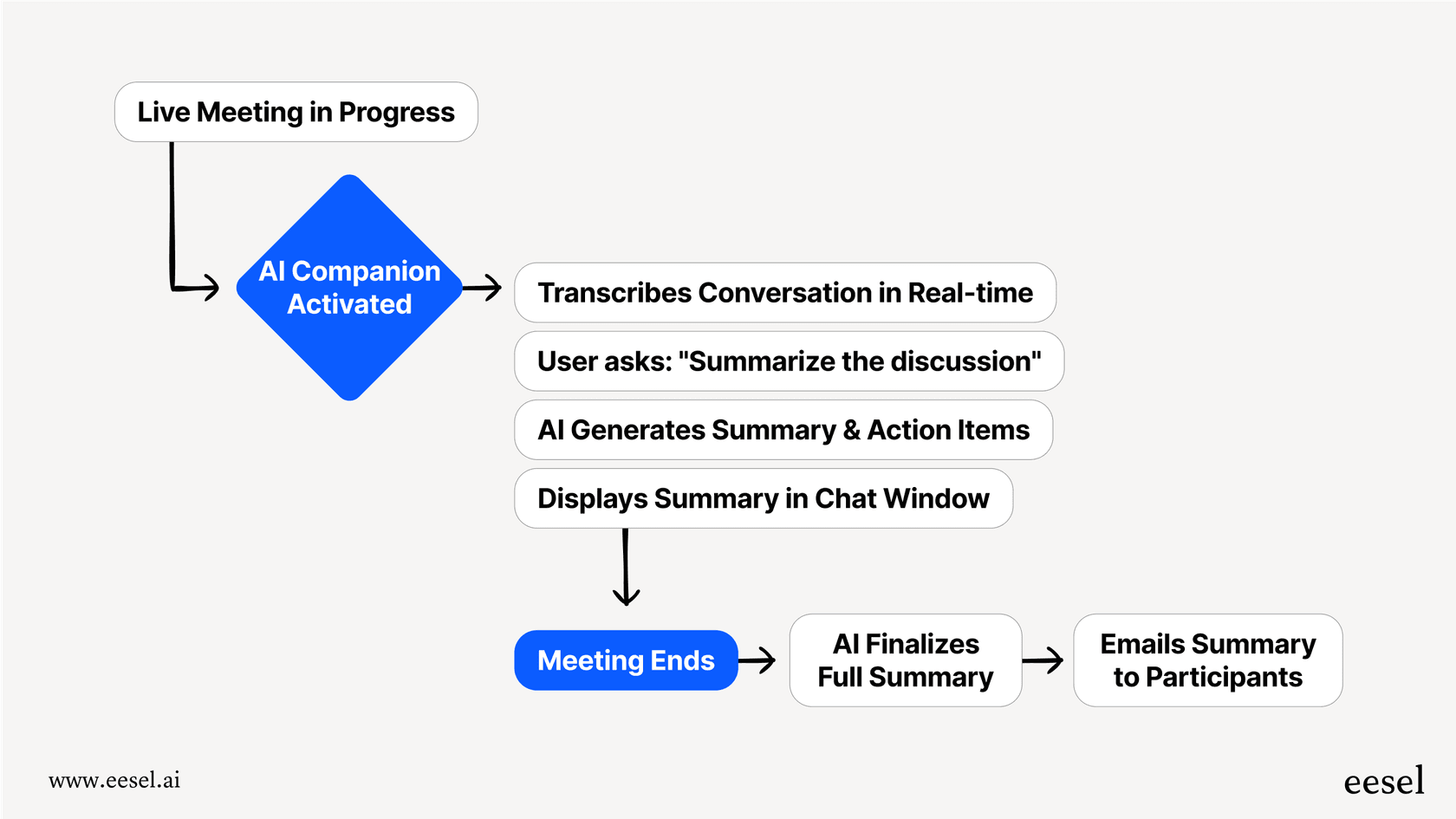
Its main jobs are to create meeting summaries with action items, help you draft emails and chats, and answer questions that come up during a live meeting. It’s a pretty good tool for cutting down on manual note-taking and making post-meeting follow-ups a bit faster.
And the best part? Zoom includes the AI Companion at no extra cost with all paid Zoom Workplace plans (Pro and above). That makes it a pretty nice perk, positioning it as a useful productivity tool for anyone who spends a good part of their day in meetings. Zoom now sells the more agentic version, ZoomMate, as a separate add-on at $20 per user per month billed monthly ($16.67 billed annually, with 2,200 AI credits per user each month), with a free ZoomMate Basic tier on the free plan.
When a general AI assistant isn't enough
The Zoom AI Companion is great for helping individuals and teams be more productive. But when it comes to specialized, high-stakes work, like in customer support or IT, a general-purpose assistant starts to hit a wall.
The limits of a one-size-fits-all AI
A general AI assistant is kind of like a helpful intern: eager to help out, but it doesn't have the deep, specialized knowledge to handle critical tasks all by itself.
-
It's built for general work, not the helpdesk. Zoom's ZoomMate page describes agents and workflows for things like meeting follow-ups, Salesforce updates, and drafting incident updates from ServiceNow ticket history. It doesn't list customer helpdesk actions like tagging tickets in Zendesk, updating fields in Freshdesk, or escalating an urgent issue based on your company’s specific rules.
-
Its context is meetings, chats, and connected apps such as ServiceNow and Google Drive. Zoom's page mentions ticket history for incident updates, but doesn't describe learning from your most valuable support asset: the past customer tickets that hold your team's collective wisdom and your brand's unique voice. Without that, answers to customers can come out generic.
-
Testing before launch is a separate question. How do you know if an AI is ready to talk to your customers? Zoom's separate Virtual Agent product lists testing voice agents before going live, but the ZoomMate page doesn't describe simulating it on old conversations to score its answers before launch.
-
Customization points at general tasks. ZoomMate lets you build agents and workflows, but the examples are meeting and productivity tasks, not support rules like automating only certain ticket types or pulling real-time order data from Shopify.
The specialist solution: Automate support workflows with eesel AI
This is where a specialized platform like eesel AI comes into play. It was built from the ground up to solve the unique headaches of customer service, ITSM, and internal support teams. It turns AI from a simple assistant into an agent that can handle things on its own.
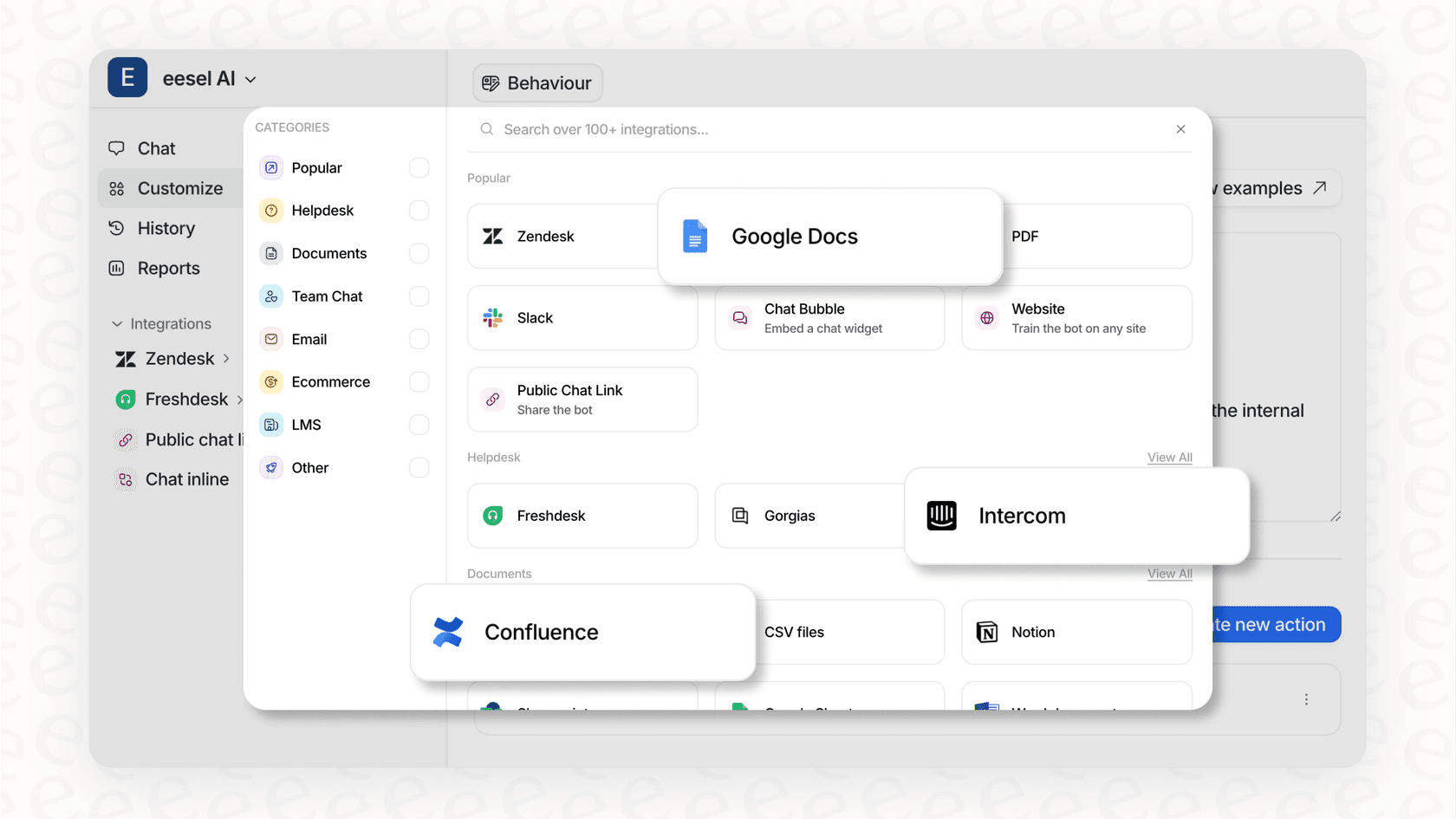
eesel AI directly tackles the limitations of a general-purpose tool:
-
Get up and running in minutes. Forget about long sales calls and complicated setups. With eesel AI, the whole process is self-serve. Thanks to one-click helpdesk integrations, you can have an AI agent learning from your entire Zendesk history in less time than it takes to join your next Zoom call.
-
It learns from what actually matters. eesel AI learns from the data that's crucial for support: your past ticket resolutions, help center articles, internal wikis in Confluence or Google Docs, and even product catalogs. This ensures its answers are actually helpful and match your brand's tone.
-
You're in the driver's seat. You get to call the shots. Use the simple prompt editor to define the AI's personality, build custom actions to look up order details or issue refunds, and create specific rules that tell the AI exactly which tickets to handle and which to pass to a human.
-
Test it with confidence. eesel AI's simulation mode is a huge advantage. You can run the AI against hundreds of your past tickets in a safe environment. The Simulation skill scores each answer and suggests instruction changes, so you can fix gaps before you go live.
Making the right Zoom pricing choice for your team
Zoom Workplace is a fantastic and scalable communication platform. Its free plan is pretty restrictive for business, but its paid tiers offer great value, especially with the AI Companion thrown in to help with day-to-day tasks. For general business communication, it’s still one of the top choices out there.
However, for teams with specialized jobs like customer support, where accuracy, integration, and control are everything, a purpose-built AI platform is the way to go. Relying on a general assistant for these critical tasks is like using a hammer to turn a screw, it might work in a pinch, but it's not the right tool for the job.
Don't just make your meetings more productive, transform your entire support operation. See how eesel AI automates frontline support by connecting to your helpdesk in just a few minutes. Try eesel free, no card needed.
Frequently asked questions
I'm a small business owner; what does Zoom pricing look like for me, and which plan should I consider?
For small businesses, the Pro plan ($14.16/user/month billed annually) is typically the starting point. It removes the 40-minute meeting limit and includes the AI Companion, making it suitable for professional use.
What are the main limitations of the free Zoom pricing tier that would push a business to upgrade?
The free tier's primary limitation for businesses is the 40-minute cap on group meetings. It also lacks cloud storage for recordings and essential admin controls, and AI features are capped at 3 meeting summaries a month, which matters for professional operations.
Is the Zoom AI Companion included as part of the standard Zoom pricing, or is it an additional cost?
The Zoom AI Companion is included at no extra cost with all paid Zoom Workplace plans, starting from the Pro tier. It's a built-in feature designed to enhance productivity for all paid users.
Beyond the core plans, what add-ons might impact my overall Zoom pricing?
Common add-ons include Zoom Phone for a cloud-based phone system, Zoom Webinars for large-scale presentations, Zoom Rooms to equip conference spaces, and Large Meetings to increase participant capacity beyond your plan's limit.
How does Zoom pricing scale if my company needs to host very large meetings or webinars?
For larger needs, you can use the Large Meetings add-on, starting at $50/month to increase participant capacity to 500. For structured events, Zoom Webinars is available, starting at $83.33/month (billed annually) for up to 500 attendees.
My team needs a business phone system. Can I get Zoom Phone independently, or is it only available with specific Zoom pricing plans like Business Plus?
Yes, Zoom Phone can be purchased as a standalone add-on, not just as part of the Business Plus plan. It offers different tiers like Metered, US & Canada Unlimited, and Pro Global Select based on your calling needs.