
The Zendesk Marketplace has become the go-to destination for support teams looking to extend their help desk capabilities. With over 1,900 apps and 1,100+ partners, it offers solutions for everything from AI-powered automation to workforce scheduling.
But here's the challenge: most teams don't have time to evaluate hundreds of options. You need apps that integrate smoothly, deliver measurable results, and won't break your budget.
We researched the marketplace to find the seven apps that consistently deliver value for support teams in 2026. Whether you're looking to automate routine tickets, improve quality assurance, or streamline team scheduling, this list covers the essential tools that work.
What is the Zendesk Marketplace?
The Zendesk Marketplace is an ecosystem of third-party apps and integrations that extend Zendesk's core functionality. Think of it as an app store specifically built for customer support operations.
Apps fall into several key categories:
- AI and Bots Automated responses, ticket triage, and intelligent routing
- Agent Productivity Tools that help agents work faster and more efficiently
- Analytics and Reporting Deeper insights into team performance and customer satisfaction
- Workforce Management Scheduling, forecasting, and time tracking
- CRM and Marketing Customer outreach, surveys, and campaign management
Here's why this matters: according to Zendesk, 85% of their business comes from customers using integrations. The marketplace isn't just an add-on, it's how modern support teams operate at scale.
How to choose the right Zendesk app
Before diving into specific apps, let's establish a framework for evaluation. Not every app makes sense for every team.
Consider these factors:
- Integration complexity Simple sidebar apps install in minutes. Deep system integrations might require IT involvement.
- Pricing model Per-agent pricing scales with team size. Usage-based models work better for seasonal or fluctuating volumes.
- User ratings and review volume A 5-star rating from 10 users means less than a 4.5-star rating from 500 users.
- Support quality Check if the developer offers email support, documentation, or live chat.
- Use case alignment An AI agent makes sense for high-volume teams. A table editor solves a specific formatting problem.
Quick decision framework:
| If you need... | Look for... |
|---|---|
| Immediate productivity gains | Low-complexity sidebar apps |
| Long-term automation | Deep AI integrations |
| Seasonal flexibility | Usage-based pricing |
| Enterprise reliability | Established vendors with SOC 2 compliance |
Top 7 Zendesk marketplace apps for 2026
1. eesel AI for Zendesk
Best for: Teams wanting AI-powered automation without complex setup

eesel AI is an AI teammate that learns from your past tickets and help center to handle support autonomously. Unlike traditional chatbots that require extensive configuration, eesel connects to your Zendesk and understands your business within minutes.
How it works:
The platform operates on a "teammate" model. You don't configure eesel, you hire it. It learns your tone, policies, and common issues from existing Zendesk data. Then you choose how much autonomy to give it, from drafting replies for review to handling full conversations independently.
Key features:
- AI Agent Resolves tickets end-to-end, including follow-ups and escalations
- AI Copilot Drafts replies for human agents to review and send
- AI Triage Auto-tags, routes, merges, and closes tickets automatically
- Simulation mode Test eesel on thousands of past tickets before going live
- Plain-English instructions Define escalation rules in natural language
Pricing:
| Plan | Monthly Price | Annual Price | Bots | Interactions/Month |
|---|---|---|---|---|
| Team | $299 | $239/mo | Up to 3 | 1,000 |
| Business | $799 | $639/mo | Unlimited | 3,000 |
| Custom | Contact | Custom | Unlimited | Unlimited |
What makes it different:
Most AI tools are black boxes. You turn them on and hope for the best. eesel lets you run simulations on past tickets to measure quality before customers see a single automated response. Mature deployments achieve up to 81% autonomous resolution.
Integration complexity: Low. Connects directly to Zendesk in about two minutes.
3. Kaizo
Best for: Performance management and gamified engagement
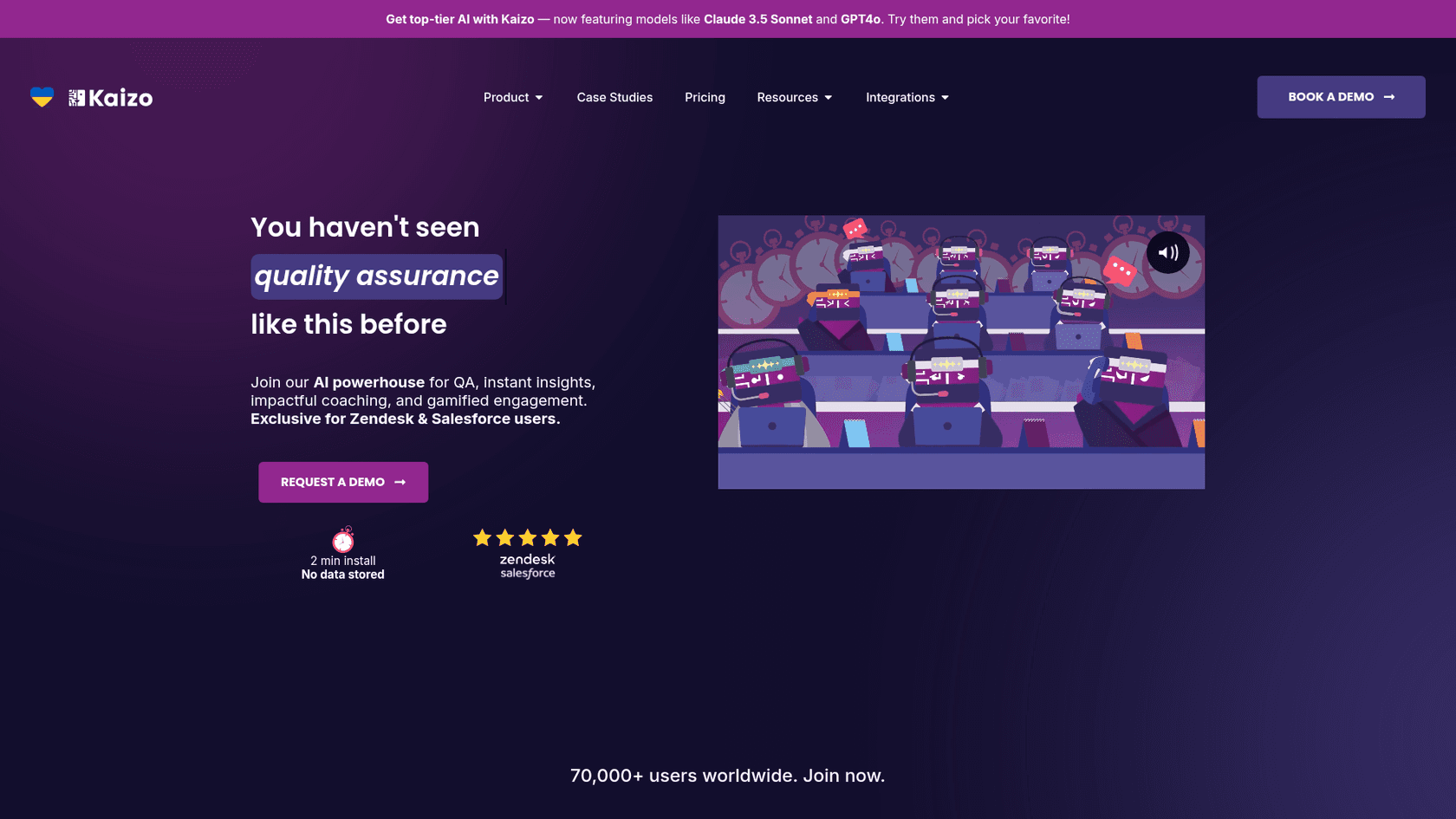
Kaizo combines AI-powered quality assurance with performance insights and gamification. It's particularly popular with teams that want to motivate agents while maintaining quality standards.
Key features:
- AI-powered QA Auto QA rates 100% of tickets in real-time
- Samurai AI Sentiment-based ticket sorting, empathy detection, conversation summaries
- Performance Insights Drill-ins, underperformer detection, team comparisons
- Performance Coaching Root cause analysis, improvement roadmaps
- Gamified Engagement AI-generated goals, in-app rewards, missions
Pricing:
| Plan | Price | Seats | Key Features |
|---|---|---|---|
| Growth | $32/user/mo | Up to 25 | Most features, AI summaries, automated QA |
| Professional | Price on request | Unlimited | AI Autopilot, dedicated Customer Success |
| Enterprise | Price on request | Unlimited | Roadmap influence, direct tech access |
What makes it different:
The gamification layer sets Kaizo apart. Agents earn points, complete missions, and see their progress in real-time. Teams report it helps reduce turnover and keeps agents engaged during repetitive work.
Integration complexity: Low-Medium. Two-minute install with full Zendesk integration.
Customer feedback:
A customer support team lead at Capital.com shared: "I can't imagine my life without Kaizo. It's a must-have for a Customer Service Team Lead."
4. Zendesk Workforce Management
Best for: Workforce planning and agent scheduling

Formerly Tymeshift, Zendesk Workforce Management is now a native add-on for forecasting, scheduling, and tracking agent performance. It's designed for teams that need to optimize staffing levels and reduce operational costs.
Key features:
- AI-powered staffing forecast Predicts staffing needs by day, month, or season
- Automatic agent scheduling Creates schedules including training, breaks, and ticket types
- Real-time activity tracking View what agents are working on, custom reports
- Analytics and planning Metrics across teams, ticket types, individuals
- Agent visibility Agents can view their own schedules and performance
Pricing:
Available as a Zendesk WFM add-on. Contact Zendesk sales for specific pricing based on your plan tier.
Customer results:
| Company | Result |
|---|---|
| Sendle | +450% first reply time, 2x faster resolution |
| Wyze | 10x business growth, 98% improvement in first call resolution |
| Tembici | +75% agent efficiency, -30% operational costs |
What makes it different:
As a native Zendesk product, it integrates seamlessly without third-party connectors. The AI forecasting specifically reduces overtime costs while maintaining service levels.
Integration complexity: Low. Native integration with no external setup.
5. Proactive Campaigns
Best for: Customer communications and surveys
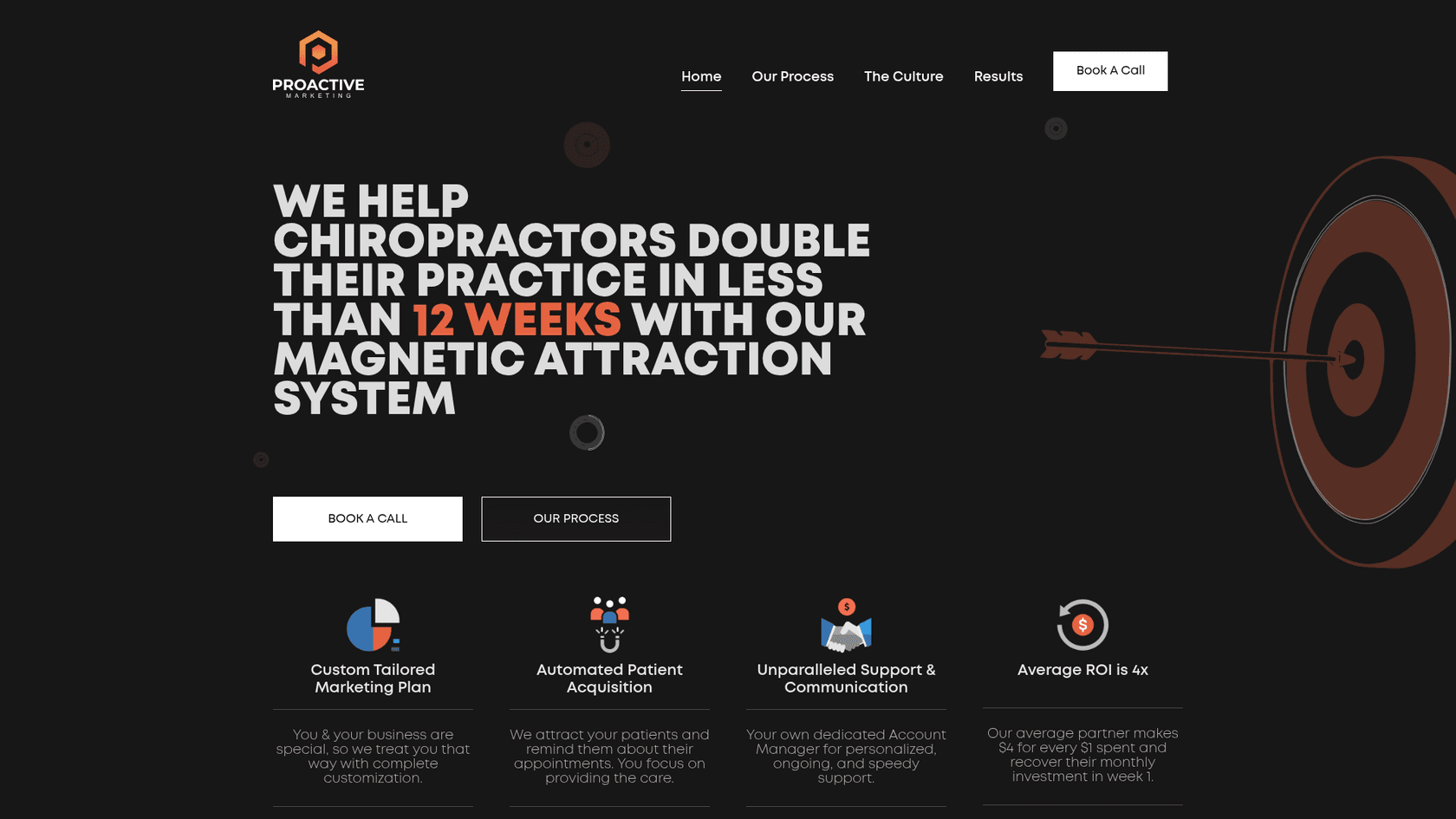
Proactive Campaigns by Growthdot lets you run bulk email and SMS campaigns directly from Zendesk. It's ideal for teams that want to handle outreach without leaving their support environment.
Key features:
- Bulk email campaigns Send campaigns directly from Zendesk
- SMS campaigns Schedule and send SMS notifications
- CSV import Import customer lists via CSV
- Custom email templates Rich text, HTML, drag-and-drop builder
- A/B testing Test subject lines, content, calls to action
- Automated follow-ups Based on customer behavior
- Email tracking Track opens and link clicks
- CSAT surveys Include surveys in email campaigns
Pricing:
| Plan | Price | Best For |
|---|---|---|
| Lite | $5/agent/mo | Basic campaigns |
| Pro | $15/agent/mo | Advanced features |
| Enterprise | $25/agent/mo | Full functionality |
Trial: 14-day free trial available. Free for Sandbox accounts.
What makes it different:
Unlike third-party email tools, Proactive Campaigns keeps everything in Zendesk. Campaign history links to customer tickets, so agents have full context when customers reply.
Integration complexity: Low. Works directly inside Zendesk Support.
Customer feedback:
One user reported cutting their daily process from one hour to 5-10 minutes. Another shared they've sent over 10,000 emails through the platform.
6. Tables
Best for: Teams needing structured data in tickets
Tables by Sparkly solves a simple but persistent problem: adding formatted tables to Zendesk tickets. It's a lightweight utility that fills a gap in Zendesk's native editor.
Key features:
- Add tables to tickets Click table icon, select rows and columns
- Edit tables Insert and delete rows and columns
- Excel-like functionality Better than copy-pasting tables from spreadsheets
Pricing:
Completely free. No paid tiers.
What makes it different:
Sometimes the best apps are the simplest. Tables doesn't try to do everything. It solves one specific formatting problem that Zendesk's native editor doesn't handle well.
Integration complexity: Very Low. Simple sidebar app.
Stats: 2,500+ installs, 4-star rating.
7. Slack for Zendesk
Best for: Teams using Slack for internal communication
The official Slack integration by Zendesk connects your help desk to your team's communication hub. It reduces context switching by letting agents manage tickets from Slack channels.
Key features:
- Create/update tickets from Slack Use /zendesk command
- Real-time notifications Ticket events in Slack channels via triggers
- Answer Bot integration Self-service article suggestions in Slack
- Side conversations Agents can initiate Slack threads from tickets
- Multi-workspace support Connect multiple Zendesk accounts to multiple Slack workspaces
Pricing:
Free. Requires Slack subscription.
What makes it different:
As an official Zendesk integration, it's built to enterprise security standards and receives regular updates. It supports complex setups like multi-workspace channels in Slack Enterprise Grid.
Integration complexity: Low-Medium. Requires admin permissions in both Zendesk and Slack.
Comparison table
| App | Starting Price | Best For | Rating | Complexity |
|---|---|---|---|---|
| eesel AI | From $299/mo (500 credits) | AI automation | N/A (newer) | Low |
| Klaus | Add-on | Quality assurance | Native | Low |
| Kaizo | $32/user/mo | Performance management | 5 stars | Low-Medium |
| Zendesk WFM | Add-on | Scheduling | Native | Low |
| Proactive Campaigns | $5/user/mo | Email campaigns | 5 stars | Low |
| Tables | Free | Ticket formatting | 4 stars | Very Low |
| Slack | Free | Team collaboration | N/A | Low-Medium |
Getting started with Zendesk marketplace apps
Here's how to approach implementation without overwhelming your team:
Start with free apps. Tables and Slack cost nothing to try. Install them, test with a small group, and measure the impact before committing budget.
Check integration requirements. Some apps need admin permissions or API access. Verify technical requirements before promising timelines to your team.
Involve agents in selection. The people using these tools daily should have input. A tool that looks good to management might create friction for agents.
Monitor usage and ROI. Most paid apps offer 14-day trials. Track metrics before and after installation. If an app doesn't deliver measurable improvement, cancel it.
Leverage Zendesk's trial policy. Zendesk offers 14-day trials for most paid apps. Use this period to test with real tickets, not just demo data.
Enhance your Zendesk with AI-powered support
The apps on this list solve different problems, but they share a common goal: making your support operation more efficient without adding complexity.
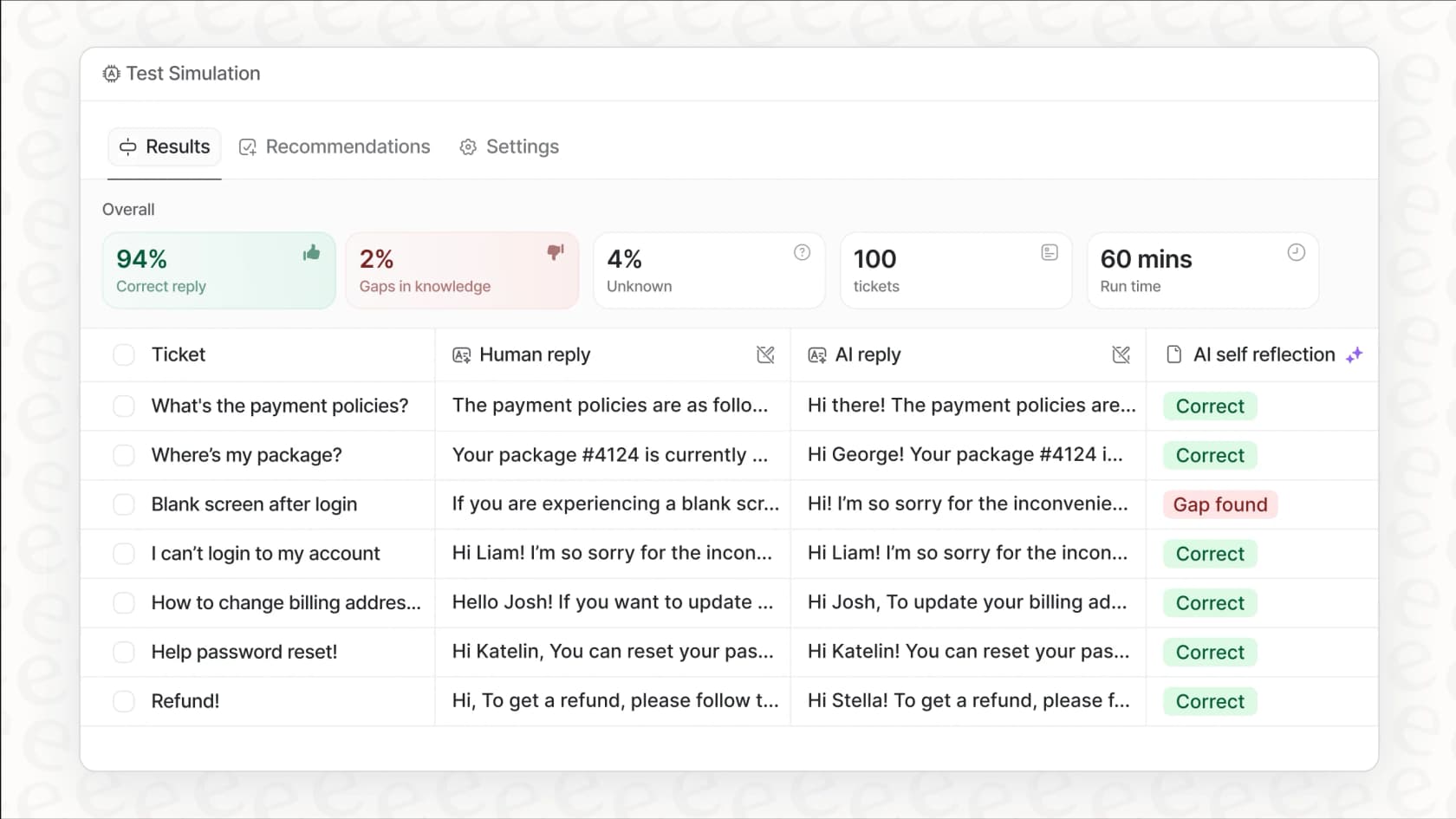
If you're ready to add AI automation to your Zendesk, eesel AI offers a unique approach. Instead of configuring rules and workflows, you hire eesel as a teammate. It learns from your existing tickets and help center, then gradually takes on more responsibility as it proves itself.
The progressive rollout means you can start with eesel drafting replies for review, then expand to full autonomous resolution as confidence grows. With payback periods under two months for most teams, it's a low-risk way to explore AI in your support operation.
Ready to see how it works? Try eesel AI free and run simulations on your past tickets before going live.