
If you've ever managed a Jira instance, you know that workflows are everything. They’re the engine that drives your team's processes. Jira's depth and flexibility mean that workflows can be tailored to almost any process. While mastering these advanced settings is rewarding, tools that simplify the setup can be very helpful for teams looking to move quickly and automate repetitive tasks.
So it’s no surprise that AI-powered tools are starting to show up to lend a hand.
One of these is the Workflow Pro AI assistant for Jira, an app from Appfire that aims to make automation a bit more straightforward. But what does it actually do, and is it the right choice for your team?
In this guide, we’ll walk through everything you need to know about Workflow Pro. We'll look at its features, how it handles security, its unique pricing model, and where it has its limits. We'll also see how its approach stacks up against more integrated AI platforms that work within the ecosystem to handle the whole process from start to finish.
What is the Workflow Pro AI assistant for Jira?
So, what exactly is the Workflow Pro AI assistant for Jira? In short, it’s a conversational AI tool from Appfire that lives inside your Jira instance and acts as an on-demand advisor. The core idea is simple: you describe an automation you need in plain English, and it tells you how to build it. For instance, you could ask it to "automatically create a subtask when a ticket moves to 'In Progress'," and it will outline the steps to make that happen.
The tool is built on Atlassian's Rovo AI platform, which helps it understand the context of your projects and workflows when it gives you suggestions.
But here’s the most important thing to understand: Workflow Pro is a guide, not an engine. To actually put its suggestions into practice, you need to have other Appfire apps installed and licensed, like the JSU Automation Suite for Jira Workflows, Jira Misc Workflow Extensions (JMWE), or Power Scripts.
Think of it this way: it gives you the recipe, but you still need to have bought the ingredients (the other apps) to actually cook the meal.
Core features and capabilities
Alright, let's get into what you can actually do with Workflow Pro. We'll look at what it does well and where it's still a work in progress.
Describe automations in plain English
The real standout feature here is its ability to turn your goals into an actionable set of instructions. Instead of spending time digging through documentation to figure out the right post-function or validator, you can just ask the assistant. This can save a ton of time, especially for teams using Jira's powerful advanced settings. You just type what you want to do, and the AI finds a solution within the Appfire ecosystem.
Receive clear, step-by-step instructions
Once it figures out a solution, the tool doesn’t just point you in the right direction and leave. It gives you clear, tailored instructions to help you set up the automation. This is really handy for getting new Jira admins up to speed or for teams where not everyone lives and breathes workflows. The guidance is easy to follow, which helps cut down on mistakes and gets your automations live faster.
Connect with other Appfire tools
Workflow Pro is built to be the brain of Appfire's automation app suite. It’s smart enough to know whether your request is best handled by JSU's no-code builder, JMWE's low-code options, or the more advanced scripting in Power Scripts. If your company is already using these Appfire tools, this is a huge benefit. It makes it easier to use the tools you already pay for and might even help you discover features you never knew existed.
Limited ability to edit workflows directly
Appfire recently added a feature that lets admins apply some simple automations right from the chat. For example, using its connection with JMWE, you can tell the agent to create a rule that adds a new linked issue when a ticket is moved to "In Progress." The agent can then apply this change for you after you confirm.
However, this feature is still in its early days and has some considerations. According to the release notes, the direct "Create Issue" action can't handle any pre-conditional logic, it only copies the "Summary" field to the new issue, and you're limited to creating just one subtask at a time. It shows that while the idea of conversational editing is great, the current reality is that it only works for very basic tasks.
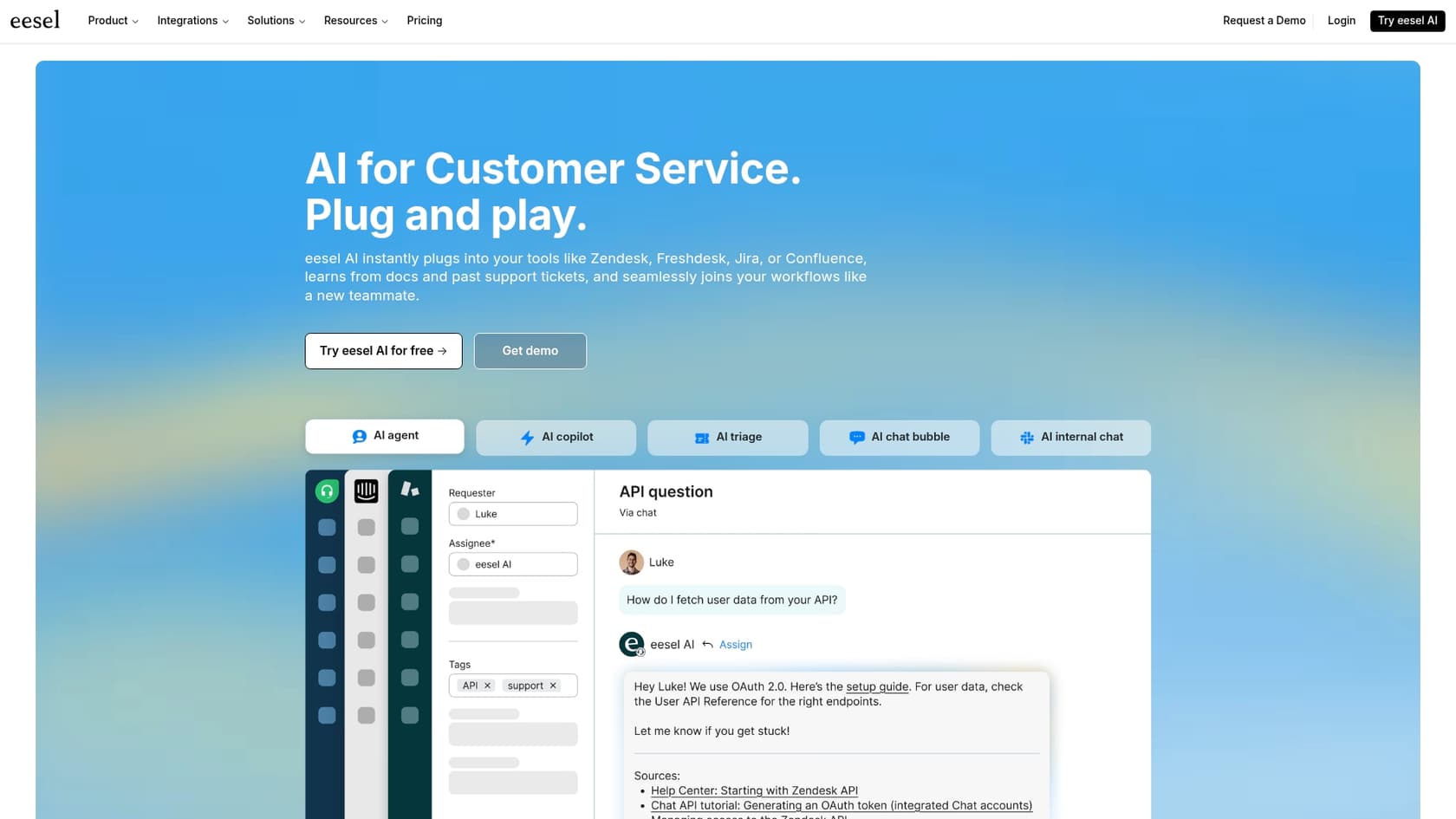
For teams that need a more powerful, all-in-one automation tool, platforms like eesel AI provide a single, unified engine that works alongside Jira. The eesel AI Agent, for instance, can be trained on your past tickets and knowledge bases to handle complex, multi-step actions directly inside Jira Service Management, without needing a collection of separate apps.
Setup, permissions, and security
Adding any new app to Jira rightfully brings up questions about security. So, let’s talk about how Workflow Pro handles your data and permissions.
Understanding permissions
Because Workflow Pro has the ability to read and potentially change your workflows, it comes with strict permissions that are controlled by admins. When you install it, you’ll find two important settings:
-
Can read workflows: When this is on, the agent can see your system's workflow setups to give you accurate advice.
-
Can edit workflows: This lets the agent add or change workflow settings directly from the chat (for the few actions it supports). This setting requires the "read" permission to be active first.
For safety, both of these permissions are turned off by default when you install the app. A Jira admin has to manually go into the settings and enable them. This is a sensible approach, ensuring the AI can’t access anything until you’ve given it explicit permission.
Data security and privacy
Workflow Pro is built on Atlassian's Rovo platform, so its security practices are tied to Atlassian's and Appfire's high standards. Admins have complete control over what the agent can access, and the permission settings make sure nothing is shared without your say-so.
This is the kind of control you should expect. For comparison, eesel AI operates with a transparent security model where your data is never used for training general models. It also offers enterprise features like EU data residency and uses SOC 2 Type II-certified subprocessors, giving you peace of mind when automating even sensitive support and IT workflows within your Jira environment.
Pricing and ecosystem dependencies
This is where things get a little more specific. The assistant itself is free, but making it useful involves investing in other tools.
A free tool designed for the Appfire ecosystem
You can install the Workflow Pro AI assistant for Jira from the Atlassian Marketplace for free. There are no upfront costs or subscriptions for the assistant itself.
But, its main job is to help you use other, paid Appfire apps. Without JSU, JMWE, or Power Scripts, Workflow Pro is basically just an advice-giver with a very limited ability to do anything on its own. To get real value from it, you have to be prepared to invest in the broader Appfire ecosystem.
| App | Pricing Model | Purpose |
|---|---|---|
| Workflow Pro | Free | AI assistant to suggest automations |
| JSU Automation Suite | Paid Subscription | No-code workflow automation engine |
| JMWE | Paid Subscription | Low-code workflow automation engine |
| Power Scripts | Paid Subscription | Script-based workflow automation engine |
Investment considerations for the app ecosystem
To get the full benefit of Workflow Pro's advice, you need to budget for one or more of the automation apps it relies on. These are powerful tools, and they're priced accordingly. Depending on your user count, licenses can run into hundreds or even thousands of dollars a year. Appfire also recently announced pricing updates for many of its apps, so the total investment is definitely something to keep in mind.
This model is quite different from all-in-one platforms with more straightforward pricing. Unlike tools that require multiple paid add-ons, eesel AI offers plans based on usage with no hidden fees per resolution. A single subscription includes the AI Agent, Copilot, and Triage tools, giving you a predictable cost for your automation needs without having to buy a separate engine to make it all work within Jira.
The verdict: Who is it best for?
So, after all that, should you install Workflow Pro? It really comes down to your team's specific needs and what tools you're already using.
Workflow Pro might be a great fit if…
-
Your team is already invested in the Appfire ecosystem. If you're using JSU, JMWE, or Power Scripts, installing Workflow Pro is a great choice. It's a free add-on that will help you get more out of the tools you already pay for.
-
You're training new Jira administrators. It's a solid learning tool that can help new admins understand Jira's impressive automation capabilities.
-
You're an admin who just wants a "second opinion." Even experienced pros can use it to quickly find ideas or double-check the best way to handle a tricky automation request.
You might want to look elsewhere if…
-
You're looking for a standalone, all-in-one automation solution. The app doesn't do much on its own and isn't a replacement for a proper automation engine.
-
You don't want to buy into the Appfire ecosystem. If you're not planning to purchase other Appfire apps, Workflow Pro won't be as useful to you.
-
You need an AI that is the automation engine, rather than an advisor that tells you how to build one.
The future of Jira automation: Integrated AI
Workflow Pro is a clever tool that works well as an intelligent guide for the powerful Appfire automation ecosystem. It’s a good example of how AI can make configuration tasks feel simpler within the Jira environment. However, it is primarily a guide rather than an automation solution by itself. Its real value is tied directly to your investment in other products.
The general trend in AI for IT and project management is moving toward fully integrated platforms that can learn, suggest, and, most importantly, act all within one system. An AI that can take action on its own provides a highly efficient way to solve team challenges.
While tools like Workflow Pro give us a peek at AI-assisted setup, a truly autonomous service desk needs more. The eesel AI Agent offers a complete solution that connects directly to Jira Service Management. It doesn't just suggest actions; it can fully resolve tickets, learn from your knowledge sources like Confluence, and even let you run risk-free simulations before you go live.
If you're ready to see how a unified AI platform can truly transform your support workflows, discover what eesel AI can do for your team today.
Frequently asked questions
Is the Workflow Pro AI assistant for Jira truly free, or are there investment considerations associated with it?
The Workflow Pro AI assistant for Jira itself is free to install from the Atlassian Marketplace. However, its primary function is to guide you on using other Appfire automation apps like JSU, JMWE, or Power Scripts, which are paid subscriptions. To get real value and implement its suggestions, you will need to invest in these additional paid tools.
What exactly can the Workflow Pro AI assistant for Jira do for me to simplify Jira automation?
The Workflow Pro AI assistant for Jira acts as a conversational advisor. You can describe an automation need in plain English, and it will provide clear, step-by-step instructions on how to build it using compatible Appfire apps within your Jira instance. It helps turn your goals into actionable instructions.
Can the Workflow Pro AI assistant for Jira directly make changes to my Jira workflows, or is it just an advisor?
While the Workflow Pro AI assistant for Jira is primarily an advisor, Appfire recently added limited capabilities for direct workflow edits for very basic actions, such as creating new linked issues. However, these direct editing features are still in early stages and come with key considerations regarding complexity and logic.
How does the Workflow Pro AI assistant for Jira handle data security and permissions within my Jira instance?
The Workflow Pro AI assistant for Jira is built on Atlassian's Rovo platform and operates with strict, admin-controlled permissions. "Can read workflows" and "Can edit workflows" permissions are turned off by default upon installation, requiring manual activation by a Jira admin. This ensures the AI only accesses what you explicitly allow.
Who is the Workflow Pro AI assistant for Jira best suited for within a team or organization?
The Workflow Pro AI assistant for Jira is ideal for teams already invested in the Appfire ecosystem, new Jira administrators learning automation capabilities, or experienced admins seeking a quick "second opinion" or ideas. It helps leverage existing Appfire tools and simplifies the learning curve.
Does the Workflow Pro AI assistant for Jira act as a standalone automation engine, or does it require other tools to function?
The Workflow Pro AI assistant for Jira is not a standalone automation engine. It functions as a guide that provides instructions for building automations. To actually implement these automations, you must have other Appfire products, such as JSU Automation Suite, JMWE, or Power Scripts, installed and licensed.