


A ServiceNow MCP integration connects an AI client to ServiceNow tools through a Model Context Protocol server. The available operations depend on that server and its permissions. If you also use eesel as a support teammate, follow eesel's MCP client guide to connect it to your AI client and verify a workspace-specific answer. That is a separate connection, not a way to grant ServiceNow access.
What a ServiceNow MCP integration connects
A ServiceNow MCP integration gives an AI client a way to call the ServiceNow tools exposed by a particular MCP server. The server, its configured credentials, and your permissions determine which records and actions are available. Before building a workflow, check the actual tool list and access scope rather than assuming every ServiceNow operation is exposed.
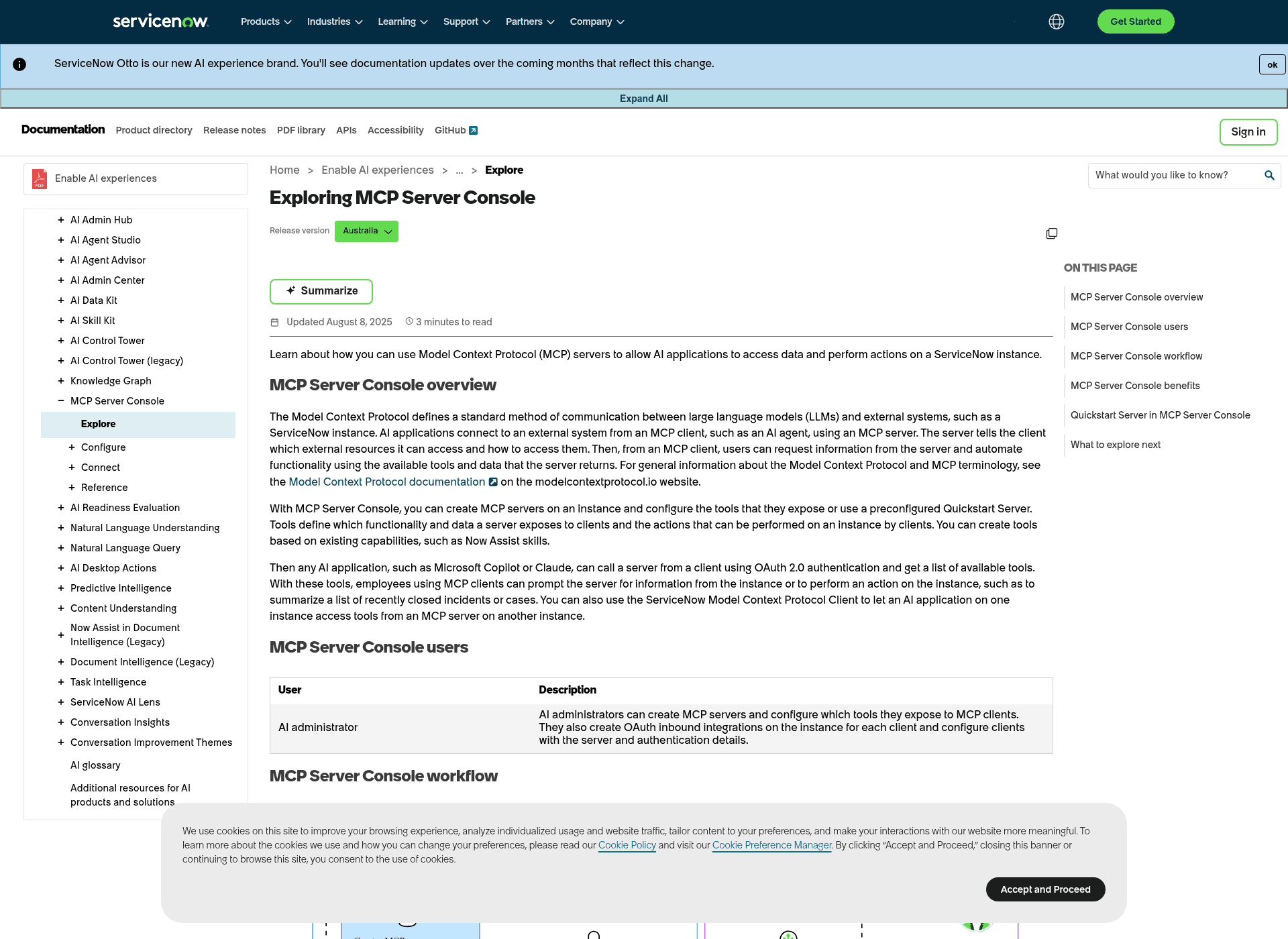
ServiceNow now ships its own MCP Server Console, so that server is often ServiceNow's own: the preconfigured Quickstart Server exposes read-and-summarize tools for incidents and cases, and the docs name Claude and Microsoft Copilot as supported clients. It is included in Now Assist and AI-Native SKUs rather than plain ITSM, and a Now Assist skill exposed as a tool consumes its usual assists plus one per call.
For a support workflow, there is a second question: which agent holds the knowledge and instructions and carries out the work? The eesel CLI gives you commands to configure and operate an eesel AI support teammate. It can also generate an MCP connection so a client such as Claude Code or Cursor can work with that teammate.
Where eesel CLI fits alongside ServiceNow MCP
The eesel CLI and dashboard operate the same teammate and workspace. A developer can inspect instructions or upload a policy from the terminal, while a support manager reviews that configuration in the dashboard. Scripts and coding agents can use the CLI's JSON output to inspect results and continue a task.
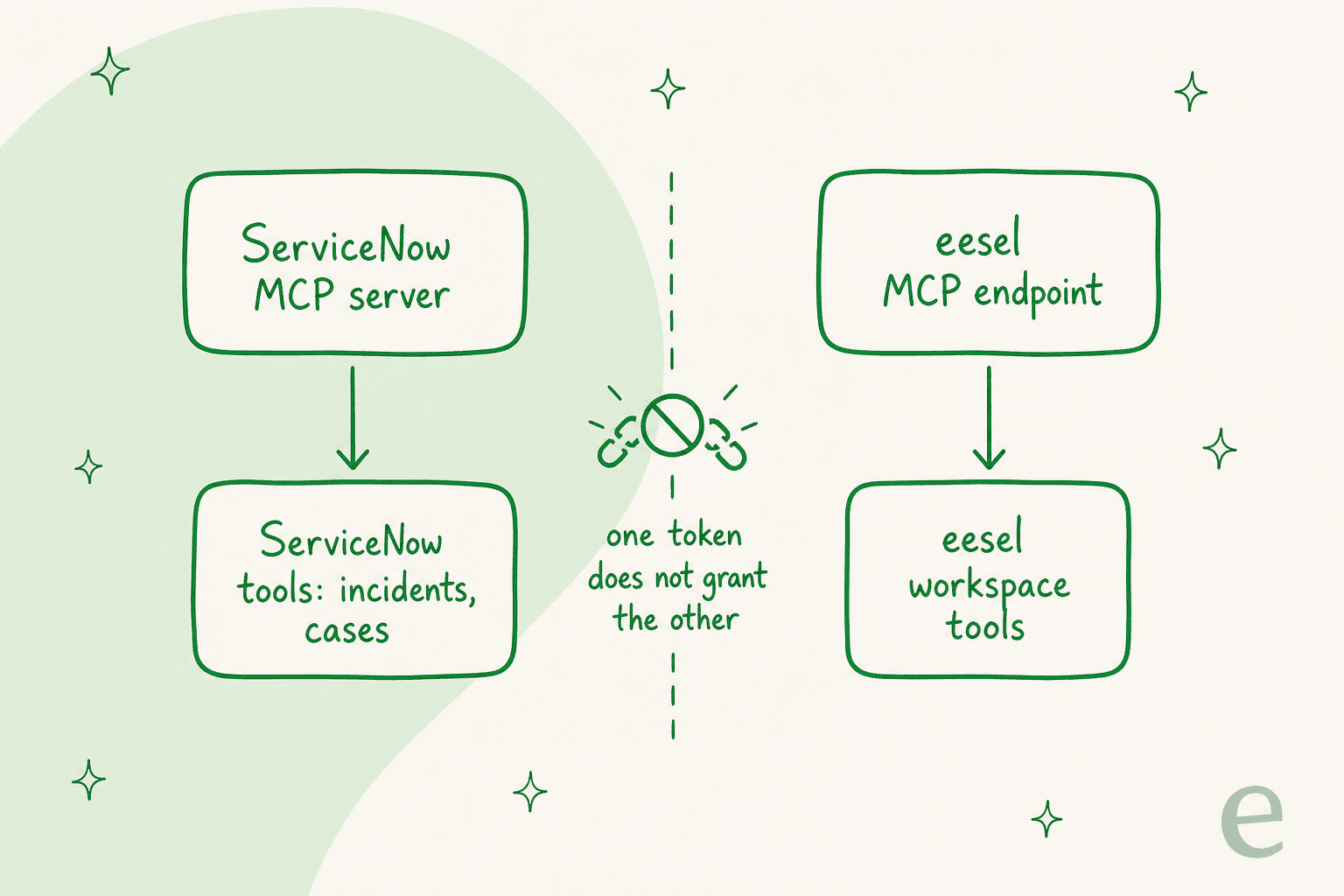
Keep the two connections explicit. A ServiceNow MCP server exposes its ServiceNow tools. The eesel MCP endpoint exposes tools for your eesel workspace. Creating an eesel token does not configure a ServiceNow connection or grant additional ServiceNow permissions. Verify the required integration before designing a workflow that needs live ServiceNow records or actions.
| Route to a ServiceNow MCP integration | What it connects | Setup burden |
|---|---|---|
| DIY open-source MCP server | Your ServiceNow instance | You build and host it: Python, server management, OAuth 2.0 |
| ServiceNow MCP Server Console | ServiceNow's own tools (incidents, cases) | Native, inside Now Assist / AI-Native SKUs; the Quickstart needs no build |
| eesel CLI + MCP endpoint | A ready-made eesel support teammate | Log in, generate a token, connect your AI client |
Inspect an eesel workspace from the terminal
With Node.js 18.17 or newer, log in and list your agents. If there is more than one, add --agent <id-or-name> to the remaining commands so they address the intended teammate.
npx @eesel/cli login
npx @eesel/cli agents
npx @eesel/cli status
npx @eesel/cli instructions
npx @eesel/cli activity
These commands let you inspect the connected sources, standing rules, and recent work before changing the setup. The status output also tells you whether connected content has downloaded.
| Command | What it does |
|---|---|
npx @eesel/cli login | Authenticate the CLI to your workspace |
npx @eesel/cli agents | List the teammates in the workspace |
npx @eesel/cli status | Show connected sources and whether content has downloaded |
npx @eesel/cli instructions | Read the teammate's standing rules |
npx @eesel/cli activity | Review recent runs, newest first |
For a simple knowledge test, upload a document you want the teammate to use with npx @eesel/cli files upload ./support-policy.pdf, then ask a question with npx @eesel/cli chat "What does the support policy say about escalation?". Check that the answer is grounded in the policy before using the workflow with customers.
Make the teammate available to an MCP client
Run npx @eesel/cli mcp token to print the workspace URL, headers, and a ready-to-paste Claude Code setup command. Use --agent <id-or-name> when generating details for a specific agent. The eesel MCP guide explains the connection and permission model.
Run the printed Claude Code setup command, or add the URL and headers to your MCP client's configuration. Once connected, the client can talk to the teammate, inspect activity, and manage setup according to the permissions recorded when the token was created. Existing eesel approval rules still apply. This lets you combine a developer's terminal workflow with the support team's dashboard workflow around one agent.
Review changes and actions
The CLI exposes integrations, automations, instructions, approvals, and activity. Use --dry-run to preview the request a write command would send without making the change. Review actions waiting for approval and test representative questions before expanding what the teammate can do.
Try eesel CLI for your support workflow
Start with a specific piece of work, such as checking an escalation policy or reviewing the teammate's instructions. Use eesel CLI to inspect and test that setup, then review it with the team in the dashboard. When the workflow requires ServiceNow data, validate that connection separately before relying on it.
Frequently asked questions
What exactly is a ServiceNow MCP integration?
A ServiceNow MCP integration connects an AI agent to your ServiceNow instance using the open-source Model Context Protocol (MCP) as a universal language. It allows the AI to perform actions like creating incidents or searching the knowledge base without needing to understand ServiceNow's complex API directly.
How does a ServiceNow MCP integration work in practice?
It operates on a client-server model where your AI agent (client) sends a standardized request to an MCP server. The server then translates this request into a specific ServiceNow API call, executes it, and translates the ServiceNow response back into an MCP-friendly format for the AI.
What are the common challenges when implementing a DIY ServiceNow MCP integration?
Building a DIY integration requires deep technical expertise in Python, server management, and security protocols like OAuth 2.0. It also comes with ongoing maintenance, a lack of testing safety nets, and rigidity, often creating silos that prevent integration with other tools.
What types of operations can an AI perform with a ServiceNow MCP integration?
Typically, an AI can perform record management actions (create, get, update records), ITSM operations (incident creation/search, change request creation), and knowledge management tasks (searching the knowledge base). The specific capabilities depend on the tools built into the MCP server.
Is a ServiceNow MCP integration limited to just ServiceNow, or can it connect to other platforms?
A standard DIY ServiceNow MCP integration is inherently rigid and designed to communicate with ServiceNow. To connect with other tools like Shopify or Confluence, you would generally need to build and manage separate MCP servers or extensively customize the existing one.
How does eesel AI simplify the process compared to a traditional ServiceNow MCP integration?
The eesel CLI operates a ready-made AI teammate and generates an MCP connection to its workspace. You can inspect instructions, upload knowledge, chat, and review activity. A connection to eesel does not by itself grant access to a ServiceNow instance; verify the integration and permissions required for your particular ServiceNow workflow.