If you’ve ever Googled "Salesforce pricing calculator," you know the routine. You find out you’re not the only one looking, and then you hit a wall. There’s no simple calculator, just a "Contact Us" button and the sinking feeling that Salesforce pricing is a bit of a maze.
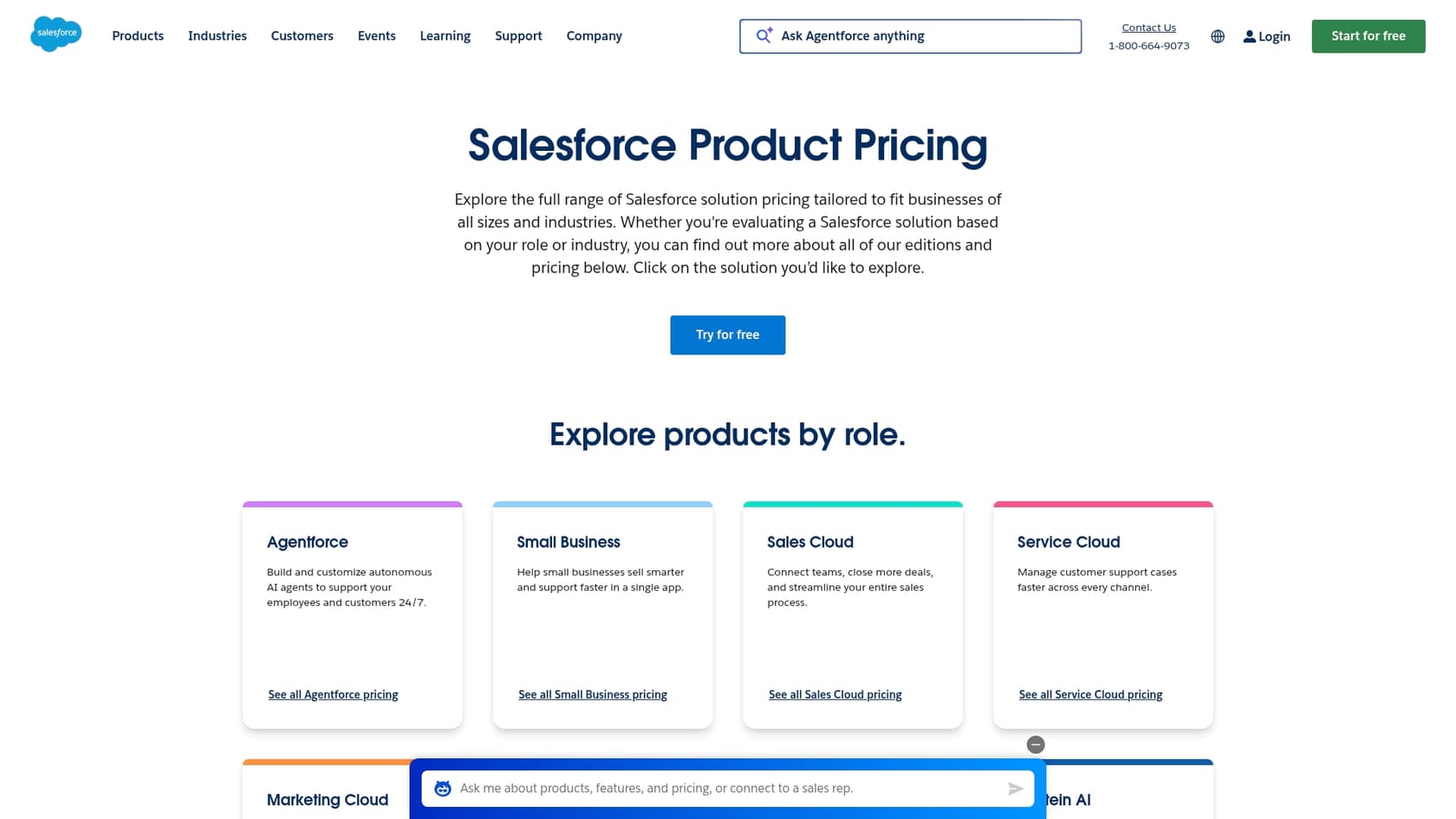
The final cost isn't a simple sticker price. It's more like a puzzle you have to build yourself using different "clouds" (like Sales and Service), per-user licenses, a long menu of feature add-ons, and different support plans. It’s no wonder so many people feel like they need a guide just to map out a budget.
That’s what this article is for. We’re going to walk through the costs for the popular Sales and Service Clouds, shine a light on the "hidden" fees that often catch people by surprise, and help you think less about what you'll spend and more about what you'll gain.
What is a Salesforce pricing calculator?
Let's just clear the air: Salesforce doesn't have a public, one-size-fits-all pricing calculator for its main CRM products. The reason is actually pretty simple: almost every deal is custom. The platform is so huge that what a ten-person startup needs is worlds away from what a global company is looking for.
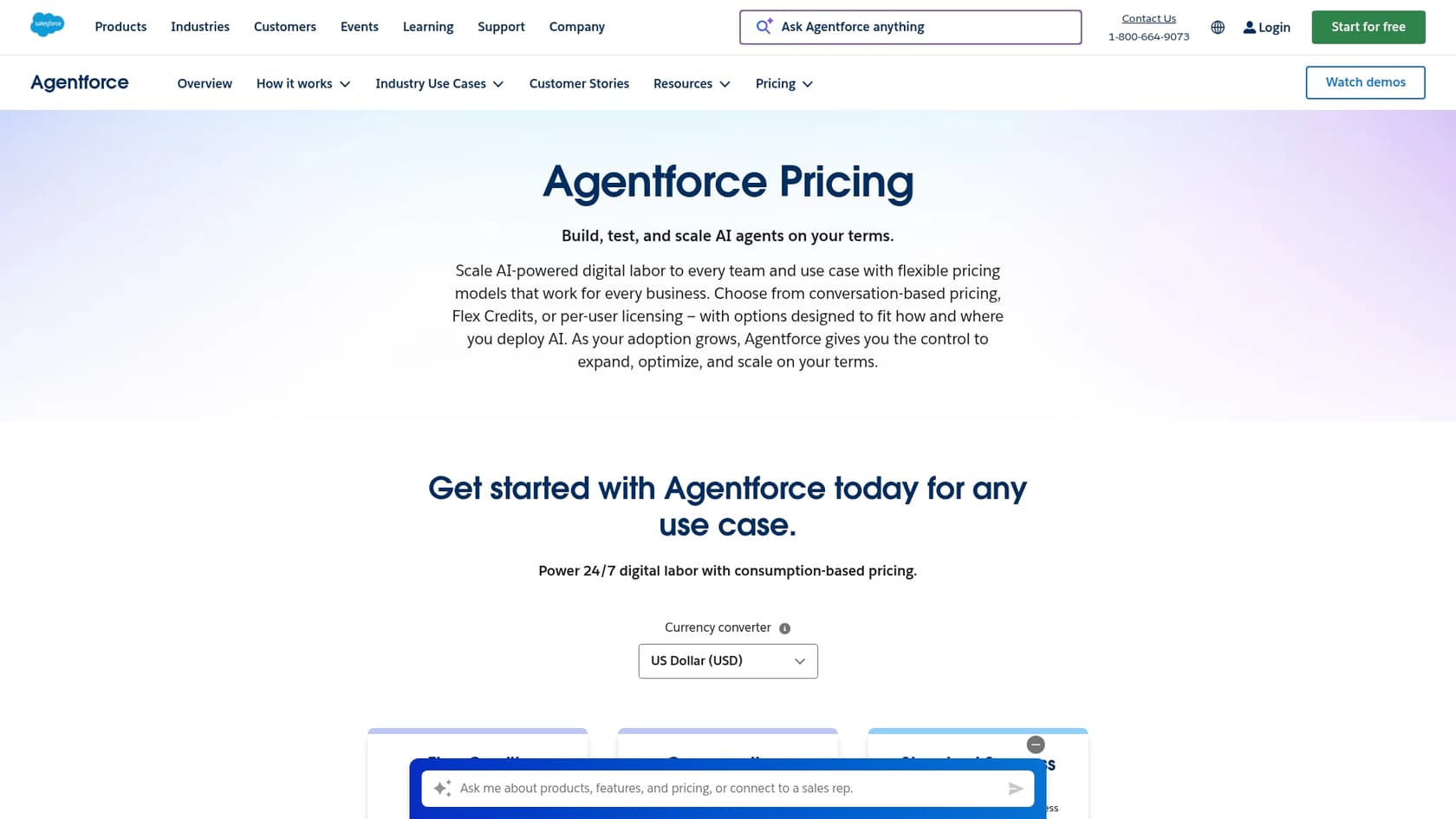
This complexity is by design. Salesforce wants to build a solution that fits your business perfectly, which is great for getting the right features but not so great for early-stage budgeting. You might find official calculators for some of their other products, like the Data 360 pricing calculator, but that’s for a different pricing model that doesn't apply to the main CRM licenses.
Think of this guide as your manual calculator. We’ll break down the different pieces of a Salesforce quote so you can put together a realistic cost estimate on your own.
Breaking down Salesforce pricing: Sales and Service Cloud editions
The basic model is a per-user, per-month fee, but you’ll almost always be billed for the full year upfront. Most companies don't just buy one "cloud." Your sales team needs Sales Cloud licenses, and your support folks need Service Cloud licenses, so you're usually mixing and matching.
Let's get into the nitty-gritty of the standard plans for each.
Salesforce Sales Cloud pricing plans
Sales Cloud is the toolkit for your sales team. It's built to help them manage leads, keep track of opportunities, and generally make the entire sales process smoother.
Here’s how the plans stack up:
| Edition | Price (per user/month, billed annually) | Key Features | Ideal For |
|---|---|---|---|
| Starter Suite | $25 | Lead, Account, Contact & Opportunity Management, Email Integration, Basic Reporting | Small teams and startups needing a straightforward, all-in-one CRM. |
| Pro Suite | $100 | Everything in Starter, plus Forecasting, Customizable Reports & Dashboards, Quoting | Growing teams that need better customization and forecasting tools. |
| Enterprise | $175 | Everything in Pro, plus Workflow Automation, Advanced Pipeline Management, Web Services API | Larger, more complex sales teams that need deep customization and integrations. |
| Unlimited | $350 | Everything in Enterprise, plus Predictive AI, Premier Success Plan, Full Sandbox | Big businesses that need advanced AI, top-tier support, and developer tools. |
| Agentforce 1 Sales | $550 | Everything in Unlimited, plus a full suite of AI tools, Tableau, and Slack Enterprise+ | Businesses that want a complete, AI-driven sales platform with no limits on employee AI usage. |
Salesforce Service Cloud pricing plans
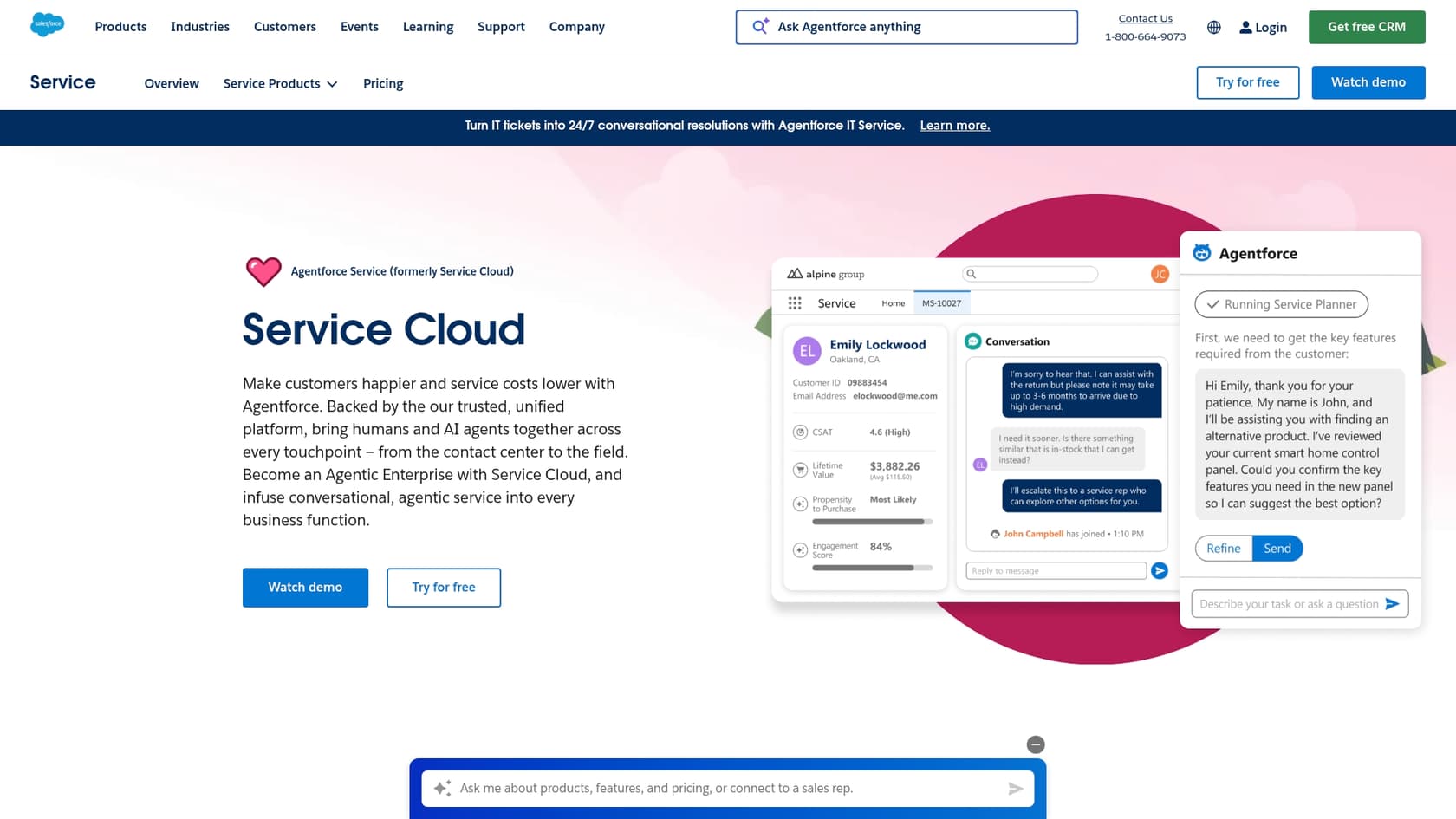
Service Cloud is your customer support team's command center. It’s designed for managing support cases, building out a knowledge base, and offering help across different channels. This is also where AI can really help by automating answers and making agents more efficient.
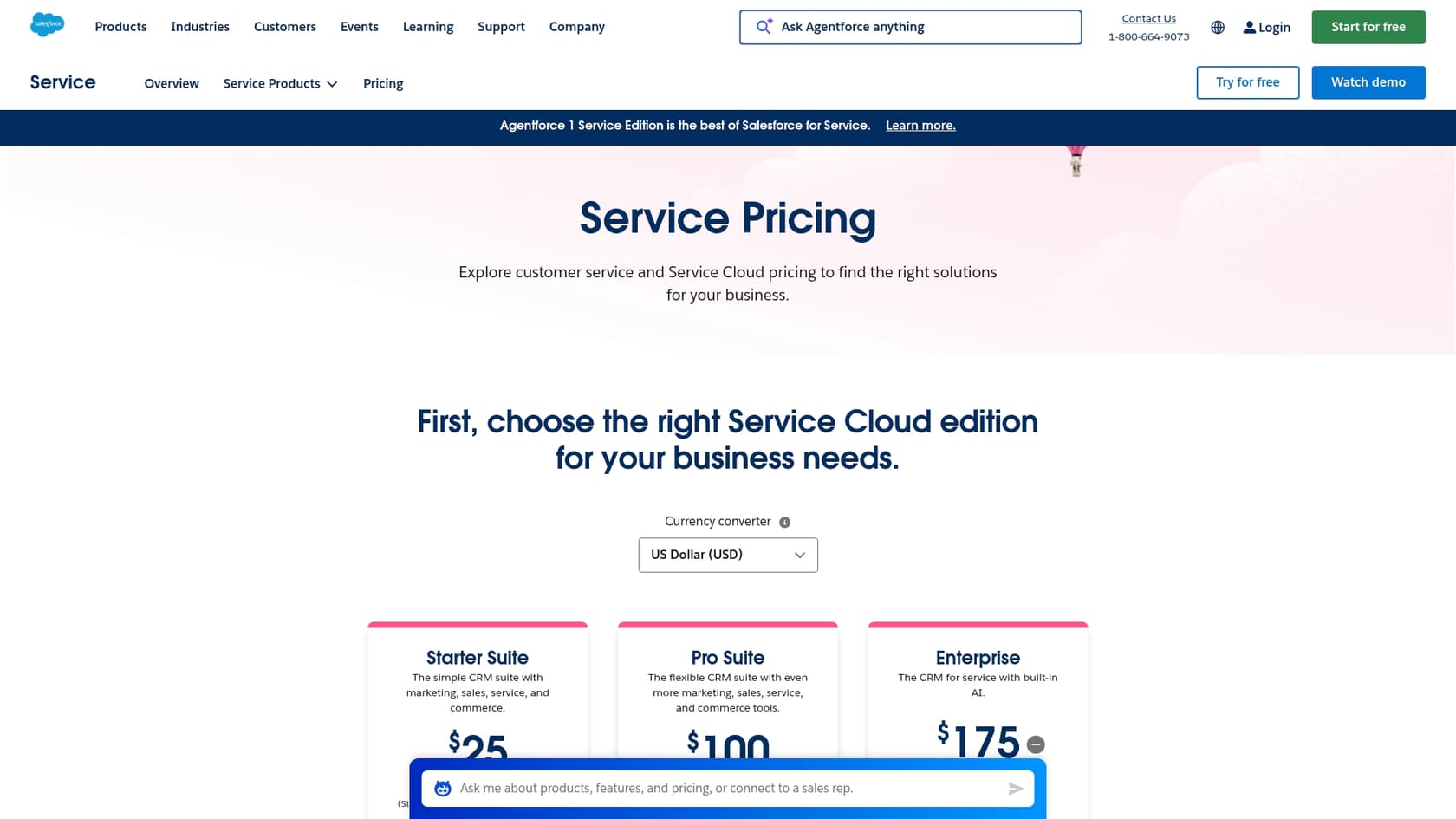
Here are the standard plans for Service Cloud:
| Edition | Price (per user/month, billed annually) | Key Features | Ideal For |
|---|---|---|---|
| Starter Suite | $25 | Case Management, Knowledge (Read/Write), Email-to-Case | Small support teams who need the basics for tracking cases and a knowledge base. |
| Pro Suite | $100 | Everything in Starter, plus Service Contracts, Entitlements, Telephony Integration | Teams that need to manage SLAs and connect their phone support. |
| Enterprise | $175 | Everything in Pro, plus Workflow Automation, Web Services API, AI for Customer Service | Larger service departments that want automation, self-service portals, and AI assistance. |
| Unlimited | $350 | Everything in Enterprise, plus Chat & Bots, full Salesforce Knowledge, Premier Success Plan | Companies looking for a true omnichannel support setup with smart bots and premium support. |
| Agentforce 1 Service | $550 | Everything in Unlimited, plus unmetered employee AI, Tableau, and advanced analytics. | Enterprises going all-in on an AI-powered, data-focused customer service operation. |
Beyond the license: Hidden costs
So, you’ve picked your plan and multiplied it by your number of users. Budgeting done, right? Not quite. The list price is really just the starting point. Your Total Cost of Ownership (TCO) often includes a few other expensive surprises.
Essential add-ons
To get the kind of functionality a modern support team expects, you’ll probably need to tack on a few extras.
AI and automation You'll find that Salesforce's powerful AI tools, which are often part of the Agentforce or Einstein brands, are usually missing from the lower-tier plans. For example, if you want to add Agentforce for Service to an Enterprise plan, it can set you back an extra $125 per user, per month. That price alone puts it out of reach for many teams who could really use the help from automation.
Knowledge management While you get some basic knowledge features, the full-strength version of Salesforce Knowledge, which is key for good self-service and training an AI, is held back for the expensive Unlimited edition. If you're on the Enterprise plan, you might have to pay more to get everything it can do.
Digital engagement Want to support customers on channels they actually use, like social media or messaging apps? Features like Einstein Bots and advanced messaging aren't included by default. You’ll either need an add-on like Digital Engagement for $75 per user, per month, or you'll be hit with usage-based fees that are nearly impossible to predict.
Implementation and support costs
Getting Salesforce live isn’t like flipping a switch. It’s a complex beast, and setting it up correctly usually means paying for certified consultants or having a dedicated internal team handle it.
Then there’s the ongoing support. A basic plan comes with your subscription, but most companies discover they need quicker, more dependable help. Salesforce’s Premier Success Plan, which gives you 24/7 support and expert advice, costs an extra 30% of your net license fees. For a team of 20 on the Enterprise plan ($175/user/month), that’s an additional $12,600 a year just for better support.
Calculating ROI: How AI can reduce your total cost of ownership
It's easy to get overwhelmed by all these costs. But instead of just focusing on the price tag, let's talk about what you get back from your investment. The right tools can actually lower your operating costs and make that Salesforce subscription worth every penny.
This is why looking at a dedicated AI platform can be such a smart move. You can often sidestep the high costs and setup headaches of Salesforce's native add-ons while getting even better results.
Why integrate a dedicated AI support platform
-
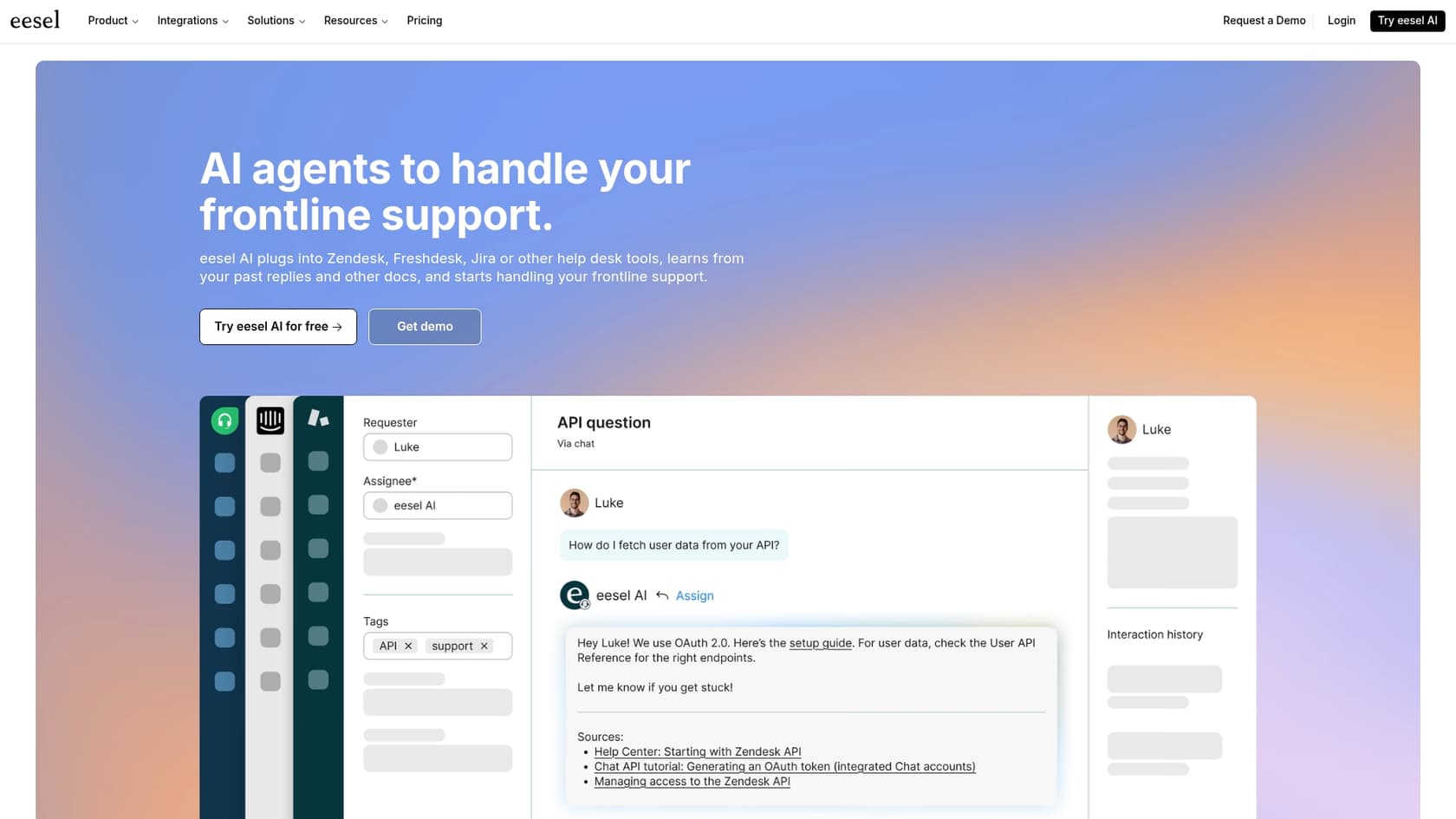
Get value faster: Setting up Salesforce's own AI can take months. In contrast, platforms like eesel AI are designed to be self-serve. You can connect your helpdesk and be up and running in minutes. That means you slash those hefty implementation costs and start seeing a return on your investment almost immediately.
-
Keep costs clear and simple: Forget about Salesforce's confusing, layered pricing. eesel AI has straightforward plans that include all the core features, and you’ll never get hit with surprise fees for resolving too many tickets. This makes your budget predictable and saves you from a nasty shock at the end of a busy month.
-
Bring all your knowledge together: And let's be honest, while Salesforce Knowledge is a decent starting point, your company's know-how is probably spread all over the place. eesel AI can connect to all of it. It easily integrates with tools like Confluence, Google Docs, and Notion. It even learns from your past support tickets to give your AI a complete picture. More knowledge means better resolution rates and happier customers.
A true calculator for AI-driven savings
If you want a calculator that actually shows you something useful, this is it. eesel AI has a simulation mode that acts as a risk-free "savings calculator." It safely analyzes thousands of your past support tickets from Salesforce and gives you a solid, data-backed forecast of how much you could automate and save. You see the numbers before you flip the switch for your customers.
Their AI Agent then plugs right into helpdesks like Salesforce Service Cloud to handle tickets on its own, delivering real cost savings and freeing up your team to focus on more complex customer conversations.
Finding true value beyond the Salesforce pricing calculator
The bottom line is that figuring out your true Salesforce cost is about more than just the per-user license fee. You have to factor in the different editions, the add-ons you'll actually need, and the ongoing support costs. It all adds up.
Instead of getting tangled in the math, it's often smarter to focus on tools that give you the biggest and fastest return on that investment.
Adding a flexible and powerful AI platform like eesel AI is one of the quickest ways to handle repetitive support tasks automatically, cut your operational costs, and get the most value out of your entire Salesforce setup.
Frequently asked questions
I've looked online, but why isn't there a simple, public Salesforce pricing calculator available on their website for core CRM products?
Salesforce customizes its solutions extensively for businesses of all sizes, making a one-size-fits-all public calculator impractical. Their pricing model is designed to create a perfect fit, which inherently involves tailored quotes.
When trying to estimate costs, what are the primary components I should include in my manual Salesforce pricing calculator?
You should consider the per-user, per-month license fees for specific 'clouds' (e.g., Sales, Service), essential add-ons like advanced AI or digital engagement, implementation costs for setup, and any ongoing premium support plans.
How do the different editions (Starter, Pro, Enterprise, Unlimited) change what I'd put into a Salesforce pricing calculator for Sales or Service Cloud?
Each edition comes with escalating features and a higher per-user, per-month fee, significantly impacting your total cost. Higher editions typically include more advanced functionality, automation, and native AI capabilities.
Can leveraging a dedicated AI platform, like eesel AI, really help optimize my overall Salesforce pricing calculator and reduce the Total Cost of Ownership (TCO)?
Yes, integrating a dedicated AI platform can simplify setup, offer clearer pricing, consolidate knowledge from various sources, and automate support tasks. This often leads to significant operational cost savings and a faster return on investment.
Are there any instances where an official Salesforce pricing calculator does exist, even if not for the main CRM licenses?
Yes, while not for core Sales or Service Cloud CRM licenses, Salesforce does offer calculators for some other products. An example is their Data 360 pricing calculator, which operates on a different pricing model.