What "ticket deflection" means on Kustomer
I should say where I'm coming from first, because it shapes the take. I've spent the last three-plus years putting AI agents on live support queues, and the pattern is always the same: the demo deflection number and the real one are different animals. One team we worked with, a gig-economy driver-analytics app on Zendesk, resolved 73% of its tier-1 requests in the first month. Another, an internal IT helpdesk, started at 15% deflection and had to grind toward a 55% target. Same category of tool, wildly different outcomes, and the gap had almost nothing to do with the AI model. (We build AI for helpdesks like Zendesk and Gorgias, so take my read on a competitor's CRM with that in mind.)
Deflection is the strategy of answering a question, or letting the customer self-serve it, before it becomes a ticket a human has to touch. On Kustomer, that mostly happens through Concierge. The pitch on the Concierge page is "agentic AI that attends to customers start to finish, resolving issues, not just answering them," which is the right framing: modern AI ticket automation is a world away from the keyword-matching chatbots of 2018.
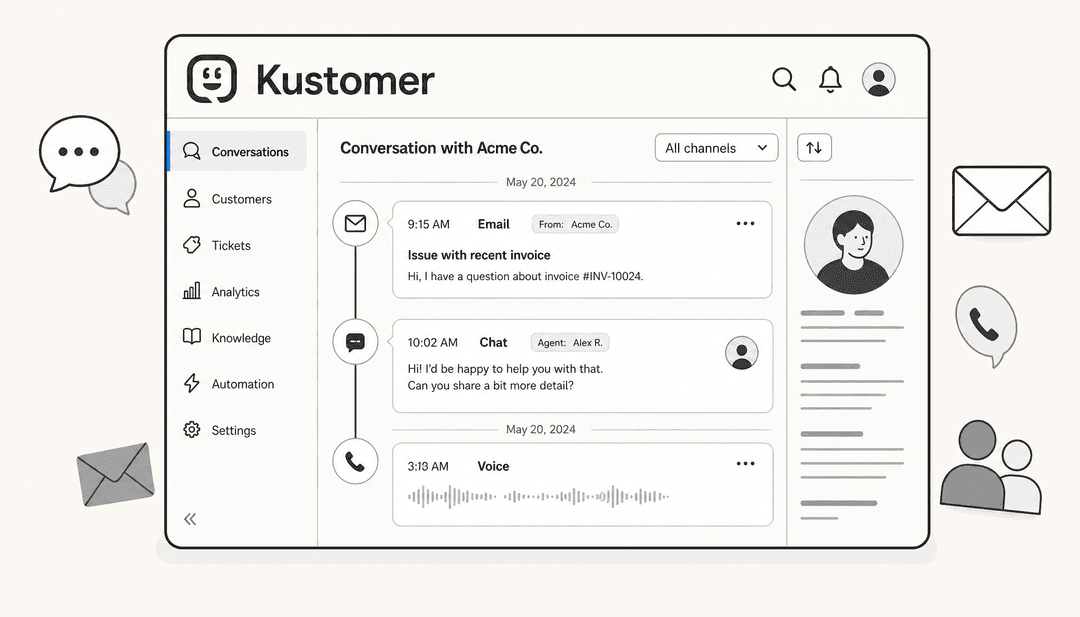
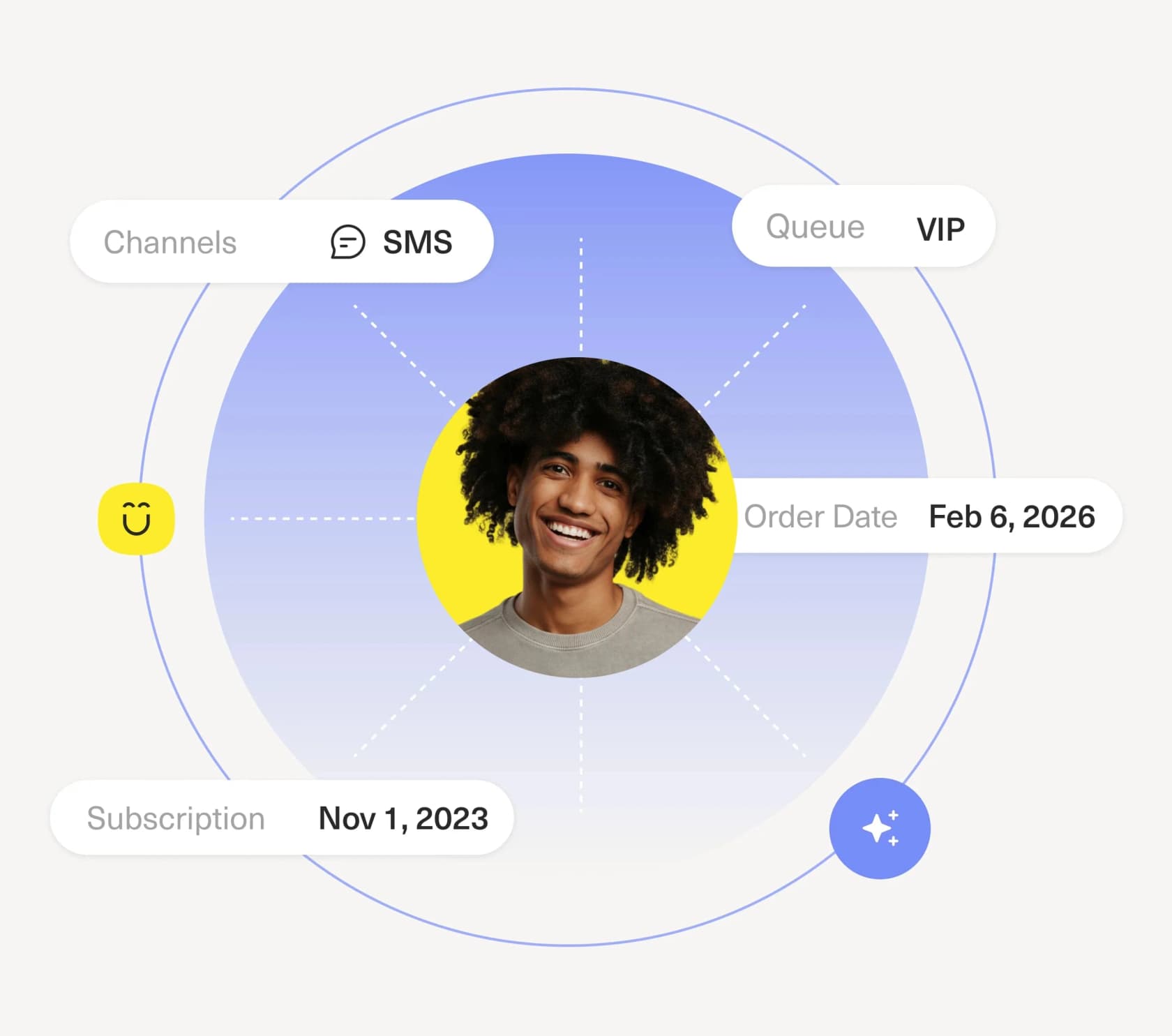
What makes Kustomer's version distinct is the data model. It's a CX platform built around the customer record rather than the ticket, so the AI is working from a complete timeline (orders, loyalty tier, past conversations) instead of an isolated message. Kustomer calls this "AI that runs on context, not guesswork." For a retail or DTC brand where most questions are "where's my order" or "can I change my subscription," that context is the difference between a real answer and a canned one.
How Kustomer Concierge deflects a ticket
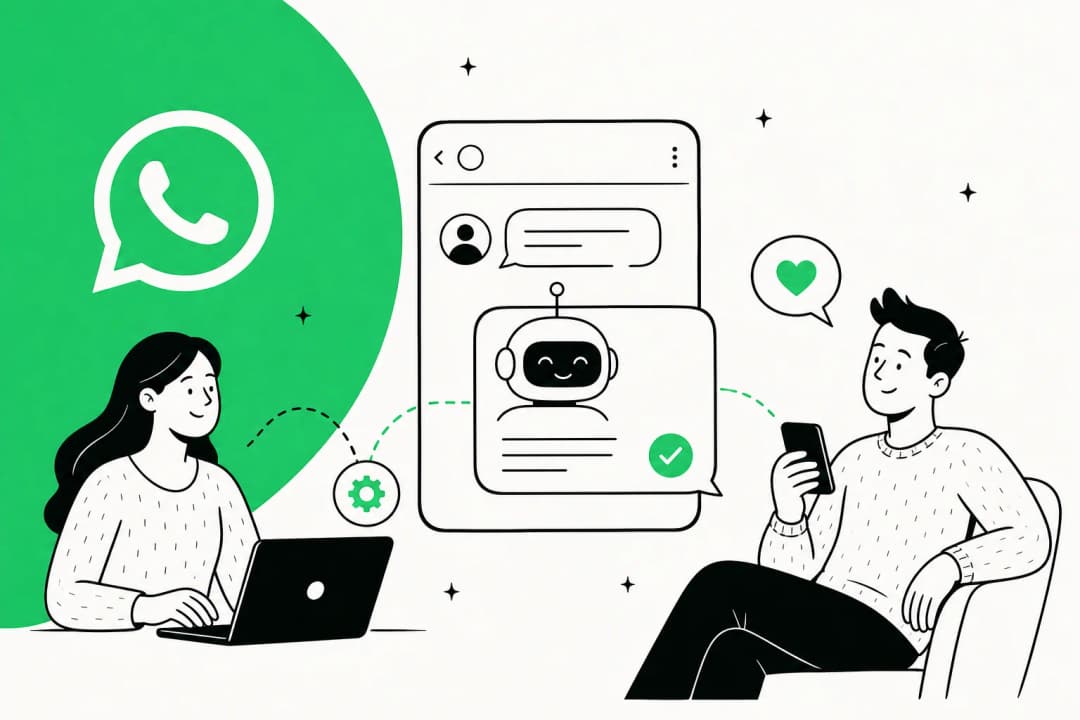
Mechanically, an autonomous deflection on Concierge follows the same pipeline every modern AI agent does, just wired into Kustomer's timeline:
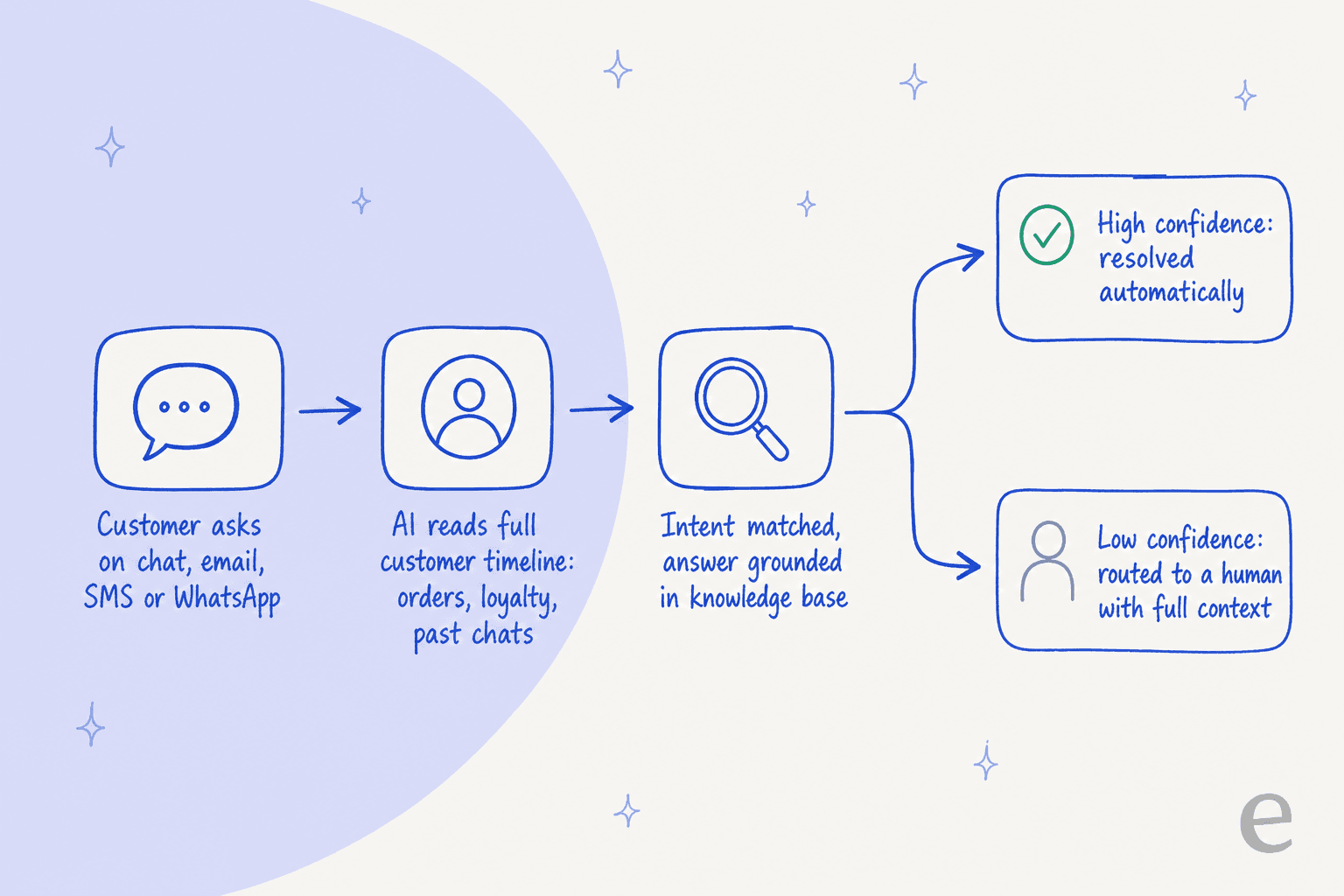
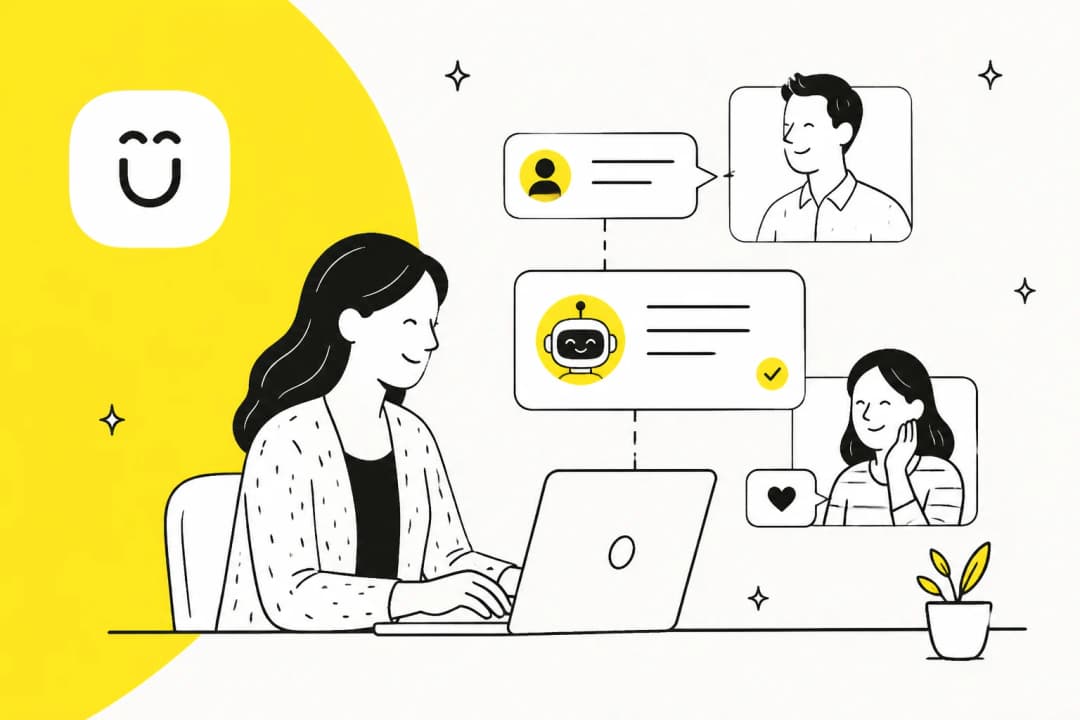
The customer asks on any channel, Concierge does real-time intent recognition against the full record, grounds an answer in your knowledge and connected systems, and then a confidence check decides whether to resolve autonomously or hand off to a human with context attached rather than a bare ticket. Crucially, the help-center docs describe AI Agents that can use tools (customer data, order data, inventory) to take an action, not just surface a help article. That's the part that separates real deflection from a glorified FAQ widget.
Here's Concierge resolving an account-specific request end to end, which is the kind of query a static knowledge base could never close:
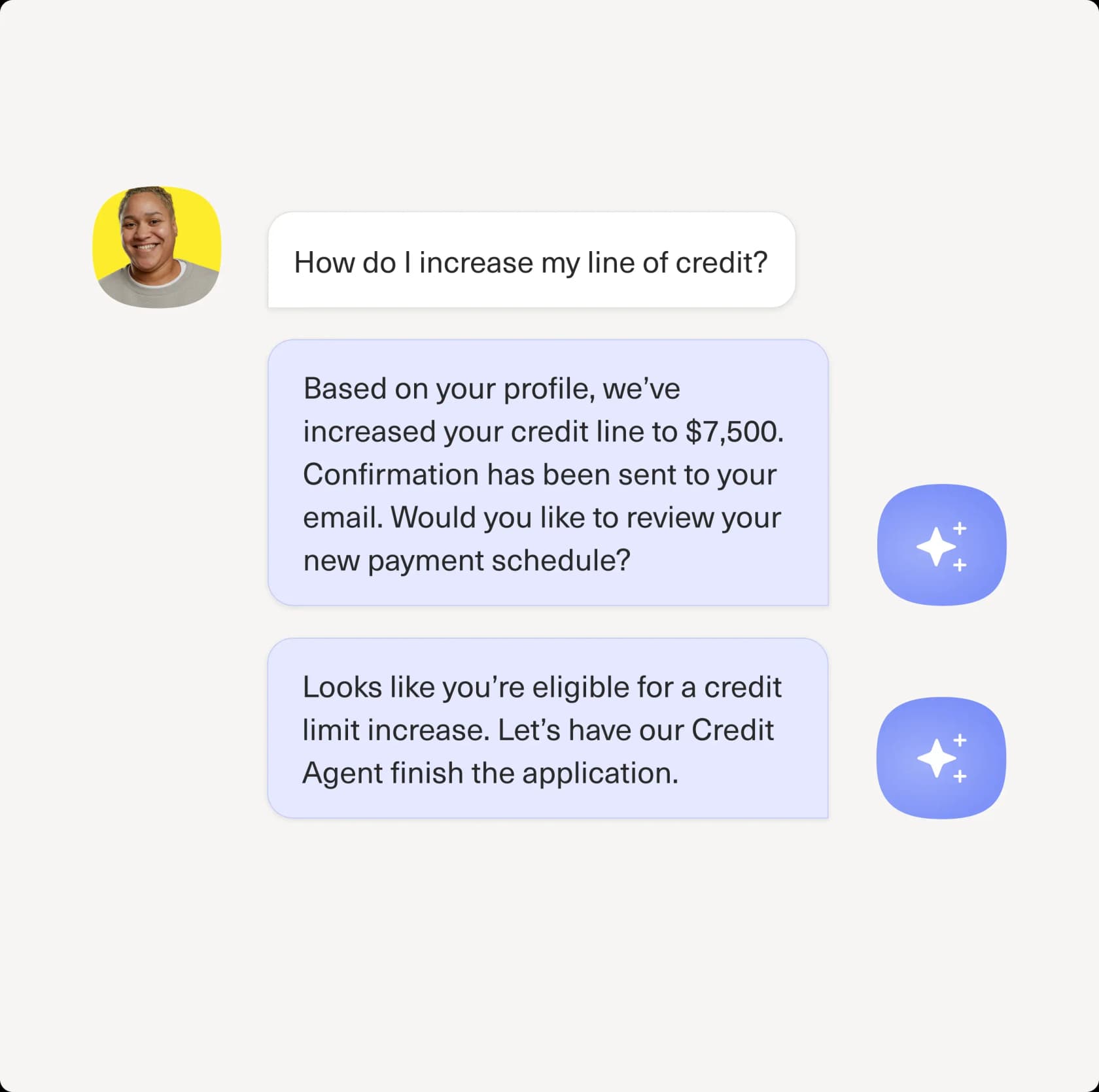
Kustomer puts real numbers behind this. Its Concierge page cites Vuori automating 70% of chat conversations, Aplazo seeing a 40% CSAT lift, and (over on the platform page) 98% of Aplazo's WhatsApp conversations being AI-powered. Those are vendor-reported and skew to their best customers, but they're directionally believable for high-volume B2C, which is squarely who Kustomer is built for.
The deflection number nobody quotes
Now the part most "Kustomer AI deflection" articles skip. A deflection rate and a resolution rate are not the same thing, and the gap between them is enormous.
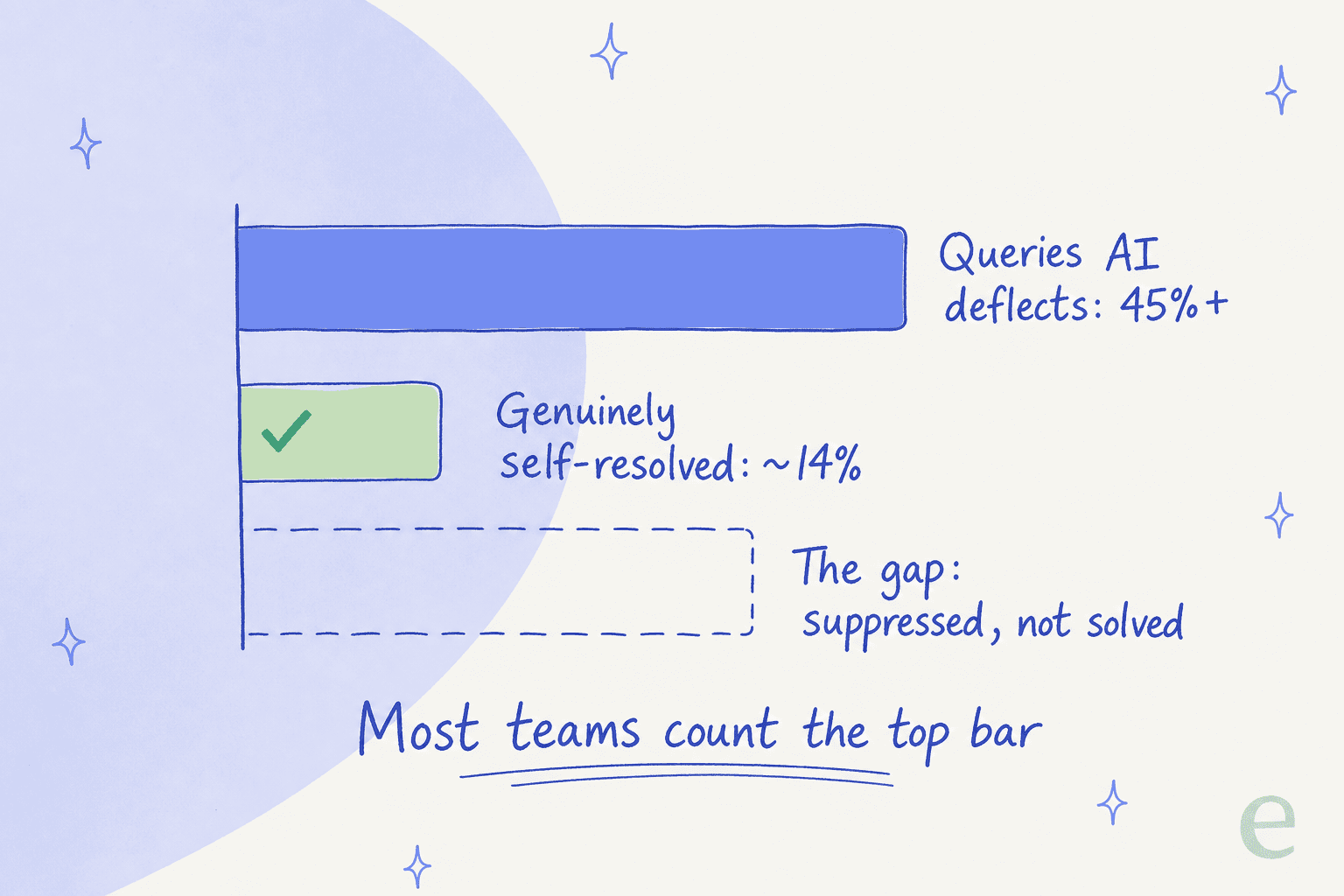
Industry benchmarks put enterprise median tier-1 deflection at around 41%, with top performers near 59%, and best-in-class agentic setups hitting 86-92%. But Gartner's 2026 data found that while AI deflects more than 45% of queries, only about 14% reach genuine self-service resolution. The remaining ~31% are "false deflections": customers who were suppressed, gave up, or came back through another channel. Most teams overestimate their real deflection by 15-25%.
This matters for Kustomer specifically because of how deflection gets reported. Any platform optimising for a deflection KPI creates perverse incentives. As one widely-cited analysis of 50+ practitioner threads put it:
"Optimizing for ticket deflection with AI almost ruined our churn rate. Stop using bots as bouncers."
So when you evaluate Kustomer Concierge (or anything else), don't ask "what's the deflection rate." Ask what the re-contact rate is within 48 hours, and what share of conversations the AI actually closed without a human ever touching them. That's the number that survives contact with reality.
What Kustomer AI deflection actually costs
This is where it gets frustrating, and where I'd push back hardest. Kustomer's pricing page is entirely quote-only. There's a single "Kustomer AI + Platform" package, every price routes to "Talk to Sales," and there's no published per-seat or per-resolution figure anywhere on it. For a deflection buyer trying to model cost-per-resolved-ticket, that's a wall.
The only hard numbers come from a competitor teardown, so treat them as directional, but they're consistent with what buyers report. Here's the picture from Gorgias's pricing analysis:
| Cost component | What you'll pay | Notes |
|---|---|---|
| Seats (Enterprise) | ~$89/seat/month | Annual billing, 8-seat minimum |
| Seats (Ultimate) | ~$139/seat/month | Annual billing, 8-seat minimum |
| Customer-facing AI | ~$0.60 per engaged conversation | Concierge deflection, billed on top |
| Agent-assist AI (Envoy) | ~$40/user/month | Copilot, billed separately |
| Data storage | $50/GB (data), $1/GB (attachments) | Overage charges |
| HIPAA compliance | +$25/user/month | Add-on |
| Voice / WhatsApp | Pay as you go | Rates on a separate page |
The thing to sit with: the AI is metered separately from the seat price. Deflection isn't a capability you switch on inside your plan, it's a per-conversation line item layered onto an 8-seat, annual-only commitment. At a few thousand conversations a month, that 60 cents adds up fast, and it's the recurring complaint in user reviews. If you want the full breakdown, we keep an updated Kustomer pricing guide and a wider cost comparison of AI helpdesk apps.
It's worth contrasting the model, not the morality of it. A per-conversation charge is fine if every conversation is resolved. It stings when you're also paying for the ~31% false deflections from the section above. You're metered on attempts, not outcomes.
Where Kustomer deflection falls short
Kustomer is a genuinely capable platform, and its G2 rating of 4.4 from 555 reviews is solid (ignore the "5.0 from 500+" badge on the homepage, the actual aggregate is 4.4). Reviewers consistently praise how organised the unified timeline is and how the co-pilot helps with policy explanations. But a few patterns show up often enough that they should factor into a deflection decision.
The channel that deflection leans on hardest, voice, draws the sharpest criticism. One operator running a phone and social team described it bluntly on Reddit:
"In my experience, the voice channel is incredibly buggy. My phone team is continually troubleshooting repeated issues like calls dropping, audio issues, calls not being routed."
There's also a recurring UI-complexity theme, and one onboarding quirk that surprised me. A team mid-onboarding reported that Kustomer displays emails in raw format rather than HTML by default and called it "so downright odd that it defies logic." None of this is disqualifying, but it's the texture you don't get from the marketing page, and it bears on how much hand-holding your team will need before deflection is humming. For the full picture, our Kustomer review digs into the day-to-day, and the alternatives roundup covers who else to look at.
Control: keeping the AI on tickets it should touch
If there's one thing I'd obsess over, it's this. The biggest objection I hear from teams evaluating any deflection tool isn't "will it work," it's "will it confidently answer something wrong." A CX lead at a DTC supplements brand running about 7,000 tickets a month put the whole thesis in one sentence:
"The AI will never be able to answer 100% of the questions... I need an AI who is only handling the tickets that it's confident to handle and all the other ones, leave them alone."
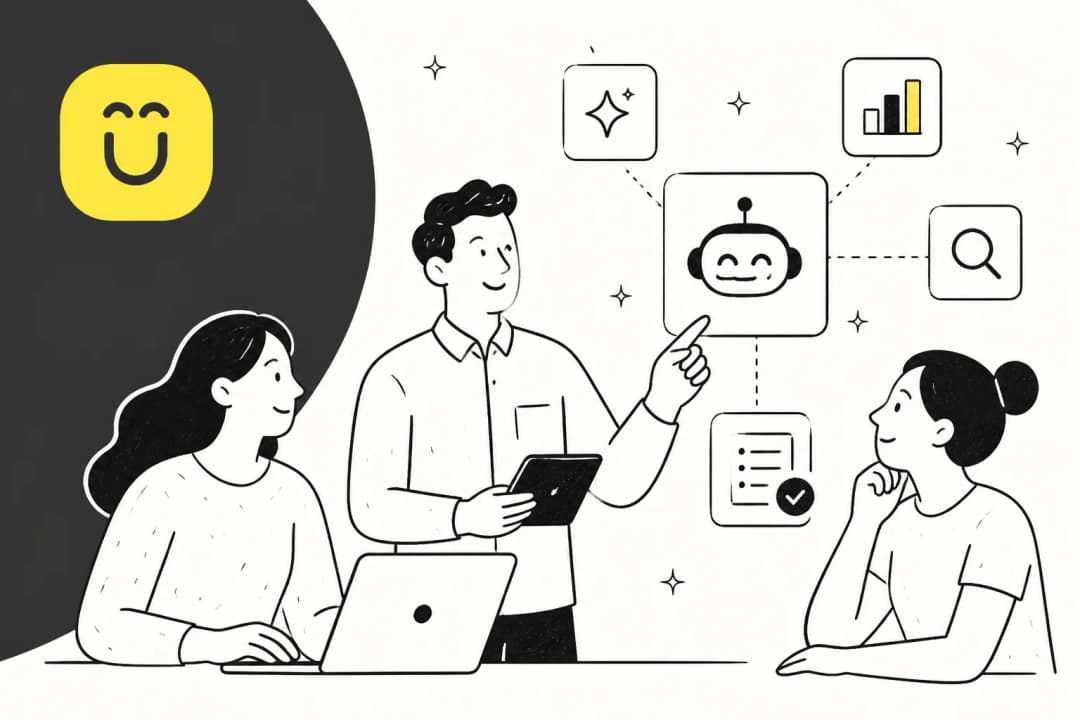
That's the right instinct, and it's what separates deflection that helps from deflection that churns customers. Kustomer addresses it with what it calls progressive autonomy and AI guardrails: confidence thresholds that define where Concierge acts versus defers, plus built-in evaluations to test accuracy before and after go-live. You can see the evaluation surface here, scoring responses against test cases before they ever touch a customer:
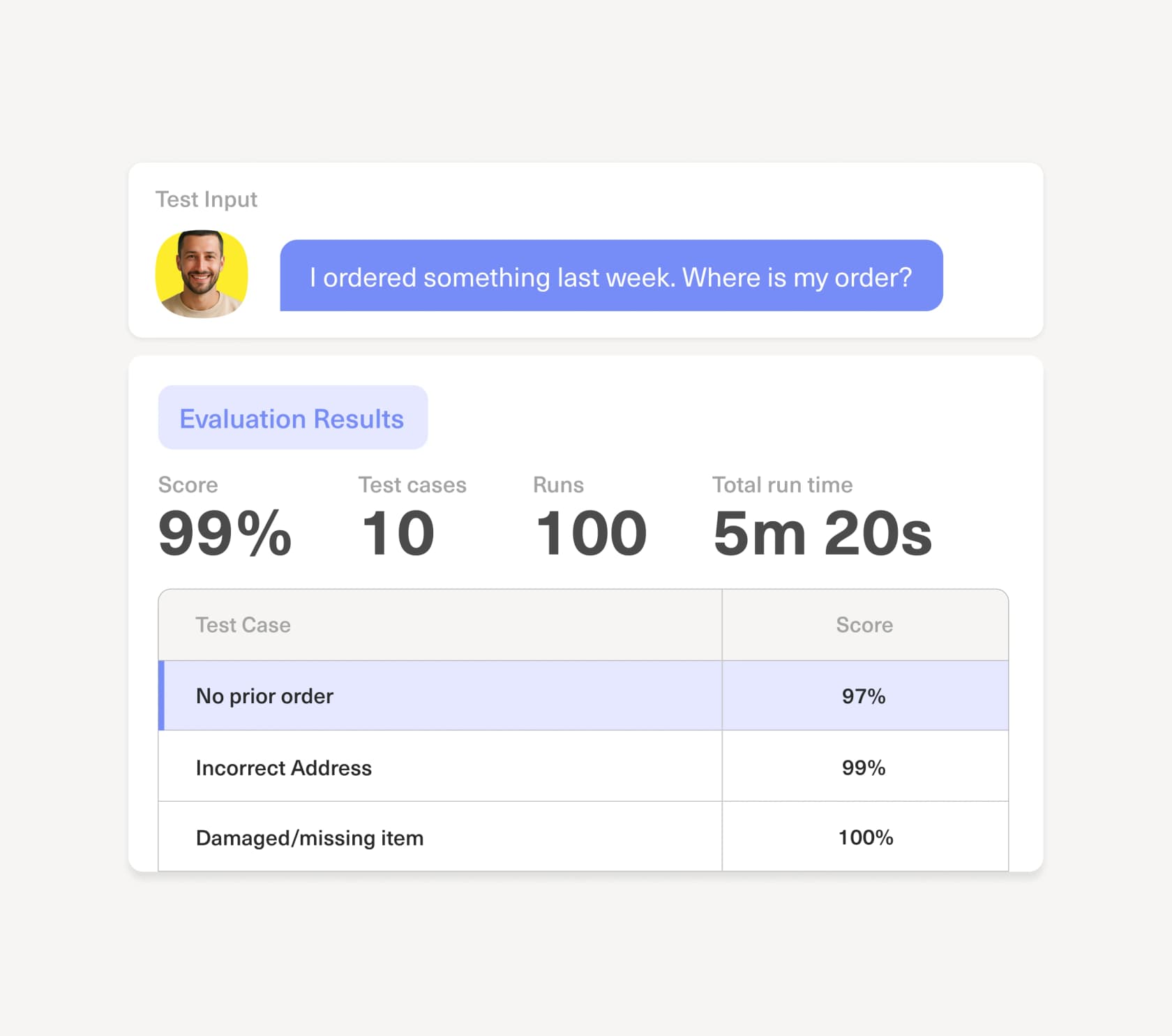
That evaluation-first approach is the right idea, and it's something I'd insist on from any vendor: you should be able to simulate the AI against real historical tickets before you let it answer a live one. If a platform can't show you projected resolution and accuracy before go-live, you're flying blind, and that's how false-deflection numbers creep in.
How to actually get real deflection
The structural insight that recurs across every deployment I've seen: the difference between 40% true deflection and 70%+ is almost never the AI model. It's four levers, and they're all in your control.
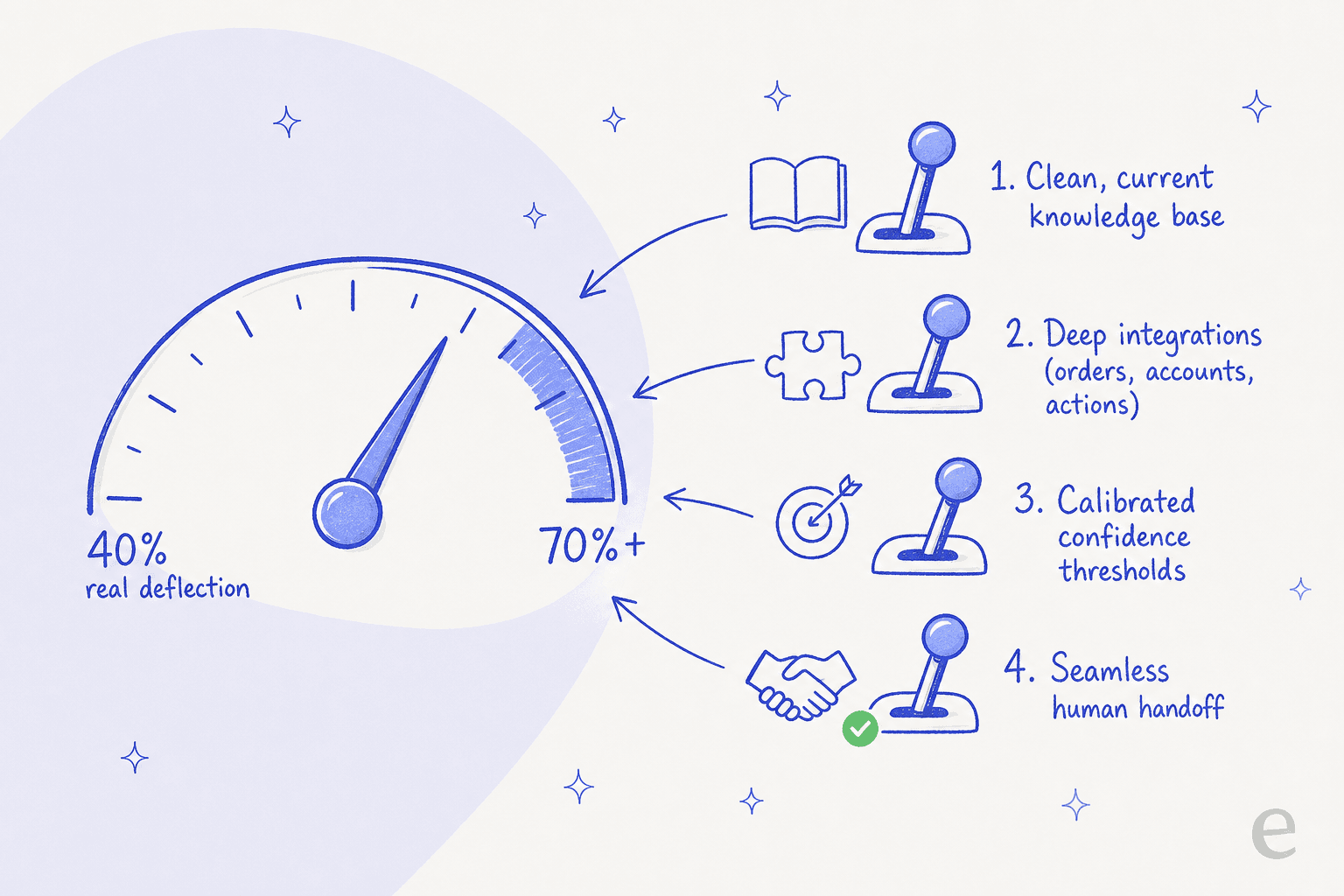
- Knowledge base quality first. This is the ceiling on everything. The quality of any deflection system is set by the knowledge it retrieves from, not the model. Well-structured, current docs lift genuine resolution by 15-25%. If your KB is stale, AI just produces confident wrong answers faster. This is why training AI on your knowledge base and good knowledge base management beat any model upgrade.
- Deep integrations. Most real questions need account-specific context, not a generic article. CRM, billing, and order-management integrations add 20-30% to deflection quality. Kustomer's timeline is genuinely strong here, which is its biggest deflection advantage.
- Calibrated confidence thresholds. Set them through testing, not intuition, and recalibrate quarterly. This is the lever that honours the "leave the rest alone" principle above. Our guide to the intent confidence threshold explains the trade-off.
- Seamless escalation. Every escalation is a signal of a knowledge gap, not a failure. The handoff should carry full context so the customer never re-explains. Treat your ticket triage and routing as part of the deflection system, not separate from it.
Nail those four and the model barely matters. Skip them and no amount of "agentic AI" branding will save you.
Try eesel for deflection on the helpdesk you already have
Here's the honest framing. If you're a high-volume B2C brand that wants one platform to be your CRM and your AI, Kustomer is a serious option, and its customer-timeline model is a real deflection advantage. But if you already run a helpdesk and just want deflection that resolves tickets without a CRM migration, an 8-seat minimum, and per-conversation AI metering, that's the gap eesel AI was built for.
eesel layers an AI agent onto helpdesks like Zendesk, Freshdesk, and Gorgias, learns from your past tickets and docs on day one, and (the part I care about most) lets you simulate it against thousands of historical tickets to see real projected resolution before it touches a live conversation. Pricing is per resolution, not per seat, with no minimums, so you're paying for outcomes rather than attempts.

That simulation-first, confidence-routed approach is exactly how that gig-economy team hit 73% tier-1 resolution in month one. If that's the kind of deflection you're after, you can try eesel on your own tickets in a few minutes.
Frequently Asked Questions
What is Kustomer AI deflection?
How much does Kustomer AI deflection cost?
What deflection rate can I realistically expect?
Is Kustomer AI deflection good for small teams?
How do I stop Kustomer AI from deflecting tickets it shouldn't?
What makes AI deflection actually work?
Can I run AI deflection without replacing my whole helpdesk?


Article by
Alicia Kirana Utomo
Kira is a writer at eesel AI with a Computer Science background and over a year of hands-on experience evaluating AI-powered customer service tools. She focuses on breaking down how helpdesk platforms and AI agents actually work so that support teams can make better buying decisions.