
Help Scout is a favorite for customer support teams who want to keep things personal. It’s simple, clean, and built for real conversations. But as your team scales up, you start bumping into the limits of simplicity. You need to connect other tools, customize your workflows, and automate the repetitive tasks that eat up your day. That’s exactly what the HelpScout API is for, giving your tech team a way to build on top of the platform.
This guide will give you a straightforward look at what the HelpScout API suite can do. We’ll cover how you can actually use it, where you might hit a wall, and how newer AI platforms can get you the automation you need, but much faster.
What is the HelpScout API?
First things first, the HelpScout API isn't a single tool. It's more like a collection of developer tools that let your team interact with your Help Scout data using code. Think of it as a special key that unlocks the backend of your help desk, so you can build custom solutions that fit your team perfectly.
To get your bearings, here’s a quick rundown of the main parts of their developer platform:
-
Inbox API: This is the big one. It’s your main entry point for managing conversations, customers, mailboxes, and all your user data.
-
Docs API: This API lets you create, read, and manage all the articles and collections in your Help Scout knowledge base.
-
Webhooks: Instead of your app constantly asking Help Scout for new information, webhooks flip the script and send you real-time notifications when something happens.
-
Beacon API: This lets you tweak and customize the little help widget you can embed on your website or inside your app.
-
Custom Apps: This framework lets you build your own apps that pop up in the sidebar right next to a conversation, giving your agents extra context from other tools.
Description: A visual diagram showing the five core components of the HelpScout developer platform (Inbox API, Docs API, Webhooks, Beacon API, Custom Apps) with brief icons and one-line descriptions for each, illustrating how they connect to the central Help Scout data.
Core capabilities of the HelpScout API
While Help Scout gives you a few different tools, most of the real work for custom integrations happens with the Inbox and Docs APIs. Let's dig into what you can actually do with them.
The Inbox API: Your connection to conversations
The Inbox API is your gateway to all the core data sitting inside your help desk. It's a standard REST API that uses OAuth 2 for authentication, which is a secure and pretty common way to connect applications.
Here are a few practical things a team could build with it:
-
A custom contact form: You could create a "Contact Us" form on your website that shoots a new conversation directly into Help Scout, skipping email entirely.
-
Sync with your CRM: You could write a script that keeps customer details and conversation history in sync with a third-party CRM. This means every team gets the same view of the customer.
-
Custom reporting dashboards: If Help Scout's built-in reports aren't cutting it, you can pull raw data on things like conversation volume, response times, and tags to build your own dashboard.
Description: A screenshot of a fictional custom-built analytics dashboard displaying metrics like "Average First Response Time," "Conversations per Teammate," and "Top Tags," sourced from the HelpScout API.
The Docs API: Managing your knowledge base with code
The Docs API is all about managing your knowledge base content without having to click around in the UI. Unlike the Inbox API, this one uses a simple API key to get started, which is super quick to set up.
Here are some real-world examples:
-
Syncing technical docs: If your technical documentation lives somewhere else, like in Confluence or a code repository, you can use the Docs API to automatically push updates to your public-facing knowledge base.
-
Automated article creation: You could set up a workflow that automatically creates a new help article draft whenever your engineering team ships a new feature.
-
Bulk updates: Ever had to update a company name or a broken link across hundreds of articles? With a script, you can do it in seconds instead of spending hours on manual edits.
Description: A Mermaid chart illustrating the process of syncing documentation.
Understanding HelpScout API limits and access
It's good to know that API access isn't included on every Help Scout plan. You won't find it on the Free plan, so it's a feature for paying customers.
On top of that, how much you can use the API is tied to your subscription level. Help Scout uses rate limits to keep their platform stable, meaning you can only make a certain number of API calls every minute.
| Plan | Rate Limit (Inbox API) | Key Access Notes |
|---|---|---|
| Standard | 200 calls/minute | No access to reporting endpoints. |
| Plus | 400 calls/minute | Full endpoint access. |
| Pro | 800 calls/minute | Full endpoint access. |
These limits are a big deal. If you're planning to build something that moves a lot of data or runs frequent automations, that 200 calls/minute limit on the Standard plan could become a frustrating roadblock pretty quickly.
Automating workflows with the HelpScout API: Webhooks and integrations
While the API is great for getting or sending data, it’s not the best way to get real-time updates. Constantly asking the API "anything new?" (a process called polling) is clunky and inefficient. This is where webhooks are a lifesaver. They’re a much smarter way to automate, because Help Scout simply tells your system when something important happens.
Common webhook events include things like "convo.created", "customer.reply.created", or "satisfaction.ratings". These let you kick off workflows in other systems instantly. For instance, you could post a message in a Slack channel every time a VIP customer gets in touch.
When it comes to integrations, you have a couple of options:
-
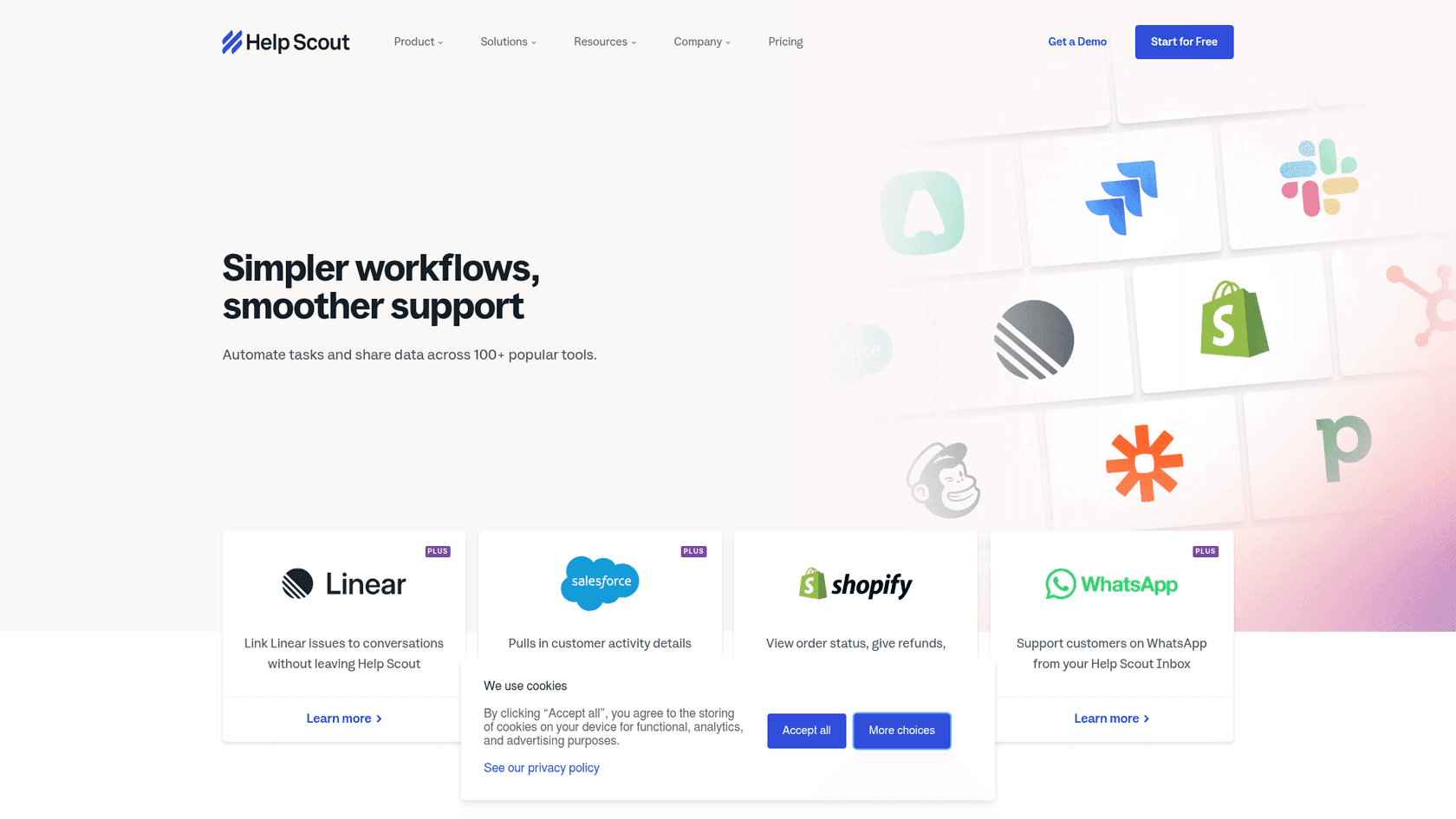
Native & Marketplace Apps: Help Scout has over 100 pre-built integrations for popular tools like Jira, Salesforce, and Shopify. These are by far the easiest way to connect your tools, often just taking a few clicks.
-
Custom Integrations: If you need to connect to an internal tool or a service that isn’t in the marketplace, you’ll have to roll up your sleeves and use the API and webhooks to build the connection yourself.
Automation platforms like Zapier can be a good middle ground, letting you create no-code connections for thousands of apps. The downside is they can sometimes be slow and might not handle more complex workflows. While these are all valid ways to automate, trying to build truly smart, context-aware workflows with the API alone can be a real headache.
The challenge: Why building custom AI on the HelpScout API is hard
On paper, having API access sounds like it unlocks a world of automation possibilities. But when you look at what it really takes to build and maintain intelligent workflows, the whole project gets a lot more complicated and expensive than you might think.
The hidden costs of a DIY HelpScout API integration
-
You'll need developers: Building custom integrations isn't a weekend project. It requires dedicated software engineers. Those engineers are expensive, and honestly, their time is probably better spent working on your actual product, not building internal support tools.
-
It needs constant babysitting: An API integration isn’t something you build once and forget about. APIs get updated, your business rules change, and bugs will inevitably appear. That custom-built tool becomes a permanent item on your tech team's to-do list.
-
It has data, but no brain: The HelpScout API is great at providing data, but it doesn't offer any understanding. It can tell you that a customer sent a message, but it has no idea what they want, the tone they're using, or what the best solution is. To get that kind of intelligence, you’d have to build your own AI and natural language models, which is a massive undertaking.
A smarter approach to HelpScout API automation: Using an AI layer
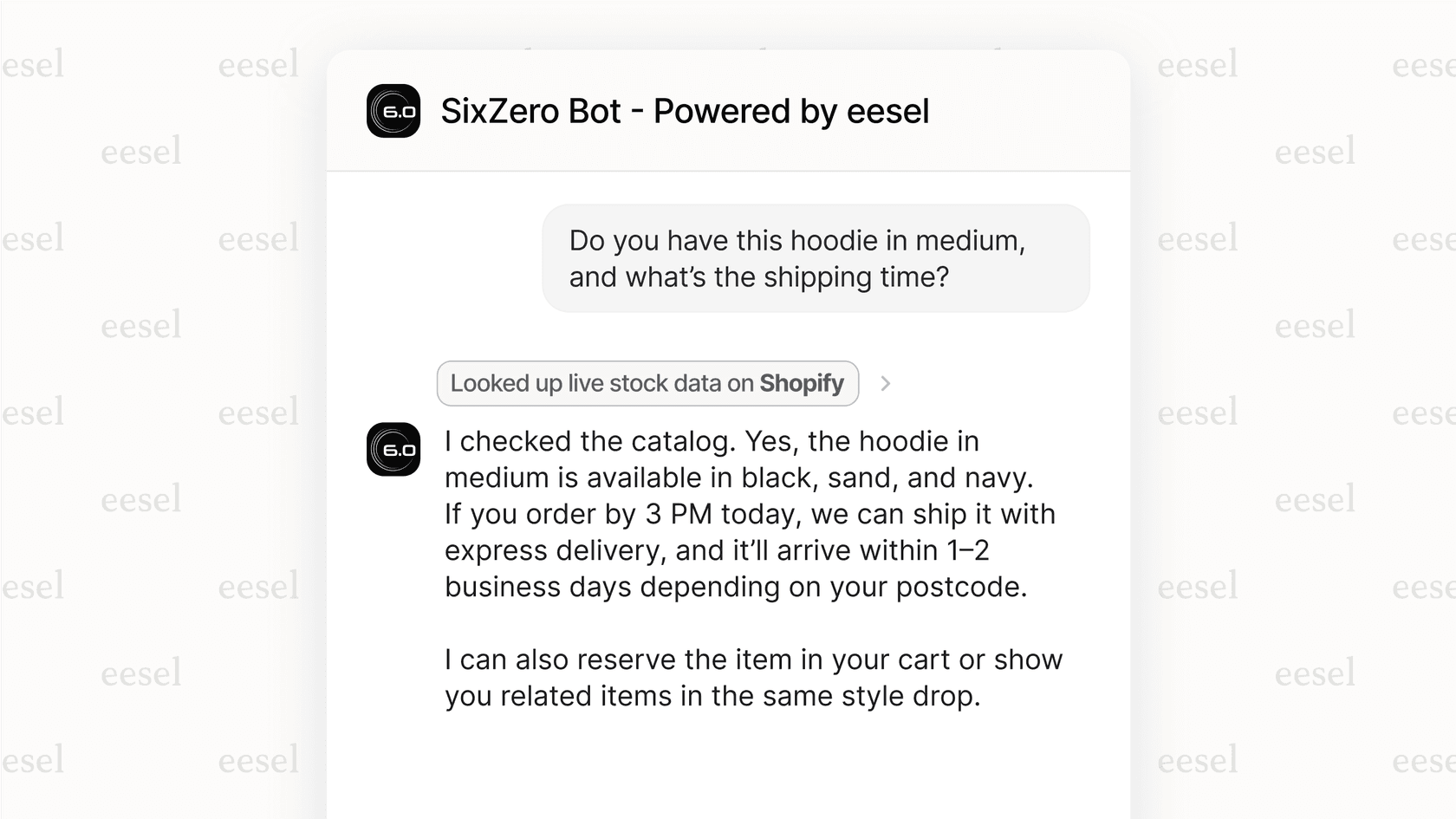
Instead of getting tangled up in API endpoints and webhooks, a more modern approach is to use an AI platform that acts as an intelligence layer right on top of your help desk.
This is where a tool like an eesel AI Agent comes in. It connects to Help Scout in a few minutes and sidesteps all the problems of the DIY method.
-
Get started in minutes, not months: eesel AI is completely self-serve. You can connect your help desk and knowledge sources with a few clicks, without writing any code or sitting through a sales demo.
-
It learns from everything: The AI instantly reads through your past Help Scout tickets, Docs articles, and even external sources like your Google Docs to give accurate, relevant answers right away.
-
Test it out risk-free: A cool feature is the simulation mode, which shows you exactly how the AI would have handled thousands of your past tickets. This gives you a clear picture of its performance and resolution rate before you even turn it on for your customers.
-
You're in control, no coding required: A simple, visual editor lets you decide exactly which questions the AI should handle and what actions it can take (like adding a tag or passing a ticket to a human). You get all the control without the engineering overhead.
Help Scout pricing and HelpScout API availability
To put the whole "build vs. buy" decision into perspective, it helps to remember what it costs just to get access to the HelpScout API in the first place.
Here are Help Scout’s pricing plans:
-
Standard: $25 per user/month
-
Plus: $45 per user/month
-
Pro: $75 per user/month
API access kicks in on the paid Standard plan. But if you need higher rate limits and access to everything (like reporting data), you’ll need to be on the Plus or Pro plan. And that subscription cost is just the entry fee, before your dev team has even written a single line of code.
Description: A screenshot of the official Help Scout pricing page, highlighting the Standard, Plus, and Pro plans and clearly indicating where HelpScout API access begins.
HelpScout API: Should you build or buy?
The HelpScout API is a solid tool for teams that have the developer resources to build and maintain deep, custom integrations. If you have a very specific, unique problem and the engineering time to throw at it, the API gives you the flexibility to create just about anything you need.
But for most support teams who just want to use smart AI to automate resolutions, help out their agents, and run a more efficient operation, building from scratch is a slow, expensive, and risky road.
Going with a dedicated AI platform is a faster, more powerful, and more cost-effective choice. You get all the benefits of advanced AI without the headaches of building and maintaining it yourself.
Ready to see what powerful AI automation could look like in Help Scout, without writing any code? Explore eesel AI's AI Agent and see how you can simulate its impact on your support tickets in minutes.
Frequently asked questions
What exactly is the HelpScout API and what does it allow us to do?
The HelpScout API is a collection of developer tools that lets your team interact with your Help Scout data programmatically. It provides access to manage conversations, customers, mailboxes, knowledge base articles, and to customize your Beacon support widget.
What are the main capabilities of the HelpScout API for conversations and customer data?
The Inbox API, a core part of the HelpScout API, allows you to manage conversations, customers, and mailboxes. You can use it to build custom contact forms for your website, sync customer details with a third-party CRM, or create custom reporting dashboards.
Does the HelpScout API have limitations or specific requirements for access?
Yes, access to the HelpScout API is only available on paid Help Scout plans, starting with the Standard tier. Higher subscription tiers (Plus and Pro) offer increased API rate limits and full endpoint access, which is crucial for intensive data operations.
Why is building advanced AI automation using only the HelpScout API considered challenging?
While the HelpScout API provides robust data access, it lacks inherent intelligence or understanding of conversation context. Building AI on top of it requires significant developer resources to create, train, and maintain natural language models, making it complex and costly.
How does the HelpScout API assist with knowledge base management?
The Docs API, part of the HelpScout API suite, allows you to programmatically create, read, update, and manage articles and collections within your knowledge base. This is highly useful for syncing technical documentation, automating article creation workflows, or performing bulk content updates.
When should we consider using the HelpScout API for custom integrations versus pre-built options?
You should consider using the HelpScout API for custom integrations when pre-built marketplace apps don't fulfill a very specific or unique business requirement, or when you need to connect with proprietary internal tools. It offers maximum flexibility but requires dedicated developer resources for both initial setup and ongoing maintenance.


Article by
Rama Adi
Rama is a software engineer at eesel AI with two years of experience writing about B2B SaaS, AI tools, and customer support technology. Based in Bali, Indonesia, he brings a developer's perspective to product comparisons — cutting through marketing copy to what the integrations and APIs actually do.