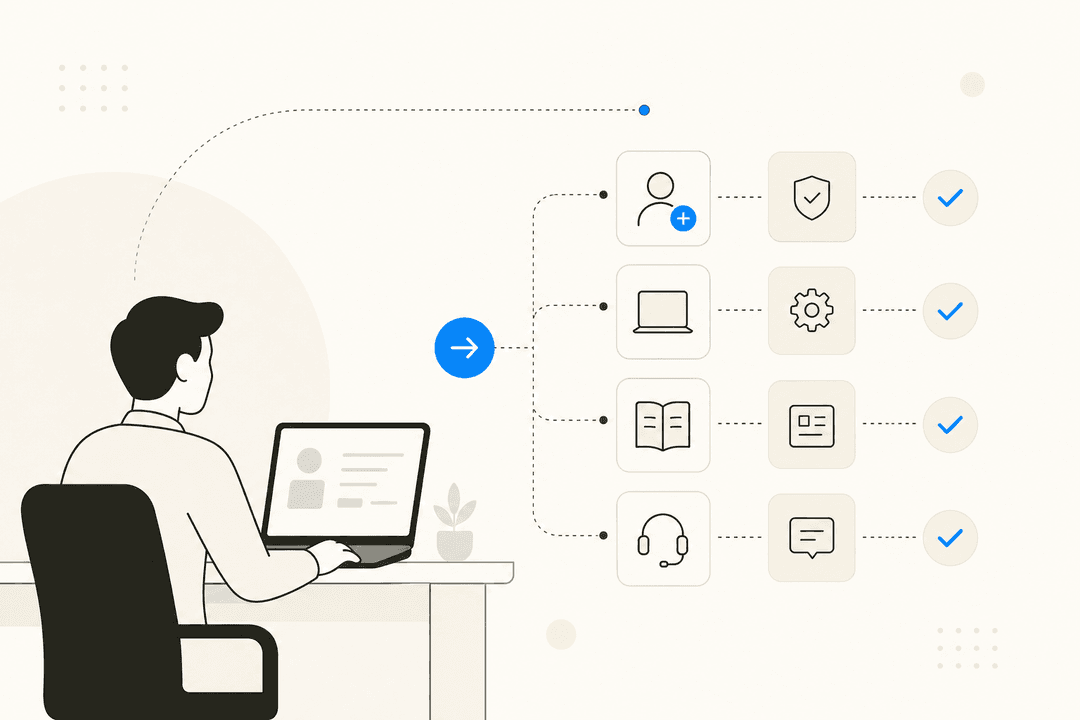
Chatbots are pretty much everywhere these days, and for good reason. They are great for handling common customer questions around the clock and can even help you snag new leads while your team is asleep. One of the players in this space is HelpCrunch, which offers a chatbot as part of its all-in-one customer communication platform. It is a mix of old-school, rule-based flows and some newer AI agent capabilities.
I think most tools today would have things like AI help, saved replies, a clean ticket system, and good reports, but it seems many are missing one thing or another. Are there any good and affordable live chat tools that include all of this in one place?

So, is it the right tool for your specific setup? In this guide, we will take a deep dive into the HelpCrunch chatbot. We will look at its features, how to set it up, what the pricing really looks like, and some key limitations you should know about before you commit your budget.
What is the HelpCrunch chatbot?
The HelpCrunch chatbot is a tool built to automate customer chats, qualify leads, and offer support 24/7. It is not a standalone product. Instead, it is baked into the broader HelpCrunch ecosystem, which includes live chat, a knowledge base, and email marketing tools.
The system is split into two main parts. First, there is a traditional, rule-based chatbot that follows a script you build yourself. Think of it like a flowchart for conversations where the user picks an option and the bot follows a path. Second, they have added AI Agents. These are designed to be a bit smarter and answer questions more dynamically by looking at your data. According to HelpCrunch, these AI agents can handle up to 80% of common queries, though your mileage may vary depending on your documentation.
One of its biggest strengths is that it works across different channels. You can use it on your website, in your mobile app (with their iOS and Android SDKs), and on messaging apps like Facebook Messenger, Instagram, Telegram, and Viber. This means you can have automated conversations with your customers wherever they happen to be hanging out.
Key features of the HelpCrunch chatbot
The HelpCrunch chatbot blends a classic flow builder with some modern AI features to give you a bit of both worlds. Here is a breakdown of what you actually get when you sign up.
Building conversational flows
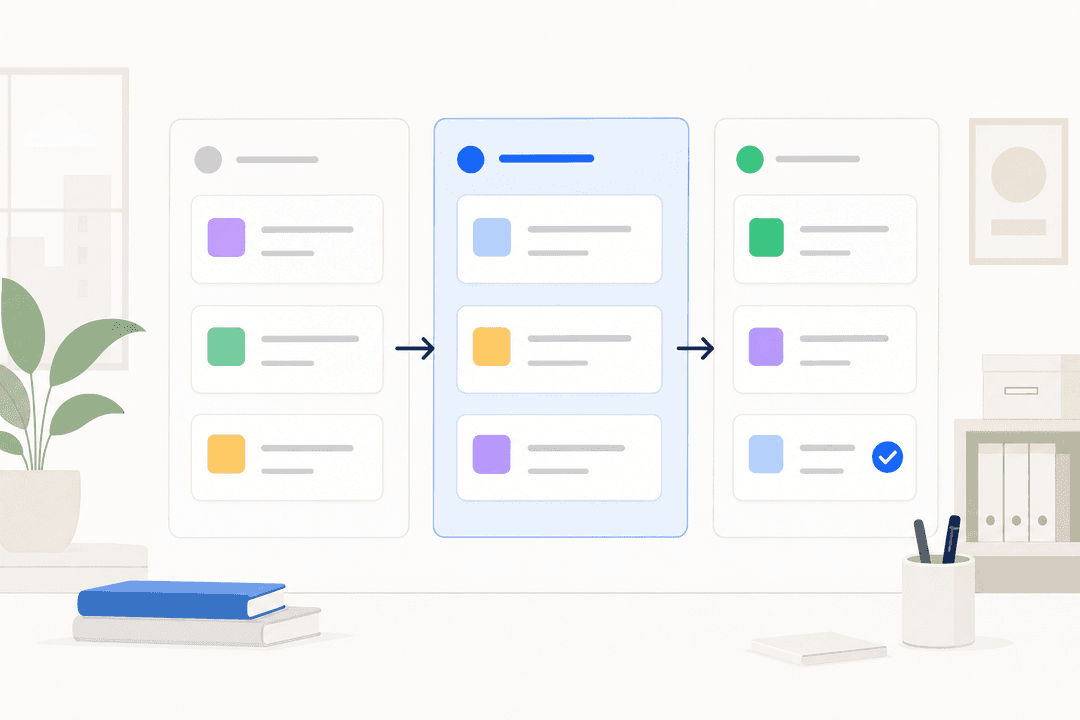
If you have ever used a visual workflow tool or a mind-mapping app, you will feel right at home here. HelpCrunch provides a code-free editor where you build out your chatbot conversations using different "blocks." Each block performs a specific action, like sending a message, asking a question, or tagging a user for later follow-up.
They offer a bunch of pre-made templates for common tasks, such as collecting a new lead's contact info or routing a complex issue to the right team. This is handy if you do not want to start from scratch and just want something that works out of the box. Of course, you can always build your own custom flows to create a very specific, step-by-step conversation path if your needs are more unique.
Using AI agents
This is the HelpCrunch answer to more intelligent automation. The AI Agents are designed to understand a user's question and provide an instant answer without needing a rigid, pre-written script. It feels more natural for the customer because they can just type what is on their mind.
The catch is that these agents are trained on very specific data sources. Primarily, they learn from your HelpCrunch Knowledge Base and any "Custom Answers" you manually create. This means the AI is only as smart as the documentation you feed it. You can create different AI Agents trained on different sets of articles, which is useful if you are handling different products or customer types.
Multichannel support
A big plus for this tool is its ability to work across different channels. This helps create a consistent experience for your customers, no matter how they decide to contact you.
You can deploy your bots on your website widget, within your mobile app using their iOS/Android SDKs, and on popular messaging apps like Facebook Messenger, Instagram, Telegram, and Viber. This flexibility means you can automate conversations on the channels your customers actually use, rather than forcing them to come to your website.
Lead generation capabilities
Beyond just answering support questions, the bot is also a solid tool for sales and marketing. You can set it up to proactively pop up with a message to engage website visitors who might be on the fence about a purchase.
It is great for capturing lead information like names, emails, and company details. You can also program it to ask qualifying questions to figure out which leads are hot and which are just browsing. This helps your sales team focus their energy on the most promising prospects rather than wasting time on people who are not a good fit.
| Feature | Description | Best For |
|---|---|---|
| Flow Builder | Visual, no-code editor with templates for building rule-based bots. | Teams that want to create structured, step-by-step conversations. |
| AI Agents | AI-powered bots trained on knowledge base articles and custom answers. | Providing instant answers to common questions and offering 24/7 self-service. |
| Multichannel Support | Deploys on websites, mobile apps, and messengers like Facebook and Instagram. | Businesses aiming for a consistent automated experience across channels. |
| Lead Qualification | Automatically collects contact details and asks qualifying questions. | Sales and marketing teams looking to automate lead capture and routing. |
| Analytics | Tracks interaction metrics to measure chatbot performance and identify unresolved questions. | Managers who need to monitor the effectiveness of their automation flows. |
Setting up your first HelpCrunch chatbot
Getting a basic chatbot up and running in HelpCrunch is pretty straightforward. Their documentation lays out the process clearly, so you won't be left guessing.
Here is a quick look at the general workflow:
-
Create a new flow: You will start in the "Chatbot" section of your HelpCrunch dashboard. From there, you pick a channel where you want the bot to live, like your website widget or Facebook Messenger.
-
Configure settings: Give your flow a name and decide when it should be active. For example, you can set it to only run when your support team is offline or during specific holiday hours.
-
Define triggers: This is where you set the rules for when the chatbot should appear. You can trigger it when someone starts a new chat, lands on a specific page (like your pricing page), or even based on their physical location.
-
Build the flow: Now for the fun part. You will use the visual editor to drag and drop different blocks to build the conversation. You can add messages, ask for an email address, apply tags to the conversation, and more.
HelpCrunch chatbot pricing explained
This is where things can get a bit tricky for your budget. The HelpCrunch chatbot is not something you can buy on its own (its features are bundled into their main subscription plans). And not all plans are created equal.
First off, the "Basic" plan does not include any chatbot features at all. To get access to the chatbot, you need to be on their "Pro" or "Unlimited" plans. This might be a bit of a jump if you are a small startup just looking for simple automation.
But here is the really important part: even on those higher-tier plans, the number of conversations your AI Agent can handle is very limited. The Pro plan includes just 50 AI conversations per month, and the Unlimited plan gives you only 100 AI conversations per month.
If you go over that tiny limit, you have to buy add-ons. According to their pricing page, an extra 100 AI conversations will set you back $29 per month, while 1,000 conversations cost $200 per month.
This model can get expensive and complicated fast, especially if your business is growing. It is a big contrast to platforms like eesel AI, which offers straightforward, interaction-based pricing. With eesel AI, all features are included, so you know exactly what you are paying for without worrying about hidden costs or confusing add-ons that eat into your margins.
Limitations of the HelpCrunch chatbot
While the HelpCrunch chatbot has some solid features, it is important to look at the potential downsides, especially if you are looking for a more advanced and scalable AI solution.
Limited learning sources
HelpCrunch AI Agents learn from just two places: your official Knowledge Base and "Custom Answers". This is a significant limitation for most businesses.
Why? Because your best, most practical knowledge is not just in your help articles. It is hidden in the thousands of past support conversations your team has already had. The HelpCrunch chatbot cannot learn from those tickets, so it misses out on the tone, nuance, and real-world solutions your team uses every day.
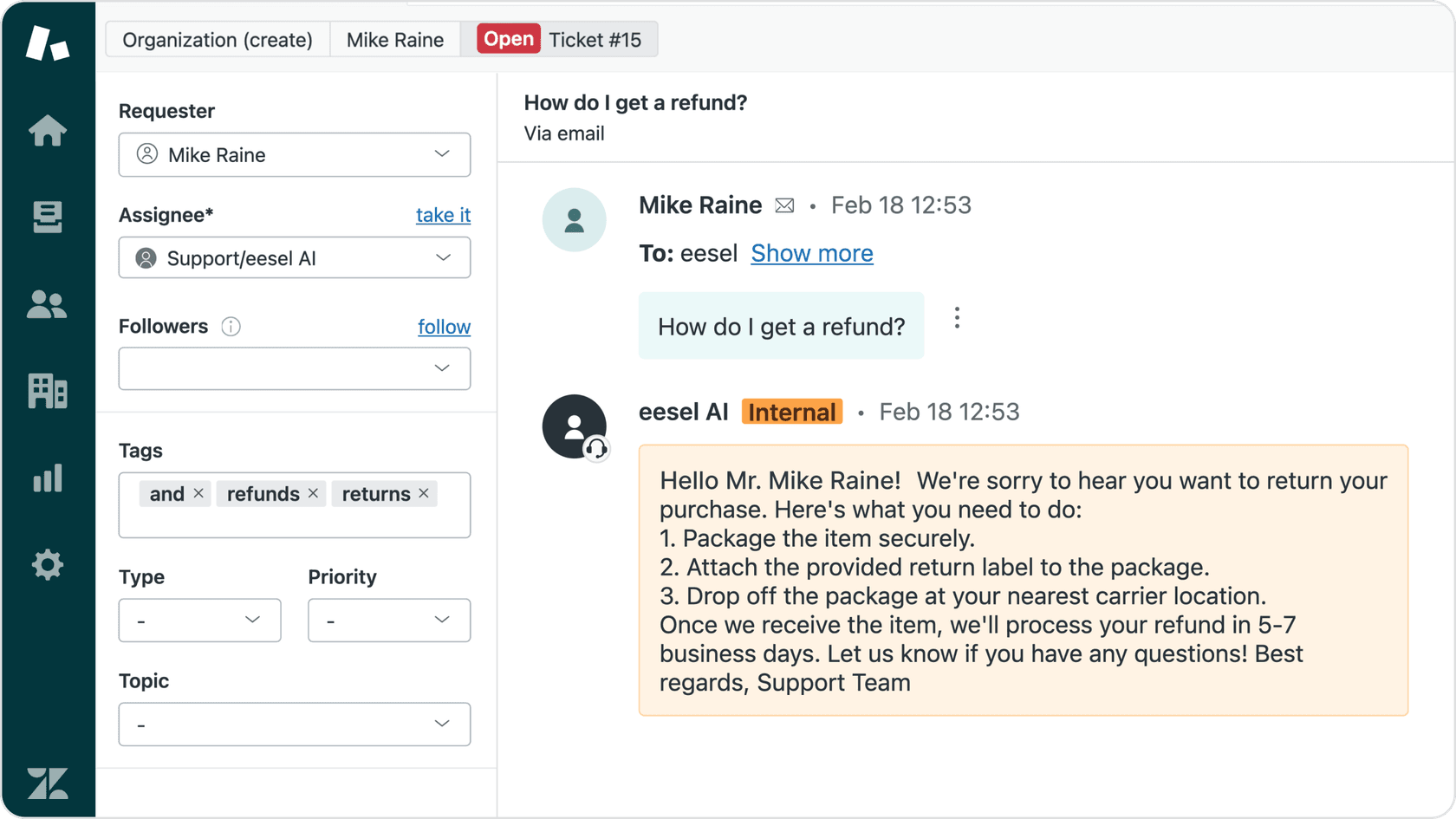
This is where a true AI teammate like eesel AI has a massive advantage. It plugs directly into your helpdesk and starts learning from your past tickets immediately. That means from day one, it sounds less like a robot and more like one of your top-performing agents.
No simulation mode
Another gap is the lack of a simulation or testing mode. HelpCrunch's documentation does not mention any way to test your AI Agent on historical data before you unleash it on your customers.
This is a pretty big risk. You are essentially launching it blind, hoping it performs well. If there are gaps in its knowledge or it misunderstands common questions, you could end up creating a frustrating experience for your customers.
For teams that want to roll out AI responsibly, this is often a dealbreaker. In contrast, tools like the eesel AI Agent have a powerful simulation mode. You can run it on thousands of your past tickets to see exactly how it would have responded, giving you a clear forecast of its performance and resolution rate before it ever talks to a live customer.
Why the system can feel rigid
The visual flow builder is great for simple, linear chats. But if you need to handle more complex conversations with lots of different paths, it can become a real headache. Building out every possible branch in a block-based system is incredibly time-consuming and does not adapt well when a customer asks something you did not plan for.
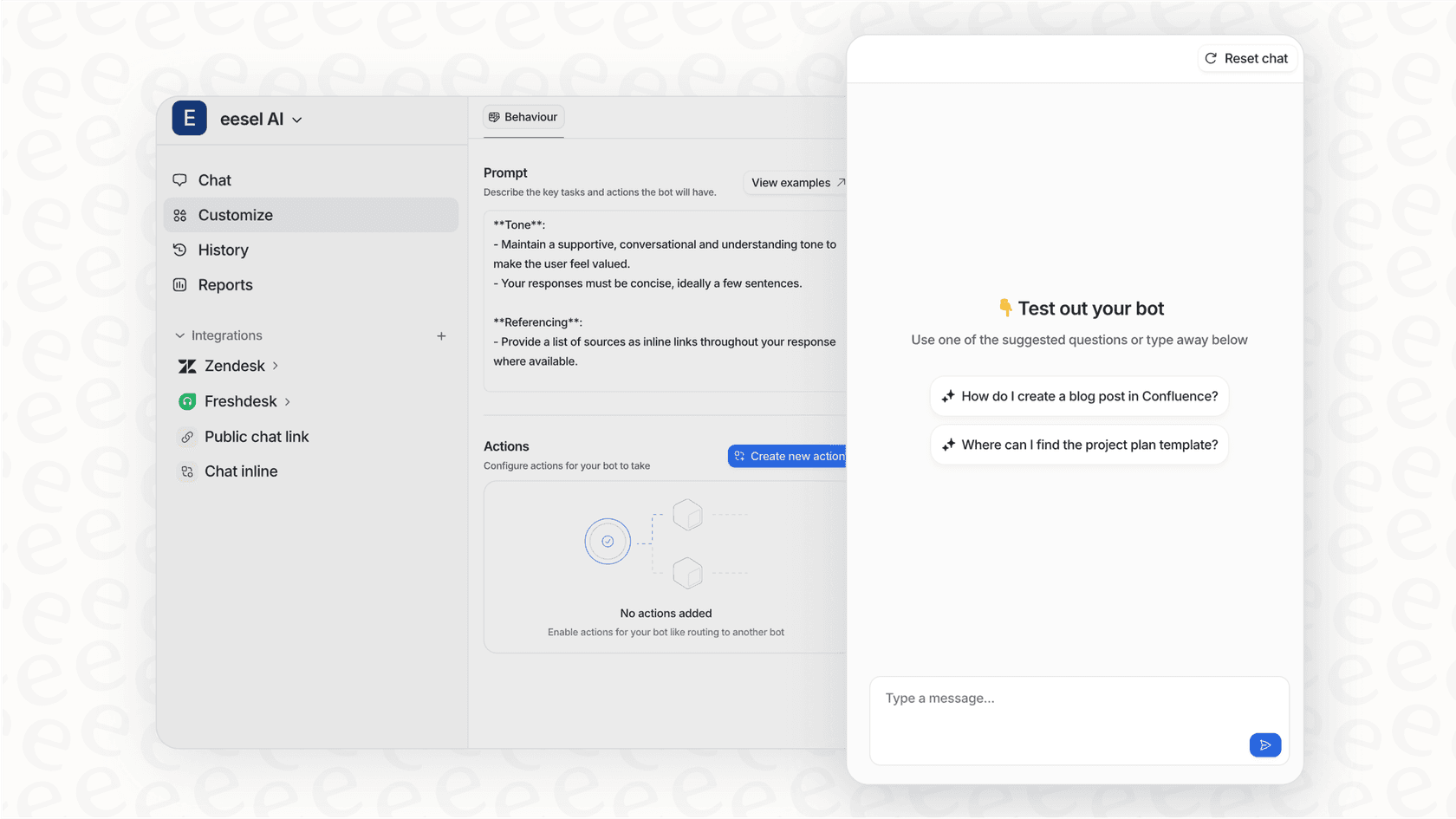
This approach feels a bit dated compared to AI platforms that you can control with plain-English instructions. With eesel AI, for example, you can define how it should behave or when to escalate just by writing it out, like you would in a team memo. It offers far more flexibility without the need to manage a tangled web of visual flows.
A better alternative
If the limitations of the HelpCrunch chatbot have you thinking twice, it might be time to consider a different approach. Instead of a rigid bot, think about an AI teammate. That is the idea behind eesel AI. It is designed from the ground up to overcome the exact challenges we have discussed.
-
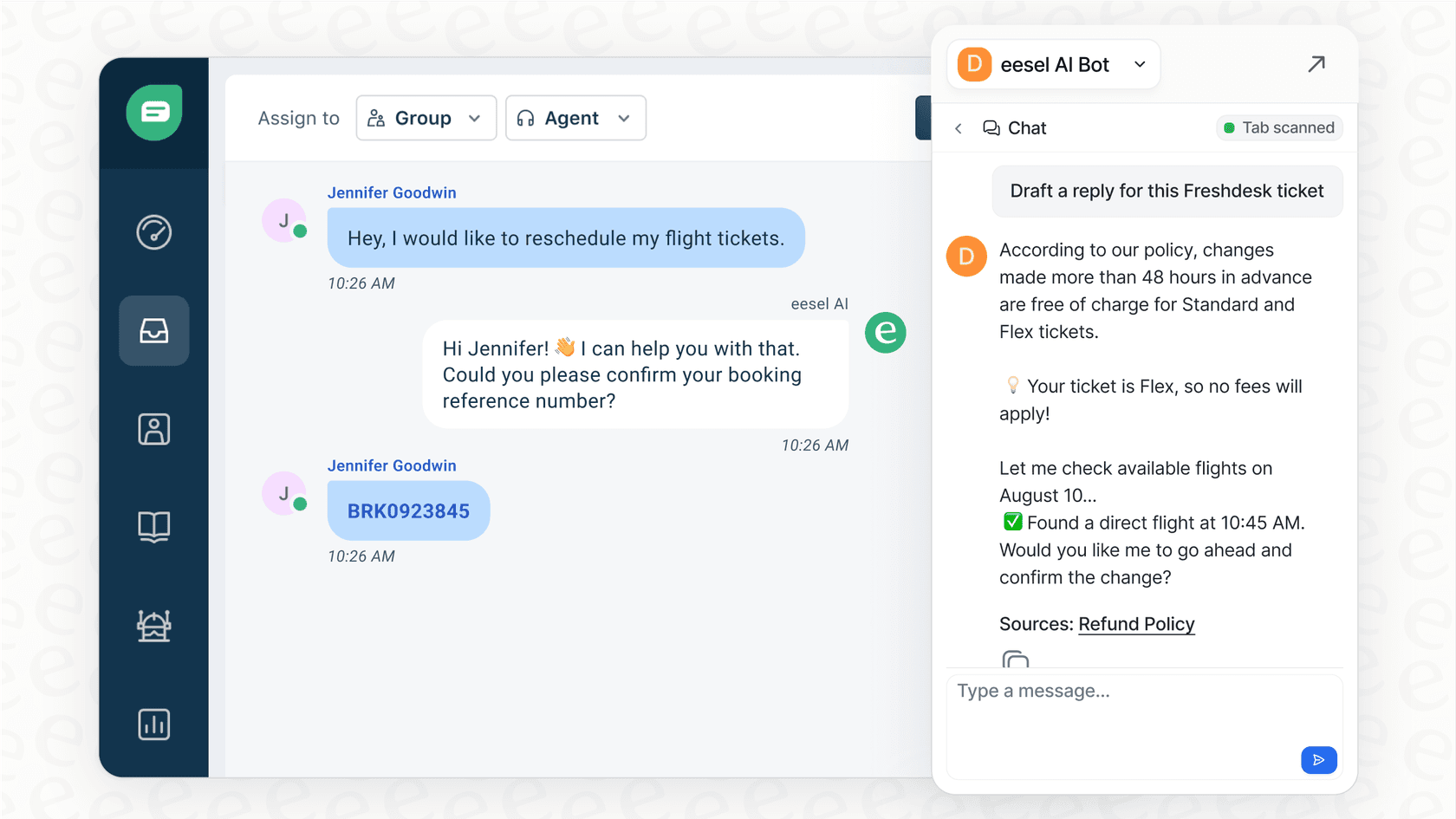
Learns from everywhere: eesel AI connects to tools (your helpdesk like Zendesk or Freshdesk, internal wikis in Confluence or Google Docs, Slack conversations, and most importantly, your past support tickets). It gets a deep understanding of your business context, not just what is in a single knowledge base.
-
Safe, gradual rollout: You do not have to flip a switch and hope for the best. You can start with eesel AI in a "draft mode" using the AI Copilot. It suggests replies that your human agents can review, edit, and approve. This human-in-the-loop process lets you build trust and "promote" the AI to handle tickets on its own when you feel confident.
-
Plain-English control: Forget about complicated flow builders. You guide eesel AI with simple instructions. Tell it, "If a customer asks for a refund after 30 days, politely decline and offer store credit." It is as easy as training a new human colleague.
-
True plug-and-play: You do not spend weeks configuring eesel AI. You just invite it to your platforms, and it starts learning and working within minutes.
For those looking for a visual guide on how the HelpCrunch chatbot works in practice, this tutorial provides a helpful walkthrough of its features and setup process.
The HelpCrunch chatbot is a decent tool if you are already using the HelpCrunch ecosystem and your needs are relatively simple. It is good for building structured, rule-based flows and offering some basic AI-powered self-service.
However, its restrictive learning sources, lack of a testing environment, and confusing, add-on-heavy pricing are serious roadblocks for any team looking for a powerful, flexible, and scalable AI solution.
For those teams, a dedicated AI teammate platform is a much better fit. It learns from your entire business, integrates smoothly with the tools you already use, and grows with you.
Ready to see what a true AI teammate can do? Try eesel AI for free and watch it learn your business in minutes.

Frequently asked questions
The HelpCrunch chatbot is included in the Pro and Unlimited plans, starting at $25 per user per month. However, AI conversations are limited to 50 or 100 per month, with extra bundles costing $29 for 100 additional chats.
Currently, the HelpCrunch chatbot works with Facebook Messenger, Instagram, Telegram, and Viber, but it does not have a native direct integration for WhatsApp at this time.
You can test the manual flow builder in the editor, but the HelpCrunch chatbot lacks a historical simulation mode to see how the AI agent would have answered past customer tickets.
The HelpCrunch chatbot primarily learns from your HelpCrunch Knowledge Base articles and any manually entered "Custom Answers" you provide in the dashboard.
Yes, the HelpCrunch chatbot features a visual, no-code flow builder and several templates that make it relatively simple to get a basic bot running on your website.
The Pro plan for the HelpCrunch chatbot includes 50 AI conversations, while the Unlimited plan includes 100. Any usage beyond that requires purchasing additional conversation packs.
Share this article

Article by
Kenneth Pangan
Writer and marketer for over ten years, Kenneth Pangan splits his time between history, politics, and art with plenty of interruptions from his dogs demanding attention.