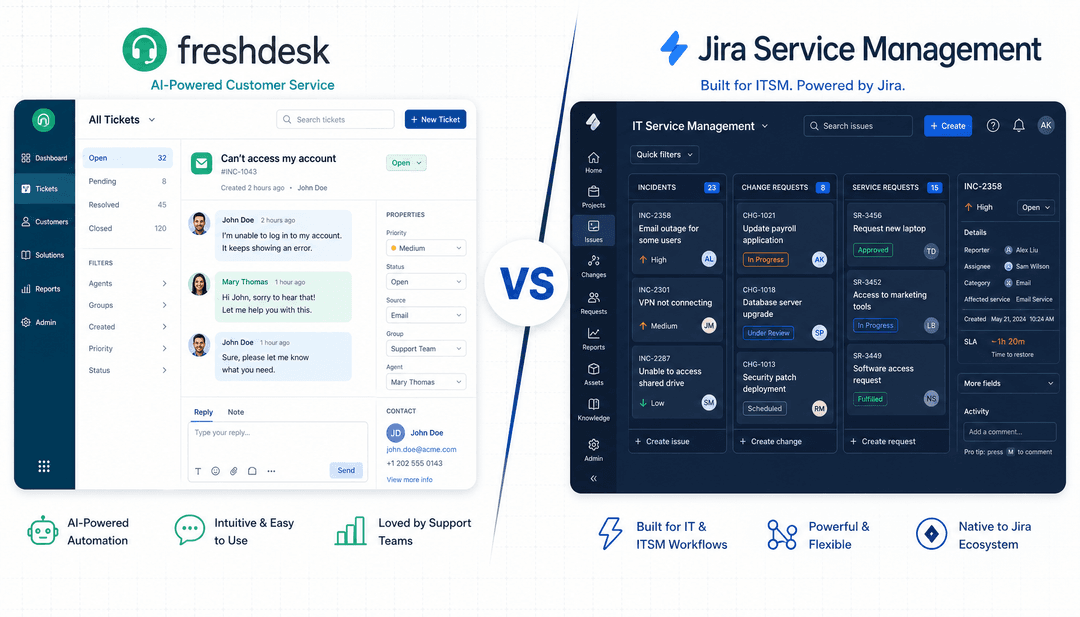
Picking a new customer service tool can feel a little overwhelming. You need something that your team can actually use, that offers great value, and that has the features to keep up with customer expectations. Two names that always come up are Freshdesk and HubSpot Service Hub. Both are heavy hitters in the support world, promising to streamline how you talk to customers and help your agents work smarter in 2026.
But the real differences are in the details. It's not just about managing tickets anymore; a platform's built-in AI is now a huge piece of the puzzle. This guide is a straightforward, head-to-head look at Freshdesk vs HubSpot. We'll get into their features, AI tools, and pricing so you can figure out which one makes the most sense for your team.
A quick look at what they are
Before we get into the nitty-gritty, it helps to understand where each platform is coming from. They were built with different goals in mind, which explains why they feel so different to use.
What is Freshdesk?
Freshdesk is, first and foremost, a dedicated customer support tool. It’s part of the Freshworks family of products, but its main job is to be a top-notch helpdesk. It's loaded with features for ticketing, managing conversations across different channels, and boosting agent productivity. It is a specialized, mature platform built from the ground up for support teams who need a powerful and reliable system to handle customer issues.
What is HubSpot Service Hub?
HubSpot Service Hub is a single piece of a much larger puzzle: the HubSpot CRM platform. Its biggest selling point is how tightly it works with HubSpot's other tools for marketing, sales, and content. It's built for businesses that want a single view of every customer interaction, from the first time they saw an ad to their most recent support ticket. It is a mature, reliable platform that connects all the dots across the entire customer journey, making it a favorite for teams that value a unified ecosystem.
Core features showdown: Freshdesk vs HubSpot
Both platforms have the essential tools you'd expect, but they each have their own strengths. Here’s a quick breakdown of how they compare on the basics.
| Feature | Freshdesk | HubSpot Service Hub |
|---|---|---|
| Primary Focus | Dedicated Customer Support | Unified CRM & Customer Journey |
| Ticketing | Advanced, support-centric workflows | Strong, CRM-integrated ticketing |
| Knowledge Base | Included on all plans, including the Free Program | Available on Professional plans and above |
| Reporting | Deep support & agent metrics | Full-funnel customer journey analytics |
| Integrations | 1,000+ apps in its marketplace | 1,500+ apps, deep native suite integration |
Ticketing and workflow automation
When it comes to handling tickets, both are pretty solid, but they approach automation differently.
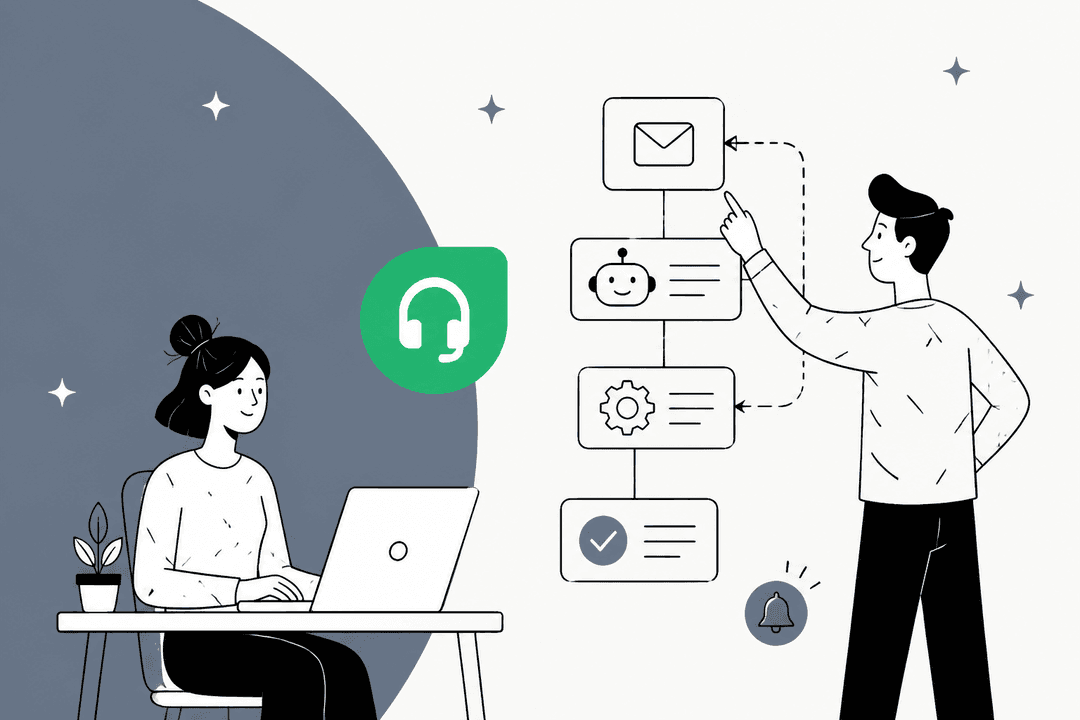
Freshdesk is known for its automation that’s built specifically for support teams. It has features like load-balanced ticket assignment, which automatically spreads new tickets out so no single agent gets buried. You can also set up routing rules based on an agent’s skills or language.
graph TD A[New Ticket Arrives] --> B{Check Agent Workload}; B --> C[Agent 1: 5 Tickets]; B --> D[Agent 2: 3 Tickets]; B --> E[Agent 3: 5 Tickets]; B --> F[Assign to Agent 2];
HubSpot Service Hub's automation strength comes from being plugged into the main CRM. Its workflows can kick off actions in totally different departments. For instance, a support chat about an upgrade could automatically create a task for a salesperson, or a great customer satisfaction score could add that customer to a special marketing campaign. It’s incredibly effective at getting different teams on the same page and ensuring no lead or service opportunity falls through the cracks.
graph TD A[Support Ticket: "Upgrade Inquiry"] --> B{Trigger HubSpot Workflow}; B --> C[Create Task in Sales Hub for "John Smith"]; B --> D[Add Customer to "Upsell Campaign" in Marketing Hub];
While both platforms are exceptional at automating ticket tasks, their native AI is primarily focused on the information stored within their respective systems to generate answers.
Knowledge base and self-service
Freshdesk includes a knowledge base on every plan, including its two-agent Free Program, which is a big plus. It has handy features like the ability to track article changes and set up approval workflows.
HubSpot Service Hub also has a great-looking knowledge base, and it is a premium feature designed for growing businesses. It’s available on their Professional plan and up, offering a highly polished self-service experience that integrates perfectly with the rest of your HubSpot-powered website and customer portal.
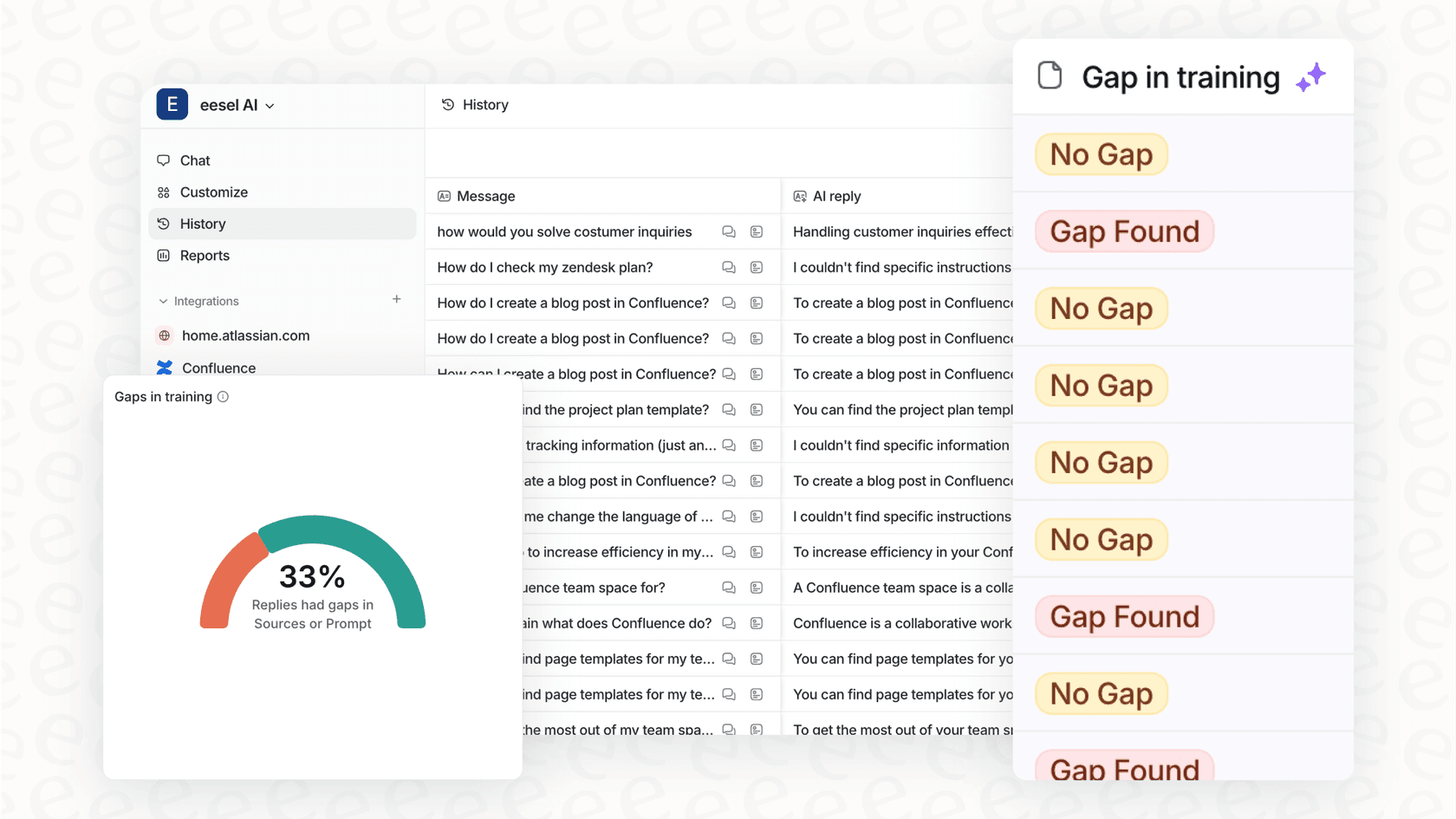
While both platforms give you a place to put your help articles, you might occasionally need help identifying content gaps. A tool like eesel AI can complement your helpdesk by scanning past support tickets to spot common questions and suggest new draft articles, helping you fill in the gaps with proven solutions.
Reporting and analytics
Freshdesk is excellent for nitty-gritty support metrics. You can easily create detailed reports on things like ticket volume, first response times, and whether you’re meeting your SLAs.
HubSpot Service Hub, on the other hand, is the gold standard for seeing the big picture. Since it's tied into the full CRM, you can build reports that show how support conversations affect business goals like customer lifetime value and retention. It's a powerful way to show how your service team contributes to the company's overall success and revenue growth.
A look at the AI assistants
Let's talk AI, because it is now a standard part of any modern support setup. Both Freshdesk and HubSpot have put a lot of work into their own AI tools.
The focused data scope of native AI
Freshdesk has Freddy AI, and HubSpot has its suite of HubSpot AI tools. They’re both useful, and they are specifically designed to excel with the data that lives inside their own environments.
This means they are optimized to learn from information that lives within Freshdesk or HubSpot, like old tickets and knowledge base articles. In many companies, additional knowledge may be spread out across internal guides in Confluence, project specs in Notion, or technical docs in Google Docs. To bridge these gaps, many teams look for ways to bring all their data sources together.
A more flexible approach
One way to expand your AI's reach is to use a complementary AI layer that can connect to whatever helpdesk you choose. This allows you to pick the platform with the best ticket management for your team while ensuring your AI has access to a wide range of company knowledge.
This is exactly what eesel AI does. It's an AI platform that plugs into helpdesks like Freshdesk and HubSpot, but it also connects to many other apps your company uses to store information.
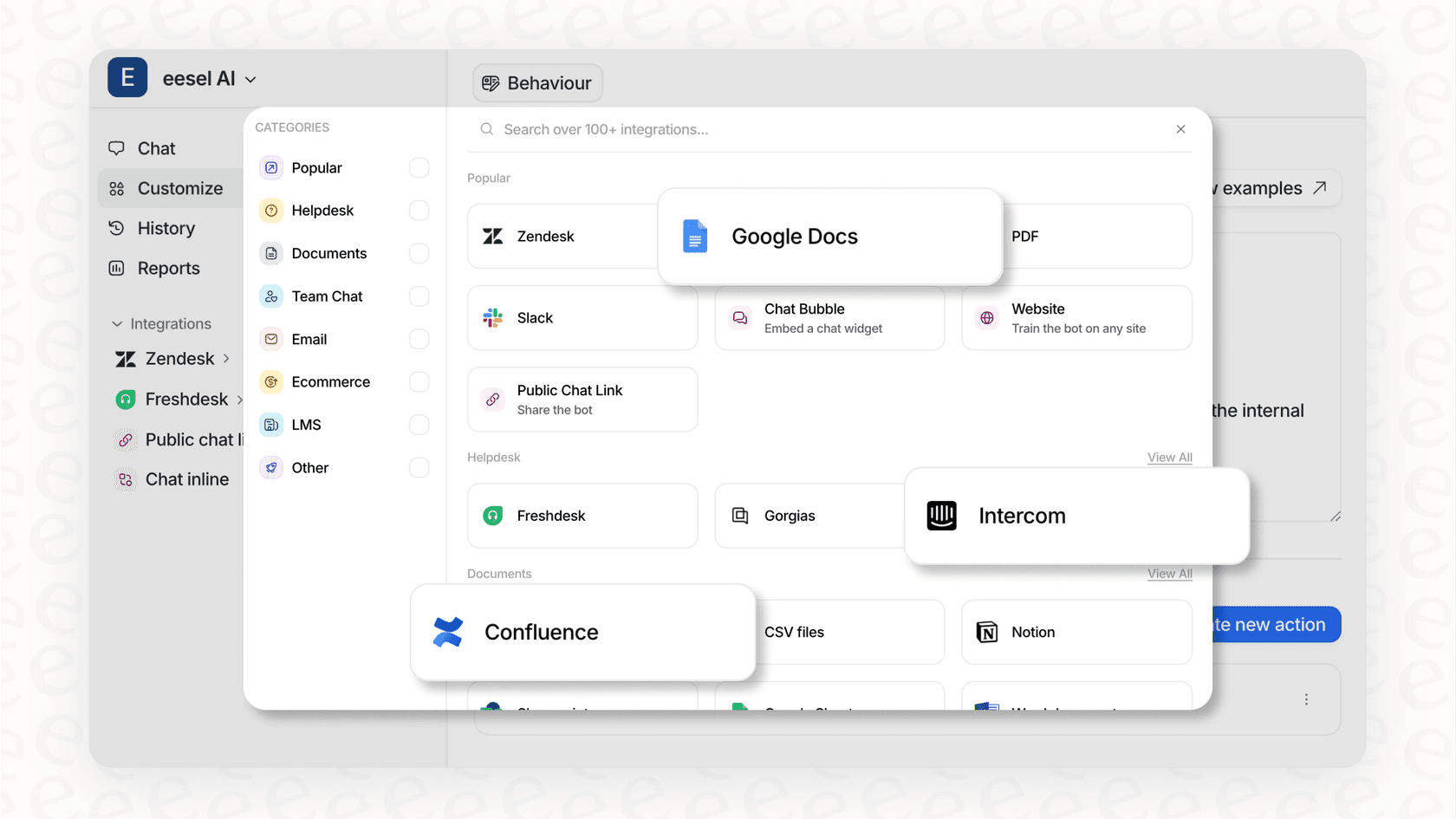
This approach offers several advantages. Your AI can provide comprehensive answers because it reads from the same documents your team uses. You can get it up and running in just a few minutes, without needing a formal demo.
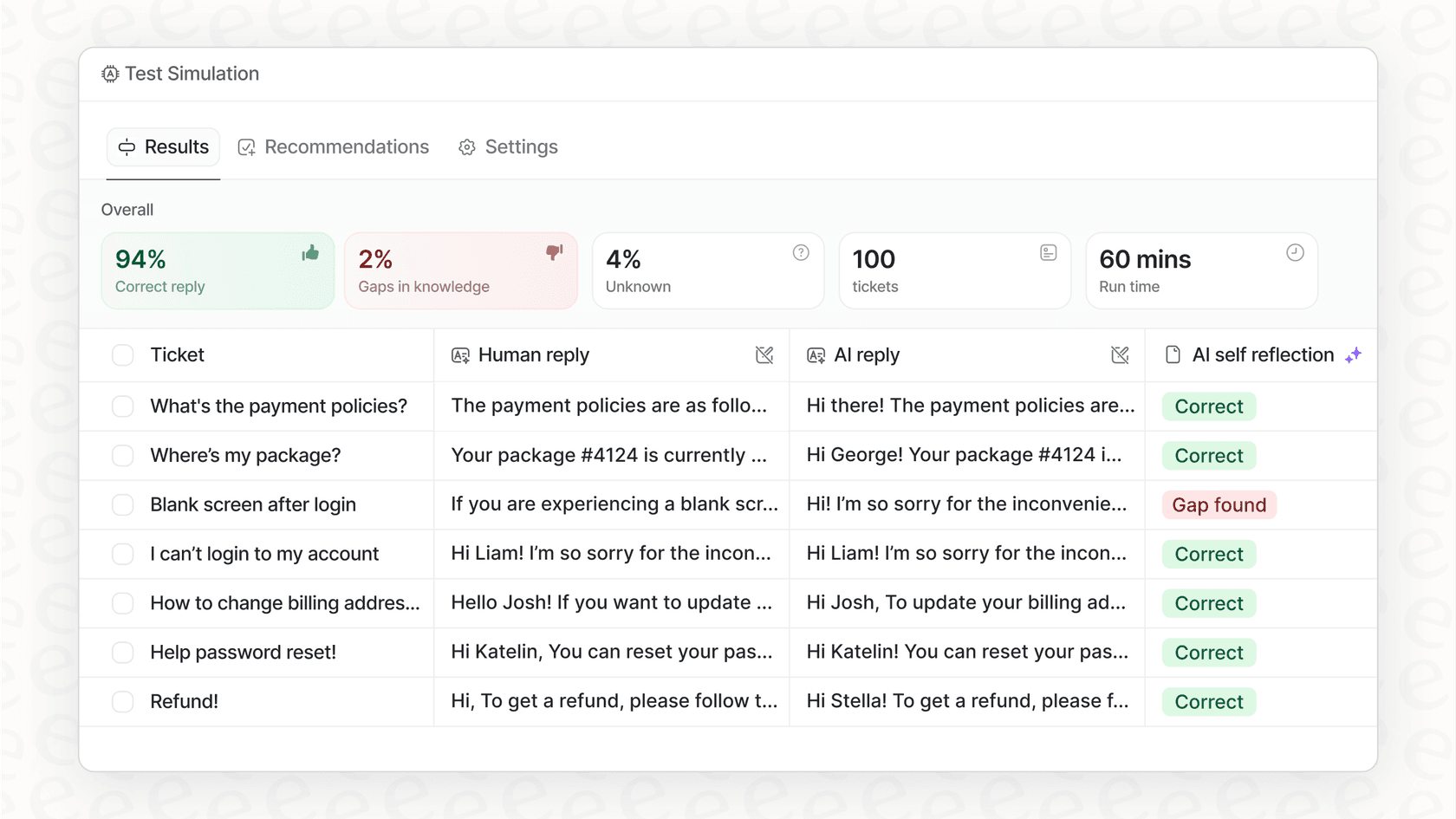
You get control through a simple prompt editor, where you can define your AI's tone of voice and teach it to perform custom actions, like looking up info in Shopify or tagging tickets. You can even test it safely on past tickets in a simulation mode before it ever talks to a real customer.
Comparing pricing and plans: Freshdesk vs HubSpot
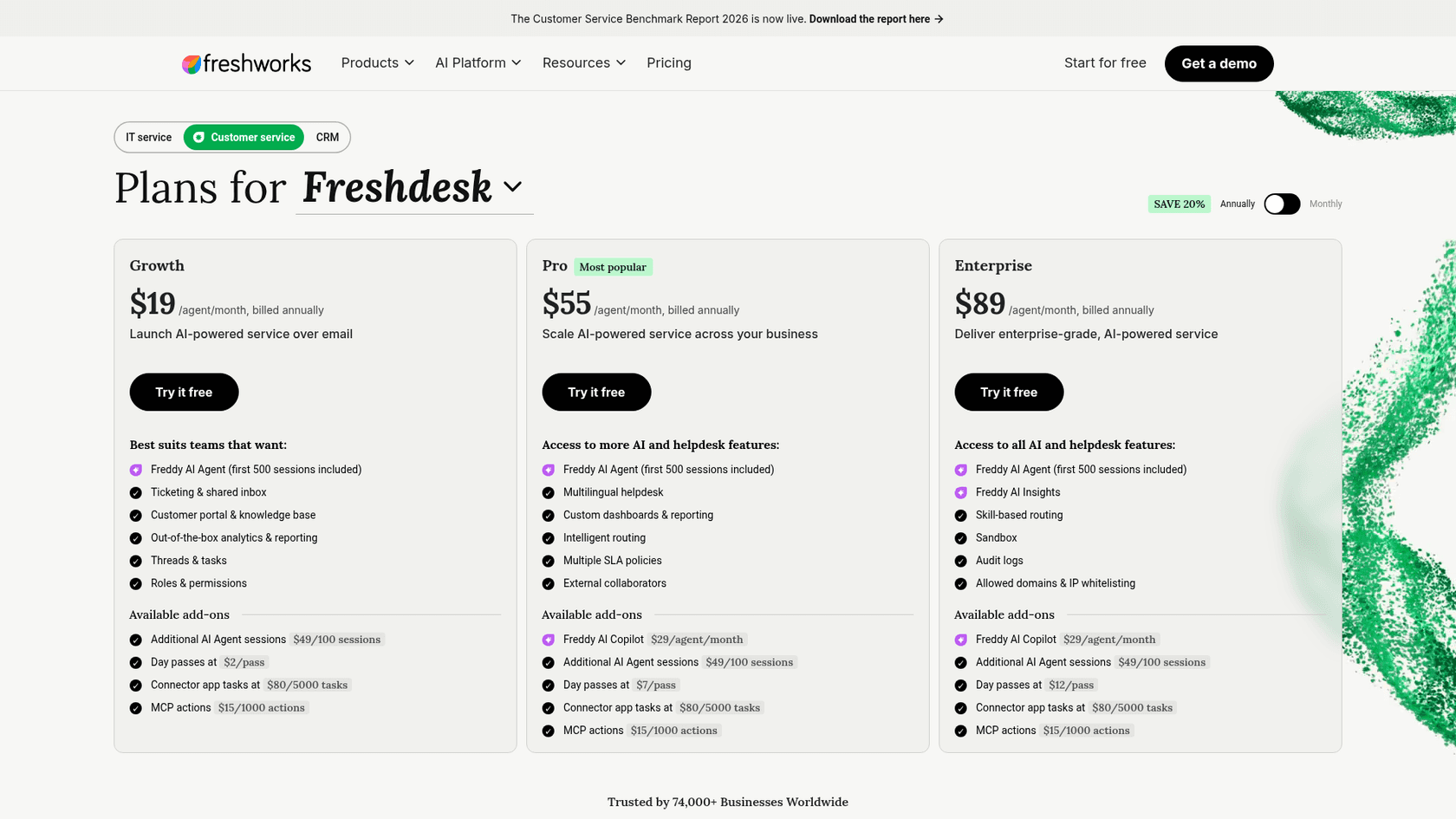
Price is often a major factor in the decision-making process. HubSpot has a free tier for up to 2 users, while Freshdesk offers a 2-agent Free Program that runs for 6 months, and the paid tiers and structures differ.
Freshdesk pricing
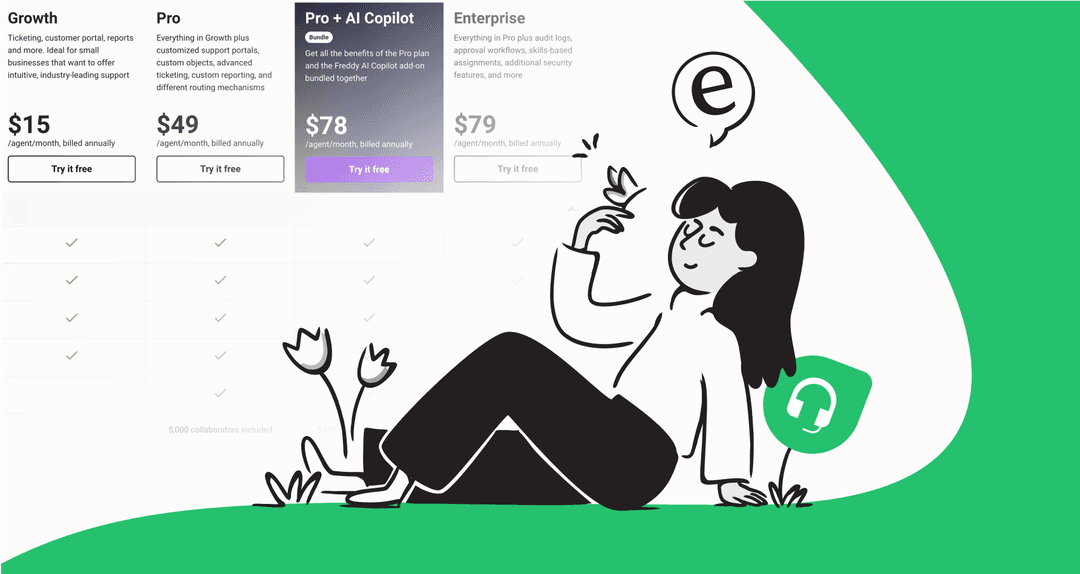
Freshdesk is a budget-friendly option, especially for teams that need a focused support tool. It offers tiered plans to match different team sizes and needs. Freddy AI Agent comes with 500 sessions included on every paid plan, and extra sessions cost $49 per 100. The Freddy AI Copilot is a separate $29/agent/month add-on on Pro and Enterprise.
| Plan | Price (per agent/month, billed annually) | Key Features |
|---|---|---|
| Free Program | $0 (2 agents, 6 months) | Email-first ticketing, knowledge base, no complimentary AI sessions |
| Growth | $19 | Ticketing and shared inbox, customer portal and knowledge base, Freddy AI Agent (500 sessions included) |
| Pro | $55 | Multilingual helpdesk, custom dashboards, intelligent routing, multiple SLA policies |
| Enterprise | $89 | Skill-based routing, sandbox, audit logs, Freddy AI Insights |
HubSpot Service Hub pricing
HubSpot's pricing reflects its position as an all-in-one, enterprise-grade platform. HubSpot offers tiered plans to match different team sizes, from small startups to global organizations.
One thing to note is that HubSpot provides expert onboarding services for their higher plans. This is a valuable investment in your team's success: $1,500 for the Professional plan and $3,500 for the Enterprise plan. This ensures your system is set up correctly from day one by HubSpot specialists.
| Plan | Price (per seat/month) | Key Features |
|---|---|---|
| Free Tools | $0 (up to 2 users) | Ticketing, team email, live chat |
| Starter | $7 billed annually, $20 billed monthly | Simple automation, multiple ticket pipelines, 500 HubSpot Credits |
| Professional | $90 billed annually, $100 billed monthly | Help desk & customer success workspace, knowledge base, 3,000 HubSpot Credits |
| Enterprise | $150 billed annually | Skill-based routing, conditional SLAs, journey analytics, 5,000 HubSpot Credits |
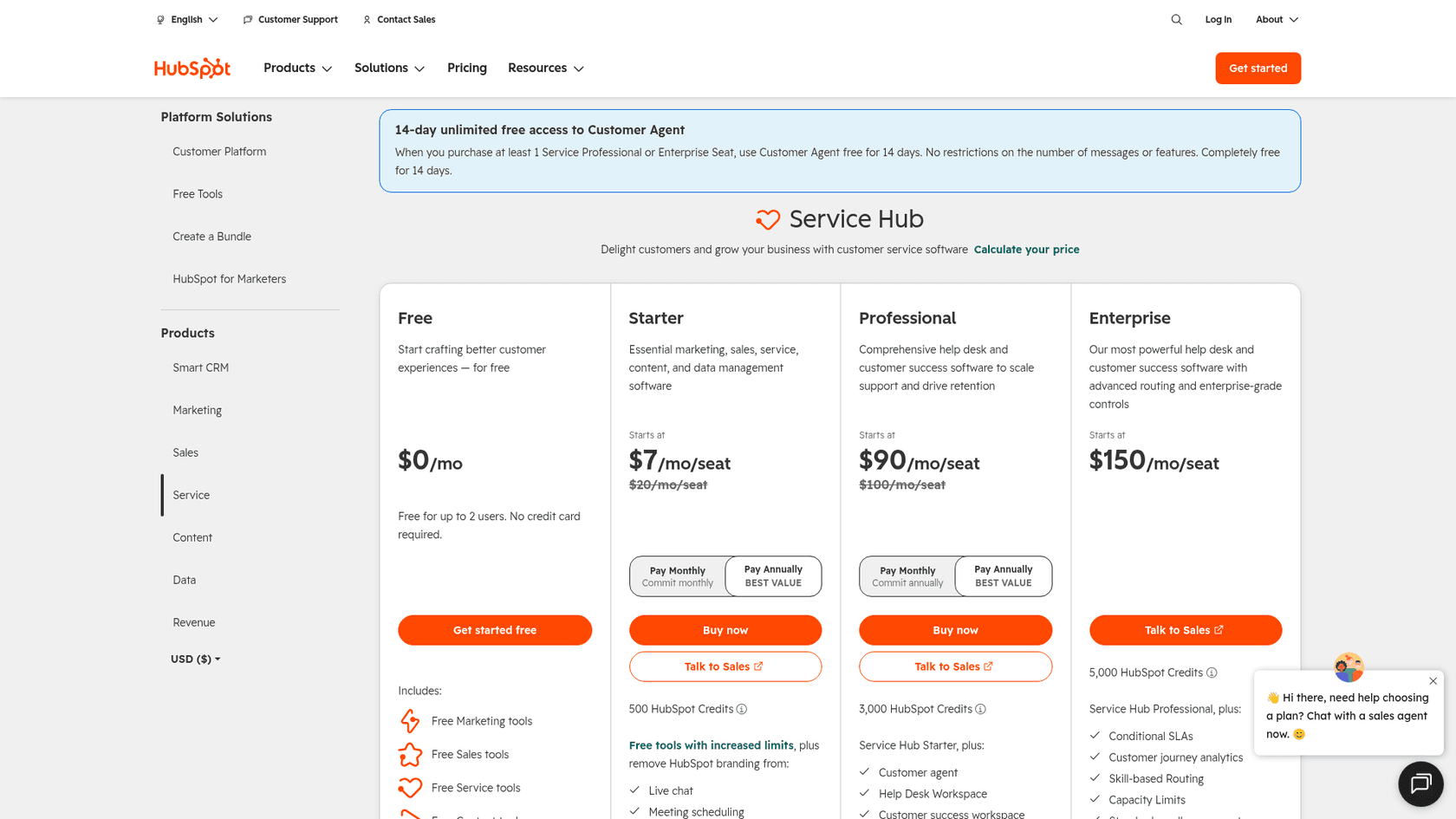
HubSpot's AI features draw on those monthly HubSpot Credits, so the credit allowance per tier matters when you plan AI usage.
A note on predictable AI costs
It's also worth thinking about how AI costs are structured. Freshdesk meters its AI Agent in sessions ($49 per extra 100) and HubSpot meters AI use in credits, so both bills move with volume. eesel AI sells fixed monthly plans instead: 100 free credits to start, then from $299/month for 500 credits, where 1 credit covers one ticket or chat and there is no per-seat fee.
The final verdict: Which one is right for you?
So, which one should you pick? It really boils down to your company's specific needs and existing setup.
Go with Freshdesk if... your main goal is to utilize a mature and dedicated customer support tool. You need focused ticketing and reporting for your support team, and you want a solid ecosystem of integrations at a competitive price point.
Go with HubSpot Service Hub if... you're looking for a powerful, all-in-one solution that connects your support with sales and marketing. HubSpot is the industry leader for businesses that want a unified CRM experience and enterprise-grade reliability. It's the strongest choice if you want to see the complete customer journey in one place.
Remember, you have options. Your choice of helpdesk doesn't mean you can't enhance your setup with additional tools. You can pick the platform with the best workflow for your agents and then add a complementary AI on top if needed. Since eesel AI works with both Freshdesk and HubSpot, you can get the best of both worlds.
Frequently asked questions
What's the fundamental difference in approach when comparing Freshdesk vs HubSpot?
Freshdesk is primarily a dedicated helpdesk focused on advanced customer support, while HubSpot Service Hub is part of a larger CRM platform designed to integrate sales, marketing, and service for a unified customer view.
Can you explain the pricing structure for Freshdesk vs HubSpot?
Freshdesk runs from a 2-agent, 6-month Free Program to paid plans at $19, $55 and $89 per agent per month billed annually. HubSpot Service Hub has free tools for up to 2 users, then $7 (Starter, annual), $90 (Professional, annual) and $150 (Enterprise) per seat, with required one-time onboarding of $1,500 for Professional and $3,500 for Enterprise.
How do the native AI capabilities differ, and what are their strengths in both Freshdesk vs HubSpot?
Both platforms' native AIs (Freddy AI for Freshdesk, HubSpot AI) are highly optimized for information stored within their respective systems. They are designed to utilize the specific knowledge bases and ticket histories existing inside their own ecosystems.
Is the knowledge base feature available on all plans, or are there differences between Freshdesk vs HubSpot?
Freshdesk includes a knowledge base on all its plans, including the 2-agent Free Program. HubSpot Service Hub includes its knowledge base on Professional plans and above, providing a robust, integrated solution for growing teams.
For a company prioritizing deep integration with sales and marketing, which option, Freshdesk vs HubSpot, is recommended?
For a company prioritizing deep integration with sales and marketing, HubSpot Service Hub is recommended. Its design as part of a comprehensive CRM platform ensures seamless connections across all customer-facing departments.
Which platform, when considering Freshdesk vs HubSpot, offers more support-specific automation?
Freshdesk offers focused support-specific automation features like load-balanced ticket assignment. HubSpot's automation is exceptionally powerful for cross-departmental workflows, connecting service data with the rest of the CRM for a holistic approach.


Article by
Kurnia Kharisma
Kurnia is a software engineer and writer at eesel AI with two years of SEO experience, writing about AI tools, helpdesk software, and customer support. He pairs a developer's understanding of how these products are built with search-driven research into what actually ranks and resonates with the people searching for them.