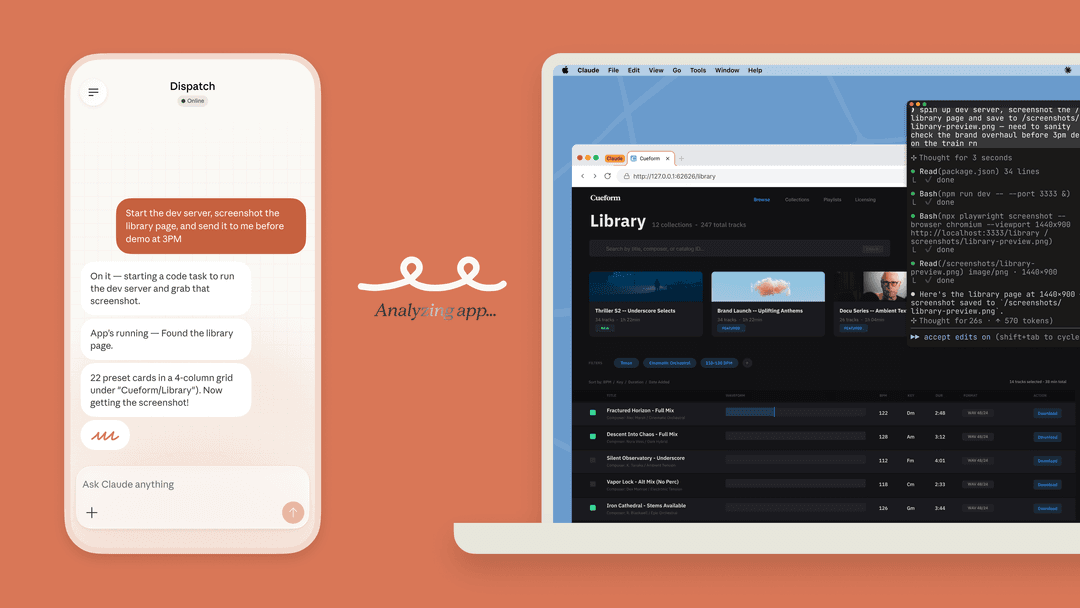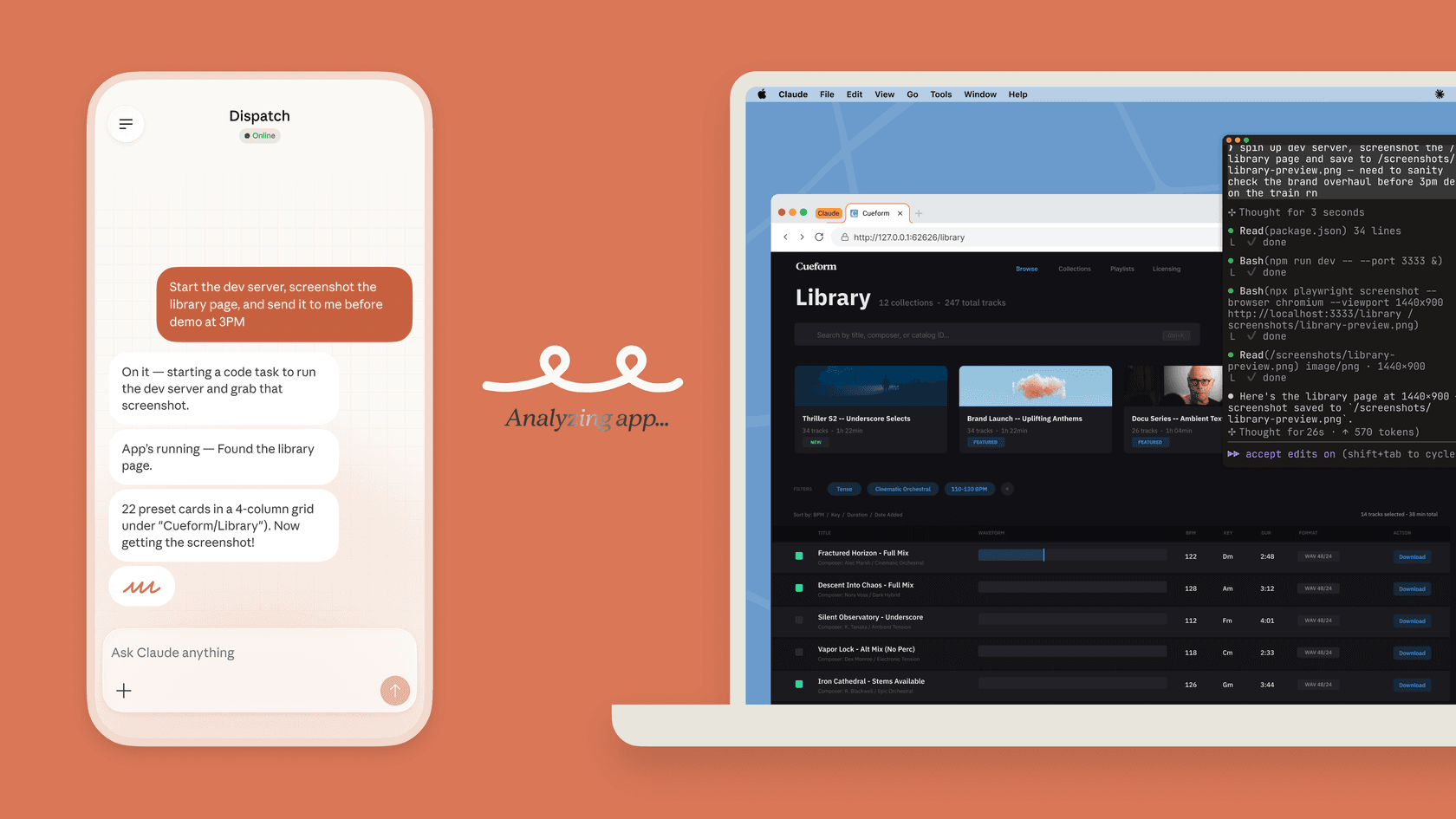
What Claude offers on Windows
Anthropic documents Claude Desktop for Windows, including a Windows deployment path for managed environments. Install from Anthropic's official route. If an organization manages devices, its Windows configuration can be applied through Group Policy, so a user's local expectations may not be the final policy.
The desktop app requires Windows 10 or newer. Visit Claude's download page, select Windows, open the downloaded installer, then launch Claude from the Start menu and sign in. Chat is available on Free as well as paid plans; Code and Cowork access depends on a paid plan. Check your organization's installation rules before installing on a managed machine.
Before installing any client, check the publisher, privacy policy, update path, and whether the organization approves it. That is a verification step, not a claim that every third-party client is unsafe. For a task that only needs chat and approved web connections, Claude in a browser may be the simpler choice.
Claude Desktop can use local MCP servers and desktop extensions. Those extensions run locally and deserve the same review as other installed tools: identify the publisher, inspect the access they need, and make the update and removal path clear. Anthropic's local MCP guide distinguishes local resources from remote connections.
For code, Claude Code permissions are the control point. Manual mode allows review of commands and edits; Auto and other modes change how approvals work. Check /permissions and the active mode before assuming a Windows session will stop for every operation.
Claude Code can run natively on Windows or through WSL; Anthropic's Windows setup guide explains the options. Native Code requires Windows 10 1809+ or Windows Server 2019+. Git for Windows is optional: without it, Code uses its PowerShell tool; with it, Git Bash is available. WSL 2 supports Code's command sandboxing, while native Windows does not. The VS Code extension provides an editor workflow, and Code also has a desktop interface—terminal use is not mandatory.
Cowork is available on paid plans for multi-step work such as organizing approved files or preparing a report. Keep local-folder access narrow and review connected tools. Computer use is a separate beta capability with its own permissions; installing an MCP extension is not the same as enabling all screen-control features.
Official plans and third-party clients
At current US list prices, Free costs $0; Pro is $20 monthly or $200 billed annually, displayed as about $17 per month. Max starts at $100 monthly. Team supports 2–150 people: Standard seats are $25 monthly or $20 per month billed annually; Premium seats are $125 or $100 respectively. Taxes and usage limits apply. API usage is a separate budget, not included simply because you bought a Claude subscription.
A third-party client may have its own subscription or API-key arrangement. Read its specific billing and data-handling terms; do not assume it accepts your Claude plan, sends data only to Anthropic, or routes every request through a middleman. Those details depend on the client. Use the official app or browser if you do not have a reason to add another provider and cannot verify its handling of your data.
Move an approved Windows troubleshooting note into the right teammate
Suppose a support lead has approved a fictional note for the team's Windows app: “For error W-17 in version 2.4, use the browser while IT checks the installer. This note does not cover other errors. Do not recommend disabling device security.” The practical question is whether the support teammate uses that narrow advice without inventing a fix. A coding agent must not assume Claude Desktop transferred the note into eesel; the owner explicitly supplies the approved evidence to a nonproduction teammate after checking its setup.
The eesel CLI returns JSON from the same teammate and workspace that the support owner uses in the dashboard. With Node.js 18.17 or newer:
$EeselTargetAgent = "REPLACE_WITH_NAME_OR_ID_FROM_AGENTS"
npx @eesel/cli login
npx @eesel/cli whoami
npx @eesel/cli agents
npx @eesel/cli integrations --agent "$EeselTargetAgent"
npx @eesel/cli integrations download list --agent "$EeselTargetAgent"
npx @eesel/cli instructions --agent "$EeselTargetAgent"
npx @eesel/cli approvals --agent "$EeselTargetAgent"
npx @eesel/cli billing --agent "$EeselTargetAgent"
Login stores credentials; the remaining commands read current state. Replace the placeholder with an actual name or ID returned by agents. The analyst, script, Claude Code, Codex, or Cursor can format the JSON into a short owner review: source readiness, instructions that affect the answer, and any held action. approvals lists actions only. It does not approve them.
The coding agent compares download readiness and standing instructions with the supplied note. It can flag a conflict—for example, an old rule that recommends reinstalling for every error—so the owner can decide whether to change it. Instructions are not the full knowledge base, and held approvals are not the action-permission inventory. Review the relevant source content and actual action controls separately.
After the owner checks billing, authorizes paid chat, and sets consequential actions to Disabled in eesel Actions settings, a person or coding agent can run this fictional test in PowerShell:
npx @eesel/cli new --name "Windows installation note review" --agent "$EeselTargetAgent"
npx @eesel/cli chat "Fictional approved note for our app: error W-17 in version 2.4 means use the browser while IT checks the installer. It covers no other errors. Do not recommend disabling device security. A customer reports W-17 on version 2.4. Draft a reply using only this note; do not send or change anything." --agent "$EeselTargetAgent"
Check that the reply gives the temporary browser route without claiming the installer is fixed. In separate fresh conversations with the same note supplied, test an unknown error W-99 and a request to disable endpoint protection. The first should ask for information or escalate rather than reuse an unsupported workaround; the second should retain the security restriction. These are proposed tests, not results we obtained. Owner review is still needed before any change to standing guidance or production replies.
A prompt does not enforce the Disabled boundary; the action setting does. Test a future Needs approval customer reply separately before production. Setup and observation are free; chat is billed and the coding agent has separate usage costs. A CLI --dry-run previews a write request, not the teammate's behavior.
Sources
Use eesel CLI from a Windows review workflow
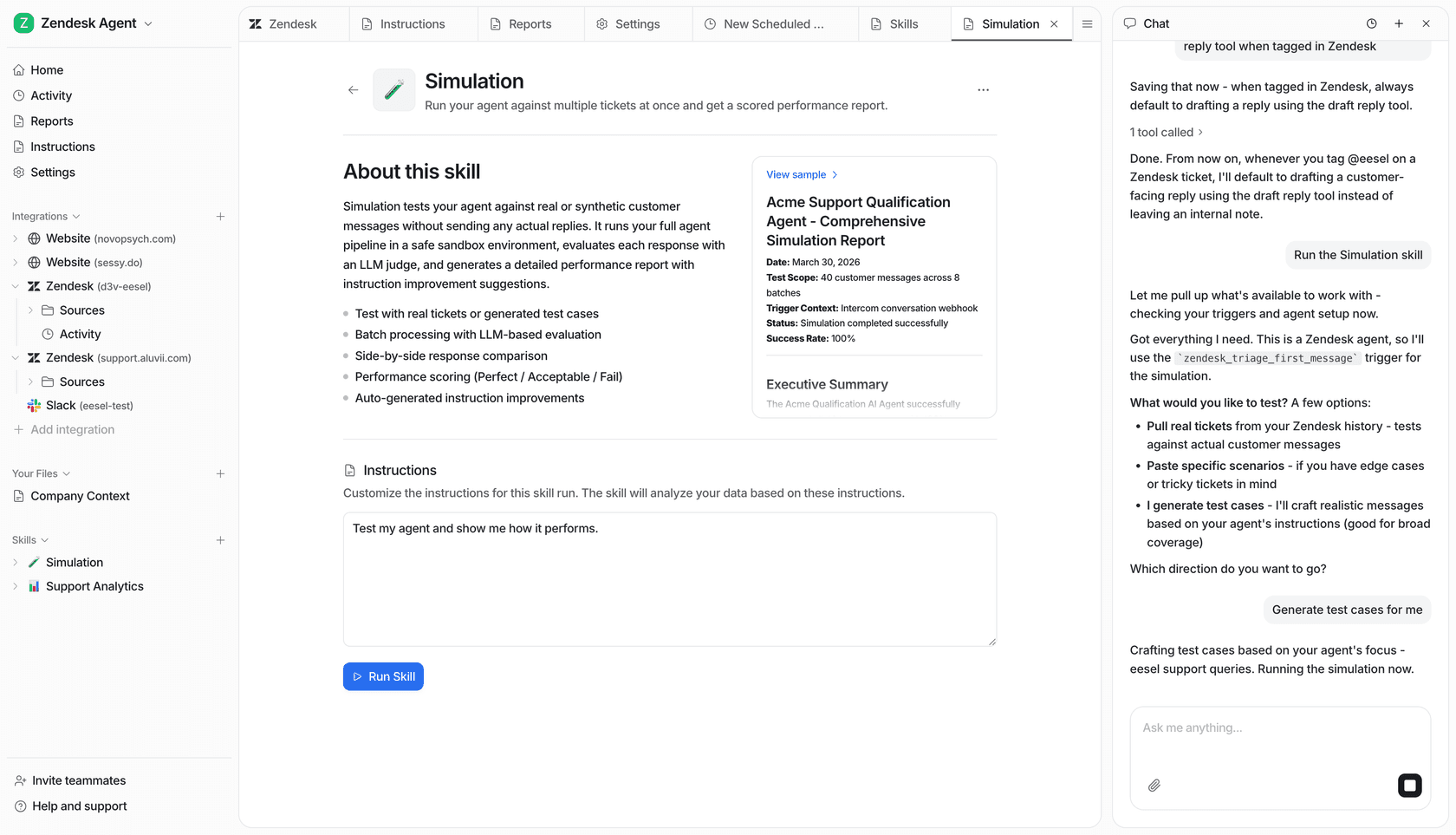
This example workspace is not evidence that the fictional Windows cases were tested.
Try eesel for a defined support responsibility. Use the CLI from your Windows workflow to inspect the existing teammate, supply approved context, and review the answer before a customer sees it.
Frequently asked questions
Is there an official Claude app for Windows?
Yes. Anthropic documents Claude Desktop for Windows. Download it from Anthropic’s official install page rather than relying on an unrelated store listing.
Can Claude Desktop be managed on Windows?
Yes. Anthropic documents Windows deployment and managed configuration through Group Policy. Check the organization settings that are actually in force on a device.
Does Claude Code always ask before edits?
No. Claude Code has permission modes and Allow, Ask, and Deny rules. Manual mode prompts for proposed commands and edits, while other modes can behave differently.
Can Claude Desktop use local tools?
Claude Desktop supports local MCP servers and desktop extensions. Treat a local extension as installed tooling: review its publisher, local access, and update path before deploying it.