It feels like just yesterday that AI in my coding workflow was a glorified autocomplete. It was helpful, but it never really felt like a partner. Now, things are completely different. Tools powered by advanced models like Claude aren't just suggesting code snippets anymore; they're becoming actual "agentic" teammates that can understand entire projects, write files, run tests, and fix bugs on their own.
That's why I wanted to put this list together. I've spent some real time with the leading Claude AI programming tools to see what's what. My goal is to help you figure out which one actually fits your needs, whether you're a hardcore developer who lives in the terminal or part of a business team looking to automate tasks without writing a line of code.
What exactly are Claude AI programming tools?
Let's get one thing straight: these aren't just fancy chat windows where you paste code and ask for help. A real Claude AI programming tool plugs directly into your workflow, whether that’s your terminal, your code editor, or your company's help desk.
The main difference is that they're agentic. They don't just suggest code; they take action. According to Claude's own documentation, these tools can read your entire codebase, write new files from scratch, run shell commands, and even manage your Git workflow, all from a simple, plain-English prompt.
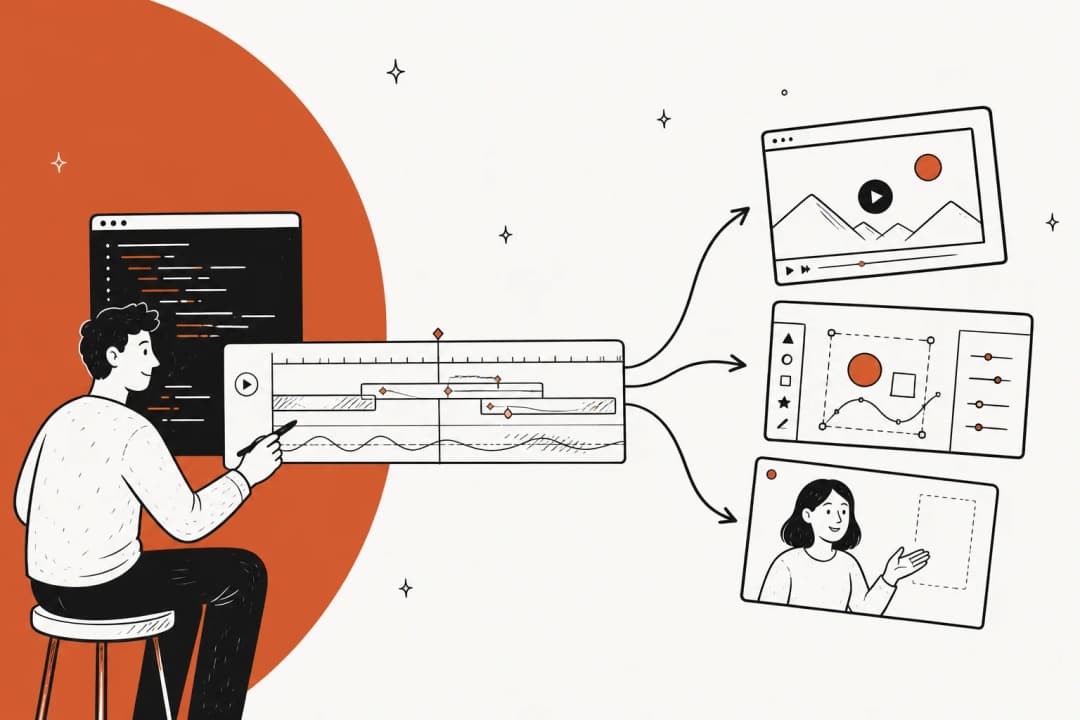
This is the "plain English" revolution in action. The whole point is to translate what you want into a functional outcome. You describe the feature, and the AI builds it. You describe the business process, and the AI automates it. It's about getting things done with less manual work and bridging the gap between an idea and a working result. Here's a visual breakdown of how this agentic approach streamlines development.
How we chose the best Claude AI programming tools
To make sure this list is actually useful, I didn't just pull names out of a hat. I looked at each tool based on a few key things to keep it transparent and fair.
Here’s my checklist:
- Integration: How smoothly does it fit into a developer or business workflow? Does it feel natural or like a clunky add-on?
- Autonomy: Can it handle complex, multi-step tasks by itself, or does it need constant hand-holding?
- Ease of Use: Is this tool only for senior engineers, or can junior devs and even non-technical people get some value out of it?
- Core Functionality: What’s its main strength? Is it best for debugging, building new features, or automating business logic?
- Value for Money: Do the productivity boosts actually justify the cost?
A quick comparison of the top tools
Before we get into the details, here’s a quick side-by-side look at how the top tools stack up.
| Tool | Primary Use Case | Interface | Key Feature | Starting Price |
|---|---|---|---|---|
| Claude Code | Agentic coding & debugging | Terminal, IDE extensions | Can execute shell commands & self-correct | Included in Claude Pro ($20/mo) |
| eesel AI | No-code business automation | Web Dashboard | Builds support & sales bots in plain English | $239/month (annual plan) |
| Aider | Agentic coding with model flexibility | Terminal (CLI) | Works with OpenAI, Anthropic, Gemini, etc. | API-based (pay-as-you-go) |
| Cursor | AI-native code editing | IDE (VS Code fork) | Deeply integrated AI in the editor | Free tier available |
| Windsurf | AI-native code editing | IDE (VS Code fork) | Real-time preview of AI-generated changes | Free tier available |
The 5 best Claude AI programming tools
Alright, let's get into the nitty-gritty. Here's a detailed breakdown of each tool I tested.
1. Claude Code
First up is Claude Code, Anthropic's own flagship agentic coding tool. This isn't a separate app; it lives right where you work-in your terminal or through VS Code and JetBrains extensions. Think of it as a pair programmer you can talk to in natural language. It can read your entire project, write new code, run tests, and hunt down bugs, all based on what you ask it to do.
Pros: Its biggest strength is how deeply it integrates into a developer's environment. It has access to your shell tools, Git, and even the "gh" CLI, so it can do real work. The "agentic search" feature is a huge help; it scans your codebase to understand the context without you having to manually select files. It's just as good at building new features as it is at answering questions about an existing codebase. For businesses, it checks all the right boxes with security certifications like SOC 2 and HIPAA readiness.
Cons: Its terminal-based interface means there's a steep learning curve for anyone who isn't a seasoned developer. That power can also be a bit risky if you don't have proper safeguards in place. To get the most out of it, you need to create "CLAUDE.md" files to give it project-specific instructions, which adds a bit of setup.
Pricing: It's included with a Claude subscription, which starts at $20/month for the Pro plan. For teams and heavier usage, there are Max and Team plans, or you can go with API-based billing.
Best for: Experienced developers who are comfortable in the terminal and want a powerful, scriptable AI assistant to tackle complex coding tasks.
2. eesel AI
Pros: The setup is straightforward. You connect eesel AI to the tools you already use, like Zendesk, Shopify, or Confluence, and it learns from your company's past conversations, help center articles, and internal docs in minutes. The "teammate model" is a key feature. You can start with the AI just drafting replies for your human agents to review (AI Copilot), and then "level up" to full autonomy (AI Agent) once you're confident in its performance. A notable feature is the ability to run simulations on past tickets before you ever let it talk to a real customer. This takes a lot of the risk out of the process.
Cons: It's not a general-purpose programming tool. You can't use it to build a web app or a mobile game. Its focus is very specific on automating customer service, sales, and internal knowledge workflows. If that's not what you need, this isn't the tool for you.
Pricing: The Team plan starts at $239/month on an annual plan, which gets you 1,000 AI interactions per month. The pricing scales with usage, not per agent, which keeps costs predictable.
Best for: Businesses that want to automate customer-facing or internal support tasks without tying up developer resources. It's a perfect fit for support, sales, and operations teams who want to build powerful automations in plain English.
3. Aider
Pros: The freedom to mix and match different AI models is its biggest advantage. You can configure it through services like OpenRouter to find the perfect balance of cost and performance for whatever you're working on. It’s also git-aware, so every change it makes is committed automatically, giving you a complete version history to fall back on.
Cons: Some users have noted in discussions about its agentic mode that it can have inconsistencies. The support is community-driven via Discord, and response times for support may vary.
Pricing: There's no flat fee. The cost is entirely dependent on the API usage of the models you choose, so it can be a bit unpredictable. You pay for what you use.
Best for: Developers who love to tinker and want granular control over the specific AI models powering their coding assistant.
4. Cursor
Pros: It offers a much more intuitive and user-friendly experience than terminal-based tools, making it more accessible to a wider range of developers. Features like multi-agent workflows, where you can run up to eight AI agents in parallel on a single task, are incredibly powerful for making large-scale changes across your codebase. It has a deep understanding of your entire project, which helps it generate more context-aware code.
Cons: The biggest hurdle is that it requires you to switch to a whole new code editor. For developers who have spent years perfecting their custom VS Code setup, that can be a significant consideration. Some users have also reported occasional performance issues, such as the editor freezing or losing project context in the middle of a session, which can be frustrating.
Pricing: Cursor has a free "Hobby" tier with some usage limits. The Pro plan costs $20/month and gives you unlimited tab completions and a higher agent limit.
Best for: Developers who are looking for a deeply integrated AI experience inside their editor and are willing to adopt a new IDE to get it.
5. Windsurf
Pros: Windsurf's simplicity is its strength. The UI is slick and uncluttered. Its standout feature is how it handles AI-generated changes. It writes changes before approval, which means you can see the results running on your local development server in real-time before you commit to anything. This live-preview workflow is fantastic for UI work.
Cons: Being a newer player in the space, it might not have all the bells and whistles of more established editors. The pricing model is based on "prompt credits," which can be harder to predict than a flat monthly fee. And just like Cursor, it faces the same challenge of convincing developers to switch from their preferred editor.
Pricing: It has a free tier with 25 prompt credits. The Pro plan is $15/month and bumps you up to 500 prompt credits.
Best for: Developers who value a minimalist, clean AI-native editor and love the idea of being able to live-preview AI-generated changes before accepting them.
Getting the most out of Claude AI programming tools
No matter which tool you choose, your success with it depends a lot on how you use it. These tools require clear direction to be effective. Think of them as smart junior developers who need clear direction. Here are a few tips to get the best results.
Start with a plan, then execute
Don't just throw a vague request at the AI and hope for the best. The best practice, as noted in the Claude Code documentation, is a "think-then-do" approach. First, ask the AI to outline a plan of action. Review the plan, make adjustments, and then give it the green light to start writing code. This simple step improves the output quality.
Provide clear context An AI needs context just like a human does. A great way to do this is by creating a "CLAUDE.md" file in your project's root directory. In this file, you can lay out project-specific instructions, common commands you use, style guidelines, and anything else that would help a new developer get up to speed. The AI will use this file as its source of truth.
Use it for more than just code These tools are amazing for asking questions about a codebase. When you're onboarding to a new project, instead of bugging a senior dev, you can just ask the AI questions like, "How does authentication work in this app?" or "What's the purpose of this API endpoint?" It can save you hours of digging through documentation.
Iterate and course-correct
The first result is rarely the final result. The real power comes from the back-and-forth collaboration. If the AI is going down the wrong path, don't be afraid to interrupt it (you can usually press Escape), edit your prompt with more specific instructions, and steer it back in the right direction.
Use visual feedback when possible If you're working on something visual, like a UI component, give the AI a target to aim for. Claude Code can interpret images, so you can feed it screenshots or design mockups. This gives it a clear visual goal and helps it iterate much more effectively.
Seeing these tools in action can often make the concepts click. The video below provides a great walkthrough of a real-world coding workflow using Claude, demonstrating how to apply some of the best practices we've discussed to boost productivity.
This video from Alex Finn offers a complete guide to using Claude Code, demonstrating a workflow that can significantly boost productivity.
The collaborative future of Claude AI programming
At the end of the day, the best AI programming tool is the one that fits your workflow. Whether you're a power user in the terminal, a developer who wants AI baked into their IDE, or a business user who needs a no-code solution, there's an option for you. The common thread connecting all these tools is a fundamental shift towards collaborating with AI as a genuine teammate.
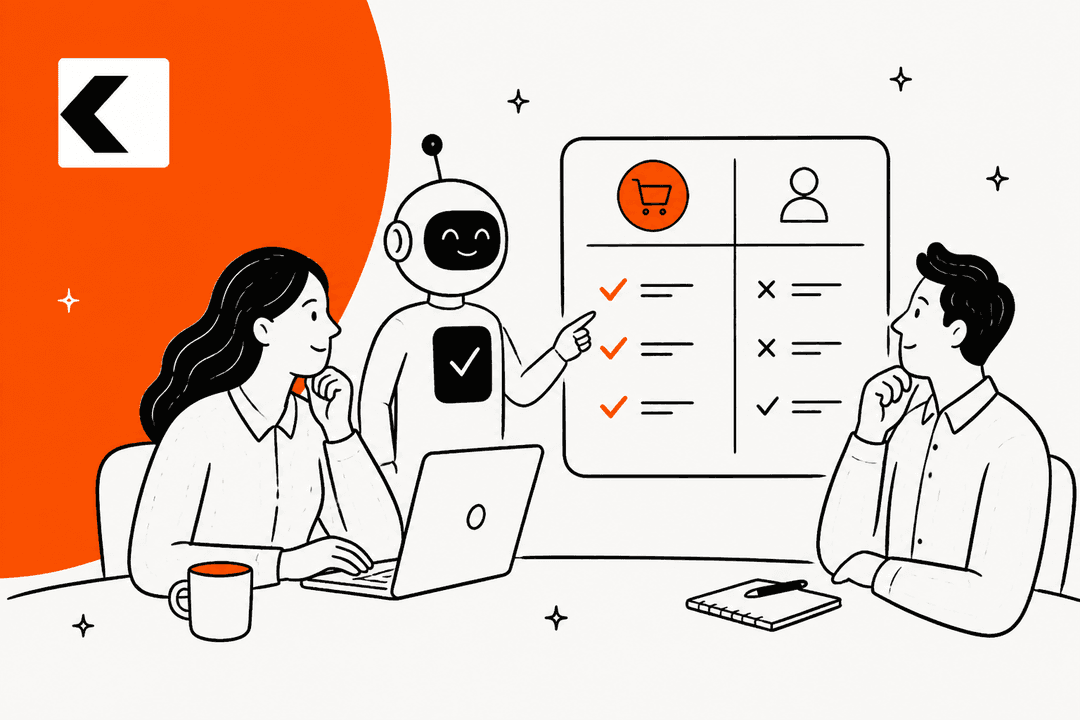
This is where the parallel becomes so clear. Just as Claude Code brings this new level of collaboration to developers, eesel AI helps business teams. You no longer have to be a programmer to build sophisticated automations.
With eesel's AI Agent or AI Chatbot, you can design an entire customer support system using plain English, the same way you'd ask an AI coding tool to build a software feature. It's all about making the power of agentic AI accessible to everyone. Why not invite your first AI teammate to the team today?
Frequently Asked Questions
Share this post

Article by
Stevia Putri
Stevia Putri is a marketing generalist at eesel AI, where she helps turn powerful AI tools into stories that resonate. She’s driven by curiosity, clarity, and the human side of technology.