Disclosure: This article is published by eesel AI, a competitor of ServiceNow and Atlassian. We encourage you to read ServiceNow's own materials and Atlassian's own materials for their perspective.
Choosing the right IT service management platform can feel like comparing apples to oranges. ServiceNow and Jira Service Management both promise to streamline your IT operations with AI, but they approach the problem from very different angles. One is built for enterprise scale and ITIL compliance. The other prioritizes agility and DevOps integration.
This comparison breaks down what each platform actually offers so you can make an informed decision for your team.
What is ServiceNow AI?
ServiceNow is an enterprise cloud platform that positions itself as an AI control tower for business transformation. The company's IT Service Management (ITSM) solution is built on the ServiceNow AI Platform, which unites data, AI agents, workflows, and security on a single architecture.
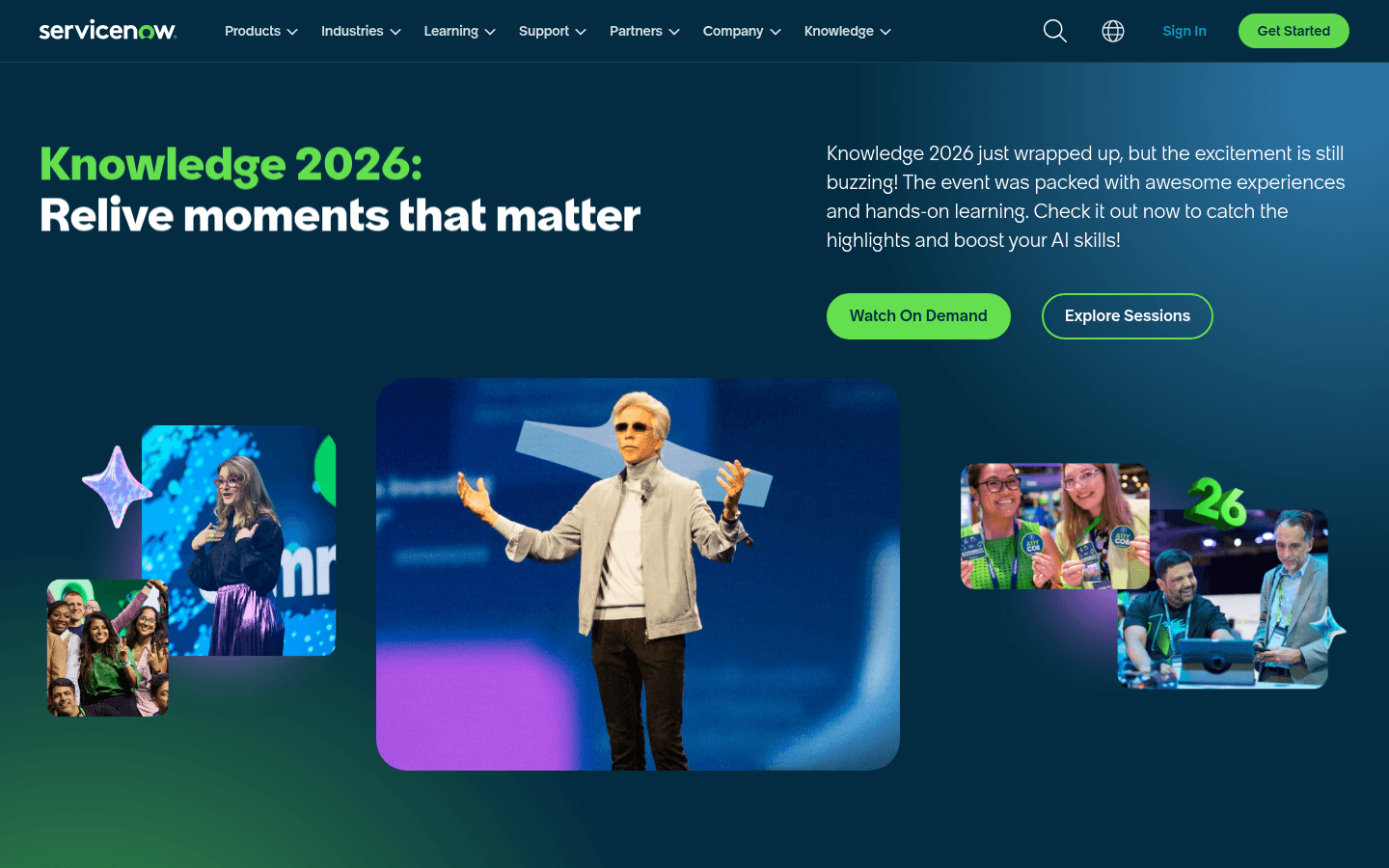
ServiceNow's AI capabilities center around Now Assist, the company's generative AI brand, which combines domain-specific language models with workflow automation to power summarization, content creation, and AI-driven self-service. The platform powers 95 billion workflows globally and is used by 85% of Fortune 500 companies.
Key AI features include:
- AI Agents: Autonomous systems built on AI Agent Studio and AI Agent Orchestrator that gather data, make decisions, and execute tasks across IT, HR, customer service, and other departments
- Predictive Intelligence: Machine learning models that classify incoming tickets, route them to the correct teams, and identify trends based on historical data
- Now Assist: Generative AI for IT staff, covering case summarization, knowledge article drafting, code generation, and AI-powered search
- Virtual Agent: Conversational AI for employee self-service, available on any device with multi-turn dialogue, live agent handoff, and channel integrations including Slack and Microsoft Teams
ServiceNow integrates with eesel AI for teams looking to add an AI teammate layer on top of their existing ServiceNow deployment.
The platform is purpose-built for enterprises that need deep ITIL compliance, extensive customization, and cross-departmental workflow automation. Customers like Adobe, Uber, and AstraZeneca use ServiceNow to manage complex IT operations at scale.
What is Jira AI?
Jira Service Management is Atlassian's ITSM solution, now part of the broader Service Collection that includes Customer Service Management, Assets, and Rovo. With over 60,000 customers, it is one of the most widely adopted ITSM platforms on the market.
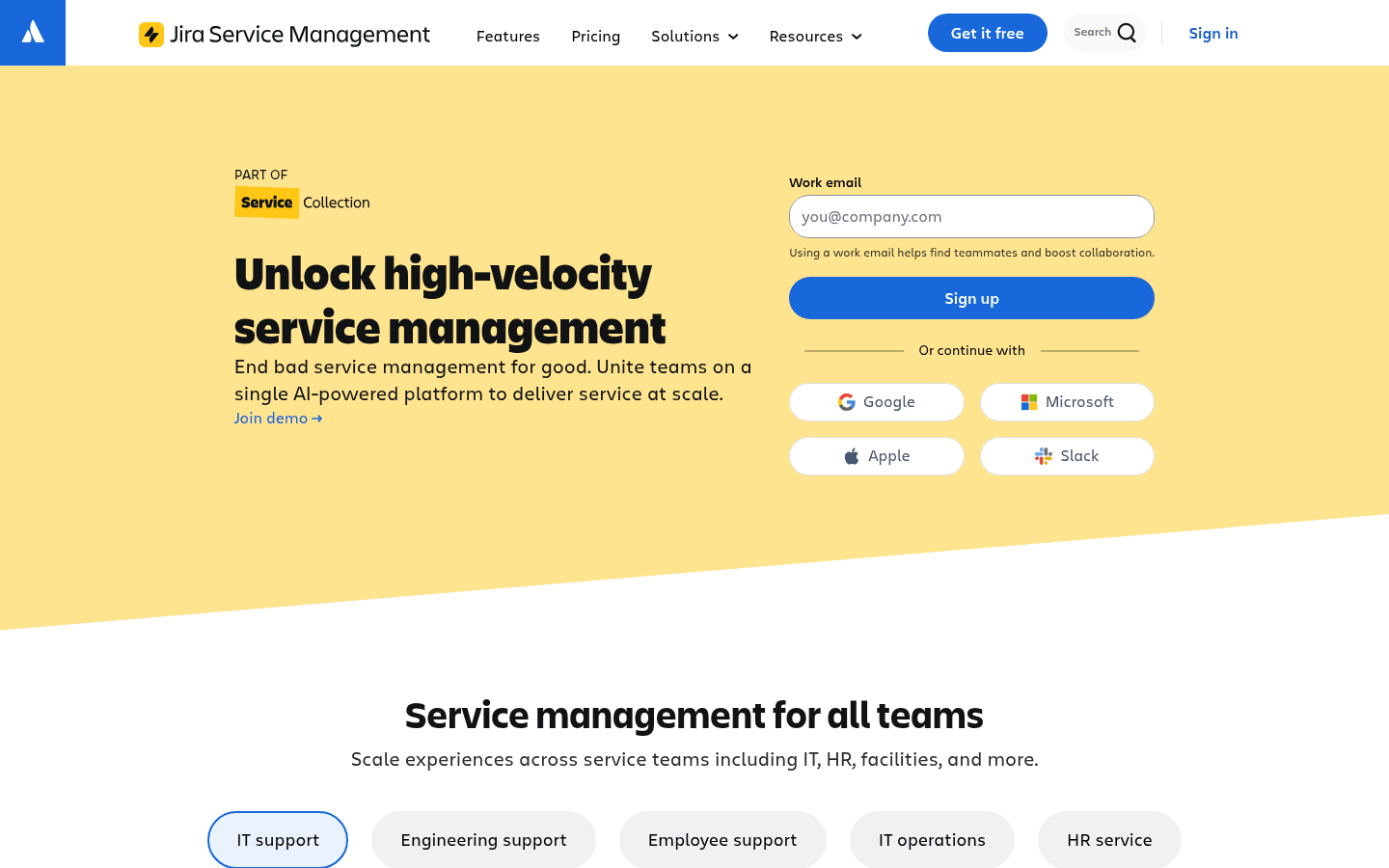
Jira's AI capabilities are powered by Atlassian Intelligence and Rovo, the company's AI platform used by 3 million+ users. The focus is on high-velocity service management that connects development, IT operations, and business teams on a unified platform.
Key AI features include:
- Rovo Search: AI-powered search across all Atlassian tools and 30+ connected third-party data sources
- Rovo Chat: Conversational interface for getting answers and taking action, accessible inside Jira, Confluence, and JSM
- Rovo Agents: Custom AI teammates configurable by any team member that can read and write Jira and Confluence with permission
- Virtual Service Agent: AI-powered conversational support that draws from your knowledge base and frees up agent time (available on Premium and Enterprise plans)
- AIOps: Alert grouping, AI-powered incident creation, and automatic post-incident review generation on Premium and Enterprise plans
Jira Service Management emphasizes quick setup and ease of use. You can spin up a service desk with pre-configured templates and start serving employees within days.
For teams already using Jira Software, Confluence, or other Atlassian products, the integration is seamless. We also integrate with Jira for teams that want to add AI-powered ticket resolution to their existing setup.
ServiceNow AI vs Jira AI: Capabilities compared
Both platforms offer AI-powered automation, but their approaches differ significantly.
ServiceNow AI features
ServiceNow's AI is built for enterprise complexity:
- Predictive Intelligence: Models trained on your historical data to identify patterns and anticipate issues before they impact users.
- AI Agents: Handle end-to-end workflows from incident detection through resolution with minimal human intervention — automatically detecting anomalous behavior, creating tickets, routing to the right team, suggesting remediation steps, and executing fixes for known issues. ServiceNow's own internal deployment now handles 90%+ of IT requests autonomously.
- Virtual Agents: Designed for 24/7 employee self-service on any device, with natural language understanding and support for complex multi-step requests.
- AI Control Tower: A governance dashboard giving IT leaders visibility into how AI is used across the organization, with built-in guardrails for compliance and security.
Jira AI features
Jira's AI focuses on augmenting human work:
- Atlassian Intelligence: Helps teams work faster by summarizing issues, suggesting resolutions, and automating routine tasks. Automatically activated on Standard, Premium, and Enterprise plans.
- Virtual Service Agent: Handles common employee questions by drawing from your knowledge base using intent flows (deterministic) and AI answers (RAG). When it cannot resolve an issue, it escalates to a human agent with full context. Atlassian's Community Champions recommend using the Virtual Service Agent for customer-facing flows and Rovo Agents internally (source).
- Rovo Search: Employees can ask a question in natural language and get answers pulled from across the Atlassian ecosystem and connected third-party apps — no tool-hunting required.
- AIOps for incident management: Includes alert grouping, AI-powered incident creation, and automatic post-incident review generation on Premium and Enterprise plans.
- Limitation to note: A widely-read Atlassian Community thread notes that Rovo agents handle reads and lookups well but "tends to hallucinate success on write actions rather than flagging that it couldn't complete them properly." Worth factoring into any evaluation.
Head-to-head comparison
| Feature | ServiceNow AI | Jira AI |
|---|---|---|
| Primary AI Technology | Now Assist | Atlassian Intelligence / Rovo |
| AI Agents | Autonomous workflow execution | Rovo Agents for task automation |
| Predictive Capabilities | Predictive Intelligence for ticket classification and routing | AIOps for incident management (Premium+) |
| Virtual Agents | 24/7 conversational AI | Virtual Service Agent (Premium+) |
| Self-Service | AI-powered portal | Knowledge base + Virtual Service Agent |
| Governance | AI Control Tower | Built-in compliance features |
| Learning Curve | Steep | Moderate |
| Best For | Complex enterprise environments | Agile, DevOps-focused teams |
Pricing and total cost of ownership
Pricing is where these two platforms diverge most dramatically.
ServiceNow pricing
ServiceNow does not publish dollar pricing on any public-facing page. The ITSM pricing page lists three named tiers but every plan terminates in a "Get Custom Quote" call to action with no figures shown.
The three publicly disclosed ITSM tiers are:
- ITSM Foundation - incident management, service catalog, asset management, Virtual Agent, Now Assist AI Foundation, and Moveworks for ITSM Foundation
- ITSM Advanced - everything in Foundation plus change management, major incident management, AI Voice Agents, and Now Assist AI Advanced
- ITSM Prime - everything in Advanced plus the L1 Service Desk AI Specialist, AI Agents for ITSM, and Now Assist AI Prime
For actual pricing, you need to contact ServiceNow directly. Third-party consultancies publish estimates, but those are not figures ServiceNow has published.
Additional costs to consider:
- Deployment often requires external implementation partners, with timelines varying significantly by scope and complexity
- Customization typically requires JavaScript developers
- Additional modules (HR, Customer Service, Security) are separate products
- Training and certification for administrators
Jira Service Management pricing
Jira offers transparent, tiered pricing that is publicly available:
| Plan | Monthly Price | Key Features |
|---|---|---|
| Free | $0 | Up to 3 agents, basic ITSM features |
| Standard | $20/agent | Up to 100,000 agents, Rovo AI included |
| Premium | $51.42/agent | Virtual Service Agent, AIOps, unlimited automation |
| Enterprise | Annual billing, contact Atlassian | Advanced analytics, multiple sites, 99.95% uptime SLA |
Annual billing saves 17%. The Free plan lets small teams get started immediately.
Rovo is included in all paid cloud subscriptions - not a separate add-on. As of May 2026, Atlassian is not billing for usage above your included Rovo credit allowance, and has committed to at least 90 days' notice before any overage charges take effect.
Additional usage-based costs:
- Assets objects: $0.02/object/month above free tier limits (5,000 Standard, 50,000 Premium, 500,000 Enterprise)
- Virtual Service Agent assisted conversations: $0.30/conversation above 1,000 included per month
- Rovo Customer Service resolutions: $1 per resolution on Standard, Premium, and Enterprise
Total cost comparison
When evaluating total cost of ownership, consider more than just licensing:
| Cost Factor | ServiceNow | Jira |
|---|---|---|
| Licensing | Custom quote only — not publicly disclosed | $0–$51.42/agent/month |
| Implementation | Extended timeline requiring planning and partner involvement | Typically days to weeks for basic setup; templates available |
| Training | Extensive, certification programs available | Moderate; Atlassian University available |
| Customization | Requires JavaScript developers | Low-code/no-code editor |
| Maintenance | Higher (complex platform) | Lower (automatic updates) |
For small to midsize teams, Jira's transparent pricing and faster setup represent significant savings. For large enterprises with complex needs, ServiceNow's comprehensive capabilities may justify the investment.
Implementation and ease of use
The time and effort required to get up and running differs substantially between these platforms.
ServiceNow implementation
ServiceNow implementations involve significant upfront planning and configuration. The process typically includes:
- Business process analysis and redesign
- Instance configuration and customization
- Integration with existing systems via Workflow Data Fabric and Service Graph Connectors
- Data migration
- User training and change management
- Ongoing optimization
ServiceNow provides dedicated cloud instances for each customer, which offers security and isolation benefits but adds complexity to the setup process.
The platform's extensive customization options require JavaScript knowledge. Many organizations hire ServiceNow-certified developers or work with implementation partners. G2 reviewers directly flag this: "the complexity of setup and customization can be challenging, particularly for new users" (G2 reviews).
Jira implementation
Jira Service Management is designed for rapid deployment. Many teams go live within days or weeks.
The setup process is streamlined:
- Sign up for an account (instant)
- Choose a template (IT, HR, facilities, etc.)
- Configure workflows and request types using the visual editor
- Connect to existing tools (Slack, Microsoft Teams, monitoring systems)
- Invite agents and customers
Jira uses a low-code approach. You can customize workflows, forms, and automation rules through a drag-and-drop interface without writing code.
For teams already using Atlassian products, the learning curve is minimal. The interface is consistent across Jira Software, Confluence, and Jira Service Management.
Learning curve comparison
ServiceNow has a steeper learning curve due to its depth and complexity. IT staff need training to navigate the platform effectively, and administrators require certification for advanced configuration.
Jira is generally considered more intuitive, especially for teams familiar with Atlassian's ecosystem. The visual workflow editor and pre-built templates make it accessible to non-technical users.
Which platform is right for your team?
The right choice depends on your organization's size, complexity, and priorities.
Choose ServiceNow AI if:
- You are a large enterprise (1,000+ employees) with complex IT environments
- Deep ITIL compliance and process maturity are required
- You need extensive cross-departmental workflows (IT, HR, facilities, security)
- You have the budget for a premium solution and implementation resources
- You require dedicated cloud infrastructure and advanced governance via the AI Control Tower
- Your IT team has ServiceNow expertise or you are willing to invest in training
ServiceNow excels in regulated industries like healthcare, finance, and government, where audit trails, compliance controls, and enterprise-grade security are non-negotiable.
Choose Jira AI if:
- You operate in a DevOps-heavy environment
- Your teams use Agile methodologies
- You want transparent, predictable pricing
- You need to get up and running quickly
- You are already using Atlassian products (Jira Software, Confluence, Bitbucket)
- You prefer low-code customization
- You want to extend service management beyond IT to HR, facilities, and other teams
Jira is particularly strong for technology companies, startups, and midsize organizations that value speed and flexibility over enterprise complexity.
Consider eesel AI as an alternative
For teams that find both ServiceNow and Jira overly complex, we offer a different approach. eesel AI acts as an AI teammate that learns your business and handles frontline support autonomously.
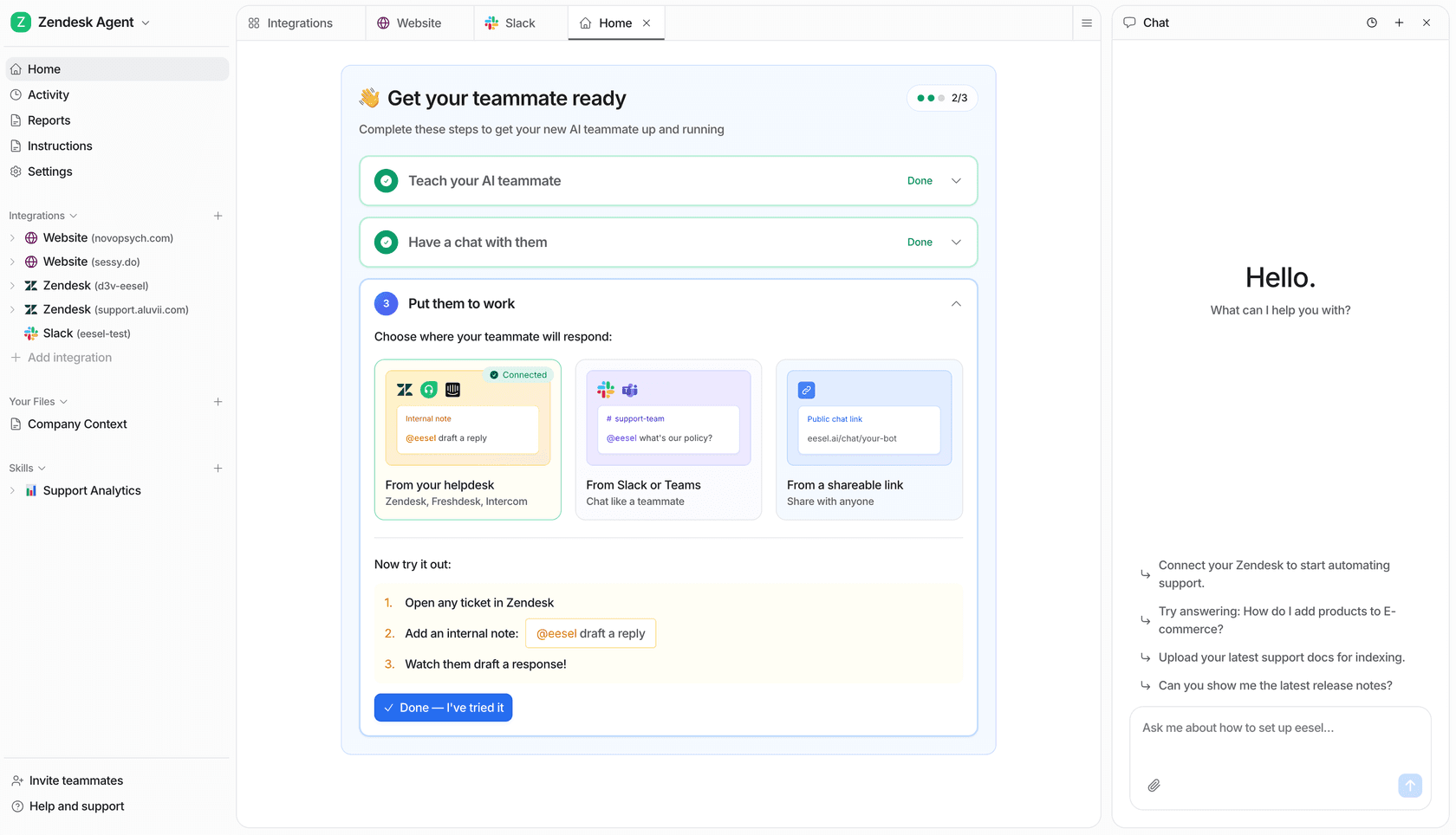
Instead of configuring workflows and building automation rules, you simply connect eesel to your help desk (including ServiceNow or Jira) and it learns from your past tickets, help center articles, and macros.
Key differences:
- Setup time: Minutes, not months
- Pricing: Pay per interaction, not per seat (see pricing)
- Autonomy: eesel drafts and sends replies directly, not just deflecting to articles
- Progressive rollout: Start with oversight, expand scope as eesel proves itself
Teams looking for AI-powered ITSM without the implementation overhead often find this approach more practical.
Making the right choice for your ITSM needs
Both ServiceNow and Jira Service Management are capable platforms. The question is not which one is better, but which one fits your specific context.
ServiceNow is the enterprise standard for a reason. If you need comprehensive ITIL compliance, extensive customization, and cross-functional workflows at scale, it delivers. Just be prepared for the investment in time, money, and expertise required to implement it successfully.
Jira offers a more accessible entry point. Its transparent pricing, faster setup, and DevOps-native design make it ideal for agile teams that want modern ITSM without enterprise complexity.
For organizations caught in the middle - too complex for basic tools but not ready for a full ServiceNow deployment - consider whether you actually need a new ITSM platform or just better AI on top of what you already have.
Some teams achieve strong autonomous resolution rates by adding AI to their existing help desk rather than overhauling their entire ITSM infrastructure. Sometimes the smartest move is not choosing between ServiceNow and Jira, but making either one work smarter with the right AI layer.
Frequently Asked Questions
Can you use ServiceNow AI and Jira AI together?
While you would not typically run both platforms simultaneously for the same use case, some organizations use ServiceNow for enterprise ITSM and Jira for development teams. AI capabilities do not transfer between platforms, so you would configure AI separately in each.
Which has better AI capabilities: ServiceNow AI vs Jira AI?
ServiceNow offers more advanced autonomous AI agents and predictive intelligence for complex enterprise workflows. Jira's AI focuses on augmenting human work with smart search, summarization, and virtual service agents. The better option depends on whether you need deep automation (ServiceNow) or collaborative AI assistance (Jira).
Is ServiceNow AI worth the cost compared to Jira AI?
ServiceNow pricing is not publicly disclosed and requires a custom quote. For large enterprises with complex IT environments and strict compliance requirements, its comprehensive capabilities often justify the investment. For smaller teams or those prioritizing speed and agility, Jira's transparent pricing delivers strong AI features at a lower entry point.
How long does it take to implement AI features in ServiceNow vs Jira?
Jira's AI features can be activated on Premium and Enterprise plans with minimal configuration, and many teams go live within weeks. ServiceNow AI requires the full platform deployment before AI capabilities can be configured and trained on your data, a process that typically spans multiple quarters depending on scope and customization requirements.
Can small teams use ServiceNow AI effectively?
ServiceNow is designed for enterprise scale. Small teams can technically use it, but the cost and complexity typically make it impractical. Jira's Free and Standard plans are better suited for small teams, with the option to upgrade to Premium for the Virtual Service Agent as you grow.