Is Zendesk too complex for small teams?

Stevia Putri

Katelin Teen
Last edited May 21, 2026
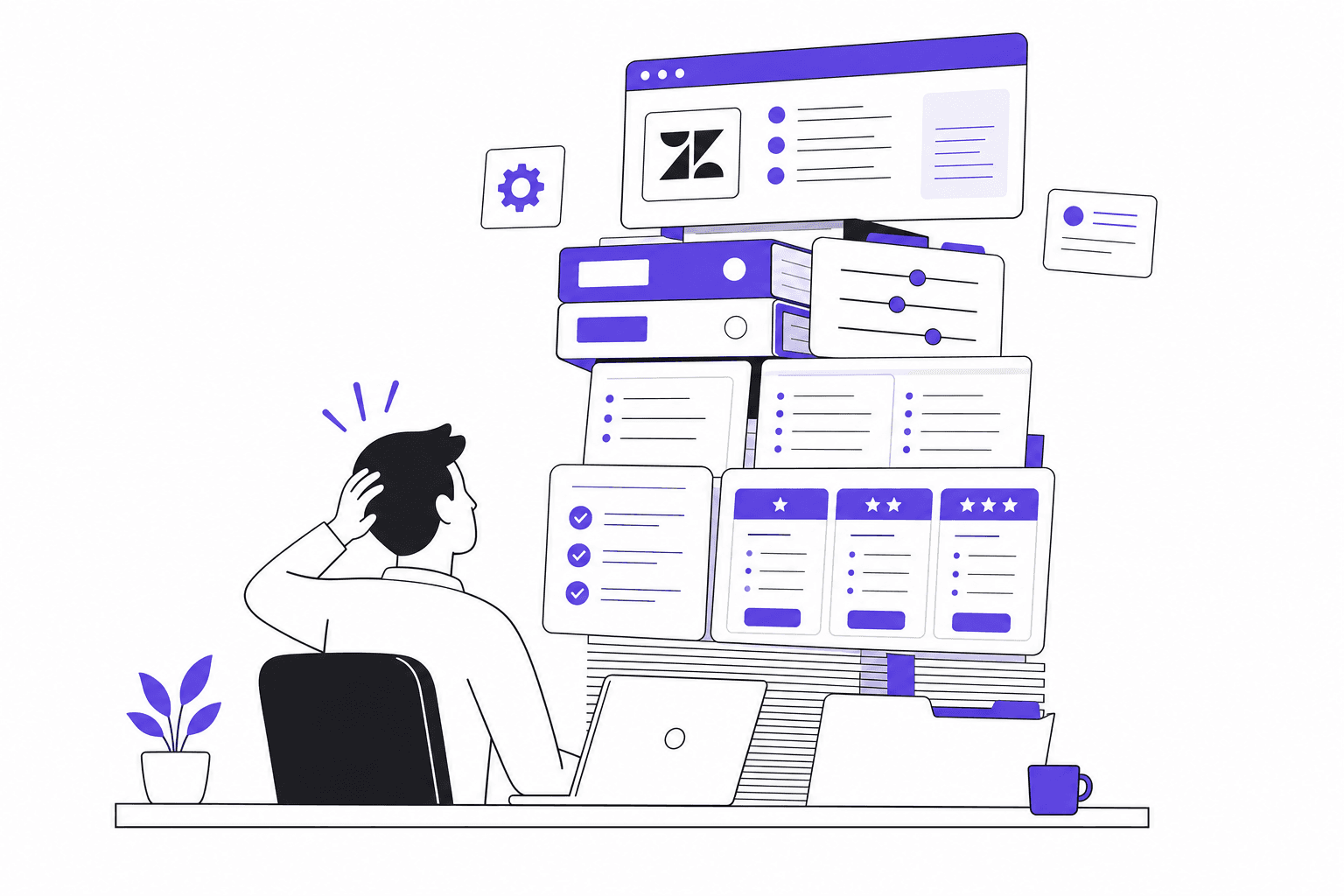
Small teams write about Zendesk in Reddit threads the way people describe a lease they signed without reading every clause. You needed a way to manage support tickets, Zendesk was everywhere, and now you're three months in wondering why you're paying for features you've never opened.
This is not a Zendesk takedown. Zendesk is genuinely powerful - 22,000+ service teams use it, and 63% of G2 reviewers give it five stars. But power and fit are different things. The complaints that show up most consistently across G2, Capterra, and Reddit cluster around the same three problems, and they hit small teams hardest.
Here's what's driving the complexity, who it actually affects, and what you can realistically do about it.
Where the "too complex" feeling comes from
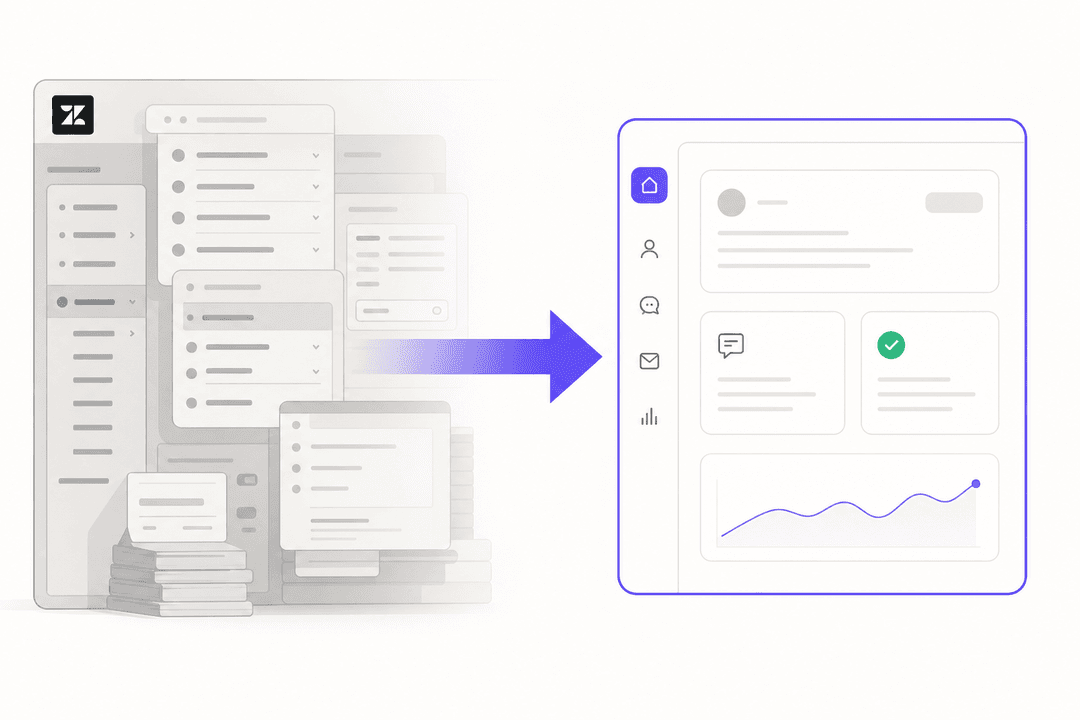
Zendesk's architecture was designed for organizations with dedicated support operations - teams large enough to have someone whose job is managing the tool itself. That design assumption shows in three concrete ways.
Setup takes longer than it should. G2 and Capterra reviewers consistently report two to four weeks before a new Zendesk deployment is working the way the team needs it.
"It took us almost two weeks to get things in order. It would be good to have improved onboarding of new teams."
- Sabina K., IT Operations Manager, Mid-Market, G2, Apr 2026
For a two-person support team, those two weeks represent a substantial time investment before you've routed a single ticket in production.
Configuration is ongoing work, not a one-time task. Zendesk's flexibility - the routing rules, trigger chains, automation logic, reporting customization - is exactly what large teams value. It's also what trips small teams up.
"Zendesk is incredibly flexible but that flexibility requires someone to configure it well, and a small team does not have that person." -- u/Wooden_Building_8329, r/helpdesk
"Oh totally, just hire a Zendesk admin, super affordable for a 3-person team." -- u/PatientlyNew, r/helpdesk (sarcastic)
When something breaks - and trigger chains do break in unexpected ways - debugging requires understanding how multiple automation rules interact with each other. A G2 reviewer with enterprise context made the same observation: "Troubleshooting automations isn't always straightforward, especially when multiple rules interact, making it harder to quickly identify the root cause."
Zendesk's AI requires 1,000 resolved tickets before it turns on. Zendesk AI Agents need a historical training base to activate. For a new team, or one migrating from email to Zendesk for the first time, the AI features they're partly paying for are dormant for months. You're subsidizing a capability you can't use yet.
These three factors compound. A small team spending two weeks in configuration limbo, without the admin capacity to maintain that configuration, paying for AI that isn't active yet - it's a setup that frustrates even people who genuinely like what Zendesk can do once it's running.
The real cost of Zendesk for a small team
Zendesk's pricing page leads with $19/agent/month. That's the Support Team plan - basic ticketing, email, macros - and it explicitly does not include AI agents unless you purchase a Help Center add-on.
The first plan that includes AI is Suite Team at $55/agent/month. Suite Professional, which most teams actually need for meaningful reporting, routing customization, and SLA management, runs $115/agent/month. That's more than six times the advertised entry price.
Here's the full breakdown of what each plan actually includes:
| Plan | Annual price (per agent/month) | What's actually in it |
|---|---|---|
| Support Team | $19 | Email, macros, basic automations - no AI agents by default |
| Suite Team | $55 | AI agents (basic), messaging, knowledge base |
| Suite Professional | $115 | Custom reporting, skills-based routing, CSAT surveys, SLA management |
| Suite Enterprise | $169 | Governance, sandboxes, audit logs - must call Sales to purchase |
And those prices don't include add-ons that most teams eventually want:
| Add-on | Additional cost per agent/month |
|---|---|
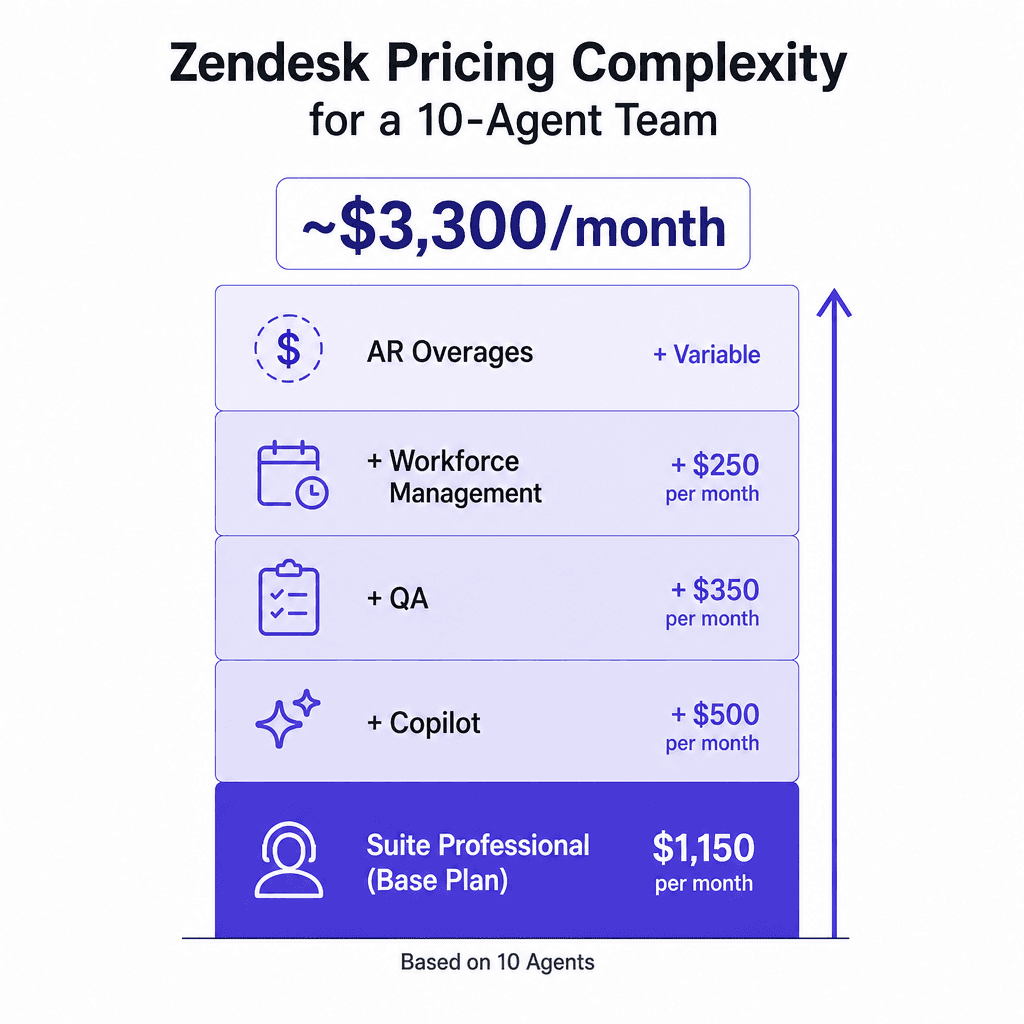
| Copilot | +$50 |
| Quality Assurance | +$35 |
| Workforce Management | +$25 |
| AI resolution overages | $1.50–$2.00 per resolution beyond plan limits |
A 10-agent team on Suite Professional with Copilot, QA, and Workforce Management hits approximately $3,300/month - before counting resolution overages during high-volume periods.
The G2-reported average ROI payback period for Zendesk is 17 months. That's actually a reasonable number for an enterprise customer who uses the full platform - but for a small team that wants something working this quarter, it's a long runway.
"The learning curve was real. Especially when it came to customizing our help center or setting up any automation. It also starts to get expensive when you move beyond the most basic plans."
- Tim G., Customer Service Executive, Capterra, Jun 2025
"The cost of an agent is pretty pricey and for someone that needs to see 10 or so tickets a month it simply does not work."
- Verified Reviewer, Systems Administrator, Capterra
Features you're paying for and not using
Zendesk's feature set includes enterprise workforce management, contact center voice AI, advanced data privacy controls, multi-sandbox environments, global data residency, and audit logs. These are legitimately valuable - for a support organization with 50+ agents, compliance requirements, or distributed global teams.
For a five-person team handling email and chat, most of these sit dormant. The problem isn't just that you don't use them - it's that the platform is architected to support them, which affects everything from the configuration model to the admin interface to how support is structured for any new feature you do want to use.
Small teams on Zendesk typically use: ticketing, macros, basic routing, a help center, and maybe a few trigger rules. Those are the same features you'd find on tools designed specifically for teams your size, without the overhead.
The G2 data makes this visible from another angle: 41% of Zendesk's G2 reviewers are at small businesses (50 employees or fewer). A substantial portion of Zendesk's own user base is using an enterprise tool that may not be sized right for them.
What Zendesk was actually built for
Zendesk's original architecture came from IT helpdesk roots - tiered support structures, SLA management, structured ticket routing. That DNA persists even as the platform has grown into a full Resolution Platform:
"Zendesk Support feels like a basic ticketing system made for IT Support Technicians in different tiers/levels and made to route tickets for that purpose." -- r/Zendesk
The configuration model - centralized admin role, structured automation rules, tiered feature access - still assumes an organization large enough to have someone owning the platform full-time.
Zendesk is clearly right for:
- Support organizations with 20+ agents that need structured routing, SLA tracking, and reporting dashboards across multiple teams
- Companies with compliance requirements (HIPAA, SOC 2, data residency)
- Teams handling support across many channels simultaneously - email, live chat, phone, WhatsApp, social media
- Organizations running both customer support and internal IT/HR service desks on a single platform
- Enterprises that need 1,800+ marketplace integrations and custom app development
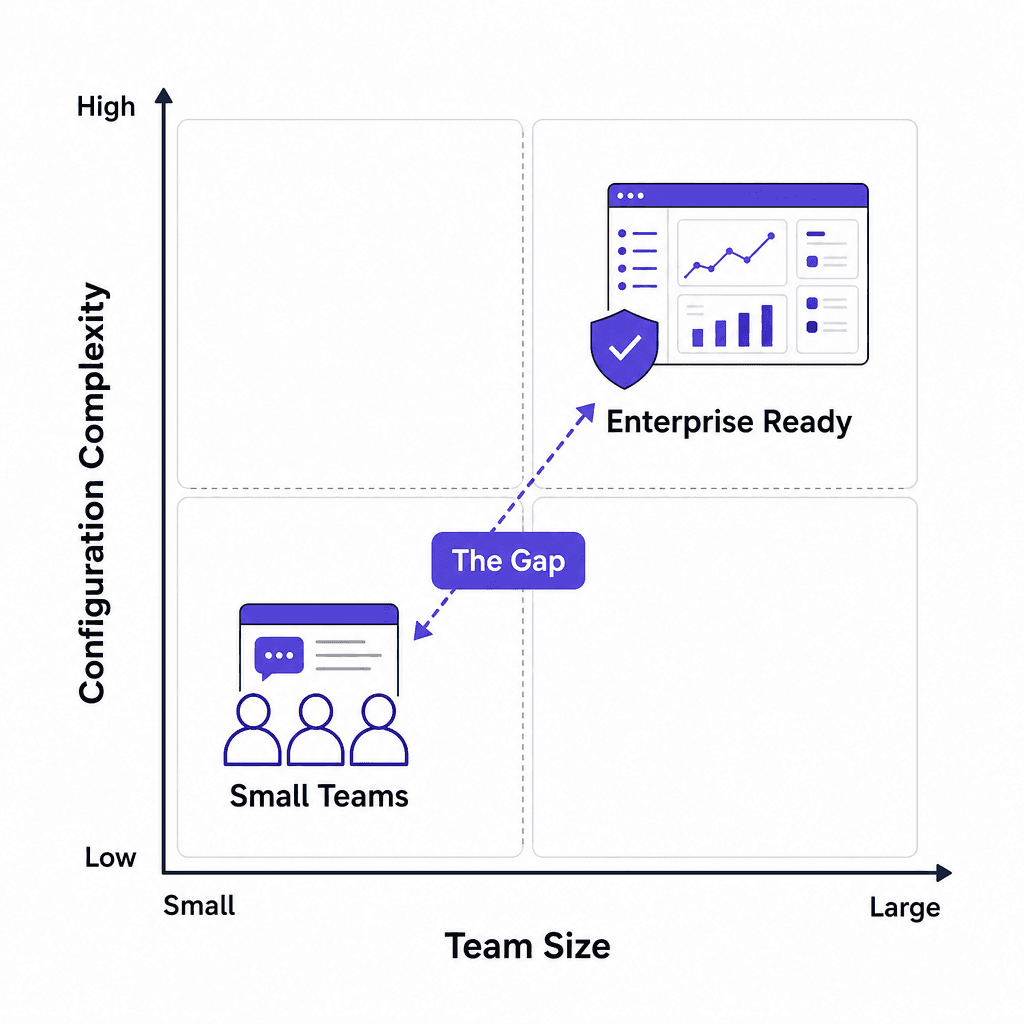
The teams that hit friction are the ones who picked Zendesk because it was the most recognizable name, not because their workflow genuinely needed what Zendesk provides at scale.
Five signs Zendesk is overkill for your team
These aren't edge cases - they're the patterns that show up in r/helpdesk, r/Zendesk, and Capterra reviews month after month.
1. You've never opened Explore. Zendesk's reporting suite is one of its strongest features for mid-market and enterprise teams. If your reporting needs are met by knowing which tickets are open and who's handling them, you're paying for infrastructure you don't use.
2. Your onboarding is still "in progress." If you've been on Zendesk for 90 days and are still figuring out how automation rules interact with each other, that's a fit signal, not a skills gap. The platform genuinely assumes configuration expertise.
3. AI features are still inactive. The 1,000-ticket activation threshold means new or small teams pay full Suite prices before their AI agents are doing anything. If you haven't crossed that threshold, the AI is a future benefit you're funding today.
4. One person "owns" Zendesk. When they're unavailable, nothing gets changed. That's a sign the platform has calcified around a single person's expertise - which means the team's ability to support customers is tied to one person's availability.
5. Per-seat pricing creates seasonal pain. If your ticket volume spikes around product launches or seasonal peaks and you need to add agents temporarily, the annual per-seat model means you're paying year-round for capacity you need for eight weeks. That mismatch compounds the cost frustration.
"The pricing and complexity feels like it was designed for a company with a dedicated support ops team and a product manager just for the helpdesk - which is not the situation for most stores doing sub-$3M revenue." -- u/maelxyz, r/helpdesk
What small teams actually do about it
When the friction becomes real, small teams typically take one of two paths.
Switch to something lighter
The alternatives that come up most in threads about Zendesk being too heavy:
Freshdesk has a genuine free tier for up to 10 agents and a much simpler setup process. Paid plans run $15–$49/agent/month depending on features. It's less configurable than Zendesk, but for teams that find Zendesk's configurability itself to be the problem, that's a feature. If you go this route, eesel AI integrates with Freshdesk the same way it does with Zendesk.
Help Scout is built around a simpler mental model - shared inbox, customer profiles, knowledge base - without the tiered complexity. Priced starting at $22/user/month, it's popular with product and SaaS companies doing email-first support.
Crisp suits teams that want live chat, email, and a basic knowledge base in a package that doesn't require an admin. Free tier available; paid starts at $25/month per workspace.
The catch with switching is migration risk. Zendesk's 1,800+ integrations create stickiness even for frustrated users - rebuilding those connections elsewhere is a real project:
"The integration depth is what keeps people on it even when it is clearly oversized - switching means auditing all of those integrations and rebuilding them somewhere else, which nobody wants to take on mid-season." -- u/maelxyz, r/helpdesk
If you have meaningful integrations built on Zendesk and you're not in a position to migrate, there's another path that often works better.
Stay on Zendesk but let AI handle the tickets
For many small teams, the problem isn't Zendesk's configuration layer - it's the manual work of handling every ticket that makes the complexity feel overwhelming. If most tickets are repetitive - FAQ questions, order status, password resets, billing queries - an AI agent can handle them autonomously, without touching the Zendesk configuration at all.
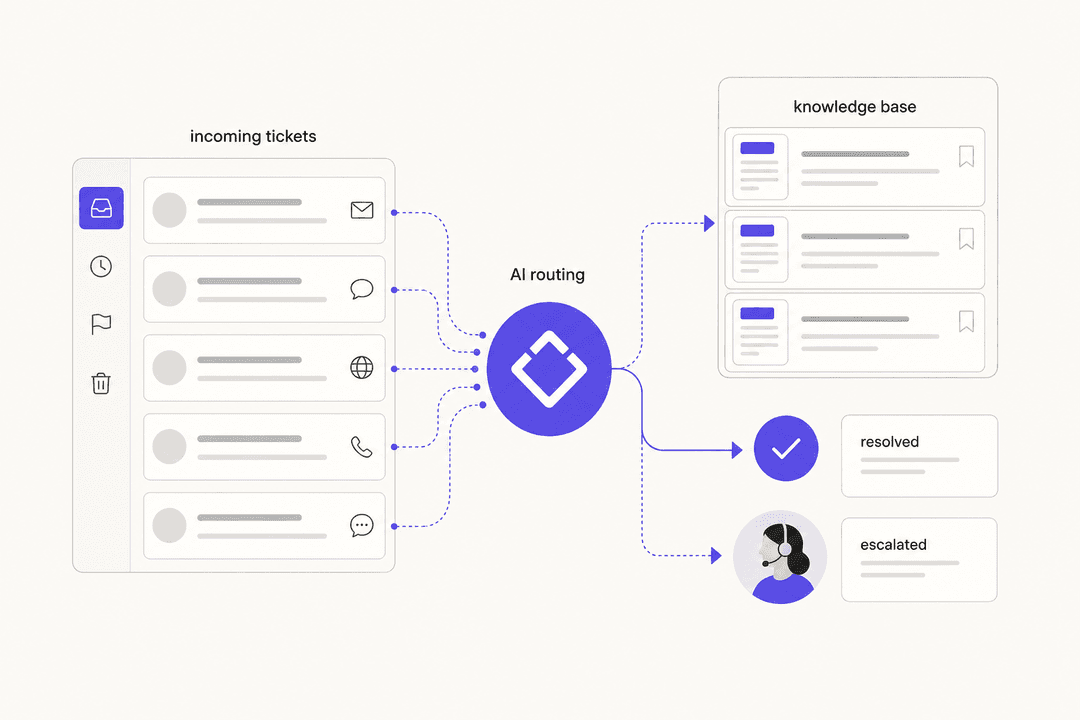
The effect is that Zendesk goes from "complex platform everyone needs to learn" to "backend that routes and logs tickets while the AI handles the actual responses." Your team only touches Zendesk for escalations and edge cases.
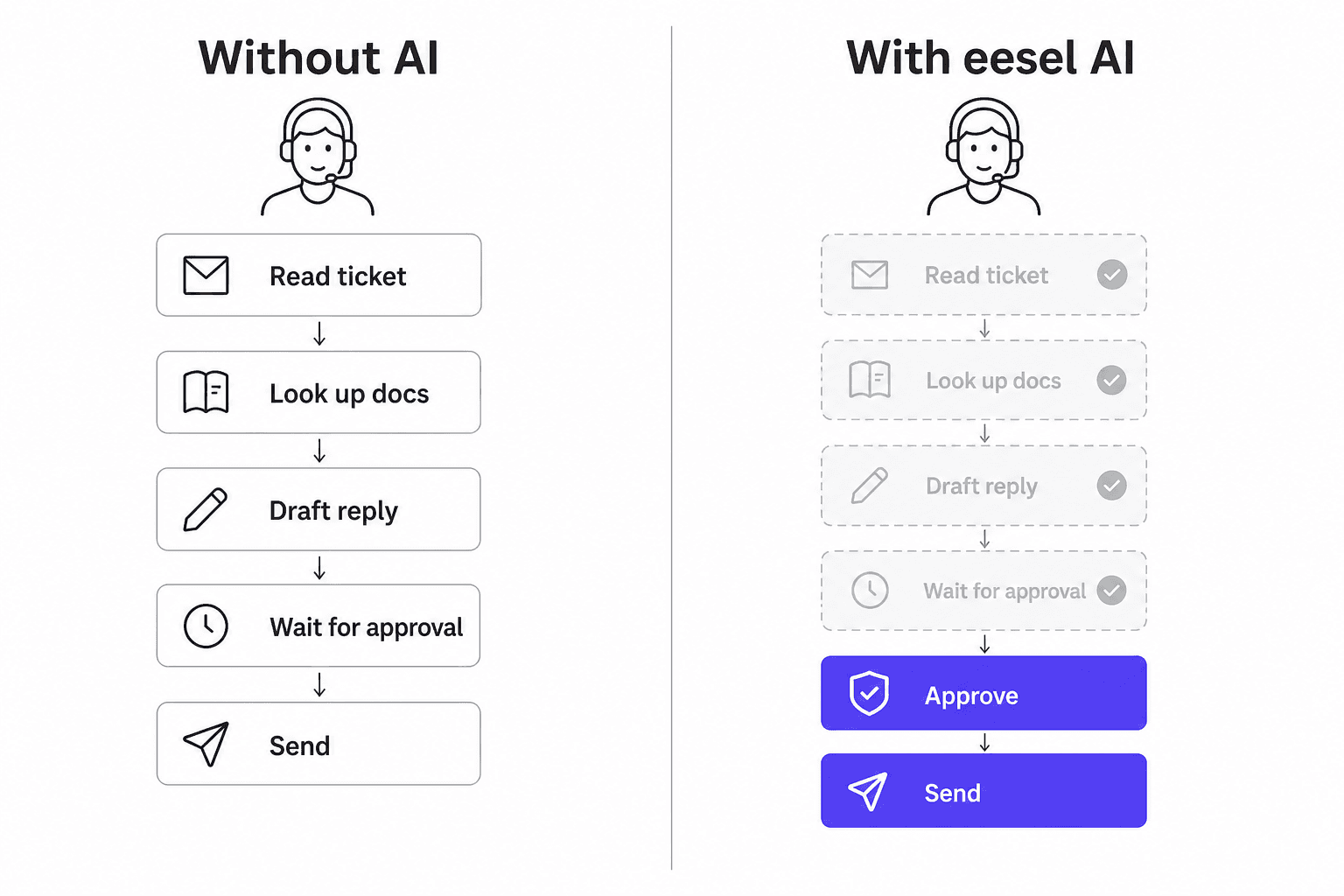
This approach works specifically because the AI learns from your existing Zendesk data - past tickets, help center articles, macros - rather than requiring you to build a new training dataset or reconfigure your routing. The Zendesk infrastructure you've already set up becomes the foundation the AI works on top of.
"The problem we were trying to solve was not response speed. It was that 70% of our queue had the same questions every week - billing queries, plan comparisons, integration troubleshooting with known fixes. Real people spending hours on work that had documented answers." -- u/DiscussionNo1778, r/CustomerSuccess
Four months into an AI-on-Zendesk deployment, that team hit 58% ticket deflection and cut average handle time on escalated tickets from 23 minutes to 11.
To understand exactly what Zendesk's own AI can and can't do - and where a third-party agent fills the gaps - the complete guide to Zendesk AI agents covers both in detail. For teams specifically looking at automating Zendesk tickets, there's a step-by-step breakdown of native tools vs. third-party options. And if you're trying to measure the impact, how to calculate your ticket deflection rate is a practical starting point.
eesel AI for Zendesk
eesel AI installs directly inside Zendesk as an AI agent and handles support tickets from start to finish. It learns from your past Zendesk tickets, help center articles, and macros - and starts drafting and sending replies from day one, without the 1,000-ticket training threshold Zendesk's own AI requires.
For small teams, a few specifics matter. Pricing is $0.40 per ticket with no per-seat fees and no platform fee. A team handling 500 tickets a month pays $200. There's $50 in free usage to start with no credit card required. Agents can be set to draft-only mode so the team reviews everything before it goes out - useful while you're calibrating confidence.
Smava runs 100,000+ support tickets per month through eesel on Zendesk - in German. Ecosa handles 10,000+ tickets across Zendesk, Slack, and their website. Gridwise, a smaller team, saw 73% of tier-1 requests handled automatically in their first month:
"In the first month, eesel is resolving 73% of our tier 1 requests. Our team implemented and achieved results quickly during our 7-day trial."
- Kim Simpson, Gridwise
The setup process is straightforward: invite eesel as a Zendesk agent, connect your knowledge sources (Zendesk tickets and help center articles, plus any Google Docs, Confluence, or Shopify data), run simulations on past tickets to see coverage and gaps, and roll out. The simulation step - where you can see how eesel would have handled historical tickets before going live - is what separates a confident rollout from a guessing game.
"Connecting eesel to Zendesk Help Center and messaging is ridiculously simple and we managed to get a chatbot and AI assistant that does some pretty complex actions with relative ease."
- Richard Westerhof, Cloud86
If you're weighing what a Zendesk AI alternative looks like vs. building on top of the platform you have, the 7 key Zendesk AI capabilities post is a good anchor - it maps what Zendesk provides natively, what costs extra, and where third-party agents like eesel close the gap. For teams thinking about the broader question of AI versus hiring, the cost comparison is worth running before committing to either path.

Frequently Asked Questions
Share this article

Article by
Stevia Putri
Stevia Putri is a marketing generalist at eesel AI, where she helps turn powerful AI tools into stories that resonate. She’s driven by curiosity, clarity, and the human side of technology.