Zendesk AI Copilot review (2026): features, pricing, and what users actually say

Stevia Putri

Katelin Teen
Last edited May 21, 2026
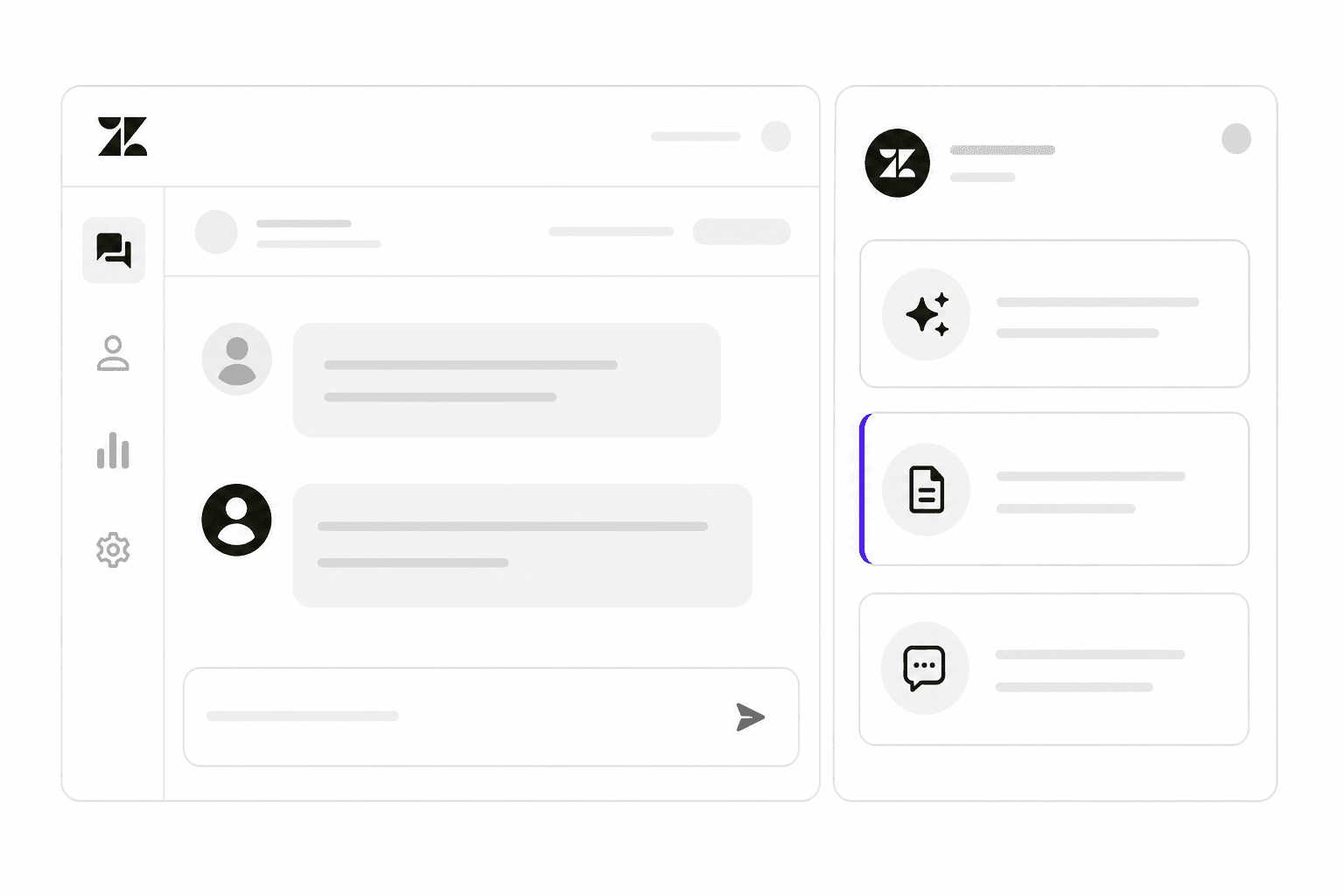
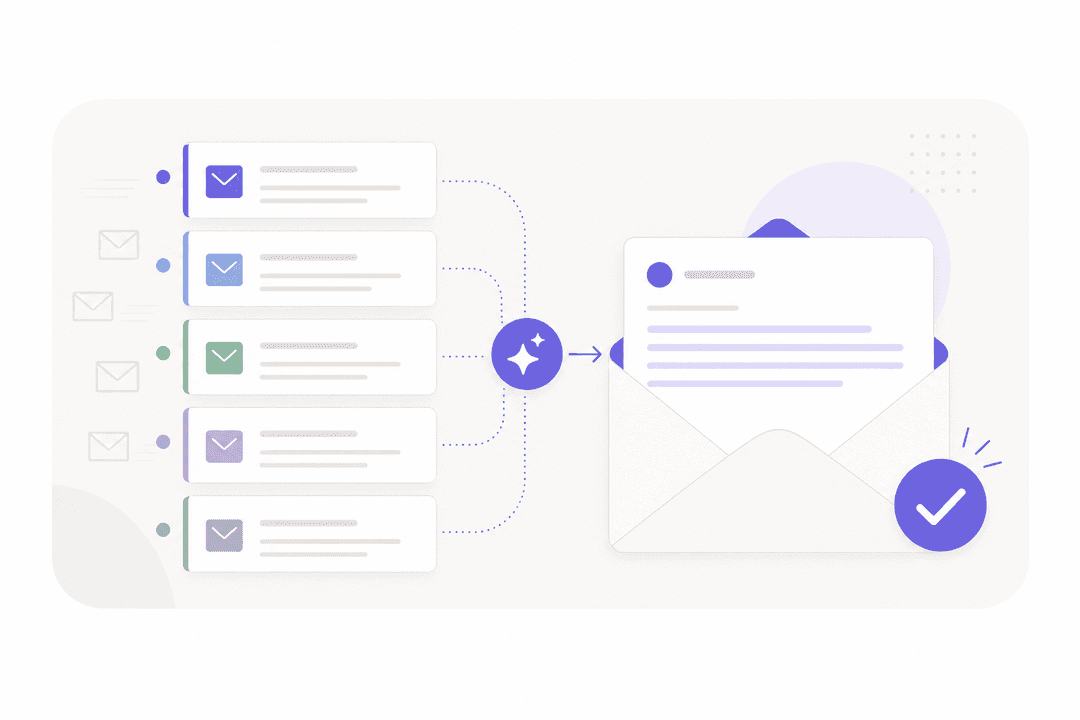
Zendesk has added a lot of AI over the last two years. AI agents handle the customer-facing front line. The Copilot handles something different: it sits inside the agent workspace and helps your human agents in real time - here's what the customer wants, here's the best reply, here's what you should do next.
Whether that's worth $50/agent/month on top of an already-expensive platform is the question. I went through Zendesk's feature pages, pricing tables, and community discussions to give you a complete picture before you commit. If you want a broader look at the full AI feature set, this guide to Zendesk AI capabilities covers all of it.
What is Zendesk AI Copilot?
Zendesk Copilot is an AI-powered agent assist tool built directly into the Zendesk agent workspace. The first thing to understand: Copilot is not a customer-facing bot. It never talks to customers. It assists the human agents who do.
That makes it fundamentally different from Zendesk's AI agents, which handle conversations end-to-end. Copilot kicks in when a human agent opens a ticket, providing real-time context, reply suggestions, and automated action support throughout the interaction.
Zendesk calls it the "only proactive AI assistant" in the support space. It covers two distinct personas:
- Agent Copilot - real-time in-ticket assistance for front-line agents
- Admin Copilot - operational intelligence and recommendations for support managers
How Zendesk Copilot works
When a ticket arrives, Copilot reads the full context: the customer's message, their history, relevant knowledge base articles, past tickets, macros, and any connected external systems. From that, it surfaces several layers of guidance simultaneously.
At ticket open, it detects intent, sentiment, language, and key entities - so agents start reading with context already visible before they've typed a word. As the agent works the ticket, Copilot generates reply suggestions drawn from the knowledge base and macros, and flags the most relevant similar past tickets for complex troubleshooting.
Where Copilot goes further than simple suggestions: if you've written business procedures in natural language and stored them in your knowledge base, Copilot can follow those procedures and execute actions in Zendesk or third-party systems (Shopify, Jira, Slack) on the agent's behalf. Every action requires the agent to approve before it runs.
The setup logic is straightforward: agents never leave their workspace, and every suggestion or action is opt-in. The quality of those suggestions, though, is directly tied to what you've put in.
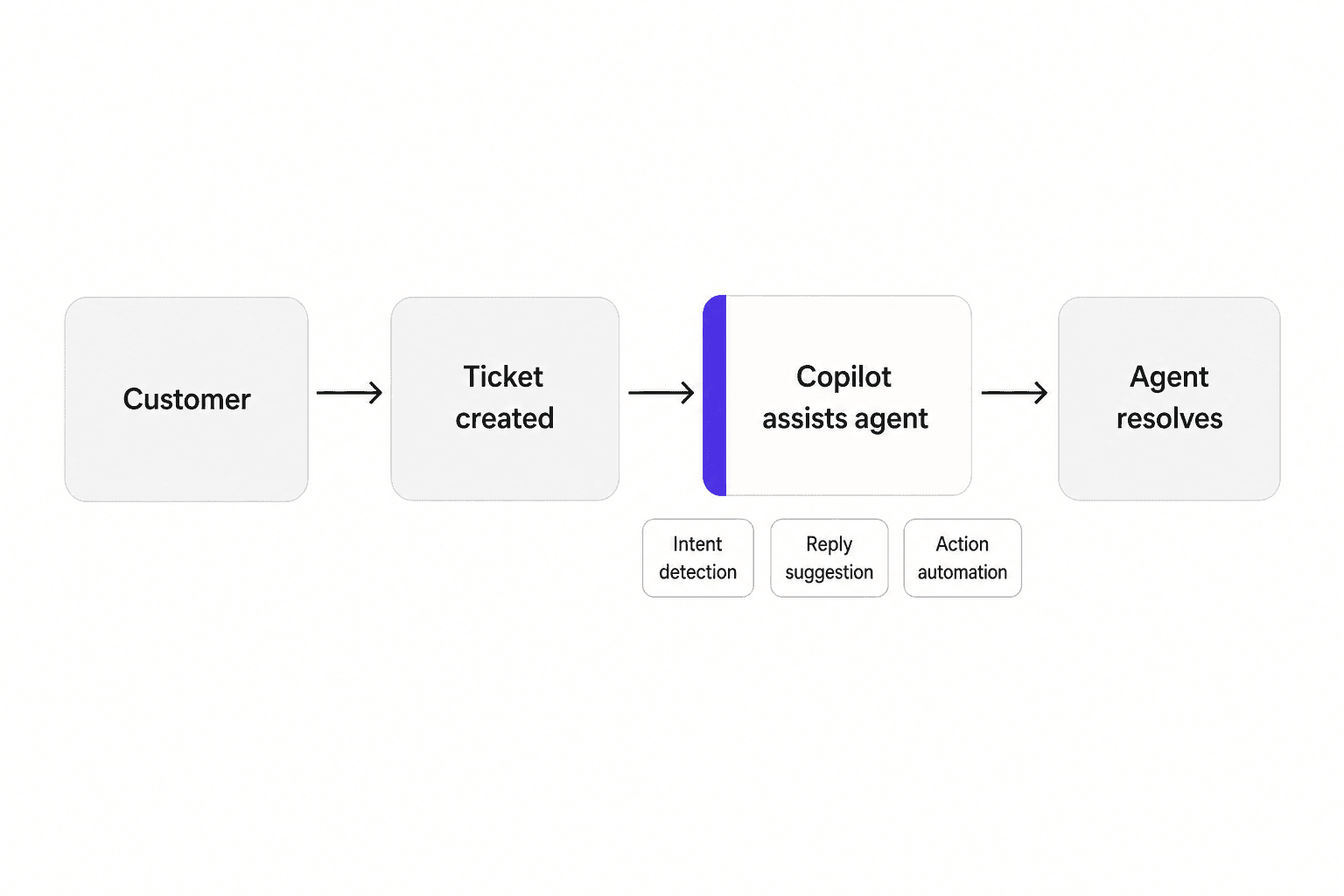
Agent Copilot features
These are the tools agents see directly inside their ticket workspace.
Intent, sentiment, and language detection. As soon as a ticket opens, Copilot flags the customer's intent (e.g., "billing issue"), emotional tone, language, and key entities. Agents start with context already in view. (Features page)
Auto assist and suggested replies. Copilot generates reply suggestions in real time, pulling from your knowledge base, macros, ticket history, and business procedures. Agents accept, edit, or dismiss each suggestion. For high-volume teams, this is the headliner: Rotho's team went from handling 40 tickets per 8-hour shift to 120 tickets using auto assist. Catapult Sports reported that Copilot "cut handle time and boosted response rates" and helped with "complex troubleshooting" globally.
Action automation. When you've written business procedures in natural language (e.g., "if the customer asks for a return and the order is less than 30 days old, issue a return label via Shopify"), Copilot follows those procedures and executes the specified actions in Zendesk or connected systems. Supported systems include Shopify, Jira, and Slack. Agents approve every action before it runs. (Features page)
Similar tickets. Copilot surfaces past resolved tickets that closely match the current one, giving agents a resolution path they can follow without reinventing the wheel each time. (YouTube demo)
Copilot writing tools. AI tone adjustment (formal vs. friendly), grammar/style improvements, and generative reply drafts. A limited version - 5 uses per agent per month - is included in Suite Professional and Enterprise. The full, unlimited version requires the Copilot add-on.
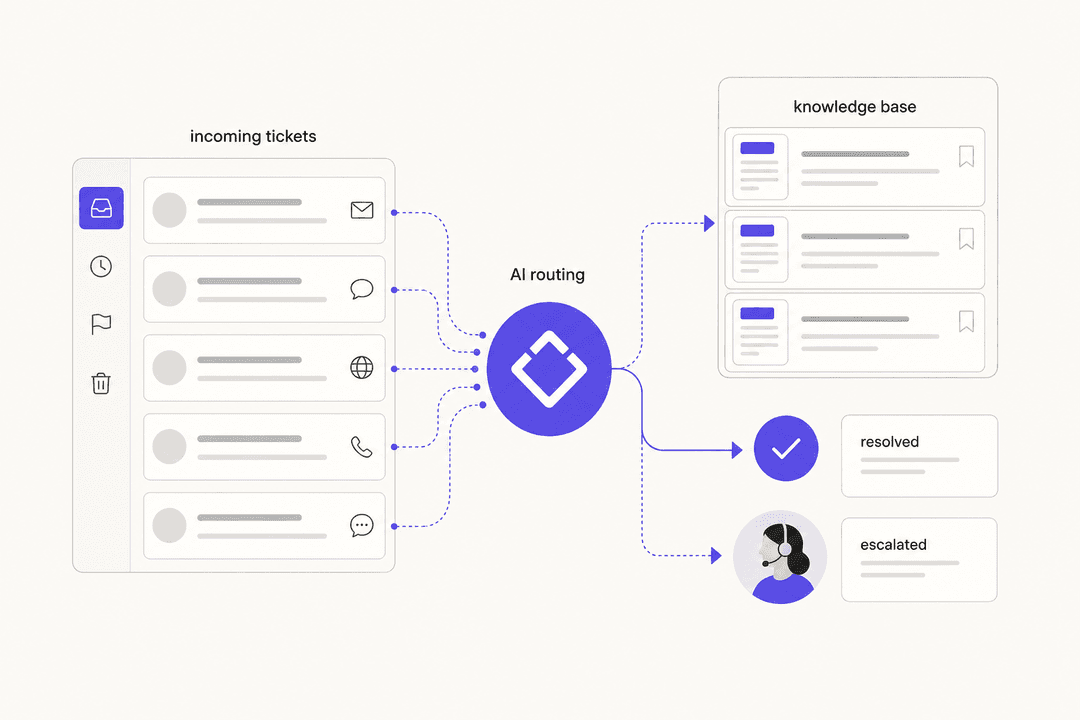
Intelligent triage. AI-powered ticket classification and routing recommendations. Add-on only. (Pricing page)
Actionable insights and suggestions. Proactive surfacing of patterns and recommendations for what replies and workflows to automate. Add-on only.
AI reporting. A Copilot-specific reporting dashboard showing impact metrics. Add-on only.
Admin Copilot features
Copilot also includes a set of tools aimed at support managers rather than front-line agents.
Macro insights for admins. Identifies which macros are underperforming, being edited frequently by agents, or likely candidates for automation. This one tends to surface real operational gaps - macros that agents modify every time they use them are usually doing the wrong thing. Add-on only. (Pricing page)
Proactive operational digest. Admins get a personalized summary of areas needing attention, along with a conversational assistant for asking questions and implementing changes. The idea is to give managers an always-current view of where their team is struggling without needing to pull reports manually. (Zendesk AI page)
Customer need anticipation. Aggregated intent and sentiment data across all tickets, surfacing emerging trends. Useful for catching product issues or policy gaps before they generate a flood of tickets.
Automation precision guidance. AI recommends which triggers, rules, and automations to apply to the highest-volume issue types - a faster path to configuring Zendesk's automation layer than manually reviewing ticket data.
Zendesk Copilot pricing
Copilot is a paid add-on, not included in any base Suite plan. Here's the complete picture:
| Plan | Price (billed annually) | Copilot included? |
|---|---|---|
| Support Team | $19/agent/month | None |
| Suite Team | $55/agent/month | None |
| Suite Professional | $115/agent/month | Writing tools only (5 uses/agent/month) |
| Suite Enterprise | $169/agent/month | Writing tools only (5 uses/agent/month) |
| Copilot add-on | +$50/agent/month | Full access (on any qualifying plan) |
| Suite Professional + Copilot bundle | $155/agent/month | Full access (requires Sales call) |
| Suite Enterprise + Copilot bundle | $209/agent/month | Full access (requires Sales call) |
| AI Expert services | Contact Sales | Implementation consulting |
(Source: Zendesk pricing page)
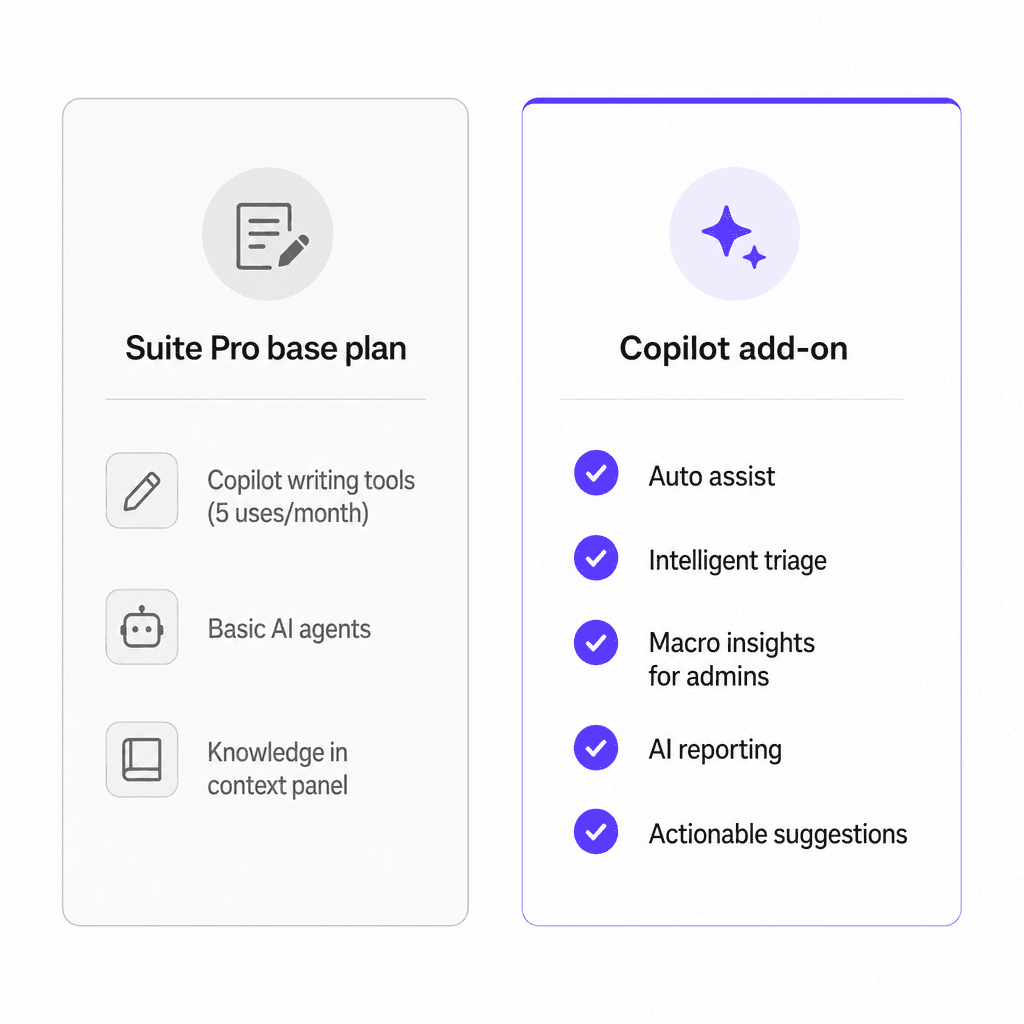
The 5 uses/agent/month included in Suite Pro and Enterprise covers writing tools only - tone adjustment and reply drafting. All of the intelligence features that define Copilot's value (auto assist, intelligent triage, macro insights, AI reporting, actionable suggestions) require the add-on.
For a 20-agent team on Suite Professional, adding Copilot goes from $2,300/month to $3,300/month. The bundle pricing ($155/agent/month) saves a small amount if you're buying Suite and Copilot together, but requires going through Sales rather than self-serve.
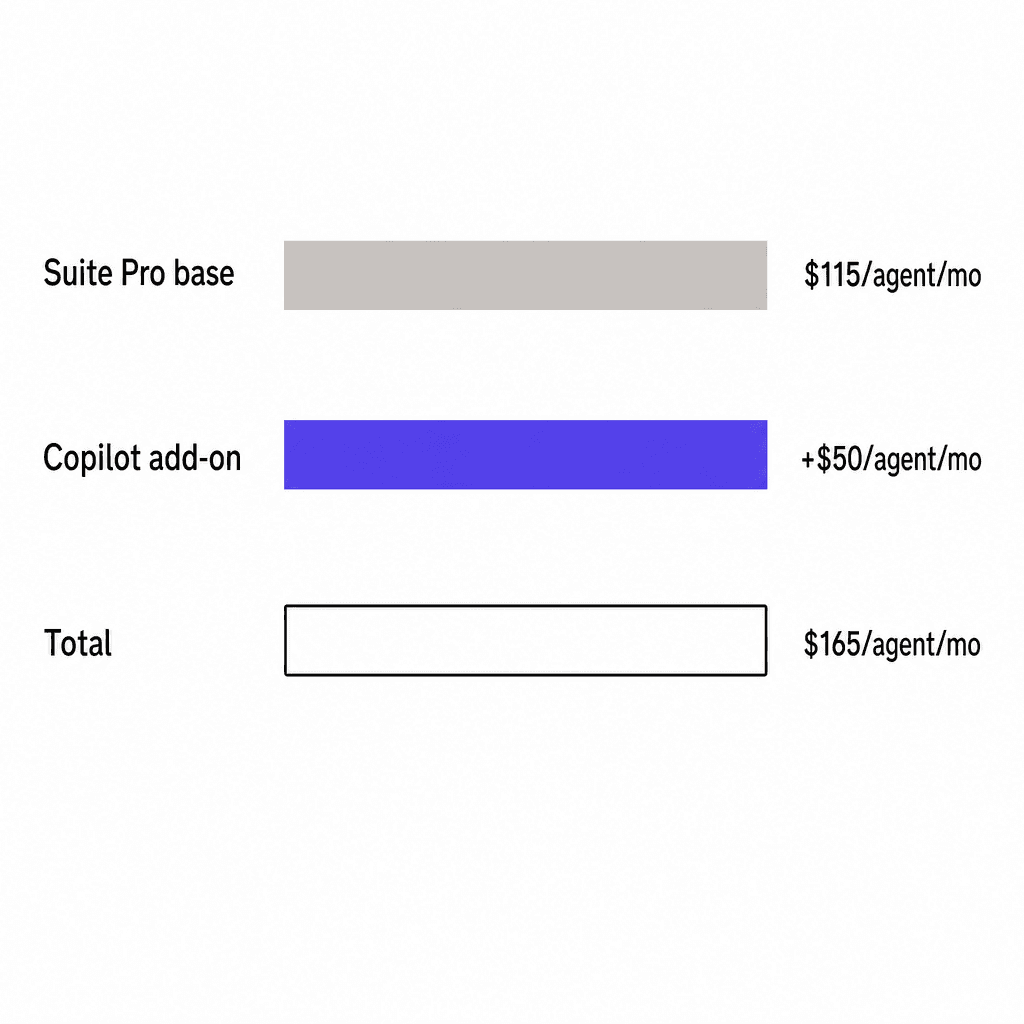
For teams comparing cost models, this breakdown of AI vs. hiring support agents puts the per-ticket economics in context.
What real users say
Zendesk's own marketing cites strong numbers: 82% of Copilot users reported increased agent productivity, 76% saved more valuable time, and 65% reduced operational busy work. Freedom Furniture reported a 92% faster resolution rate and 17% boost in CSAT after adopting Copilot.
The community picture is more nuanced.
On r/Zendesk, the consensus is that results are real but preparation-dependent:
"The mixed reviews you're seeing are real, and honestly most of them come down to how much prep work goes in before you flip it on."
One r/Zendesk user explained exactly why some teams switch away:
"The Co-Pilot stuff is decent, but we found its effectiveness really depends on having a perfectly curated Zendesk knowledge base, which... ours isn't, lol. If the answer isn't in a neat KB article, it tends to struggle - that's actually why we went with a third-party tool instead of the native ZD AI."
- u/ToastBix, r/Zendesk
On G2 in May 2026, a Head of Customer Experience at a small business gave Zendesk 4/5 stars but flagged the onboarding:
"I think Zendesk is adding a lot of new features, especially with all of the AI integrations and their copilot. I think that the way that they are set up is a little burdensome to actually onboard."
- Paul S., G2 review, May 2026
Pricing frustration appears consistently across Trustpilot:
"The money grab by Zendesk with its customers is real. The pricing model of a fixed license cost plus the AI fixed cost plus the Resolution cost is too much. Only providing fifteen resolution credits per month is not enough for SMBs to see a return on investment."
- Verified reviewer, Trustpilot
Practitioners also report that adoption takes longer than expected. Checkthat.ai's aggregate analysis of G2, Reddit, and TrustRadius data puts meaningful AI feature adoption at 4 to 6 weeks, with experienced agents tending to resist it more than newer team members.
Limitations worth knowing before you buy
Knowledge base dependency. Copilot's most consistent limitation across all platforms. Suggestions are only as good as the source material, and Zendesk is explicit about this in its own blog: teams need to maintain their knowledge base like they would onboard a new teammate. Teams with sparse or inconsistently maintained KB content see poor outputs. Building a solid knowledge base before enabling Copilot is effectively a prerequisite, not an afterthought.
No shared knowledge base with AI agents. Copilot is trained separately from your existing AI agent content. According to Swifteq's technical analysis, if you've already built out AI agent training, you can't reuse it for Copilot - it requires a separate setup. Internal documentation like Notion or Google Docs cannot be connected to Copilot at all.
Industry restrictions. As of this review, Copilot's intent predictions are trained for specific listed industries, with e-commerce/Shopify as the primary documented use case. Teams outside those supported verticals may find some intent features deliver less value than the marketing suggests.
Onboarding is not frictionless. Zendesk's own documentation frames Copilot adoption as "a marathon, not a sprint." The G2 feedback confirms this is real-world experience rather than theoretical caution. Budget for 4 to 6 weeks to reach meaningful adoption, not the first week.
The 5 uses/month included in Suite Pro is nearly nothing. If you're on Suite Professional and assumed you have Copilot, you have writing tools at 5 uses per agent per month. Auto assist, intelligent triage, macro insights, and AI reporting all require the $50/agent/month add-on. This is a common source of confusion in reviews.
Who Zendesk Copilot is best for
Copilot is a strong fit when:
- Your knowledge base is already well-maintained. The ROI compounds with quality source material; it's weak without it.
- You're running 20 or more agents where $50/agent/month in productivity gains can pay for itself through handle time reduction.
- Your model is human-agent-centric - you're not trying to automate tickets end-to-end, you're trying to make human agents meaningfully faster.
- You're an e-commerce team using Shopify and want automated returns and field-update actions within your existing Zendesk workflow.
It's a harder case when:
- Your knowledge base is thin or inconsistently maintained. Fix that first, or Copilot will underdeliver.
- You're a smaller team where $50/agent/month represents a real budget line. For those teams, automating tickets directly using a per-ticket model often delivers better cost-per-resolution.
- You want AI to handle tickets without human agents in the loop at all. Copilot is an assist tool by design. For autonomous resolution, you'd need Zendesk's own AI agents or a third-party solution running on top of Zendesk.
Try eesel AI for Zendesk
If you're on Zendesk and want AI that resolves tickets end-to-end rather than assisting agents, eesel AI for Zendesk is built for that.
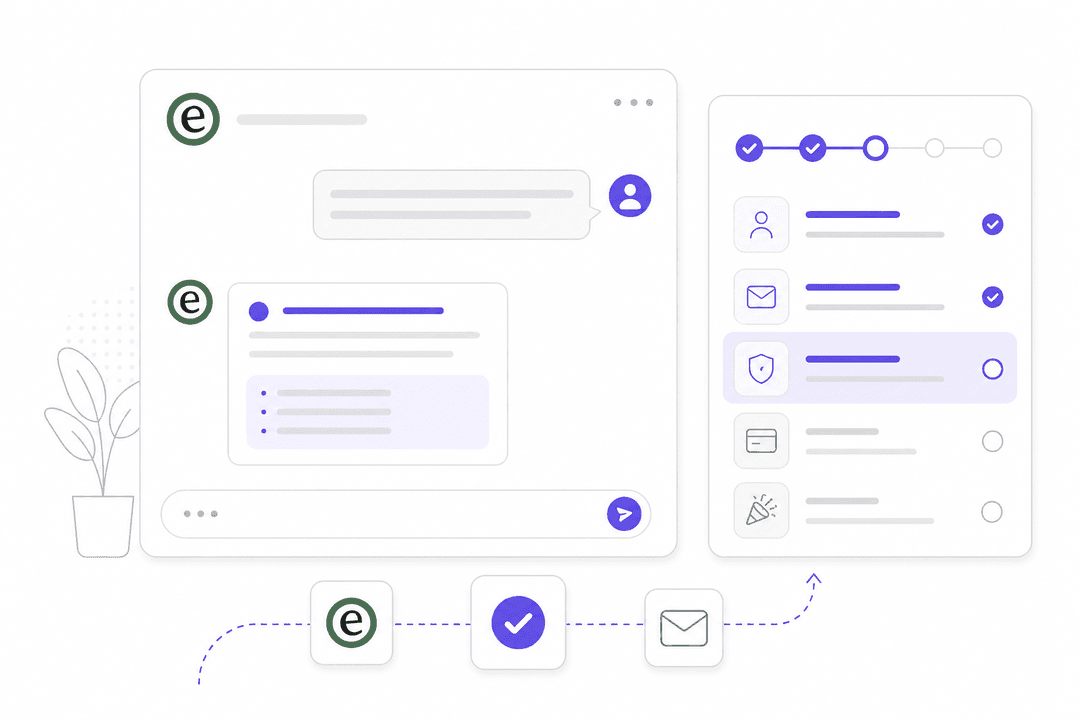
Eesel installs directly as an agent inside your Zendesk, learns from your existing tickets, help center articles, and macros on day one, and handles tickets autonomously - drafting replies, triaging, escalating when needed. Unlike Copilot, eesel connects to external sources including Google Docs, Confluence, and Slack, so the documentation your team already has is in scope without a separate training process.
Pricing is $0.40 per ticket resolved, with no platform fee and no per-seat charges. Smava uses it to handle 100,000+ support tickets per month in German. Gridwise's team reported 73% resolution of tier-1 requests in the first month of their trial.
You can start free with $50 in included usage - no credit card required.

Frequently Asked Questions
Share this article

Article by
Stevia Putri
Stevia Putri is a marketing generalist at eesel AI, where she helps turn powerful AI tools into stories that resonate. She’s driven by curiosity, clarity, and the human side of technology.