
Adding SMS to your support channels lets you meet customers where they already are: their phones. While email and chat have their place, text messaging offers something those channels cannot match. Messages get opened, responses come quickly, and conversations feel personal.
But once you decide to add SMS to your Zendesk instance, you face a choice. Do you use Zendesk's built-in Text channel? Or do you integrate a third-party SMS provider? Each approach has different capabilities, costs, and setup requirements.
This guide walks you through everything you need to know about Zendesk messaging SMS. We'll cover native options, compare leading third-party integrations, explain setup steps, and help you choose the right solution for your team.
What is Zendesk messaging channel SMS?
Zendesk messaging channel SMS refers to the ability to send and receive text messages through your Zendesk help desk. When customers text your support number, their messages create tickets. Agents can reply directly from the Zendesk interface, and the entire conversation history gets tracked alongside your other support channels.

There are two main approaches to enabling SMS in Zendesk:
Native Zendesk Text: Built into Zendesk Talk, this option uses Zendesk's infrastructure (often with Twilio as the underlying carrier) to handle SMS. Everything stays within the Zendesk ecosystem.
Third-party integrations: Dedicated SMS platforms like Twilio, Heymarket, or Textline connect to Zendesk via APIs and widgets. These often provide more advanced messaging features.
The key difference? Native SMS keeps things simple but limited. Third-party tools add complexity in exchange for richer functionality. Your choice depends on what you need SMS to do for your support operation.
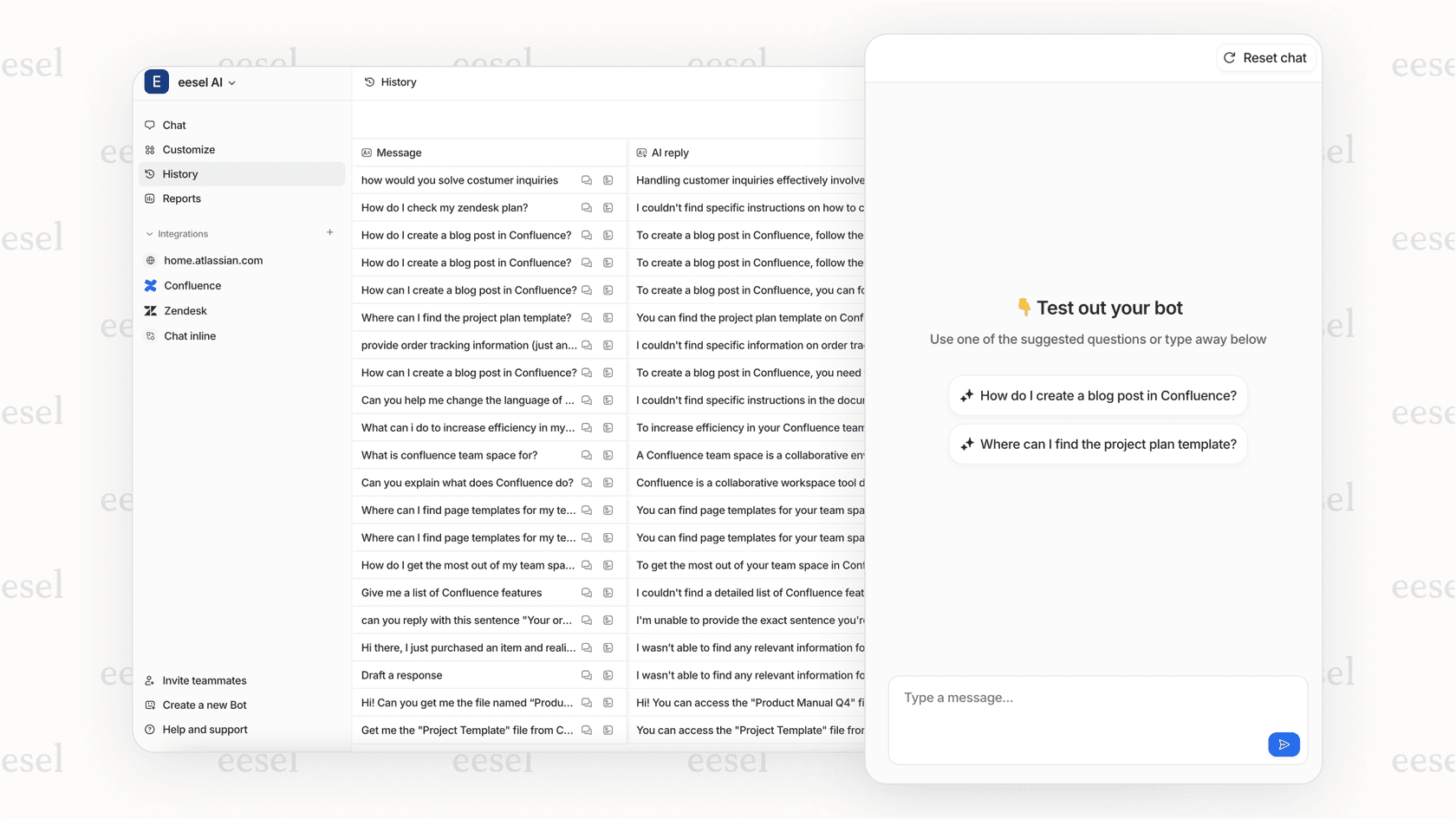
For teams exploring AI-powered support alternatives, eesel AI's Zendesk integration offers automated ticket handling that complements your messaging channels.
Native Zendesk Text vs. third-party SMS integrations
Native Zendesk Text
Zendesk's built-in Text channel is available as an add-on to Suite Team plans and above. It integrates directly with your existing ticket workflows and requires no external tools.
Advantages:
- No additional vendor relationships to manage
- Native ticket triggers and automation support
- Agents work entirely within Zendesk
- Unified reporting with other channels
Limitations:
- Approximately 250 notifications per day limit before carriers may flag your number for spam
- Messages cannot exceed 1,600 characters
- Limited customization options
- Requires A2P 10DLC registration for US business texting
Source: Zendesk SMS limitations documentation
Third-party integrations
Dedicated SMS platforms offer features that go beyond what Zendesk's native Text provides. These include shared inboxes, campaign tools, advanced automations, and multi-channel messaging.
| Factor | Native Zendesk Text | Third-party Integration |
|---|---|---|
| Setup complexity | Low | Low to High |
| Message volume limits | ~250/day (spam threshold) | Typically higher |
| Multi-channel (WhatsApp, FB Messenger) | Limited | Usually included |
| Campaign/broadcast features | No | Yes |
| Shared inbox for teams | Basic | Advanced |
| Pricing | Zendesk plan + add-on | Per-message or per-user |
For most small teams, native SMS handles the basics fine. But if you plan to scale messaging, run campaigns, or need sophisticated team collaboration around texts, a third-party tool becomes worth considering.
Top SMS integration providers for Zendesk
Twilio
Twilio is the communications platform powering many SMS integrations, including Zendesk's native Text channel. It offers direct API access for custom implementations.
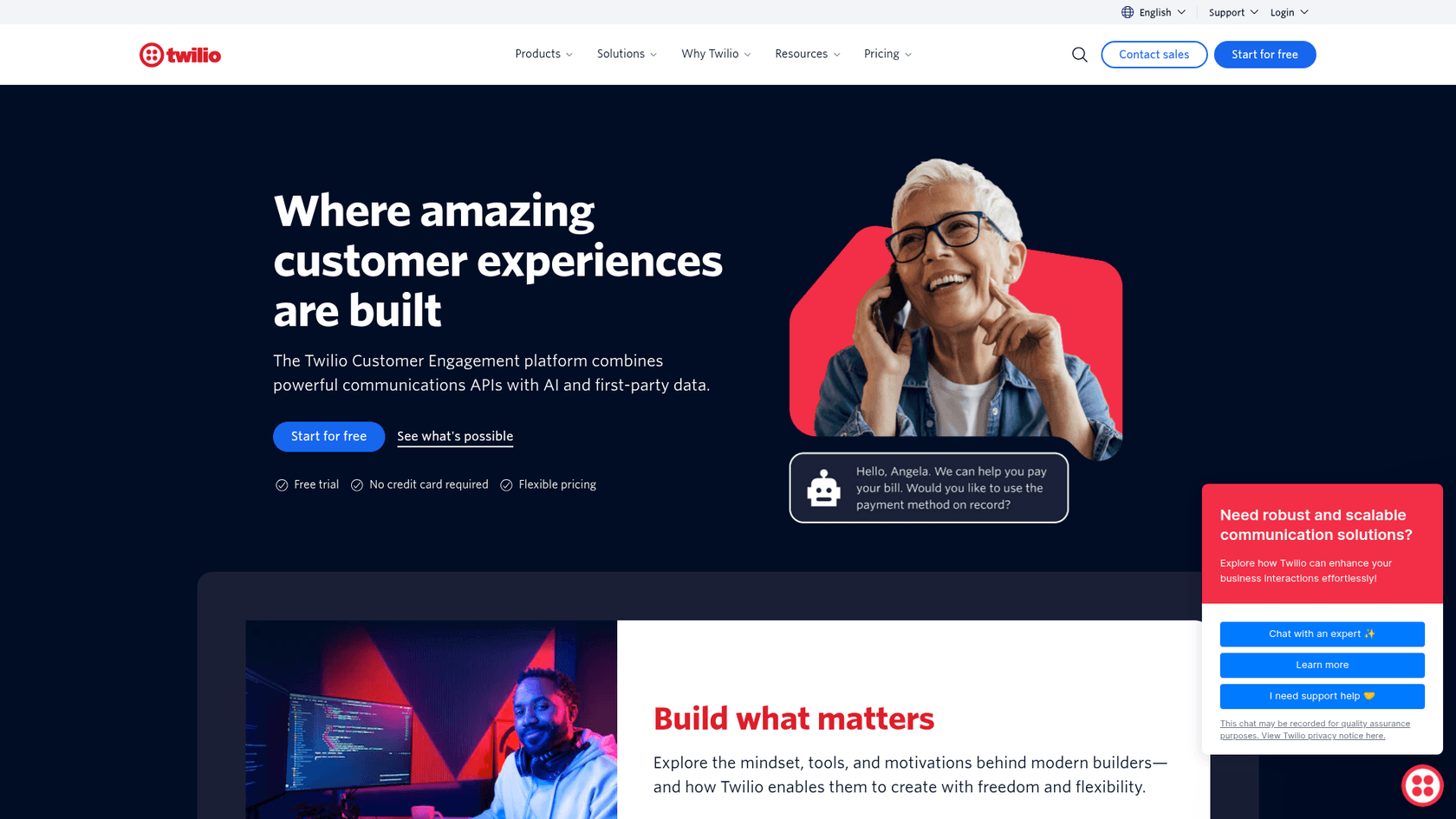
Pricing: Starting at $0.0083 per message sent or received, with volume discounts available. Phone numbers are additional.
Key features:
- Programmable SMS API for custom workflows
- Support for SMS, MMS, RCS, and WhatsApp
- Global messaging to 180+ countries
- Advanced delivery tracking and analytics
Setup complexity: High. Integrating Twilio directly with Zendesk requires webhook configuration, API setup, and technical expertise. Most teams use Twilio through a higher-level integration rather than building their own.
Best for: Development teams, businesses needing custom SMS workflows, and organizations requiring global messaging capabilities.
Heymarket
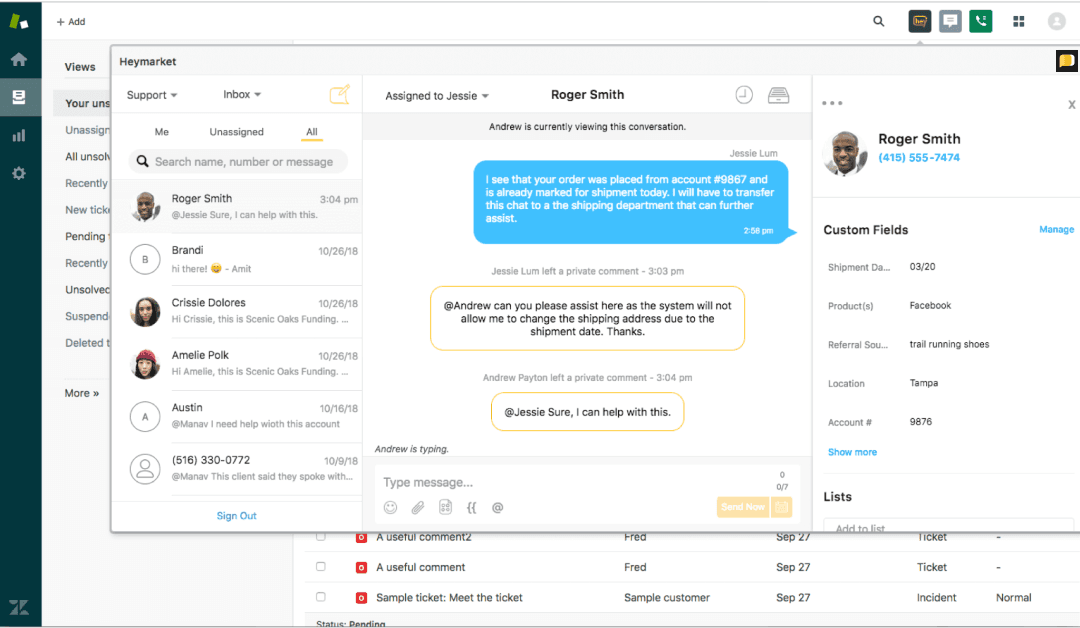
Heymarket positions itself as a business text messaging platform with strong team collaboration features. Its Zendesk integration works through a widget embedded in your Zendesk interface.
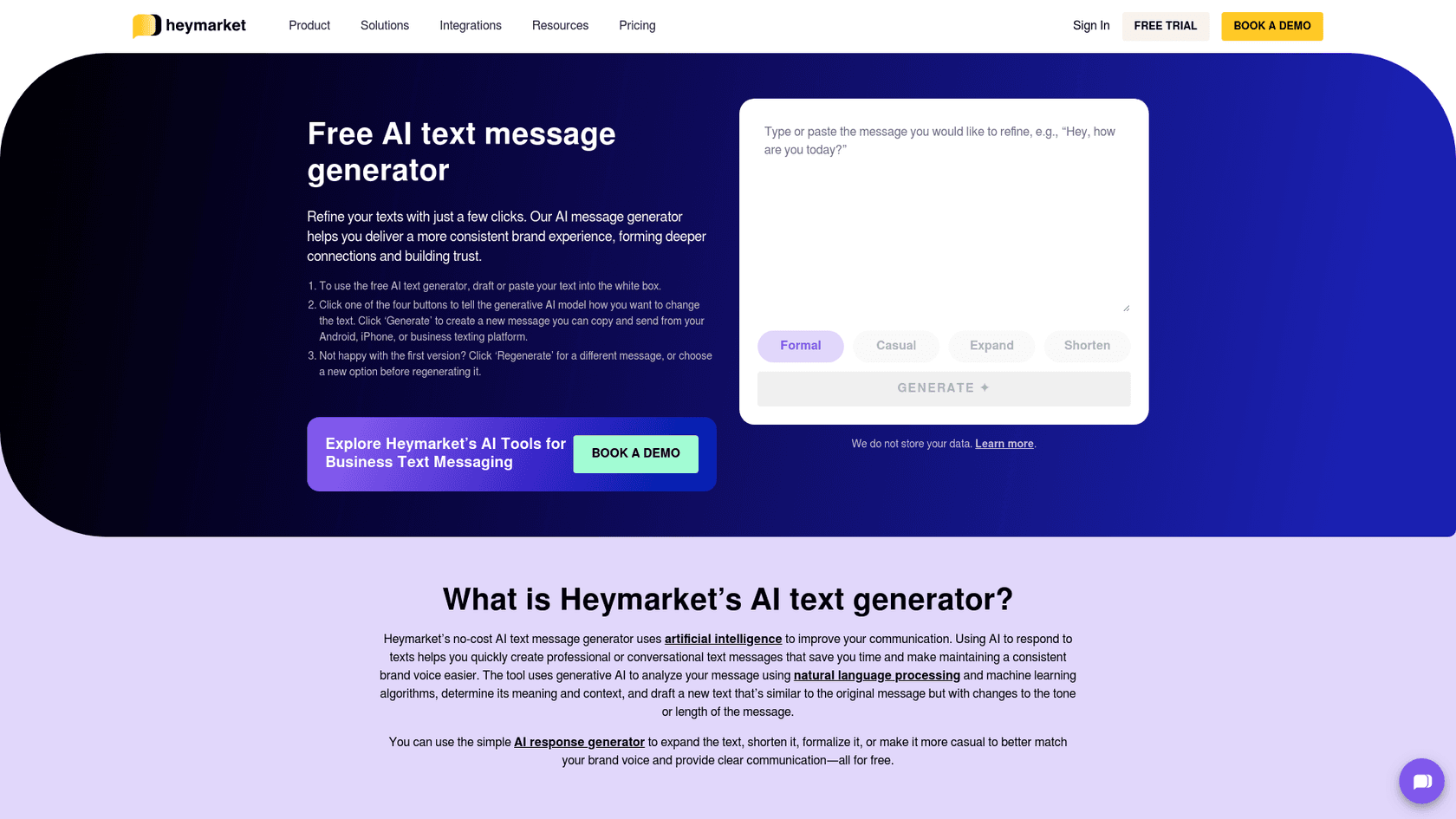
Pricing: $20 per user per month (Standard plan, billed annually). Plus plan at $41/user/month adds automations and campaigns. Pro plan at $62/user/month includes API access and advanced security.
Key features:
- Shared inbox with team assignments
- Multi-channel support (SMS, WhatsApp, Facebook Messenger, Instagram, Apple Messages)
- Templates and merge tokens for personalization
- Campaigns and list broadcasts
- AI assistance for message tuning and translation
Setup complexity: Low. The Zendesk integration installs as a widget and connects via OAuth.
Best for: Small to medium businesses wanting simple integration with multi-channel capabilities.
Textline
Textline focuses on business texting with features designed for support teams. It offers both a top bar widget and ticket sidebar integration with Zendesk.
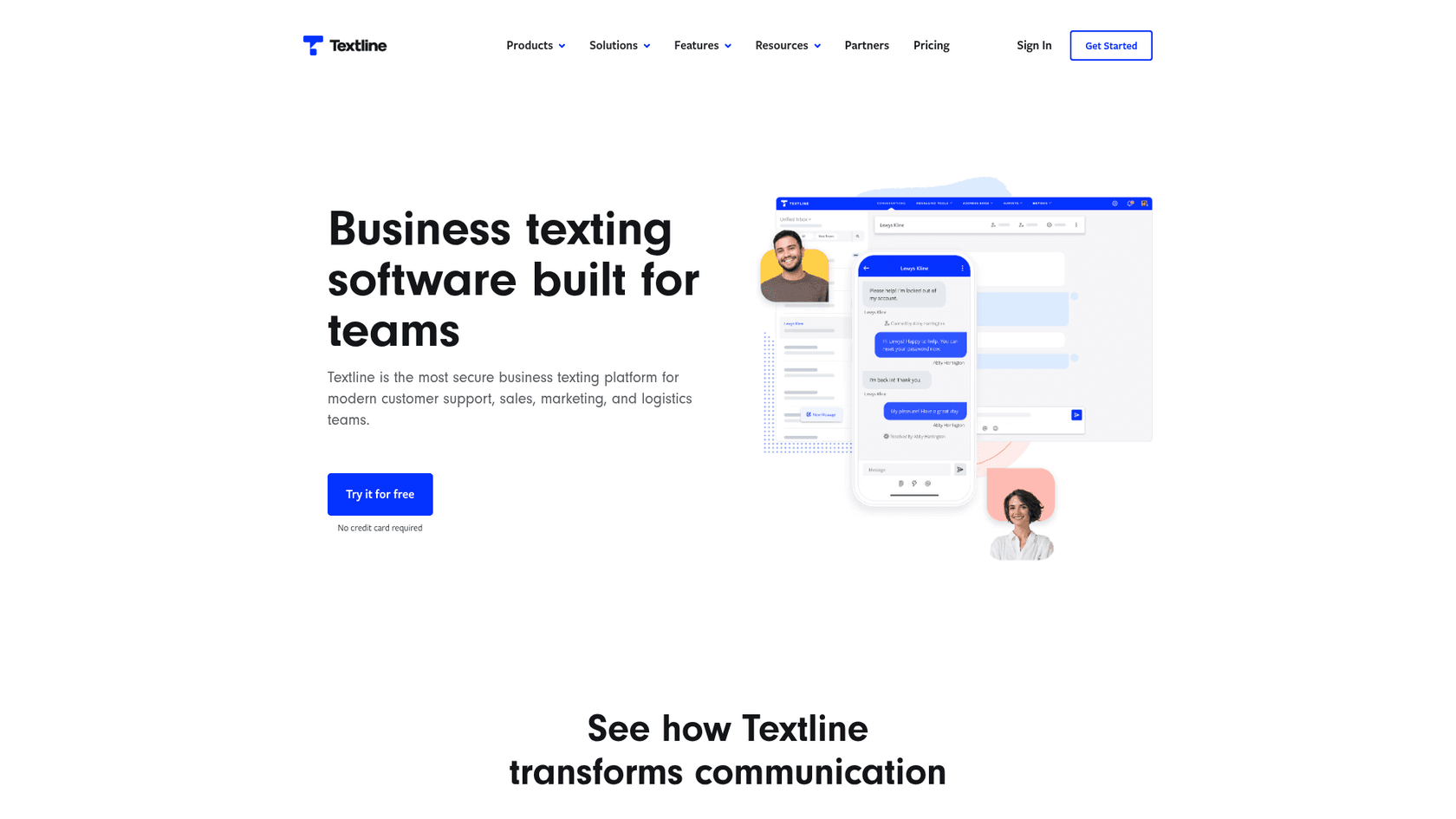
Pricing: Essentials plan includes 600 message credits and 3 agents. Pro plan includes 2,000 credits and 5 agents with priority support. Enterprise offers custom pricing. Add-on credits cost $0.03 each.
Key features:
- Top bar and ticket sidebar widgets
- Shortcuts for message templates
- Transfer conversations between agents
- Whispers (private notes for team discussions)
- NPS and CSAT surveys
- HIPAA-compliant plans available
Setup complexity: Low. Connect via OAuth and install the Zendesk Marketplace app.
Best for: Support teams needing collaboration features and healthcare organizations requiring HIPAA compliance.
Babelforce
Babelforce is a composable contact center platform that includes SMS alongside voice capabilities. It targets enterprise teams with complex routing needs.
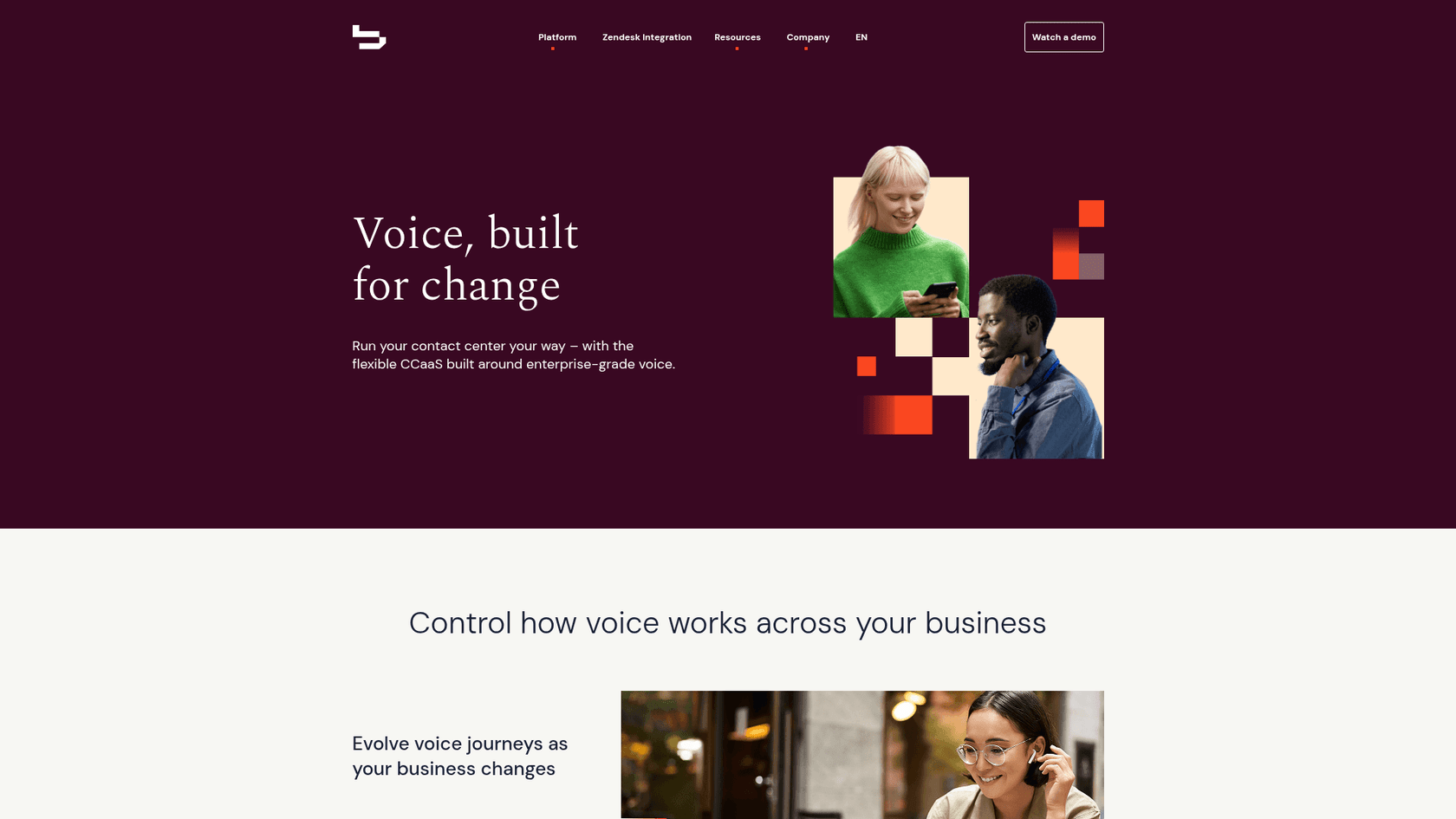
Pricing: Custom pricing based on agents, volume, and integration requirements. Not publicly disclosed.
Key features:
- Omni-channel conversation management
- Advanced automation and routing
- No-code flow builder
- Voice + SMS integration
- Real-time analytics
Setup complexity: High. Requires automation configuration and API setup.
Best for: Enterprise contact centers needing complex routing and voice + SMS integration.
TxtImpact
TxtImpact focuses on campaign-based texting with survey and marketing features alongside its Zendesk integration.
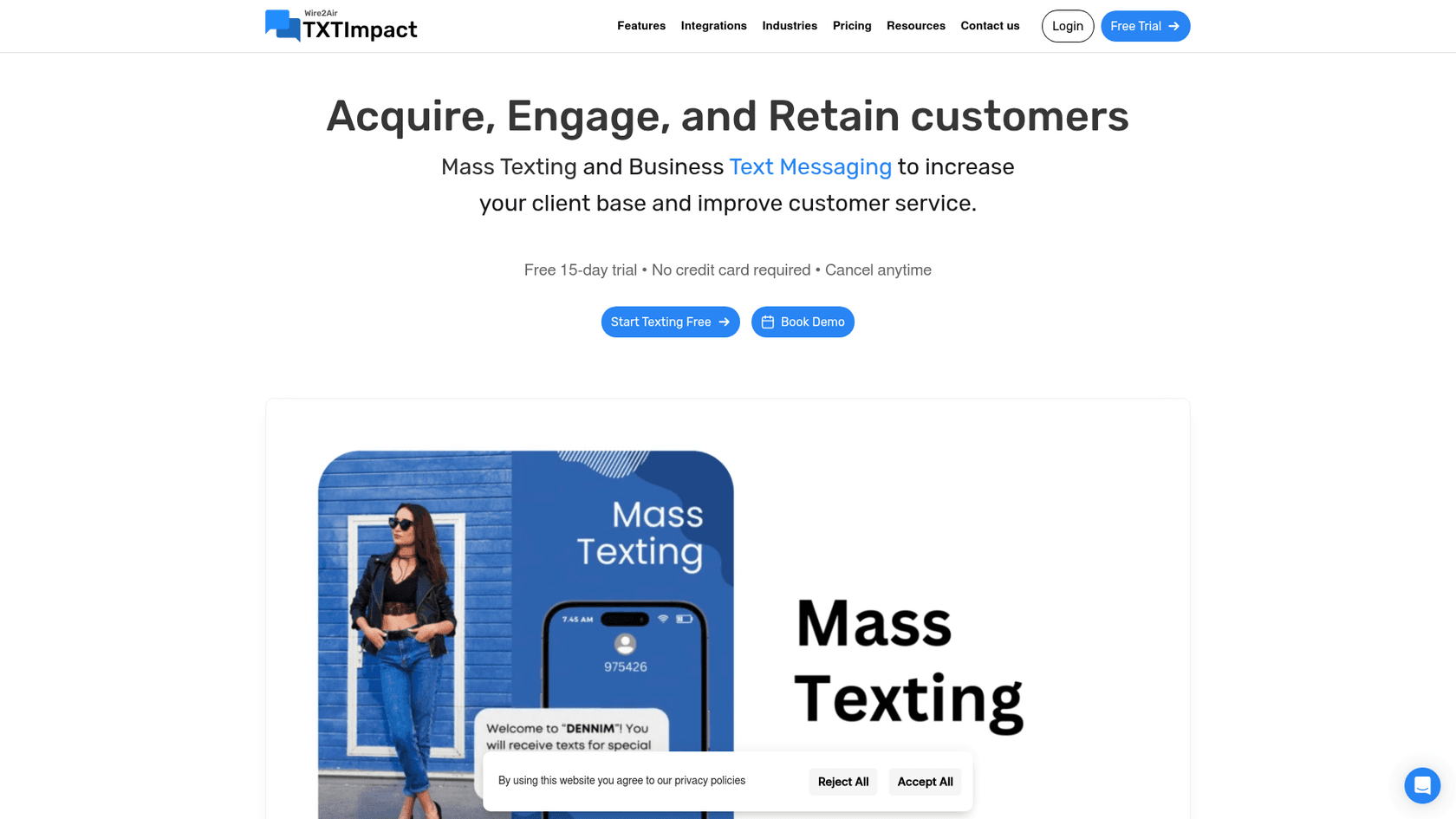
Pricing: $29 to $299 per month depending on message volume (500 to 9,000 credits included). Additional credits at $0.03-$0.05 each.
Key features:
- Campaign-based messaging
- SMS surveys and polls
- MMS picture messaging
- Contact management and segmentation
- Auto-replies
Setup complexity: Medium. Requires campaign configuration.
Best for: Marketing teams running SMS campaigns alongside support.
How to set up SMS in Zendesk
Setting up native Zendesk Text
- Access Admin Center - Go to Admin Center > Channels > Talk and Email
- Add a phone number - Select "Phone Numbers" and add an SMS-enabled number
- Enable Text - Once the number is added, enable Text in the number's settings
- Configure routing - Set which groups or agents receive SMS tickets
- Set up triggers - Create triggers for auto-replies or automated routing
- Test - Send a test message to confirm tickets are created correctly
Setting up a third-party integration
The exact steps vary by provider, but the general process is:
- Create an account with your chosen SMS provider
- Get a phone number through the provider or text-enable your existing number
- Connect to Zendesk - Most providers offer an OAuth connection or API token setup
- Install the app - Add the provider's app from the Zendesk Marketplace
- Configure sync settings - Choose how incoming texts create tickets and how replies sync
- Test the flow - Send test messages to verify bidirectional sync works
Most providers offer 7 to 14-day free trials, letting you test before committing.
A2P 10DLC compliance and SMS regulations
If you're texting customers in the United States, you need to understand A2P 10DLC. This system registers business text senders to reduce spam and improve delivery rates.
What is A2P 10DLC?
A2P (Application-to-Person) 10DLC (10-Digit Long Code) is the standard for business texting in the US. It requires registration of your business and your texting use case with carriers.
Registration requirements
- Brand registration - One-time fee of approximately $4
- Campaign verification - One-time fee of approximately $15
- Monthly campaign fee - Typically $10 per month per use case
Source: Zendesk A2P 10DLC documentation
Why compliance matters
Unregistered numbers face:
- Message filtering and blocking
- Higher carrier fees
- Poor delivery rates
- Potential carrier suspension
All the providers covered in this guide support A2P 10DLC registration. Most handle the registration process for you or provide guidance through it.
International considerations
Outside the US, SMS regulations vary:
- Canada: Similar requirements to US, toll-free verification needed
- EU: GDPR requires explicit consent for marketing texts
- UK: ICO guidelines require opt-in consent
Always check local regulations before launching SMS support in new markets.
Choosing the right Zendesk SMS solution
Your ideal SMS setup depends on your team size, technical resources, and messaging goals.
Decision framework
| If you need... | Consider... |
|---|---|
| Basic SMS with minimal setup | Native Zendesk Text |
| Custom workflows and global reach | Twilio (direct integration) |
| Multi-channel messaging (SMS + WhatsApp + social) | Heymarket or Textline |
| Campaign tools and surveys | TxtImpact or Heymarket Plus |
| Enterprise contact center with voice + SMS | Babelforce |
| HIPAA compliance | Textline or Heymarket |
Budget considerations
- Low volume (under 500 SMS/month): Native Zendesk Text or TxtImpact Basic
- Medium volume (500-2,000 SMS/month): Heymarket Standard, Textline Pro
- High volume (2,000+ SMS/month): Twilio direct integration for lowest per-message costs
- Enterprise (complex routing): Babelforce (custom pricing)
Technical resources
- No developers: Heymarket or Textline (widget-based, minimal setup)
- Some technical staff: Native Zendesk Text or TxtImpact
- Development team available: Twilio direct integration for maximum flexibility
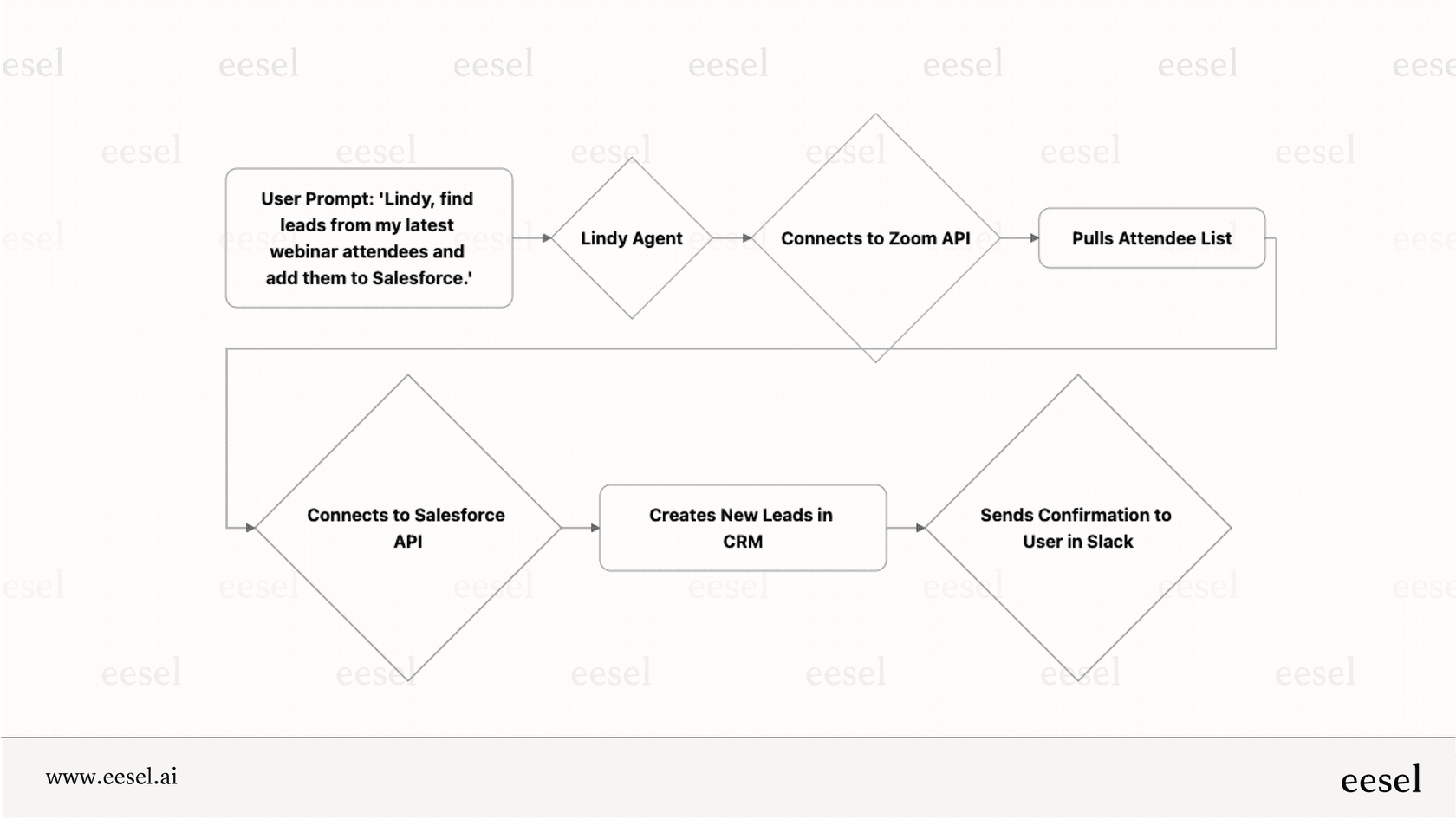
While you're evaluating messaging solutions, consider how eesel AI's AI Agent can automate responses across all your channels, including SMS, to reduce agent workload.
Enhance your Zendesk support with AI
SMS is just one channel in your support ecosystem. While it helps you reach customers on their phones, it still requires agents to handle each conversation manually. AI-powered support changes this dynamic.
eesel AI's Zendesk integration automates ticket handling across all channels, including SMS. Our AI learns from your past tickets, help center articles, and macros to draft responses that match your brand voice.
You can start with eesel AI Copilot to suggest replies that agents review before sending. As the AI proves itself, level up to our AI Agent to handle common requests autonomously while escalating complex issues to your team.

The combination works well: SMS gives customers an easy way to reach you, and AI helps your team respond faster without sacrificing quality. If you're already investing in messaging infrastructure, adding AI automation is a logical next step.
Ready to see how AI can transform your Zendesk support? Try eesel AI free and see how it works with your existing SMS setup.


