Picture this: a customer texts your support line asking about a product. With traditional SMS, you send a plain text reply with a link. The customer clicks, waits for your site to load, then tries to find what they need. Most of the time, they give up.
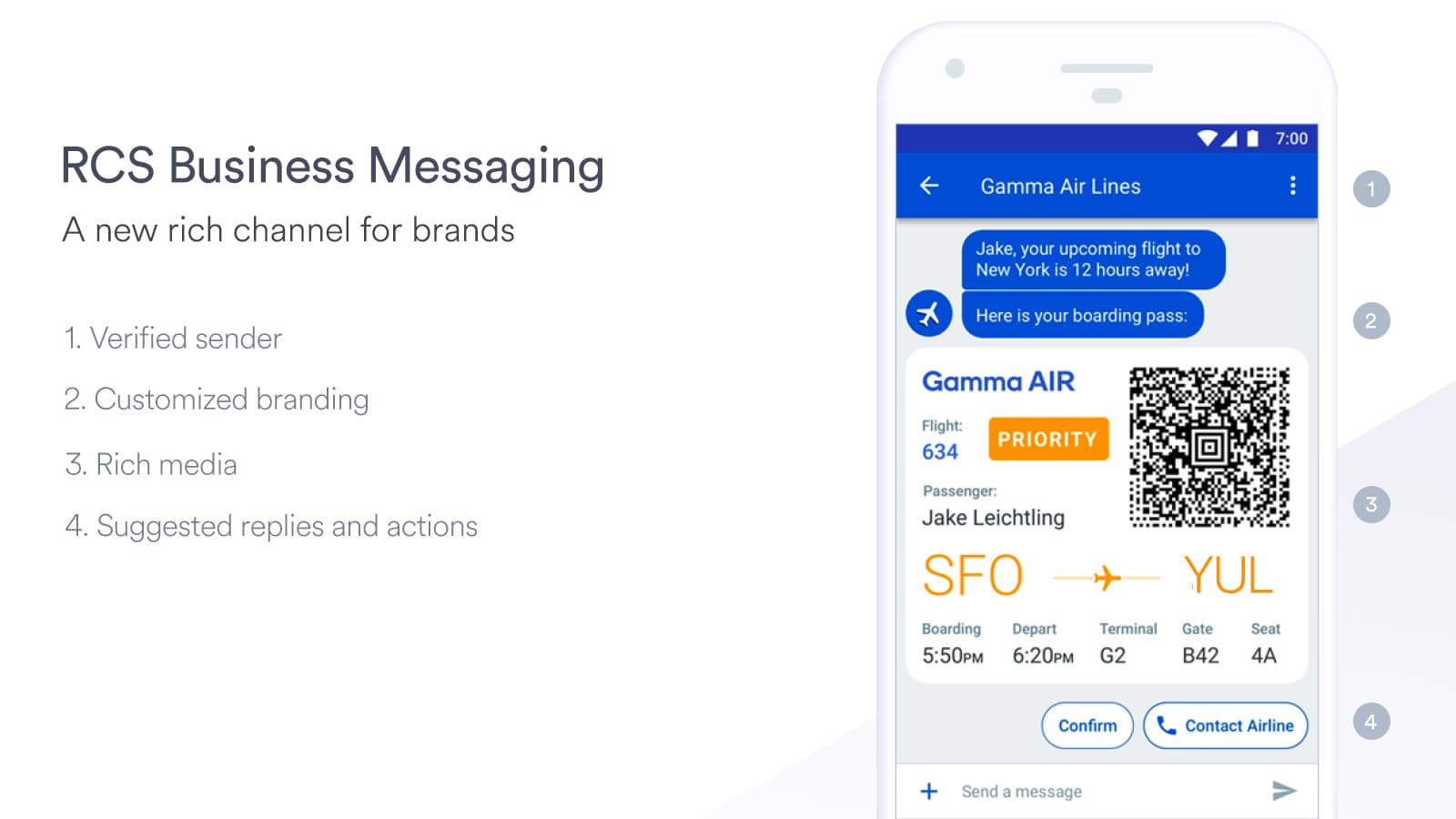
Now imagine the same scenario with RCS (Rich Communication Services). Your reply includes a branded message with high-quality product images they can swipe through, suggested actions to check stock or buy directly, and verified sender credentials that build instant trust. The customer completes their purchase without ever leaving their messaging app.
This is the difference RCS messaging makes for customer service. And if you're using Zendesk, you already have pathways to implement it.
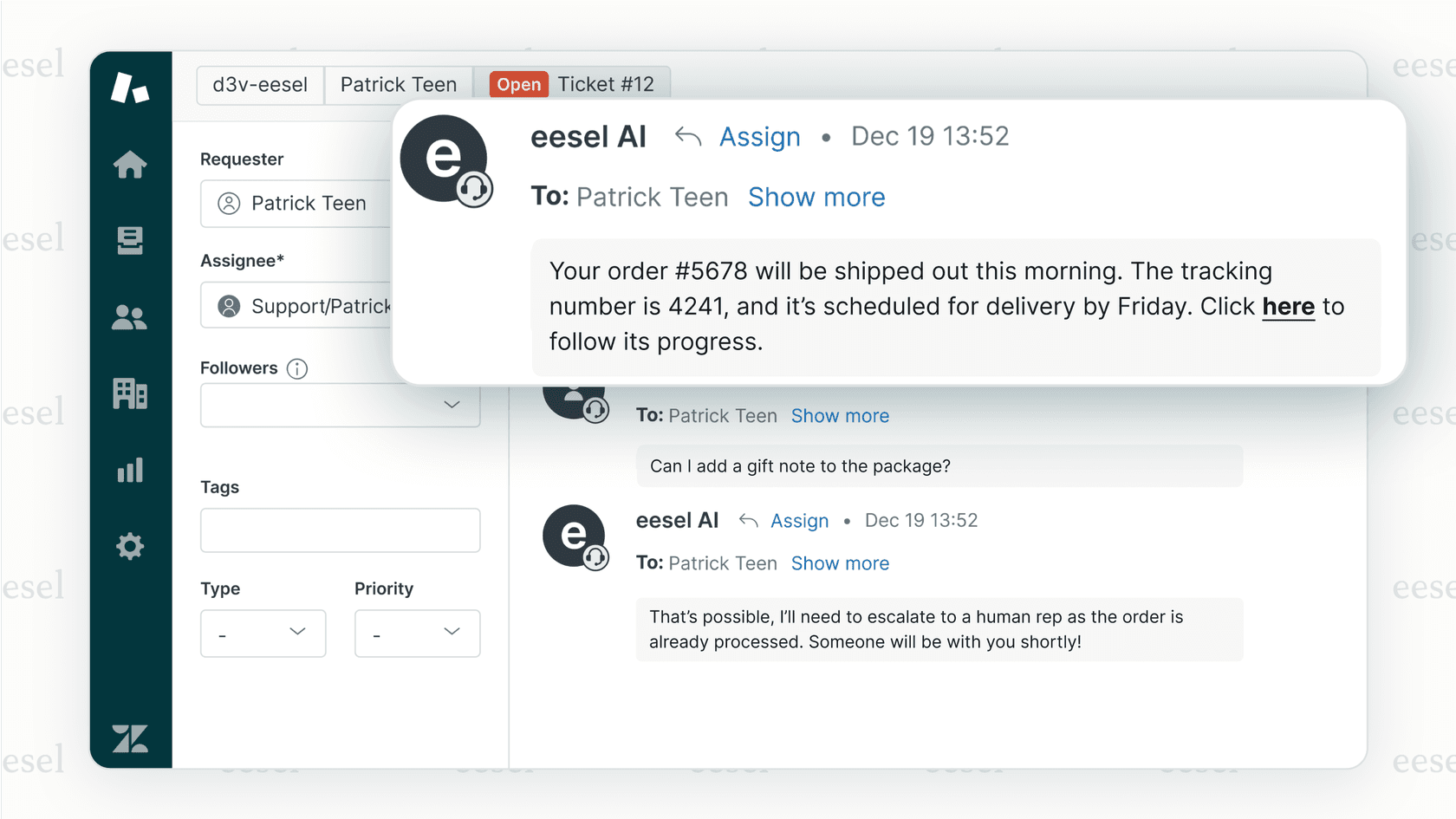
At eesel AI, we see teams struggling with the same question: how do you upgrade from basic messaging to rich, interactive conversations? This guide walks you through setting up Google RCS as a messaging channel in Zendesk, what it means for your customer experience, and how to get started.
| Feature | SMS | RCS |
|---|---|---|
| Character limit | 160 | No practical limit |
| Media quality | Low-res MMS | High-res images, video, GIFs |
| Read receipts | No | Yes |
| Typing indicators | No | Yes |
| Verified sender | No | Yes (blue checkmark equivalent) |
| Interactive elements | Links only | Buttons, carousels, quick replies |
| In-message actions | No | Payments, scheduling, forms |
Source: https://www.zendesk.com/blog/what-is-rcs-messaging/
How RCS works technically
RCS messages travel over your carrier's data network rather than the traditional SMS infrastructure. For businesses, this means partnering with Google through their RCS Business Messaging platform (formerly Jibe) to send verified, branded messages to Android devices.
Here's the catch: both sender and receiver need RCS support. If either party lacks it, the message falls back to SMS automatically. This fallback happens silently, so your customers always receive something, but you lose the rich features.
Currently, RCS works on:
- Most Android devices with Google Messages or Samsung Messages
- Major carriers including AT&T, Verizon, T-Mobile, and Sprint
- iOS has limited support through carrier implementations
Source: https://www.zendesk.com/blog/what-is-rcs-messaging/
Why use RCS for customer service in Zendesk?
The business case for RCS goes beyond "nicer-looking messages." Companies using RCS through Zendesk integrations see measurable improvements in engagement and efficiency.
Real performance data
| Metric | Improvement | Source |
|---|---|---|
| Mobile engagement | 17x increase vs SMS | Bodemer Auto campaign |
| Conversion rates | 140% higher with visual campaigns | Subway RCS campaign |
| Average handle time | 22% reduction | DISH support implementation |
| Customer satisfaction | 85% CSAT scores | Levi's Google Business Messages |
Source: https://www.zendesk.com/blog/what-is-rcs-messaging/, https://www.zendesk.com/blog/google-business-messages/
What drives these results?
Customers stay in the conversation. Instead of clicking links and navigating websites, they complete actions directly in the message thread. Schedule appointments, make purchases, or submit information without context switching.
Agents see real engagement data. Read receipts and typing indicators let support teams know when customers are actively engaged. This helps with prioritization and understanding what message types drive responses.
Verified business profiles build trust. SMS phishing ("smishing") has made customers wary of text messages from unknown numbers. RCS verified sender badges work like social media blue checkmarks, immediately signaling legitimacy.
Source: https://www.zendesk.com/blog/what-is-rcs-messaging/

How RCS works within Zendesk
Zendesk offers multiple pathways to implement RCS, depending on your technical resources and requirements.
Option 1: Sunshine Conversations (enterprise approach)
Sunshine Conversations is Zendesk's API-first messaging platform (formerly Smooch.io). It provides the most flexibility for RCS implementation but requires development resources.
Key capabilities:
- Connect RCS alongside 15+ other messaging channels (WhatsApp, Facebook Messenger, LINE, etc.)
- Build custom messaging workflows using the REST API
- Deploy AI agents across all channels simultaneously
- Maintain conversation context across channel switches
Pricing: Included in Zendesk Suite plans starting at $55 per agent per month (Suite Team). Additional usage fees apply for Monthly Active Users (MAUs) beyond included limits.
Source: https://www.zendesk.com/pricing/, https://docs.smooch.io/
Option 2: Third-party integrations
For teams that want RCS capabilities without building custom integrations, third-party solutions like Clerk Chat offer pre-built Zendesk connections.
Clerk Chat combines AI voice agents with RCS messaging, automatically qualifying leads through calls and following up with rich messaging. Their Zendesk integration syncs conversation data directly into your ticketing system.
Pricing: $1 per conversation (24-hour window with unlimited messages and calls)
Source: https://clerk.chat/pricing/, https://clerk.chat/integrations/zendesk/
Option 3: Native Zendesk messaging (limited RCS)
Zendesk's built-in messaging supports rich features like carousels and quick replies, though full RCS Business Messaging capabilities require one of the above approaches for complete functionality.
Setting up Google RCS in Zendesk
Prerequisites checklist
Before implementation, confirm you have:
- A Google Business Messages/RCS Business Messaging partner account
- Zendesk Suite Professional or higher (for Sunshine Conversations access)
- Verified business profile through Google's verification authority
- Android test devices with RCS-enabled carriers
Implementation via Sunshine Conversations
Step 1: Request RCS access
Apply for the RCS Business Messaging Early Access program through Google's partner registration. Approval typically takes 1-2 weeks and requires demonstrating a valid business use case.
Step 2: Configure your business profile
Once approved, set up your verified sender profile in the Google Business Communications Console:
- Upload business logo and brand colors
- Complete verification through a GSMA-approved verification authority
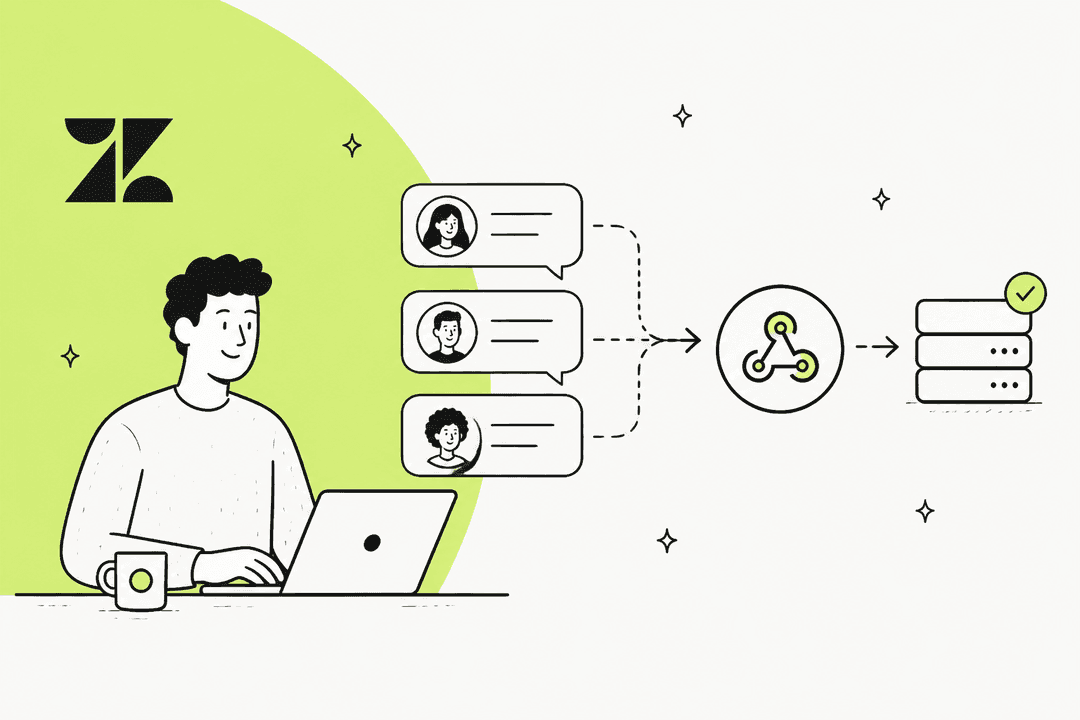
- Configure webhook endpoints for message delivery
Step 3: Connect to Sunshine Conversations
In your Zendesk admin panel:
- Navigate to Channels > Messaging
- Select Sunshine Conversations integration
- Configure the RCS channel using your Google credentials
- Set up webhook endpoints for message routing
- Test with verified Android devices
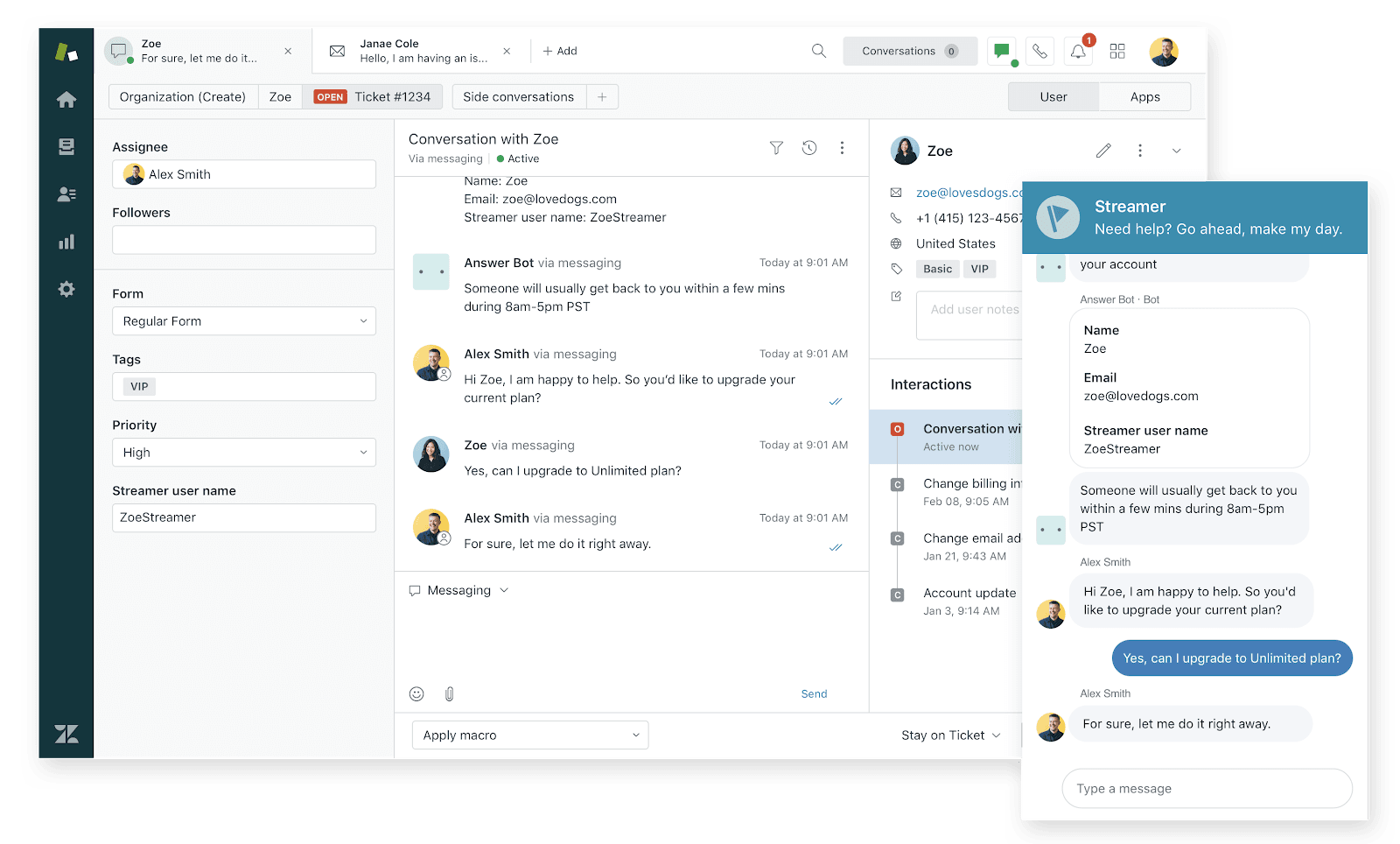
Step 4: Build rich message templates
Use Sunshine Conversations' API to create message templates with:
- Product carousels with high-resolution images
- Suggested reply buttons for common actions
- Rich cards containing forms or scheduling widgets
- Location sharing and map integration
Source: https://docs.smooch.io/
Alternative: Clerk Chat integration
For faster deployment without custom development:
- Sign up at clerk.chat
- Connect your Zendesk account through the integrations panel
- Enable RCS messaging in your Clerk Chat settings
- Configure AI agent handoff rules for seamless escalation
This approach gets you RCS capabilities within days rather than weeks, though with less customization than a direct Sunshine Conversations build.
Best practices for RCS customer service
Design for the medium
RCS enables rich experiences, but that doesn't mean every message needs carousels and buttons. Use rich elements when they genuinely improve the customer experience:
- Product recommendations with visual carousels
- Appointment scheduling with interactive calendars
- Forms for information collection that would require multiple SMS exchanges
- Quick reply buttons for common actions ("Track order," "Reschedule," "Speak to agent")
Maintain brand consistency
Your RCS messages should look like they come from your brand, not a generic messaging service. Configure:
- Brand colors in message templates
- Business logo in verified sender profiles
- Consistent tone and language across all channels
- Custom fonts where supported
Respect the 24-hour rule
Google requires businesses to respond to customer messages within 24 hours. Failure to do so can result in messaging restrictions. Set up:
- Automated acknowledgments for after-hours messages
- Clear expectations about response times
- AI agents to handle initial responses when human agents are unavailable
Source: https://www.zendesk.com/blog/google-business-messages/
Keep security front of mind
Never request sensitive information (credit card numbers, passwords, social security numbers) directly in RCS messages. Instead:
- Use OAuth for secure customer verification
- Link to secure payment portals rather than collecting payment data in messages
- Train agents to recognize and avoid social engineering attempts
Integrate with your broader strategy
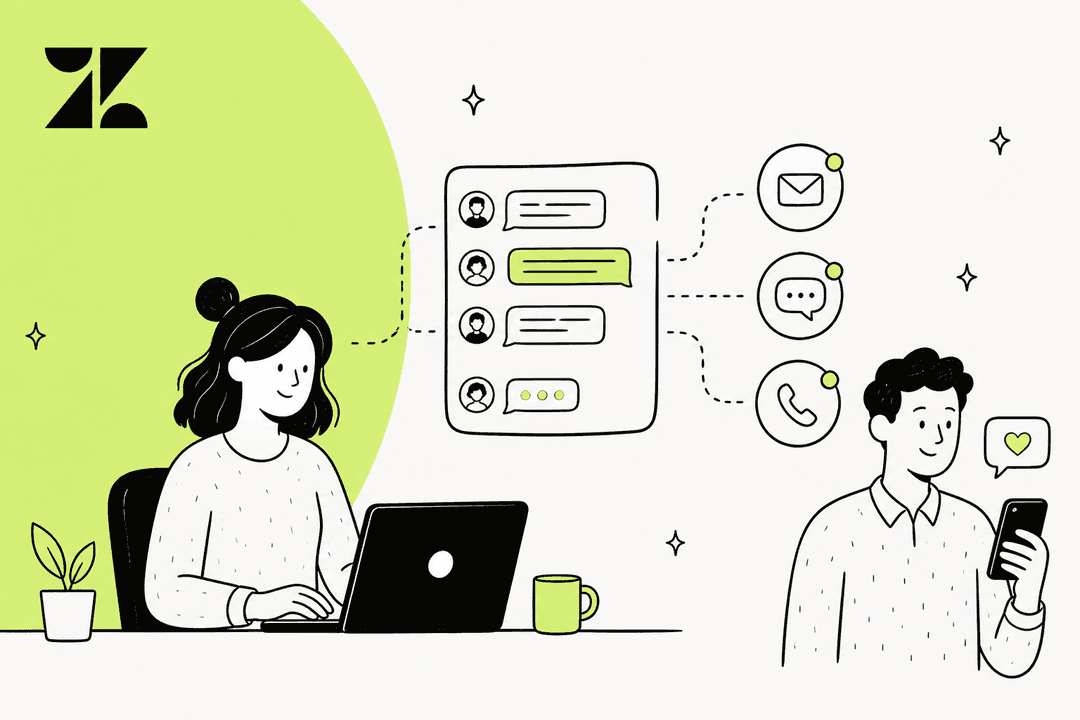
RCS works best as part of an omnichannel approach. Zendesk's unified agent workspace lets agents see conversation history across email, messaging, and phone, so customers never have to repeat themselves when switching channels.
At eesel AI, we see the best results when teams treat messaging as one piece of a coordinated support strategy, not a standalone channel.
Measuring success with RCS messaging
Track these metrics to evaluate your RCS implementation:
| Metric | What to measure | Target benchmark |
|---|---|---|
| Delivery rate | Percentage of messages successfully delivered | 95%+ |
| Read rate | Percentage of delivered messages opened | 70%+ (vs 20-30% for email) |
| Response rate | Percentage of messages that generate replies | 40%+ |
| Resolution rate | Issues resolved without channel switching | 60%+ |
| CSAT | Customer satisfaction scores for RCS conversations | 85%+ |
Use A/B testing to compare plain text messages against rich formats. Many organizations find that carousels and interactive elements significantly outperform simple text for product recommendations and complex inquiries.
Getting started with advanced messaging
RCS represents a significant upgrade from SMS for customer service, but it's just one piece of the modern messaging landscape. The teams seeing the best results combine RCS with AI agents that can handle routine inquiries, escalate complex issues, and maintain context across every channel.
If you're already using Zendesk, you have the infrastructure in place. The question is how quickly you can move from basic ticketing to conversational, AI-enhanced support that meets customers on their preferred channels.
At eesel AI, we help teams implement AI agents that work alongside platforms like Zendesk to handle messaging at scale. If you're exploring how AI can enhance your RCS and messaging strategy, we're happy to show you what's possible.