Support leaders face a familiar dilemma: you want AI automation, but you're not sure how to budget for it. Traditional per-seat pricing made sense when humans handled every ticket. But when AI starts resolving issues autonomously, paying per agent feels like the wrong metric.
Zendesk's answer is their AI dynamic pricing resolution model. Launched in late 2024 and expanded throughout 2025, this approach shifts costs from seats to outcomes. You pay for resolutions, not headcount.
But is it right for your team? Let's break down how it works, what it costs, and whether the math makes sense for your situation.

What is Zendesk's AI dynamic pricing model?
Zendesk's pricing evolution reflects a broader industry shift. For years, you paid per agent seat. More agents meant higher bills, regardless of how many tickets they actually solved. The model was simple but increasingly misaligned with an AI-powered future.
The new approach centers on "automated resolutions." An automated resolution happens when Zendesk's AI fully resolves a customer issue without human intervention. This includes AI agents answering questions, generative replies that solve problems, or help center articles that address inquiries. If the AI handles it start to finish, that's a resolution. If it escalates to a human, you don't pay for that interaction.
Zendesk actually offers two related but distinct pricing models:
Outcome-Based Pricing (launched August 2024): You pay per automated resolution, starting at $1.50 for committed volume or $2.00 pay-as-you-go. This applies to all customers using Zendesk's AI agents.
AI Dynamic Pricing Plan (launched November 2024): A flexible contract option for enterprise customers that lets you shift budget between human agent seats and automated resolutions without renegotiating your contract.
As Zendesk CEO Tom Eggemeier predicts, "100% of interactions will involve AI." The pricing model is designed to scale into that future.
How Zendesk's outcome-based pricing works
The structure has two components: your base plan and your resolution usage.
Base plan costs
Every Zendesk plan now includes AI agents with Essential features:
| Plan | Annual Price | Free ARs/Agent/Month | Best For |
|---|---|---|---|
| Suite Team | $55/agent/month | 5 | Small teams starting with AI |
| Suite Professional | $115/agent/month | 10 | Growing teams needing customization |
| Suite Enterprise | Custom (Talk to Sales) | 15 | Large organizations with complex needs |
Source: Zendesk Pricing
Resolution costs beyond free allocation
Once you exceed your free automated resolutions, you pay:
| Volume Tier | Price Per Resolution |
|---|---|
| Committed (up to 10k/year) | $1.50 |
| Pay-as-you-go | $2.00 |
Source: Zendesk Pricing
Here's a concrete example. A 20-agent team on Suite Professional gets 200 free automated resolutions per month (20 agents × 10 ARs). If their AI resolves 500 tickets that month, they pay for 300 additional resolutions. At committed pricing, that's $450. At pay-as-you-go, it's $600.
AI Dynamic Pricing Plan for enterprises
For larger customers with long-term agreements, Zendesk offers additional flexibility. The AI Dynamic Pricing Plan lets you "remix" your investment between agent seats and automated resolutions during your contract period. This matters because AI adoption isn't linear. You might start with 20% automation and quickly ramp to 60% as you optimize your knowledge base. The dynamic plan lets you shift budget accordingly without waiting for renewal or renegotiating terms.
This is specifically designed for enterprise customers who need flexibility as they experiment with AI, according to Zendesk's press release.
Complete pricing breakdown by plan
Let's look at real-world costs for different team sizes. These examples assume committed resolution pricing ($1.50/AR) and annual billing.
10-agent team example
Scenario: Suite Professional, 300 total automated resolutions/month
| Cost Component | Calculation | Monthly Cost |
|---|---|---|
| Base plan | 10 × $115 | $1,150 |
| Free ARs | 10 × 10 = 100 | $0 |
| Additional ARs | 200 × $1.50 | $300 |
| Total | $1,450/month |
50-agent enterprise example
Scenario: Suite Enterprise, 2,000 total automated resolutions/month, with Copilot
| Cost Component | Calculation | Monthly Cost |
|---|---|---|
| Base plan | 50 × custom quote | Quoted |
| Free ARs | 50 × 15 = 750 | $0 |
| Additional ARs | 1,250 × $1.50 | $1,875 |
| Copilot add-on | 50 × $50 | $2,500 |
| Total | Quote + $4,375/month |
Common add-ons
| Add-On | Price | What It Adds |
|---|---|---|
| Copilot | $50/agent/month | AI assistance for human agents |
| Advanced AI Agents | Contact sales | AI agent builder, integrations, reasoning controls |
| Zendesk QA | $35/agent/month | Automatic conversation evaluation |
| Zendesk WFM | $25/agent/month | Workforce management |
| Workforce Engagement Bundle | $50/agent/month | QA + WFM combined |
Source: Zendesk Pricing
Key considerations before switching
The outcome-based model has clear benefits, but it's not perfect for every situation.
Budget predictability challenges
Variable costs can surprise you. During a product launch or busy season, your AI might handle 3x the normal volume. That's good for efficiency but can strain budgets if you haven't planned for the spike. You'll need active monitoring and forecasting to avoid bill shock.
Zendesk provides an Automated Resolutions Dashboard in the Admin Center to track usage. You can also set overage preferences: either allow overages at the higher $2.00 rate or pause AI functionality when limits are reached.
Integration and setup complexity
Getting the most from Zendesk's AI requires work. The AI performs best when trained on comprehensive, well-organized knowledge bases. For enterprises, setup involves administrative configuration and fine-tuning to align the AI with specific workflows.
As one analyst noted, "Zendesk's move toward AI is bold, but its packaging needs to catch up." The full AI experience requires multiple add-ons: Suite Professional or higher, Advanced AI Agents, Agent Copilot, and potentially Zendesk QA. That's a significant investment beyond the base plan.
The double-billing risk
Here's a subtle issue: when an AI agent fails to resolve a request and escalates to a human, you're essentially paying twice. Once for the AI interaction (if it counted as a resolution attempt), and again through your agent seat license for the human who takes over.
Zendesk's outcome-based model addresses this by only charging for successful resolutions. If AI escalates, you don't pay the resolution fee. But you still need the agent capacity to handle those escalations, which means maintaining seat licenses alongside your resolution budget.
Is Zendesk's dynamic pricing right for your team?
The model makes most sense for specific situations.
Best fit: Large enterprises with fluctuating support volumes. If your ticket volume swings dramatically (retail during holidays, travel during peak seasons), the flexibility to shift between human and AI capacity is valuable. You can scale AI up during busy periods without hiring temporary staff.
Also a good fit: Teams with high automation potential. If 60%+ of your tickets are routine (password resets, order status checks, basic troubleshooting), the per-resolution cost becomes attractive compared to human handling.
Less ideal: Small teams needing predictable costs. If you're a 5-person support team with steady volume, the complexity of tracking resolutions and managing variable costs might outweigh the benefits. You might prefer a simpler flat-fee structure.
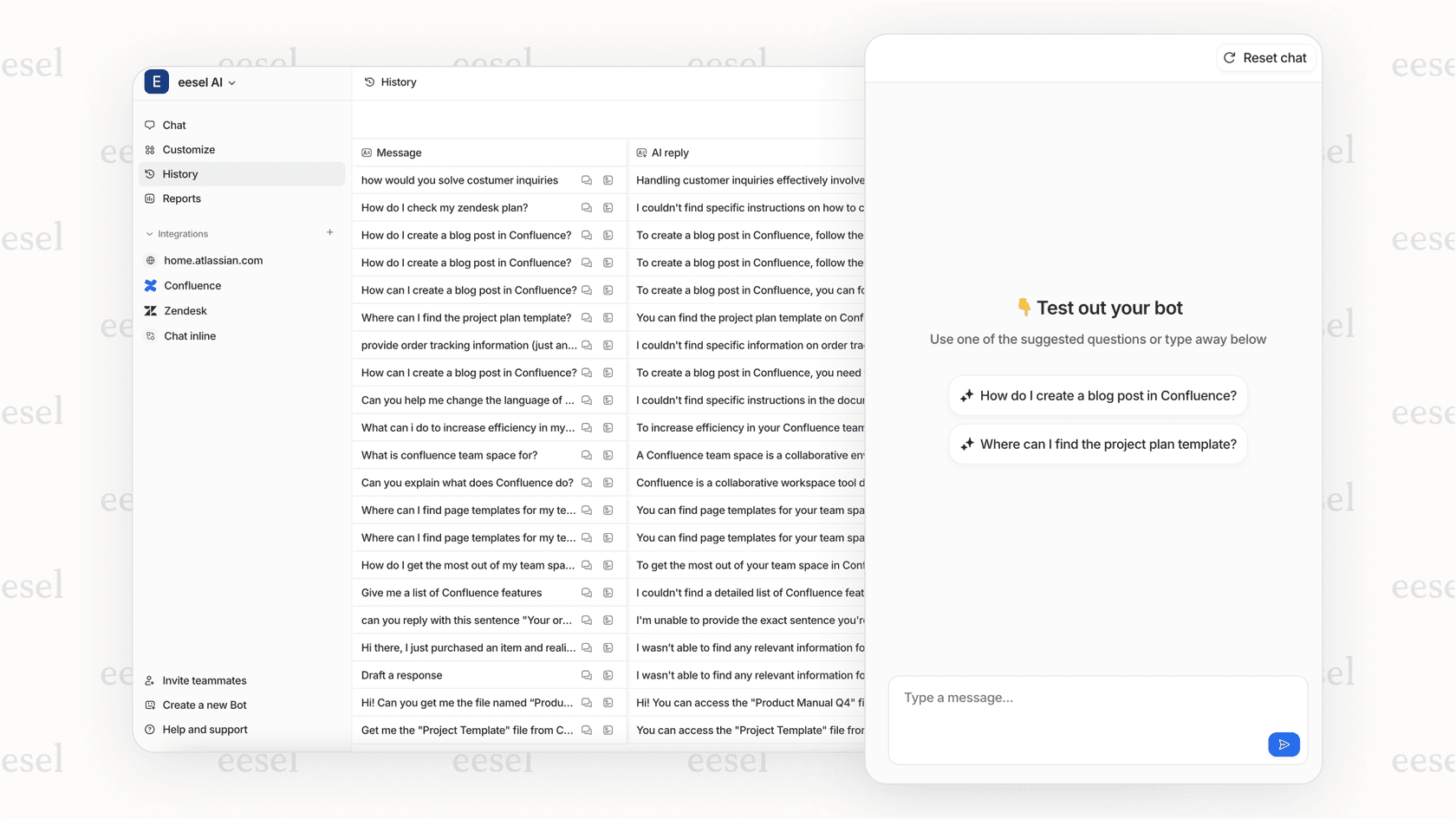
At eesel AI, we take a different approach. Instead of per-resolution pricing, we charge one fixed monthly price sized to volume, with 1 credit per ticket the AI handles, no platform fee and no seats. 1,000 tickets is $499/month and 3,000 fits the 3,500-credit plan at $1,349/month. No per-agent fees, no resolution counting, no surprise bills during busy months.
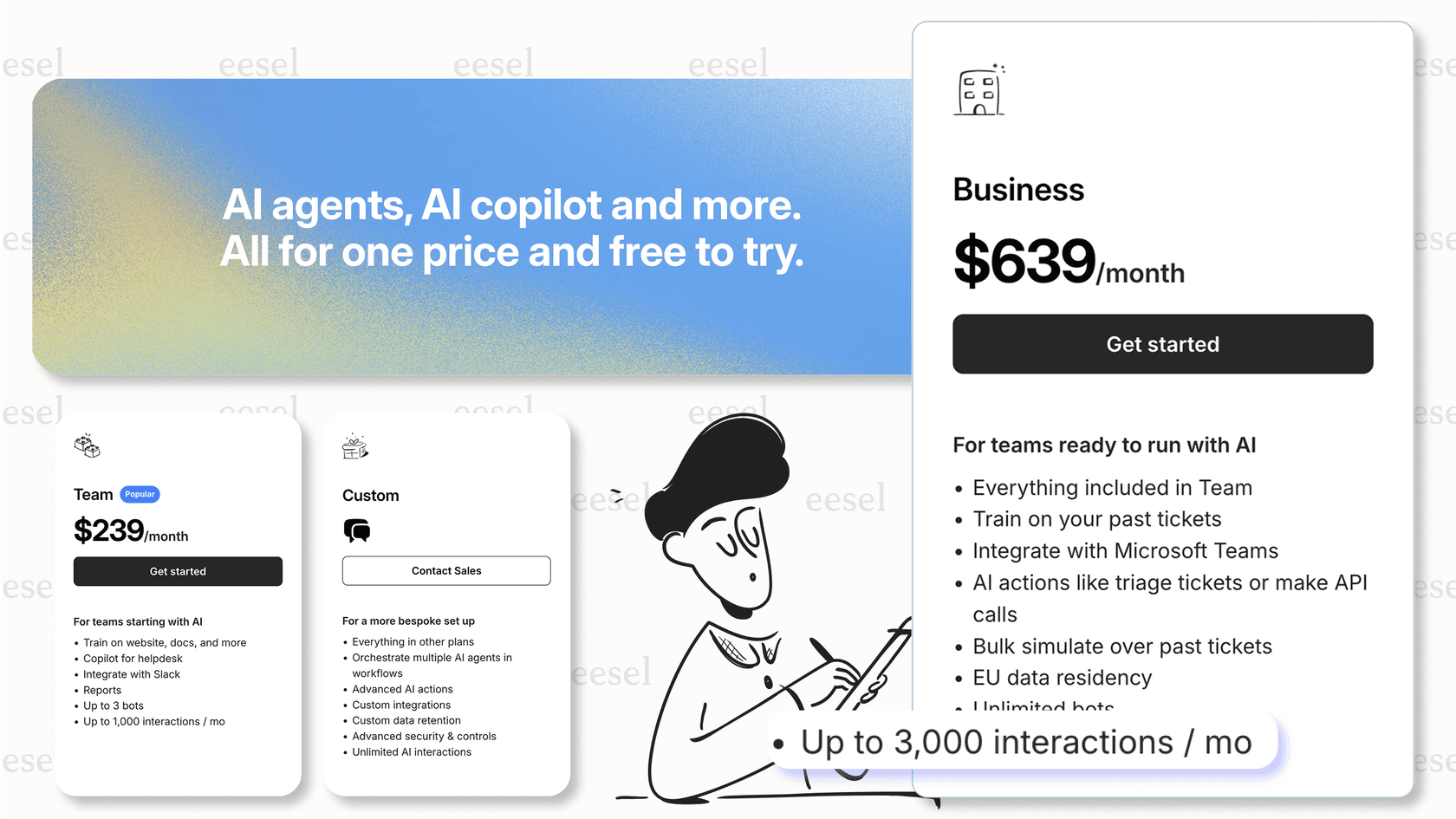
We also integrate directly with Zendesk, so you can use eesel AI as a complementary layer or alternative depending on your needs.
Getting started with AI-powered support
If you're evaluating Zendesk's dynamic pricing, here's a practical approach:
-
Audit your ticket volume. Look at the past 6 months. What percentage of tickets are single-touch resolutions that AI could handle? What percentage require human expertise?
-
Calculate your break-even. Compare projected resolution costs against current agent costs. Remember to factor in the time saved, not just the direct cost.
-
Start with a pilot. Zendesk's model lets you test with pay-as-you-go pricing before committing to volume. Run AI on a subset of tickets to measure actual resolution rates.
-
Plan for optimization. AI performance depends on knowledge base quality. Budget time (and potentially resources) to improve your help center content before expecting high automation rates.
-
Consider your risk tolerance. If budget predictability is critical, a flat-fee alternative might reduce stress even if the per-unit cost is slightly higher.
The shift to outcome-based pricing reflects where customer service is heading. AI will handle more interactions, and pricing models will continue evolving to match. Whether Zendesk's specific approach fits your team depends on your volume, variability, and appetite for managing variable costs.
If you want to explore a simpler alternative with predictable flat-fee pricing, try eesel AI free with 100 credits, no card. We integrate with your existing Zendesk setup and can run alongside or instead of Zendesk's native AI, depending on what works best for your workflow.