Searching for a chatbot in the WordPress plugin directory is an experience. You get hit with hundreds of options, and they all claim they'll change your business forever. But here's the catch: most of these are simple, standalone widgets that live on an island, completely disconnected from the rest of your business. Modern businesses don't need another isolated tool; they need AI that plugs into their existing help desk, knowledge bases, and workflows.
This guide cuts through the noise. We'll walk through the best WordPress AI chatbot solutions for 2026, from simple plugins for basic tasks to powerful platforms built for serious support automation. We’ll help you find the right fit, whether you're just dipping your toes in or ready to scale up.
What is a WordPress AI chatbot?
A WordPress AI chatbot is a tool you add to your website to automate conversations. It can engage visitors, answer questions, and point them toward a solution without needing a human to step in every time. They usually come in two main flavors:
- Standalone chat widgets: These are the most common plugins you'll find. You install them on WordPress, and they work by themselves. They’re fine for simple lead capture, answering basic FAQs, and for businesses that don’t have a dedicated support team or help desk software.
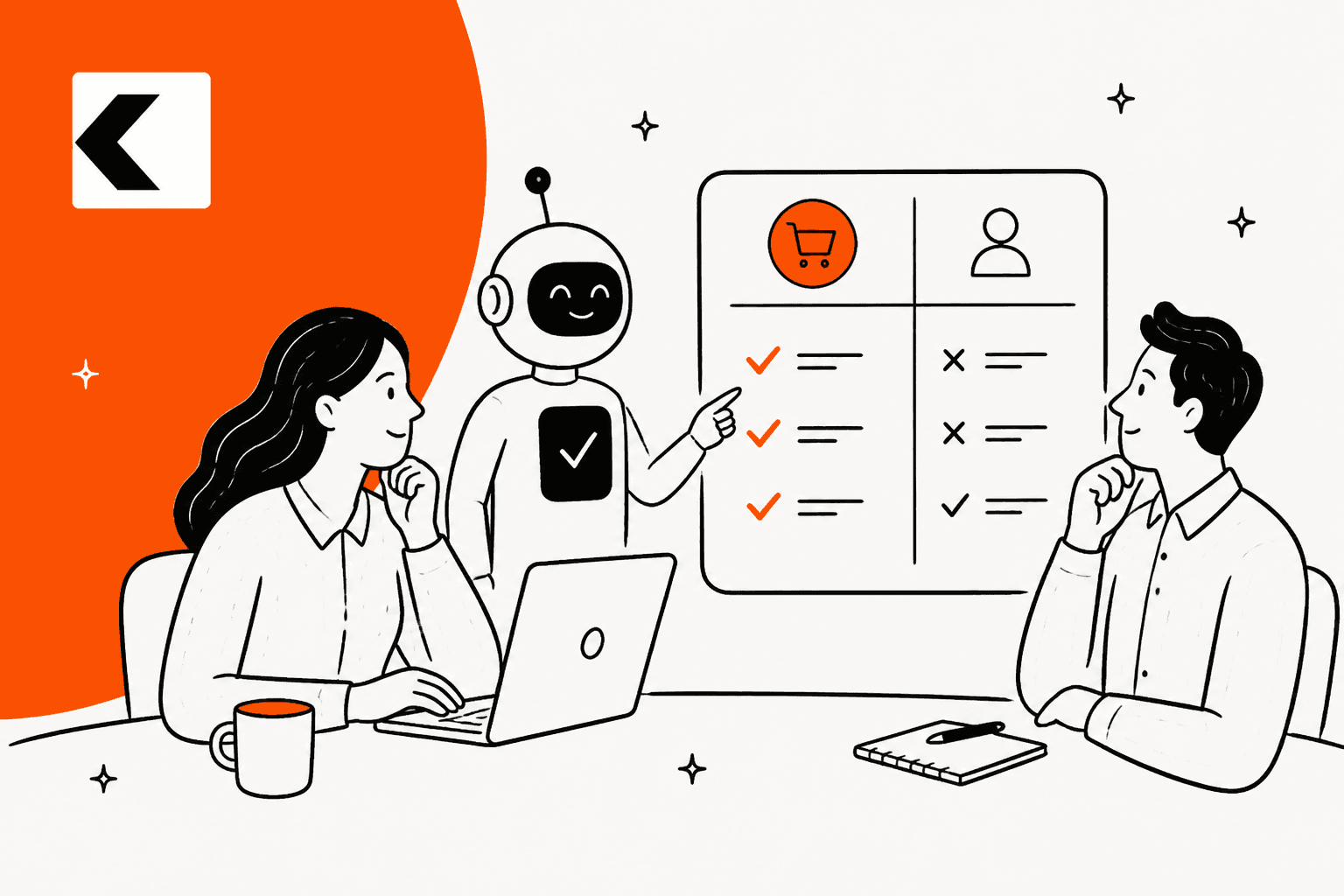
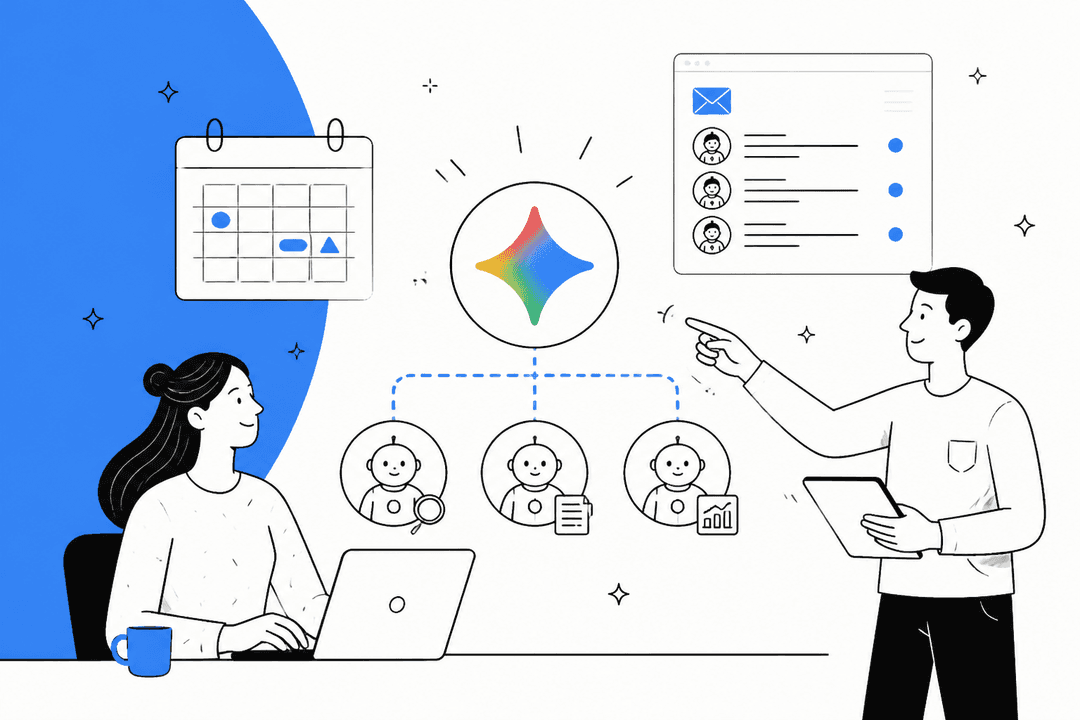
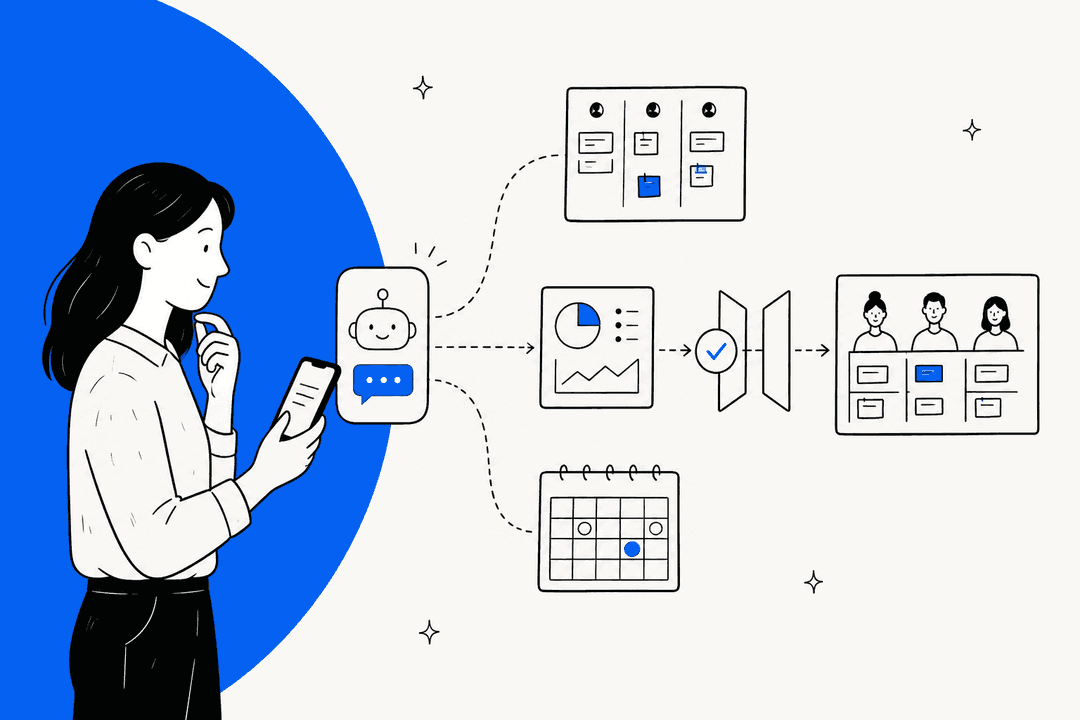
- Integrated AI platforms: These are a whole different ballgame. Instead of just sitting on your website, they act as an intelligent layer that connects to your entire business toolkit: your help desk, internal docs, and CRM. The chatbot on your site becomes just one of many channels this central AI brain can manage.

For any business that already handles support requests, an integrated platform is the smarter way to go. It stops conversations from getting lost in yet another inbox and makes sure your AI and human teams are working together, not in separate worlds.
Key features to look for in a WordPress AI chatbot solution
When we looked at the different options, we focused on the features that actually help a business run better. It’s not just about adding a chat bubble; it's about getting an intelligent system that makes your life easier.
- Connects with the tools you already use: A great chatbot shouldn't be another silo. The best ones connect smoothly with the tools you rely on every day, like your help desk and CRM. This means you don't have to migrate everything to a new system or force your team to learn yet another interface.
- Learns from your real business knowledge: A chatbot is only as smart as what it's taught. You want a solution that can be trained on your specific company information, not just a generic FAQ page. The ability to learn from past support tickets, internal wikis in Confluence or private Google Docs, and even product info from Shopify is what makes a bot genuinely helpful instead of frustrating.

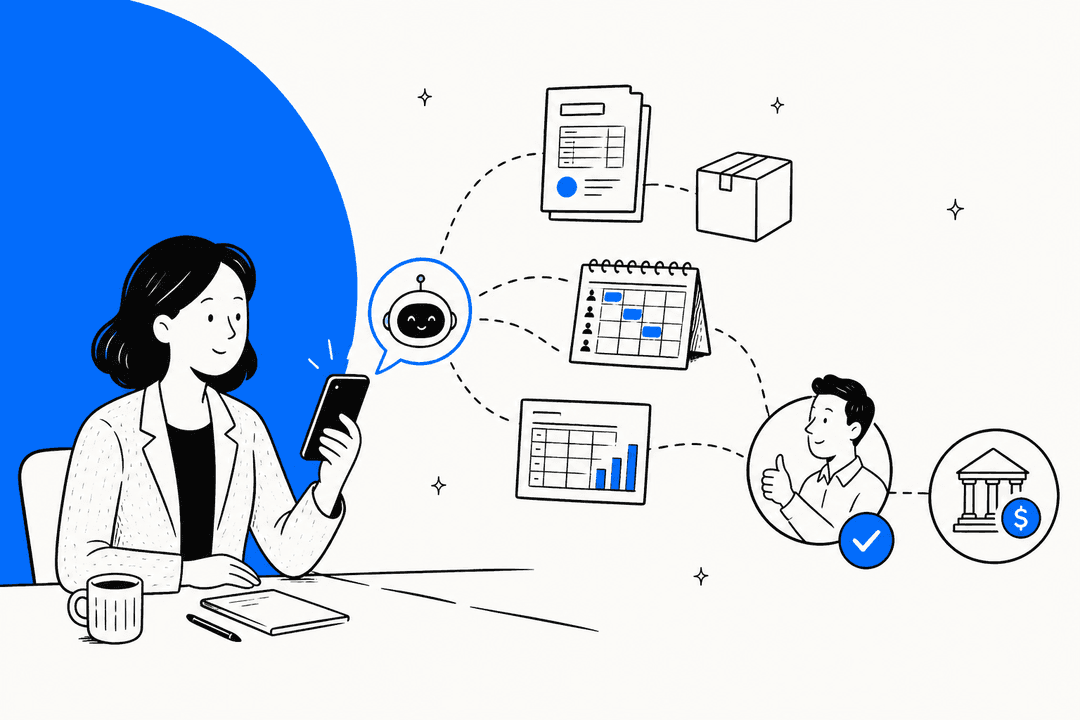
- Can actually do things: The best bots do more than just chat. They should be able to take action. This could be anything from automatically tagging and routing support tickets, escalating a conversation to the right person, looking up an order status, or creating a new issue in Jira.
- Gives you control and security: When you're dealing with customer data, security isn't optional. Look for platforms that are upfront about their data privacy policies (like GDPR compliance) and give you control. You should be able to define your bot's tone of voice, set rules for when it needs to call for a human, and test everything in a safe environment before it goes live.
Comparison of the best WordPress AI chatbot solutions
Here's a quick side-by-side look at the solutions we'll cover.
| Tool | Best For | Key Integrations | Starting Price (Annual) |
|---|---|---|---|
| eesel AI | Businesses wanting to automate support within their existing helpdesk. | Zendesk, Freshdesk, Slack, Confluence, Google Docs, Shopify | $239/month |
| Tidio | Small businesses needing an all-in-one live chat and simple chatbot widget. | Messenger, Instagram, Mailchimp | $24.17/month |
| HubSpot | Teams seeking a powerful, integrated CRM and chatbot ecosystem. | HubSpot CRM, Salesforce | $20/month |
| Zendesk | Teams committed to the Zendesk ecosystem looking for a native bot. | Zendesk Suite | $55/agent/month |
| WPBot | Users who want to manage their chatbot entirely within the WordPress dashboard. | DialogFlow, OpenAI | Free (Pro version available) |
| Collect.chat | Simple lead generation and appointment booking through conversational forms. | Google Calendar, Zapier | $24/month |
| IBM Watson | Enterprises needing highly advanced, custom AI development. | Custom API, Twilio | $140/month |
The 7 best WordPress AI chatbot plugins and solutions for 2026
With those key features in mind, let's get into the details of each solution.
1. eesel AI
eesel AI takes a different route. It’s not just another WordPress plugin; it’s an AI platform that adds a layer of intelligence on top of your existing tools. You connect it to your help desk and knowledge sources, and it puts a smart, context-aware chatbot on your WordPress site. The best part? You don't have to ditch your current setup. All conversations are handled in the software your team already uses, like Zendesk or Slack.

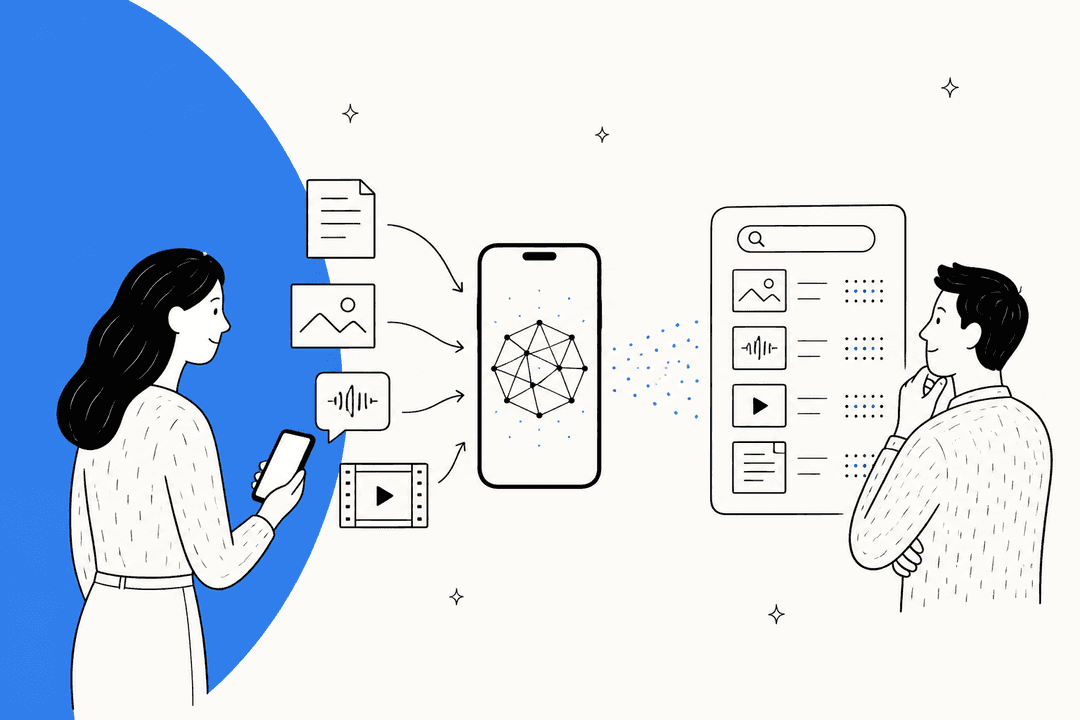
The eesel AI Chatbot learns from all your company knowledge: public help articles, internal wikis in Confluence, private Google Docs, past support tickets, and even Shopify product catalogs. This means the answers it gives are actually helpful and specific to the question. When a human is needed, it doesn't just pass the buck; it intelligently escalates the issue as a new ticket in your help desk, complete with the full chat history for your agents.
Pros:
- Plugs right into your existing helpdesk, so there's no painful migration process.
- Trains on your private business data for highly accurate, contextual answers.
- Can take real action, like looking up live order info or tagging tickets for you.
- It's a specialized suite of AI tools, including an AI Agent for your help desk and an AI Copilot that helps agents write replies faster.

Cons:
- It's a professional tool priced for teams, so it's probably overkill for individual bloggers or hobby sites.
- It shines when you already have a help desk or a good collection of knowledge articles for it to learn from.
Pricing: The Team plan starts at $239/month when billed annually and covers up to 3 bots and 1,000 AI interactions per month.
2. Tidio
Tidio is a super popular pick for small and medium-sized businesses looking for a simple, all-in-one package for customer communication. It neatly bundles live chat, rule-based chatbots, and some AI features into a single WordPress plugin that's easy to get up and running.

It’s a solid starting point if you don't have a help desk yet and want to manage all website chats from one place. But as your business grows, you might start to feel its limits. The AI isn't as advanced as dedicated platforms, and because it doesn't connect deeply with other business systems, it can quickly become another information silo your team has to check.
Pros:
- Very easy to install and has a friendly interface.
- Offers a generous free plan to help you get started.
Cons:
- The AI is fairly basic and isn't trained on deep business context.
- It’s a standalone system, which can lead to disconnected workflows as you grow.
Pricing: A free version is available. Paid plans with more features start at $24.17/month.
3. HubSpot
HubSpot's chatbot is a powerful feature baked into its comprehensive CRM platform. Its main strengths are in providing a seamless experience across sales, marketing, and service: capturing leads, booking meetings, and qualifying prospects.

If your company already uses HubSpot for sales and marketing, adding their chatbot is a no-brainer. It works perfectly with your contacts, deals, and campaigns. HubSpot is a mature, reliable platform that serves as a central hub for your customer relationships. While its native bot is highly effective for lead qualification, the platform's robust ecosystem allows you to easily expand your capabilities as your business scales. It's an impressive solution for teams that want their marketing, sales, and service data all in one place.
Pros:
- Flawless, seamless integration with the HubSpot CRM.
- Excellent for qualifying leads and scheduling sales demos.
- Built on a mature, trusted platform that powers customer service for thousands of companies.
Cons:
- Best suited for teams using or planning to use the HubSpot CRM suite.
- HubSpot offers tiered plans to match different team sizes, so smaller teams should plan for their long-term needs as they scale.
Pricing: HubSpot has a set of free tools, including a very basic bot. Paid plans with more powerful features start at $20/month.
4. Zendesk
Zendesk is a world-class, mature platform that powers customer service for thousands of leading companies. They offer their own native AI-powered Answer Bot as part of the Zendesk Suite. It is incredibly reliable, easy to deploy on a WordPress site, and is built to work perfectly within the trusted Zendesk ecosystem.
Zendesk's Answer Bot.
This is the ideal path for teams who value a unified, enterprise-grade experience. The Answer Bot leverages your Zendesk Guide knowledge base with impressive precision, ensuring every customer interaction is logged and managed within your central dashboard. Because it’s a native solution, the integration is seamless and reliable, providing a consistent experience for both your customers and your agents.
Pro Tip: Zendesk has built an impressive ecosystem and marketplace. If you want to enhance your setup even further, integrated platforms like eesel AI work beautifully alongside Zendesk. They allow you to expand your bot's knowledge by connecting to external sources like Confluence or Google Docs while still keeping everything flowing into your Zendesk dashboard.
Pros:
- Perfect integration with Zendesk's mature ticketing system, macros, and knowledge base.
- Offers tiered plans to match different team sizes and needs.
- Highly reliable and trusted by enterprise-level organizations.
Cons:
- The native bot is expertly optimized for content within the Zendesk environment, though the marketplace offers many ways to expand this.
- Focuses on providing a streamlined, out-of-the-box experience rather than complex custom development.
Pricing: Answer Bot is included in Zendesk Suite plans, which start at $55 per agent, per month.
5. WPBot
WPBot is a native WordPress plugin for anyone who wants to manage their entire chatbot experience from the WordPress dashboard. It's flexible, letting you run it with simple, pre-set rules or connect it to external AI services like OpenAI's ChatGPT or Google's DialogFlow for more natural chats.

This is a solid choice for the WordPress purist who likes keeping all their tools and settings in one place. The trade-off is that its connections to other business systems, like your help desk or CRM, aren't as strong. Getting it to work well with services like ChatGPT also requires a bit more technical tinkering and can feel clunky compared to platforms where that functionality is built-in from the start.
Pros:
- Highly customizable right from the WordPress admin area.
- No need to manage a separate platform or dashboard.
Cons:
- Integrations with other business tools aren't as deep or seamless.
- Requires more technical setup to use powerful AI models effectively.
Pricing: A free version is available. The Pro version with more features costs a one-time fee of $49.
6. Collect.chat
Collect.chat isn't an AI chatbot in the way you might think. It’s more like an interactive, conversational form builder. It's great at guiding visitors through a script of questions to collect leads, schedule appointments, or gather feedback in a way that feels more engaging than a static form.

It's a fantastic tool for marketers or small businesses whose main goal is to get more people to fill out their contact or sign-up forms. It makes the process feel like a friendly chat. But it's not a support tool. It can't understand or answer open-ended questions, figure out problems, or resolve customer issues.
Pros:
- Incredibly easy to use, with a drag-and-drop builder.
- Excellent for boosting lead generation and qualification.
Cons:
- It's not an AI support tool and can't handle unscripted conversations.
- It's limited to the specific conversational scripts you create.
Pricing: A free plan is available. Paid plans for more responses and features start at $24/month.
7. IBM Watson Assistant
For huge organizations with dedicated development teams and the budget for enterprise-grade tools, IBM Watson Assistant offers a powerful platform for building highly advanced virtual assistants. This isn't a simple plugin; it's a full development suite that can be connected to WordPress.

This solution is for companies that need to build a completely custom, complex conversational AI from scratch, often for specialized industries like finance or healthcare. It offers incredible power and flexibility. However, that power comes at a steep price: it's extremely complex to set up, requires serious technical expertise to maintain, and is priced for enterprise budgets.
Pros:
- Extremely powerful and flexible AI for building custom solutions.
Cons:
- Very complex and expensive, making it unsuitable for most businesses.
- Requires a dedicated team of developers to implement and manage.
Pricing: The Plus plan starts at $140/month, with enterprise pricing going much higher.
How to choose the right WordPress AI chatbot for your business
The "best" chatbot isn't about the tool itself, but how it fits your goals.
To put it simply:
- If you're already using a help desk for support, your best bet is an integrated solution like HubSpot, the native Zendesk Answer Bot, or a complementary tool like eesel AI. These will improve your current setup by working within your existing workflows.
- If your main goal is marketing or sales, a CRM-focused bot like HubSpot or a conversational form tool like Collect.chat is what you need.
- If you're just starting and don't have other support tools, a simple all-in-one widget like Tidio is a good first step.
- If you're a die-hard WordPress fan who wants to manage everything from one dashboard, a native plugin like WPBot will fit your style.
Pro Tip: Always think about where you want your business to be in a year. A simple widget might fix today's problem, but an integrated platform is built to grow with you.
The future is integrated: Choosing a WordPress AI chatbot that scales with you
Choosing a WordPress AI chatbot isn't just about adding a cute chat bubble to your homepage anymore. It's a decision that affects how you'll build a support system that can grow. While simple plugins are a tempting and easy start, businesses that are serious about growth should look for platforms that connect deeply with the tools they already use.
An integrated platform like eesel AI does more than just give you a powerful chatbot for your WordPress site. It automates support everywhere, gives your human agents an AI Copilot to help them work faster, and keeps your ticket queue under control, all while complementing the help desk you already know. It’s built for teams that need to scale their support without just hiring more people.
Ready to see how an integrated AI platform can transform your support? Start your free trial or book a demo of eesel AI today.
Frequently asked questions
A basic plugin only learns from the content on your WordPress site. An advanced platform connects to all your company’s knowledge sources, like your help desk, internal wikis, and documents, to provide much more accurate and comprehensive answers.
It can, especially if you use a resource-heavy native plugin. An integrated platform is a better choice for performance, as it handles all the complex AI processing on its own servers, which has a minimal impact on your site speed.
A good system won't just give up. It should have a seamless process to hand the conversation over to a human agent, transferring the full chat history directly into your help desk so your team has all the context they need.
Yes, modern AI platforms can be configured to take action. This includes tasks like checking an order's status, scheduling a demo for a potential lead, or creating a new support ticket in your CRM or help desk.
Share this post

Article by
Stevia Putri
Stevia Putri is a marketing generalist at eesel AI, where she helps turn powerful AI tools into stories that resonate. She’s driven by curiosity, clarity, and the human side of technology.