

Jira Service Management is a robust platform for IT and support teams, built to handle even the most complex enterprise needs. To get the most out of its extensive features, many teams find that adding AI can help them manage high volumes even more efficiently. Without automation, you might find yourself answering the same questions over and over or searching through documents to find information.
This is where AI apps for Jira can make a real difference. They are a way to automate repetitive work, streamline manual effort, and give your team the breathing room to focus on what matters. This article is your no-fluff guide to the 5 top Jira AI apps for 2026. We'll break down what they do best so you can find the right fit for your team.
What exactly are the top Jira AI apps?
In simple terms, Jira AI apps are tools that plug into your Jira setup to automate tasks and offer smart assistance. They use artificial intelligence, the same kind of technology that powers tools like ChatGPT, to understand the content of your tickets, comments, and knowledge base articles.
Think of it like adding a new, incredibly efficient team member who can:
-
Handle tickets automatically. They can read a new ticket, figure out what it's about, categorize it, set its priority, and sometimes even solve it on the spot.
-
Give your agents a hand. Instead of an agent typing out the same reply for the tenth time today, the AI can draft an accurate, relevant response based on past tickets and help docs.
-
Connect all your knowledge. They can instantly search through all your connected knowledge bases, like Confluence, to find the right answer for both customers and your own team.
-
Summarize and generate text. They can scan a long ticket thread and give you the short version or help you write a clear, concise issue description from scratch.
The goal here is straightforward: make your service desk even faster, smarter, and easier to manage.
How we chose these apps
Not all AI apps are built the same, and a long list of features doesn't always mean it will work well for your team. To cut through the marketing noise, we judged each app on a few key things that actually matter for a busy service desk.
Here is what we looked for:
-
Setup and integration. How quickly can you get it working? We leaned towards tools that connect smoothly with Jira and the other places your team gets work done.
-
Core AI smarts. How good is the AI, really? We checked its ability to genuinely deflect tickets, give agents useful draft replies, and automate triage effectively.
-
Knowledge source flexibility. Can the AI learn from more than just a single Confluence space? The best tools connect to all the places your company knowledge is kept, such as Google Docs, Slack, and old support tickets.
-
Customization and control. A good AI should be transparent. We looked for tools that let you tweak the AI's personality, set up specific workflows, and decide exactly which tickets it should touch.
-
Clear pricing and value. Is the pricing easy to understand? We focused on tools that provide a solid return on your investment.
At a glance: Comparing the top Jira AI apps for 2026
Here is a quick side-by-side look at our top picks to help you see how they stack up before we get into the details.
| App | Best For | Key Features | Pricing Model | Key Limitation |
|---|---|---|---|---|
| eesel AI | Teams needing one powerful AI across all knowledge sources | Simulation mode, connects to GDocs & Slack, fully custom actions | Per plan (no per-resolution fees) | Setup happens outside the Atlassian Marketplace |
| AI Agent for Jira by Appfire | Teams wanting a simple, native solution for basic answers | Native Jira install, ticket summarization, easy setup | Per user/month | Primarily learns from Atlassian knowledge sources |
| RAG AI for Jira by yasoon | Teams with a well-organized Confluence knowledge base | Advanced document search, direct Confluence integration | Per user/month | Mostly for finding info, less for taking action on tickets |
| GenAI for Jira by Inprowiser | Teams needing a general AI writing assistant inside Jira | Summarizes comments, generates issue descriptions | Per user/month | Not specialized for support automation |
| My AI Assistant by resolution | Small teams wanting a straightforward agent reply assistant | Simple UI, suggests replies in the comments section | Per user/month | Focuses on agent assistance rather than background automation |
The 5 top Jira AI apps to improve your service desk
Alright, let's dig into what makes each of these tools tick and where they might be the right choice for you.
1. eesel AI
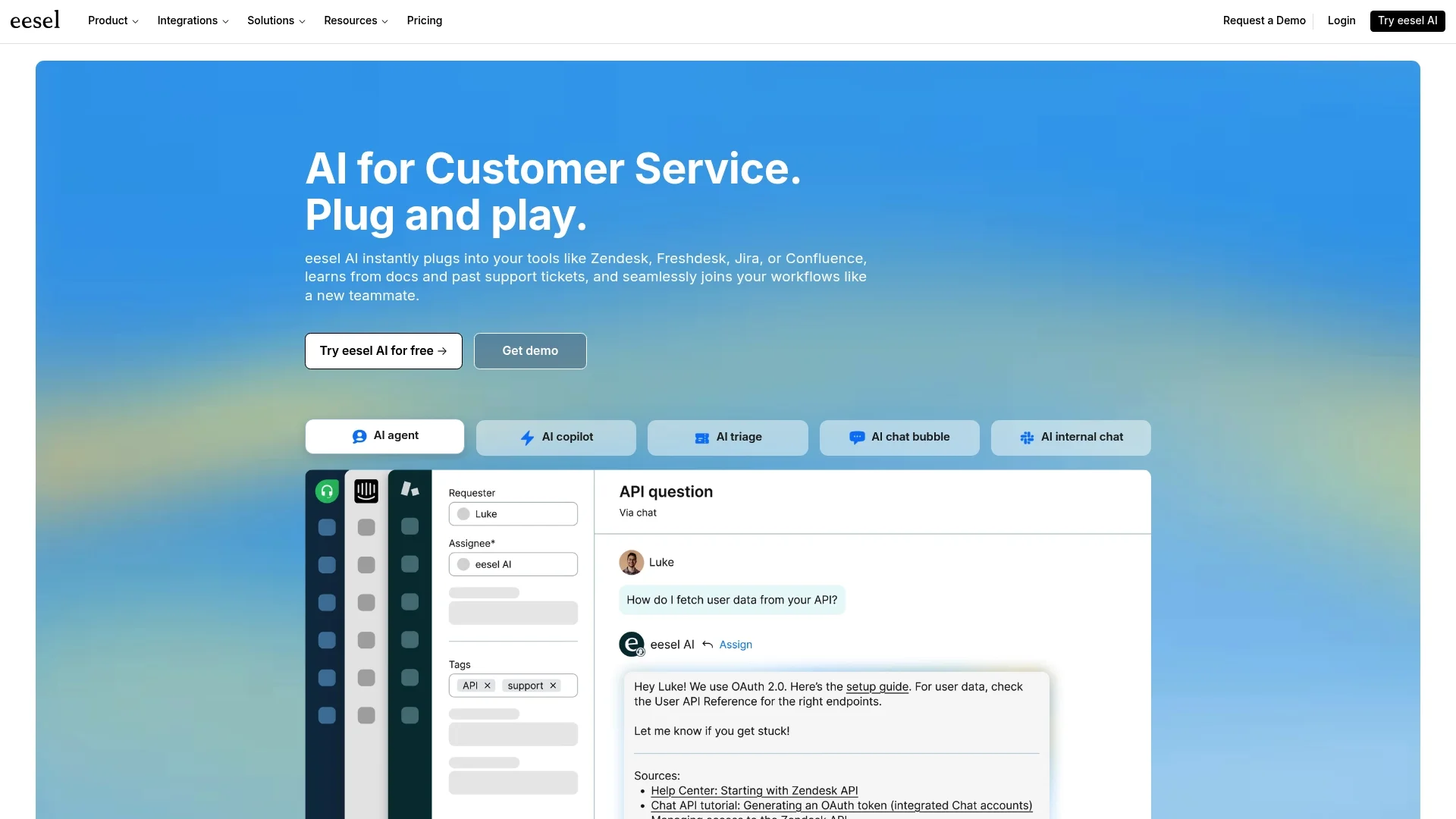
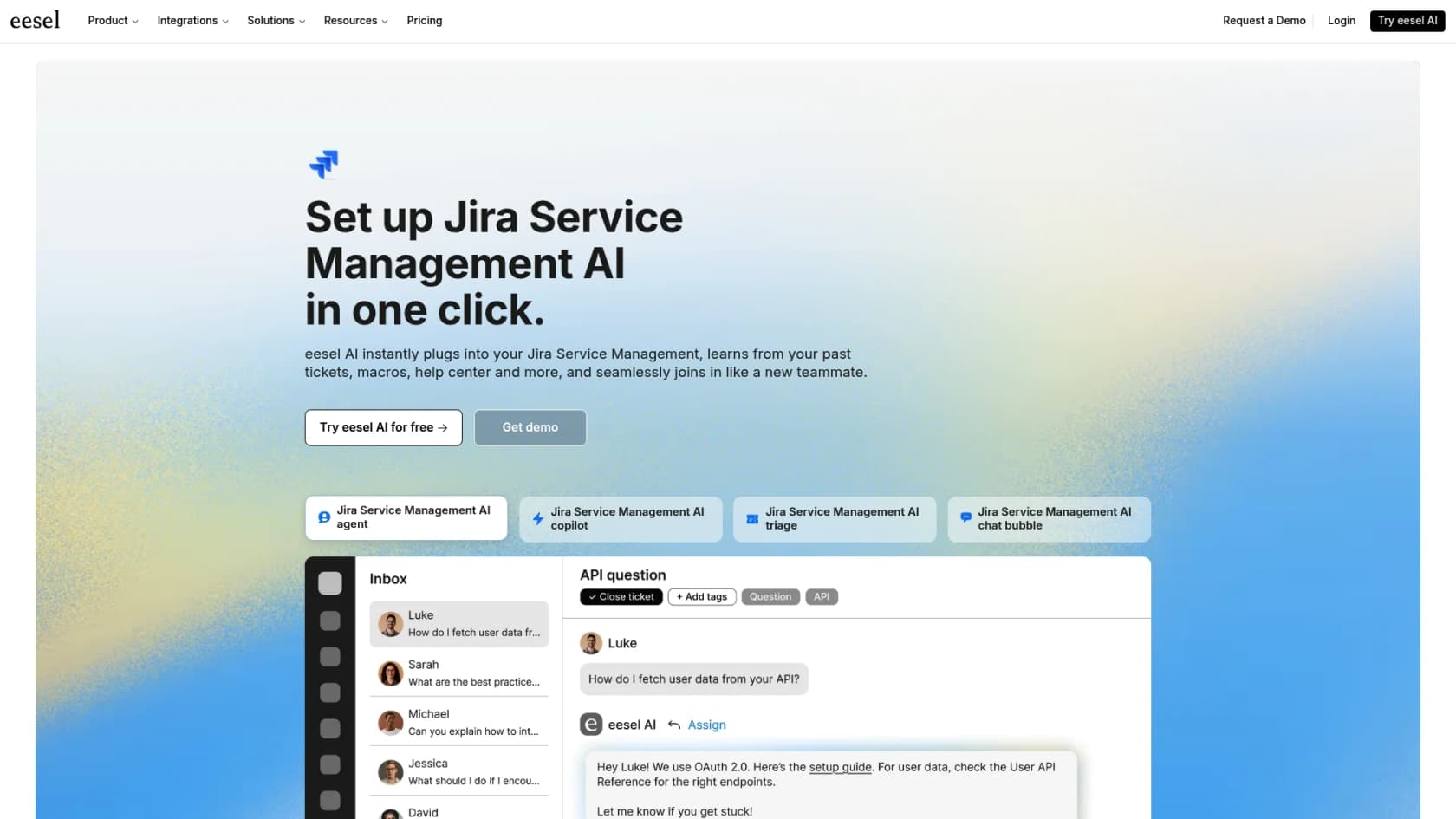
__ eesel AI is a full-fledged AI platform that connects with Jira, acting as a complementary brain that pulls knowledge from all your different tools. This allows eesel AI to work alongside Atlassian tools while also drawing from other sources. If your team's answers live in a mix of Google Docs, old tickets, and PDFs, this tool can help bring it all together.
__
What's great about it:
-
It connects to everything. It works smoothly with Jira Service Management, Confluence, and dozens of other sources, so it always has complete context.
-
Risk-free simulation. You can test the AI on thousands of your past Jira tickets to see its exact performance and how many tickets it would have solved before you ever turn it on for real. It is a great way to see the value and build confidence.
-
You're in total control. The prompt editor and custom actions let you define exactly how the AI behaves. You can set its tone of voice and tell it precisely what to do, like tagging, routing, or escalating tickets.
-
Straightforward pricing. The plans are based on usage tiers, not per-resolution fees. This keeps your costs predictable, even when you have a busy month.
What to consider:
- Because it is a standalone platform, the setup is done through the eesel AI dashboard, rather than a one-click install from the Atlassian Marketplace. This offers a significant gain in power and flexibility.
Pricing:
Starts at $239/month (with annual billing) for the Team plan, which covers up to 1,000 AI interactions per month.
2. AI Agent for Jira by Appfire
__ This is a popular and easy-to-use AI app you can install directly from the Atlassian Marketplace. It is built to provide quick answers from your Confluence knowledge base and to summarize tickets for your agents. It is a solid choice for teams looking for a simple solution that feels like a native part of Jira.
What's great about it:
-
It is built right into the Jira interface, so it feels like a natural extension of the tool.
-
It is very easy to install and set up for basic tasks.
-
The ticket summarization feature is useful for getting caught up on long, complicated issues.
What to consider:
-
It is specifically focused on the Atlassian ecosystem. It mainly learns from Confluence and Jira. If your troubleshooting guides are primarily in Google Docs or Slack, you may need a more broad integration.
-
It focuses on answering questions and summarizing, rather than complex ticket sorting or routing.
Pricing:
It uses a per-user, per-month model, which scales with your team size.
3. RAG AI for Jira by yasoon
__ This app is a specialist in Retrieval-Augmented Generation (RAG). It is designed to search your knowledge sources effectively, especially Confluence, to provide accurate answers and show the source material.
What's great about it:
-
It is focused on high-quality information retrieval, which is excellent for technical support teams.
-
It shows you the source for its answers, which helps build trust with both your agents and your customers.
-
It is perfect for teams whose main goal is making existing documentation easier to find and use.
What to consider:
-
It is more of an information retrieval tool than an automation engine. While it finds information very well, it is not designed for routing, tagging, or closing tickets.
-
Its performance is at its best when your Confluence space is clean and well-organized.
Pricing:
Tiered pricing based on the number of users in your Jira instance.
4. GenAI for Jira by Inprowiser
__ GenAI for Jira acts as a general-purpose AI writing assistant inside Jira. It is a helpful writing companion for various tasks within an issue.
What's great about it:
-
You can use it to write or rephrase issue descriptions, summarize comment threads, and generate text right inside Jira.
-
It is flexible and can be used in almost any text field, not just in comments.
What to consider:
-
It is designed as a writing assistant rather than a dedicated customer support automation tool. It is not built to resolve tickets or handle triage automatically.
-
It does not have the deep workflow automation features required for complete service desk offloading.
Pricing:
A standard per-user monthly subscription.
5. My AI Assistant by resolution
__ This marketplace app focuses on helping agents work faster by providing AI-powered reply suggestions right inside the Jira comment box, helping teams respond to customers quickly and consistently.
What's great about it:
-
The interface is simple and easy for agents to start using immediately.
-
It helps you maintain a consistent tone of voice across all your support replies.
-
It is a great tool for onboarding new agents, helping them learn common questions and answers.
What to consider:
-
It is designed as an copilot, giving agents a boost rather than automating ticket resolution on its own.
-
As a native app, its primary focus is on the knowledge available within your Atlassian tools.
Pricing:
Follows a standard per-user pricing model.
Tips for choosing a Jira AI app
-
First, figure out what you're actually trying to achieve. Are you trying to deflect common tickets so your team can focus on complex tasks? Do you want to speed up your agents' replies? Or do you just need to make your documentation easier to find? Your goal will point you to the right tool, whether it is an agent assistant or a fully automated agent.
-
Take stock of where your knowledge lives. Consider whether your support info is primarily in Confluence or if it is also in Google Docs, PDFs, and resolved tickets. A native app that focuses on Confluence is a great choice if that is where your knowledge is centered, while other tools can help bridge the gap if data is scattered.
-
Always demand a test drive. Try an AI tool before you commit. Look for apps that offer a free trial or a simulation mode like the one from eesel AI. Seeing how an AI performs on your actual historical data is the best way to know if it fits your needs.
-
Understand the pricing. Per-user pricing is straightforward and scales with your team. Flat-rate plans based on usage tiers can also offer predictable costs as your volume grows.
Why some Jira AI apps go beyond the marketplace
The native apps on the Atlassian Marketplace are convenient to install and are excellent at reading your Confluence pages. They offer a great experience for teams working primarily within the Atlassian ecosystem.
For teams that have knowledge stored in a variety of locations, such as a shared Google Drive or specific Slack channels, a platform like eesel AI can be a great complement. By connecting to Jira as an integration, it can bring together all your knowledge sources. It learns from resolved tickets, help docs, and internal notes to provide comprehensive support alongside your Marketplace tools.
With helpful features like a risk-free simulation and a customizable workflow engine, you get a high degree of control. It is about making your entire set of tools even smarter.
Choosing the right Jira AI app boils down to your team's specific needs. Jira remains the gold standard for service management, and the right AI app simply makes this powerful platform even more effective for your team.
Ready to see what a truly unified AI can do for your Jira Service Management? Try eesel AI today and simulate how much of your Jira ticket volume you can automate, for free.
Frequently asked questions
What are the primary benefits of implementing top Jira AI apps for a service desk?
Implementing these apps significantly automates repetitive tasks such as ticket triage, provides agents with instant draft replies, and consolidates knowledge from various sources. This ultimately frees up your team to focus on complex issues, making the service desk faster and more efficient.
How should I go about selecting the right one from the top Jira AI apps for my team's specific needs?
Start by clearly identifying your core problem, whether it's deflecting common tickets or assisting agents, and assess where your most critical knowledge resides. Always test-drive the app, ideally using a simulation mode, to see its performance on your actual historical data before committing.
Can the top Jira AI apps integrate with non-Atlassian knowledge sources like Google Docs or Slack?
Some advanced platforms, such as eesel AI, are specifically designed to connect to a wide array of knowledge sources beyond Atlassian tools, including Google Docs and Slack. However, many native marketplace apps are often focused on learning from Confluence and Jira data.
What's the main difference between a marketplace offering and a standalone platform among the top Jira AI apps?
Marketplace apps integrate directly into Jira, offering simple installation but often limited knowledge source reach. Standalone platforms, while requiring a separate setup process, act as a central AI brain, pulling knowledge from virtually all your company's tools for more comprehensive automation capabilities.
Is it difficult to set up and customize the workflows for top Jira AI apps?
Setup difficulty varies; many marketplace apps offer easy, native installation for basic tasks. More powerful standalone platforms, like eesel AI, provide deeper customization with prompt editors and custom actions, allowing precise control over AI behavior, even if initial setup isn't a one-click marketplace install.
How do the pricing models generally work for the top Jira AI apps discussed in this article?
Most marketplace apps typically use a per-user, per-month subscription model, which can scale with your team size. Some advanced platforms, like eesel AI, offer tiered pricing based on usage, providing more predictable costs regardless of user count or resolution volume.
What level of automation can I expect from the top Jira AI apps for ticket resolution?
While some apps focus on agent assistance and information retrieval, more advanced top Jira AI apps can fully automate ticket triage, categorization, and even provide direct resolutions to common issues. Tools like eesel AI offer simulation modes to help you predict potential automation rates.