A practical guide to OpenAI tool use for building AI agents

Stevia Putri
Written by

Stevia Putri

Reviewed by

Katelin Teen

Last edited October 20, 2025

Expert Verified

A practical guide to OpenAI tool use for building AI agents

AI is doing a lot more than just chatting these days. We're moving past the point where AI is just a conversational partner and into an era where it’s an active collaborator, ready to roll up its sleeves and get things done. Instead of only answering questions, AI can now perform tasks, connect with other software, and automate some pretty complicated workflows.

The magic behind this shift is a feature from OpenAI called OpenAI Tool Use.

This is the tech that bridges the gap between a person asking something in plain English (like, "What's the status of my order?") and the specific, structured action a computer needs to take (like running a query in a database).

In this guide, we'll break down what OpenAI Tool Use actually is, how it works behind the scenes, where it’s most useful, and the common headaches you'll run into when trying to build with it yourself. We’ll also look at how modern platforms can let you skip the complicated parts and get powerful AI agents up and running in minutes.

What is OpenAI Tool Use?

Simply put, OpenAI Tool Use lets a large language model (LLM) know when it needs to pause and grab information from the outside world or perform an action to answer a user's request. Instead of just guessing or making something up, the model can say, "Hang on, I need to use a tool for this," and then use the information it gets back to give a full, accurate response.

You might have heard of this as "function calling" before. OpenAI Tool Use is just the new, official name for that same concept. They do the exact same thing, but "tools" is the term OpenAI is using now and for the future.

Think of the LLM as a really smart receptionist. If you ask for a colleague's phone extension, the receptionist doesn't just guess. They look it up in the company directory (the tool) and then give you the right number. The LLM does the same thing, but its "tools" can be any function or API you grant it access to.

One key thing to remember is that the model doesn't run the tool itself. It just produces a neatly structured JSON object that’s basically a request for your application, saying, "Hey, I need you to run this specific tool with this specific information." Your own code is still in charge of actually executing that tool and reporting back with the results.

How OpenAI Tool Use works: From prompt to action

Even though the technology is complex, the process follows a pretty logical, step-by-step conversation between your app and the model. Getting a handle on this flow is the key to understanding why it's so powerful, and also where the implementation challenges crop up.

The six-step OpenAI Tool Use workflow

  1. Step 1: You define your tools. First things first, you have to tell the model what tools it has at its disposal. You do this by giving it a list of functions, describing what each one does and what pieces of information (or arguments) it needs. For example, a check_order_status tool would need an order_id.

  2. Step 2: The user asks for something. A user sends a message, like, "Can you check on order #54321 for me?"

  3. Step 3: The model decides a tool is needed. The LLM looks at the user's request and realizes it's a perfect match for the check_order_status tool you defined earlier.

  4. Step 4: The model asks for a tool call. Instead of a normal sentence, the model sends back a structured command that essentially says: run_tool('check_order_status', order_id='54321').

  5. Step 5: Your application does the work. Your code gets this command, calls your internal order management system to find the status for order #54321, and gets an answer like "Status: Shipped".

  6. Step 6: You send the result back to the model. Finally, you call the LLM one more time, but this time you include the result from your tool. The model then takes this new info and crafts a friendly, human-readable response, like, "I've checked on order #54321 for you, and it has already been shipped!"

The power and the pitfalls of building with OpenAI Tool Use

OpenAI Tool Use really opens the door to building AI agents that can act on their own. But trying to build these systems from scratch comes with its own set of very real challenges.

The power: What you can actually build with OpenAI Tool Use

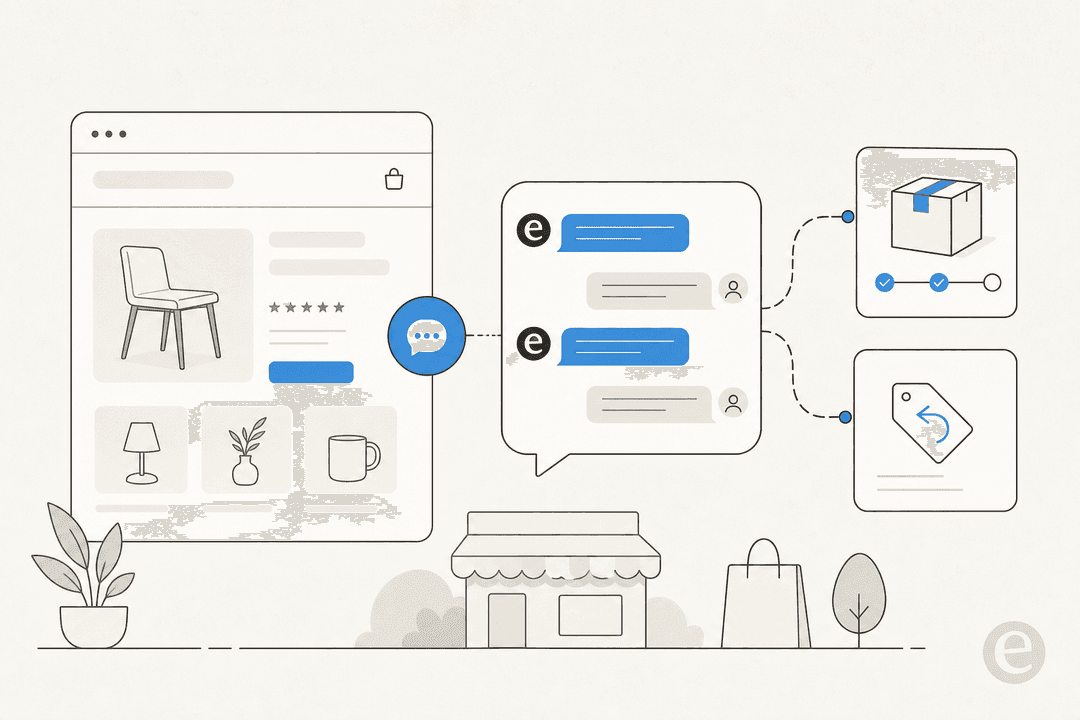
The most obvious and impactful use case is in automated customer support. An AI agent can go beyond just spitting out FAQ answers and start handling real support tasks. For instance, it could look up order details, process a refund or return, update a customer's shipping address in your system, or even book a demo with a sales rep.

You can also build smart internal assistants for your own team. Imagine an AI that can interact with your company's internal software. It could answer HR questions by searching the employee handbook, create a new IT support ticket in Jira Service Management, or dig up a specific document from Confluence or Google Docs.

At its heart, OpenAI Tool Use turns an LLM into a natural language interface for just about any API, whether it's your own internal database or a public one like a weather service.

The pitfalls: Challenges of a DIY approach

  • It's a huge coding headache: Manually defining tools means writing and maintaining detailed JSON schemas. It's tedious work that eats up developer time and is full of opportunities for tiny errors that are a nightmare to debug.

  • Things can get unreliable:

    Reddit
    The model won't always pick the right tool for the job, or it might 'hallucinate' and try to use arguments that don't even exist.
    This forces you to spend a lot of time fine-tuning prompts and writing validation logic and error-handling code just to keep things running smoothly.

  • It doesn't scale well: As you add more and more tools, the model's accuracy can start to dip. OpenAI's official advice is to stick to fewer than 20 tools at once. If you need more, you have to build complex logic in your application to manage different "modes" or "states" to make sure the model only sees the relevant tools at the right time.

  • Orchestration is tricky: That six-step workflow we talked about? It isn't automatic. You have to write all the code that manages the back-and-forth conversation, understands the model's replies, runs the functions, and gracefully handles failures at every single step.

  • Testing is genuinely scary: How do you safely test an AI that has the power to issue real refunds or change customer data? Without a dedicated simulation environment, you're risking costly mistakes or, even worse, impacting real customers while you're still in development. This alone is a massive barrier to launching with any confidence.

A smarter way: The platform approach

While you can build these agentic systems from the ground up, the challenges often make it an impractical project for many teams. That's exactly why AI support platforms have popped up to handle all the heavy lifting for you.

OpenAI Tool Use: Building from scratch vs. using an AI platform like eesel AI

A dedicated platform hides all the underlying complexity of OpenAI Tool Use. It gives you a simple, powerful, and safe way to build AI agents without getting bogged down in the technical weeds.

FeatureDIY with OpenAI APIsWith eesel AI
Setup TimeWeeks or months of development.Go live in minutes with a self-serve dashboard and one-click helpdesk integrations.
Tool DefinitionWrestling with manual, error-prone JSON code.Visual prompt editor for defining custom actions, personality, and escalation rules without any code.
OrchestrationRequires custom code for the entire multi-step workflow.A fully customizable, built-in workflow engine that handles the whole tool-use process for you.
Testing & SafetyHigh risk; you have to build your own custom test environment.Risk-free simulation mode tests your AI on thousands of past tickets to show you how it'll perform before launch.
IntegrationsBuild every single API connection from scratch.Instantly connect to knowledge sources like past tickets, Zendesk, and Slack.
MaintenanceAn ongoing engineering chore to update and debug.A fully managed platform that is always being improved and updated behind the scenes.

How eesel AI simplifies OpenAI Tool Use workflows for support teams

With eesel AI, you're not writing any JSON. You just use a simple prompt editor to tell the AI what actions it can take, like looking up an order in Shopify or updating a ticket field in Zendesk. eesel takes care of translating your plain-English instructions into a tool the model can understand.

eesel AI also automatically treats your connected knowledge bases, like your help center, past tickets, and internal wikis, as tools the AI can use to find answers. This saves you the massive effort of building and maintaining your own complex Retrieval-Augmented Generation (RAG) system.

The simulation mode is a real lifesaver. It completely removes the risk of the DIY method by showing you exactly how your AI agent and its tools will behave when faced with real customer issues. This lets you tweak and perfect its performance before it ever speaks to a single customer.

Final thoughts on OpenAI Tool Use

OpenAI Tool Use is a groundbreaking technology that lets AI shift from just talking to actually doing. It makes true AI agents a reality, unlocking the potential to automate complex tasks and integrate deeply with the software you already use.

But all that power comes with a whole lot of complexity. Building a reliable, scalable, and safe agentic system from scratch is a serious engineering project.

Platforms like eesel AI offer a much-needed layer of simplicity, handling the tedious orchestration, testing, and maintenance for you. This lets you tap into the full power of agentic AI and focus on what you do best: designing and delivering a fantastic customer experience.

Build smarter AI agents, faster with OpenAI Tool Use

Ready to build powerful AI agents for your support team without all the heavy lifting? Try eesel AI for free and see how you can launch a custom AI agent that takes real action in just a few minutes.

Frequently asked questions

OpenAI Tool Use enables a large language model (LLM) to determine when it needs external information or to perform an action. It allows the model to "pause," request a specific tool to be run by your application, and then use the results to provide an accurate response or complete a task. This bridges the gap between natural language requests and structured computer actions.

The process involves defining tools for the model, a user making a request, the model deciding which tool to use, and then generating a structured tool call. Your application executes this tool call, obtains results, and sends them back to the model. Finally, the model uses these results to formulate a human-readable response.

OpenAI Tool Use is powerful for automating tasks in customer support, like looking up order details or processing refunds. It also enables smart internal assistants for teams, allowing AI to interact with internal software for HR queries, IT support, or document retrieval. Essentially, it transforms an LLM into a natural language interface for almost any API.

Implementing OpenAI Tool Use from scratch can be a significant coding headache due to manual JSON schema definition and the complexity of managing an unreliable model. It also presents scalability issues with a high number of tools, requires extensive custom code for orchestration, and makes safe testing a major hurdle.

As you add more tools, the model's accuracy in selecting the correct tool can decrease. OpenAI suggests limiting to fewer than 20 tools at once to maintain reliability. For more tools, developers often need to implement complex logic to manage different "modes" or "states" to only expose relevant tools to the model at any given time.

Platforms like eesel AI simplify OpenAI Tool Use by providing a visual editor for defining actions without code, a built-in workflow engine for orchestration, and risk-free simulation mode for testing. They also offer instant integrations with knowledge sources and manage the ongoing maintenance, significantly reducing development time and complexity.

Share this post

Stevia undefined

Article by

Stevia Putri

Stevia Putri is a marketing generalist at eesel AI, where she helps turn powerful AI tools into stories that resonate. She’s driven by curiosity, clarity, and the human side of technology.