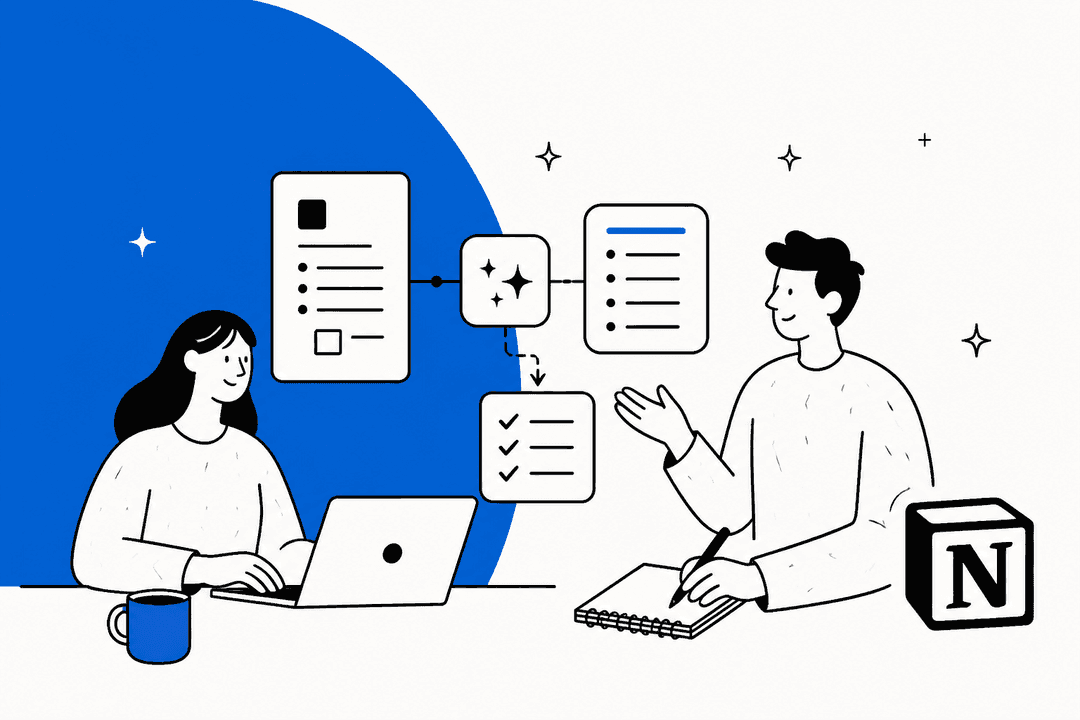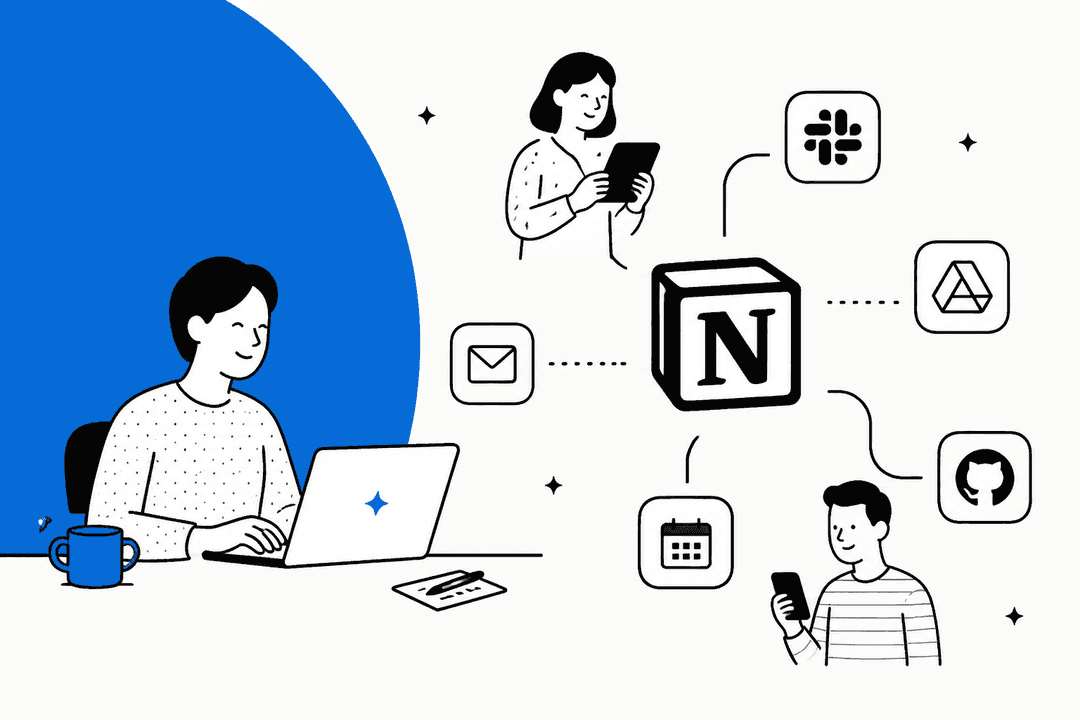
Let's be honest, churning out fresh content every day can feel like a marathon with no finish line. Whether you're writing blog posts, social media updates, or building out a knowledge base, the demand for good copy just doesn't stop. AI assistants have stepped in to help, and since millions of teams already use Notion as their home base for notes and projects, adding Notion AI to the mix seems like a no-brainer.
But here’s the thing. While plenty of teams use Notion as their central hub, many aren't quite sure how to make its AI do the heavy lifting for day-to-day copywriting. More importantly, they don't see where it hits a wall, especially for business-critical tasks that need more than just a writing buddy.
This guide will give you a straight-up look at Notion AI's copywriting features, how you can actually use them in your work, and where they fall short. We'll also get into why a specialized AI tool is often a much better choice for automating the real work that keeps your business running.
What exactly are Notion AI copywriting tools?
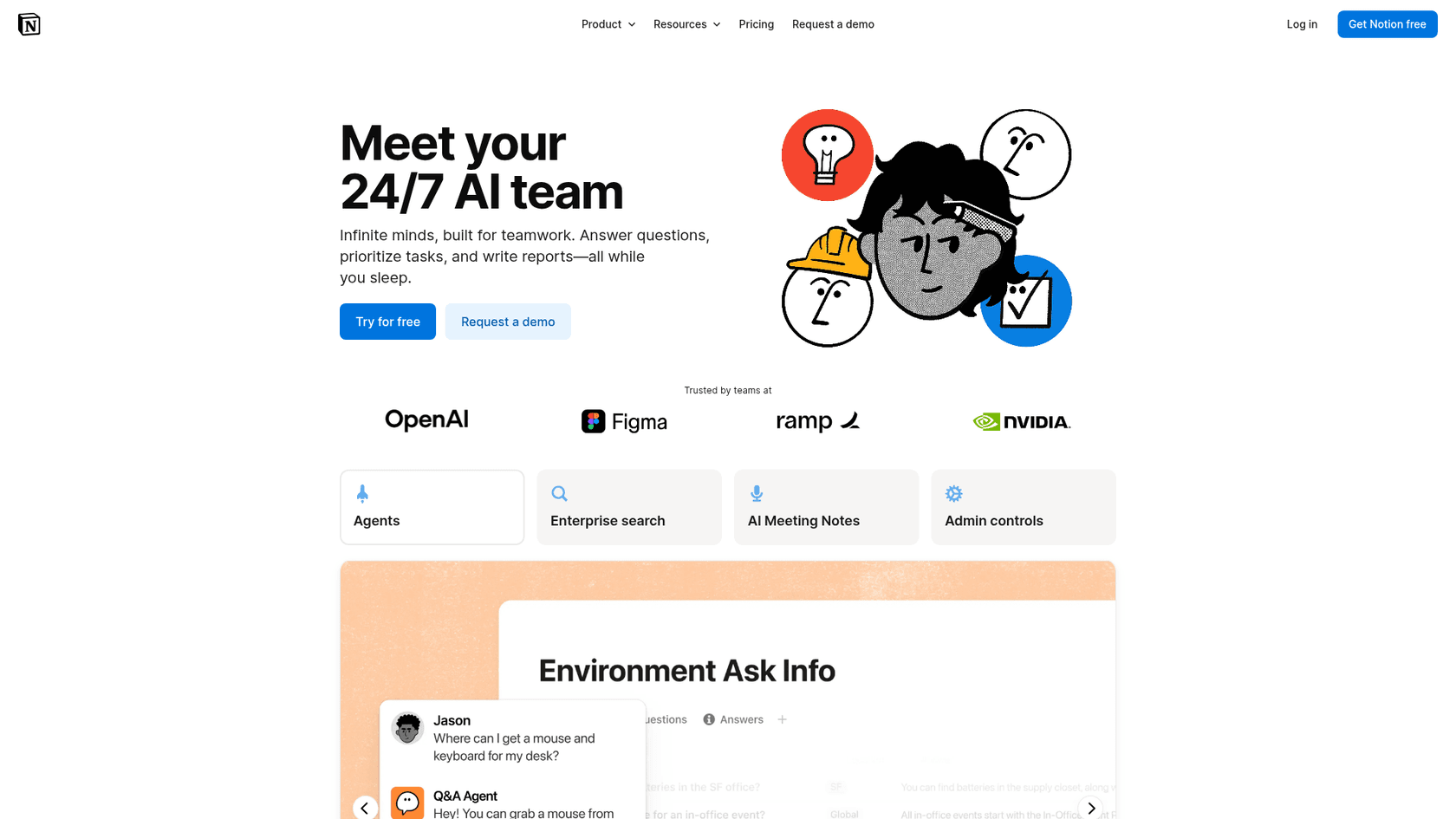
Notion AI isn't some separate app you have to download or toggle over to. It’s an assistant that lives right inside the Notion workspace you’re probably already clicking around in. Think of it as a writing partner sitting on the page with you, ready to help brainstorm, draft, summarize, and edit without you ever having to leave your document.
Under the hood, Notion AI uses large language models (the same tech behind tools like ChatGPT) to understand what you're asking and generate text that sounds human. Its real trick is being context-aware; it can scan the content on your current Notion page to give you suggestions and summaries that are actually relevant.
It’s designed for people and teams who are already all-in on Notion for managing knowledge, planning projects, and writing docs. Its biggest advantage is simple convenience. You don't have to juggle a bunch of tabs or copy-paste between different apps just to get some AI writing help. It’s all right there.
Key features of Notion AI's copywriting tools
Notion AI comes with a handful of functions that can genuinely speed up the writing process. Let's break down the most useful features for copywriters, marketers, or anyone who spends their day creating content.
Getting past the blank page
We’ve all been there, staring at a blinking cursor on an empty page. Notion AI is great for breaking through that initial writer's block. You can open a new page and just ask it to draft anything from a blog post outline to a social media caption. For instance, you could type, "Brainstorm 5 blog post ideas about the benefits of remote work," and get an instant list to start with. It’s a simple way to get the ball rolling on a new piece of content.
Making sense of long documents
We all have too much to read. Notion AI can take a long page of text, like your team's meeting notes or a dense research article, and shrink it down to a quick summary. You can also ask it to pull out key takeaways or action items. Imagine pasting a long customer interview transcript and prompting it with, "Summarize the key takeaways from this interview." It saves a ton of time by getting you the essential points without the fluff.
Editing and rewriting on the fly
Your first draft is rarely your best draft. Notion AI has a bunch of editing tools to help you polish your writing. You can highlight any chunk of text and ask the AI to fix spelling and grammar, tweak the tone to be more professional (or more casual), or simplify jargon-heavy language. For example, you could highlight a technical paragraph and tell it to, "Explain this to a 5th grader." It's an effective way to refine your work for different audiences without spending hours rewriting everything yourself.
Quick translations
For teams spread across different countries, Notion AI has a useful translation feature. You can highlight text and have it translated into dozens of other languages right inside your document. While you probably wouldn't use it for your main website copy, it’s incredibly helpful for quick, internal chats with teammates around the world.
Practical use cases for Notion AI copywriting tools in marketing and support
The features are neat, but they're only as good as how you apply them. Here are a few common ways marketing and support teams can put Notion AI to work.
- Drafting blog posts: Kick things off with a prompt like, "Create an outline for a blog post about the top 5 features of our new software update." From there, you can ask the AI to expand on each section one by one.
- Creating social media content: You can easily repurpose your work. Just highlight a finished article and ask, "Create 3 engaging tweets based on the blog post above."
- Writing email newsletters: If you have a newsletter template, you can drop in your main points as bullets and prompt the AI, "Write a friendly and informative newsletter based on these bullet points."
- Generating product descriptions: Give the AI a list of your product's features and benefits and ask it to, "Write a witty, 100-word product description highlighting these points."
- Outlining video scripts: Get a running start on your next video by asking, "Write a script for a 2-minute video tutorial explaining how to use our new dashboard feature."
Pro Tip: The more context you give the AI, the better its output will be. Instead of a vague prompt like "write a blog post," get specific: "Write a 1000-word blog post for small business owners explaining the importance of cybersecurity, with a professional yet approachable tone."
The limitations of using Notion AI copywriting tools for business workflows
Notion AI is a fantastic helper for drafting and refining content, as long as you stay within Notion. But its limits become very clear the moment you try to use it for real-time, external business tasks, especially in a field like customer support.
First, it's a writer, not an engine for automation. Notion AI can write a flawless response to a customer question, but that response stays in Notion. It can't automatically triage a support ticket in Zendesk, look up live order info from Shopify, or escalate an urgent problem to the right person. Notion Agent can act inside Notion and a few connected apps (it can post in Slack, for example), but it isn't built to work a ticket queue.
Second, it’s mostly cut off from live business data. Notion AI can search your workspace, and on the Business plan it can reach connected apps like Slack, Google Drive and Jira through AI connectors, but those connectors are built for search, not for live help desk or e-commerce data. This means it can't give the personalized, real-time answers that customers expect. It doesn't know a customer's order history or what they wrote in about last week.
Finally, it creates a lot of manual work. To use Notion AI for support, an agent has to copy a customer's question from their help desk, paste it into a Notion page, ask the AI to write a reply, and then copy that reply back into the help desk. This "copy-paste shuffle" adds extra steps, slows down responses, and makes for a clunky, frustrating process for your support team.
A better alternative: Why specialized tools outperform Notion AI copywriting tools for support
When your team needs to do more than just write, a specialized platform like eesel AI is built to handle the things that general-purpose writing tools can't. It’s designed from the start to automate real work right where it happens.
The main difference is that eesel AI isn't just a writer; it's an AI agent platform that connects directly to the tools you already use, like Zendesk, Freshdesk, Slack, and Shopify.
Here’s what sets a tool like eesel AI apart:
- You can get it running in minutes, not months: Forget about long sales calls and complicated setups. eesel AI has one-click integrations with your help desk, so you can get started on your own in a few minutes.
- It learns from your real company info: It trains on your company's actual knowledge base, past support tickets, help center articles, and internal docs from sources like Confluence or Google Docs. This means its answers are consistently accurate and match your brand's voice.
- You have total control over the workflow: You get to decide exactly which tickets the AI handles. It can perform actions like tagging tickets, escalating issues to a human, and even making API calls to look up order details or update customer info in real-time.
- You can test it with confidence: With a powerful simulation mode, you can see how the AI would have handled thousands of your past tickets before it ever touches a live customer conversation. This gives you a clear forecast of how much it can automate before you flip the switch.
This flowchart shows a typical support workflow that a specialized tool like eesel AI can handle, which is well beyond what a general writing tool like Notion AI is built for.
| Feature | Notion AI | eesel AI |
|---|---|---|
| Primary Use Case | Content drafting & summarization inside Notion | Autonomous support & workflow automation |
| Integrations | Within the Notion ecosystem | Zendesk, Freshdesk, Slack, Shopify & 100+ more |
| Knowledge Source | Notion pages, plus connected apps on Business | Past tickets, help centers, docs, databases |
| Takes Actions? | Limited (Notion Agent works in Notion and a few apps) | Yes (tag, close, escalate, API calls) |
| Setup | Built-in | Self-serve, go live in minutes |
| Live Data Access | Search-only via connectors | Yes (e.g., real-time order lookups) |
Choosing the right AI tool for the job
Notion AI is a powerful and convenient tool for getting more done and drafting copy for internal docs, blogs, and marketing content, as long as you're working inside Notion. It's a champion at helping you get words on the page faster.
But when it comes to automating the workflows that involve customers or internal support, tasks that need real-time data and the ability to take action, its limitations are clear. For those jobs, a dedicated AI platform built for automation isn't just a nice-to-have; it's a necessity.
The best plan is to use the right tool for the right job. Stick with Notion AI for creating content within your workspace, and turn to a platform like eesel AI when you need to put true workflow automation to work.
Take the next step in support automation
Ready to see how AI can do more than just write? eesel AI connects to your help desk and knowledge sources to automate frontline support, draft replies, and triage tickets instantly. Start your free trial today and go live in minutes.
Frequently asked questions
How do I get started with the Notion AI copywriting tools if I already have a Notion subscription?
Notion AI is an add-on to existing paid Notion plans and can be added to your workspace through your account settings. Once enabled, you can access it on any page by pressing the spacebar, which brings up the AI prompt.
Is the content generated by Notion AI copywriting tools original enough for my company blog?
Yes, the content is generated to be unique for each prompt, so plagiarism is not a significant concern. However, it's always best to review and edit any AI-generated text to ensure it matches your brand voice and meets your factual accuracy standards.
What's the real limit on how much context the Notion AI copywriting tools can handle for a single task?
Notion AI's context is strictly limited to the content on the specific page you are actively working on. It cannot access information from other pages in your workspace, external websites, or live data sources, which is why it's best for self-contained writing tasks.
For a marketing team, what specific tasks do the Notion AI copywriting tools handle best?
It excels at overcoming writer's block by brainstorming ideas, creating first drafts of blog posts or social media captions, and repurposing long-form content. It is also highly effective for summarizing research documents and refining the tone of existing copy.
How do the Notion AI copywriting tools compare to a standalone tool like ChatGPT?
Notion AI's biggest advantage is its seamless integration; it lives right where you work, making it faster for in-document editing and summarizing. While both use similar technology, ChatGPT may be more powerful for complex research, whereas Notion AI is built for convenience and workflow speed within Notion.
Can the Notion AI copywriting tools be used outside of the Notion app, or am I stuck working on a page?
You are limited to working inside a Notion page. The main benefit and drawback is that the tools are deeply integrated into the Notion ecosystem, meaning they cannot connect with external applications like your help desk, CRM, or other business platforms.