Let's talk about comparison articles. You know, the "Product A vs. Product B" posts. When a potential customer lands on one of those, they’re not just window shopping, they’re close to making a purchase. This is prime, bottom-of-the-funnel content. The only issue is that writing a genuinely good one is a massive time sink. We're talking hours, sometimes even days, spent digging into features, verifying pricing, and trying to lay it all out in a fair, easy-to-digest format.
But what if you could sidestep most of that tedious work? This is where AI steps in. Instead of losing a week to a mess of spreadsheets and countless browser tabs, you can generate a detailed article in just a few minutes. Tools like the eesel AI blog writer are built to handle the heavy lifting, transforming a simple keyword into a complete post that’s ready to rank and bring in customers.

What are AI comparison articles?
AI comparison articles are pretty much what they sound like: content that uses artificial intelligence to compare two or more products or services. But it’s not just about spinning up some generic text. A solid AI tool does the deep work to research, analyze, structure, and write an article that actually helps the reader.
Think of it as having a research assistant who works at lightning speed. Instead of you manually sifting through websites, forums, and reviews, the AI does it for you. It can pull the latest features, double-check pricing, and even see what real users are saying on social media.
The end result is an article that's more than a simple pros and cons list. You get a balanced overview that uses real data and user feedback, all organized with clear headings, tables, and bullet points. As this infographic shows, the benefits are obvious:
- You get a huge amount of time back. What used to take days can now be done in minutes.
- The information is more accurate. The AI can pull the most current info, so you're not publishing outdated details.
- You can produce more content. Instead of one painstakingly crafted article a week, you can publish several high-quality pieces, hitting more long-tail keywords and grabbing more traffic from people ready to buy.
Traditional challenges of creating comparison articles
If you’ve ever tried to write a comparison post from scratch, you know the struggle. It’s one of the most demanding types of content to create, and a few key things make it such a headache.
The endless research rabbit hole
First off, you have to gather all the information. This usually involves opening a ridiculous number of tabs to find pricing pages, feature lists, tech specs, and integration options for every product. You’re digging for unbiased facts while wading through marketing jargon. Then, you have to find out what actual users think, which means heading to Reddit, G2, and Twitter to spend hours reading genuine pros and cons. It feels like a full-on investigation, and it’s easy to lose hours before you’ve written a single word.
Here is the problem. You need to understand how 'AI' writers build their content and it's goal. An 'AI' writers will simply take a search query you specify. Download the text of the top 10 results. Text mine the results and find common words. Use the most popular semantic linking profile. Write the first iteration of text and then paraphrase.

Structuring for clarity and fairness
Once you have the data, you have to make sense of it. How do you structure it all so it's balanced and doesn't accidentally favor one product? You have to choose the right comparison points, like ease of use, customer support, and overall value. Then you need to present it in a way that someone can quickly scan and understand. This often means building comparison tables and bulleted lists and making sure the whole thing flows logically. Trying to do this by hand in a Google Doc or WordPress can be incredibly slow and frustrating.
Maintaining accuracy and staying current
And here's the real kicker: your article is already getting old the second you hit "publish." SaaS companies are always updating their products, changing prices, and adding features. A new competitor might pop up next week. To keep your comparison articles useful and trustworthy, you have to review and update them regularly. Manually tracking changes across dozens of posts is a maintenance nightmare that most content teams just don't have time for. An AI-powered workflow can make a huge difference here, helping you refresh content in a fraction of the time.
How to create AI comparison articles: A step-by-step guide
Ready to ditch the manual process? Creating a comparison article with AI is surprisingly simple. Here’s a straightforward process you can follow using a tool built for this exact task, like the eesel AI blog writer.
Step 1: Define your scope and criteria
Before you even open an AI tool, you need a plan. Good inputs lead to good outputs. Start with a few basic questions:
- Who are you writing for? Is it for tech-savvy developers or small business owners who need something simple? Your audience shapes the tone and the features you highlight.
- Which products are you comparing? Keep it focused, like "Zendesk vs. Intercom" or "Slack vs. Microsoft Teams." Don't try to compare too many things at once.
- What are the most important criteria? Pick the factors that matter most to your audience. This could be pricing, key features, ease of use, integrations, or customer support. Jot down 4-5 key comparison points to give your article a solid foundation.
Step 2: Generate the article with the eesel AI blog writer
This is where the fun begins. Instead of spending hours on research, you let the AI do the work. With the eesel AI blog writer, the process is designed to be as easy as possible.
You just type in your comparison topic or keyword, like "Asana vs. Trello." You can also add your website URL to give the AI context about your brand, which allows it to subtly mention your product as a solution where it fits.
From there, eesel AI starts working. It conducts its own context-aware research, understanding that you're writing a comparison post, so it actively seeks out pricing data, feature sets, and user opinions. It then automatically generates a complete, SEO-optimized blog post with an introduction, conclusion, headings, and even FAQs. It also finds social proof, like relevant Reddit quotes, and builds assets like comparison tables and images for you. You get a comprehensive first draft that’s about 90% done in just a few minutes.
Step 3: Refine and add your unique perspective
AI is a powerful assistant, but the best content always has a human element. Once you have your AI-generated draft, it's time to put on your editor hat.
First, do a quick fact-check on the most important data, like pricing and key features. The AI is very accurate, but it's always good practice to verify. Next, add your own voice and perspective. Do you have personal experience with one of the tools? A specific insight the AI might have missed? Add it. This is what builds trust with your readers. You can use eesel AI’s built-in editor to easily select any section and refine it with AI help, making tweaks quick and easy. This final polish is what takes the content from good to great and makes sure it connects with your audience.
Tools for creating AI comparison articles
The world of AI content tools is expanding quickly, and every platform has its own angle. Some are all-in-one workflow platforms, while others are more specialized. To help you find what’s right for you, here’s a look at a few options for creating comparison articles. We'll start with the tool we use to scale our blog content.
1. eesel AI blog writer
The eesel AI blog writer is an AI content generation platform designed to take a single keyword and turn it into a complete, media-rich, and SEO-optimized article. It's built for marketers and content creators who need to scale up content production without getting stuck in manual research and writing.
- Key Features:
- Context-aware research: It knows you're writing a comparison and automatically pulls relevant data like pricing and features, so you don't have to feed it source material.
- Automatic asset generation: It creates comparison tables, images, and infographics on the fly, saving you design work.
- Social media integration: It finds and embeds relevant Reddit quotes and YouTube videos to add social proof and credibility.
- AEO (Answer Engine Optimization): The content is structured to perform well in AI answer engines like Google AI Overviews, helping you capture top-of-page visibility.
- Pricing: You can try it for free to generate your first article. Paid plans start at $99 for 50 blog posts.
- Best For: Marketing teams and content creators who need to publish engaging, high-ranking comparison articles at scale with minimal manual effort.
2. Narrato
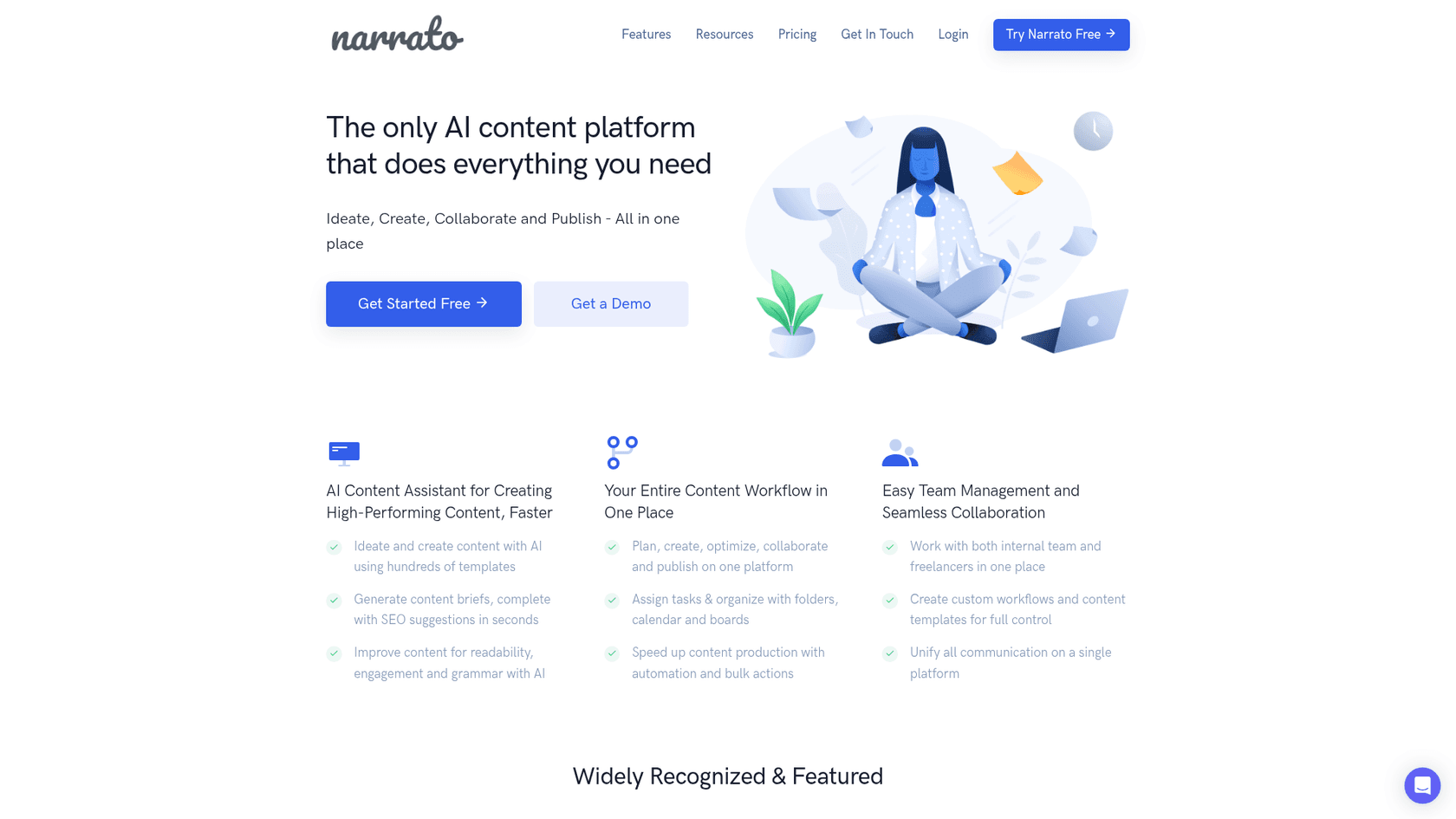
Narrato is an AI content platform that combines creation tools with project management features. It’s more of a complete workspace for content teams. You can use it to generate long blog articles, but the process is more hands-on.
- How it works: To generate content, users typically provide a detailed SEO content brief, reference URLs, or other source documents for the AI to work with. It functions as a comprehensive workflow tool for teams that manage their content process from briefing to publishing.
- Pricing: Narrato offers a free plan for individuals. Paid plans for teams start at $36 per month for the Pro tier when billed annually.
- Best For: Content teams looking for a single platform to manage their entire content workflow, from creating briefs and assigning tasks to writing and publishing.
3. Stack AI
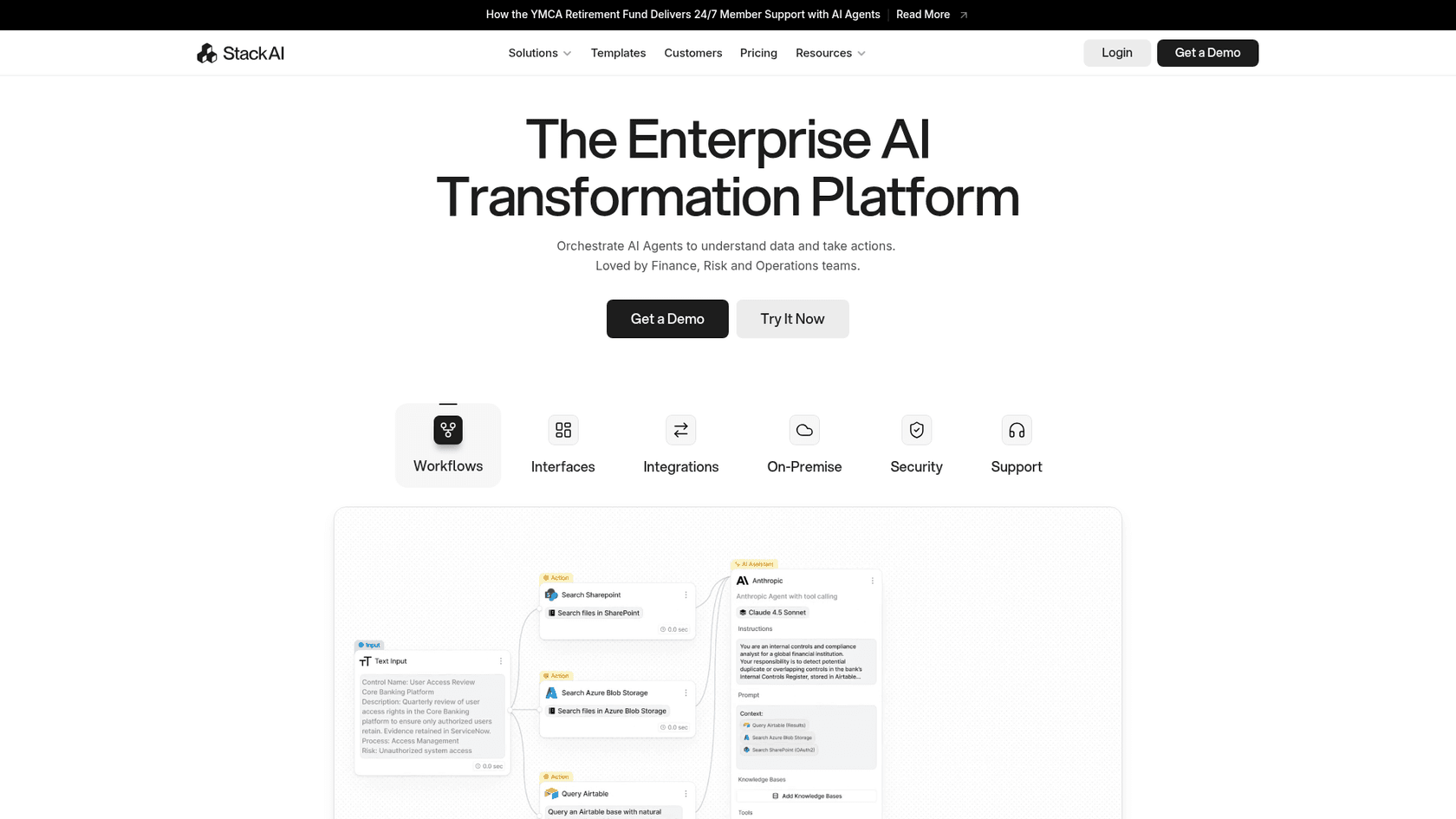
Stack AI is a different beast altogether. It’s a no-code platform for building and deploying your own custom AI applications and workflows. One of its pre-built templates is for "Document Comparison," which lets you upload two documents and have the AI generate a side-by-side comparison.
- How it works: Stack AI is a technical tool designed to compare two existing documents and highlight differences. It is not designed to research and write a blog post from a keyword. Users upload their own source documents for analysis.
- Pricing: Stack AI offers a free plan that includes 500 runs per month. It also has a custom Enterprise plan for more advanced use cases.
- Best For: Technical users, lawyers, or researchers who need to find specific differences between two existing documents, like contracts or research papers.
Seeing the process in action can make it even clearer. For a visual walkthrough, check out this video that demonstrates how you can use AI tools to streamline the creation of product comparison articles, from research to final draft.
Turn research into revenue with AI comparison articles
Creating high-quality comparison articles used to be a resource-heavy task for teams with a lot of time and a big budget. It was a slow, manual process of research, writing, editing, and constant updates. AI has completely changed the landscape.
Now, you can turn one of the most effective types of content into a scalable part of your marketing strategy. By using the right tools, you can produce well-researched, engaging articles that help buyers make informed decisions, build trust in your brand, and drive sales. You're no longer just creating content; you're building a library of assets that work for you 24/7, capturing high-intent traffic and guiding potential customers right to your door.
Ready to stop spending weeks on research and start publishing comparison articles that rank? Try the eesel AI blog writer for free and generate your first complete article in minutes.