If you run an e-commerce store, you’re probably all too familiar with the flood of customer questions. They come from everywhere: email, chat, social media, and trying to keep up can feel like a full-time job in itself. The challenge isn't just answering every query, but doing it fast and right, without needing to hire a huge support team. This is where a good customer service management (CSM) tool comes in, and for many online stores, that tool is Gorgias.
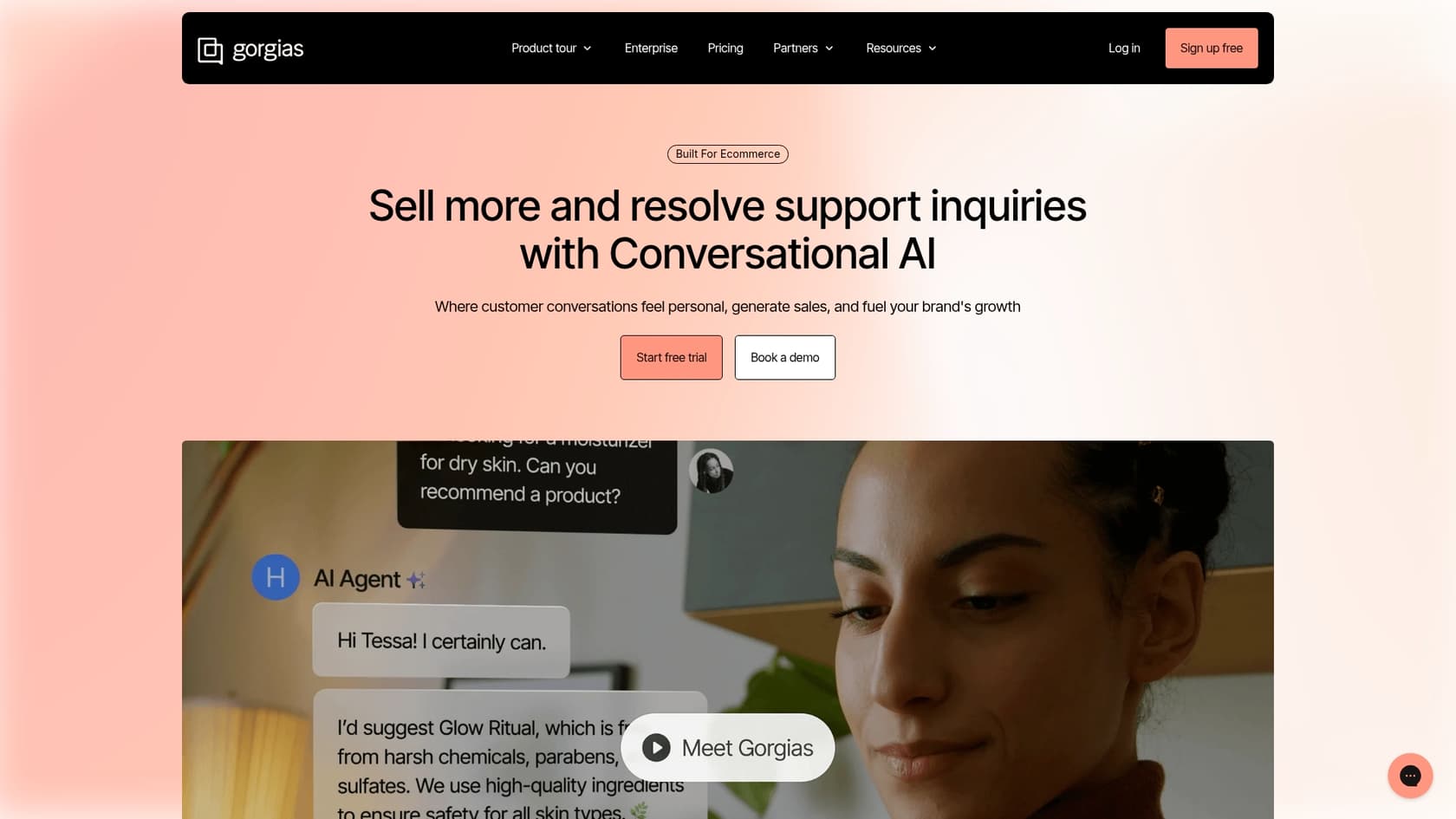
Gorgias is a big name in the helpdesk world, built specifically for e-commerce brands. Its approach to CSM is a whole ecosystem of tools designed to bring some order to the chaos. This guide is a complete look at what Gorgias offers, from its self-service Help Center to its own AI Agent. We’ll get into its strengths, how to optimize its features, and how you can build a support system that grows with your business.
What is Gorgias CSM?
First things first, "Gorgias CSM" isn't a standalone product you can buy off the shelf. It’s the platform’s entire philosophy on customer service management. Think of it as their main helpdesk software combined with extra layers of self-service and automation features.
At its core, the Gorgias CSM approach is built on a few main components:
-
A unified helpdesk: This is your mission control. All customer conversations from email, chat, social media, and SMS are funneled into a single feed. No more bouncing between ten different browser tabs to figure out what a customer needs.
-
A help center: This is your public-facing knowledge base. It's where customers can find answers to common questions themselves, anytime they want, without having to wait for a reply.
-
Automation tools: This covers everything from simple rules and macros (pre-written responses) to their AI Agent. All these tools work together to handle repetitive questions and solve simple issues efficiently.
-
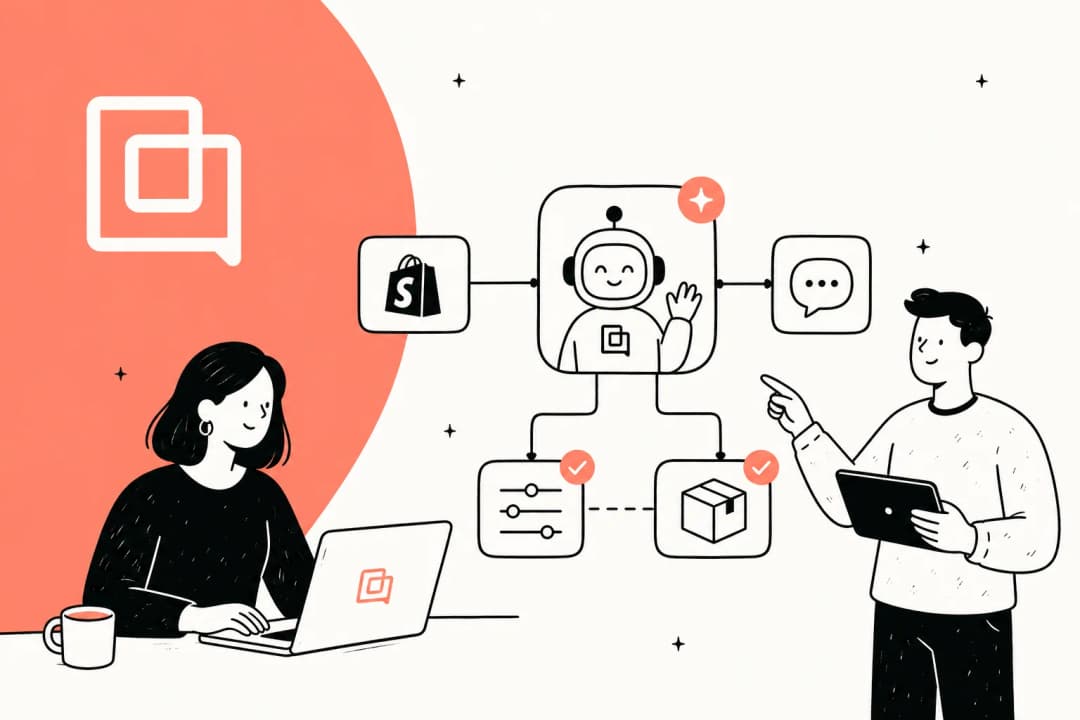
E-commerce integrations: Gorgias connects directly with platforms like Shopify, pulling customer data like order history and shipping status right into the ticket view. This gives your agents the context they need to resolve issues quickly.
When all these parts are working in sync, the system can be a real workhorse. To get the most out of the platform, it's helpful to spend some time setting up your Help Center and tailoring the AI to your specific needs.
Setting up your Gorgias Help Center for self-service
Your Gorgias Help Center is often your first line of defense against a high volume of tickets. Gorgias themselves claim that merchants using their self-service tools can cut down on helpdesk tickets by as much as 50%. It acts as your 24/7 support agent, answering questions about shipping, returns, and product details so your team doesn't have to. When customers find instant answers, they’re happy, and your agents can focus on the more complex conversations that need a human touch.
Core Gorgias features and setup
Getting a basic Help Center up and running in Gorgias is fairly simple. The main features you'll work with are:
-
Article and category creation: You can write and organize a library of FAQs, policy documents, and how-to guides. Grouping them into logical categories helps customers find what they're looking for easily.
-
Customization: The platform lets you tweak the look and feel with your brand's logo, colors, and fonts. This helps make the Help Center feel like a natural part of your website, maintaining brand consistency.
-
Self-service order management: This allows customers to track orders, start a return, or even change their shipping address on their own. This powerful feature is available through the Automation Add-On.
-
Search and SEO: Articles are automatically set up to be search-engine friendly. So when a customer Googles "[Your Brand] return policy," your Help Center article has a better chance of appearing as a top result.
Considerations for scaling your Help Center
While the Help Center is a fantastic starting point, there are a few considerations to keep in mind as your business grows.
For instance, Gorgias maintains content limits to keep things manageable. A single Help Center can hold up to 1000 articles, and each category is capped at 100 articles. This is usually plenty for most e-commerce brands, but if you have an exceptionally large product catalog, you'll want to organize your content strategically.
If you are migrating content from another platform, such as Zendesk, using a CSV file is a common method. During this process, you may need to spend some time re-uploading media files to ensure everything looks perfect in its new home. It’s a good opportunity to audit and refresh your images.
Additionally, the native AI Agent is designed to be highly focused. It primarily learns from your Help Center content, specific public URLs, and manually uploaded files. This ensures the AI stays strictly within the bounds of your approved public documentation, which provides a safe and controlled experience for your customers.
Understanding the native Gorgias AI Agent and its capabilities
Once your Help Center is up and running, the Gorgias AI Agent is the next automation layer you can switch on. The idea is that you "train" it by feeding it your knowledge base, and then it can start answering customer questions on its own.
What the Gorgias AI Agent does well
For standard, common questions, the AI Agent works very effectively. If a customer asks something and the answer is clearly written in a published Help Center article, it provides a fast and reliable response. It’s an excellent way to introduce AI automation to your workflow using the tools already built into your helpdesk.
Optimizing your Gorgias AI experience
As your needs become more sophisticated, you might look for ways to expand the AI's capabilities.
The native AI Agent is built to prioritize your current documentation. This means it relies on the static articles and files you provide. While it doesn't automatically ingest historical ticket data or internal team notes from Google Docs or Confluence, this helps maintain a clear boundary between internal and external information.
To keep your AI performing at its best, your team will play a role in keeping the Help Center updated with the latest policies and product info. This ensures the AI always has the most current "truth" to share with customers.
When testing new AI responses, Gorgias allows you to fine-tune your settings while interacting with customers. This live-learning environment means you can see exactly how the AI performs in real-world scenarios and make adjustments on the fly to improve the customer journey.
Gorgias: Native AI and complementary integrations
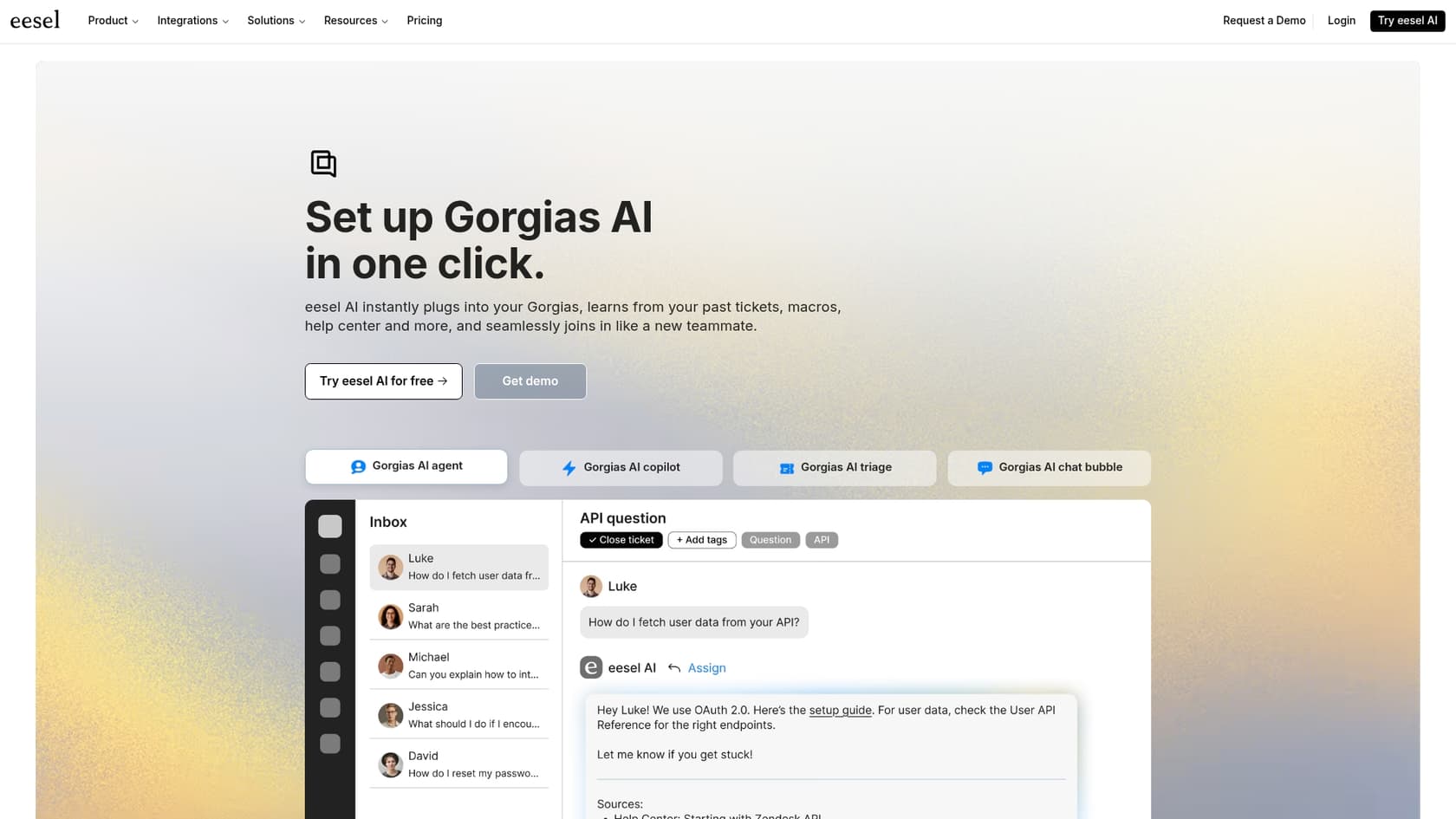
For support teams looking to further scale, you might consider how specialized integrations can work alongside Gorgias. While the native AI is a strong starting point, some teams choose to bring in a dedicated AI platform to handle even more complex workflows.
Here’s a comparison of how the native features compare with a complementary tool like eesel AI:
| Feature | Gorgias Native AI Agent | eesel AI Agent for Gorgias |
|---|---|---|
| Primary Knowledge Sources | Help Center, specific URLs, and file uploads. | Enhances this with past tickets, macros, websites, and internal docs. |
| Learning Methodology | Uses published documentation for consistency. | Complements this by analyzing past ticket resolutions. |
| Action Capabilities | Native workflows and ticket escalations. | Expanded custom API calls and specialized tasks. |
| Testing Environment | Optimized for live customer interactions. | Includes simulation modes for pre-launch testing. |
| Setup Process | Streamlined setup for immediate use. | One-click integration to leverage existing data. |
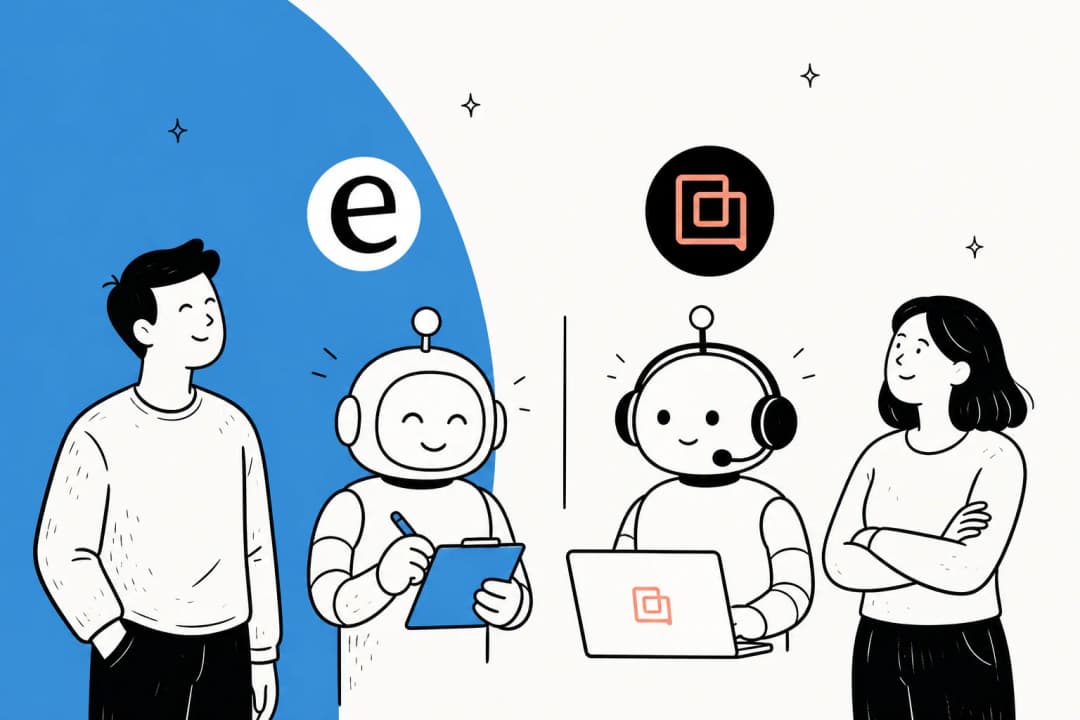
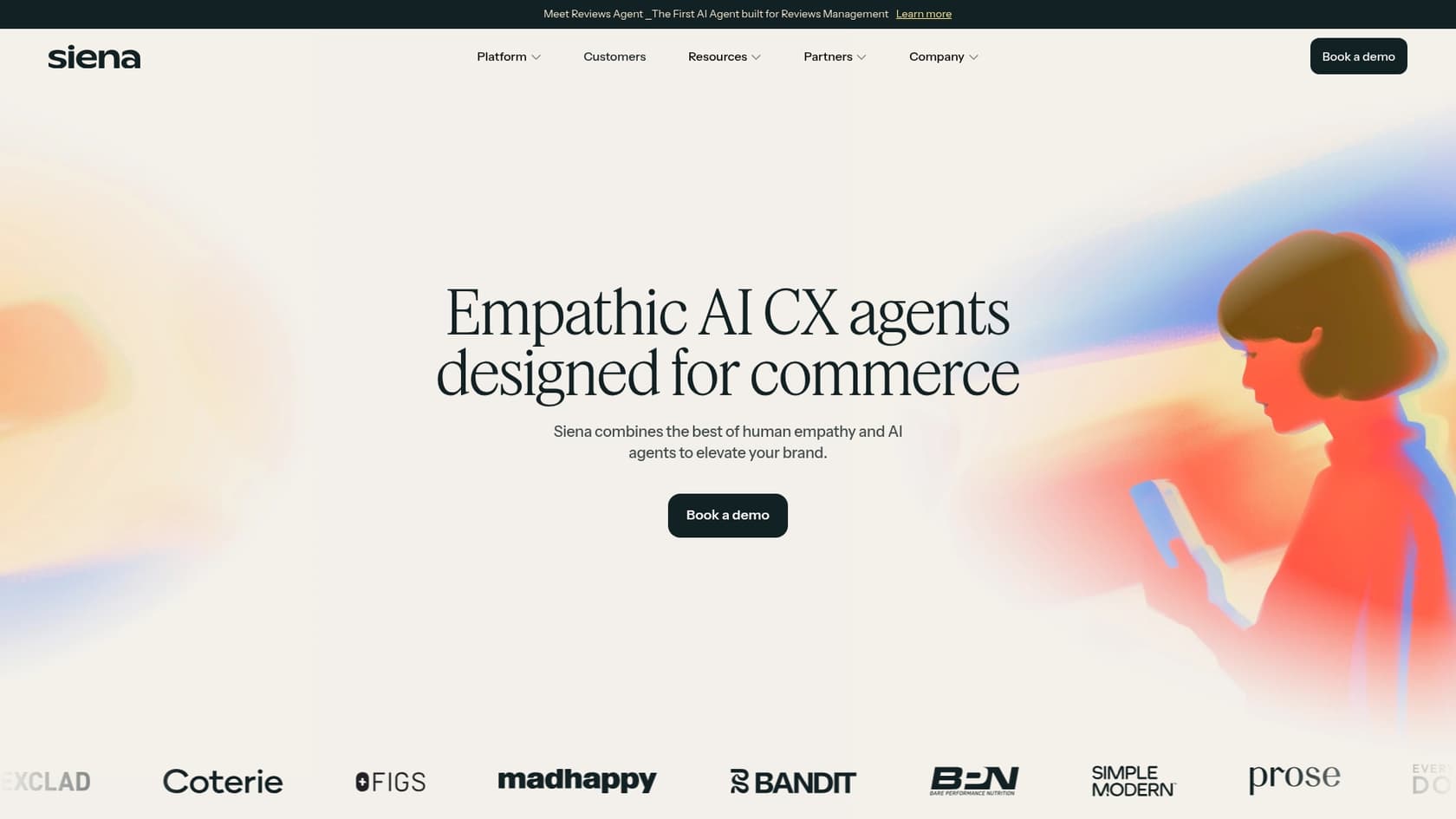
Many successful brands pair Gorgias with complementary tools like Siena or eesel AI to get the best of both worlds. eesel AI, for example, is designed to work within the Gorgias ecosystem to learn from historical conversations and offer a simulation mode. It’s a great way to add an extra layer of automation that feels like an extension of your existing team.
Gorgias pricing: What to expect
Gorgias's pricing is based on tiered plans that scale with the number of tickets your team handles each month. This allows you to choose a plan that fits your current volume while knowing you can grow. For the latest details, it's always best to check their official pricing page.
Advanced automation features, like the customer portal, are available via the Automation Add-On. This allows teams to customize their plan by only adding the high-level self-service features they need.
This model allows for a robust helpdesk experience. If you are also using tools like eesel AI, you'll find eesel AI's pricing is based on a set number of interactions, which can be a predictable way to manage your automation budget alongside your Gorgias subscription.
Expanding your Gorgias setup
Gorgias offers a top-notch helpdesk for e-commerce and a solid foundation for managing customer service. Its built-in Help Center and AI Agent are excellent for establishing self-service and managing basic automation efficiently.
As your brand scales, you can continue to build on this foundation. Whether it's through careful content management in your Help Center or by adding specialized AI integrations to handle more niche use cases, Gorgias provides the flexibility to create an amazing customer experience.
Take your Gorgias setup to the next level
Your support team deserves tools that make their jobs easier, and your customers deserve quick, accurate answers. Gorgias is a market leader that provides exactly that.
The eesel AI Agent integrates seamlessly with your Gorgias account to provide even more automation options. By using eesel AI alongside Gorgias, you can leverage all your knowledge - from old tickets to internal guides - and go live with an even more powerful support system in minutes.
Ready to see how to enhance your setup? Book a demo or start your free trial today.
Frequently asked questions
What exactly is Gorgias CSM and how does it differ from just a helpdesk?
Gorgias CSM refers to the platform's comprehensive approach to customer service management. It combines their unified helpdesk with self-service features like a Help Center, automation tools, and e-commerce integrations to manage the entire customer support ecosystem. It's more than just a place to answer tickets; it's a strategic system for handling customer interactions efficiently.
What are the key steps to setting up an effective Gorgias Help Center?
To set up an effective Help Center, focus on creating clear articles organized into logical categories. Customize its appearance to match your brand's identity and consider enabling self-service order management if your plan includes the Automation Add-On. This empowers customers to find answers independently, which helps reduce the overall ticket volume for your support team.
What are the primary features of the native Gorgias AI Agent?
The native Gorgias AI Agent learns from your Help Center articles, specified public URLs, and manually uploaded files. It provides a streamlined way to automate responses based on your existing documentation, ensuring that customers receive consistent information based on your published policies.
Can Gorgias CSM help reduce our overall support ticket volume?
Yes, Gorgias CSM is designed to significantly reduce ticket volume, primarily through its self-service Help Center and automation tools. By empowering customers to find answers themselves or automating responses to common queries, your team can focus on more complex, high-value interactions, leading to greater efficiency and faster resolution times.
When does it make sense to consider a third-party AI integration with Gorgias instead of relying solely on the native AI?
You should consider a third-party AI integration when your business needs broader automation and an AI that can learn from a wider variety of knowledge sources, including past tickets and internal documents. This can be a great way to complement your Gorgias setup as you scale your support operations and look to automate more complex workflows.
How is the pricing structured for Gorgias, especially concerning advanced automation features?
Gorgias pricing is based on tiered plans designed to match different team sizes and "billable tickets" handled each month. For teams looking for advanced automation, such as the customer-facing portal for managing orders, Gorgias offers an Automation Add-On to provide these comprehensive self-service capabilities.
Is it possible for Gorgias to integrate with internal knowledge bases like Google Docs or Confluence?
The native Gorgias AI Agent focuses on learning from your Help Center and public documentation to ensure customer-facing accuracy. To leverage internal sources like Google Docs or Confluence for AI responses, many teams choose to implement a complementary third-party AI integration that is specifically designed to connect with these internal repositories.