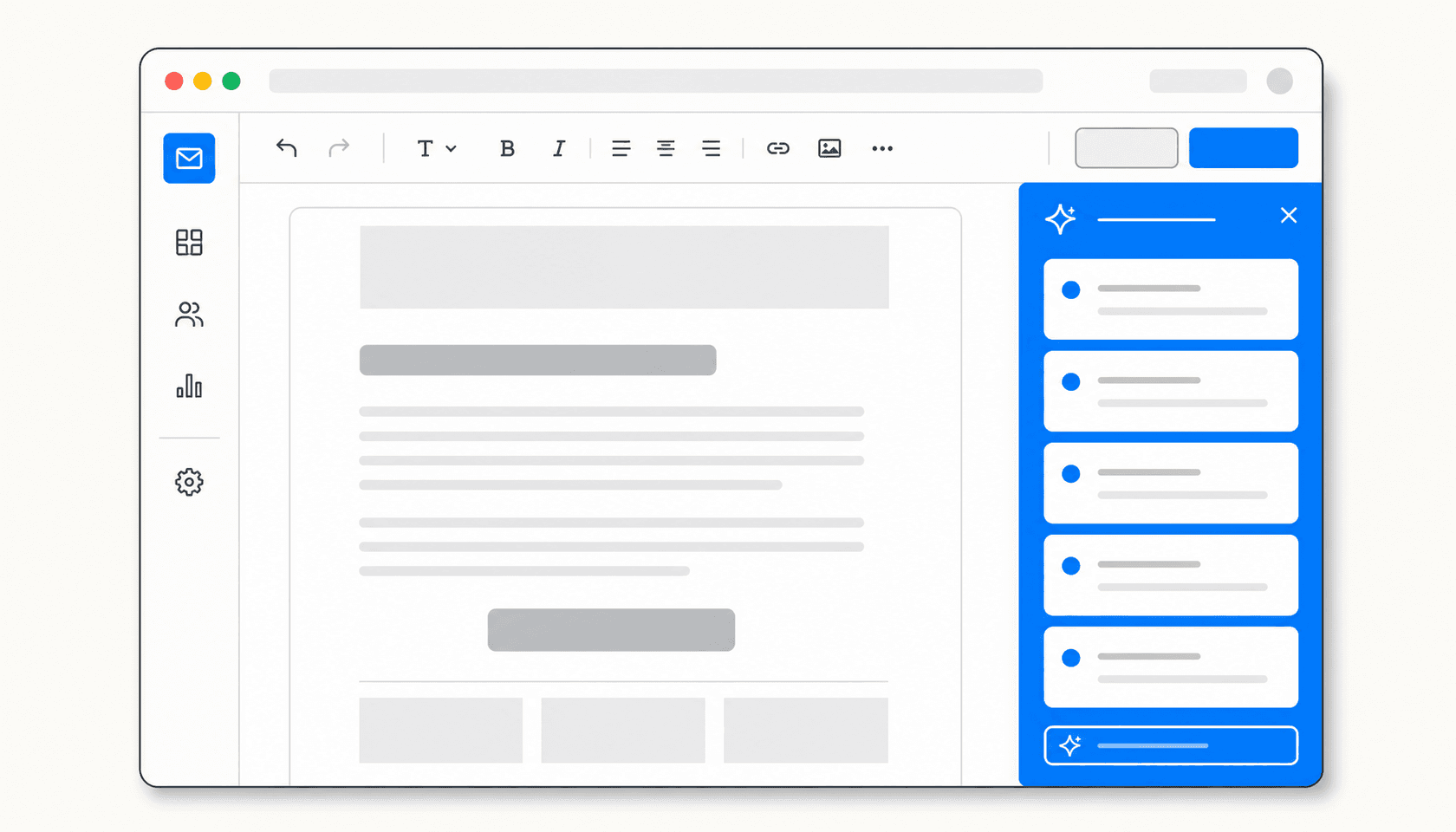
Most AI newsletter tools are a chat box you paste your draft into and hope for the best. You describe what you want, get something generic back, spend 20 minutes fixing the tone, and wonder if you saved any time at all.
The tools that actually work in practice do something different: the AI is built into where you already write, it understands newsletter structure, and the free tier is genuinely useful rather than a teaser for a paid product.
I tested six tools that claim to help write newsletters for free. Here's what I found.
What makes a free AI newsletter writer worth using
Before the list, a quick note on what I was looking for -- because "free" means very different things across these tools.
The useful version of free is: you can generate, edit, and refine at least one full newsletter issue per week without hitting a wall. That means enough message or credit limits to actually draft something, tone and structure controls that produce email-ready output (not generic article prose), and ideally some understanding of newsletter conventions (subject lines, CTAs, section breaks).
The less useful version is a tool where "free" means a 50-word teaser output, or where the AI writing feature is technically free but the underlying platform that makes it useful costs $20/month.
Both types show up on this list. I'll be specific about what you actually get at zero cost.
The 6 best free AI newsletter writers in 2026
1. beehiiv AI
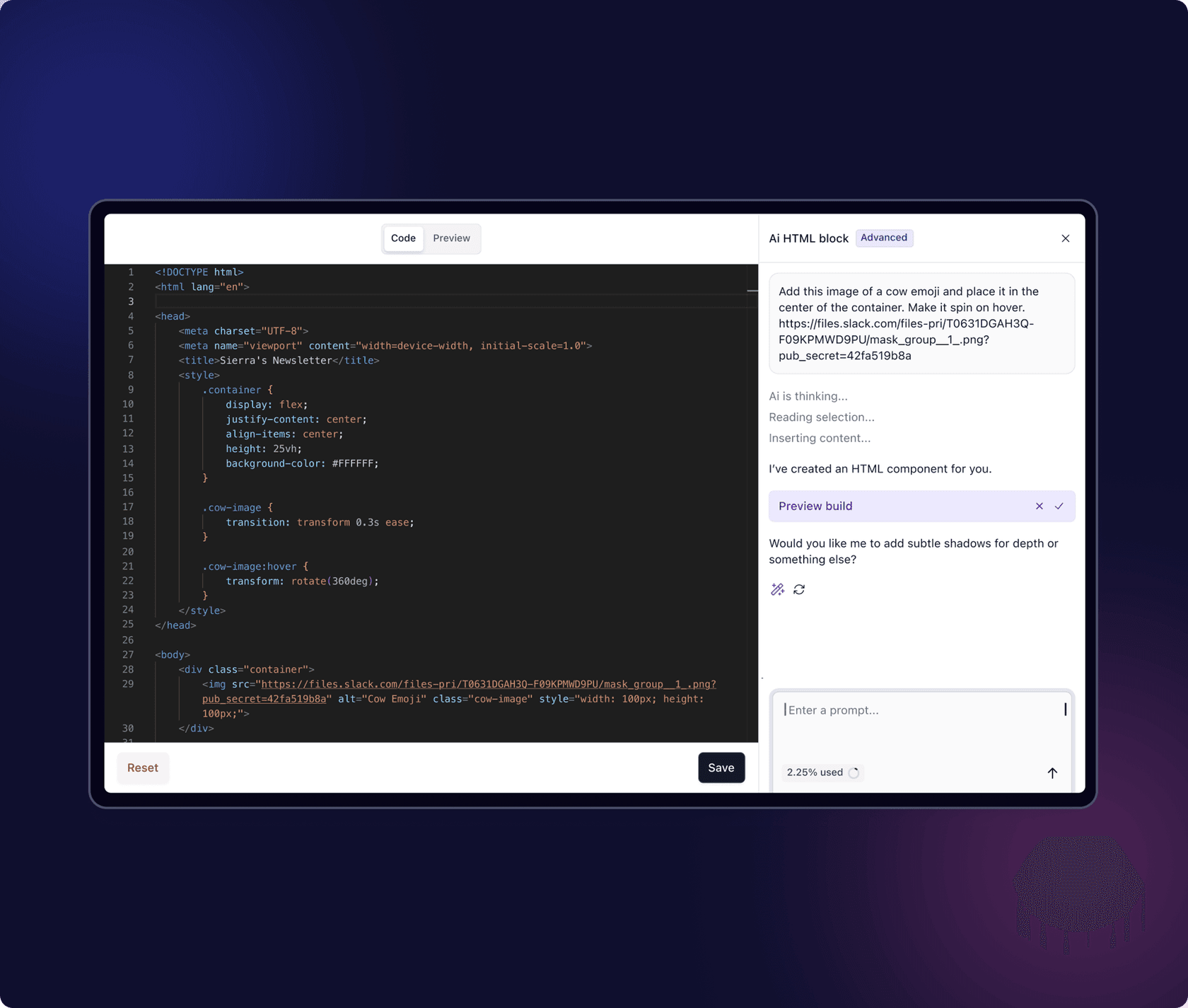
beehiiv is a newsletter platform, and its AI Writing Assistant is the only tool on this list where the AI lives natively inside your newsletter editor. You don't generate text somewhere else and paste it in -- you insert an AI block, write a prompt, and the draft appears inline, already formatted for email layout.
The free Launch plan includes the full AI feature set: Writing Assistant (generate sections from a prompt), Smart Editor (simplify, shorten, or extend selected sentences), Change Tone (switch from professional to casual to witty with one click), AI Image Generator (creates header or section images that match your template), and AI Translator (converts content for international lists).
The practical constraint on the free tier is 10 AI credits per day. That's enough to draft and polish one newsletter issue, which covers most creators publishing weekly. If you send daily or are writing multiple issues for different publications, you'll hit the ceiling.
The standout is the image generator. It generates images that automatically match your newsletter's fonts, layout, and template -- so a generated header image looks like it belongs in your issue rather than being dropped in from a stock photo library. Peter Huang, founder of The Neuron, put it this way about beehiiv AI: "There's a lot of platforms rolling out useless AI features, and then there's beehiiv. It's effective, additive."
Free tier specifics:
| What | Free limit |
|---|---|
| Subscribers | Up to 2,500 |
| Email sends | Unlimited |
| AI credits/day | 10 |
| AI Writing Assistant | Yes |
| Smart Editor | Yes |
| Change Tone | Yes |
| AI Image Generator | Yes |
| AI Translator | Yes |
| Beehiiv branding on emails | Yes (removed on Max plan) |
Pricing to upgrade:
| Plan | Monthly | Annual | AI credits/day |
|---|---|---|---|
| Launch (Free) | $0 | $0 | 10 |
| Scale | $49/mo | $43/mo | 25 |
| Max | $117/mo | $96/mo | 50 |
| Enterprise | Custom | Custom | 100 |
Pros: AI is inside the editor, not a separate tool. Image generation that matches your template. Generous free plan (unlimited sends, up to 2,500 subscribers). 0% revenue cut on paid subscriptions, compared to Substack's 10%.
Cons: 10 daily AI credits runs out quickly for high-volume publishers. Fewer advanced CRM/segmentation features than platforms like Mailchimp.
Who it's for: Solo newsletter creators who want to draft, design, and send from one place, without paying anything to start.
2. ChatGPT (free tier)

ChatGPT is the most flexible tool on this list because it's a general AI assistant, not a newsletter-specific one. The free tier runs on GPT-5.3 Instant and lets you generate full newsletter drafts, rewrite sections, adjust tone, write subject line variants, and produce CTAs -- as long as you're willing to prompt your way there.
The free plan has a hard limit of 10 messages every 5 hours on the main model, after which it downgrades to a lighter model. For a single focused writing session, 10 messages is workable: one message for the brief, one for the draft, two or three for revisions. For iterating heavily on a long-form issue, you'll hit the cap mid-session.
Canvas, the document editor that lets ChatGPT make targeted inline edits rather than rewriting everything in chat, is not available on the free plan. Neither are Projects (where you'd store your brand voice and past issues as persistent context) or Custom GPTs (which would let you pre-load your editorial style). Those features land at the $20/month Plus tier.
What you do get free: Custom Instructions (permanent background rules like "always write in second person, avoid em-dashes") apply to every conversation, and the base model's writing quality is genuinely good for newsletter-length content.
The gap between the free and paid experience is larger here than with beehiiv. ChatGPT free is a capable drafting tool; ChatGPT Plus with Canvas and Projects is a meaningfully better newsletter writing environment.
Free tier specifics:
| What | Free limit |
|---|---|
| Model | GPT-5.3 Instant |
| Message limit | 10 messages / 5 hours |
| Canvas | No (Plus+ only) |
| Projects | Limited |
| Custom Instructions | Yes |
| Memory | Limited |
| Web search | Limited |
| Image generation | Instant Mode only |
| Deep Research | 5 runs/month |
Pricing to upgrade:
| Plan | Price | Notable additions |
|---|---|---|
| Free | $0 | Base model, 10 msgs/5hrs |
| Go | $8/mo | Unlimited GPT-5.5 Instant, Custom GPTs |
| Plus | $20/mo | Canvas, Projects, Memory, web search |
| Pro $100 | $100/mo | 5x Plus limits |
| Business | $25/user/mo | Team workspace, admin controls |
Pros: No sign-up friction to try. Custom Instructions are surprisingly effective for maintaining a consistent tone. 5 free Deep Research runs per month are useful for research-heavy newsletters.
Cons: 10-message cap per 5 hours makes it impractical for iterative sessions. No Canvas on free means edits happen in chat thread, which is cumbersome. No persistent brand context.
Who it's for: Writers who know how to prompt well and want to draft newsletter content without committing to a writing tool, or as a supplement to an existing newsletter platform.
3. QuillBot AI Weekly Newsletter Generator

QuillBot built its reputation on paraphrasing and grammar tools, but its free AI Weekly Newsletter Generator is a distinct tool worth knowing about -- particularly because it requires no account to use.
The workflow is simple: enter a prompt describing your topic, tone, and key details. The generator returns a structured draft with clear headlines, body sections, and a CTA. You copy the output and paste it into your email platform of choice. That's it.
It's explicitly a prompt-to-draft tool, not a full writing environment. There's no inline editing, no brand voice memory, and no integration with a sending platform. The value is getting something structured and scannable on the first pass, which beats staring at a blank email editor.
QuillBot's Trustpilot rating is 4.8/5 based on 11,496 reviews, though the bulk of those reviews are for the paraphraser and grammar checker rather than the newsletter generator specifically. The newsletter tool is tagged Beta as of May 2026.
The free tier's main limitation is that the generator does not have access to real-time data or web context -- it writes from the prompt alone. For a tech or industry newsletter where you want recent news woven in, you'll need to supply the source material yourself or supplement with a tool like ChatGPT.
Free tier specifics:
| What | Free |
|---|---|
| Newsletter generator | Yes (no sign-up) |
| Paraphraser | Limited modes |
| Grammar checker | Limited |
| AI Chat | Limited |
| Word count cap | Not published |
Premium pricing:
| Plan | Price |
|---|---|
| Free | $0 |
| Monthly | $19.95/month |
| Quarterly | $13.31/month ($39.95/quarter) |
| Annual | $4.17/month ($49.99/year, or ~$2.50/month with 40% promo) |
Pros: No sign-up required. Generates structured drafts (headlines, sections, CTA) rather than raw paragraphs. Fast -- results in seconds.
Cons: No web search or real-time data. No sending integration. No memory or tone customization beyond the prompt. Beta status suggests the tool is still being refined.
Who it's for: Anyone who wants a quick-start draft they can shape themselves, without committing to a platform or account.
4. Notion AI (free trial)

Notion AI is not a newsletter tool, but it's a remarkably effective writing environment for newsletter creators who already live in Notion or are willing to use it as a drafting layer before sending elsewhere.
The free Notion plan includes a limited trial of AI capabilities -- generate docs, autofill databases, translate, and write sections using the AI. The trial is finite, not unlimited (Notion doesn't publish the exact limit), and once the trial runs out, you need an AI add-on that typically costs $8-10 per user per month on top of the base plan.
For newsletter use, Notion AI shines in two scenarios. First, research and outline: Notion's Research Mode (available to Business plan users) does multi-step web research and produces cited reports -- useful for fact-heavy newsletters. Second, contextual writing: when you store your past issues, brand voice notes, or audience profile in Notion pages, the AI can reference all of them while drafting, producing output that's much more aligned to your voice than a generic chat assistant.
The free trial is enough to test whether the writing quality fits your workflow. The ongoing cost isn't zero once the trial ends, which is a meaningful distinction from the other tools on this list.
Pricing:
| Plan | Price | AI access |
|---|---|---|
| Free | $0 | Limited AI trial |
| Plus | $10/member/month | Limited AI trial (same as free) |
| Business | $20/member/month | Notion Agent, Enterprise Search, Research Mode |
| Enterprise | Custom | Full AI + custom data retention |
| AI add-on | ~$8-10/user/month | Full AI chat, generate, autofill, translate |
Pros: Excellent contextual writing when your brand voice and source material live in the same workspace. Research Mode is genuinely useful for sourced, fact-heavy newsletters. The trial quality is high enough to evaluate properly.
Cons: The free AI trial runs out. Ongoing AI access requires an add-on cost. No sending infrastructure -- you're always exporting to a separate email platform. Pricing frustrates some users who expected AI to be bundled with paid workspace tiers.
Who it's for: Creators or teams who already use Notion as their knowledge base and want to draft newsletters with access to all their existing content and research.
5. Writesonic (Chatsonic)
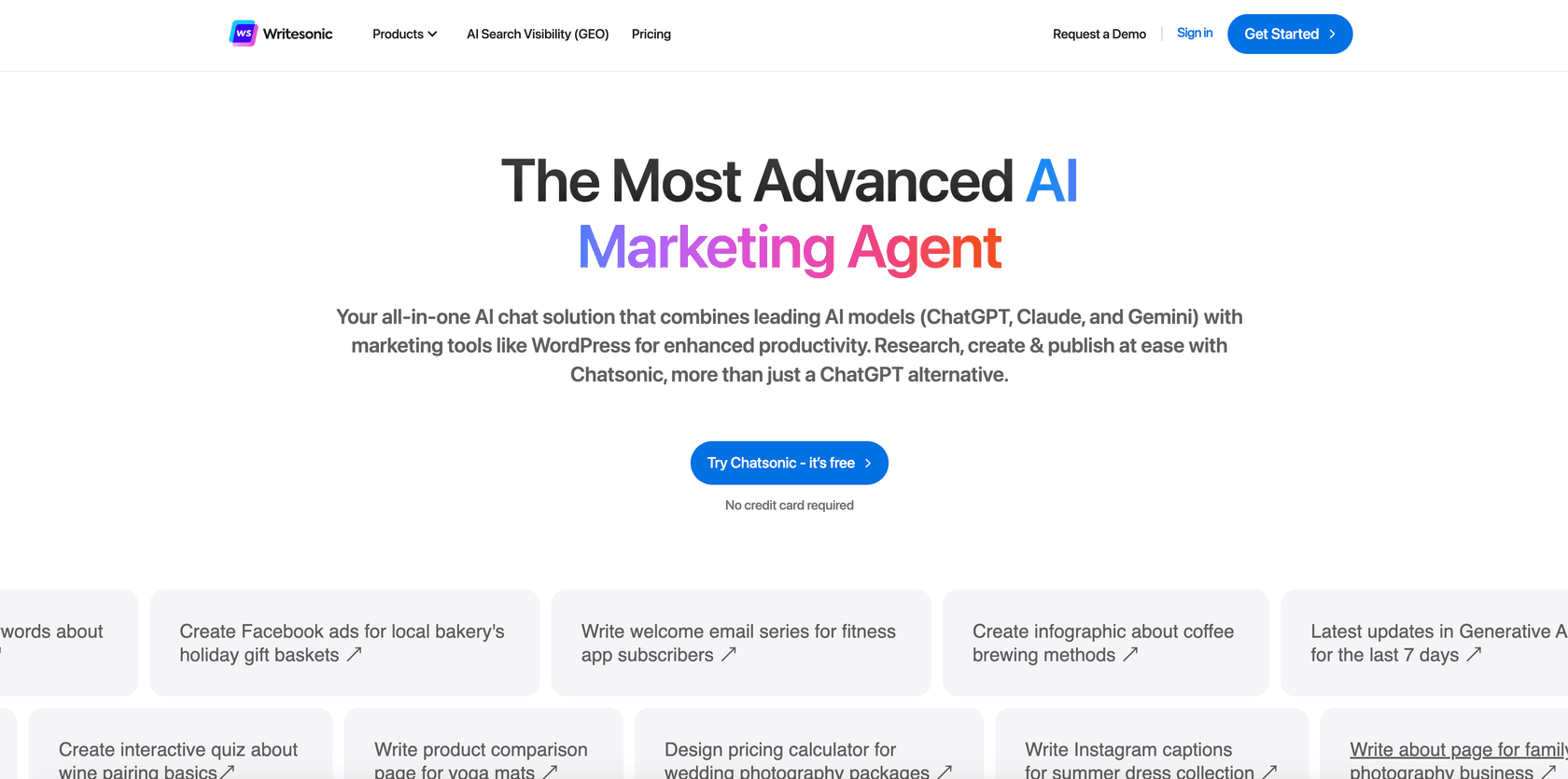
Writesonic has repositioned itself around Generative Engine Optimization (GEO) -- tracking and improving brand visibility in AI search results. But underneath the GEO pivot, Chatsonic still exists as a multi-model AI writing assistant that includes email and newsletter drafting among its use cases.
Chatsonic is free to try. The free tier gives you access to multiple AI models (GPT-4o, Claude, and Gemini within one interface) and can generate newsletter content from a prompt or a brief. It includes web browsing for current information, which solves the real-time data problem that QuillBot can't touch.
The catch: Writesonic's current free tier is genuinely limited. The platform's focus has shifted to its paid GEO analytics and content plans, and the free Chatsonic experience has more constraints than it used to. The paid plans start at $99/month for the Starter tier -- aimed at brands needing GEO tracking and 15 AI article generations per month, not at solo newsletter creators.
For newsletter writing specifically, Chatsonic is worth trying for its multi-model access and real-time web browsing on the free tier. It's less immediately useful as a newsletter drafting environment than beehiiv or QuillBot, but the web context capability makes it a strong complement when you need current information in your issue.
Current pricing (as of May 2026):
| Plan | Monthly | Annual | AI articles/mo |
|---|---|---|---|
| Free (Chatsonic trial) | $0 | $0 | Limited |
| Starter | $99/mo | $79/mo | 15 |
| Basic | $249/mo | $199/mo | 25 |
| Growth | $499/mo | $399/mo | 50 |
| Enterprise | Custom | Custom | Custom |
Pros: Multi-model access (GPT-4o, Claude, Gemini) in one interface. Web browsing on the free tier. Good for research-grounded newsletter content. 4.7/5 on G2 across 2,100+ reviews.
Cons: Paid plans are priced for content marketing teams, not solo newsletter creators ($99/month minimum). The free Chatsonic tier has limited generation compared to earlier iterations. No native email sending.
Who it's for: Content teams that need AI-assisted newsletter writing alongside SEO or AI search visibility tracking, and can justify the Starter plan cost.
6. Copy.ai (free tier)

Copy.ai started as a self-serve text generation tool with newsletter templates among its early use cases. Since 2024, the company has pivoted hard toward enterprise GTM automation -- workflows, CRM integrations, and sales prospecting -- and the free tier reflects that shift.
The free plan gives access to the Chat interface: you can use it to draft newsletter content, generate subject line variants, write CTAs, and run content through different tones. The 90+ templates include email and newsletter formats, and the Brand Voice feature (available on Chat and above) lets you train the AI on your company's tone from reference documents.
For newsletter writing, the free plan works best as a quick-draft tool. You describe your issue, pick a template or work from a prompt, and get a draft to edit. The Chat plan at $29/month unlocks more structured workflow capabilities and 5 seats for small teams.
What's absent from the free tier compared to beehiiv or ChatGPT is depth: no persistent projects, no memory across sessions, and no integration with a sending platform. Copy.ai's enterprise ambitions mean the product roadmap is pointing toward sales and marketing automation rather than individual newsletter creators.
Pricing:
| Plan | Monthly | Annual | Seats | Key inclusions |
|---|---|---|---|---|
| Free | $0 | $0 | 1 | Chat interface, 90+ templates, limited use |
| Chat | $29/mo | $24/mo ($288/yr) | 5 | Unlimited Chat words, Brand Voice, unlimited projects |
| Enterprise | Custom | Custom | Custom | Workflows, API, CRM integrations |
Pros: 90+ templates including newsletter formats. Brand Voice works well for teams with a defined editorial identity. Free tier is genuinely useful for occasional drafts.
Cons: The product's focus has moved away from solo content creators. No sending infrastructure. Free tier has usage limits that aren't clearly documented. Paid plans jump steeply in cost beyond the Chat tier.
Who it's for: Small teams with a defined brand voice who want template-driven newsletter drafts, or marketers who already use Copy.ai for other GTM tasks.
Comparison table
| Tool | Free tier type | AI in editor | Sending included | Free limit | Best for |
|---|---|---|---|---|---|
| beehiiv AI | Full-featured (credit limit) | Yes | Yes | 10 credits/day | Solo newsletter creators |
| ChatGPT free | Capable (message limit) | No (Canvas on Plus) | No | 10 msgs/5hrs | Writers who prompt well |
| QuillBot newsletter gen | Prompt-to-draft (no login) | No | No | Not published | Quick-start drafts |
| Notion AI trial | Trial only (expires) | Yes (doc editor) | No | Finite trial | Contextual drafting in Notion |
| Writesonic Chatsonic | Limited trial | No | No | Limited | Research-grounded content |
| Copy.ai free | Capable (usage caps) | No | No | Limited, undocumented | Template-driven team drafts |
How to pick the right one
The decision usually comes down to one question: do you need a newsletter platform or just a drafting tool?
If you want to write, design, and send from one place at no cost, beehiiv's Launch plan is the clear answer. It's the only tool on this list where "free AI newsletter writer" is actually an accurate description -- the AI writes newsletters, those newsletters are designed inside beehiiv, and they're sent from beehiiv, all without paying.
If you already have a newsletter platform (Substack, Mailchimp, Ghost, whatever) and just want a drafting layer, ChatGPT with Custom Instructions set up for your voice works well within the free tier's message cap. QuillBot's generator is worth bookmarking as a zero-friction fallback when you need a structure quickly.
If your newsletter is research-heavy -- policy, tech, finance -- Writesonic Chatsonic's web browsing capability on the free tier makes it worth trying as a research assistant before you draft.
For teams with a defined brand voice across multiple writers, Copy.ai's template library and Brand Voice feature are worth the Chat plan cost. But for solo creators, it's not the first tool to reach for.
One thing worth noting: all these tools produce first drafts, not finished newsletters. The AI output is a starting point. The concrete details, your own opinions, your community's specific context -- those still come from you. What the tools save is the blank-page friction, not the editorial judgment.
For a broader look at how AI fits into content workflows, eesel's guide to AI content writing tools covers the category in more depth. And if you're using AI to support a customer-facing team and want the same kind of intelligent, knowledge-grounded responses in your support channels, eesel AI brings that same approach to helpdesk and Slack workflows.
More reading
- 7 best AI writing tools for newsletters in 2026 - eesel's full comparison including paid tools
- The 6 best free AI email writer tools I tested in 2026 - broader free email writing comparison
- A marketer's guide to AI email marketing tools - full-stack email marketing AI
- How to use AI to write content that connects - framework for AI-assisted content creation
- The 7 best free AI writer tools in 2026 - free writing tools across all content types
- 15 free AI writing tools ranked - comprehensive free writing tool rankings
- AI for email: How to draft, triage, and personalize at scale - full guide to AI across email workflows
- Blog writing for email list building - using content to grow your newsletter list
Frequently Asked Questions


Article by
Rama Adi
Rama is a software engineer at eesel AI with two years of experience writing about B2B SaaS, AI tools, and customer support technology. Based in Bali, Indonesia, he brings a developer's perspective to product comparisons — cutting through marketing copy to what the integrations and APIs actually do.