

Keeping a WordPress site fresh with quality, SEO-friendly content can feel like a full-time job. You know you need to publish regularly to stay relevant and rank, but the whole process of researching, writing, and editing is a serious time sink. It often feels like you have to choose between publishing a lot of content or publishing good content.
That's the problem AI WordPress writer tools are meant to solve. They promise to help you create more content without sacrificing quality. But with so many tools on the market, how do you know which ones actually deliver?
I decided to find out for myself. I spent time testing the most popular options to see how they stack up in the real world. This article is the result of that testing, where I break down the best tools based on their WordPress integration, content quality, and SEO features. Some tools, like the eesel AI blog writer, focus on generating entire publish-ready posts that are optimized for both traditional search engines (SEO) and the new AI answer engines (AEO).
What is an AI WordPress writer?
An AI WordPress writer is a tool, usually a plugin, that's built to work directly inside your WordPress dashboard. Think of it as a writing assistant that’s a native part of your website's environment.
Unlike general-purpose AI writers like ChatGPT, where you're constantly copying and pasting, these tools are designed to make your workflow smoother. They plug right into the WordPress editor (whether you’re using Gutenberg or the Classic Editor) and feel like a natural extension of your process.
Their main job is to help with just about every part of creating content. You can use them to generate blog posts from a single keyword, build outlines, write catchy SEO titles and meta descriptions, and sometimes even create images. The whole idea is to let you manage your content from a simple idea to a published post without ever leaving WordPress.
How we picked the best AI WordPress writer tools
To make sure this list was actually helpful, I didn't just skim through feature lists. I judged each tool based on a few key things that really matter when you're trying to get work done.
- WordPress Integration: How smoothly does it work with WordPress? Does it feel like it belongs in the editor, or is it a clunky add-on that just gets in the way?
- Content Quality: This was a big one. Does it produce generic, robotic text, or can it create well-researched, human-like content that you'd be happy to put your name on?
- SEO & AEO Features: Does the tool actually help you rank? I looked for features that help with on-page SEO (keywords, meta tags, structure) and optimization for Google's AI Overviews.
- Ease of Use: How quickly can you get started? A good tool should be simple enough for anyone to jump in and start creating content without a complicated setup.
- Value for Money: Is the price reasonable for the features you get? I prioritized tools with generous free plans or trials so you can test them out before paying.
The best AI WordPress writer tools at a glance
For those who just want the quick version, here’s a simple comparison of the top tools I tested.
| Tool | Best For | WordPress Integration | Key AI Feature | Pricing Model |
|---|---|---|---|---|
| eesel AI blog writer | Generating complete, publish-ready blog posts with assets | Standalone generator, copy-paste into editor | Context-aware research & AEO optimization | Free to try, then monthly subscription |
| Jetpack AI Assistant | On-the-fly content generation and editing within posts | Direct Gutenberg block integration | In-editor text generation & tone adjustment | Free (20 requests), then subscription |
| AI WP Writer | Bulk content generation and automated site filling | Direct plugin for Gutenberg & Classic Editor | Scheduled article generation using various AI models | Free credits, then packages/subscription |
| GetGenie AI | All-in-one content and SEO optimization inside WordPress | Direct plugin with 40+ templates & WooCommerce wizard | One-click blog generation & NLP keyword analysis | Free (2,500 words/mo), then subscription |
| Elementor AI | Users of the Elementor page builder | Natively integrated into the Elementor editor | AI-generated container layouts and images | Free trial, then credit-based subscription |
| Rank Math Content AI | Data-driven SEO writing and optimization | Integrated into the Rank Math SEO plugin | AI-driven SEO suggestions and content grading | Credits-based, requires Rank Math Pro plan |
Our top 6 AI WordPress writer picks for 2026
Now, let's get into the specifics. Here’s a closer look at each tool, what it’s good at, and who should use it.
1. eesel AI blog writer
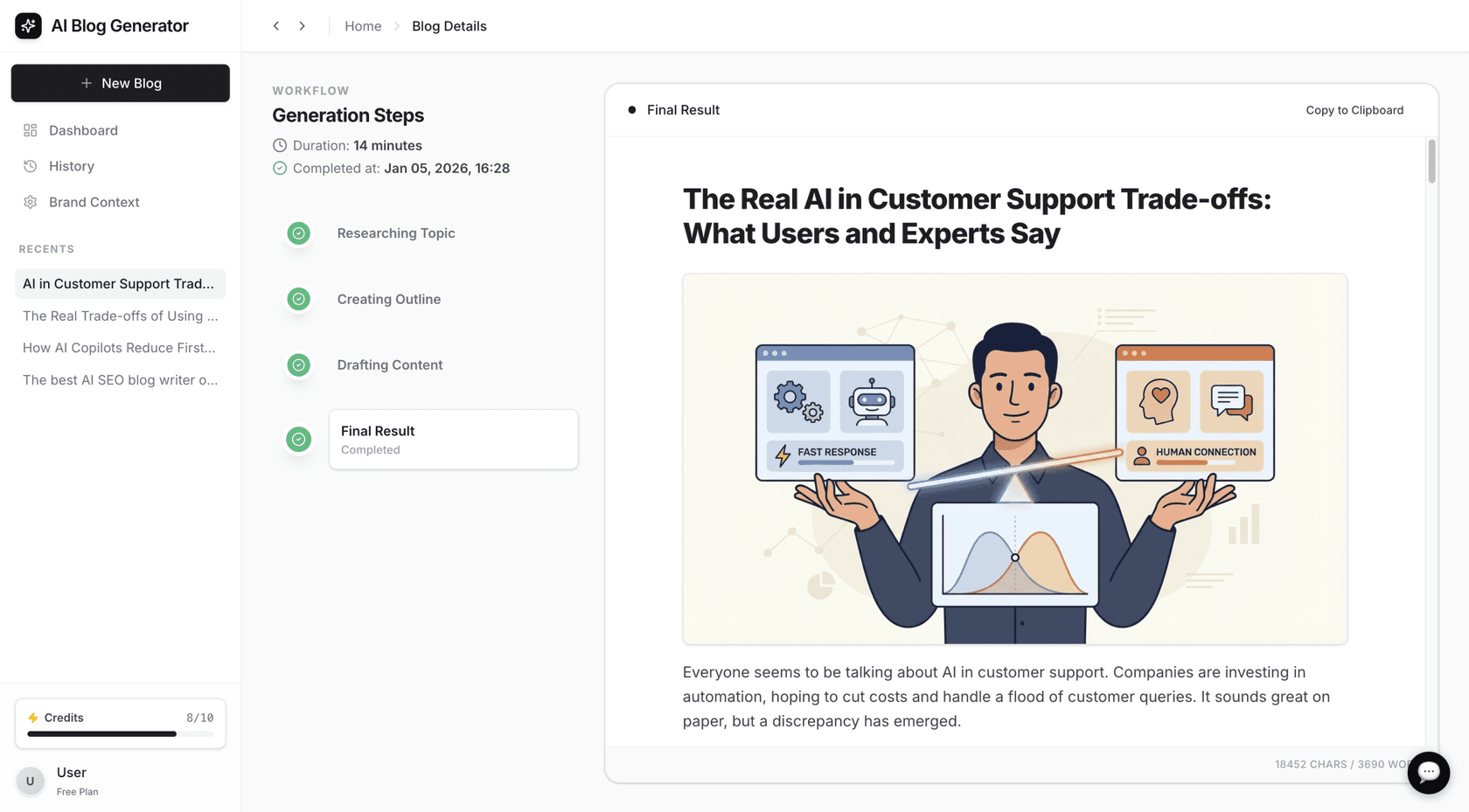
The eesel AI blog writer is more than just an in-editor helper; it's a complete content generation platform. The main goal is to take you from a single keyword to a finished, media-rich blog post in just a few minutes. We know it works because we used this exact tool to grow our own organic traffic, taking our blog from 700 to 750,000 impressions per day in just three months by publishing over 1,000 optimized posts.

Its approach is unique. You give it a keyword and some information about your brand, and it produces a structured article with headings, AI-generated images, data tables, and even relevant Reddit quotes and YouTube videos to support its points. This makes it a powerful tool for anyone looking to scale up their content with high-quality articles that are ready to publish with very little editing.
Pros:
- It’s context-aware, meaning it automatically finds the specific details needed for the post. For a comparison article, it will look for pricing data. For a product review, it finds technical specs.
- It generates a full set of assets, including AI images and infographics, which saves a ton of time.
- The writing quality is genuinely human-like and is optimized for both traditional SEO and modern AI Overviews (AEO).
- It's completely free to try, so you can see the quality for yourself without any risk.
Cons:
- It works as a standalone generator. You create the full article on its platform and then copy the final version into your WordPress editor, instead of writing with it inside WordPress.
Pricing:
- Free Trial: Generate your first blog post for free.
- Paid: The Early Bird plan starts at $99/month for 50 blog generations.
2. Jetpack AI Assistant
The Jetpack AI Assistant is a tool that lives right inside the WordPress Gutenberg editor. It's made by Automattic (the people behind WordPress.com), so the integration is about as smooth as it gets.
It’s less about creating entire articles from scratch and more about being a helpful sidekick while you write. You can use a dedicated AI block to generate text, lists, or tables from a prompt. You can also highlight text you’ve already written to change its tone, summarize it, or fix spelling and grammar. It’s handy for getting past writer's block or quickly tweaking a paragraph without interrupting your flow.
Pros:
- Its tight integration with the native WordPress editor is a key advantage. It feels like a natural part of writing.
- It’s great for quick edits, tone adjustments, and brainstorming short bits of content directly within your post.
Cons:
- The free plan is limited to just 20 requests, which you can use up very quickly, sometimes on just one article.
- It’s more of an assistant for your own writing rather than a tool that can do the heavy lifting of creating a full post.
Pricing:
- Free: Up to 20 requests.
- Paid Plan: Starts at $4.95/month (billed yearly) for more requests and priority support.
3. AI WP Writer
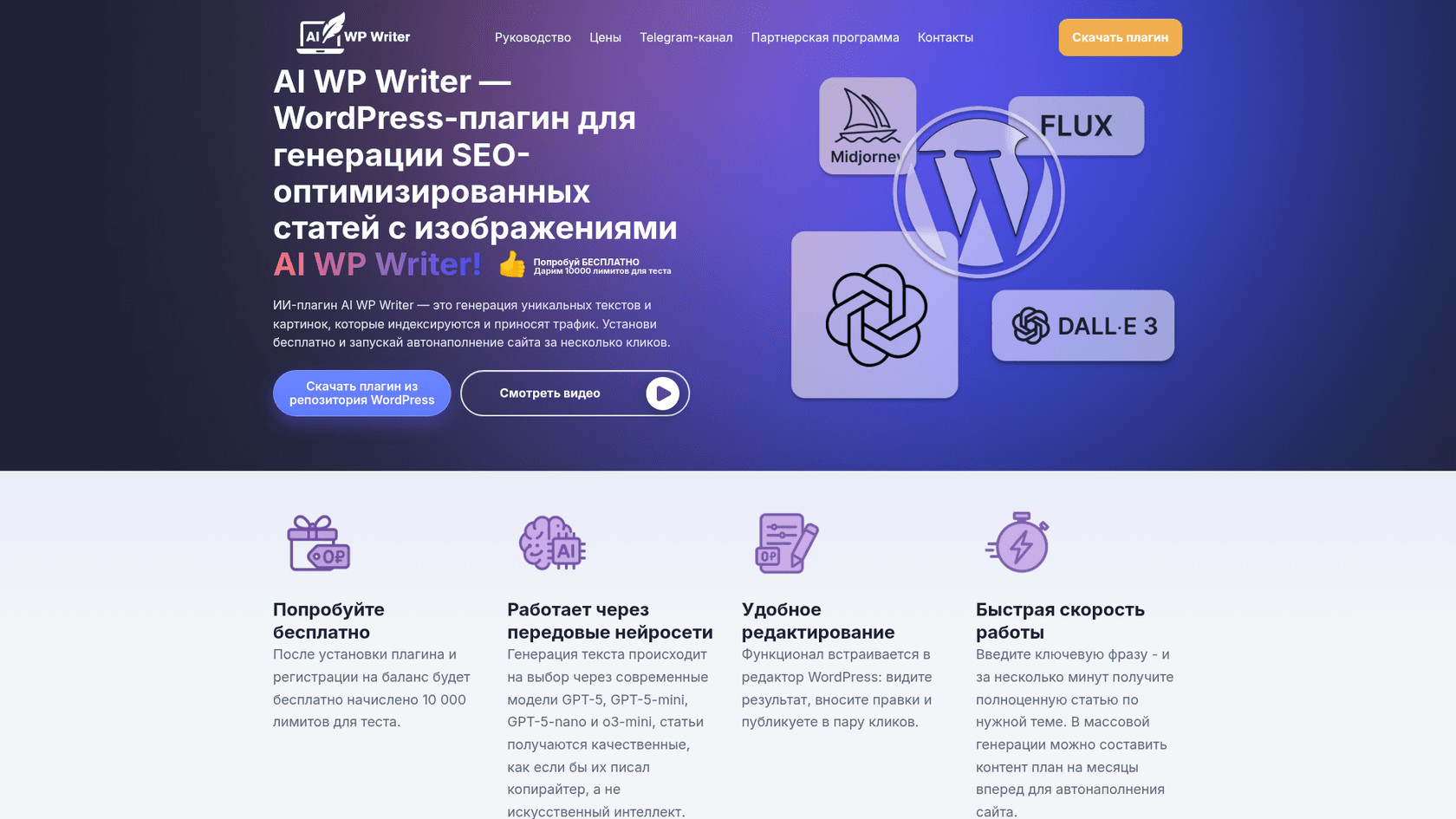
AI WP Writer is a plugin focused on automation and creating content in large volumes. It works with both the Gutenberg and Classic editors and is designed for people who need to manage a lot of content.
A key feature is the ability to schedule article creation from a list of keywords. You can line up content for a day, a week, or even a year ahead and let it run on its own. It can also generate images using different models, including MidJourney v7, FLUX, and DALLE-3. This makes it a good option for affiliate sites, content-heavy blogs, or anyone who wants a "set it and forget it" content strategy.
Pros:
- The automation and scheduling features are perfect for managing large content projects without constant manual work.
- It also includes a standard AI assistant for in-editor edits, so you get both bulk and on-the-fly options.
Cons:
- It requires you to connect your own OpenAI API key and have a subscription, which adds some technical setup and extra cost.
- With any bulk generator, you have to keep an eye on the quality to make sure it doesn't sound generic and stays true to your brand.
Pricing:
- Free Trial: You get 10,000 free limits to test the plugin after you register.
- Paid Plans: Paid plans are offered through a subscription, with pricing based on packages of limits.
4. GetGenie AI
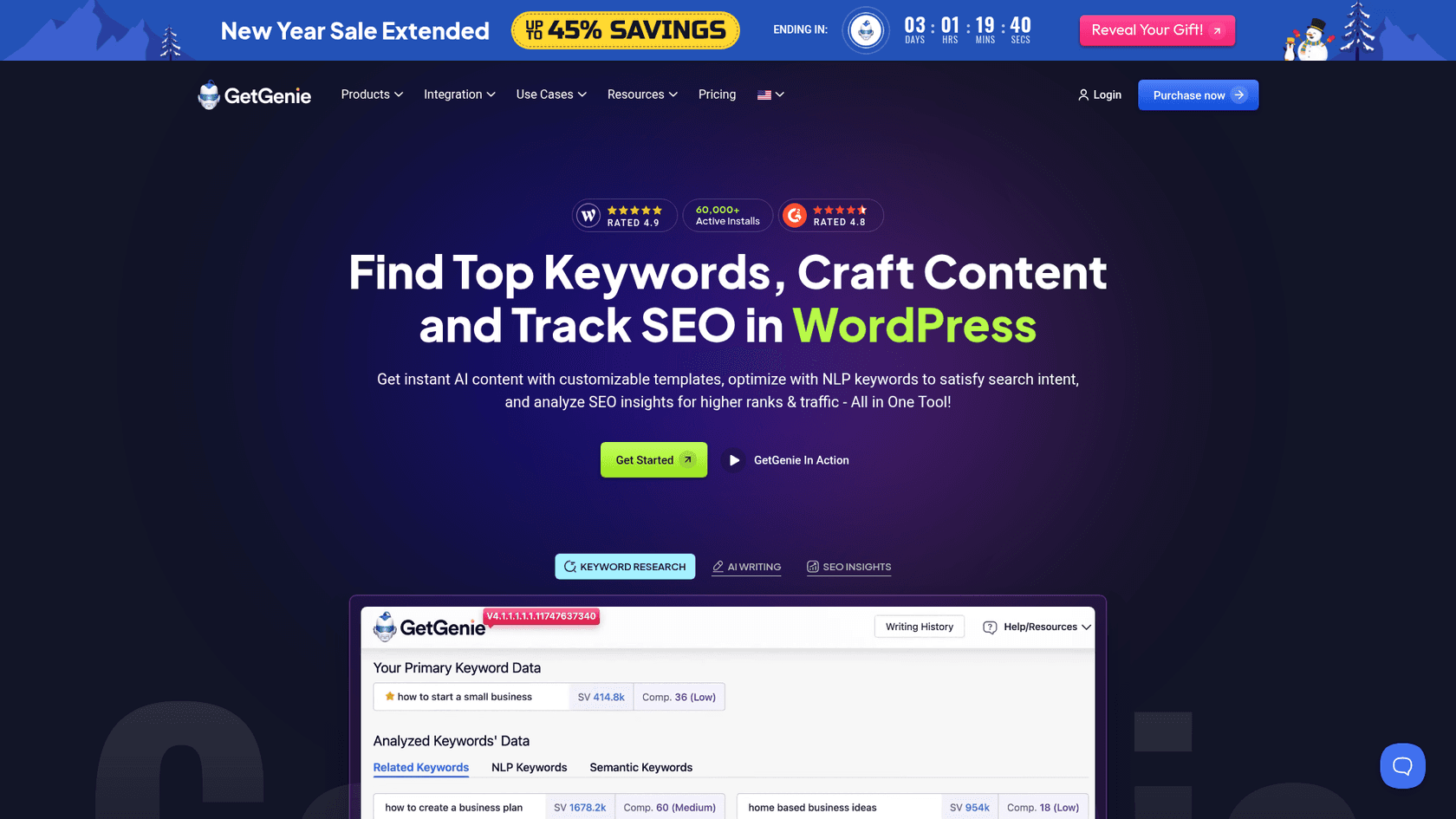
GetGenie AI presents itself as a complete AI writing assistant that mixes content generation with strong SEO tools, all inside the WordPress dashboard. It’s loaded with features meant to cover the entire content creation process.
It has over 40+ templates for different types of content, a "Blog Wizard" for one-click post generation, and even a special WooCommerce Wizard for writing product descriptions. On the SEO front, it provides NLP-driven keyword research and competitor analysis. It also comes with GenieChat, an AI chatbot with 22 different personalities for brainstorming.
Pros:
- The all-in-one approach is great for simplifying your workflow since you don't need separate SEO and writing tools.
- The WooCommerce integration is a huge plus for anyone running an e-commerce store on WordPress.
Cons:
- The free plan is limited to 2,500 words per month, which is only enough for one or two blog posts.
- The number of features can be a bit much if you’re just looking for a simple writing tool.
Pricing:
- Free Plan: 2,500 words per month.
- Starter Plan: Starts at $6.00/month (billed annually).
5. Elementor AI
If you build your site with Elementor, then Elementor AI is likely the most integrated option you'll find. It’s not a separate plugin but a set of AI features built right into the Elementor page builder.
The features are closely tied to the visual building experience. You can use text prompts to generate entire container layouts, create unique images, write or improve text for any widget, and even generate custom CSS or HTML code. The AI is designed to be context-aware, learning your brand's voice and style from your existing site.
Pros:
- The native integration within the Elementor workflow is perfect. It feels like a natural part of the builder.
- The ability to generate not just text but also complex layouts and images is a powerful design tool that goes beyond writing.
Cons:
- It’s only useful if you're an Elementor user.
- The pricing is credit-based, and visual generations can get expensive. Creating an image costs 33 credits, and a container layout costs 40, so the costs can add up fast for heavy users.
Pricing:
- Free Trial: Available with any Elementor website.
- AI Starter: $3.99/month (billed annually) for 24,000 credits.
- AI Power: $8.25/month (billed annually) for 50,000 credits.
6. Rank Math Content AI
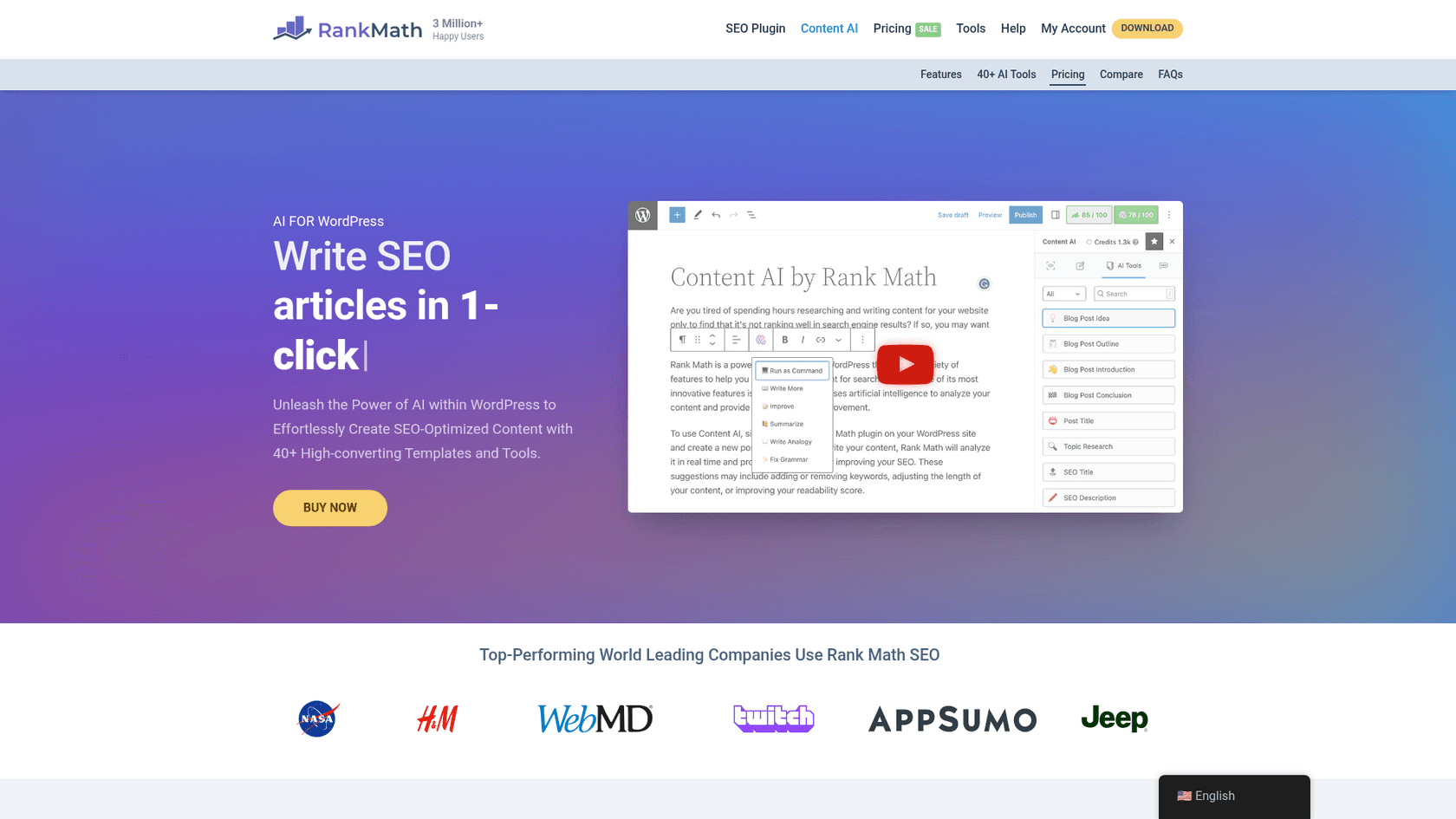
Rank Math's Content AI isn't a standalone writer but an AI module built into their very popular SEO plugin. As you might guess, its main focus is on helping you create content that is carefully optimized to rank in search engines.
It works by analyzing the top-ranking content for your target keyword and then giving you AI-powered suggestions. It recommends an ideal word count, what headings to include, and which keywords to use. It also scores your content in real-time as you write. It includes over 40 AI tools to help with common writing tasks like creating intros or rephrasing sentences.
Pros:
- Its deep integration with Rank Math's SEO analytics provides a powerful, data-driven way to create content.
- The real-time content score is a very helpful guide to make sure your on-page SEO is solid before you publish.
Cons:
- To use it, you first need a Rank Math Pro subscription.
- The AI features run on a separate credit system, which is an additional cost on top of the Pro plan.
Pricing:
- Requirement: Requires a Rank Math Pro plan (starts at $7.99/month, billed annually).
- Content AI Credits: The Starter plan for credits begins at $5.99/month (billed annually) for 5,000 credits.
For those looking to explore more options, this video from WPBeginner provides a great overview of several powerful AI tools that can transform your WordPress workflow.
Tips for getting the most out of your AI WordPress writer
No matter which tool you pick, a little strategy can make a big difference. Here are a few tips to get better results.
- Provide good context: Don't just give the AI a keyword and hope for the best. The more context you provide, the better the output will be. Add details about your brand, your target audience, and the tone of voice you want. Tools like the eesel AI blog writer are built to use this kind of deep context effectively.
- Use AI as a partner, not a replacement: Think of AI as your creative assistant. It's amazing for generating first drafts, beating writer's block, and doing the heavy lifting of research. But you should always plan to review, edit, and add your own unique perspective to make the final piece truly yours.
If you're running a shop blog I'd be careful about leaning too hard on 'AI detectors.' None of them are bulletproof, and false positives are common, especially if your writers just use AI to brainstorm. Google doesn't outright penalize AI text, they care more about whether it's useful and original... At the end of the day, making sure posts answer real questions in your niche and don't duplicate what's already out there is going to matter way more for SEO than whether 20% or 40% was written with ChatGPT.
 Reddit
 - Fact-check everything: Modern AI is pretty accurate, but it's not perfect. It can still make mistakes or use outdated information. Always take a minute to verify any stats, claims, or important facts before you publish.
- Edit for flow and voice: Read the generated content out loud. Does it sound natural? Does it sound like you? Tweak sentences, rephrase sections, and smooth out the transitions to make sure the final article is readable and authentic.
Choosing the right AI WordPress writer
AI WordPress writer tools are incredibly useful, but finding the right one depends on your workflow and what you want to achieve.
If your main goal is to produce complete, high-quality, publish-ready blog posts, a dedicated platform like the eesel AI blog writer is a strong option. If you prefer an assistant to help you write and edit inside WordPress, Jetpack AI is a seamless choice. And if your process is data-driven, Rank Math's Content AI offers comprehensive SEO guidance.
These tools can help streamline the content creation process, allowing you to move from idea to publication more efficiently.