
The field of AI writing tools is expanding rapidly, with new applications emerging frequently. Many tools marketed as "free" operate on a freemium model, often with significant limitations or short trial periods that can make it difficult to find a genuinely usable service.
This guide aims to identify the best, genuinely free AI tools that marketers, bloggers, and students can use for ongoing tasks without encountering immediate paywalls.
In this post, you'll get a list of the top 5 tools that met our criteria. We'll cover their primary use cases, their limitations, and a comparison table for easy reference. We'll also examine the steps involved in scaling content generation from individual paragraphs to a complete content strategy.
Understanding free AI tools for content writing
AI content writing tools are applications that use artificial intelligence (specifically, large language models or LLMs) to assist with text-based tasks. They can help generate ideas, rewrite sentences, summarize long articles, or improve grammar.
Think of them as an assistant. They can be useful for overcoming writer's block, accelerating the creation of first drafts, and handling repetitive aspects of writing.
However, they are meant to supplement creativity, not replace it. The best content often results from a collaboration between a human writer and an AI. The writer provides the strategy, unique voice, and final polish, while the AI helps to streamline the process, as illustrated below.
How we chose the best free AI tools for content writing
To ensure this list is practical and useful, we established several criteria. Each tool had to meet these four standards to be included:
-
Truly Free Tier: The tool needed to offer a functional free plan suitable for ongoing work, not a limited trial that pressures users to upgrade.
-
Quality of Output: The generated text must be coherent, relevant, and require minimal editing for simple tasks.
-
Ease of Use: The interface must be intuitive, allowing users to start working immediately without extensive tutorials.
-
Range of Features: We looked for tools that provided a useful variety of functions on their free plan, such as paragraph generation, grammar checks, or summarizing.
Comparison of the top free AI tools for content writing
For a quick overview, here is a summary of our top picks.
| Tool | Best For | Key Features | Free Plan Limits |
|---|---|---|---|
| ChatGPT | Versatile research and drafting | Conversational chat, access to GPT-4o, data analysis, file uploads | Rate-limited access to the latest models |
| Copy.ai | GTM and marketing copy | AI Chat with multiple LLMs, Infobase, AI Workflows | 2,000 words per month, 200 one-time workflow credits |
| Grammarly | Polishing existing text | Advanced grammar/spelling check, tone detection | Core corrections, 100 AI prompts per month |
| QuillBot | Paraphrasing and rewriting | 2 paraphrasing modes, Summarizer, Citation Generator | 125-word limit in Paraphraser, 1,200-word limit in Summarizer |
| TinyWow | Quick, anonymous tasks | 200+ tools (AI write, PDF, image), no sign-up required | Ad-supported, files deleted after one hour |
The 5 best free AI tools for content writing in 2026
Here is a closer look at each tool and the capabilities of their free plans.
1. ChatGPT
ChatGPT is a well-known generative AI that is a powerful tool for brainstorming ideas, creating outlines, drafting content, and conducting research within a chat interface.
What we like: The free tier is quite generous. It now includes limited access to GPT-4o, OpenAI's latest model. It can browse the web for current information, analyze data from uploaded files like spreadsheets or PDFs, and use custom GPTs from the community store. This makes it a useful partner for researching a topic and producing a first draft.
What could be better: The main limitation of the free plan is the rate limit. Users have a set number of messages with GPT-4o within a specific time period. After reaching the limit, they are moved to an older model or must wait. The more advanced tools, such as data analysis, have stricter usage caps.
Pricing:
-
Free: Limited access to the GPT-4o model and advanced tools.
-
Plus & Pro: Paid plans provide higher usage limits, access to more powerful models, and priority access to new features.
Who it's best for: Content creators, students, and professionals who need a versatile tool for brainstorming, research, and drafting.
2. Copy.ai
Copy.ai is positioned as a "go-to-market (GTM) AI Platform," focusing on supporting sales and marketing tasks. It is designed for creating targeted copy that aligns with brand identity.
What we like: The free plan's Chat feature offers unlimited words and allows users to choose from various LLMs, including models from OpenAI, Anthropic, and Gemini. A notable feature is the Infobase, where users can store brand guidelines, product information, and customer personas. The AI uses this information to ensure its output is accurate and on-brand.
What could be better: The 2,000-word limit on the free plan applies to content generated by its tools and workflows, not the chat. The platform's full capabilities are in its complex "Workflows" and "Agents" that automate marketing tasks, most of which require a paid plan. For simple content needs, it may be more complex than necessary.
Pricing:
-
Free: 2,000 generated words per month and unlimited access to the Chat feature.
-
Chat Plan: For full chat access and more features, plans start at $29/month.
Who it's best for: Marketers and business owners who need an AI assistant for go-to-market copy and maintaining brand consistency.
3. Grammarly
Grammarly is not a content generator; it is an AI-powered assistant that improves existing content. The free version is a standard tool because it is effective at identifying errors and enhancing clarity.
What we like: It functions across various platforms through its browser and app integrations. The free plan now includes core grammar, spelling, and punctuation checks, along with a tone detector and 100 AI prompts per month. It also maintains SOC 2 compliance, providing data security assurance.
What could be better: The free plan covers basic corrections. Advanced features, such as full-sentence rewrites, fluency suggestions, and the plagiarism detector, are part of the Pro subscription. It is suitable for a final proofread but does not handle the initial writing process.
Pricing:
-
Free: Provides basic writing corrections and 100 generative AI prompts each month.
-
Pro: Starts at $12/month (when billed annually) for all advanced features.
Who it's best for: Anyone who writes, from students to professionals. It serves as a reliable tool to ensure the final output is polished and error-free.
4. QuillBot
QuillBot is a specialized tool for rephrasing text, simplifying ideas, or summarizing documents.
What we like: The free plan offers a suite of useful tools. In addition to the paraphraser, it includes a free "Grammar Checker", a "Summarizer" capable of condensing up to 1,200 words, and a "Citation Generator". This makes it a valuable resource for students and academics working with source material.
What could be better: A significant limitation is the 125-word limit on the paraphraser, which requires users to process longer texts in small sections. More advanced paraphrasing modes (like Academic or Creative) and the "Plagiarism Checker" are only available with the Premium plan.
Pricing:
-
Free: Limited access to the Paraphraser, Summarizer, and other tools.
-
Premium: Unlocks unlimited words in the paraphraser, more writing modes, and other advanced features.
Who it's best for: Students, academics, and writers who need to rephrase source material or improve the clarity and variety of their writing.
5. TinyWow
TinyWow is unique in the AI space. It offers a collection of over 200 free online tools for writing, PDF editing, image conversion, and more, without requiring an account.
What we like: Its primary advantage is convenience. Users can write a paragraph, summarize an article, or convert a PDF to a Word document without signing up. The number of tools available for free is extensive.
What could be better: As a free service, it is supported by ads and periodic CAPTCHAs, which can interrupt workflow. The privacy policy states that uploaded files are deleted after one hour. While this is beneficial for privacy, it means work cannot be saved on the platform.
Pricing:
-
Free: 100% free to use, supported by ads and CAPTCHAs.
-
Premium: A paid option is available to remove ads.
Who it's best for: Anyone who needs to perform a quick writing or file-editing task without signing up for a new service.
Limitations of free content writing tools
The free tools covered are suitable for specific tasks, such as brainstorming, paragraph editing, or final proofreading. However, they generally require the user to perform the in-depth research, article structuring, media sourcing, and search engine optimization. For building a comprehensive, SEO-driven content strategy, these tools may have limitations.
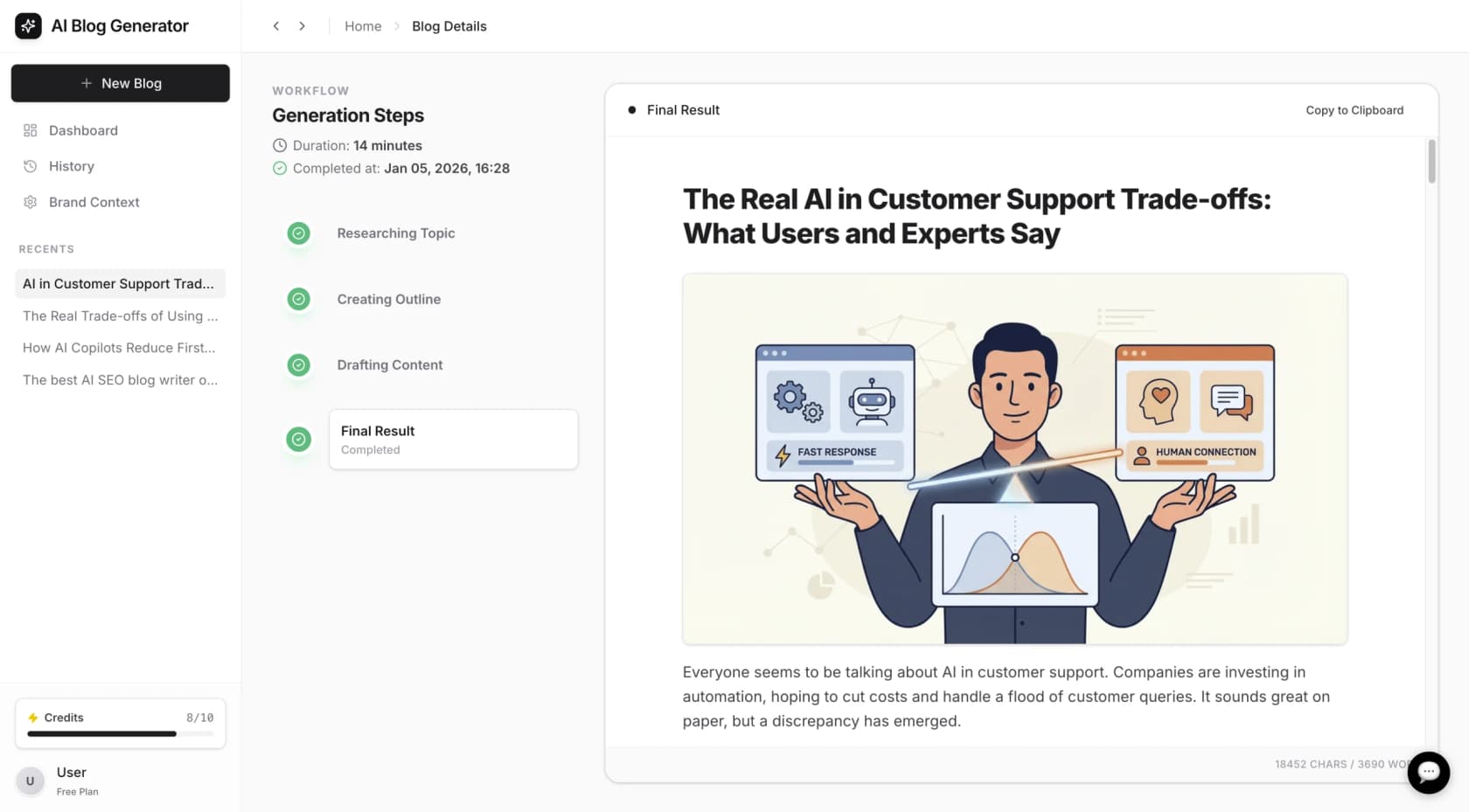
For users requiring a more automated, end-to-end solution, dedicated platforms are available. For example, the eesel AI blog writer is designed to generate a publish-ready, SEO-optimized blog post from a single keyword. These types of platforms often incorporate deeper research capabilities and automatically add assets like AI-generated images, infographics, and relevant videos. Some may also embed social proof, such as relevant quotes from online discussions, to add authenticity. This approach was used to scale the eesel AI blog from 700 to 750,000 daily impressions by publishing over 1,000 optimized posts. You can try the tool for free to see how a media-rich blog post is generated.
Tips for using free AI tools for content writing
Regardless of the tool used, certain practices can lead to better results.
-
Be Specific with Prompts: Providing the AI with more context, including the target audience, desired tone, and required format, will improve its output.
-
Use AI as a Starting Point: Treat the generated text as a first draft. It should be shaped and refined with your own expertise and voice.
-
Always Fact-Check: AI models can generate incorrect information. Always verify any statistics, facts, or claims before publication.
-
Inject Your Own Voice: Edit the text to add personal stories, unique opinions, and your brand's personality to differentiate your content.
For general AI writing tools the best is still Claude Pro (3.5 Sonnet). It's the closest to human-like generation I've come across so far. But I still need to do long detailed prompts (and re-promptings) and heavy editing to polish the output to human-level content.

For a more visual walkthrough of how different AI writing tools compare, the video below offers a comprehensive review of 20 different platforms, helping you see them in action before you decide which one to try.
Choosing the right AI content writing tool
Free AI tools are a valuable part of a content creator's toolkit. They can be effective for overcoming writer's block, handling small tasks, and polishing final drafts. From the versatility of ChatGPT to the specialized paraphrasing of QuillBot, each tool on this list serves a specific purpose.
For one-off tasks and writing assistance, these free options are sufficient. However, for those aiming to use content to drive organic traffic, a dedicated platform that manages the entire workflow may be more effective. If you are interested in a purpose-built AI blog generator, you can generate a blog post for free with the eesel AI blog writer to evaluate its capabilities.
Frequently asked questions
What are the biggest limitations of most free AI tools for content writing?
The most common limitations are strict usage caps, like word counts or a limited number of queries per month. They also tend to lock their best features (like advanced writing modes or plagiarism checkers) behind a paid subscription, leaving the free versions useful for only basic tasks.
Can I rely on free AI tools for content writing for SEO-optimized articles?
For generating initial ideas or a rough first draft, yes. However, most free tools don't perform the deep SEO research, competitor analysis, or media integration (like finding relevant videos or infographics) needed to create a truly competitive, publish-ready article.
How can I get the best results when using free AI tools for content writing?
The key is to be a good collaborator. Give the AI very specific prompts with plenty of context about your audience and tone. Always fact-check the output, and most importantly, edit the text heavily to inject your own unique voice, stories, and expertise.
Are free AI tools for content writing safe to use for confidential work?
It depends on the tool's privacy policy. Some services, like TinyWow, automatically delete your data after a short period, which is good for privacy. However, you should always be cautious and avoid inputting sensitive or proprietary information into any free online tool without first reviewing its terms of service.
Which of the free AI tools for content writing is best for beginners?
ChatGPT is an excellent starting point for beginners. Its simple, conversational chat interface is very intuitive, and its versatility allows you to use it for a wide range of tasks, from brainstorming and outlining to drafting entire sections of content.
Do free AI tools for content writing plagiarize content?
Reputable AI tools are designed not to plagiarize intentionally. However, since they learn from vast amounts of existing text, they can sometimes generate phrases or sentences that are very similar to their source material. It's always a smart practice to run the final content through a plagiarism checker before publishing.