Keeping track of customer conversations feels like spinning plates, right? You have phone calls, emails, live chats, and a steady flow of social media messages. When you're jumping between different apps for all of that, context can sometimes be misplaced. It's a challenge most support teams are familiar with as they grow.
That's the problem the contact center from Freshdesk is built to fix. It's a cloud-based tool that brings all those scattered conversations into one place. But is it the right tool for your team? We're going to break down its main features, what its Freddy AI can do, the 2026 pricing, and key points to consider for your setup.
What is the contact center Freshdesk?
So, what exactly is the contact center Freshdesk provides? It's a key part of the larger Freshdesk Omnichannel suite, which is designed to handle every customer conversation from a single dashboard.
It actually grew out of a voice-only tool called Freshcaller and has since been merged with Freshdesk's helpdesk and Freshchat's messaging features. The whole idea is to give your agents one screen to work from. They can take calls, reply to emails, and handle chats without constantly switching tabs. This means they have a customer's full history right in front of them, which makes for a much smoother conversation. It’s an ideal choice for businesses that want their helpdesk and communication tools to work together seamlessly, with AI built right in.
Core features of the contact center Freshdesk
The platform's real power comes from how it mixes solid phone features with support for other channels and the ticketing system Freshdesk is famous for. Let's dig into what that actually means for your team.
The contact center Freshdesk is more than just a phone system
At its core, Freshdesk’s contact center is a robust phone system. You can buy local and toll-free numbers straight from them. Or, if you like your current provider, you can use the Bring Your Own Carrier (BYOC) option on the Pro and Enterprise plans. This lets you keep your existing phone numbers and rates while using all of Freshdesk's tools.
But it’s not just about making and taking calls. You also get some pretty handy management tools:
-
Automatic Call Distribution (ACD): This is all about getting callers to the right agent quickly. You can route calls based on agent skills, who's available, or just a simple round-robin style to keep the workload balanced.
-
Interactive Voice Response (IVR): You can set up multi-level phone menus to guide customers to the right department or help them find answers without talking to anyone. The Enterprise plan even has a speech-enabled IVR, so customers can just say what they need.
-
Call Monitoring & Recording: This is great for training and quality control. Managers can listen in on live calls, whisper tips to an agent, or even jump into the conversation if needed (call barging). Plus, all calls can be recorded for later review.
One view for every channel
Let’s face it, phone calls are just one piece of the puzzle. Freshdesk pulls in conversations from all over, including email, live chat, SMS, and even social media like Facebook and WhatsApp.
Everything funnels into one shared workspace. So, when an agent answers a call, they can instantly see that same customer's recent emails and chat messages. This gives them a full, chronological view of the customer's journey, so no more asking people to repeat themselves. Even better, agents can turn any call or chat into a support ticket with a single click, making sure nothing gets lost.
Serious helpdesk power
Because the contact center is built on top of Freshdesk, every conversation is handled like a ticket. This is where the platform really connects your phone lines to a top-notch helpdesk system.
Here are a few ticketing features that make a big difference:
-
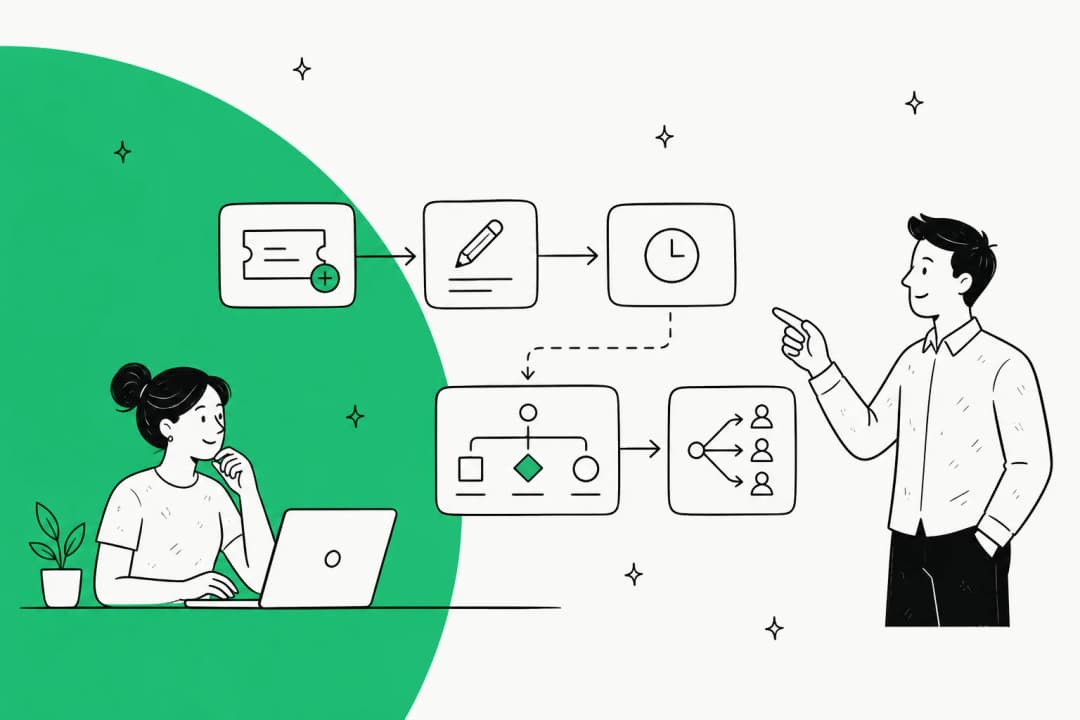
SLA Management: You can set and track Service Level Agreements (SLAs) for how quickly your team needs to respond and resolve issues. It’s a clear way to manage expectations and keep your team on target, with different policies for business hours versus weekends.
-
Team Collaboration: Some problems need more than one person to solve. Agents can leave private notes for each other on a ticket or pull in colleagues from other teams to work on a solution, all within the helpdesk.
-
Knowledge Base: You can create a self-service help center full of articles and FAQs. This lets customers find their own answers, which can cut down on the number of tickets your team has to handle.
What about Freddy AI?
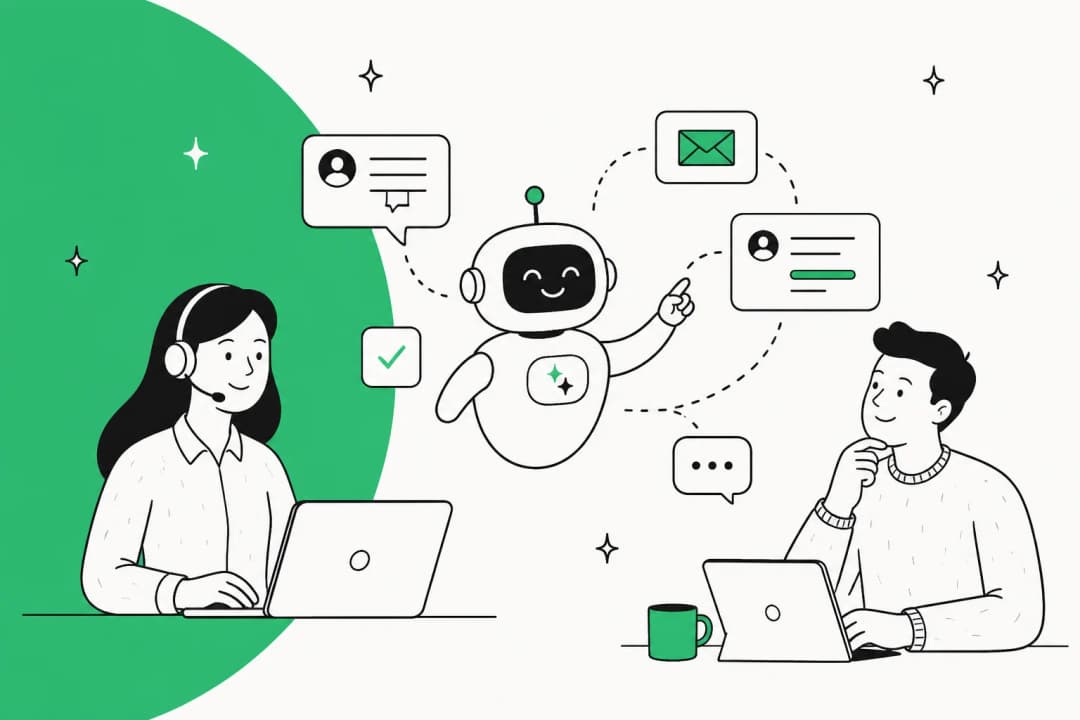
You can't talk about a modern contact center without mentioning AI, and Freshdesk is no different. Freddy AI is their in-house artificial intelligence engine, built to handle the repetitive stuff and give your agents a boost when they need it.
How Freddy AI handles routine tasks
Freddy AI is actually a collection of tools that work behind the scenes to make your support process smoother.
-
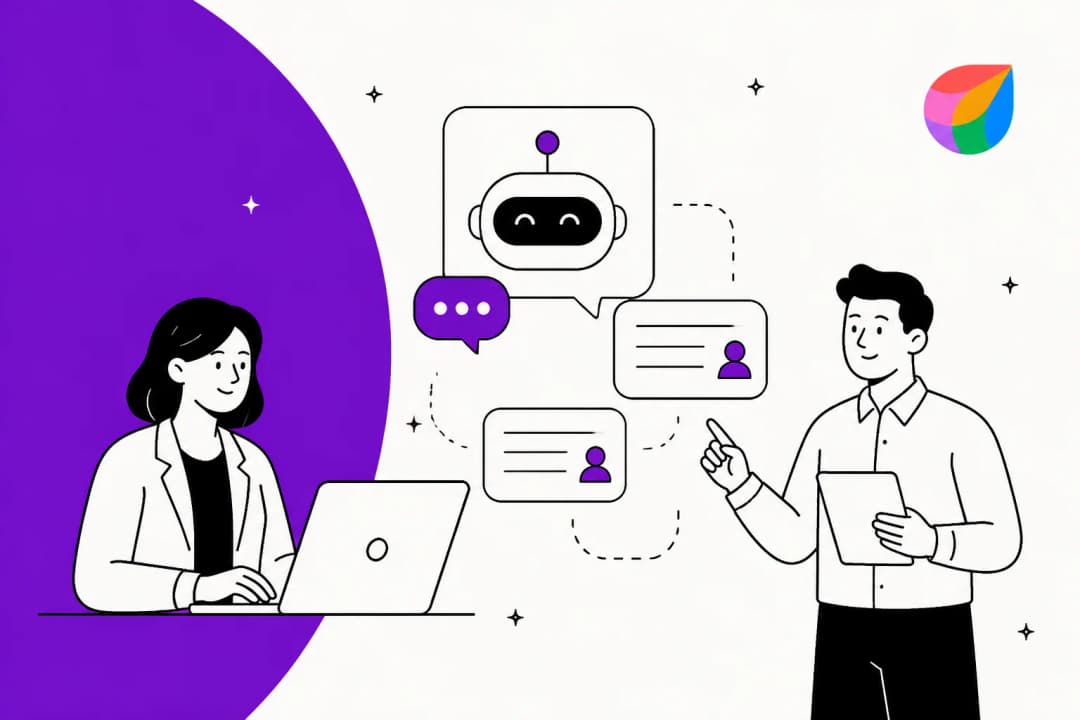
AI Agents (Chatbots & Voicebots): You can build bots to answer simple questions around the clock. These bots can pull answers from your knowledge base, handle basic email inquiries, and gather customer details before passing the conversation to a human agent. You can even give your AI agent a specific persona to match your brand's voice.
-
Freddy AI Copilot: Think of this as a real-time assistant for your agents. While they're typing, Freddy can suggest help articles, summarize a long email chain, tweak the tone of a sentence, or even draft a full reply for them to edit.
-
Auto Triage: Instead of agents manually sorting new tickets, Freddy AI can read them, figure out what they're about, assign a priority, and send them to the right team based on keywords or customer sentiment.

Maximizing your knowledge base with Freddy AI
Freddy AI is certainly useful, and it works best when it is fueled by information that lives inside the Freshworks ecosystem.
Specifically, Freddy AI excels at learning from your Freshdesk solution articles, uploaded files, and public web pages. For teams that have knowledge spread across other places like Google Docs or Confluence, it’s a good idea to ensure that key information is also reflected within your Freshdesk knowledge sources to maximize the AI’s effectiveness.
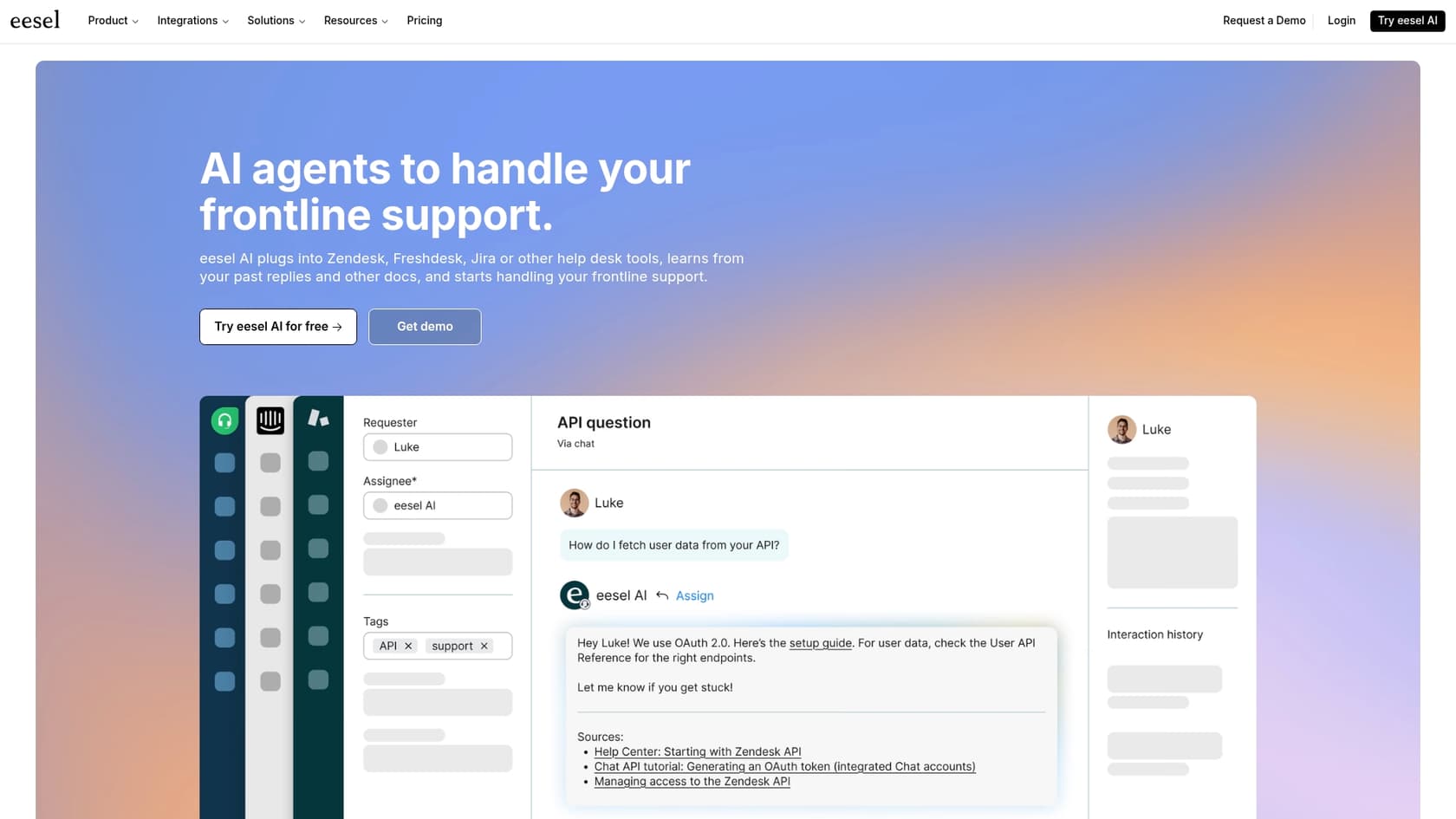
For teams that want an AI that can learn from all their existing tools simultaneously as an additional layer, a platform like eesel offers a complementary solution. It connects to Freshdesk and can learn from over 120 sources, including Confluence and Google Docs, making it a great add-on for specific knowledge needs.
Pricing and plan details
Before you jump into any new platform, it’s smart to look at the pricing structure and how it fits your team's needs. Freshdesk offers clear, tiered options to help you scale.
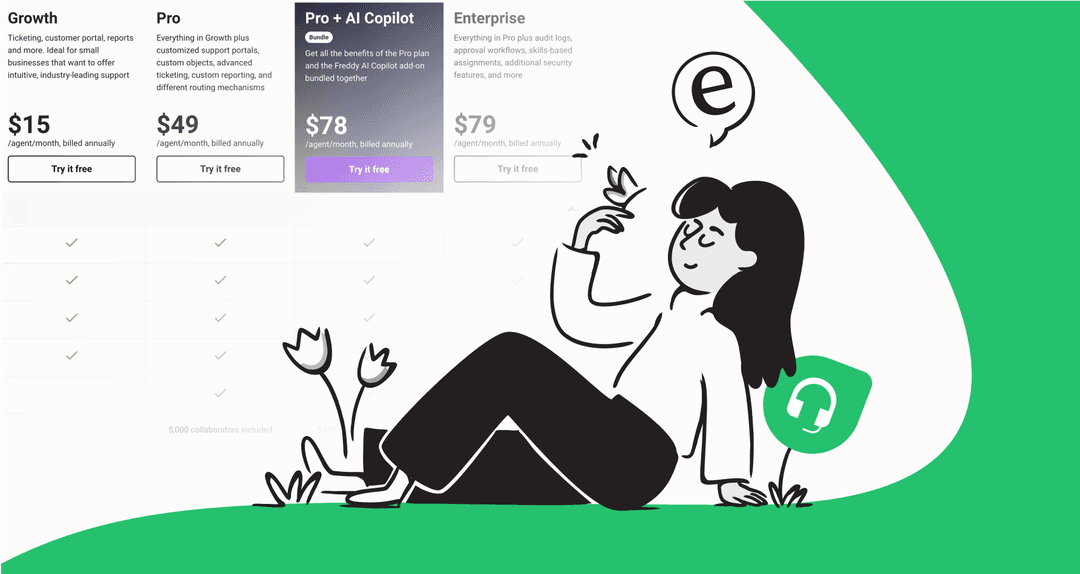
Omnichannel pricing plans
To get the full contact center setup, you'll choose from the Freshdesk Omni plans. AI features are available as powerful add-ons to enhance your capabilities. The Freddy AI Copilot is available for $29 per agent, per month. For the Freddy AI Agent, plans include initial free sessions, with the option to buy more session packs as your volume grows.
Here’s a look at the Freshdesk Omni plans if you pay annually:
| Plan | Growth | Pro | Enterprise |
|---|---|---|---|
| Price (Annual) | $29/agent/month | $69/agent/month | $109/agent/month |
| Key Channels | Email, Social, Phone, Chat | All Growth features + | All Pro features + |
| Freddy AI Agent | 500 free sessions/account | 500 free sessions/account | 500 free sessions/account |
| Freddy AI Copilot | Add-on ($29/agent/mo) | Add-on ($29/agent/mo) | Add-on ($29/agent/mo) |
| Key Features | Ticketing, Knowledge Base | Custom Reports, Advanced Workflows | Skill-based Routing, Audit Logs |
| Bundled Minutes | 2,000 incoming/month | 3,000 incoming/month | 5,000 incoming/month |
Implementation considerations
Beyond the monthly subscription, here are a few points to help you plan your rollout.
-
Call usage: The free local incoming minutes provided with the account are a great starting point. As your team grows, you can easily manage additional usage with transparent call rates. This structured approach helps you only pay for what you actually use.
-
Customization options: While getting started is simple, Freshdesk offers deep customization for advanced workflows. Setting these up is a worthwhile investment to get the platform perfectly tuned to your specific support processes.
-
Knowledge organization: As mentioned earlier, Freddy AI thrives on well-organized information. Ensuring your Freshdesk knowledge base is up-to-date is a great way to ensure the AI provides the best possible service.
This is where a complementary AI platform like eesel can provide an extra edge. It works alongside Freshdesk to connect all your other tools, helping you get the most out of your scattered knowledge without a massive data migration project.
Is the contact center Freshdesk right for you?
The contact center from Freshdesk is a solid, all-in-one choice for teams who want to manage every customer conversation in one place. Its biggest selling point is how tightly it integrates its helpdesk, ticketing, and communication tools. If you're looking for a single, mature system to run your support operations, it's definitely a top-tier option.
By staying aware of your call volume and keeping your internal knowledge base fresh, you can create a very efficient and powerful support environment.
What if you need a specialized AI add-on?
If you appreciate Freshdesk's reliable helpdesk but have complex knowledge needs across many different platforms, you can enhance your setup with specialized tools.
eesel is an AI platform that works beautifully as an add-on to Freshdesk. It connects directly to your helpdesk and learns from all of your information, whether it's in Confluence, Google Docs, or historical tickets, to help automate responses with impressive accuracy.
With eesel as a complementary layer, you can resolve up to 81% of conversations automatically and see a quick return on investment, all while continuing to use the Freshdesk platform your team already knows and trusts.
Frequently asked questions
What exactly is the contact center Freshdesk refers to, and is it a standalone product?
The contact center from Freshdesk is a key part of the larger Freshdesk Omnichannel suite. It integrates voice, email, chat, and social media into a single platform for managing all customer conversations efficiently.
What are the primary features that differentiate the contact center Freshdesk offers from a basic phone system?
Beyond a robust phone system, it provides a unified workspace for all communication channels (email, chat, social media), and deep integration with Freshdesk's helpdesk. This includes features like SLA management, team collaboration tools, and a comprehensive knowledge base.
How does Freddy AI enhance the capabilities of the contact center Freshdesk provides to agents and customers?
Freddy AI automates routine tasks with chatbots and voicebots for 24/7 support. It also assists agents in real-time with suggestions and drafting replies via Freddy AI Copilot, and can auto-triage incoming tickets by assigning priority and routing them to the correct teams.
How does Freddy AI learn and utilize knowledge within the contact center Freshdesk platform?
Freddy AI is designed to learn from your Freshdesk solution articles, uploaded files, and public web pages. It is optimized to work seamlessly with knowledge stored within the Freshworks ecosystem, providing agents with quick access to relevant information.
Can you explain the pricing structure for the contact center Freshdesk offers, particularly regarding bundled minutes and AI features?
The full contact center features are included in Freshdesk Omni plans, which are priced per agent annually. AI features like Freddy AI Copilot are available as add-ons, and initial plans come with Freddy AI Agent sessions to help teams get started.
What should we consider when implementing the contact center Freshdesk for our team?
Key considerations include reviewing your expected monthly calling minutes to choose the right plan and ensuring your knowledge base is well-structured to help Freddy AI provide the most helpful responses to your customers.
For what types of businesses or teams is the contact center Freshdesk generally considered the best fit?
It's a strong choice for teams seeking an all-in-one solution that tightly integrates helpdesk, ticketing, and communication tools into a single platform. It is particularly suitable for businesses looking to benefit from the mature and reliable Freshworks ecosystem.