
Every sales call holds valuable insights. The problem? Most of those insights disappear the moment the call ends. Sales reps forget details. Managers can't review every conversation. And the data that could improve your team's performance stays locked in audio files nobody has time to listen to.
Call transcription solves this problem. CloudTalk offers AI-powered call transcription as part of its Conversation Intelligence suite, turning every conversation into searchable, analyzable text. Whether you're running a sales team that needs coaching insights or a support operation tracking customer issues, transcription changes how you work with call data.
This guide breaks down how CloudTalk call transcription works, what it costs, and how it compares to alternatives.
What is CloudTalk call transcription?
CloudTalk call transcription automatically converts your phone conversations into written text. It's powered by OpenAI Whisper large-v2, the same speech recognition model that powers many of today's most accurate transcription services.
The transcription feature is part of CloudTalk's broader Conversation Intelligence (CI) package. This means you don't just get raw text dumps of your calls. You get a complete analysis system that includes automatic call summaries, sentiment tracking, talk-to-listen ratios, and topic extraction.
Here's what happens when you enable transcription:
- A call is recorded (with proper consent)
- The audio is processed through Whisper AI
- A text transcript is generated with speaker labels and timestamps
- AI analyzes the conversation for sentiment, topics, and key moments
- Everything is stored in your CloudTalk dashboard, searchable and exportable
The system supports five languages officially: English, French, German, Portuguese, and Spanish. For non-English calls, the system translates transcripts to English for AI processing, then you can view them in the original language within the dashboard.
If you're looking for broader AI capabilities beyond transcription, our AI Agent handles entire support conversations autonomously, while our AI Copilot drafts replies for your team to review.
How CloudTalk call transcription works
The technical side is straightforward. When you enable call recording and Conversation Intelligence, every eligible call gets transcribed automatically after it ends. There's no manual upload or processing step.
The transcription process uses OpenAI Whisper large-v2, which CloudTalk claims delivers over 90% accuracy in clear audio conditions. That's comparable to human transcription accuracy, but available instantly and at scale.

For teams that need more control, CloudTalk offers two transcription models through their workflow automation system:
- Default model: $0.048 per minute
- Enhanced model: $0.072 per minute (better accuracy for challenging audio)
The enhanced model supports additional languages including Italian, Japanese, and Russian, and optimizes for phone call audio specifically.
Transcripts appear in your CloudTalk Analytics dashboard, where you can:
- Search across all calls for specific words or phrases
- Click on any moment in the transcript to jump to that point in the recording
- Export transcripts as PDFs with call details
- View sentiment analysis and talk ratios alongside the text

Key features and capabilities
CloudTalk's transcription doesn't exist in isolation. It's part of a broader conversation intelligence system designed to extract value from every call.
Automatic transcription
Every recorded call gets transcribed without manual intervention. The system identifies different speakers, timestamps each segment, and formats the text for easy reading. You can access transcripts in the Call Log, Group Report, Agent Report, or AI Analytics sections of your dashboard.
Conversation Intelligence features
Beyond raw transcription, CloudTalk analyzes conversations for:
- Call summaries: AI-generated recaps of what happened, what was agreed to, and next steps
- Sentiment analysis: Tracks whether the caller's mood shifted during the conversation
- Talk/listen ratio: Measures how much time the agent spent talking versus listening
- Topic extraction: Automatically identifies what subjects were discussed
These features help managers spot coaching opportunities without listening to every call. A sales leader at Pipedrive noted that "CloudTalk's AI transcripts and analytics make it easier to track talk ratios, discovery depth, and regional performance."
Transcript search
The transcript search feature lets you find specific words or phrases across your entire call history. Type "pricing objection" and instantly see every call where that came up. This is invaluable for:
- Quality assurance teams checking for compliance issues
- Sales managers finding coaching examples
- Support leaders identifying recurring problems
- Product teams gathering customer feedback
Transcript Search costs $9 per agent per month as an add-on to your base plan.
Integration capabilities
CloudTalk integrates with 100+ tools including major CRMs like Salesforce, HubSpot, and Pipedrive. For revenue teams, the native Gong integration syncs call recordings and transcripts directly into Gong for deeper conversation intelligence analysis.

Setting up CloudTalk call transcription
Getting started requires a few prerequisites and configuration steps.
What you'll need
- Expert or Custom plan: Transcription features aren't available on Starter or Essential plans
- Call recording enabled: Transcription only works on recorded calls
- Conversation Intelligence activated: Toggle this on in your Account Settings
Step-by-step setup
-
Enable Conversation Intelligence: Navigate to Account > Settings > AI Conversation Intelligence tab and toggle the main AI switch to "On"
-
Configure call recording: Make sure your call settings allow recording for the users who need transcription
-
Set up workflow automation (optional): For advanced use cases, create a workflow in Account > Workflow Automations with the trigger "Recording uploaded" and action "Speech to Text"
-
Access your transcripts: Go to Analytics > Call Logs, find a call, click the three-dot menu, and select "Call Details" to view the transcript in the Recording tab
Features activate after call completion, so you won't see transcripts for calls in progress.
Use cases and benefits
Different teams get different value from call transcription.
Sales teams
Sales reps miss about 37% of critical details during customer conversations, according to CloudTalk's research. Transcription captures everything, letting reps focus on the conversation instead of note-taking.
Sales managers use transcripts to:
- Identify winning pitch patterns across top performers
- Find coaching moments without listening to hours of calls
- Track whether reps are asking the right discovery questions
- Document verbal agreements and commitments
CloudTalk claims teams see a 20% increase in conversions when using transcription for sales coaching.
Customer support
Support teams leverage transcripts for:
- Quality assurance and compliance monitoring
- Faster issue resolution (agents review previous call context before callbacks)
- Identifying recurring problems that need product fixes
- Training new agents on real customer interactions
A Nokia service delivery manager reported gaining "a much better understanding of our teams" through CloudTalk's analytics and transcription features.
Compliance and legal
For regulated industries, transcripts provide:
- Searchable records of every customer interaction
- Proof of disclosures and consent
- Documentation for dispute resolution
- Audit trails that are easier to search than audio files
Business intelligence
Marketing and product teams analyze call transcripts to:
- Identify authentic customer language for messaging
- Track feature requests and pain points
- Understand competitive positioning from sales calls
- Spot market trends across thousands of conversations
CloudTalk vs alternatives
CloudTalk isn't the only option for call transcription. Here's how it compares to alternatives.
CloudCall
CloudCall offers similar AI transcription and summarization features, but with a different focus. While CloudTalk targets general sales and support teams, CloudCall is built specifically for recruitment agencies and CRM-heavy workflows.
| Feature | CloudTalk | CloudCall |
|---|---|---|
| Transcription accuracy | 90%+ | 95%+ |
| CRM focus | General (Salesforce, HubSpot, Pipedrive) | Recruitment (Bullhorn, Vincere) |
| Pricing transparency | Public pricing | Contact sales |
| AI voice agents | Yes | No |
| Gong integration | Native | No |
CloudCall's transcription requires their Advanced Plan, but pricing isn't publicly listed. If you're in recruitment with Bullhorn or Vincere, CloudCall's deep CRM integration might justify the lack of transparency. For general business use, CloudTalk's public pricing and broader integration ecosystem are advantages.
eesel AI
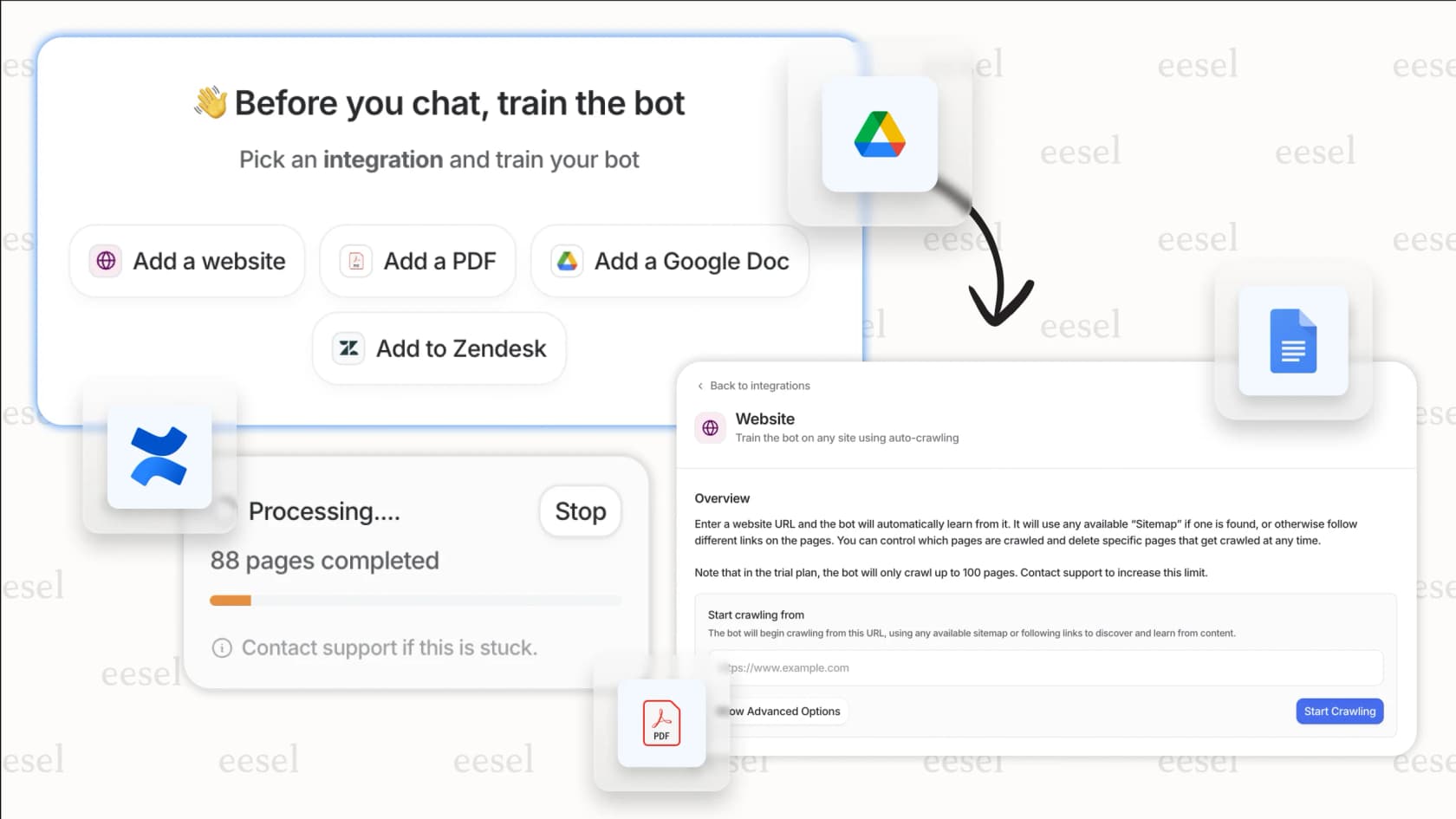
If you're looking for AI that goes beyond transcription to actually handle conversations, eesel AI offers a different approach. While CloudTalk transcribes calls for human review, our AI Agent can handle entire support conversations autonomously.
Here's how we compare:
- CloudTalk: Transcribes calls for human agents to review and act on
- eesel AI: AI Agent resolves tickets end-to-end, escalating only what you define
Our AI Copilot drafts replies for human agents to review, similar to having a transcription plus suggested response. And our AI Triage automatically tags, routes, and prioritizes incoming tickets before humans touch them.
For teams that want to reduce call volume entirely rather than just transcribe it, our customer support automation solutions integrate with Zendesk, Freshdesk, and 100+ other platforms.
Other alternatives
- Deepgram: If you need transcription in 100+ languages, Deepgram offers broader language support than CloudTalk's five languages
- Mozilla DeepSpeech: For budget-conscious teams comfortable with technical setup, this open-source option runs offline with no per-minute costs
Pricing breakdown
CloudTalk's transcription features require specific plans and add-ons.
Base plan requirements
Transcription is available on the Expert plan ($50/user/month) or Custom plan (contact sales). It's not included in Starter ($25/user) or Essential ($30/user) plans.
Conversation Intelligence add-on
The full CI package including transcription, sentiment analysis, and topic extraction requires the Expert plan or higher.
Transcript Search
Search across all your transcripts: $9 per agent per month.
Speech-to-Text workflow pricing
If you set up custom transcription workflows:
| Model | Price per minute |
|---|---|
| Default | $0.048 |
| Enhanced | $0.072 |
Annual vs monthly
CloudTalk offers approximately 30% savings when paying annually. For example, the Expert plan drops from $50/month to $40/month per user with annual billing.
For comparison, our eesel AI pricing is one fixed monthly price from $299 for 500 credits (1 credit per ticket or chat), with unlimited agents and no per-seat fees.
Getting the most from CloudTalk call transcription
To maximize value from transcription:
-
Start with clear audio: Background noise and poor connections hurt accuracy. Use quality headsets and quiet environments when possible.
-
Train your team on search: Most teams underuse transcript search. Show agents how to look up previous customer interactions before callbacks.
-
Combine with other CI features: Transcripts alone are useful. Transcripts plus sentiment analysis and talk ratios give you the full picture.
-
Build a coaching library: Save examples of great calls and common mistakes. Use these in team training instead of generic scenarios.
-
Review regularly: Set a cadence for reviewing transcripts, whether weekly team reviews or monthly quality audits.
If you find yourself wanting AI to do more than transcribe, consider whether an AI-first approach might fit your needs better. Our AI Agent learns your business from past tickets and help center articles, then handles frontline support autonomously while escalating only the complex issues to your team.