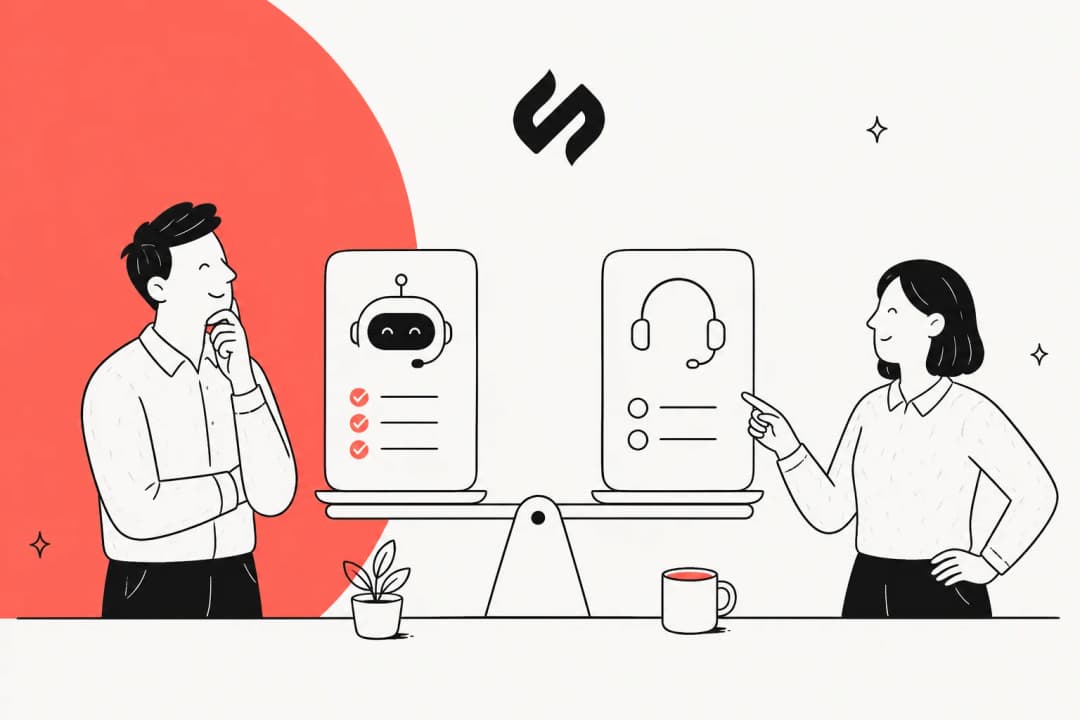
There’s a lot of buzz around Anthropic's new agentic features like Claude Cowork, and it’s easy to see why. It feels like a genuine step toward AI agents that act like digital colleagues. The promise is tempting: give it access to your files, and it can automate complex, multi-step tasks like organizing a messy desktop or prepping all your documents for an audit.
But once you start digging, you hit the "but..." that has people searching for Claude Cowork alternatives. It isn't a standalone product you can purchase. It's a feature baked into Claude's paid "Team" and "Enterprise" plans, and its main job is working with files. What if your work doesn't just live in a single folder?
That's exactly why we put this guide together. We've spent time testing the top 5 alternatives out there. Whether you're a developer needing a coding sidekick or a business team looking to automate real workflows, we’ve got something for you.I've been seeing Claude Cowork everywhere lately, and the idea itself really resonates. It feels more like an AI coworker with a file system than just a chat interface, which is exciting. That said, the entry limitations are a bit high right now, so I'm interested in trying out some Claude Cowork alternatives that feel similar in workflow and capability.

What is an AI coworker, really?
Let's get one thing straight: an "AI coworker" or "agentic AI" is fundamentally different from a chatbot like ChatGPT. A chatbot answers questions. An AI coworker takes action.
- Tool Use: It can connect to and use other software, APIs, or websites to get the job done.
- File System Access: It can read, write, and organize files, whether they're on your computer or in the cloud.
- Long-Running Tasks: You can give it a project, and it'll work on it over time without you needing to constantly check in.
Basically, an AI coworker does the work for you, not just gives you the information to do it yourself.
How we picked the best Claude Cowork alternatives
Our goal was to find tools that capture the spirit of Cowork, which is automating real work, but also bring different strengths to the table, whether that’s being more accessible, more focused, or safer to use.
Here’s what we looked for:
- Real Agentic Capabilities: How well does it actually handle multi-step tasks? Can it use other tools or just shuffle files around?
- Target Audience & Usability: Is this built for experienced developers, or can a non-technical team get it running without requiring support from the engineering department?
- Safety and Control: This is a big one. What guardrails are in place? Can you check its work before it goes live? We looked for platforms with solid security compliance like SOC 2 and GDPR.
- Primary Use Case: Is it a general-purpose tool for tidying up your desktop, a framework for developers, or a specialized tool for automating business processes?
Claude Cowork alternatives at a glance
| Tool | Best For | Ease of Use | Key Feature | Starting Price |
|---|---|---|---|---|
| eesel AI | Customer-facing & internal business automation | Non-technical teams | The AI Teammate Model | $0.40 per ticket |
| GitHub Copilot | Developers & software engineering | Technical | AI pair programmer in the IDE | Free tier available |
| Microsoft 365 Copilot | General productivity & Office tasks | Non-technical users | Deep OS & Office Integration | Included with eligible M365 plans |
| Moveworks | Enterprise IT & HR automation | Enterprise teams | Pre-built internal support workflows | Custom (enterprise) |
| ChatGPT Agent | Web-based task automation | Non-technical users | Autonomous web browsing (agent mode) | Included in Business/Enterprise plans |
Top 5 Claude Cowork alternatives for real workflows
1. eesel AI
Pricing:
- Team: Starts at $299/month ($239/mo if billed annually) for 1,000 AI interactions and up to 3 bots.
- Business: Starts at $799/month ($639/mo if billed annually) for 3,000 interactions, unlimited bots, and advanced features like training on past tickets.
- Custom: Custom pricing for unlimited interactions and enterprise needs.
Why we picked it: For teams looking for a Claude Cowork alternative to solve business challenges, eesel AI is a practical choice. It focuses on deep integrations into the tools where your team lives instead of general-purpose file access, giving you a safe, measurable, and fast way to automate.
2. GitHub Copilot
Copilot's strength is its deep understanding of your project's context. It gives you real-time code completions, suggests entire functions, and can answer questions about your codebase through a chat window right in your editor. With features like "Copilot Autofix", it can even spot vulnerabilities found by GitHub's security tools and suggest a fix. It’s less of an assistant and more of an active collaborator in the coding process.I’ve got a local GitHub repo full of scripts, split across multiple folders — none of it documented. Looking for a tool that can scan the code and auto-generate simple README files per folder (what each script does, dependencies, etc.).
The upside is that it integrates seamlessly into a developer's workflow and can provide a productivity boost. The main drawback is its narrow focus. It is highly effective for code-related tasks, but it's not built for general business tasks, summarizing documents, or anything outside of the development world.
Pricing:
- Free: Includes up to 2,000 completions and 50 chat requests per month.
- Pro: $10/month for unlimited completions and chats, plus access to the Copilot coding agent.
- Business & Enterprise: Starts at $21/user/month, adding organizational policy management and enhanced security.
Why we picked it: GitHub Copilot is a leading AI coworker for software development. It goes beyond simple task automation to become a core part of the coding process, offering a clear and immediate productivity win for any technical team.
3. Microsoft 365 Copilot
Its biggest strength is that deep integration and its ability to reason across all your work data. It can do OS-level tasks like "turn on dark mode," summarize a meeting you missed in Teams, draft an email in Outlook based on a Word doc, or analyze data in Excel using plain English. For any tasks that live inside the Microsoft bubble, it can be a productivity booster.
The benefits are clear: it's user-friendly and already in the tools you use daily. The main catch, though, is that its primary strength is within the Microsoft suite, with more limited autonomy for tasks outside this ecosystem. Copilot functions more as an assistant within applications than a fully independent agent; it's not going to manage a complex project that spans multiple non-Microsoft apps from start to finish.
Pricing:
- Copilot Chat: Included at no additional cost for eligible Microsoft 365 subscribers.
- Microsoft 365 Copilot Business: An add-on starting from $18/user/month (paid yearly) for full integration into M365 apps and access to your work data.
Why we picked it: Microsoft 365 Copilot is on this list because its widespread availability makes it a significant tool. While it may not be as autonomous as some of the other systems, it introduces the concept of an AI coworker to millions of people and is useful for automating simple, daily tasks on a PC.
4. Moveworks
Trusted by over 350 organizations, Moveworks shines in corporate environments with clear, defined internal processes. It can handle common tasks like password resets, getting access to software, or answering questions about company policies, which frees up human support teams from doing repetitive tasks. Its value comes from deep, pre-built integrations and a marketplace of over 1,000 AI agents designed for specific corporate jobs.
The biggest advantage for Moveworks is its proven track record in the enterprise world, delivering measurable ROI by deflecting a large portion of internal support tickets. The main downside is that Moveworks is a comprehensive, enterprise-level platform. It’s not for individuals or small businesses, and implementation is often a significant project. It's also focused squarely on employee support, not customer-facing automation.
Pricing:
- Sold as an enterprise SaaS subscription. You'll need to get a custom quote.
Why we picked it: Moveworks is a key Claude Cowork alternative for large companies. It's a perfect example of how agentic AI can be applied in a structured corporate environment to solve high-volume internal problems, demonstrating how agentic AI can be applied within enterprise systems.
5. ChatGPT Agent
The agent's key strength is its ability to "see" and interact with any website just like a person would, without needing a special API. It can fill out forms, click buttons, and navigate around websites completely on its own. This makes it incredibly flexible for automating any task that happens in a browser, like booking dinner reservations or comparing products across different shopping sites.
The appeal here is its universal power for web tasks. The main limitation is that its world is currently limited to the browser. It can't touch your local files or desktop apps, which puts it in a different league from Claude Cowork's file-based approach. Access is also tied to the paid ChatGPT business plans.
Pricing:
- Included as a feature in ChatGPT Business (pricing varies by region, e.g., NOK 249/user/month) and Enterprise plans.
Why we picked it: The ChatGPT agent provides a glimpse into the future of web automation. For anyone whose repetitive work lives mainly inside a browser, it's a powerful Claude Cowork alternative that offers a different, but compelling, vision for what AI agents can be.
For those interested in seeing how open-source projects are tackling this space, tools like OpenWork are gaining traction. They aim to provide a similar agentic experience for free, often with a focus on local file interaction. This video gives a quick look at how it works.
- Start with the problem, not the tool. Before you get distracted by features, figure out the exact workflow you want to automate. Is it organizing research files, triaging support tickets, or speeding up code reviews? The right tool for one job is often the wrong one for another.
- Think about your team's technical skills. Are you a developer comfortable with building custom solutions? A tool like GitHub Copilot will feel like home. Are you a non-technical manager who just needs something that works? A no-code platform is going to get you value way faster.
- Prioritize safety and control. Letting an AI loose on your files or with your customers is a big deal. Look for tools that offer a supervised or "Copilot" mode, let you run tests in a safe sandbox environment, and give you clear control over what it can and can't do.
- Decide between a generalist and a specialist. A general-purpose agent might sound great, but a specialist is often more effective for a specific task. If your goal is to automate customer service, an AI trained specifically on help desk data like eesel AI is going to be more effective than a generic file organizer.
The future of Claude Cowork alternatives is collaborative
Claude Cowork has started a new conversation, but the alternatives prove that the future of agentic AI isn't a one-size-fits-all solution. While tools that organize folders are useful, the potential of AI agents is more fully realized when they become specialized teammates that plug directly into specific business workflows.
The best approach isn't just about handing off tasks; it's about collaboration. The best tools are the ones that let you onboard an AI like a new hire, guide its work, and slowly give it more responsibility as it earns your trust. This "teammate model" is what ensures safety, gets your team on board, and delivers real, measurable results.
For business teams ready to move beyond generic chat and start automating their customer support or internal knowledge, the next step is pretty clear.
Ready to hire your first AI teammate? See how eesel AI learns your business in minutes and can start resolving up to 81% of your support tickets autonomously.