You've probably seen the buzz around OpenClaw. It's the AI that can supposedly rebuild a website or fix deployment errors. It feels like the closest we've gotten to a real AI assistant that can actually do things on your computer.
But for all the impressive demos, certain considerations have led users to seek other options. The command-line setup can be challenging for non-developers. More importantly, the security risks are a significant concern. Experts have called it a "security nightmare" and a "data-breach scenario waiting to happen."
That’s why we put this list together. We're going to look at five powerful OpenClaw AI alternatives that give you a different way to approach AI automation, from secure platforms made for business to more user-friendly open-source projects.
What is OpenClaw AI?
So, what is OpenClaw, really? It's an open-source AI agent that you host yourself. It runs right on your machine (Mac, Windows, or Linux) and gets full access to your entire system. It’s like giving an AI a keyboard and mouse to use your computer just like you do.
The community has shown off some impressive use cases, like having it automatically order groceries, manage a weekly meal plan, or even negotiate a car purchase. With over 50+ integrations for apps like WhatsApp and Telegram, it can take action for you across different platforms.
The project grew quickly and has gone through a few name changes (ClawdBot → Moltbot → OpenClaw), a sign of both its popularity and the ongoing challenges with the security implications that come with giving an AI this much control.
Security researchers have called this level of access the "lethal trifecta" of risk.How not to SEO 101

It’s an interesting tool, but it’s primarily for developers and tech experts who are comfortable with those risks.Third, the security is abysmal. You need to pray that hackers don't find you.
Our criteria for the best OpenClaw AI alternatives
To build this list, we looked for tools that have that same "agentic" spirit as OpenClaw, meaning they can perform tasks, while also addressing key areas like usability and security.
Here’s what we looked for in each one:
- Task Automation: Can it handle tasks with multiple steps, or is it just a chatbot with a fancy name?
- Ease of Setup: How quickly can someone who doesn't code get it working?
- Security & Control: How does it keep your data safe, and what guardrails are in place for the AI?
- Integration Ecosystem: How well does it connect to the apps and data you already use?
- Primary Use Case: Is it meant for personal productivity, business automation, or as a playground for developers?
Quick comparison of the top OpenClaw AI alternatives
Here's a quick look at how our top picks stack up.
| Tool | Best For | Key Feature | Pricing Model | Self-Hosted Option |
|---|---|---|---|---|
| eesel AI | Business & Customer Support Automation | AI Teammate Model (Onboard & Level Up) | Subscription (per interaction) | Yes (Enterprise) |
| Jan.ai | Privacy-Focused Local Chat | 100% offline desktop application | Free & Open Source | Yes (by default) |
| AnythingLLM | Private knowledge bases for teams | Chat with your documents securely | Open Source & Hosted plans | Yes (by default) |
| Retool | Building custom internal AI agents & tools | AI-powered internal app builder | Freemium (per user) | Yes |
| SuperAGI | GTM automation & agent development | All-in-one AI-native CRM & agent framework | Open Source & Cloud (per user + credits) | Yes |
A closer look at the 5 best alternatives
While each of these tools comes at AI automation from a different angle, they all offer different and accessible ways to approach AI automation.
1. eesel AI
For businesses interested in OpenClaw's capabilities but concerned about the risks, eesel AI offers a business-focused alternative. Instead of a command-line tool, you "hire" eesel as an AI teammate for your customer service or IT team. It plugs right into your help desk (like Zendesk or Freshdesk), learns from your past tickets and help center in minutes, and can be safely leveled up. You can start with it just drafting replies for your agents (AI Copilot) and then promote it to handle tickets entirely on its own (AI Agent).
Pros: The setup is incredibly simple, often just a single click to connect your tools. The "teammate" model is beneficial because it lets you roll out automation slowly. You can test eesel and build trust before it ever talks to a customer. It’s made for business, so it can take real actions in tools like Shopify and Jira while meeting enterprise security standards. Your data is not used for training models and is encrypted from end to end.
Cons: While there's a self-hosted option for enterprise clients, it’s mostly a cloud platform. It's also built for business functions like customer service and IT support, so it isn't designed for general personal tasks.
Pricing:
- Team: Starts at $299/month for 1,000 AI interactions.
- Business: Starts at $799/month for 3,000 interactions and includes advanced features like the fully autonomous AI Agent.
- Custom: Custom plans are available for unlimited interactions and other enterprise needs.
2. Jan.ai
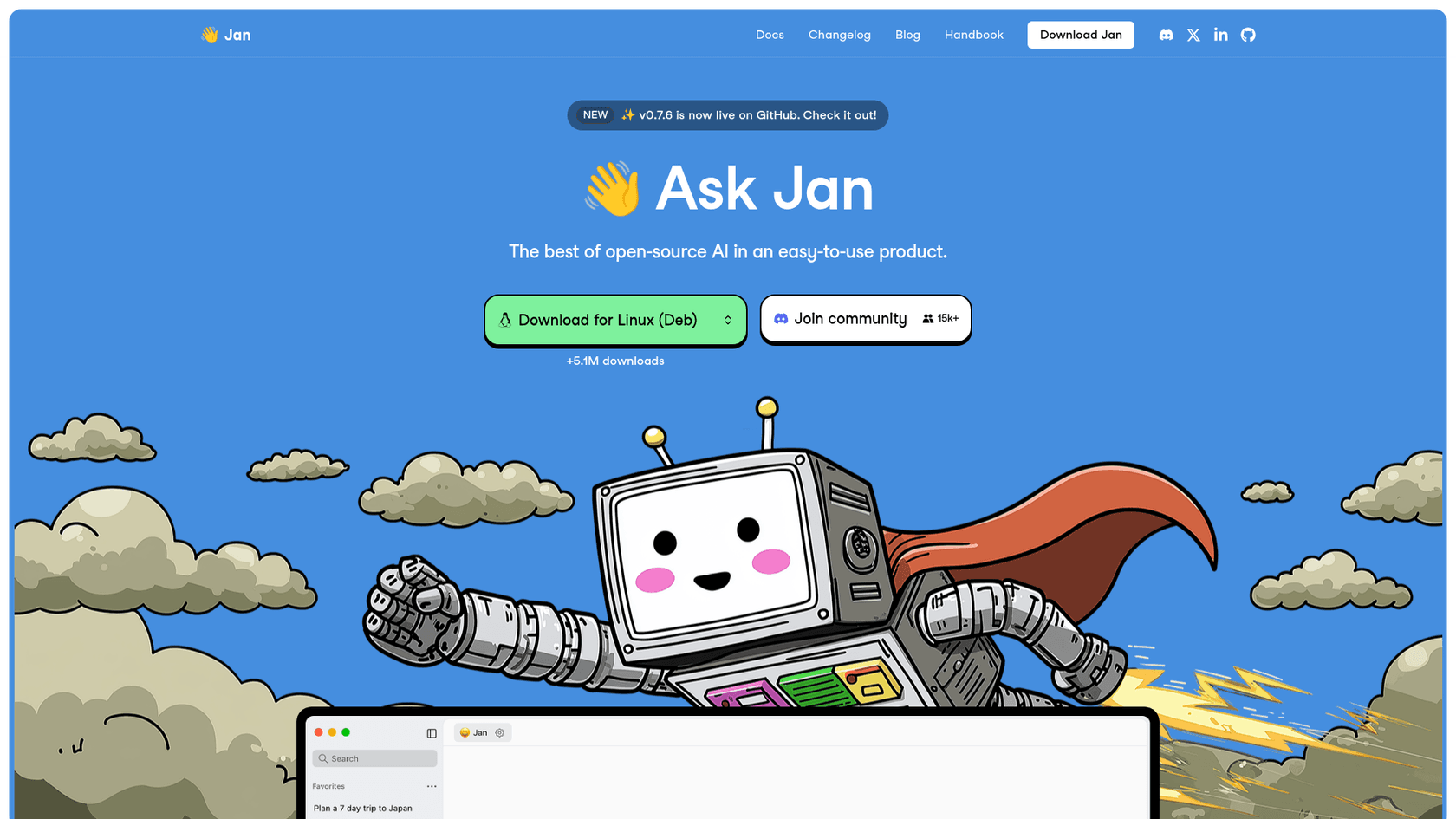
For users prioritizing privacy and local control, Jan.ai is a relevant option. It’s an open-source AI chatbot that runs entirely on your computer, 100% offline. It’s more of a conversational AI than a task-doing agent, but it captures the desire to run powerful models locally without sending data to a third-party server.
Pros: A key benefit is complete privacy and the ability to work offline. It has a clean, easy-to-use desktop app for Mac, Windows, and Linux, making it much more approachable than command-line tools. Since it's open-source, developers can modify it as needed.
Cons: It's a chat interface, not an autonomous agent that can manage your calendar or book flights. Its performance is also tied to your computer's hardware and the local model you use, which might not be as powerful as large cloud-based models.
Pricing:
- It's completely free and open-source.
3. AnythingLLM
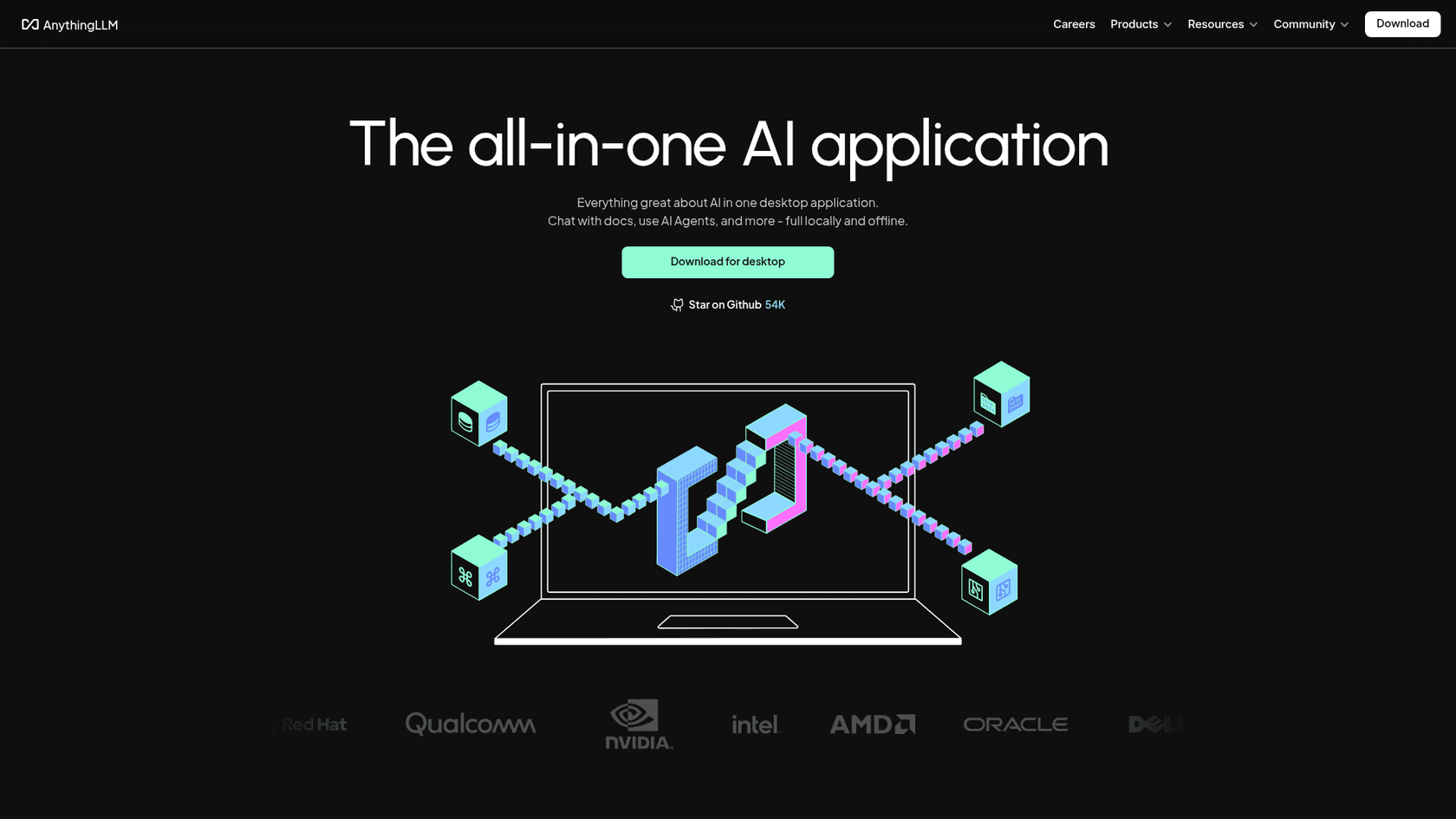
AnythingLLM is an open-source platform that turns any collection of documents into a smart, private chatbot. This is a useful solution for one of OpenClaw's main uses: making personal or company knowledge interactive. You can feed it PDFs, Word docs, or even a whole codebase to create a secure, multi-user chatbot that only knows what you've told it.
Pros: It's designed for creating secure, private knowledge bases for teams. It's private by default and even has a one-click desktop installer to make setup easy. Its focus on Retrieval-Augmented Generation (RAG) means its answers are based on your actual documents, which helps prevent the AI from fabricating information.
Cons: Like Jan.ai, its main job is to answer questions, not automate tasks. It doesn't have the ability to interact with other apps. And while it's easier to set up than OpenClaw, the self-hosted version still requires some technical skill.
Pricing:
- Free and Open Source for the Desktop and Self-Hosted versions.
- Hosted cloud plans start at $50/month.
4. Retool
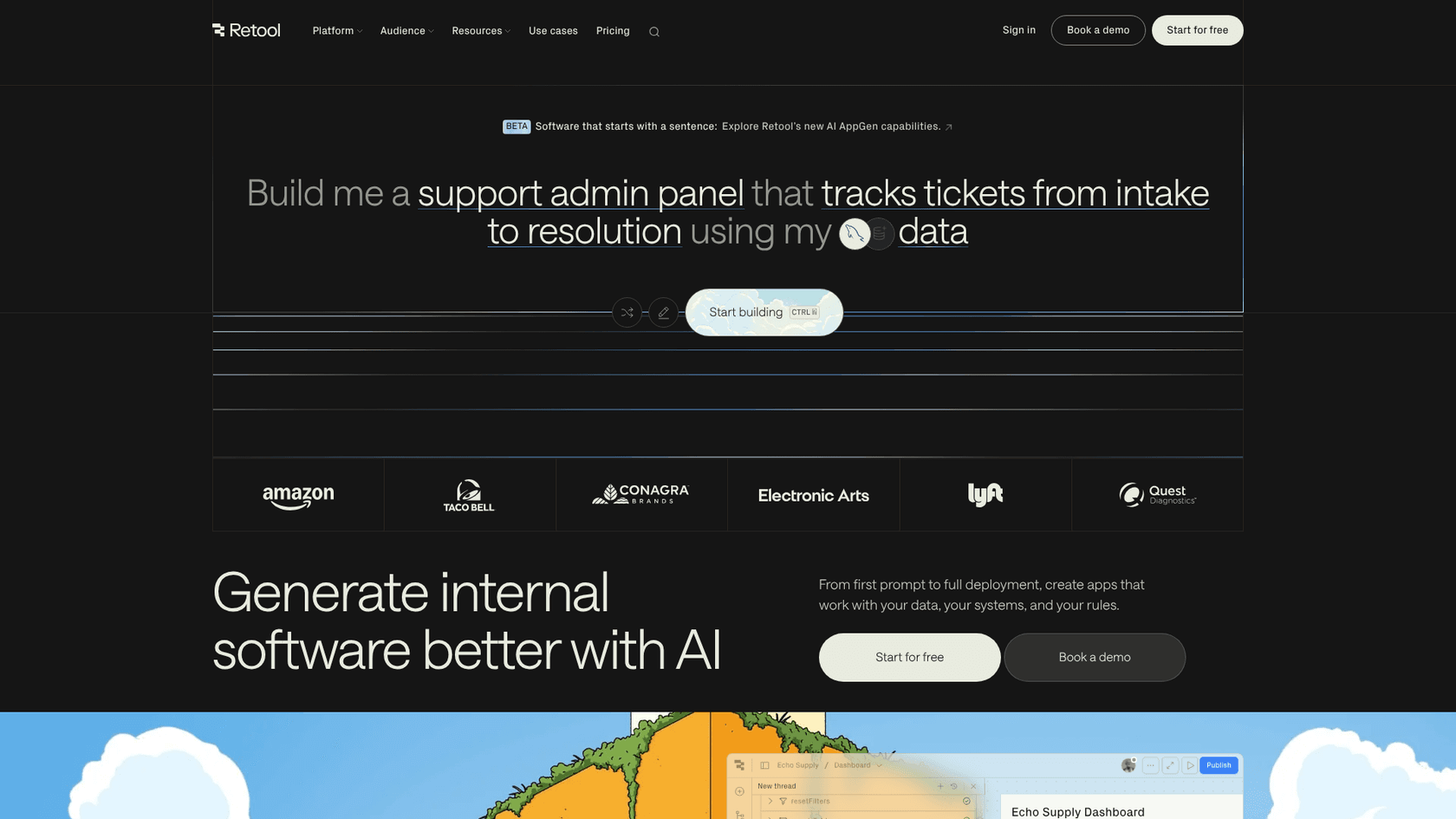
Retool is for the business that looks at OpenClaw and wants a similar capability but tailored for internal operations. It's an AI-powered platform for building custom internal software, from simple dashboards to complex AI agents and workflows. You can build very specific agents to handle tasks like triaging support tickets, managing inventory, or addressing chargebacks.
Pros: It's incredibly powerful and flexible for creating custom, enterprise-level AI apps. It connects to almost any database or API you can imagine and offers robust security features like audit logs and detailed permissions. It's a 'build' platform that gives developers significant control.
Cons: This is a tool for developers, and it has a steeper learning curve. It’s designed for building tools, not for being a ready-made personal assistant. The per-user pricing can also become costly for larger teams.
Pricing:
- Free: Up to 5 users with limited features.
- Team: $10 per user/month.
- Business: $50 per user/month.
- Enterprise: Custom pricing is available.
5. SuperAGI
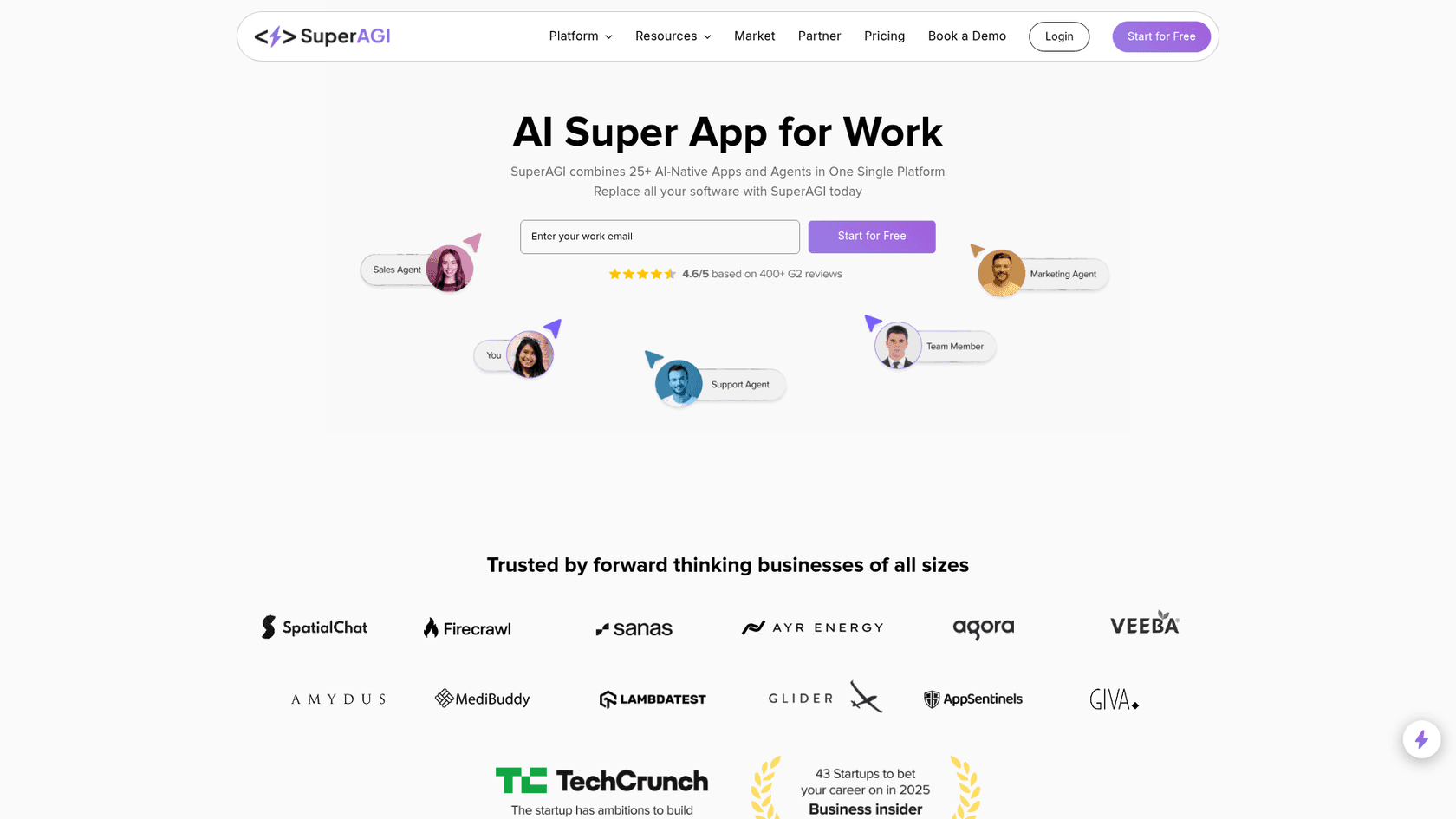
SuperAGI is a direct open-source competitor to OpenClaw in terms of its goals. It started as a framework for developers to build autonomous AI agents and has now grown into an "AI Super App for Work," combining an AI-native CRM with tools for sales, marketing, and support automation.
Pros: It's highly extensible and powerful for developers who want to build truly autonomous systems. The platform's focus on go-to-market teams makes it a good choice for businesses looking to automate sales and marketing workflows. It also has a growing community and a selection of pre-built tools.
Cons: It requires a lot of technical skill to set up and use effectively, especially the open-source version. Like OpenClaw, it comes with similar security risks if not configured and managed properly. It’s a platform for building, not a simple product you can use right away.
Pricing:
- Free and Open Source (self-hosted).
- Cloud plans use a per-user plus credit system, with the Starter plan at $30 per user/month.
How to choose the right OpenClaw AI alternatives for your needs
Choosing the right tool from this list depends on your specific goals.
- For Personal Tinkering vs. Business Operations: Are you trying to automate your personal life or a business process? For business operations, reliability and security are key factors, making solutions like eesel AI a practical option. For personal projects where you're fine with managing the risk, open-source tools like Jan.ai or SuperAGI are available.
- For Answering Questions vs. Taking Action: Do you need an AI that can answer questions from your private data (like AnythingLLM) or one that can perform multi-step tasks like processing a refund or routing a ticket (like eesel AI or Retool)?
- To Build vs. To Hire: Do you have developers ready to build and maintain a custom agent (SuperAGI, Retool), or do you need a solution that works in minutes and learns on its own (eesel AI)?
- Security Tolerance: How comfortable are you with a tool having deep access to your systems? The documented risks of OpenClaw, like prompt injection and data leakage, are significant. Managed platforms like eesel AI are designed to handle that risk for you with enterprise-grade security.
The future of AI agents: Practical autonomy
The growth of OpenClaw proves one thing: people are ready for AI that can actually do things.
To see how developers are getting started with this powerful but complex tool, this video provides a great hands-on overview of how to set up and use OpenClaw.
But going from a tech demo to a reliable, secure assistant that a business can count on is a significant jump. The alternatives we’ve covered here all offer different paths to that future, each with its own advantages and disadvantages.
For businesses, a practical path forward is a managed platform that provides the power of autonomy while maintaining the safety, control, and ease of use needed for daily work.