You click on a link that looks promising, hoping to find an answer or a cool product, but instead, you get hit with a "404 Not Found" page. We've all been there. It’s annoying, and it's a complete dead end. For a user, it's a minor frustration. For your website, it's quietly killing your performance.
While a couple of broken links might seem like small glitches you can put off fixing, they can really mess with your SEO efforts. This guide will break down exactly how broken links affect SEO, from wasting your crawl budget to damaging user trust.
We'll go over everything, from the different kinds of broken links to the specific ways they hurt your rankings. More importantly, we'll show you how to hunt down these digital dead ends using free tools like the eesel AI Broken Link Checker and what to do once you find them.
What are broken links (and what causes them)?
Before we get into the SEO side of things, let's make sure we're on the same page about what broken links are and where they come from. They're a bit more varied than you might think, and figuring out the root cause is the first step to getting rid of them for good.
Defining the different types of broken links
- Internal Links: These are the links connecting one page of your website to another. Think of them as the hallways in your digital house. When they break, they create a confusing maze for anyone trying to navigate your site. Worse, they can stop search engine crawlers in their tracks, keeping them from finding and indexing all your great content.
- External (outbound) links: These links point from your site to another website, maybe to cite a source or recommend a tool. If the page you're linking to gets moved or deleted, you're left with a dead link. Having too many of these can make your content look old and neglected, which isn't a great look for users or search engines.
- Broken Backlinks (Inbound Links): These are links from other websites that point to a page on your site that doesn't exist anymore. This is a huge missed opportunity. When another site links to you, they're basically giving you a thumbs-up. If that link is broken, you lose all the valuable "link equity" or authority that came with it, which could have been helping your search rankings.
Common culprits behind broken links
Broken links don't just pop up randomly. They're usually the result of a few common mistakes or website changes.
- Content Deletion or Relocation: This is the big one. You delete an old blog post or change a page's URL to make it more SEO-friendly. If you forget to set up a proper redirect, every single link pointing to that old address is now broken.
- URL Typos: It happens. A simple typo while typing or pasting a URL can make it totally useless. This can happen on your own site when creating internal links or on someone else's site when they're trying to link to you.
- Changes in Site Structure: A major website redesign or a change to your permalink structure (like going from
site.com/blog/post-nametosite.com/post-name) can break a ton of internal links overnight if you don't have a solid redirect plan. - External Site Changes: This one is out of your hands, but you still need to watch out for it. The website you linked to as a source might have been taken down, its domain could have expired, or the owner might have just moved the content.
How broken links directly affect SEO
Damaging the user experience
At the end of the day, search engines want to give their users the best experience possible. When someone clicks a link in the search results and immediately lands on a 404 error, that's a pretty terrible experience.
What do they do? They hit the back button and leave your site, which is known as a "bounce." This action drives up your bounce rate, which can signal to search engines that your page isn't giving users what they want. It tells them people aren't finding what they came for.
Over time, if a page keeps getting a high bounce rate (partly because it's full of dead ends), it can lead to lower rankings. A bad user journey also makes your brand look less credible and can stop people from coming back, which hurts your long-term traffic.
Wasting crawl budget and impacting indexation
Let's talk about "crawl budget." It's not as complex as it sounds. Google sets aside a certain number of pages its bots will crawl on your site in a given period. For big websites, this budget is extremely valuable.
When Google's crawler keeps running into broken links on your site, it's hitting dead ends. This wastes its time and energy on pages that don't exist instead of finding and indexing your new, valuable content. It’s like sending a delivery driver to the same non-existent address over and over again.
If important pages on your site are only reachable through links that are now broken, the crawlers might never find them. This can leave key content completely un-indexed and invisible in search results, no matter how good it is.
Losing valuable link equity
"Link equity," sometimes called "link juice," is a fundamental SEO concept. It's the authority or value that passes from one page to another through links. Picture it as a current of authority flowing through your website.
Internally, broken links act like dams in that flow. They stop authority from moving smoothly between your pages, which can weaken the ranking potential of other, perfectly good pages on your site.
Broken backlinks are even worse. Imagine a highly respected website in your industry links to one of your blog posts. That's a huge SEO win! But if that link points to a 404 page, you get zero benefit from that amazing endorsement. According to the experts at Ahrefs, you can reclaim this "link juice" just by fixing these broken inbound links, which can give your rankings a real boost.
A practical guide to finding and fixing broken links
Trying to find every single broken link on a large website by clicking around manually is basically impossible. Thankfully, there are plenty of tools that can automate this for you, from free and simple checkers to comprehensive SEO suites.
Using eesel AI's free broken link checker for quick audits
The eesel AI Broken Link Checker is the perfect starting point for a quick website health check.
It's a totally free, web-based tool, which means there's no software to install and no account to create. You just enter your website's URL, and it scans your site for dead links in a matter of seconds.
This makes it great for small business owners, marketers who need a quick audit before a meeting, or teams without a budget for pricey SEO software. It provides a clean, actionable list of broken links so you can get to work right away.
Leveraging Google Search Console for crawl errors
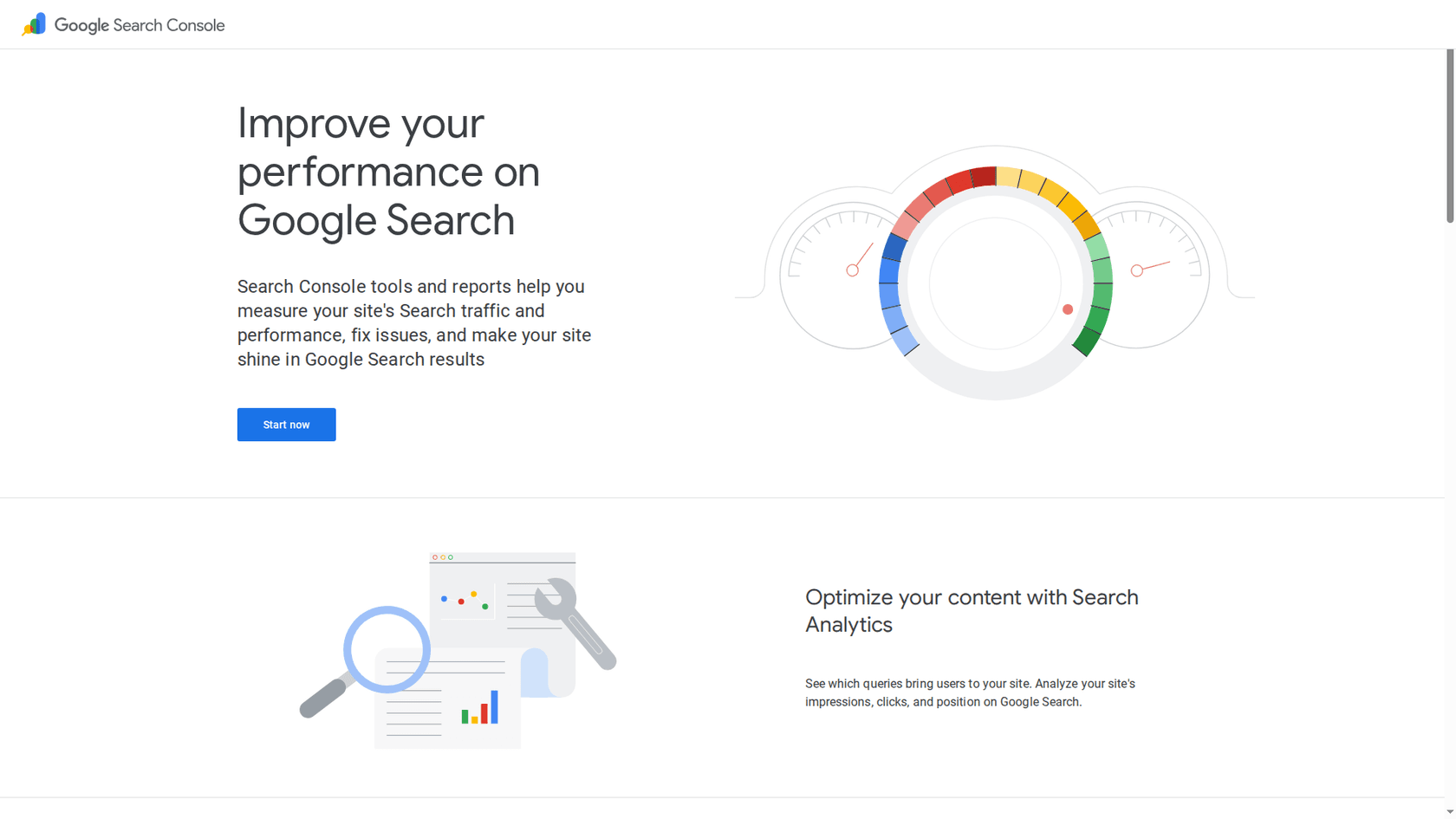
To find broken links, just go to the Pages report in the sidebar. There, you'll find pages listed under the "Not found (404)" error status. These are the broken URLs that Google's own crawlers have discovered.
The main benefit of GSC is that it shows you the exact pages Google has tried to crawl and failed, giving you a priority list of what to fix from the search engine's perspective. The only potential issue is that the "Referring page" data, which tells you where the broken link is, can sometimes be missing. This means you might need another tool to find the link's source on your site.
Comparing advanced tools for deep-dive audits
For larger, more complex websites, dedicated SEO tools can offer deeper insights and more powerful features. Here’s a quick comparison of two of the most popular options:
| Feature | Screaming Frog SEO Spider | Ahrefs Site Audit |
|---|---|---|
| Type | Desktop Application (PC/Mac/Linux) | Web-Based Platform |
| Free Version | Crawls up to 500 URLs | Free for verified sites (up to 5,000 pages/mo) |
| Paid Pricing | Starts at $279/year | Starts at $29/month for the Starter plan |
| Best For | Deep technical SEO audits, highly configurable crawls | All-in-one SEO, monitoring site health over time |
Screaming Frog is a powerful crawler that's a favorite among technical SEO professionals because of the super detailed data it provides. The free version is excellent for smaller sites.
Ahrefs' Site Audit is part of a complete SEO suite. Its free offering through Ahrefs Webmaster Tools is incredibly generous and is great for finding both broken internal and external links while keeping an eye on your site's health over time.
The three core fixing strategies: Update, redirect, or remove
- Update the Link: This is the ideal situation. You find the correct, new URL for the page and simply update the broken link in your content management system (like WordPress). It’s the cleanest fix for both users and SEO.
- Set Up a 301 Redirect: If the original page was deleted but a similar, relevant page still exists on your site, set up a 301 (permanent) redirect. This automatically sends users and search engine crawlers to the new page and, crucially, passes most of that valuable link equity along with them.
- Remove the Link: If the link points to content that's just not relevant anymore and there's no good replacement page on your site, the best thing to do is simply remove the link. There's no point in keeping a link that leads to a dead end.
Proactive strategies to prevent broken links
Fixing existing broken links is a great reactive step, but stopping them from happening in the first place is even better. A few simple habits can save you a lot of trouble down the line.
Creating a helpful 404 page that retains visitors
Let's be real, some broken links are just going to happen. A custom 404 page can turn that negative experience into a helpful one by guiding users to what they were looking for.
A great 404 page should:
- Have a friendly, helpful, and maybe even funny tone.
- Keep your site's branding and main navigation menu visible.
- Include a big search bar so users can try again.
- Provide links to your homepage, popular articles, or key product pages.
Implementing a process for URL changes and content deletion
Create a standard procedure for your team. From now on, whenever a page's URL is changed or a page is deleted, the rule should be to immediately find all internal links pointing to it and either update them or set up a 301 redirect. No exceptions.
Then, schedule regular check-ups. Make it a routine to run a site scan at least once a quarter. Using a quick tool like the eesel AI Broken Link Checker can make this a fast and painless part of your website maintenance.
For a deeper visual dive into how to find and fix these SEO-damaging errors, this guide from Ahrefs provides a clear, step-by-step walkthrough of the entire process.
Maintaining your website's health
Broken links are a genuine SEO problem. They slowly chip away at your site's performance by creating a bad user experience, wasting your crawl budget, and weakening your site's authority.
Ignoring them just isn't an option if you're serious about your organic search performance. Fixing them sends a clear message to search engines that your site is well-maintained, trustworthy, and deserves a high ranking.
Regular, proactive link maintenance is a core part of any good SEO strategy. By using the right tools and setting up simple processes, you can keep your site healthy and make sure both users and search engines see it as a reliable resource.
Ready to see how your site is doing? Start by getting a quick snapshot of your website's health. Run a free scan with the eesel AI Broken Link Checker and find out where you stand in just a few minutes.