

So, you're looking for an AI tool that can connect with your helpdesk. You've seen the headlines about AI automating a huge chunk of support tickets and, naturally, you want a piece of that action. But there's a problem. You use HelpCrunch, and it feels like many of the established AI tools are built right into platforms like Zendesk, which would mean you'd have to switch.
I get it. Moving your whole support setup is a significant project you might not be ready for. And the good news is, you don't have to. While mature platforms like Zendesk offer incredible, all-in-one ecosystems, there are also smart AI tools designed to connect to whatever you're already using.
I spent the last few weeks digging through a bunch of AI platforms to find the ones that could actually help a team using HelpCrunch. This is my no-fluff, hands-on review of the top five I found for 2026.
What makes the best AI tools for HelpCrunch?
First, let's get on the same page. When I talk about an "AI tool for a helpdesk," I don't mean a basic chatbot that lives on your website. I mean a smarter system that plugs right into your support channels and, more importantly, connects to all your company's knowledge, no matter where it's stashed.
Think of it as adding a new, ridiculously efficient member to your team. This team member can handle things like:
-
Answering common questions automatically, so they never even reach your team's inbox.
-
Drafting accurate replies in your company's tone of voice for your agents to quickly check and send.
-
Sorting and tagging new tickets and sending them to the right person or department without anyone lifting a finger.
-
Learning from your past conversations to understand how your business actually solves problems.
The whole point is to let the AI take care of the repetitive tasks. This frees up your human agents to use their expertise on the tricky issues that actually need a person's touch.
How I judged the best AI tools for HelpCrunch
To make this list actually useful, I couldn't just rattle off features. I needed a consistent way to measure what really counts when you're trying to add AI without blowing up your current process. Here’s exactly what I looked for:
-
Integration & Compatibility: How easily does it connect with different helpdesks (especially non-mainstream ones like HelpCrunch) and knowledge sources?
-
Automation Power: What can it actually do? Does it just answer questions, or can it fully resolve tickets, take actions, and manage workflows?
-
Ease of Setup: Could I get it running in an afternoon on my own, or did I need to schedule three demos with a sales rep?
-
Customization & Control: How much say do I have over the AI's personality, its knowledge, and the rules it follows?
-
Pricing Transparency: Is the pricing model straightforward, or am I going to get a surprise bill at the end of the month?
Comparison of the best AI tools for HelpCrunch in 2026
Here’s a quick side-by-side look at the top tools. You'll notice pretty quickly that the ability to work with any helpdesk is a key factor if you aren't using an industry leader like Zendesk.
| Feature | eesel AI | Zendesk AI | Freshworks (Freddy) | Zoho Desk (Zia) | HelpScout AI |
|---|---|---|---|---|---|
| Works with HelpCrunch? | Yes | No | No | No | No |
| Helpdesk Agnostic? | Yes | No | No | No | No |
| Self-Serve Setup? | Yes | Yes | Requires Demo | Yes | Yes |
| Trains on Past Tickets? | Yes | Yes | Yes | Yes | No |
| Connects to External Docs? | Yes | Yes | Limited | Yes | Yes |
| Pricing Model | Predictable (per interaction) | Tiered Plans | Per Agent + Add-ons | Per Agent | Per Resolution |
The 5 best AI tools for HelpCrunch (and other helpdesks)
Let's get into the details. Most of the tools on this list are optimized for their specific platform, representing some of the most advanced technology in the industry. I’m including them so you know what the top-tier solutions look like. The number one spot goes to a tool that is highly flexible, making it a perfect fit for anyone on HelpCrunch.
1. eesel AI
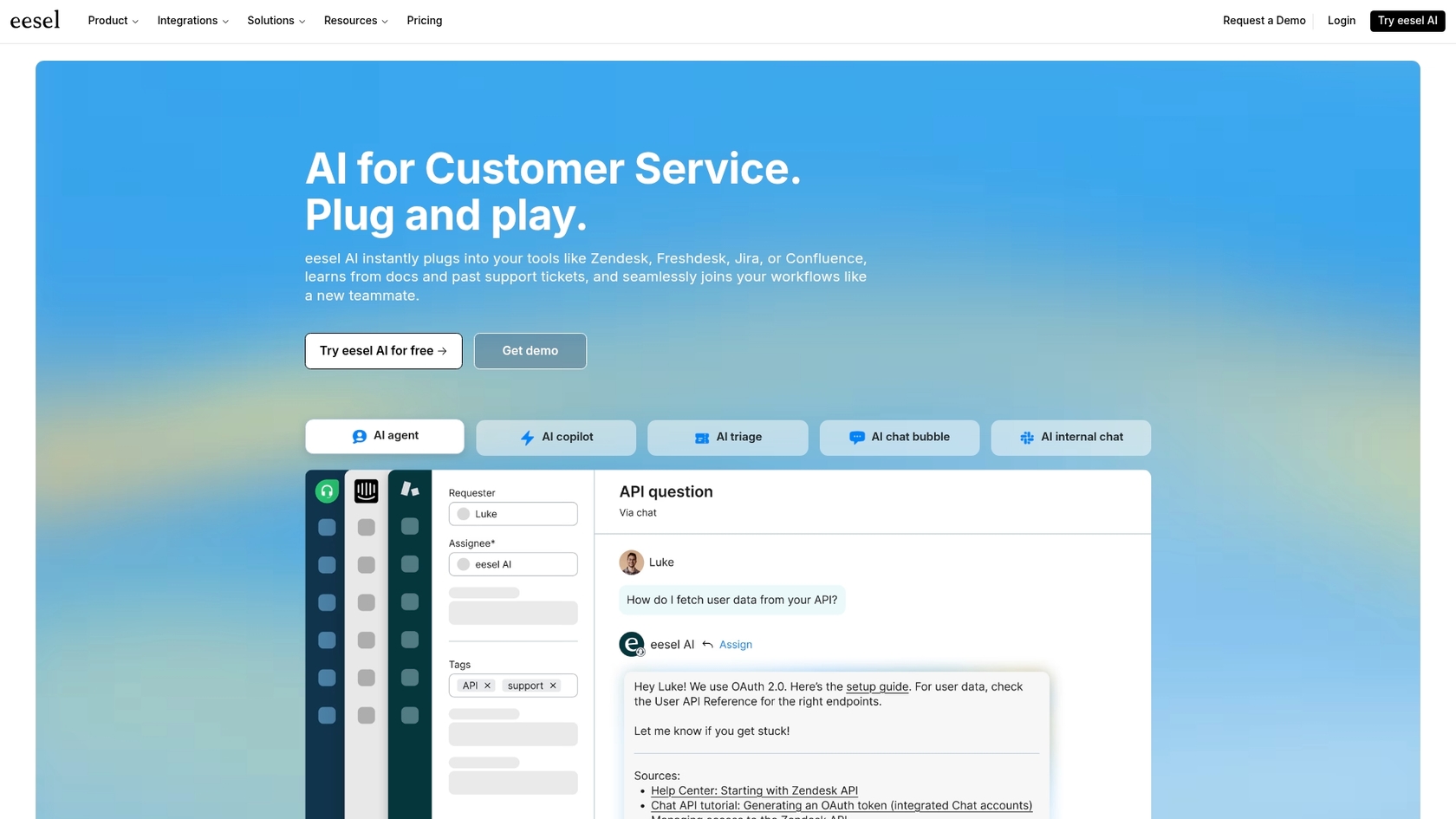
eesel AI is at the top of this list because it’s a powerful, standalone AI that plugs into any helpdesk, including HelpCrunch. It acts like a central brain for your company, connecting all your scattered knowledge, from your help center and past tickets to internal wikis in Confluence and Google Docs. This allows you to automate resolutions without having to migrate your existing tools.
Why it's on the list: Its standout features are exactly what a HelpCrunch user needs:
-
You can actually sign up yourself. Unlike some enterprise platforms that may involve more structured sales processes, you can sign up for eesel AI and get a working AI agent running in just a few minutes, all by yourself.
-
It works with anything. The tool is built to be a flexible layer that works with the tools you already have. It is also an excellent complementary option for Zendesk users who want to pull knowledge from external sources.
-
It connects all your knowledge. It connects to the usual stuff like help centers, but it also pulls information from internal docs in Notion, PDFs, and even your team's Slack conversations.
-
You can test it with zero risk. The simulation mode is a standout feature. Before going live, you can test it on thousands of your old tickets to see exactly how it would have replied. This gives you a ton of confidence before it ever talks to a customer.
Pros & Cons:
-
Pros: Works with any helpdesk, incredibly easy setup, unifies knowledge from everywhere, and has transparent pricing.
-
Cons: As a focused, specialized tool, it doesn't provide the all-in-one helpdesk infrastructure that a platform like Zendesk offers.
Pricing: eesel AI offers transparent, predictable pricing. The Team plan starts at $239/month (billed annually) for up to 1,000 AI interactions.
2. Zendesk AI
Zendesk AI is a robust and sophisticated solution that powers customer service for thousands of companies worldwide. It includes an impressive suite of tools like AI agents for automation, a copilot to help human agents draft the perfect replies, and smart triage for intelligent ticket routing. It leverages vast amounts of data to provide context-aware support that is truly enterprise-grade.
Why it's on the list: Zendesk is the industry gold standard, and its native AI is a testament to what a mature, well-funded platform can achieve. Its generative AI capabilities are world-class, helping teams not only solve tickets but also create and refine help center content with ease.
Pros & Cons:
-
Pros: Seamlessly integrated into the powerful Zendesk ecosystem. It offers a reliable, mature, and highly scalable platform with a massive marketplace of integrations.
-
Cons: Zendesk AI is optimized specifically for the Zendesk ecosystem, which is ideal for existing users but may not connect directly to external helpdesks like HelpCrunch.
Pricing: Zendesk is a premium platform that offers tiered plans to match different team sizes. Zendesk Suite plans start at $55 per agent/month, with advanced AI capabilities available to further enhance the experience.
3. Freshworks (Freddy AI)
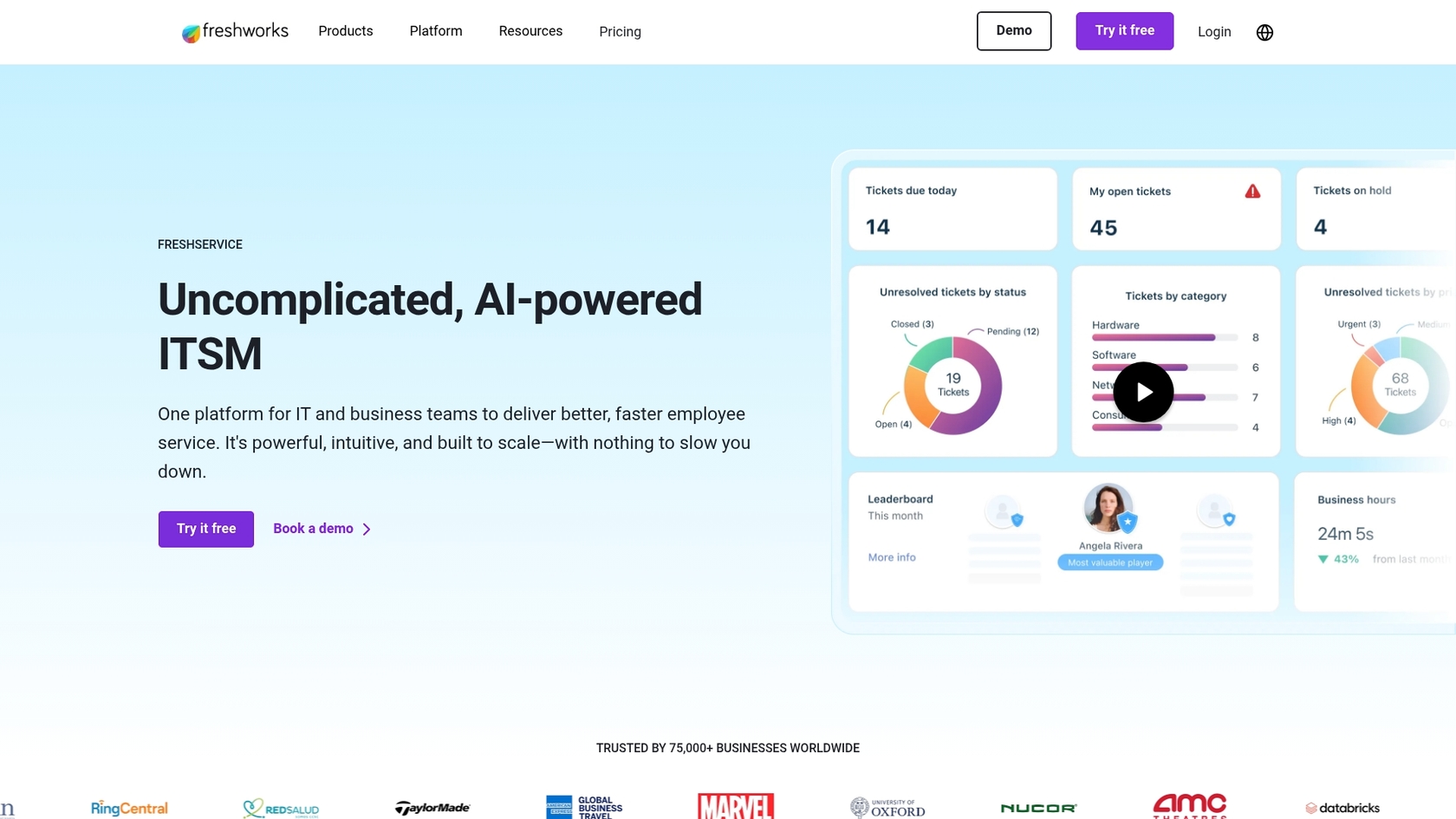
Freddy AI is the intelligence layer for the Freshworks suite, including Freshdesk. It's designed to provide a unified experience, featuring AI bots for self-service and helpful tools that assist agents across support, sales, and marketing.
Why it's on the list: Freddy is a strong choice for businesses looking for a unified suite. It is particularly effective at managing support across multiple channels, providing a consistent experience whether a customer reaches out via email, chat, or social media.
Pros & Cons:
-
Pros: Delivers a consistent AI experience across various channels and offers a clean, unified workspace for agents.
-
Cons: Like other major platforms, it is a closed system designed for Freshworks users. It may require more effort to pull in knowledge from outside the Freshworks environment.
Pricing: Freddy AI features are available within paid Freshchat plans, starting at $19 per agent/month for the Growth plan.
4. Zoho Desk (Zia)
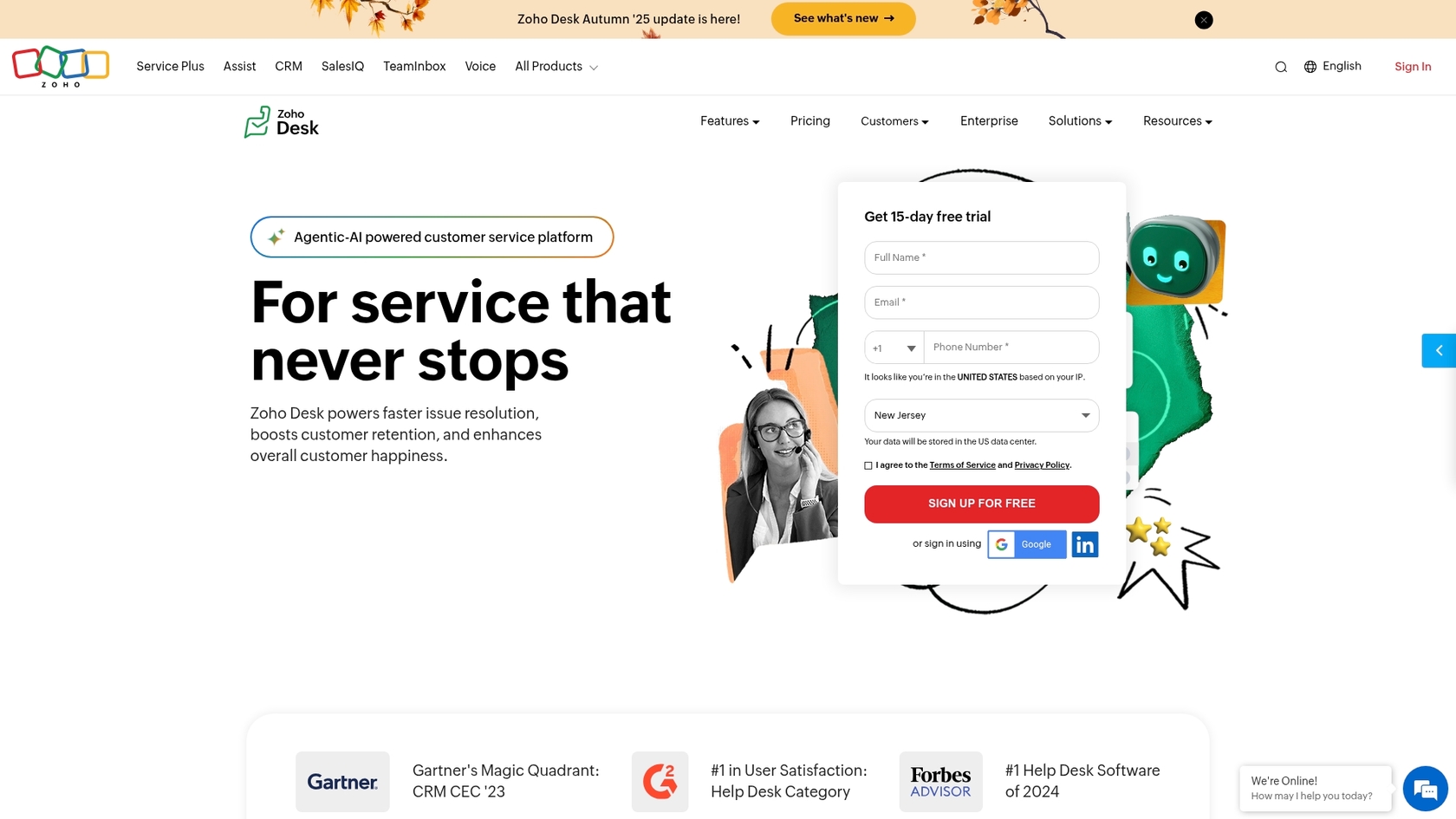
Zia is Zoho's AI assistant, which focuses heavily on predictive intelligence. Beyond just answering questions, Zia analyzes customer sentiment, auto-tags tickets, and can even predict which agent is best suited for a specific issue based on their past performance.
Why it's on the list: Zia's analytical capabilities are quite impressive. It helps managers stay ahead of the curve by spotting trends and unusual spikes in support volume. For those already utilizing the Zoho suite, Zia provides great integrated value.
Pros & Cons:
-
Pros: Strong predictive capabilities and excellent value for teams already using the Zoho ecosystem.
-
Cons: Zia is only available for Zoho Desk users. It is primarily focused on internal analysis and agent assistance rather than resolving complex queries from a wide variety of external documents.
Pricing: Core AI features are available on the Zoho Desk Enterprise plan, which is priced at $40 per agent/month when billed annually.
5. HelpScout AI
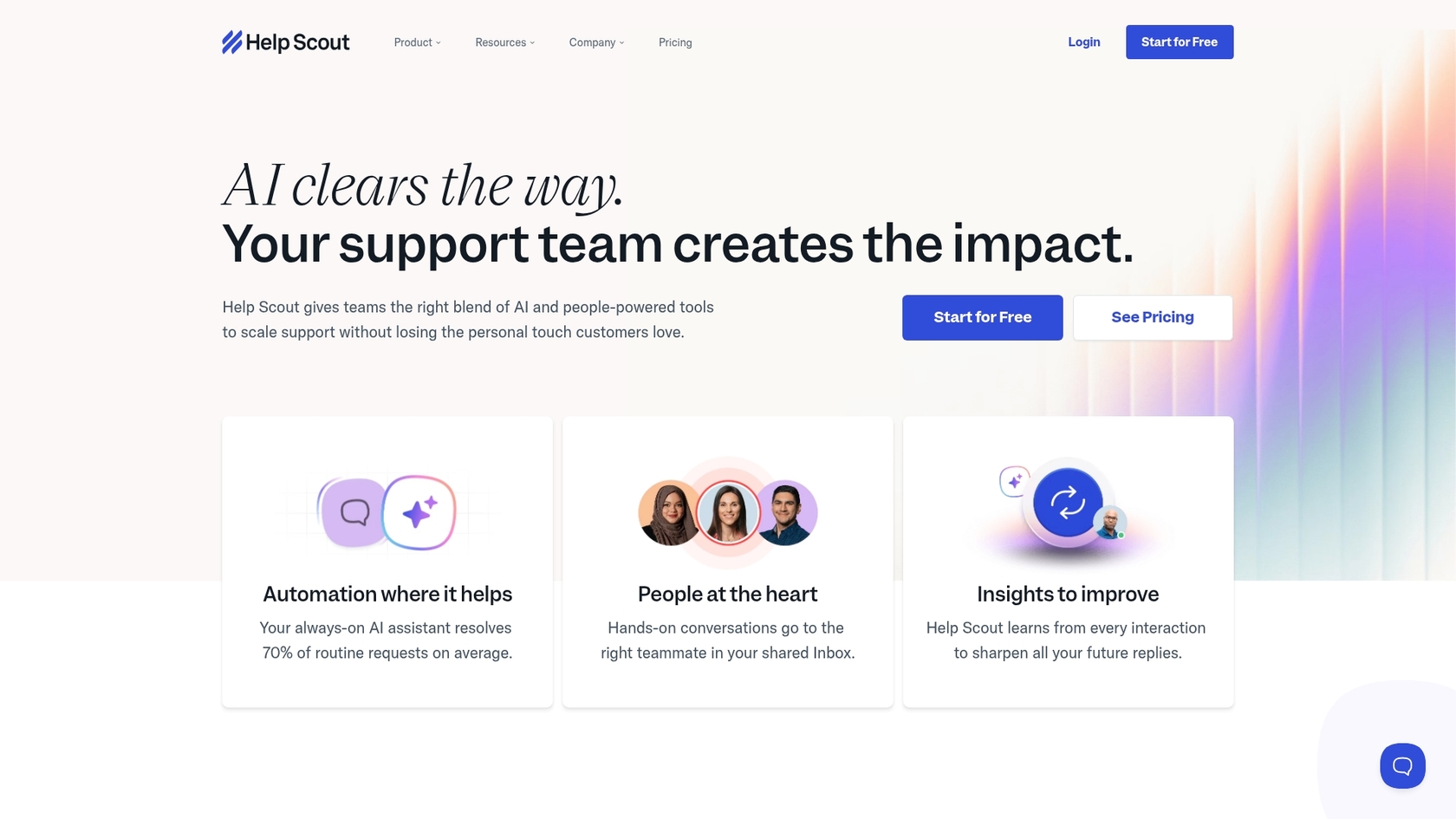
HelpScout offers a streamlined set of AI tools designed for simplicity and ease of use. This includes AI Assist for refining agent communication and an AI Answers chatbot that pulls information from the HelpScout knowledge base to resolve customer questions automatically.
Why it's on the list: HelpScout is well-regarded for its user-friendly interface, and its AI follows that same philosophy. It is very straightforward to set up, making it a viable option for teams that want basic automation without a steep learning curve.
Pros & Cons:
-
Pros: The interface is clean and intuitive. Setup is fast for teams that already have their knowledge base hosted on HelpScout.
-
Cons: It is limited to the HelpScout platform. Its pricing model for the AI Answers chatbot is based on resolutions, which may require careful monitoring as your support volume grows.
Pricing: Standard AI tools are included in the Plus plan ($45 per user/month). The AI Answers chatbot involves an additional cost per resolution.
How to pick the best AI tools for HelpCrunch
When choosing the right tool for your team, it helps to consider a few key factors:
-
Platform flexibility. If you're using HelpCrunch or another specialized helpdesk, look for a tool that's helpdesk-agnostic. This allows you to add powerful AI without needing to migrate your entire support infrastructure.
-
Knowledge location. Consider where your information lives. If it's spread across Google Docs, internal wikis, and Slack, you need a tool that can connect to all those sources. While platforms like Zendesk have excellent internal knowledge management, standalone tools like eesel AI specialize in bridging these external gaps.
-
Pricing structure. Look for a pricing model that fits your budget. Many teams prefer the predictability of subscription fees, though some may find value in the per-resolution models offered by certain vendors.
-
Try the technology first. Look for platforms that allow you to test the AI on your own data. A simulation mode: it lets you see how the AI performs on your own data, taking the guesswork out of the implementation process.
The verdict: You don't need to switch helpdesks
The AI landscape in 2026 is more exciting than ever. The built-in AI from industry leaders like Zendesk is incredibly powerful and sets the bar for what enterprise support can look like. Zendesk has built an impressive ecosystem that many teams aspire to use.
However, for teams that are currently happy with HelpCrunch, you don't have to leave your preferred tool behind to get great AI. The best approach is to find a flexible, powerful tool that enhances what you already have.
eesel AI is a fantastic choice because it provides enterprise-level AI capabilities that work with your current setup. By offering a self-serve platform that unites all your scattered knowledge, it acts as a perfect partner for your helpdesk, making it a practical and powerful choice for support teams in 2026.
Start Automating Your Support in Minutes
Frequently asked questions
Powerful AI solutions from industry leaders like Zendesk are designed as comprehensive, integrated suites. These systems are optimized to work seamlessly within their own robust ecosystem, providing a unified and reliable experience for their users. This is why a platform-agnostic tool is often necessary if you wish to connect AI to an external helpdesk like HelpCrunch.
The best AI tools for HelpCrunch can automate a wide range of tasks, including answering common questions, drafting replies for agents, sorting and tagging new tickets, and learning from past conversations to improve problem-solving. This frees up human agents for more complex issues.
Yes, the most effective AI tools, like eesel AI, are designed to connect to diverse knowledge sources. They can pull information from help centers, internal wikis, Google Docs, Slack conversations, and past tickets, creating a unified source of truth for the AI to learn from and use.
Tools like eesel AI prioritize self-serve setup, allowing you to connect your knowledge sources and get an AI agent running in minutes, often without needing sales calls. Other platforms might require more extensive setup or sales engagements, especially if they are part of a larger, enterprise-grade helpdesk suite.
Consider looking for transparent, predictable subscription fees, often based on AI interactions rather than successful resolutions. This approach can be easier to manage and budget for, though some specialized models also offer per-resolution pricing for specific needs.
HelpCrunch does not currently offer the same depth of native AI automation capabilities found in specialized AI platforms. To leverage advanced AI for tasks like self-service automation, intelligent ticket routing, and comprehensive knowledge integration, you will typically need to integrate a third-party, platform-agnostic AI tool.

Share this post

Article by
Kenneth Pangan
Writer and marketer for over ten years, Kenneth Pangan splits his time between history, politics, and art with plenty of interruptions from his dogs demanding attention.