

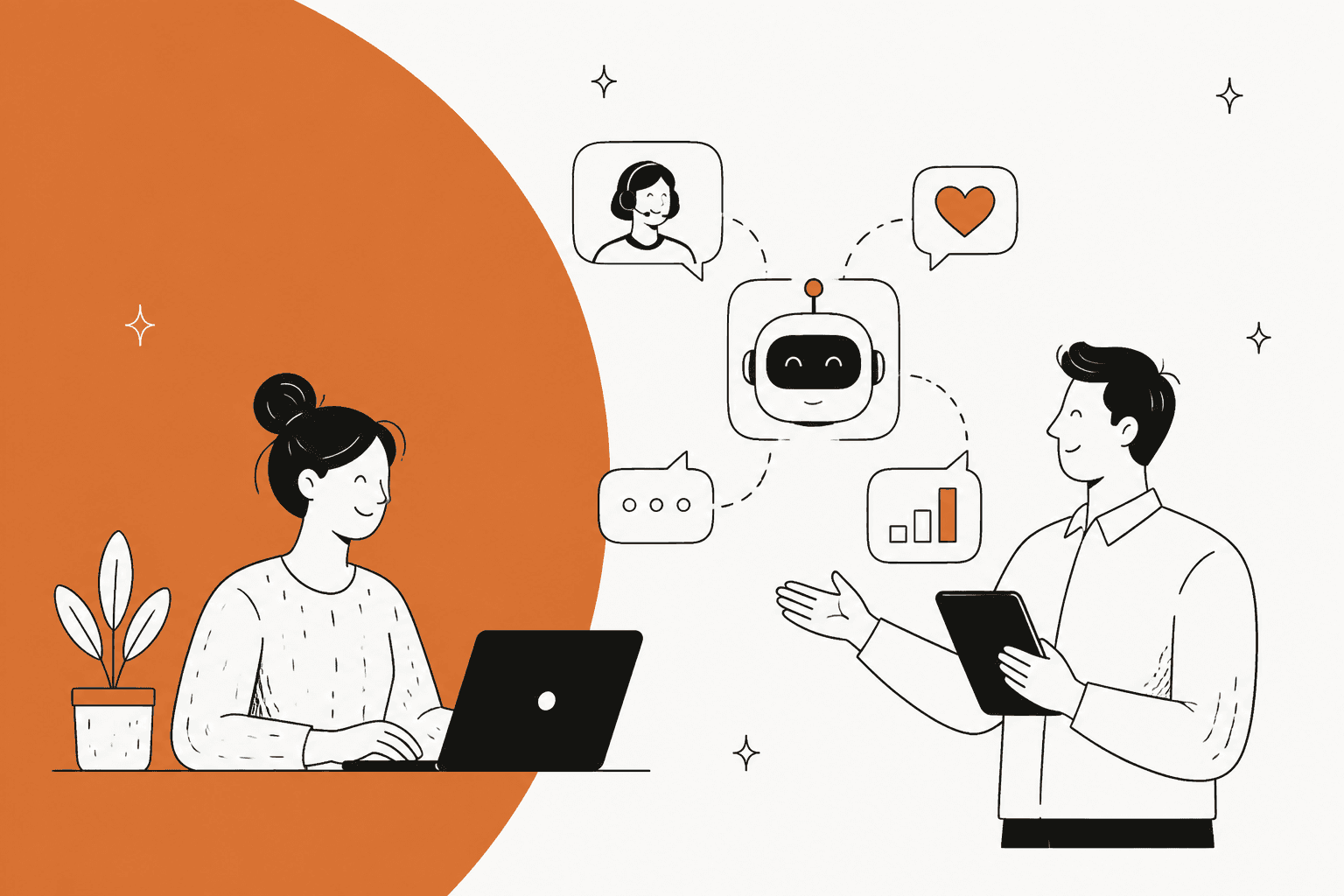
Let’s be honest: your customer support team is probably drowning. The flood of repetitive tickets is endless, and on the flip side, customers expect helpful answers the second they ask. It’s a classic catch-22. The good news is that AI tools for customer service aren't just some far-off tech fantasy anymore; they're here, and they’re essential for scaling support without burning out your team.
But with a million options popping up, how do you pick the right one? In this post, we’re going to cut through the noise and look at the top six AI tools for 2026. We’ll compare their features, how easy they are to get running, and what they’ll actually cost you, so you can find the perfect match for your team.
What are AI tools for customer service?
Think of AI tools for customer service as a new, incredibly smart teammate who volunteers to handle all the boring stuff. They use artificial intelligence, like machine learning and natural language processing, to help manage and automate support tasks.
So, what do they actually do?
-
Answer common questions automatically. They can give instant answers to frequent questions through chatbots, email, or your helpdesk, so customers aren't left waiting around.
-
Help out your human agents. They can act as a "copilot" for your team by suggesting answers, drafting replies in the right tone, and summarizing long, complicated ticket histories.
-
Handle the admin work. They can take care of the background tasks that slow everyone down, like sorting new tickets, adding the right tags, and sending issues to the correct person or department.
The main thing to remember is that these tools don't replace your team; they work alongside them. By taking over the repetitive tasks, they free up your agents to focus on the tricky customer issues that really need a human brain.
How we chose the best AI tools for customer service
To put this list together, we focused on what actually matters to a busy support team. Here’s what we looked for:
-
Quick setup and easy integration: How fast can you get it working? Does it connect easily with the helpdesk you already use, like Zendesk or Freshdesk?
-
Real customization and control: Can you actually tell the AI what to do? You should be able to define its personality, set boundaries on what it can answer, and choose which kinds of tickets it should handle.
-
Flexible knowledge sources: Can the AI learn from more than just your public help articles? The best tools dig into your team's past tickets and internal wikis in places like Confluence or Google Docs.
-
No-surprise pricing: Is the pricing clear and predictable? You shouldn’t get a nasty surprise on your bill just because you had a busy month.
A quick comparison of the top AI customer service tools
Here’s a bird's-eye view of how our top picks stack up against each other.
| Tool | Best for | Key differentiator | Pricing model |
|---|---|---|---|
| eesel AI | Teams wanting a fast, flexible AI layer over their existing helpdesk | Self-serve setup & testing against past tickets | Fixed monthly credit plan, from $299/mo |
| Zendesk AI | Businesses already committed to the Zendesk ecosystem | Deep integration with Zendesk Suite | Per agent/month + per-resolution AI fees |
| Freshdesk (Freddy AI) | Businesses using the Freshworks ecosystem | Unified AI across Freshworks products | Per agent/month + session packs |
| Drift (now Salesloft Chat Agents) | Sales-focused teams converting website visitors into leads | Proactive, real-time conversational marketing | Not publicly listed |
| LiveChat | Teams needing a robust live chat solution with AI enhancements | Strong core live chat features with AI add-ons | Per agent/month |
| Help Scout | Small to mid-sized teams looking for a simple, all-in-one platform | User-friendly interface with an AI chatbot add-on | Per user/mo + per-resolution fee for AI |
A deep dive into the 6 best AI tools for customer service
1. eesel AI
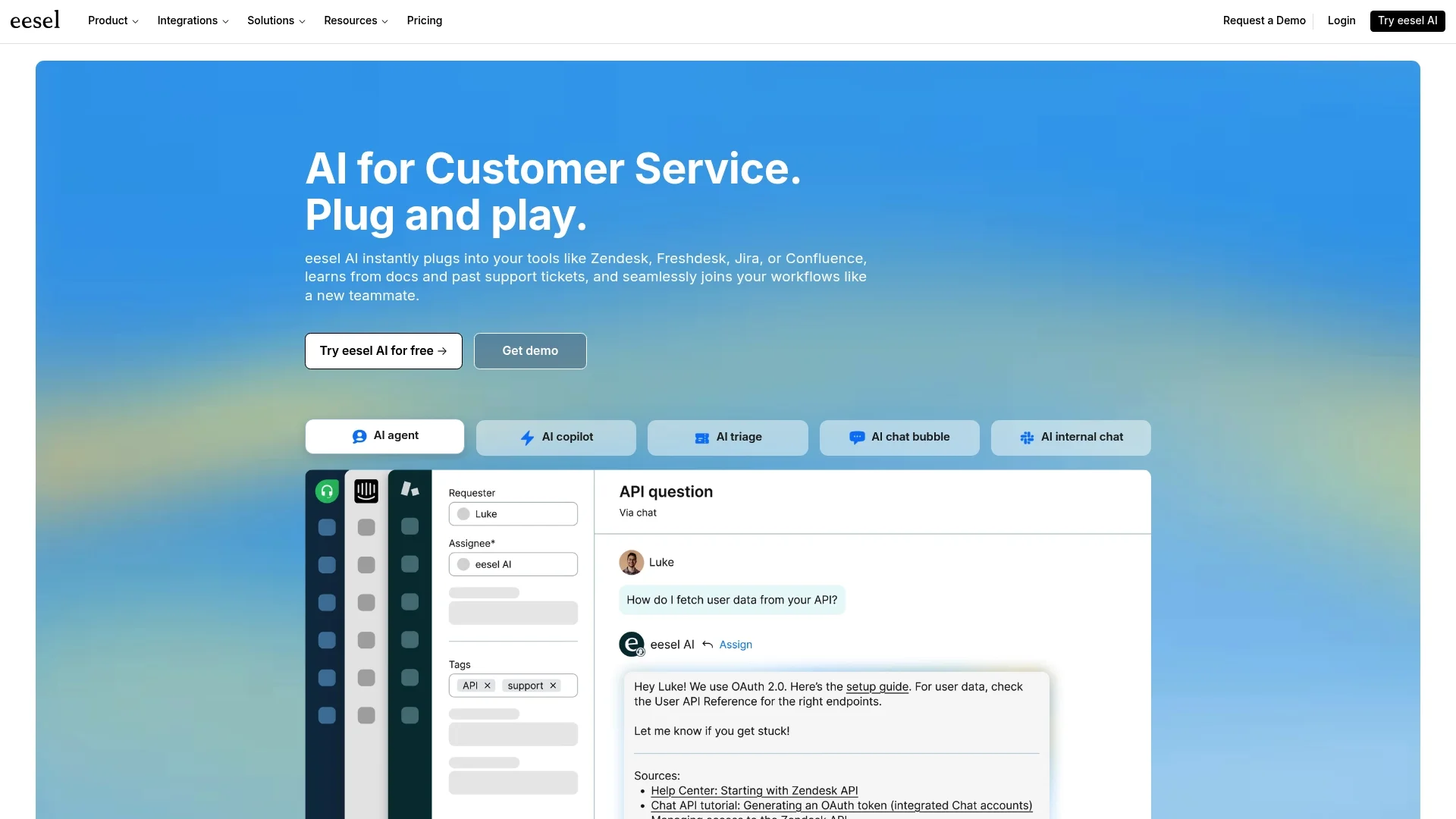
eesel AI isn't another clunky platform you have to move your team to. Instead, it’s a smart AI layer that plugs directly into the tools you already use. It’s built for teams that want to get results fast, with a self-serve setup that can be up and running in minutes. What makes eesel AI different is that it learns from all your company knowledge, not just help articles. It digs into past tickets, internal wikis, and all those scattered documents to find the right answers.
Pros:
-
You can go live in minutes, seriously. The setup is completely self-serve, with one-click integrations for all the big helpdesks. No need to sit through a sales demo just to get started.
-
You can test it without any risk. This is a big one. You can have the agent answer hundreds of your past tickets in a simulation, score each reply, and see where it needs work before you ever turn it on for live customers.
-
It connects to all your knowledge. It seamlessly pulls information from help centers, past tickets, Confluence, Notion, Google Docs, and more.
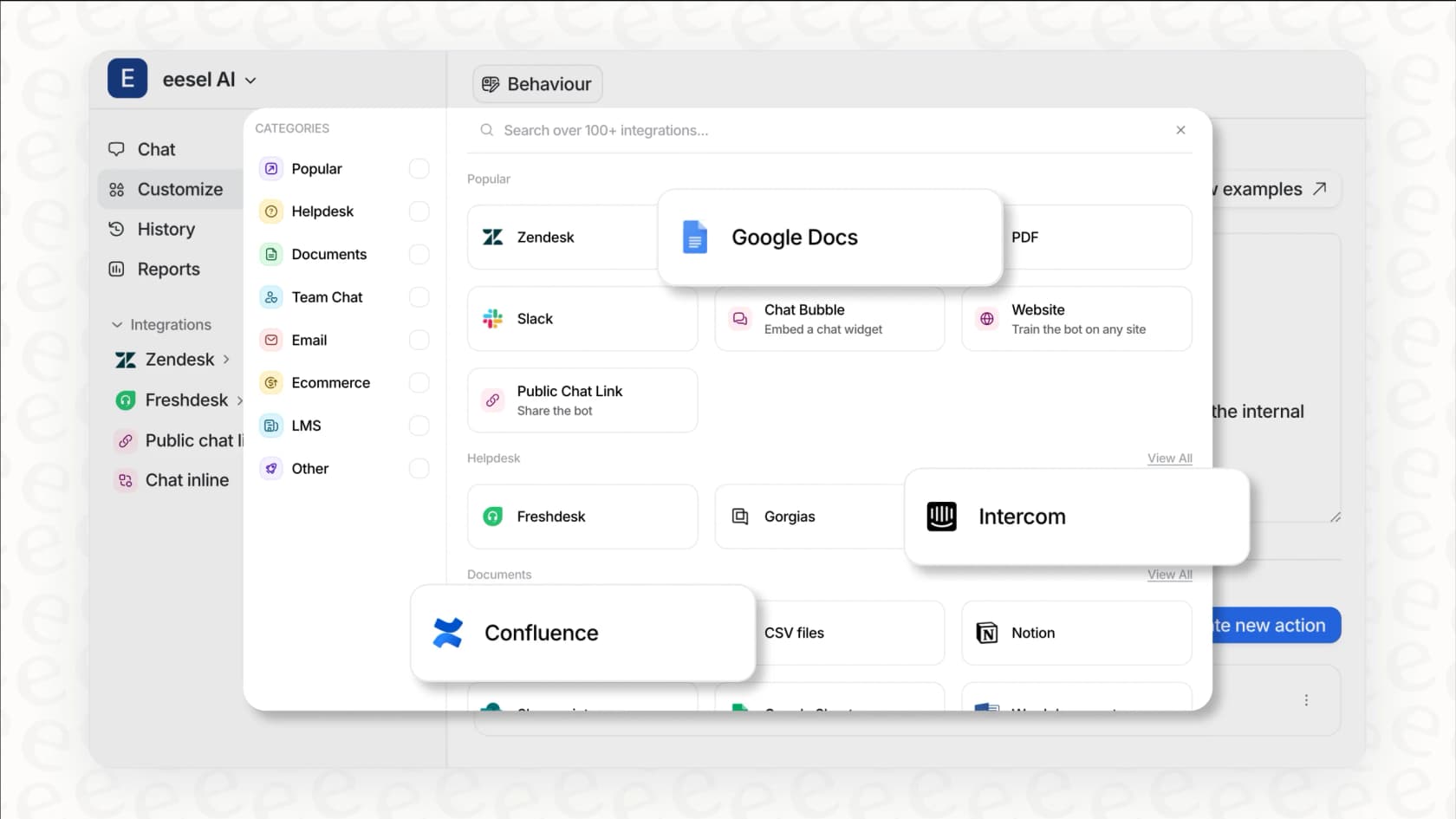
- The pricing is straightforward. You pick one fixed monthly plan, a ticket or chat is 1 credit however long it runs, and there are no per-seat fees. You can also set an optional overage cap so a busy month never surprises you.
Cons:
- It’s a newer name focused on the AI layer, so it doesn't have the same brand recognition as the big all-in-one platforms that have been around forever.
Pricing:
There is a free plan with 100 credits and no card. The Teammate plan starts at $299/month for 500 credits (1 credit per ticket or chat), with 1,000 credits at $499/month and 2,500 at $999/month. Every plan includes every integration and unlimited agents and seats, and paying a year upfront gets you two months free.
2. Zendesk AI
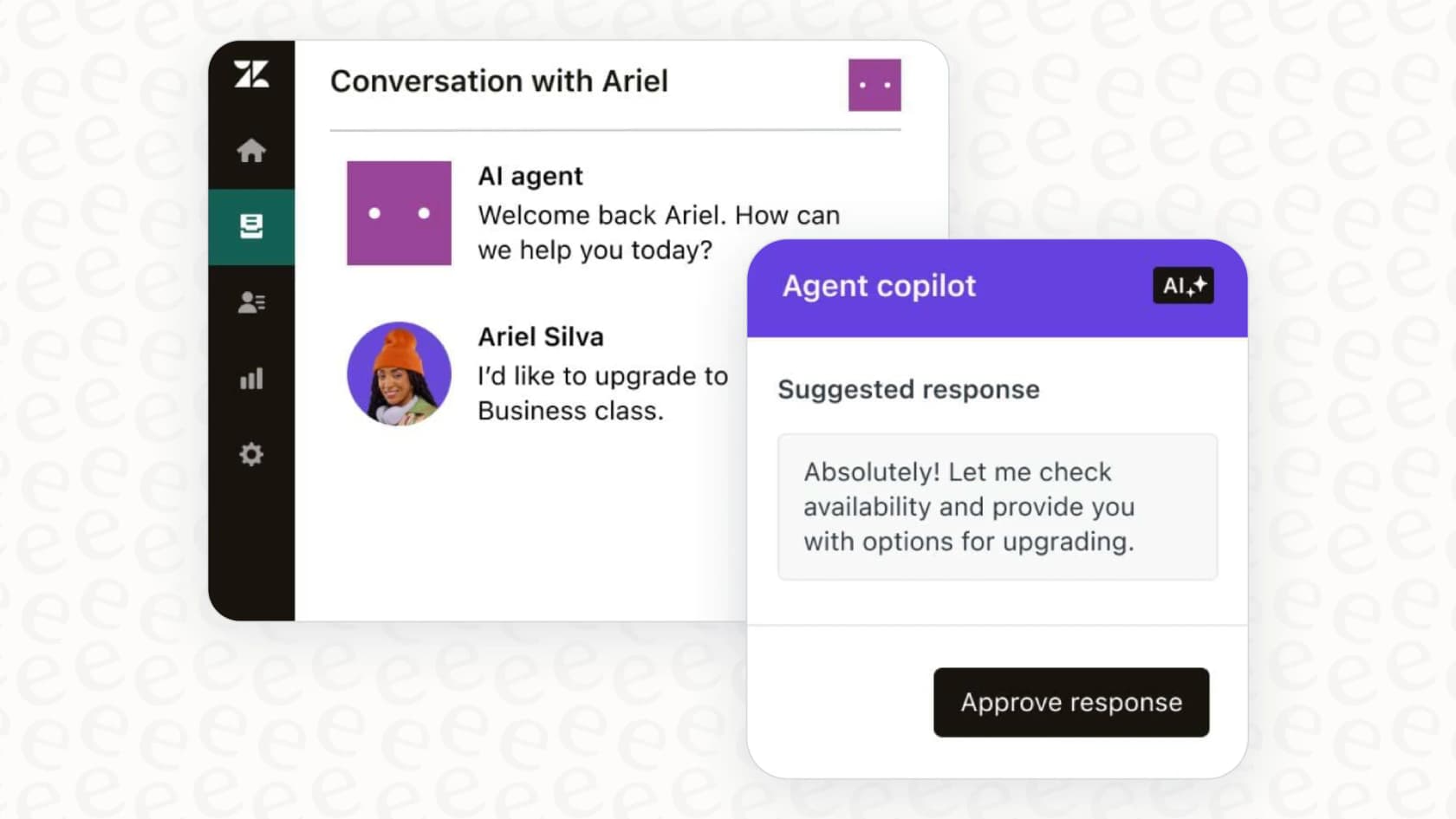
Zendesk AI is the built-in AI for teams already using the Zendesk Suite. It’s deeply woven into the platform, offering AI agents to automate chats and a "Copilot" to help human agents with things like generating replies or matching a custom brand persona. If your team is all-in on Zendesk, this is a very natural and powerful choice.
Pros:
-
The experience is seamless since it's built directly into the Zendesk platform, which is a mature and reliable industry leader.
-
It has a robust set of features, from automated resolution reporting to a powerful AI agent builder that integrates with the vast Zendesk ecosystem.
Cons:
-
As a dedicated solution, it is optimized specifically for the Zendesk platform, making it the perfect choice for teams committed to that environment.
-
Zendesk offers tiered plans to match different team sizes. AI agents are billed per automated resolution after the included allowance, so the AI bill grows with the share of tickets it resolves.
Pricing:
Zendesk Suite plans start at $55 per agent/month billed annually ($19 for Support Team), and AI agents are included on every plan with 5 automated resolutions per agent each month (10 on Suite Professional). Extra resolutions cost $1.50 each on a commitment or $2.00 pay as you go, and the Copilot add-on is $50 per agent/month.
3. Freshdesk (Freddy AI)
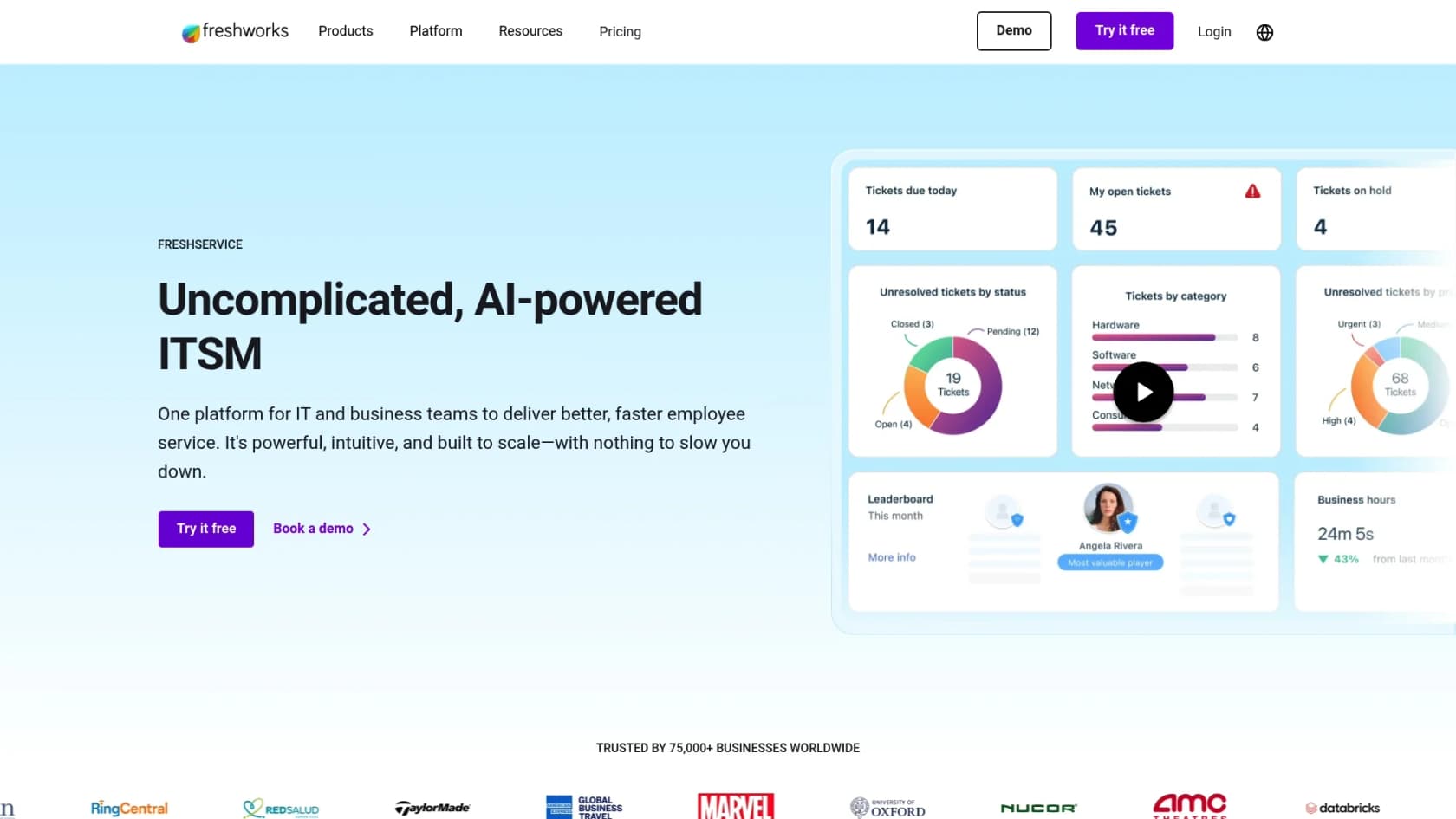
Freddy AI is the powerful AI engine behind Freshdesk and the wider Freshworks product family. Much like Zendesk AI, it’s a native tool meant to create a unified experience. It offers an Email AI Agent to automate email replies and Freddy Copilot to help agents with things like figuring out customer sentiment or finding the right knowledge base article.
Pros:
-
It's tightly integrated into Freshdesk, which makes for a smooth and intuitive experience if you're an existing customer.
-
Freddy AI gives you some incredibly useful analytics to help managers keep an eye on performance and optimize support workflows.
Cons:
-
It is an ideal solution for teams that want to maximize their existing investment in the Freshdesk ecosystem.
-
Freshdesk offers tiered pricing with session packs, allowing for easy scalability when support demands increase during peak seasons.
Pricing:
The Freddy AI Agent is on the Growth ($19), Pro ($55), and Enterprise ($89) plans per agent/month billed annually, and each account gets 500 free sessions once. After that, extra sessions cost $49 per 100. Freddy AI Copilot is a $29 per agent/month add-on on Pro and Enterprise.
4. Drift
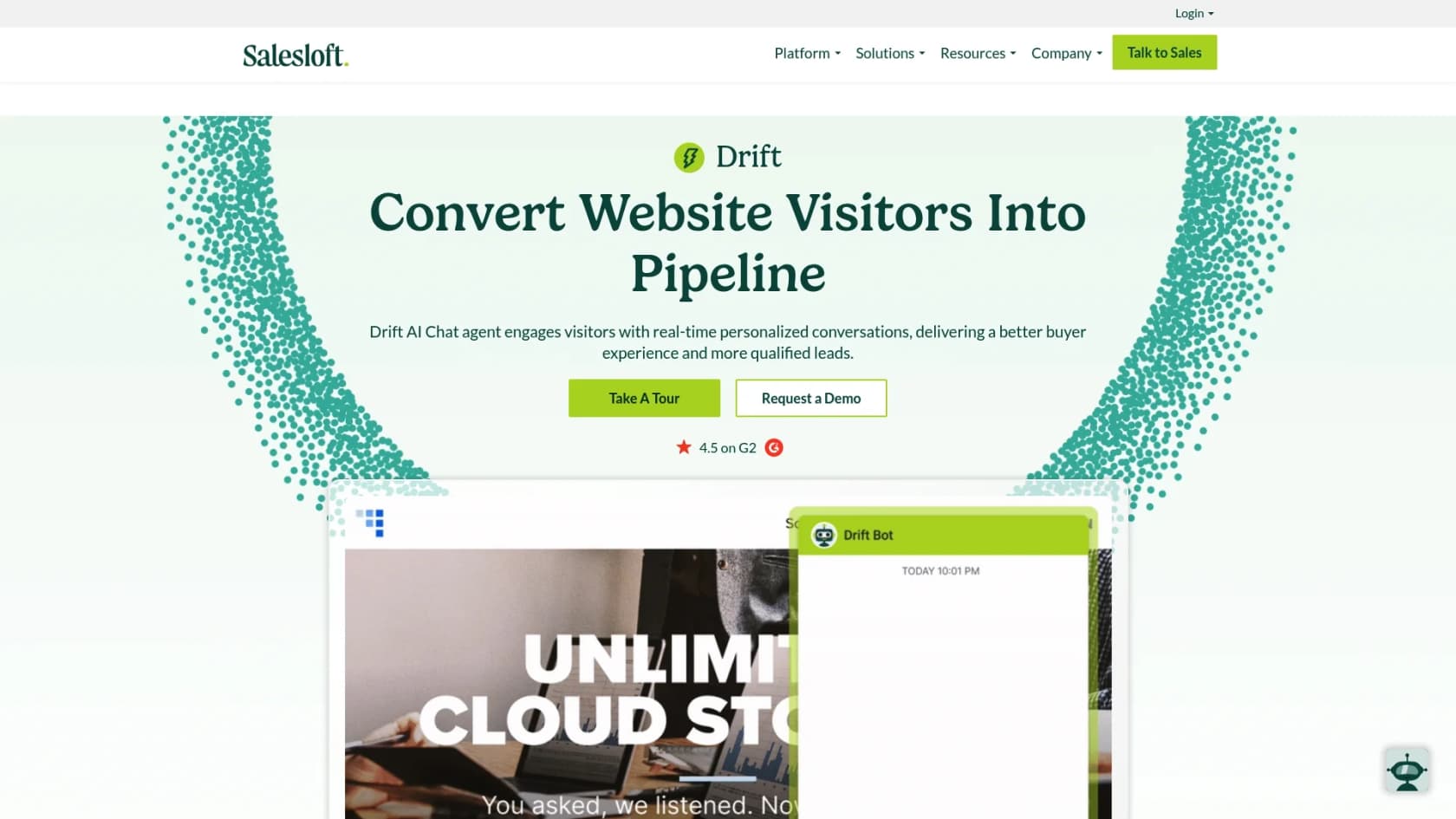
Drift is now part of Salesloft, where it lives on as AI chat agents, and its heart is really in marketing and sales. Its main job is to chat with visitors on your website, figure out if they're good leads, and connect them with your sales team right away. While it can handle basic support questions, its real strength is turning website traffic into sales leads, not managing a complex support queue.
Pros:
-
It’s fantastic at identifying anonymous website visitors and striking up a proactive chat with potential buyers.
-
It’s smart about routing qualified leads to the right sales reps, which helps speed up the sales process.
Cons:
-
It’s not primarily built for deep customer support ticketing, so it may not have all the workflow tools a dedicated support team needs.
-
Salesloft's pricing page lists no prices, so you talk to a salesperson to get a quote.
Pricing:
Custom pricing from Salesloft's sales team, with no public price list.
5. LiveChat
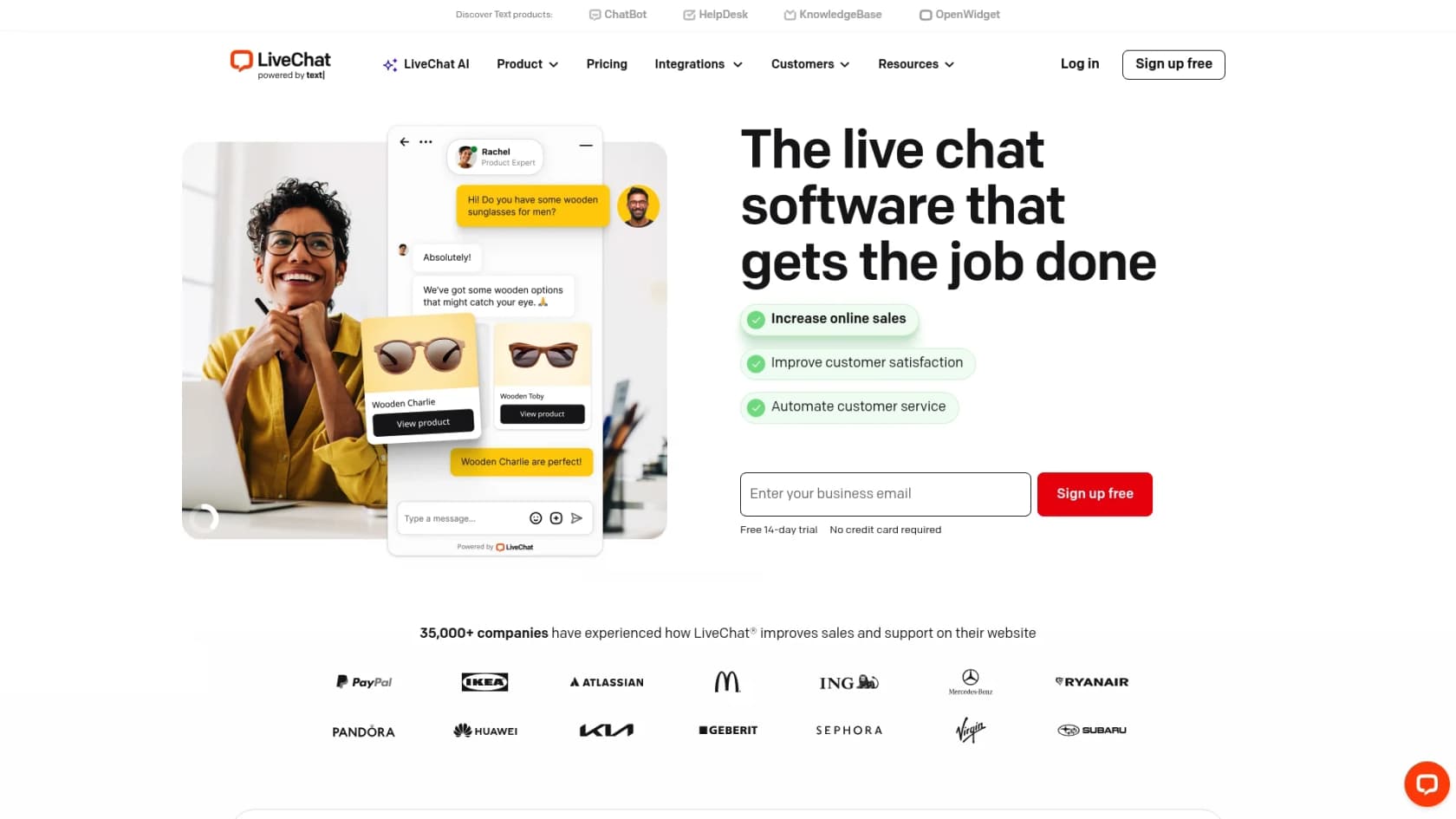
LiveChat has been a big name in the live chat space for a long time, and they've gradually been adding AI features to their platform. The main product includes "Text Intelligence," which gives agents reply suggestions, sentiment analysis, and chat summaries. For heavier automation, LiveChat now points to an AI Agent on its Text platform, and the separate ChatBot product is sold on its own plans.
Pros:
-
It's a really solid and feature-rich live chat tool that has stood the test of time.
-
It has a big marketplace with over 200 integrations for connecting to your other tools.
Cons:
-
High-level AI automation runs through a separate Text or ChatBot subscription, with plans from $19 per user/month billed annually.
-
The core built-in AI features are focused more on agent assistance rather than full autonomous resolution.
Pricing:
LiveChat plans start at $19 per person/month for the Starter plan. The Team plan is $49 per person/month, and the Business plan is $79 per person/month.
6. Help Scout
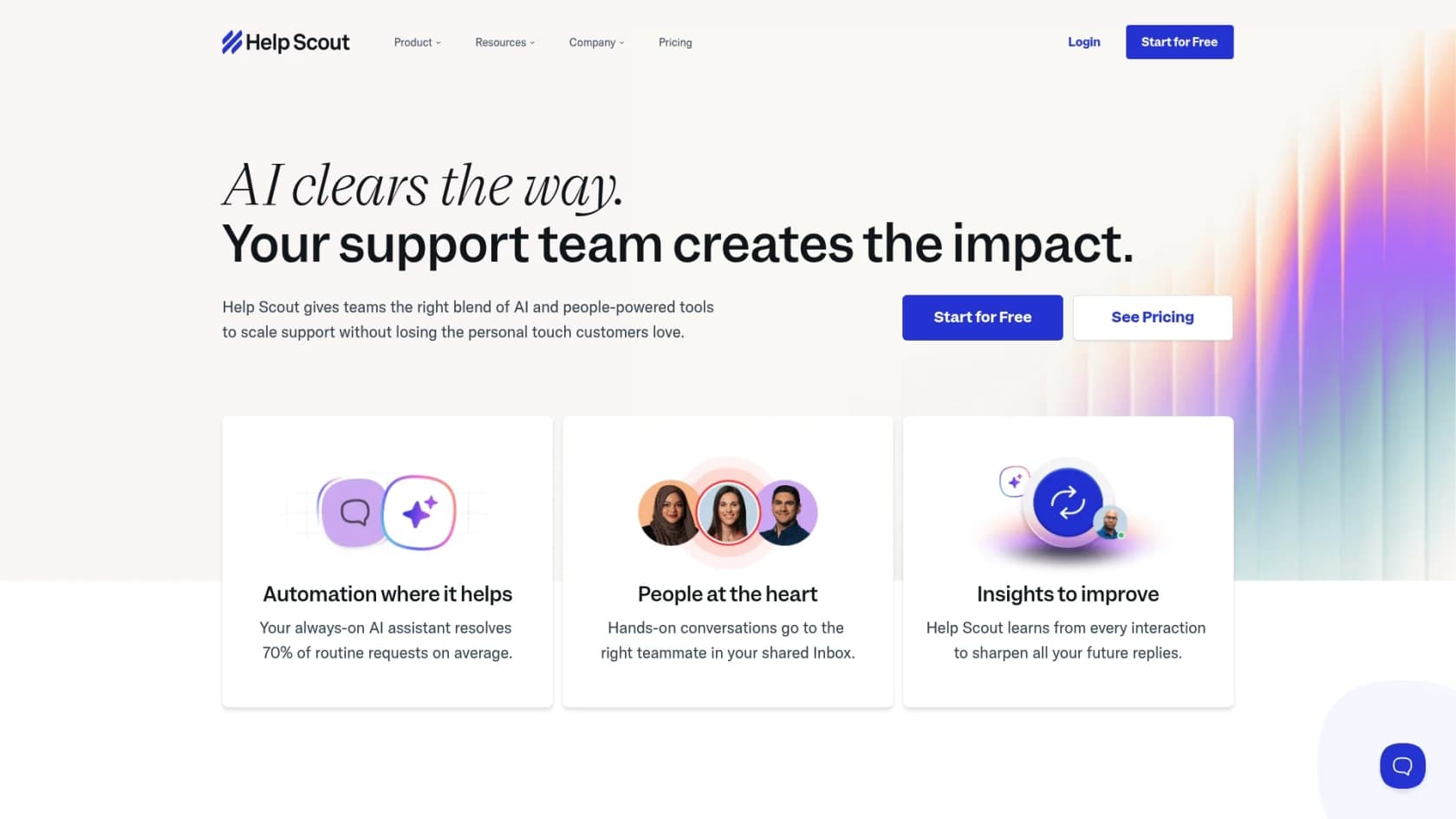
Help Scout is a customer support platform that people love because it’s simple and puts the human experience first. It includes some handy built-in AI tools like AI Drafts and AI Summarize to help agents be more productive. For direct customer automation, they have an add-on called AI Answers, which is a chatbot that answers questions using your knowledge base.
Pros:
-
The interface is clean and super easy to use, making it a breeze for new teams to get started.
-
It finds a nice middle ground between core helpdesk features and useful, assistive AI.
Cons:
-
The AI Answers chatbot involves per-resolution fees, which means costs can vary based on your monthly interaction volume.
-
It is a simpler platform that may lack some of the advanced enterprise-grade workflow automation found in market leaders like Freshdesk and Zendesk.
Pricing:
Plans start at $25 per user/month. The AI Answers add-on costs an extra $0.75 for every conversation the AI resolves, and new accounts get 3 months of free AI Answers. A free plan covers up to 5 users.
How to choose the right AI tool for customer service
Feeling a little overwhelmed? Totally normal. Here are a few practical things to think about to help you make the right call.
First, start with the tools you already use. Do you want something that makes your current helpdesk smarter, or are you ready to move your entire team to a new all-in-one platform? Mature, industry-leading platforms like Freshdesk offer a complete, reliable ecosystem, while a flexible AI layer like eesel AI can plug into your existing setup to enhance it.
Next, look for a risk-free way to test it. This is a must. You should be able to try out the AI on your real ticket data in a "sandbox" or simulation mode without any danger of it sending a weird reply to an actual customer.
Also, look closely at the pricing model. Understand whether you prefer a per-agent fee, a tiered plan, or a model that includes per-resolution costs. Choosing the right structure will help you maintain control over your budget.
And finally, make sure it learns from the right places. The smartest AI learns from your team's best work. Give priority to tools that can train on your past ticket conversations, not just your public help articles.
The future of customer service
The right AI tool can seriously transform your customer service, turning it from a cost center into a lean, effective operation that actually makes customers happy. The trick is finding a solution that fits your team's workflow, gives you real control, and delivers results you can actually measure.
While industry-leading tools like Freshdesk and Zendesk are excellent, reliable picks for teams looking for a robust, enterprise-grade ecosystem, a complementary solution like eesel AI can work alongside your existing tools to enhance your capabilities further. You get powerful, advanced AI that works with the platforms you already know and trust.
Ready to see how much time you could get back? Start your free trial with eesel AI and run a simulation on your past tickets. It only takes a few minutes.
Explore more customer service AI resources: AI customer support tools, AI customer support software, AI for customer support, and best customer service AI. You can also check out platform-specific guides like Zendesk AI alternatives, Freshdesk AI alternatives, and Intercom alternatives.
Frequently asked questions
What are the main benefits of using AI tools for customer service?
The main benefits include automating answers to common questions, assisting human agents with tasks like drafting replies or summarizing tickets, and handling administrative work like sorting and tagging. This frees up your team to focus on more complex customer issues, improving efficiency and customer satisfaction.
How do I choose the right AI tool for my customer service team?
When choosing, prioritize quick setup and integration with existing helpdesks, real customization options, and flexible knowledge sources that can learn from various company documents, not just public articles. Also, look for clear and predictable pricing models to avoid unexpected costs.
Will these AI tools integrate with my existing helpdesk?
Many of the best AI tools for customer service are designed for easy integration with popular helpdesk platforms. Solutions like eesel AI act as a layer over your existing tools, offering one-click setup to connect with major helpdesks quickly without requiring a full platform migration.
What should I look for in the pricing of AI customer service tools?
Look for pricing models that offer transparency and scalability, such as Zendesk's tiered AI pricing options. Prioritize tools that provide clear information on costs to help your team maintain better budget control throughout the year.
Do AI tools for customer service replace human agents?
The best AI tools for customer service are designed to work alongside your human agents, not replace them. They handle repetitive tasks and provide assistance, allowing agents to dedicate their expertise to more complex, sensitive, or unique customer interactions that genuinely require human problem-solving.
Can I test these AI tools before buying?
Yes, it's highly recommended to look for tools that offer a risk-free testing environment. Some platforms, like eesel AI, allow you to run simulations on your past tickets to see how the AI will perform before you ever activate it for live customer interactions.